Card & board
Alienforce
PC, Mobile, Surface Hub, HoloLens
Windows 10 version 10240.0 or higher
Version 10
English (United States)
Real Chess Online for Windows, developed by Alienforce, introduces a refreshing digital spin on traditional chess gameplay, aiming to engage both casual players and seasoned strategists alike. With its sleek interface and innovative features, it offers an accessible platform to enjoy chess in an online environment. Whether you're seeking a quick match or a deep strategic challenge, this app positions itself as a versatile choice for chess enthusiasts on the Windows platform.
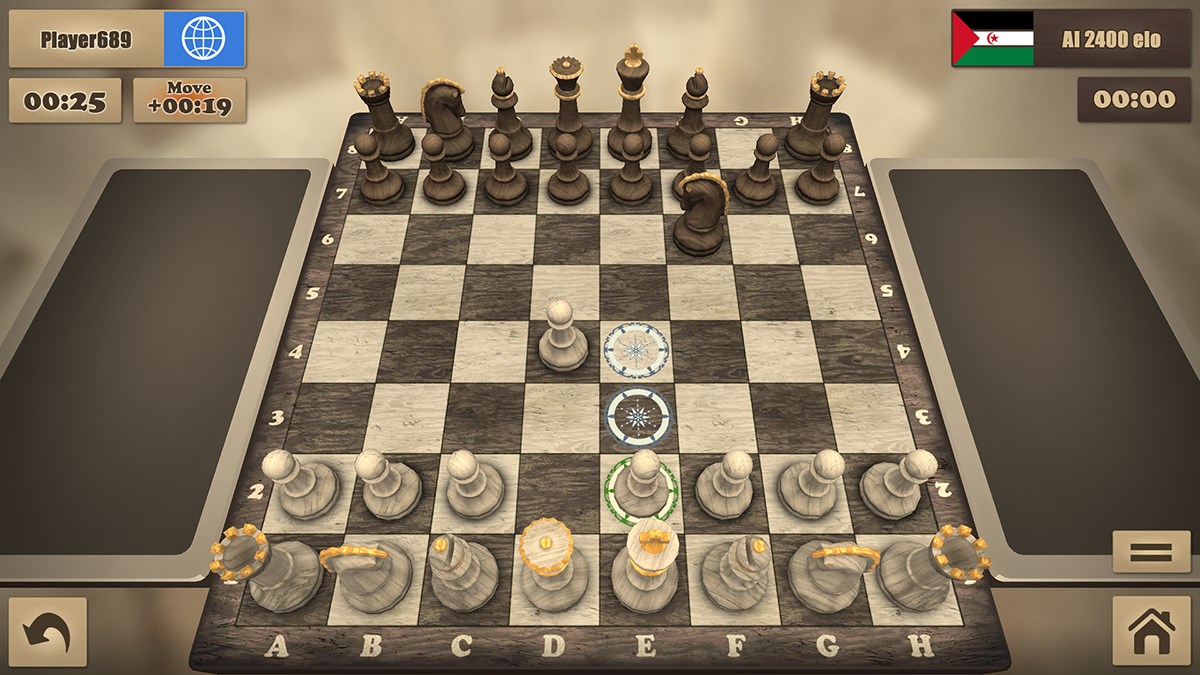
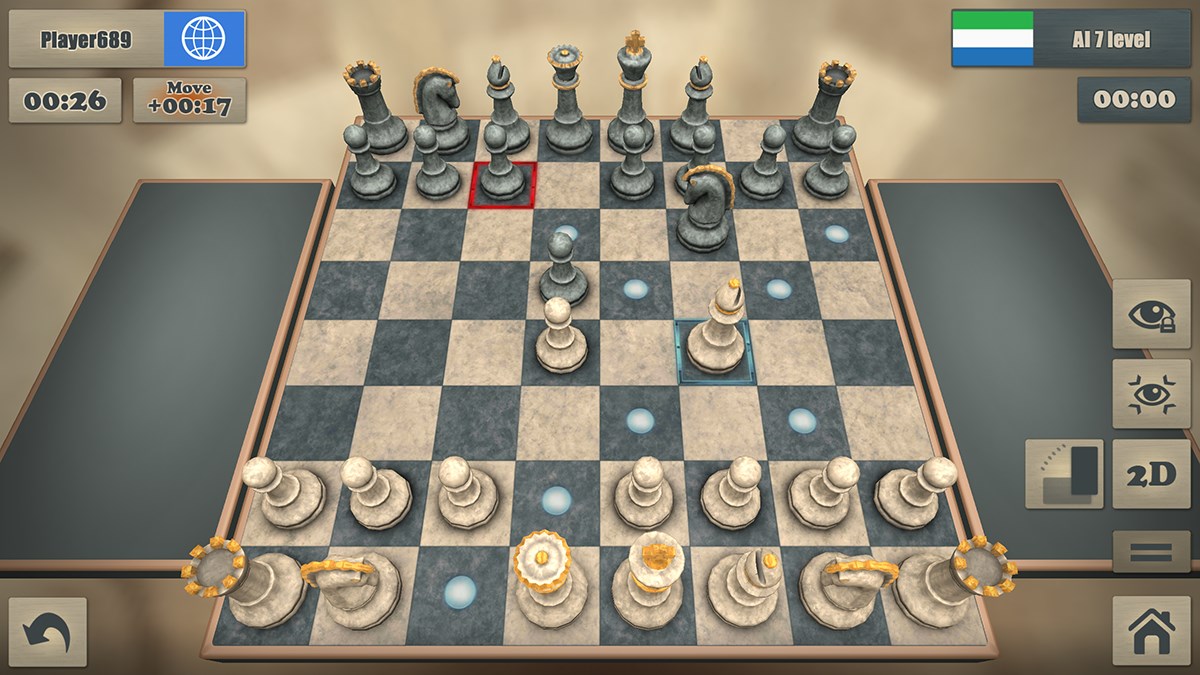
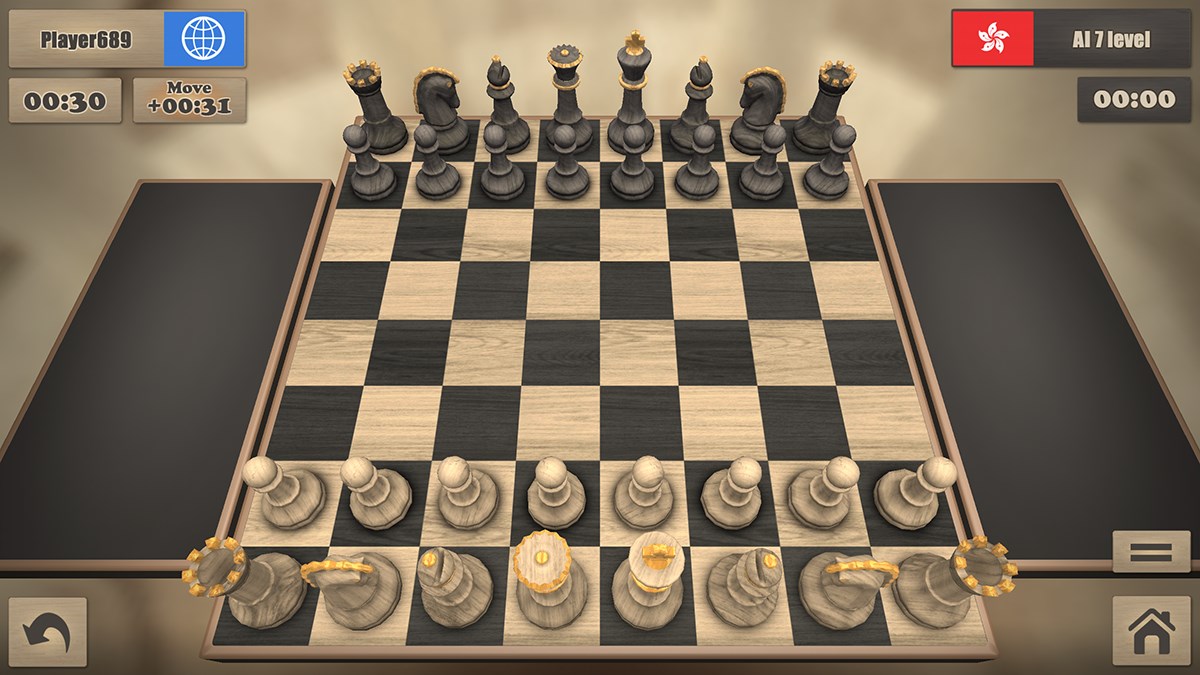
Upon opening Real Chess Online, you're greeted with a clean, modern interface that makes the game inviting rather than intimidating. The design balances aesthetic appeal and functional clarity, ensuring players can easily navigate menus and start matches without fuss. The game runs smoothly, with minimal lag even on modest hardware, thanks to optimized coding that maintains real-time responsiveness. Controls and moves respond intuitively, making gameplay feel natural—almost as if you're arranging pieces on a physical board. The learning curve is gentle, and the interface's clarity helps newcomers grasp the basics swiftly while providing advanced options for experienced players.
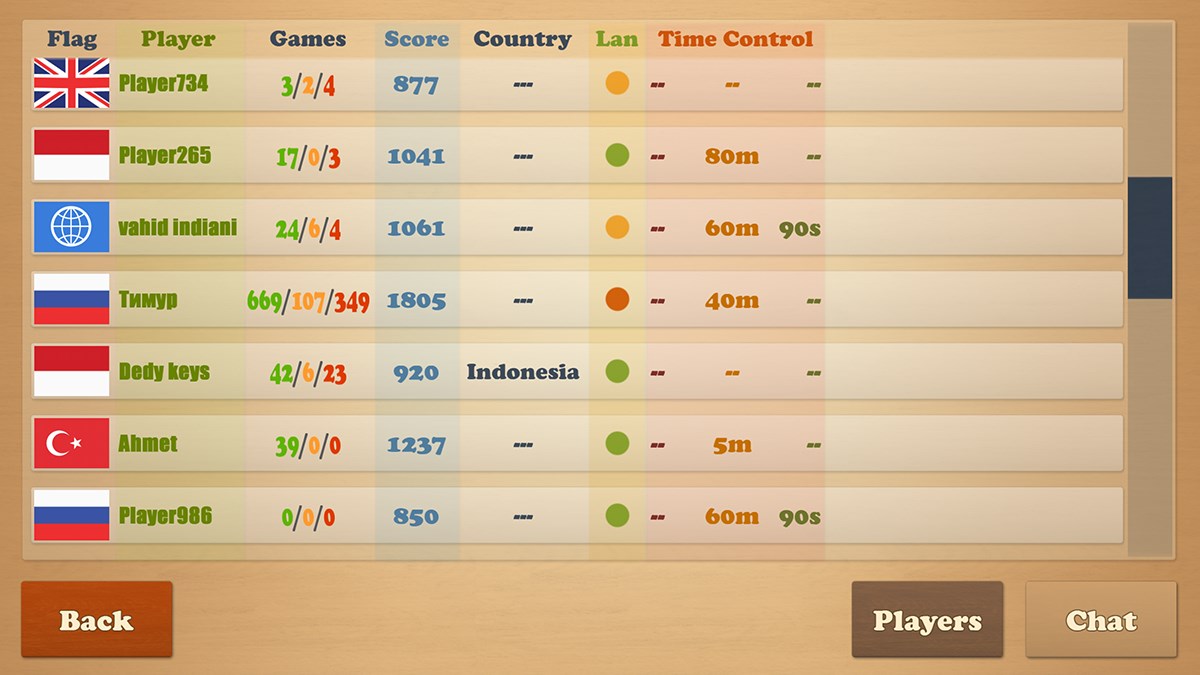
The standout feature of Real Chess Online is its robust online multiplayer mode. Players can connect instantly with opponents worldwide through an efficient matchmaking system. It's like stepping into a bustling chess café, where every game offers fresh strategic encounters. The real-time aspect adds a thrilling edge, pushing players to think on their feet and adapt quickly. Moreover, the app provides options for ranked and casual matches, catering to competitive and laid-back players alike.
For those who prefer practicing solo or just want to sharpen their tactics, the AI opponent in Real Chess Online is surprisingly adaptable. It scales from beginner-friendly to highly challenging scenarios, allowing users to learn and improve at their own pace. This feature makes the app not just a multiplayer hub but also a valuable training tool, much like having a personal chess coach available 24/7. The AI's moves are strategic but fair, ensuring an engaging experience at every level.
Beyond standard gameplay, Real Chess Online offers unique modes like puzzles and time-limited challenges. These modes are designed to enhance players' tactical thinking and problem-solving skills—think of them as mental workouts for chess enthusiasts. Additionally, the app provides tutorials and move suggestions, making it accessible for beginners while still engaging experts. This educational tilt helps set it apart from other card and board applications that often focus solely on gameplay.
Compared to similar applications, Real Chess Online's most compelling qualities are its seamless online experience and its focus on educational value. Its real-time multiplayer capability is swift and reliable, creating a fluid gaming environment that feels less like waiting and more like face-to-face play. The adjustable AI difficulty and puzzle modes serve as excellent tools for continuous learning and self-improvement, which many other platforms lack. These features transform the app from just a game to a comprehensive chess companion, appealing to users seeking both entertainment and skill advancement.
Overall, I'd recommend Real Chess Online for Windows to anyone looking for a balanced chess experience that combines quality gameplay, educational content, and the excitement of online competition. Its interface is friendly for newcomers, yet the depth of features will satisfy more strategic-minded players. While it may not have the extensive community of some larger platforms, its smooth operation and focus on learning make it a strong contender for chess aficionados. If you're eager to sharpen your skills or simply enjoy a good match now and then, this app deserves a spot on your Windows device.
Intuitive gameplay interface
Multiple online multiplayer modes
Real-time chess matches with smooth gameplay
Inclusion of various skill levels and tutorials
Regular updates with new features and bug fixes
Limited offline capabilities
Occasional matchmaking delays
In-app purchase frustrations
Minor UI layout inconsistencies on smaller devices
Limited analysis tools for game review

for Windows
 4.9
4.9

for Windows
4.8

for Windows
4.8

for Windows
4.8

for Windows
4.8

for Windows
4.8

for Windows
4.8

for Windows
4.7

for Windows
4.7

for Windows
4.7

for Windows
4.7

for Windows
4.7

for Windows
5

for Windows
5

for Windows
5

for Windows
5

for Windows
5

for Windows
5

for Windows
5

for Windows
5

for Windows
5

for Windows
5