Music
PC
Windows 10 version 0.0 or higher
Integrated Keyboard
Integrated Mouse
1 GB
English
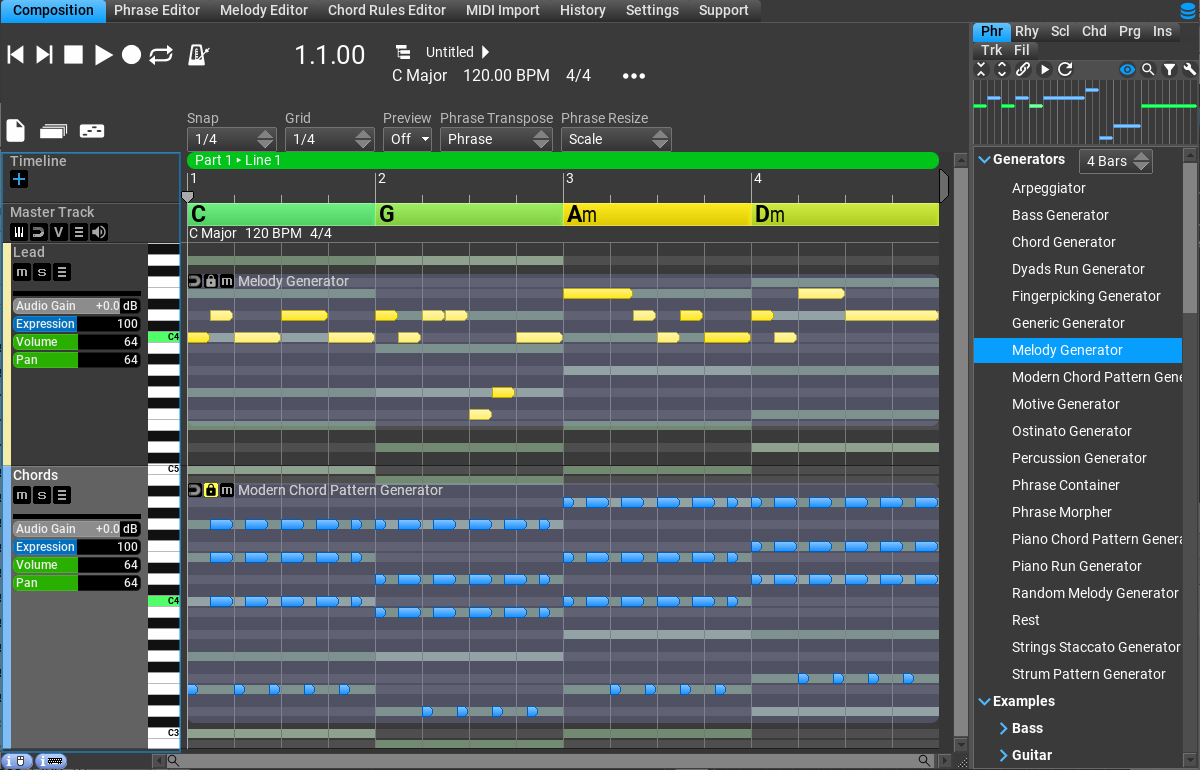
RapidComposer is a powerful yet intuitive music creation software designed to streamline the songwriting process, especially for composers who appreciate rapid iteration and creative flexibility. Developed by MusicDevelopments, this Windows application offers an array of features geared toward enhancing productivity and musical inspiration, making it an attractive choice for composers, producers, and MIDI enthusiasts alike.
Founded by a dedicated team of music software developers, MusicDevelopments has crafted a tool that balances complexity with user-friendliness. The core highlights include its robust chord progression and melody generation capabilities, efficient pattern and rhythm editing, and the innovative handling of real-time pattern testing. These features enable users to craft intricate compositions quickly, without getting bogged down by technical delays or cumbersome workflows.
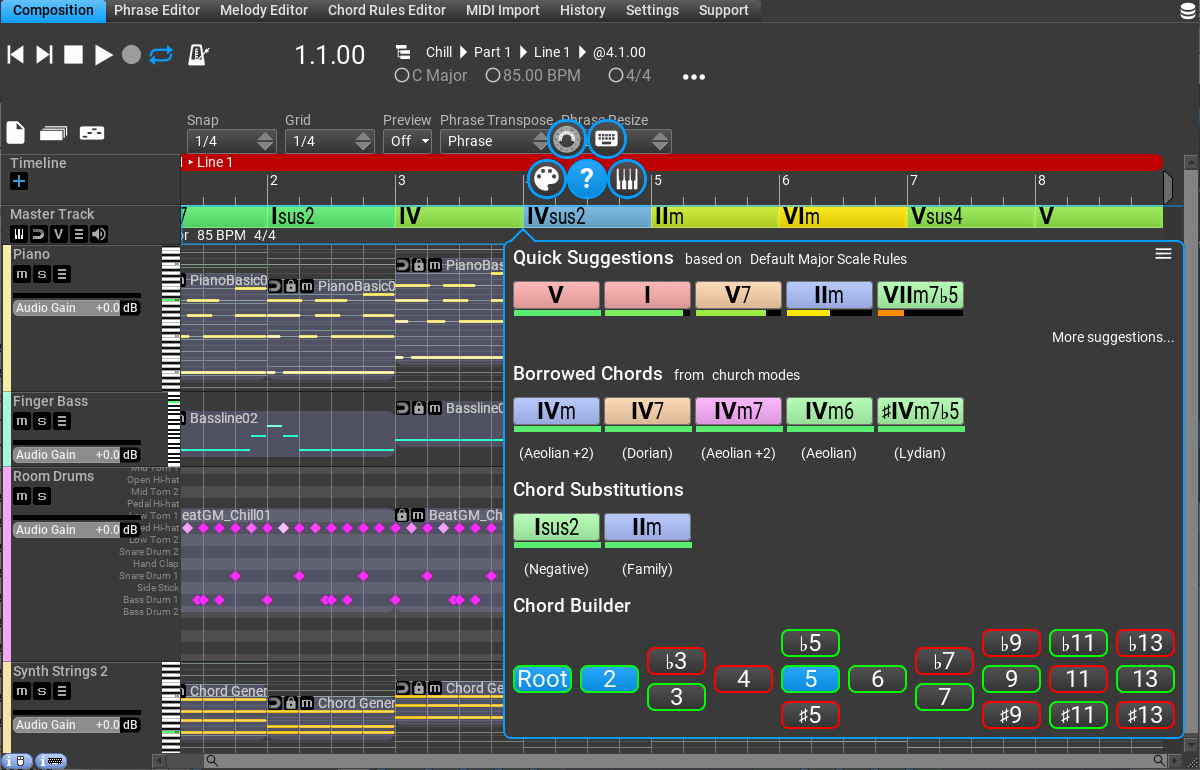
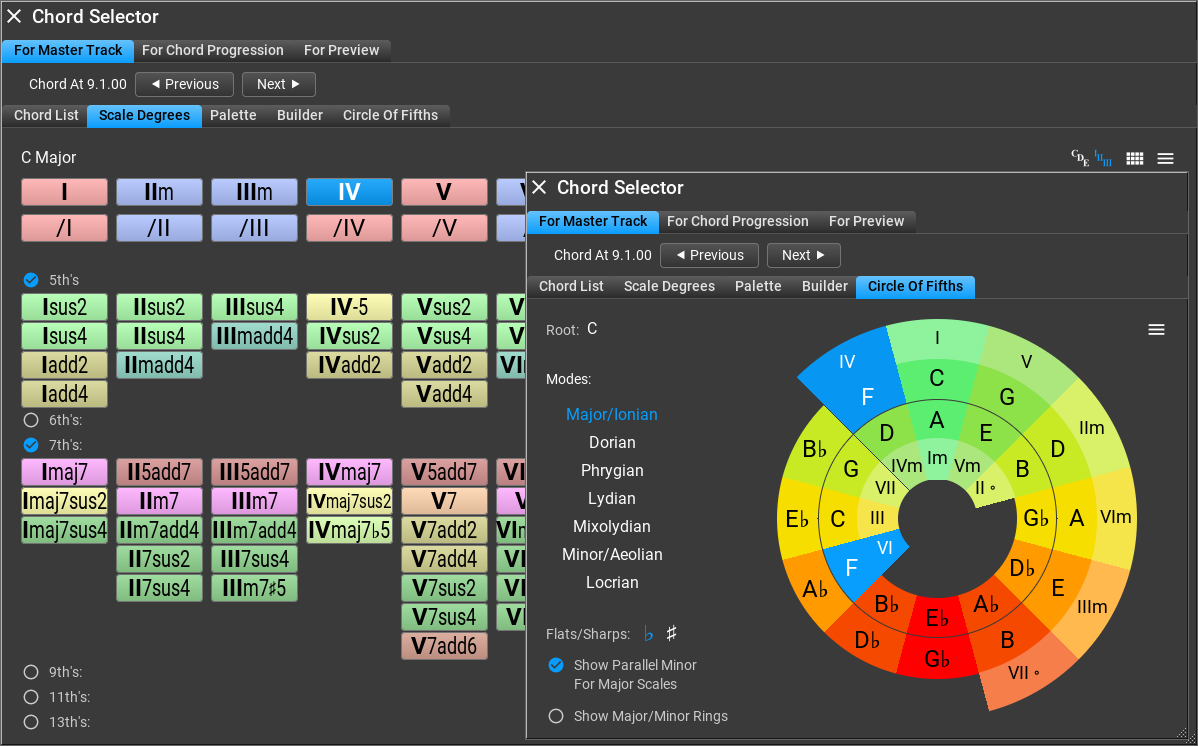
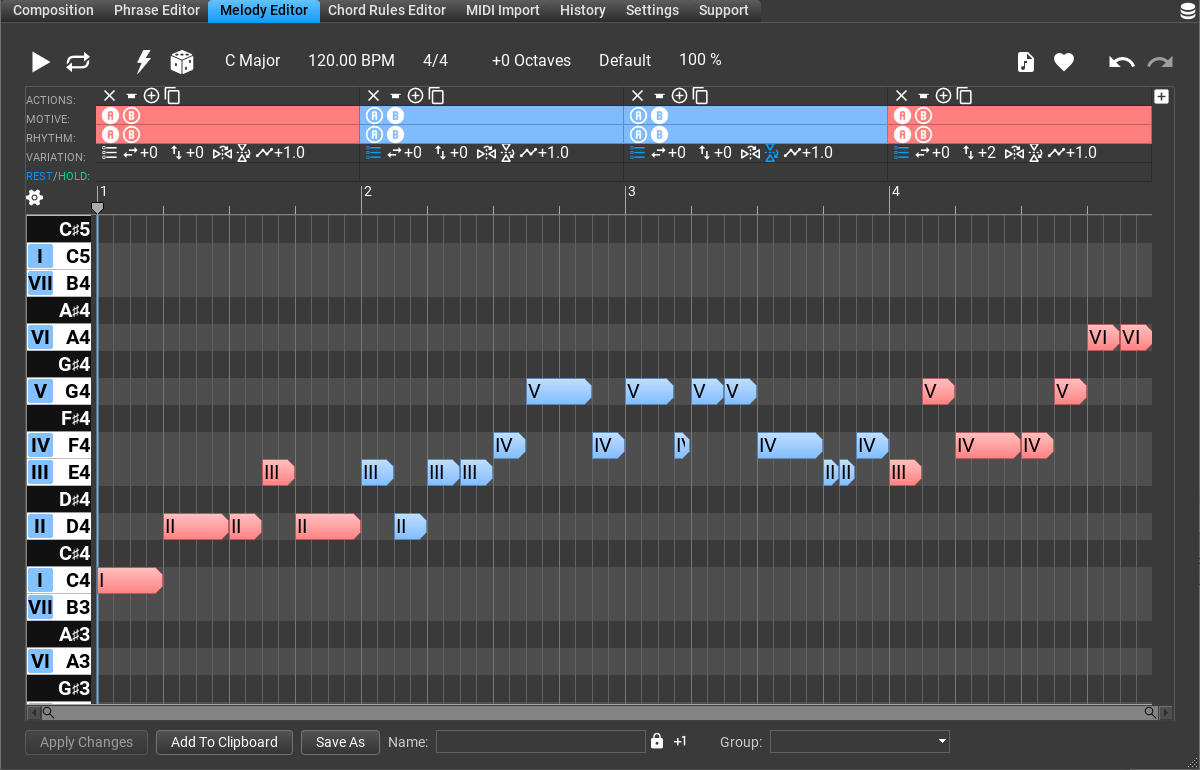
RapidComposer shines with its intelligent algorithms that generate chord progressions and melodies based on user-defined parameters. Imagine having a seasoned composer by your side, suggesting fresh harmonic ideas in seconds. Its intelligent harmony engine allows users to experiment with complex chord substitutions and variations effortlessly. This feature speeds up the creative process, reducing the hesitation often caused by writer's block.
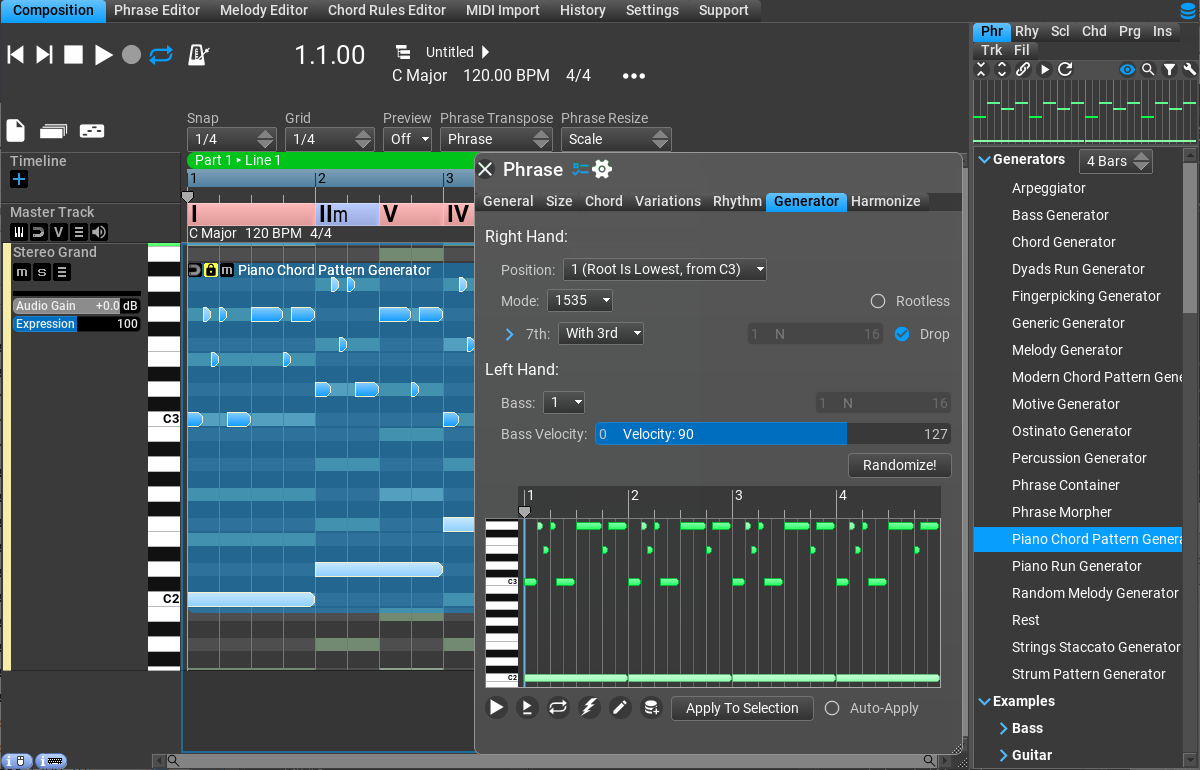
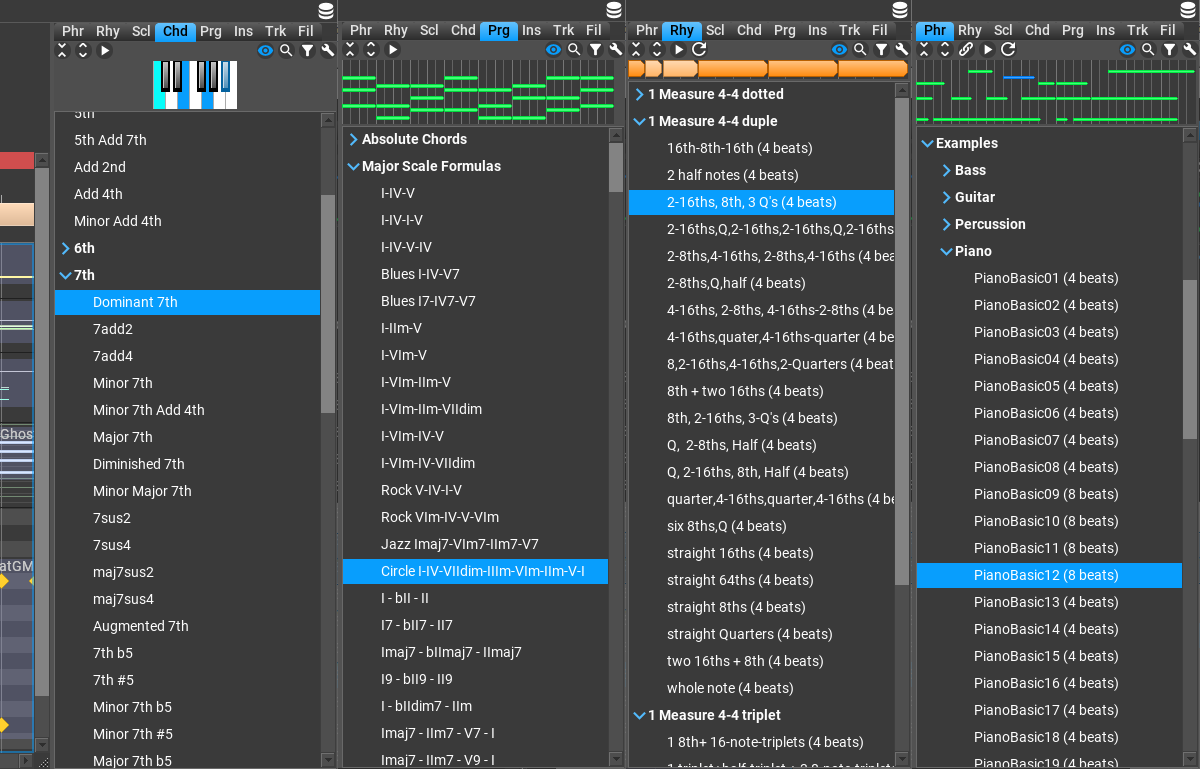
One of RapidComposer's most compelling features is its extensive library of rhythm patterns and its innovative real-time testing environment. Unlike many similar tools, RapidComposer lets you assess rhythm pattern variety dynamically, with immediate audio feedback. Think of it as an interactive jam session, where you can tweak, test, and perfect patterns on the fly, making complex groove development accessible even to beginners.
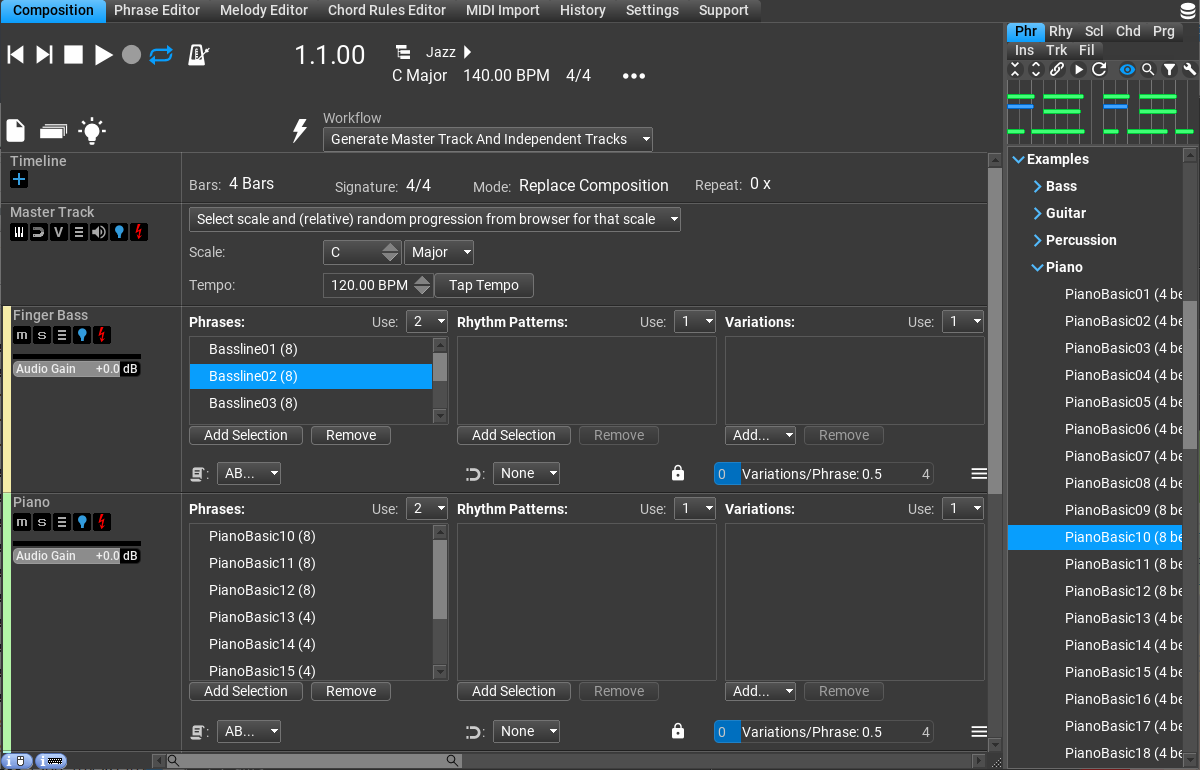
The interface design is both sleek and logical, akin to a well-organized workspace. Navigation feels smooth, with drag-and-drop functionalities and customizable panels that adapt to your workflow. The learning curve is gentle for those familiar with digital audio workstations (DAWs) but also accommodates newcomers through helpful tooltips and presets. The app's responsiveness ensures that ideas flow seamlessly, avoiding frustrating lags that can stifle creativity.
What truly sets RapidComposer apart from other composition assistants is its exceptional latency tolerance combined with its advanced rhythm pattern assessment. It handles complex MIDI signals gracefully, allowing you to test intricate musical ideas without delay—a crucial advantage for live-pattern testing and on-the-fly improvisation. Its ability to evaluate rhythm patterns in real time gives users a distinctive edge in crafting engaging, groovy, and rhythmic compositions that stand out from typical pattern generators or sequencers.
In conclusion, RapidComposer presents a compelling package for anyone serious about fast, creative, and flexible music composition. I recommend it especially for hobbyist composers who want an efficient tool to generate ideas quickly, as well as for professionals seeking to streamline the initial stages of their songwriting process. For those interested in rhythm-based music or innovative harmonic explorations, this app offers particular advantages.
While it may involve a slight learning curve for complete beginners, the depth of its features makes it worth exploring. Pairing RapidComposer with your existing DAW can unlock a new level of inspiration, turning the sometimes tedious process of music creation into an engaging and rewarding experience.
Intuitive Interface
Rich Sound Library
Advanced MIDI and Audio Editing
Automated Pattern Generation
Seamless Integration with Plugins
Resource Intensive
Learning Curve for Beginners
Limited Export Formats
Occasional Stability Issues
Minor UI Clutter

for Windows
 4.9
4.9

for Windows
4.9

for Windows
4.8

for Windows
4.8

for Windows
4.7

for Windows
4.7
for Windows
4.6

for Windows
4.6

for Windows
4.5

for Windows
4.5

for Windows
4.5

for Windows
4.5

for Windows
5

for Windows
5

for Windows
5

for Windows
5

for Windows
5

for Windows
5

for Windows
5

for Windows
5

for Windows
5

for Windows
5