News & weather
DTN
PC
Windows 10 version 17763.0 or higher
DirectX 12 API, Hardware Feature Level 11
Not specified
Not specified
English (United States), French, German, Spanish
RadarScope for Windows is a dedicated weather radar application designed to provide detailed and real-time imagery for meteorologists, storm enthusiasts, and weather professionals alike. It transforms complex radar data into accessible visuals, making it an invaluable tool for those who need precise, up-to-the-minute storm tracking on their desktops.
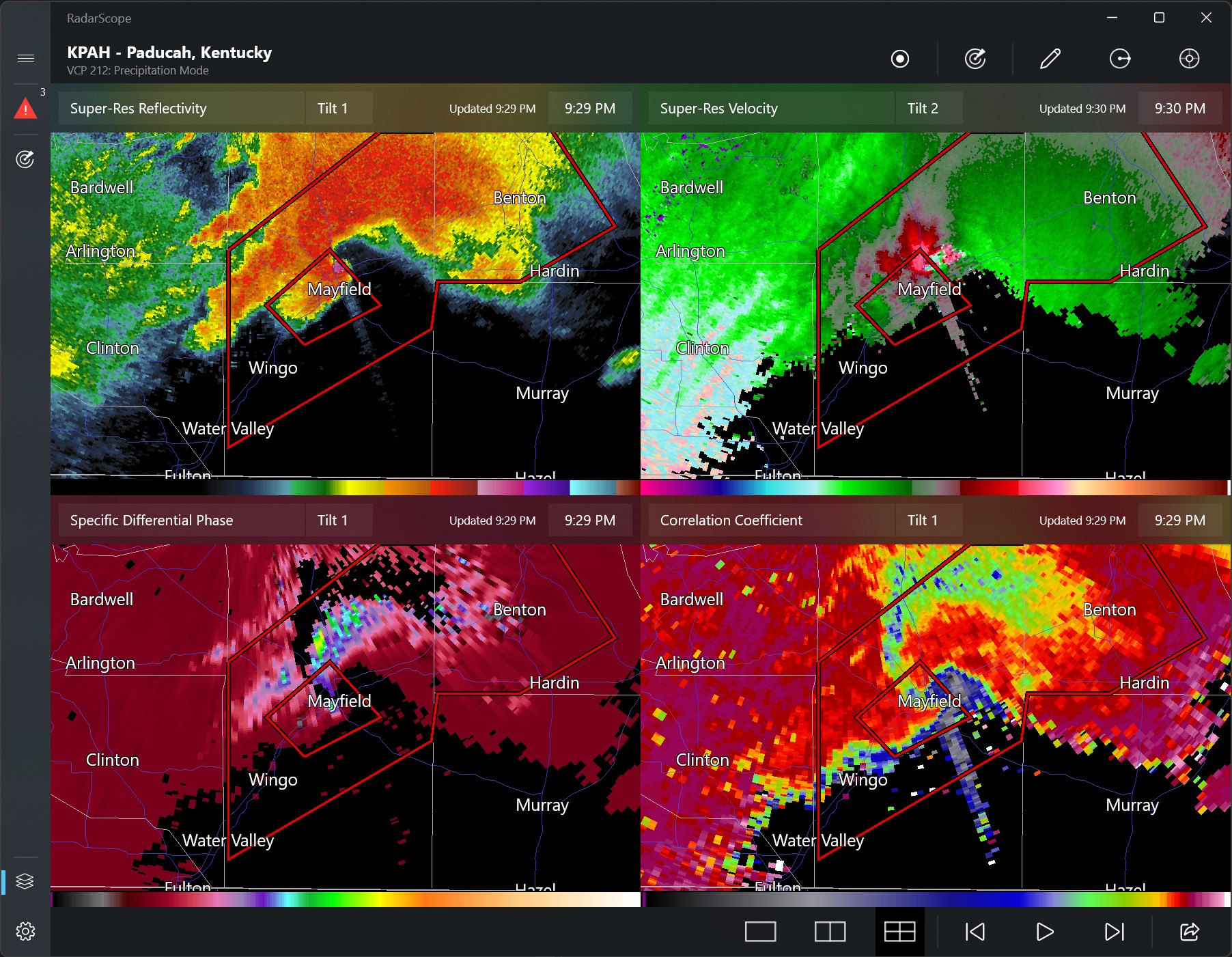
Developed by DTN, a trusted name in weather data solutions, RadarScope offers a specialized platform tailored specifically for radar enthusiasts and meteorological professionals. Its main features include high-definition radar imagery, customizable overlays, and rapid updates that allow users to monitor weather patterns with remarkable clarity. Additionally, the app supports multiple radar sources and provides tools for detailed storm analysis, making it a robust choice for serious weather tracking.
Imagine standing at the window watching a thunderstorm brew—now picture having that same sense of clarity and immediacy right on your desktop, with the power to analyze storm structures and movement in real time. RadarScope for Windows brings that feeling to life, turning complex radar data into an intuitive visual experience, with precision that rivals professional meteorological tools. Whether you're tracking the trajectories of approaching storms or analyzing rainfall intensity, this app ensures you're always a step ahead.
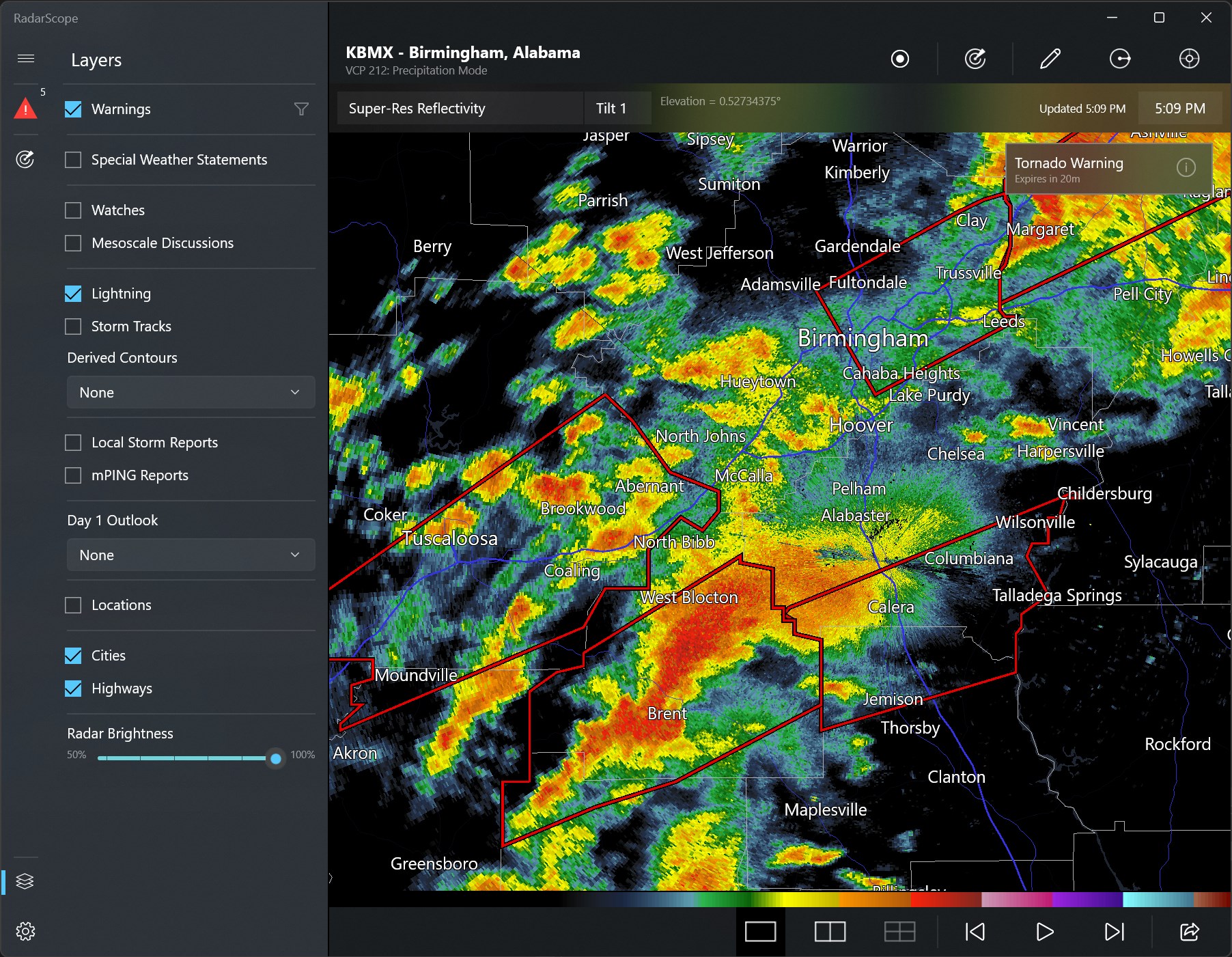
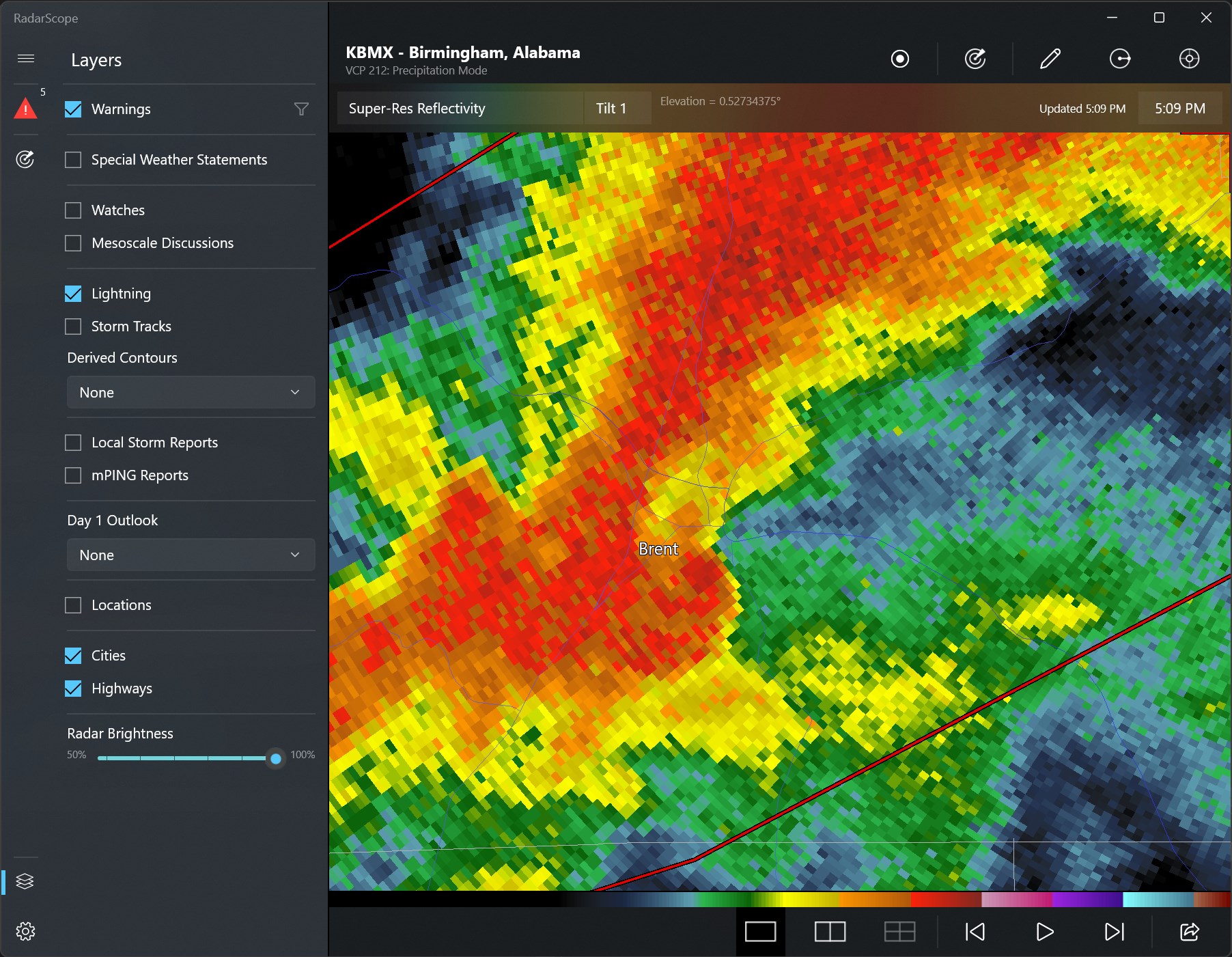
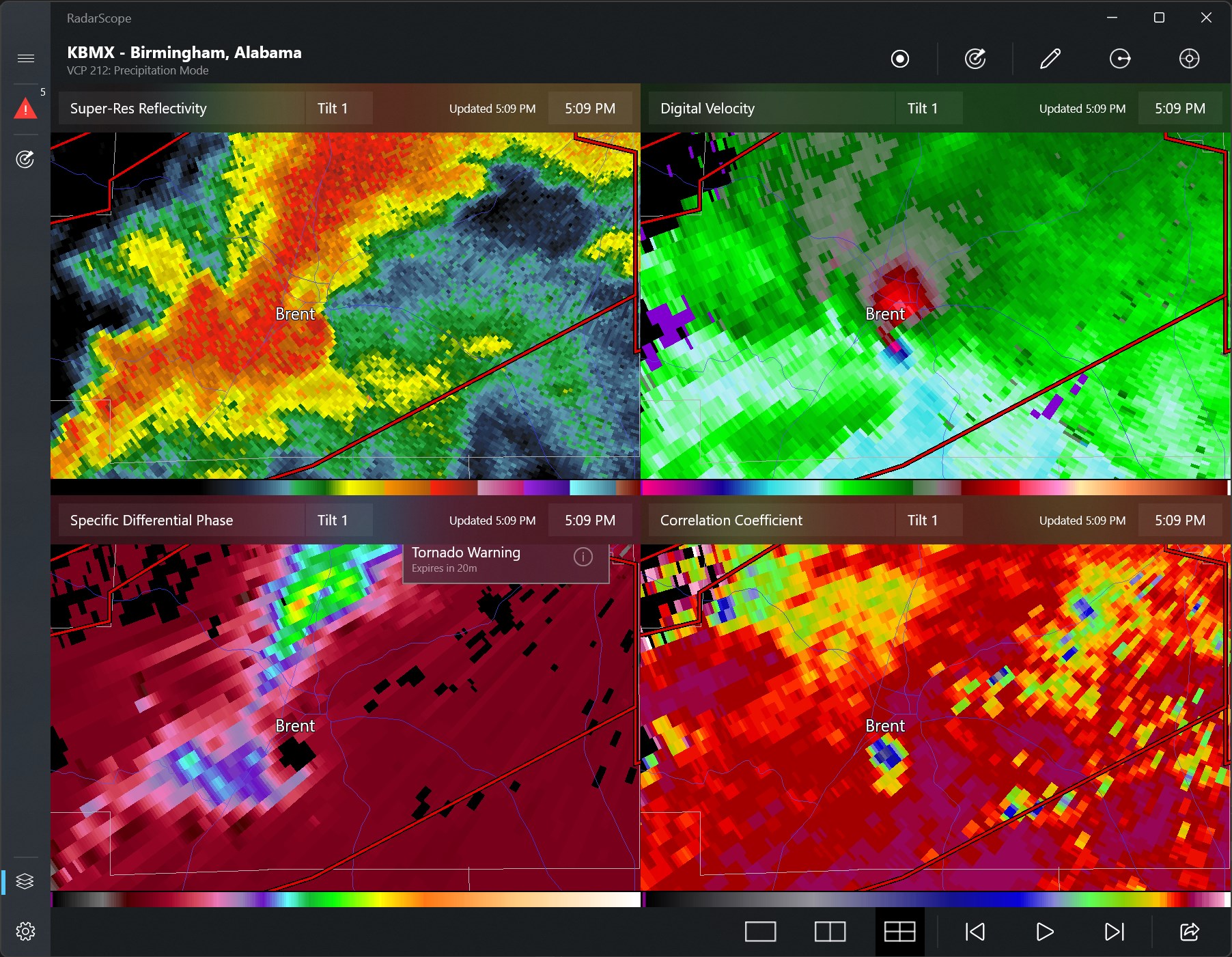
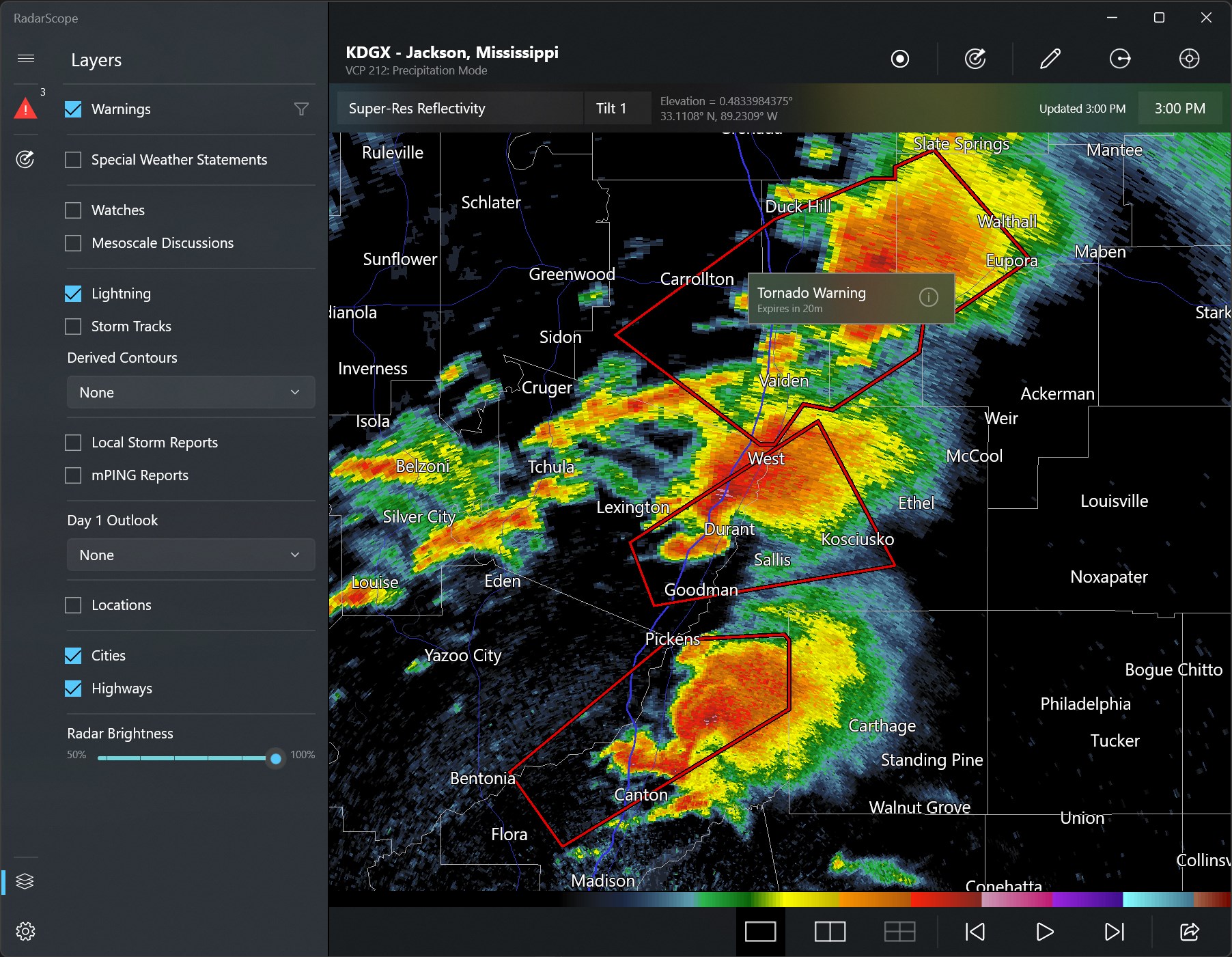
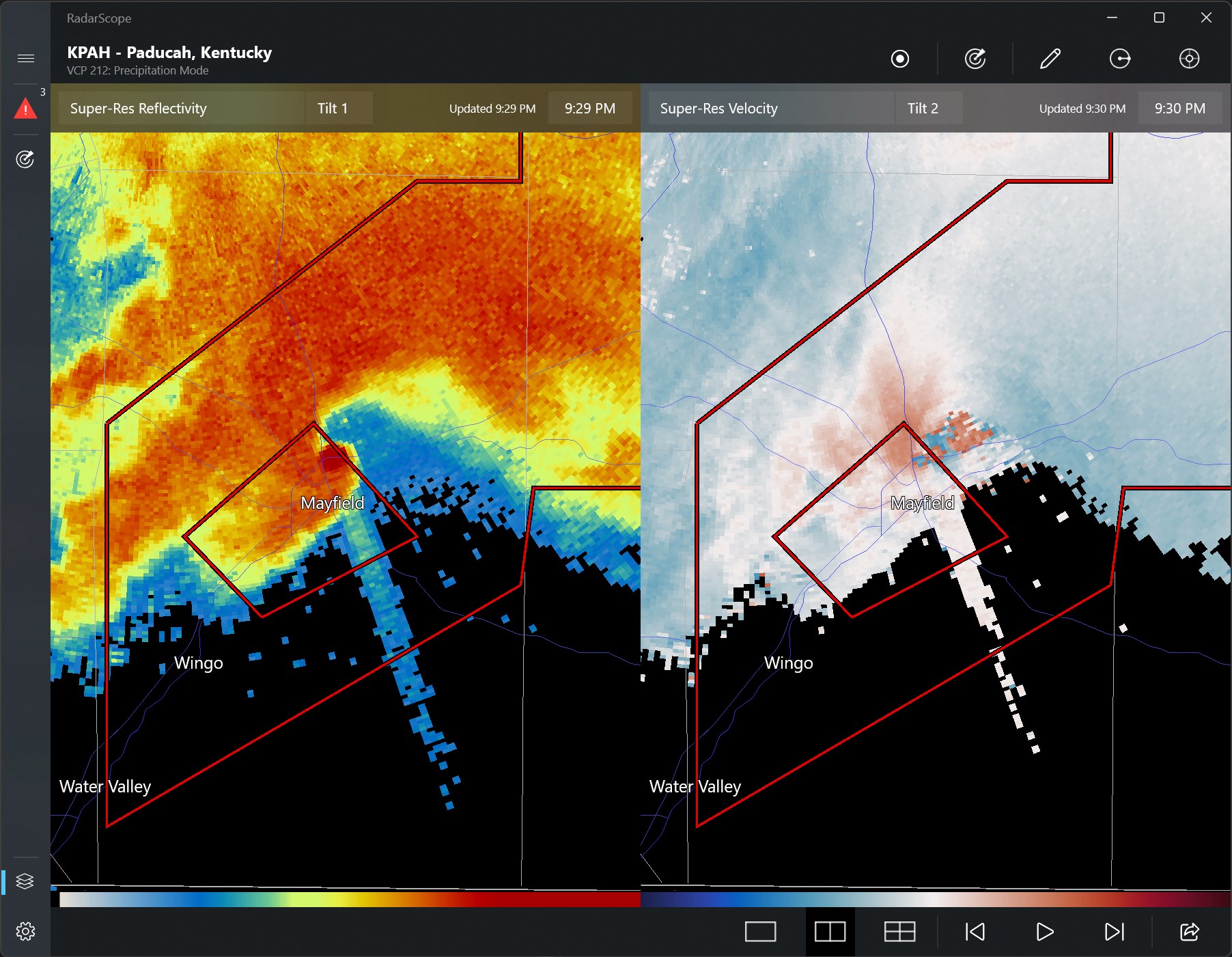
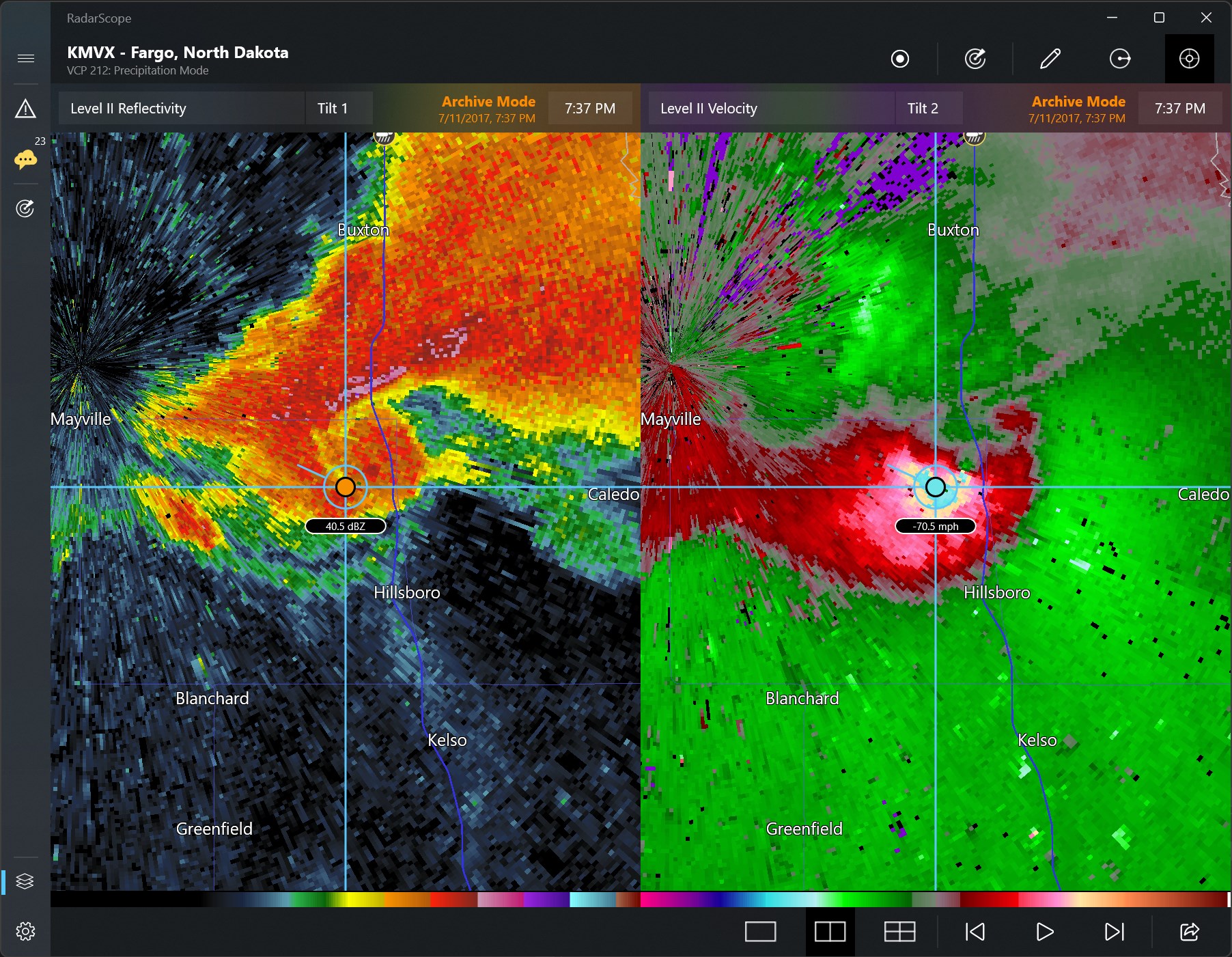
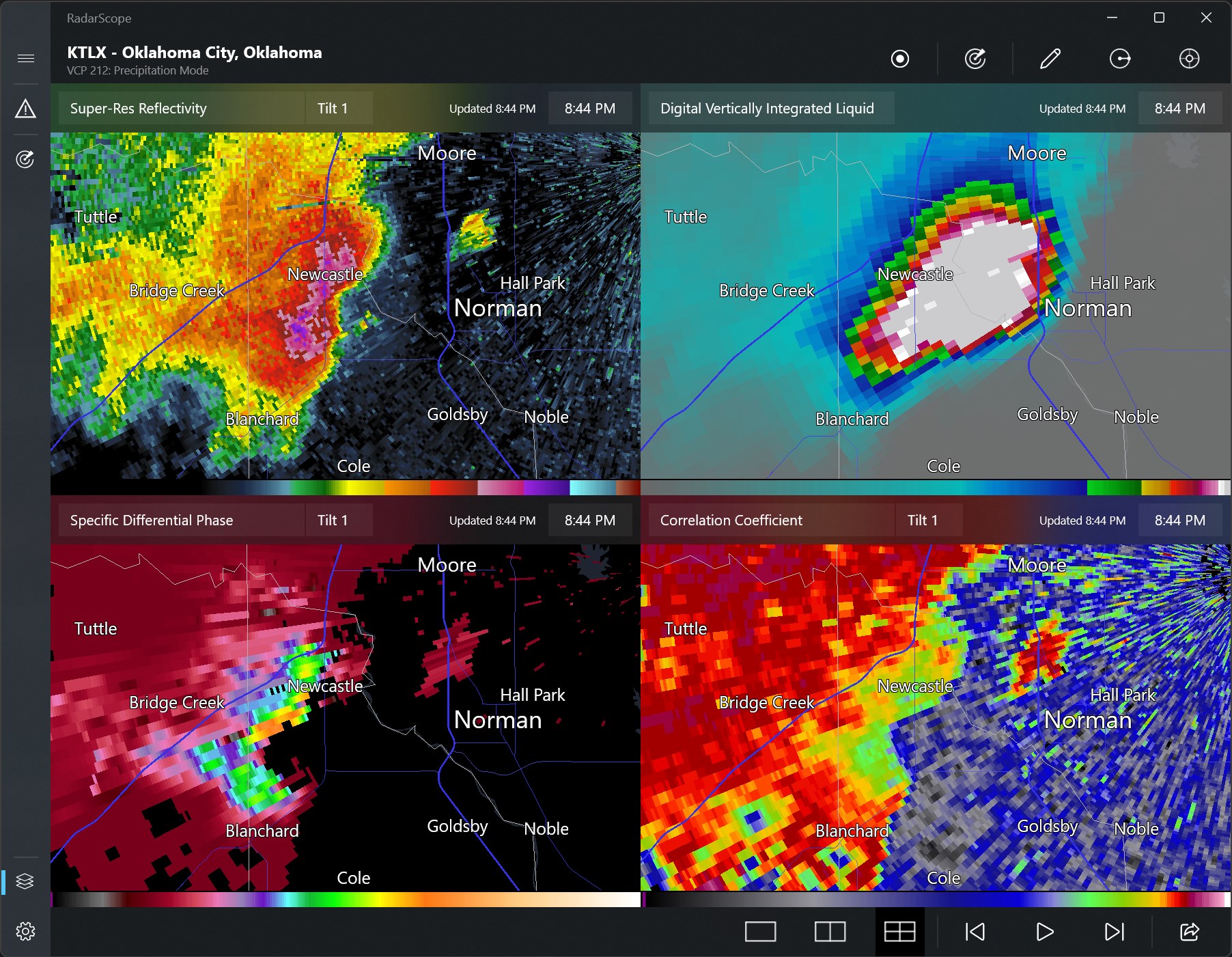
The standout feature of RadarScope is its ability to deliver high-resolution radar imagery directly to your desktop. Unlike generic weather apps, RadarScope provides detailed reflectivity and velocity scans, enabling users to distinguish between different storm intensities and structures. The interface allows for seamless toggling between various radar products—such as Base Reflectivity, Storm Relative Velocity, and Dual Polarization data—offering a multi-layered perspective on severe weather events.
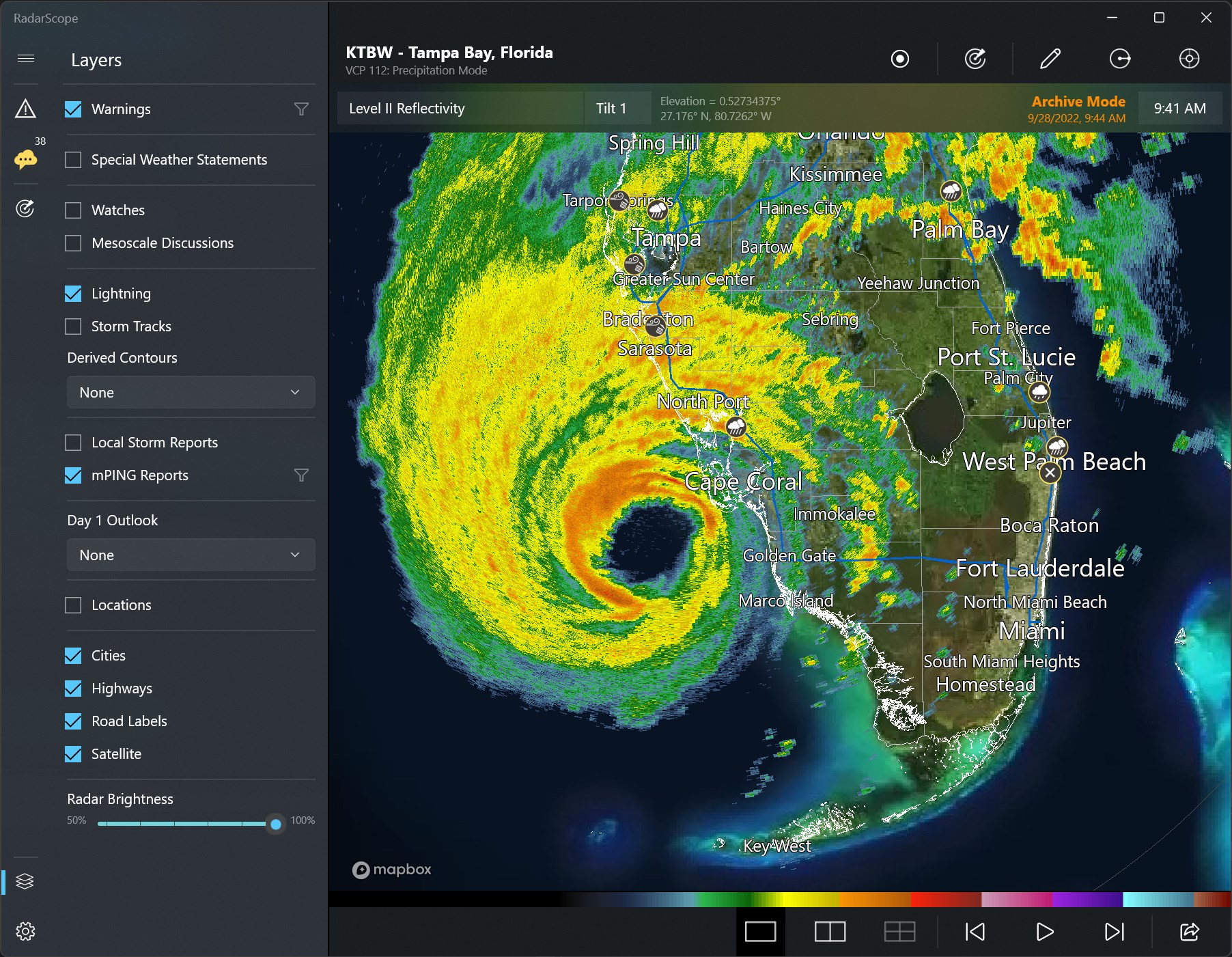
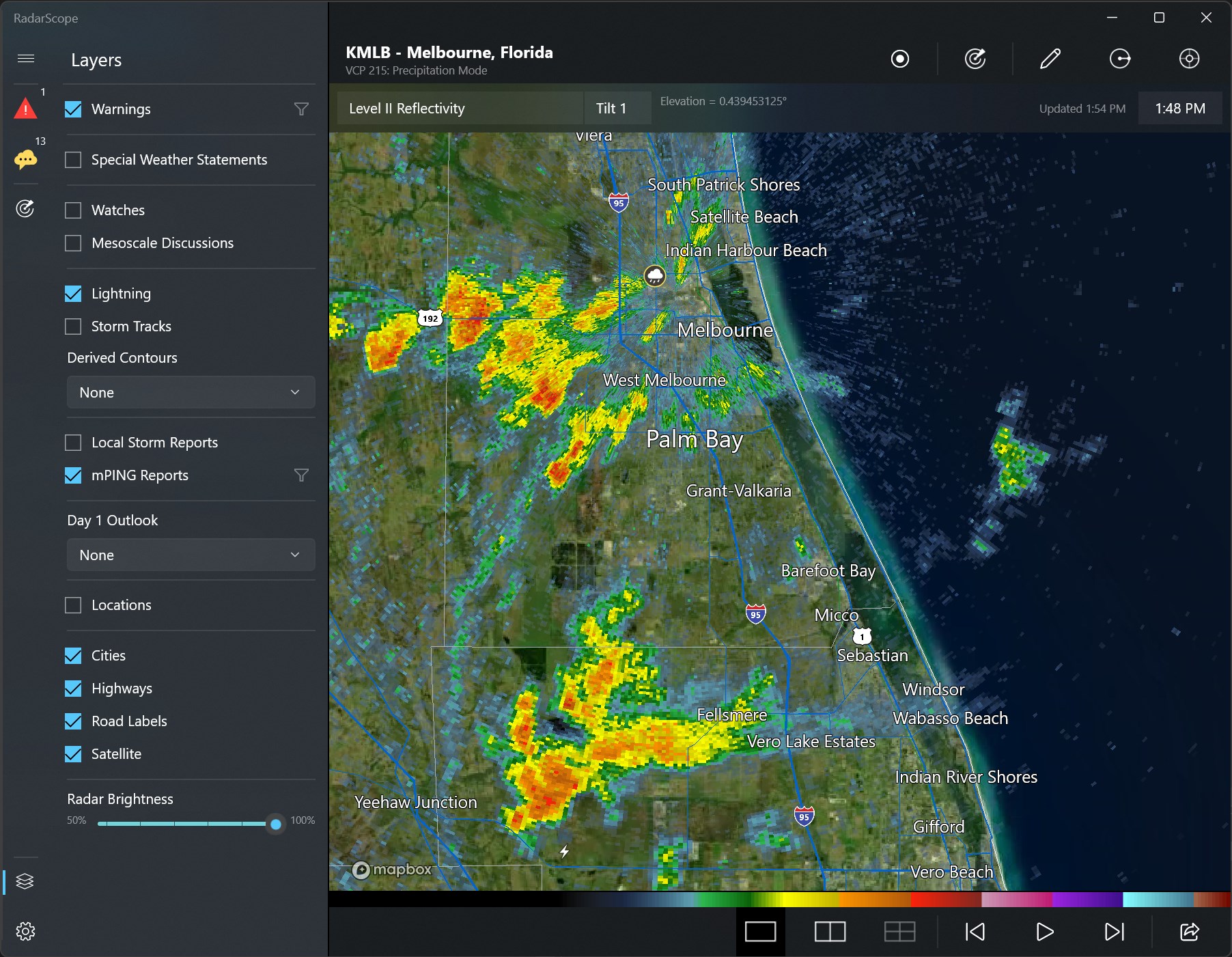
The app also shines with its customizable overlays. You can add storm tracks, severe weather warnings, and geographical borders, which create a layered map tailored to your specific tracking needs. This level of customization makes it suitable for both casual weather enthusiasts and professional meteorologists seeking meticulous detail.
RadarScope's interface balances professional-grade functionality with clean aesthetics, making it approachable yet powerful. The interface resembles a professional radar console—organized, clear, and responsive—ensuring smooth navigation even during high-stakes storm scenarios. Operations such as zooming, panning, and toggling layers are fluid, fostering a natural user experience. New users may require a brief onboarding to understand features fully, but with a bit of exploration, the app becomes an intuitive tool. Its minimal yet informative layout prevents clutter, crucial during rapid weather developments.
What makes RadarScope particularly stand out among other weather and news apps is its exclusive access to NEXRAD Level-2 radar data—a feature not commonly available in standard weather applications. This grants users detailed insight into storm structures, helping differentiate between benign showers and potentially severe weather phenomena. Its professional-grade imagery and real-time updates provide an edge for storm chasers and meteorologists needing precision. Compared to multi-purpose weather apps that offer basic forecasts and imagery, RadarScope provides a focused, high-detail radar analysis platform, giving users a professional-level tool right on their Windows PC.
All in all, RadarScope for Windows is highly recommended for those serious about weather monitoring—whether you're a storm enthusiast, amateur meteorologist, or seasoned professional. Its detailed radar imagery and customizable features make it an indispensable tool for real-time storm analysis. For best results, dedicate some time to familiarize yourself with its layers and tools, especially if you plan to use it during active weather events. While it offers a steep learning curve initially, its potential for precise weather tracking justifies the effort. For casual users interested in just daily weather updates, it might be overkill, but for anyone needing detailed radar insights, RadarScope is a compelling choice.
Real-time weather radar updates
High-resolution radar imagery
User-friendly interface
Customizable alert system
Broad geographical coverage
Limited offline access
Occasional lag in radar updates
Battery consumption can be high during use
Some advanced features require a subscription
Map detail levels vary in some regions

for Windows
 5
5

for Windows
5

for Windows
5

for Windows
5

for Windows
5

for Windows
5

for Windows
5

for Windows
5

for Windows
5

for Windows
5