Productivity
PC
Windows 10 version 14316.0 or higher
Integrated Keyboard
Integrated Mouse
English (United States)
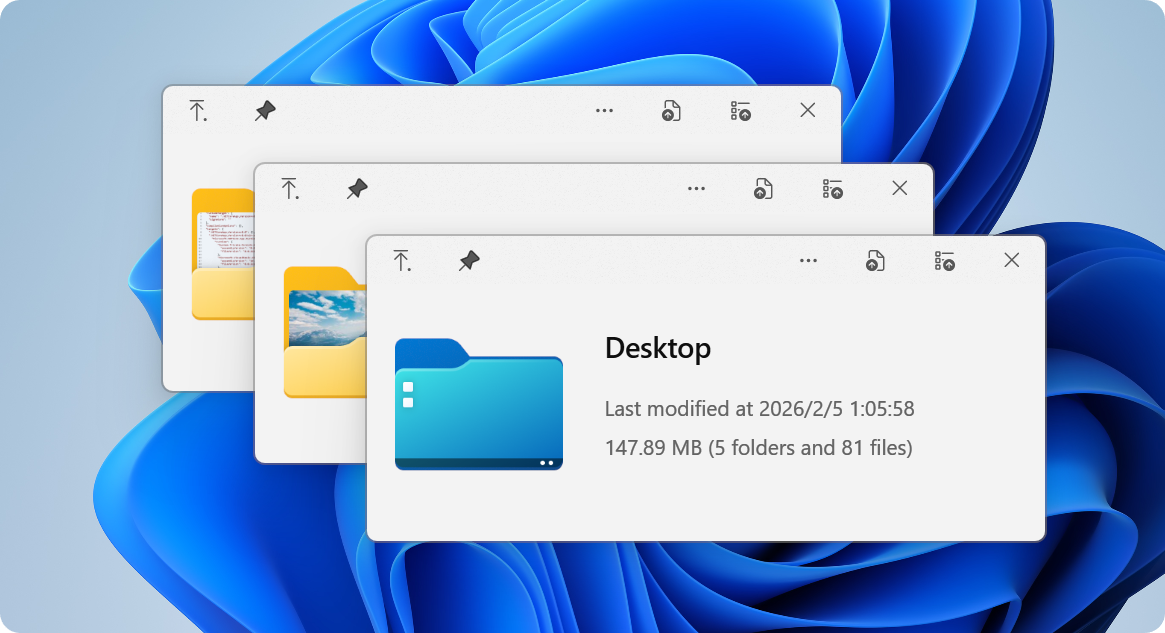
Imagine gliding through your files as effortlessly as flipping through pages of a well-organized notebook—QuickLook for Windows aims to do just that, providing instant, rich previews for a variety of file types right within your Windows environment. Developed by emako, this lightweight app transforms file exploration from a mundane task into a seamless, visual experience—no more dull icons or waiting for external applications to launch.
QuickLook for Windows is a free, open-source utility designed to enhance file browsing efficiency by offering quick previews similar to the native feature on macOS. The developer behind this tool is the emako team, committed to bringing streamlined productivity enhancements to Windows users.
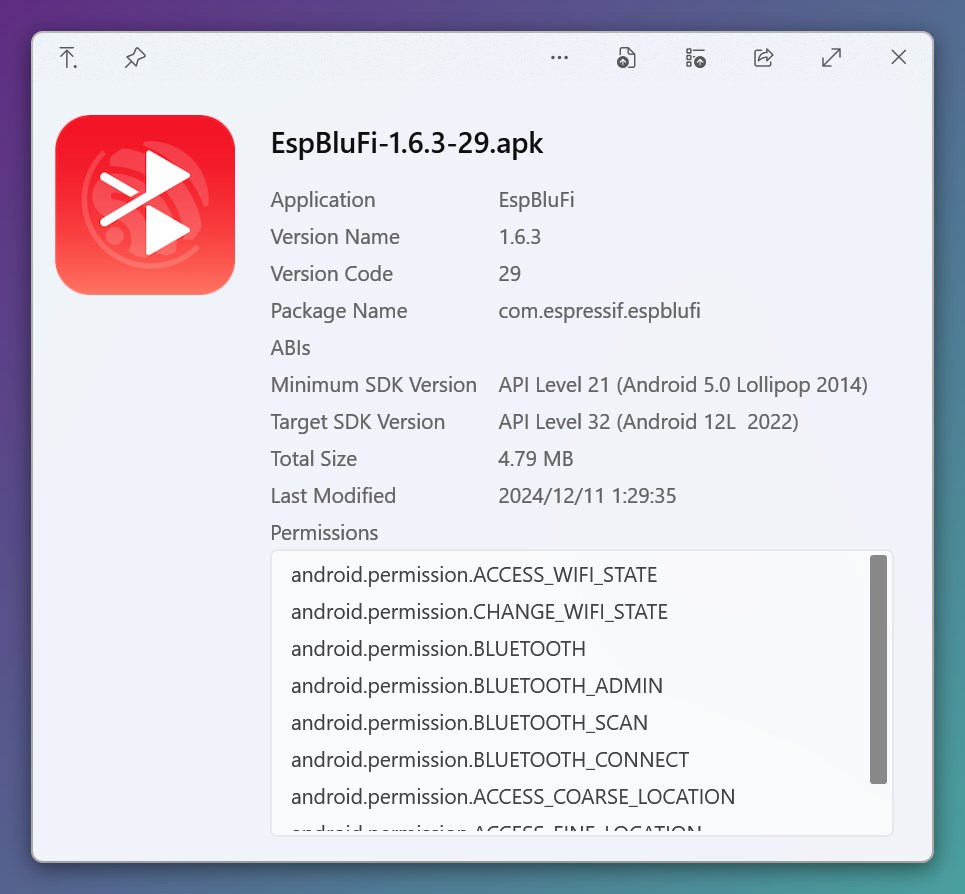
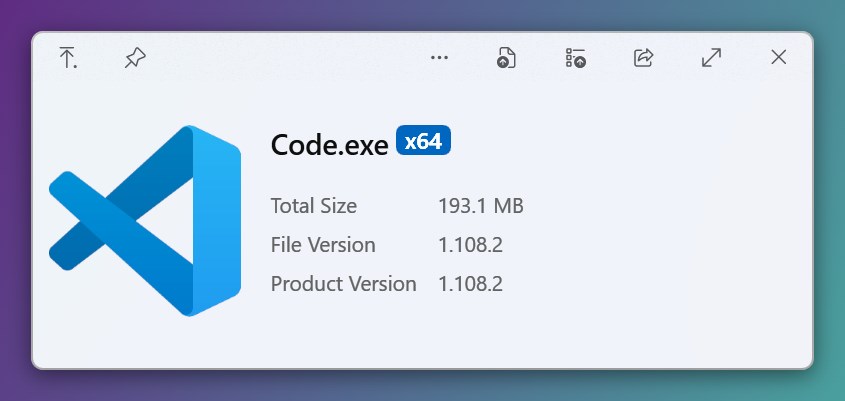
Its main highlights include support for a broad spectrum of file formats such as images, videos, documents, PDFs, and even certain code files. The app's standout features are rapid preview rendering, support for high-resolution media, and minimalistic UI that reduces clutter and cognitive load.
Targeted primarily at professionals, students, and anyone overwhelmed by managing large collections of files, QuickLook aims to simplify browsing workflows without sacrificing performance or ease of use.
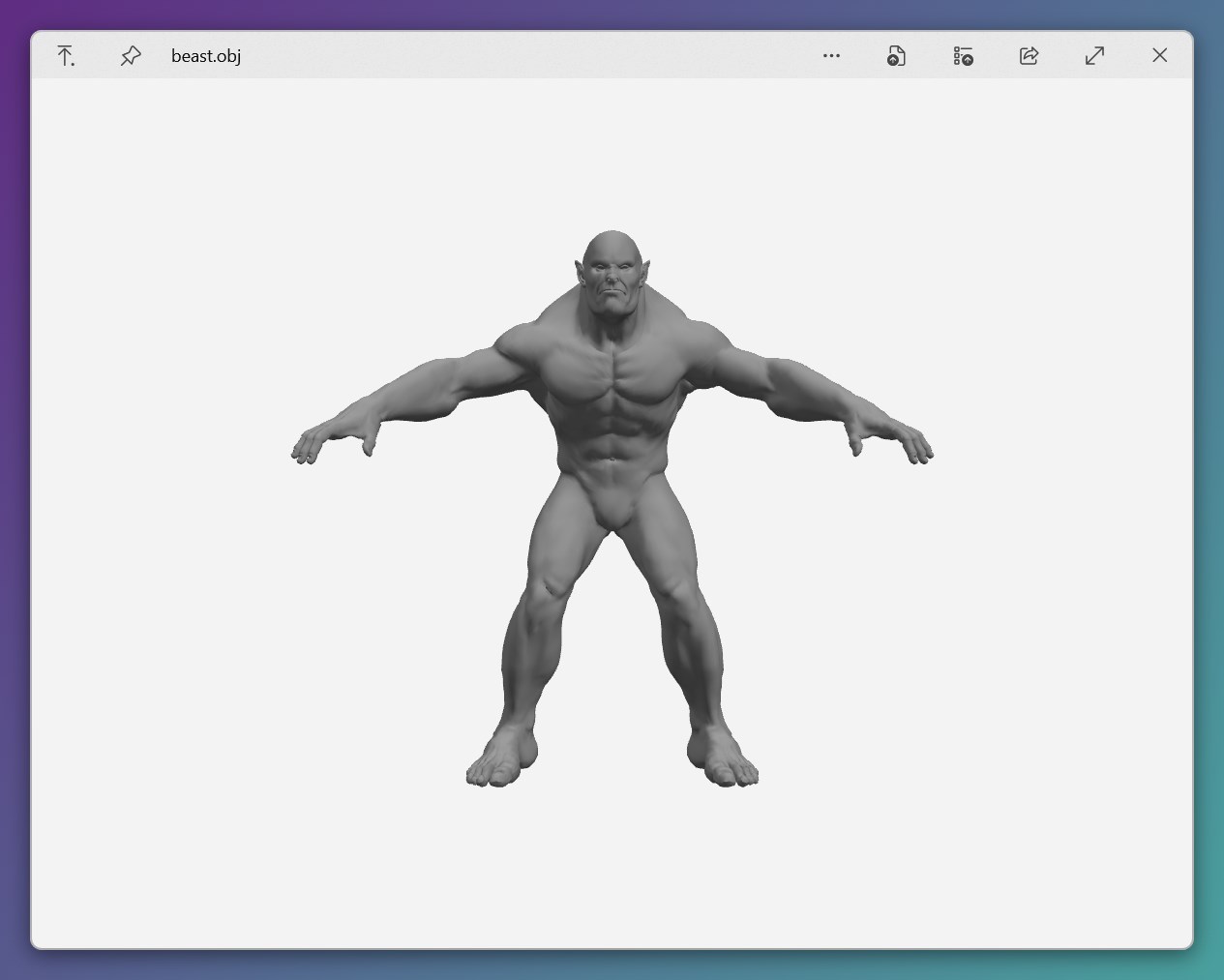
Picture this: you're organizing your project folders, hunting for that specific document or image. Instead of opening each file individually or relying on cluttered icons, a swift tap on the spacebar or a right-click 'QuickLook' opens a crisp, full preview—like having a magic window instantly revealing the content. This simplicity and visual clarity can save you precious seconds, but more importantly, it makes exploration more intuitive and less tiresome—and isn't that the essence of productivity?
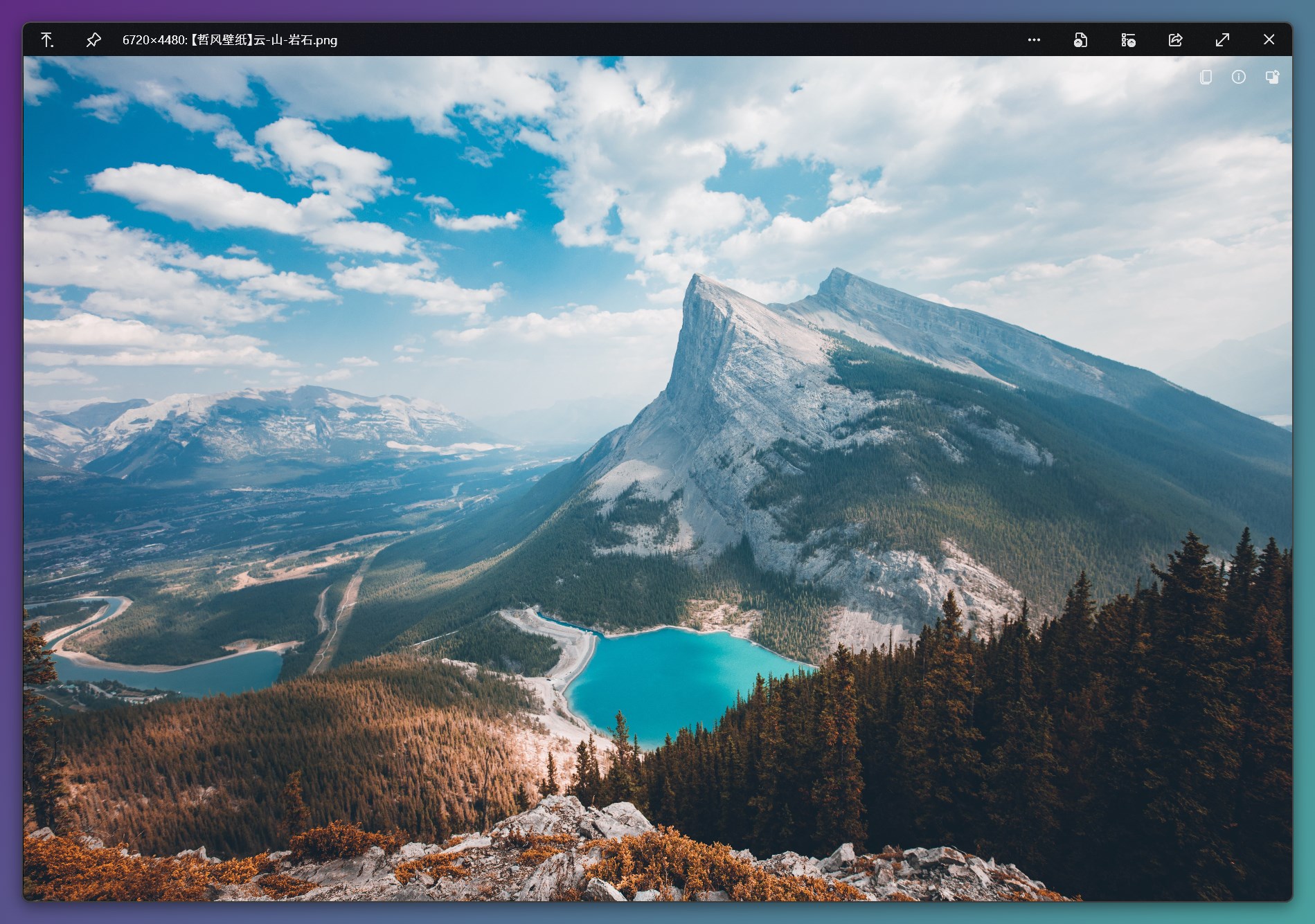
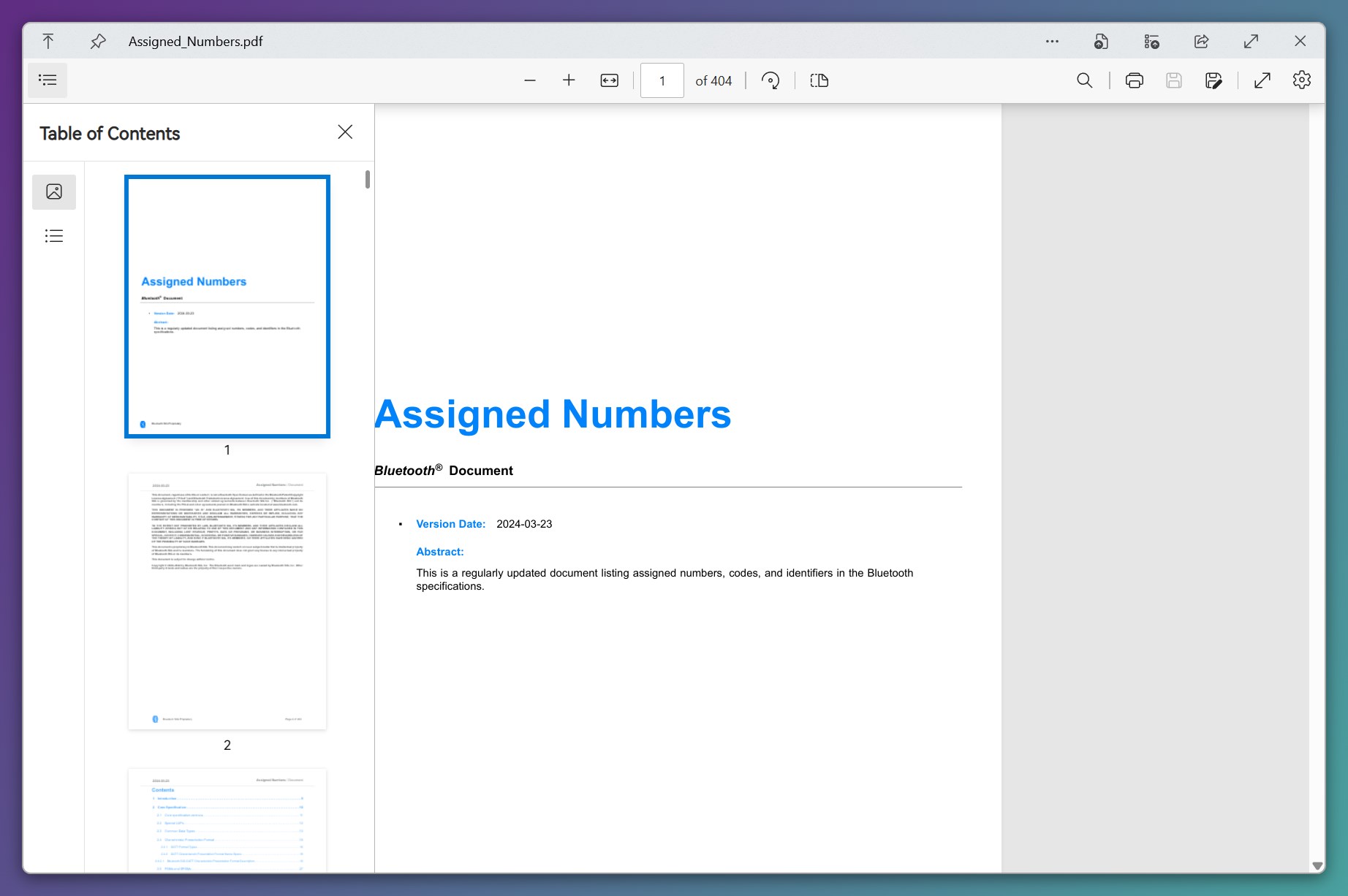
At the heart of QuickLook lies its ability to deliver instant previews with minimal delay, encouraging a fluid workflow. Unlike traditional file explorers that require multiple clicks or external viewers, QuickLook activates with familiar keyboard shortcuts, summoning a clean, clutter-free overlay that displays the file content in high fidelity. Whether it's a high-res image, a detailed PDF, or a video thumbnail, the app scales effortlessly, maintaining clarity and responsiveness. Users appreciate the minimal resource footprint—this is not a bloated app, but a lightweight companion designed for speed and stability.
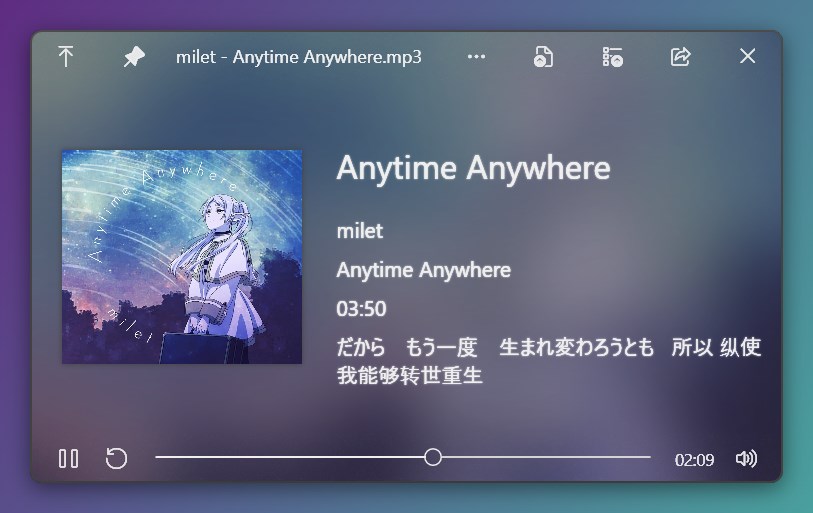
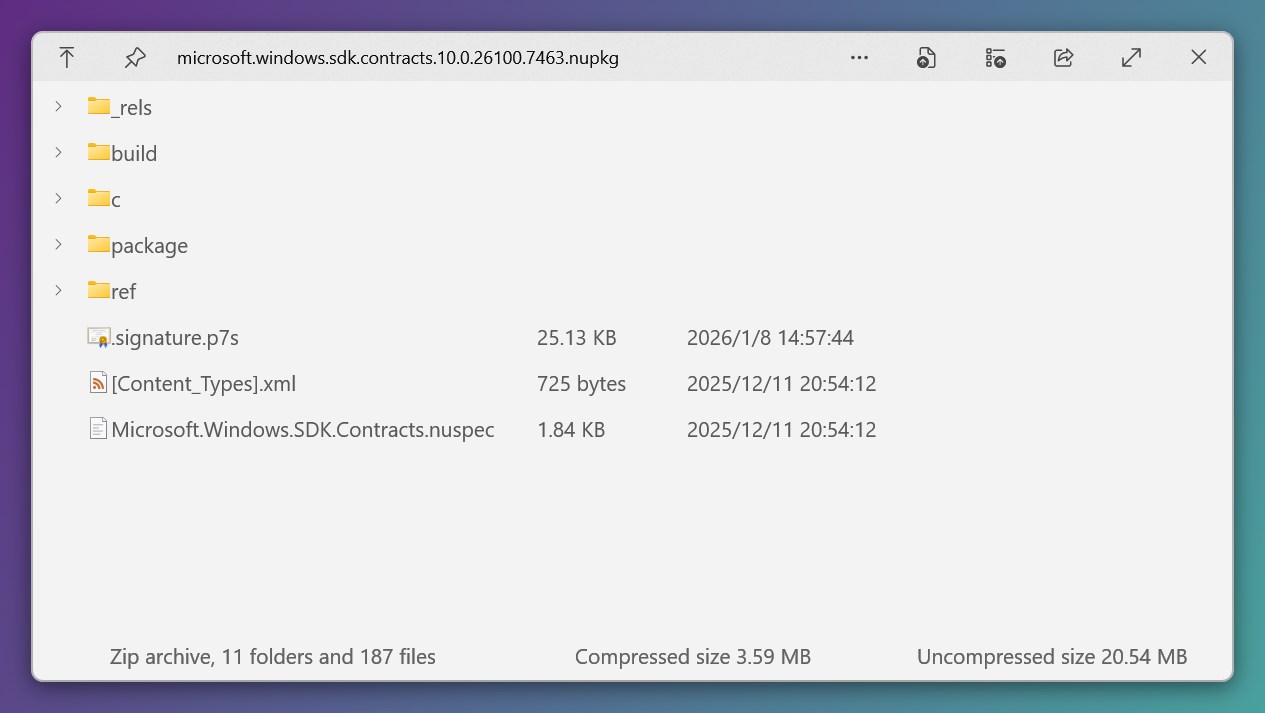
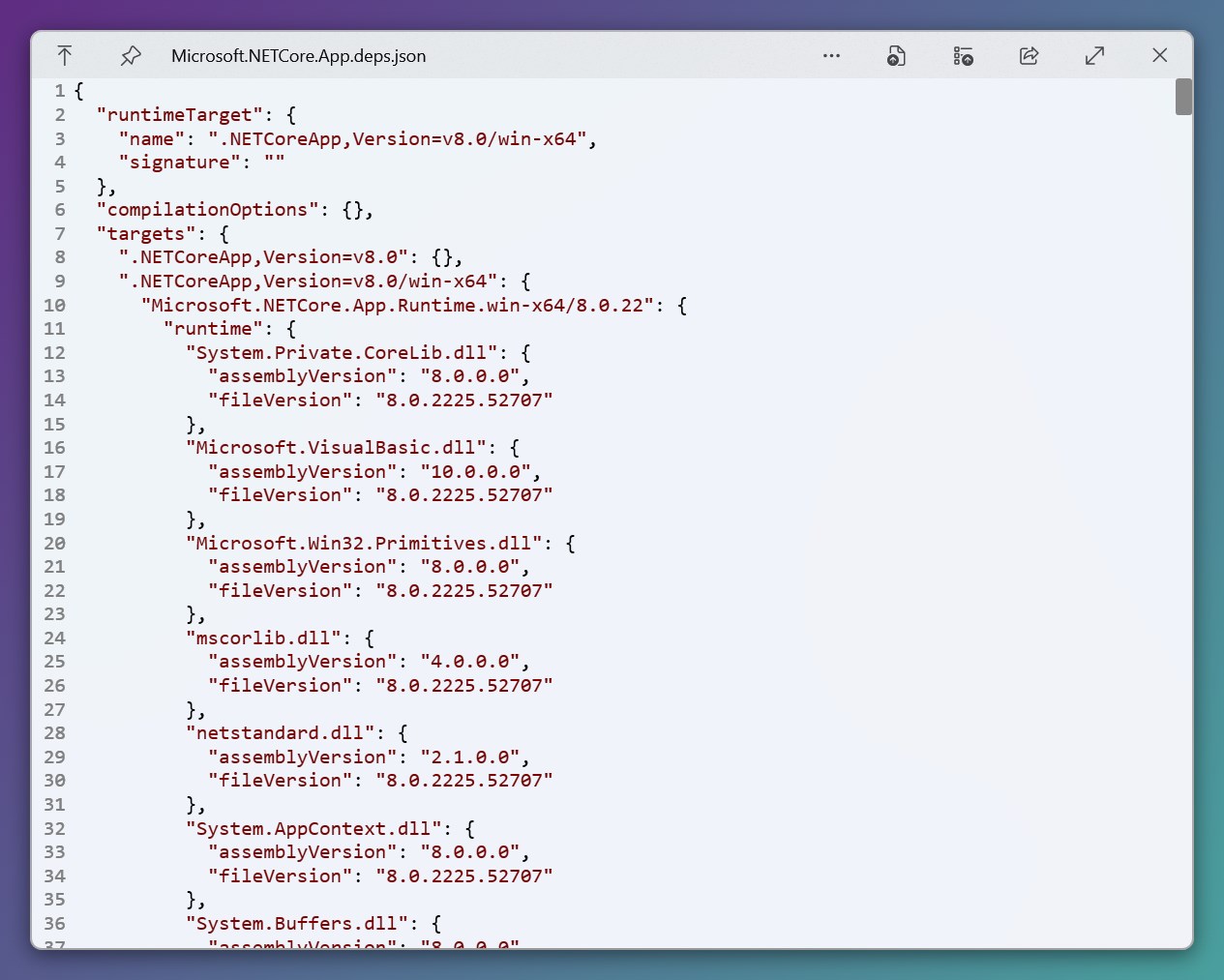
One of QuickLook's most compelling features is its broad format compatibility, covering not only images, audio, and videos but also documents like Word, Excel, PowerPoint, and even markdown or code files. This versatility ensures that users aren't forced to switch between multiple previewers, smoothing out the rough edges in the workflow. Additionally, the app offers configuration options—such as which formats to preview or customizing shortcuts—allowing tailored experiences that easily adapt to personal or professional needs.
The interface of QuickLook is refreshingly minimalistic, akin to a clarity-enhancing lens—no distracting icons or intrusive elements. Its operation is intuitive; once you get the hang of the shortcut keys, you'll feel like you've unlocked a superpower that makes file browsing feel almost playful. The responsiveness remains smooth even when previewing large files, minimizing cognitive load and enabling quick decision-making. Compared to more feature-heavy previewers, QuickLook's focus on core functionality reduces cognitive clutter, making it easier to keep your mind focused on the task at hand.
What truly sets it apart from similar tools is its integration into the Windows workflow—nothing extra to open, just instant previews that feel native. While traditional file explorers often require opening files with separate applications that break the flow, QuickLook's seamless overlay keeps you immersed in your current task.
Absolutely. If your daily routine involves managing a hefty collection of diverse files—from images to documents—QuickLook offers a significant ergonomic upgrade. It's like having a magnifying glass that's always at your fingertips, turning file browsing from a chore into a smooth, visual experience. Especially for power users who value speed and clarity, this app is a subtle yet effective productivity booster.
While it may not replace advanced preview editors for specialized work, its simplicity and efficiency make it a valuable addition to any Windows workflow. For those who prefer less complexity in their tools, QuickLook stands out as a practical, user-friendly enhancement.
In conclusion, QuickLook for Windows is recommended for anyone looking to streamline their file exploration without added fuss. Install it, assign your preferred shortcuts, and enjoy a tidier, more intuitive browsing experience—your workflow will thank you.
Faster file previewing
Wide format support
Intuitive user interface
Seamless integration
Customization options
Limited preview options for some formats
Occasional stability issues
Slow initial loading in some cases
Limited customization for preview windows
Inconsistent performance across different Windows versions

for Windows
 5
5

for Windows
5

for Windows
4.9

for Windows
4.9

for Windows
4.9

for Windows
4.8

for Windows
4.8

for Windows
4.8

for Windows
4.8

for Windows
4.8

for Windows
4.8

for Windows
4.8

for Windows
5
for Windows
5

for Windows
5

for Windows
5

for Windows
5

for Windows
5

for Windows
5

for Windows
5

for Windows
5
for Windows
5