Business
DefinedBytes
PC, Mobile, Surface Hub, HoloLens
Windows 10 version 17763.0 or higher
English (United States)
If managing complex projects feels like herding cats, then Quick Gantt Chart for Windows promises to turn chaos into clarity, providing a streamlined visual roadmap that keeps everything on track. Designed to simplify the often daunting task of project scheduling, this app offers a fresh approach that balances power with ease of use.
Created by DefinedBytes, a team focused on developing intuitive and practical tools to enhance productivity, Quick Gantt Chart embodies their dedication to crafting user-centric software solutions. With a solid background in productivity apps, DefinedBytes aims to help both professionals and teams visualize and coordinate their projects seamlessly.
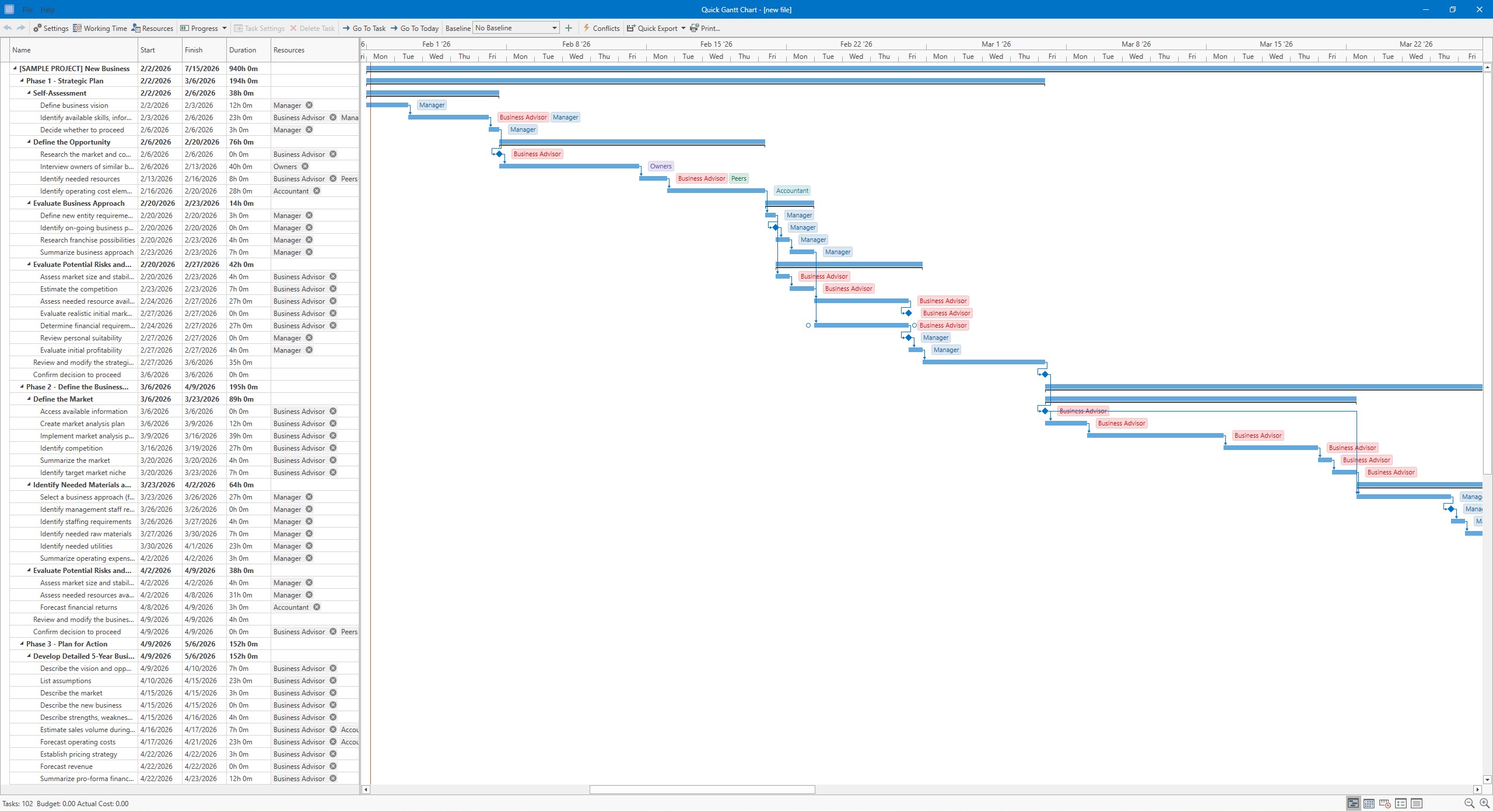
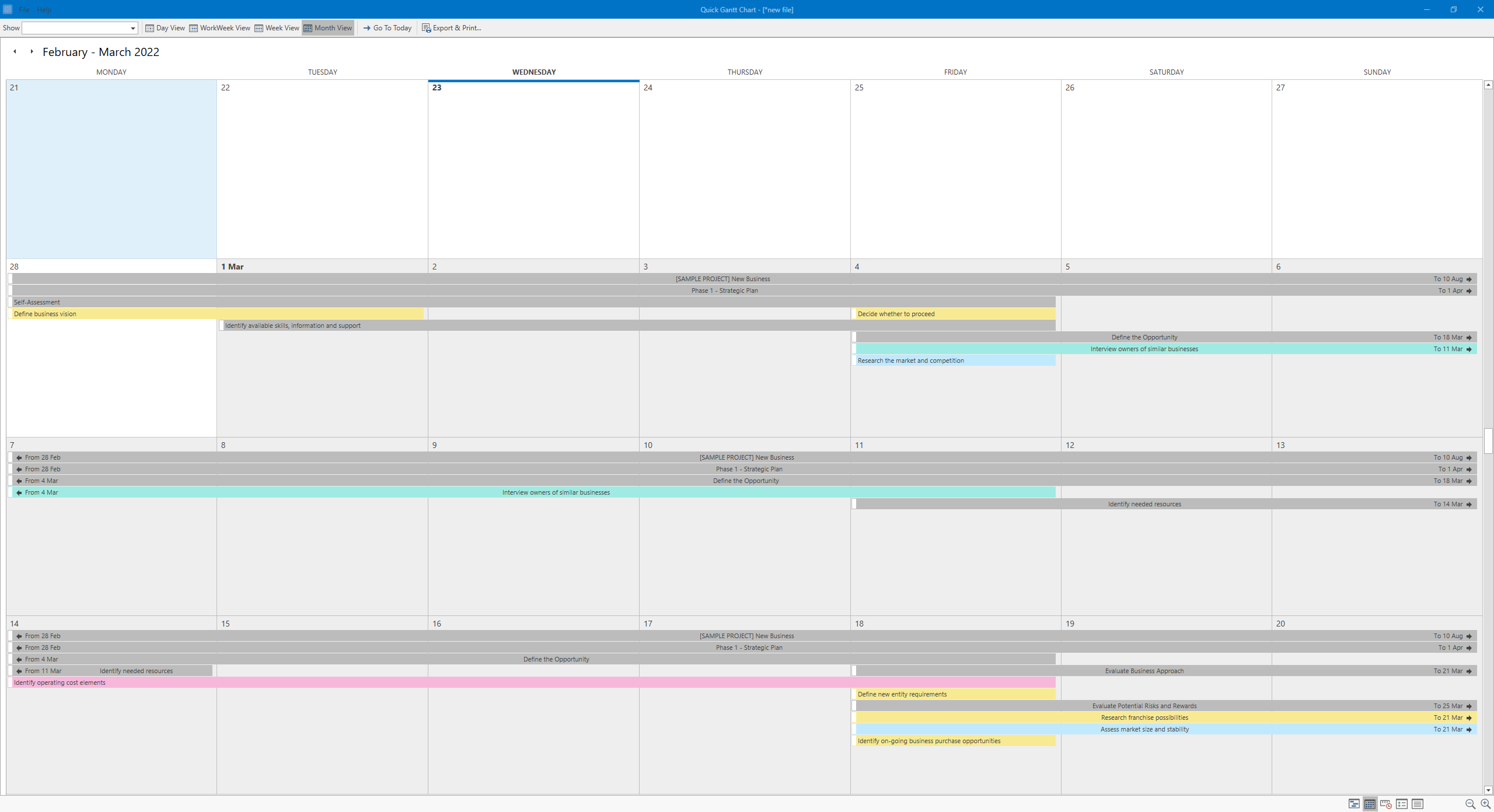
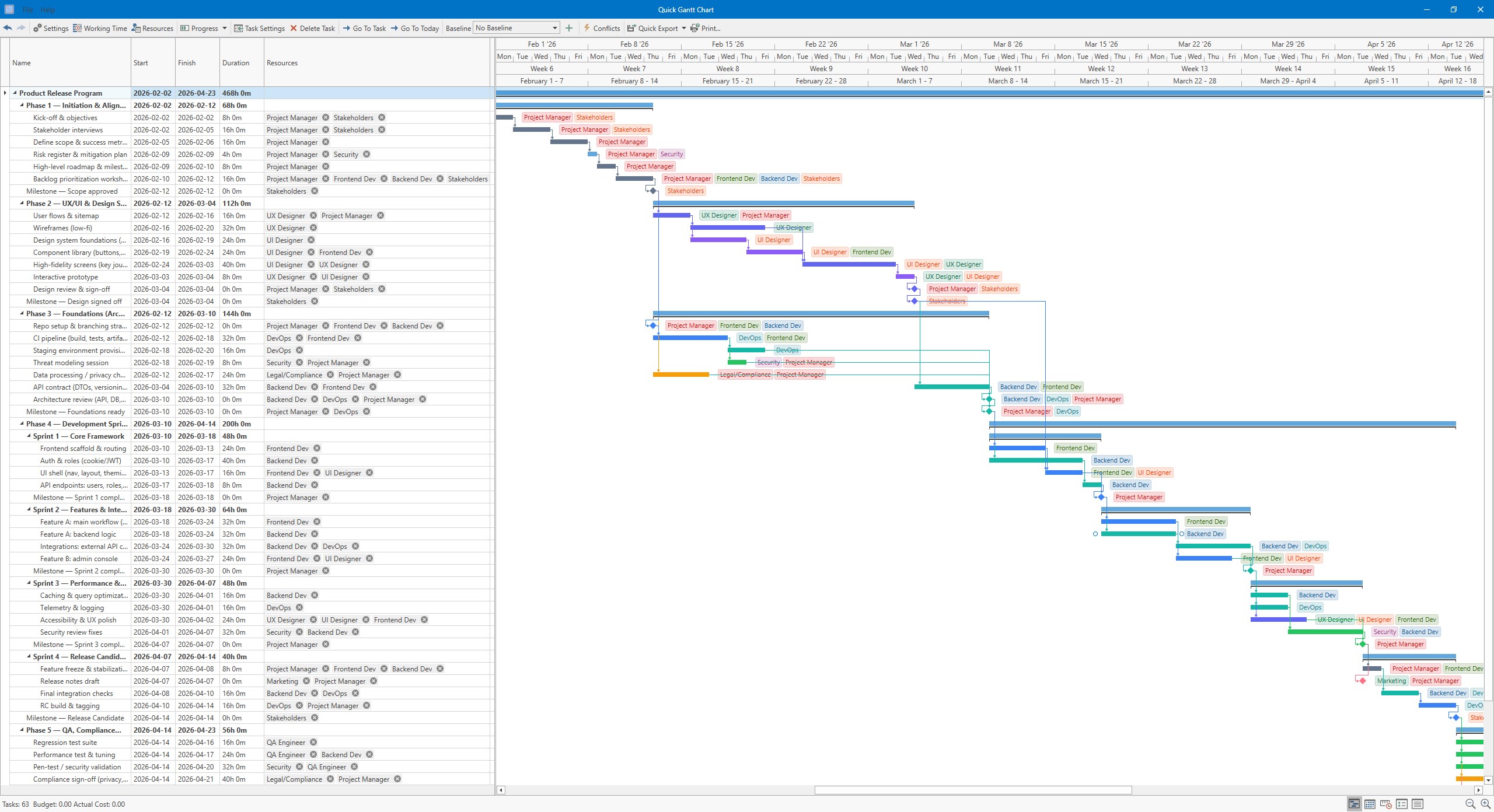
From the moment you open Quick Gantt Chart, it's as if you've stepped into an artist's studio rather than a tech tool. The interface boasts a clean layout, with a vibrant timeline stretching across the workspace, and intuitive icons guiding you effortlessly. The color schemes are easy on the eyes, making it pleasant to spend extended periods planning your projects. Navigating through the timeline, zooming in for details or out for the big picture, feels smooth—almost like flipping through a beautifully illustrated book.
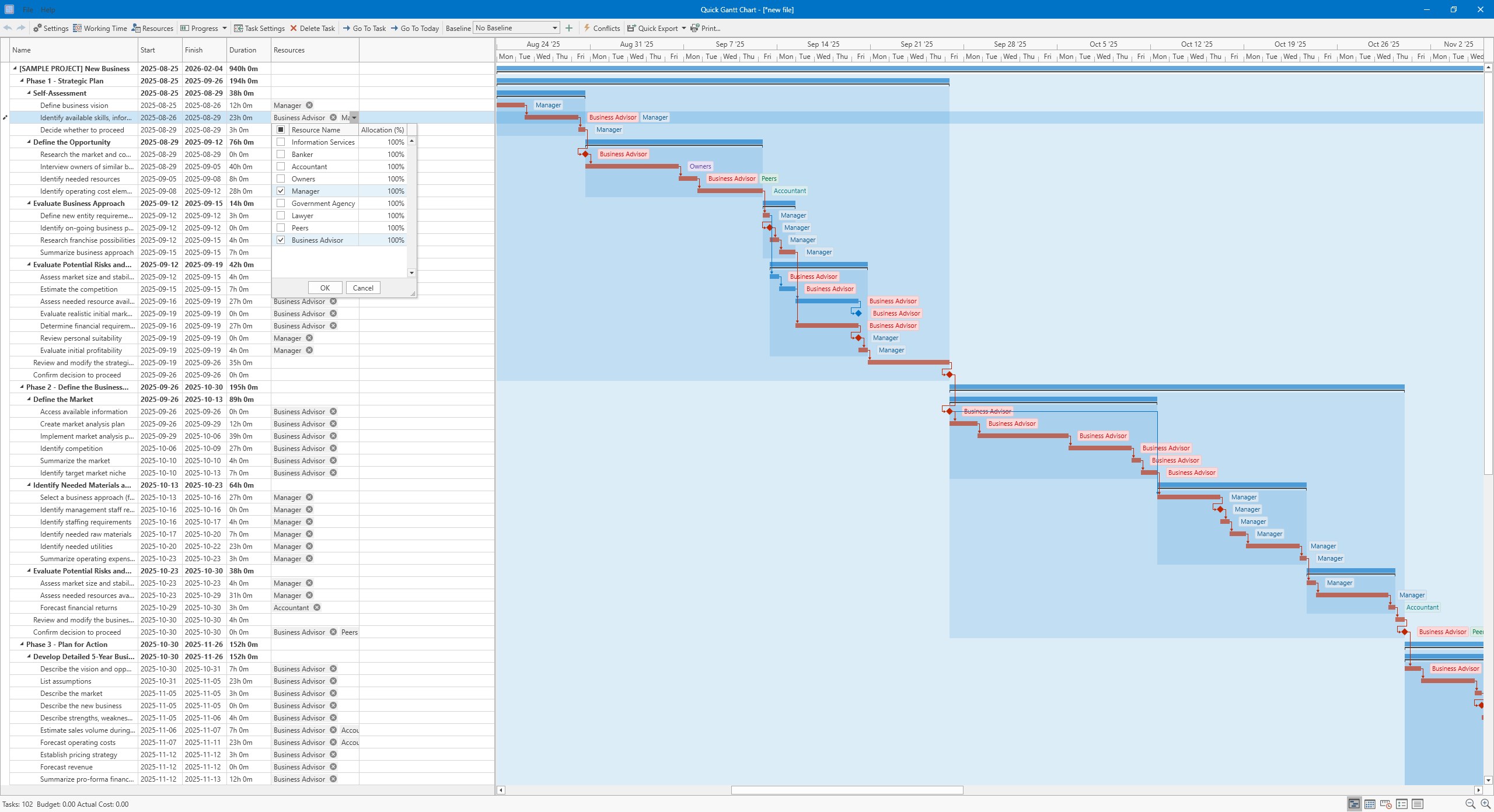
Despite its robust capabilities, the application doesn't drown you in complexity. Its drag-and-drop functionality allows for quick adjustments—shifting tasks on the timeline is as easy as dragging a sticky note across a whiteboard. The learning curve is gentle, even for those new to project management software, thanks to clear tooltips and a straightforward menu structure. For seasoned project managers, the detailed options for task dependencies and progress tracking offer enough depth without overwhelming.
What truly sets Quick Gantt Chart apart from other similar apps is its emphasis on collaboration. Unlike traditional Gantt chart tools that are often static and siloed, this app facilitates real-time teamwork. Multiple users can simultaneously update schedules, comment, and share insights—akin to a digital whiteboard where everyone's ideas flow freely. Coupled with integrated task management features, it makes juggling deadlines, responsibilities, and team coordination feel natural and cohesive. This focus on collaborative workflow is its most compelling, especially for teams adopting hybrid or remote working structures.
All things considered, Quick Gantt Chart for Windows is a promising tool that offers a refreshingly accessible approach to project visualization. Its standout feature—the seamless collaboration integrated directly into timeline management—is a game-changer for teams seeking a unified platform that bridges planning with teamwork. For individual project planners or small teams looking for an intuitive, reliable Gantt chart application without steep learning curves, this app deserves a strong recommendation.
While it may not yet feature the depth of some enterprise-level tools, its balance of simplicity and functionality makes it a solid choice for most SMBs and professionals eager to bring clarity to their project schedules. Whether you're drafting your next big project or simply trying to organize your workload more effectively, Quick Gantt Chart could well become your digital co-pilot—friendly, efficient, and right at your fingertips.
Intuitive User Interface
Real-Time Collaboration
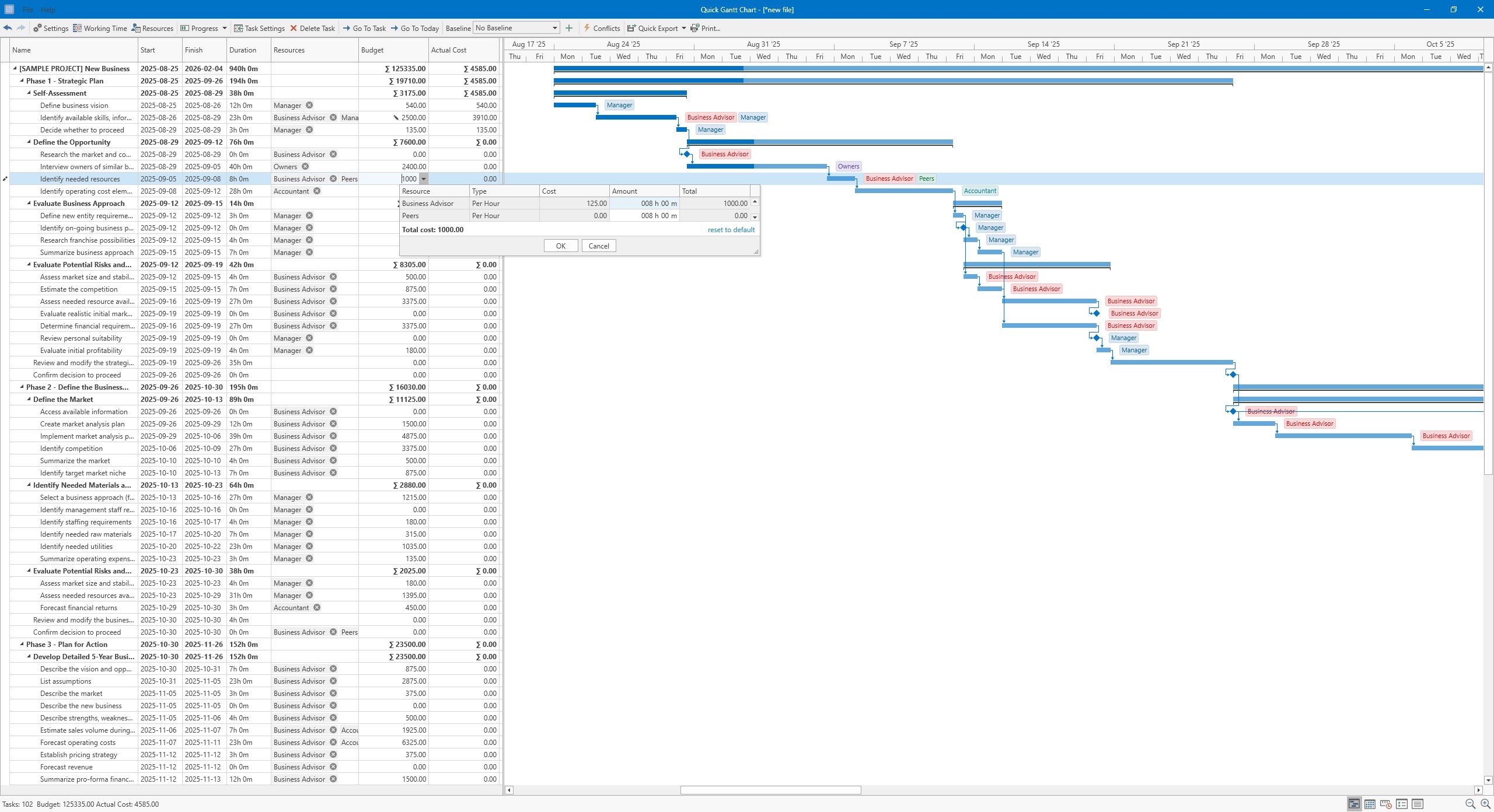
Comprehensive Task Management
Cross-Platform Accessibility
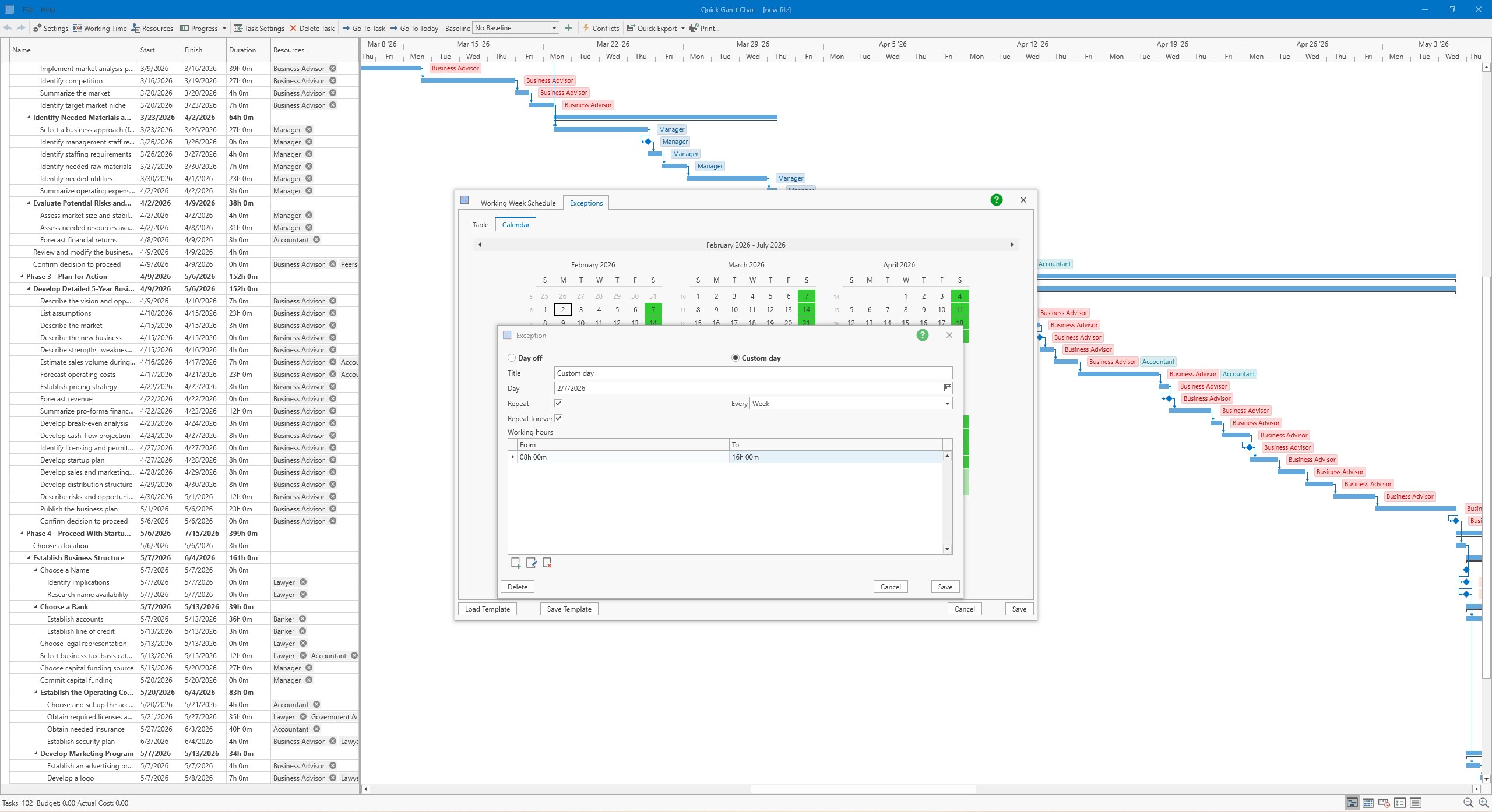
Customizable Chart Features
Limited Offline Functionality
Basic Export Options
Learning Curve for Advanced Features
Limited Integration with Other Tools
Occasional Lag on Large Projects

for Windows
 5
5

for Windows
5

for Windows
4.9

for Windows
4.9

for Windows
4.9

for Windows
4.9

for Windows
4.8

for Windows
4.8
for Windows
4.8

for Windows
4.8

for Windows
4.7

for Windows
4.7

for Windows
5

for Windows
5

for Windows
5

for Windows
5

for Windows
5

for Windows
5
for Windows
5

for Windows
5

for Windows
5

for Windows
5