Family & kids
Klondike Solitaire Game
PC, Mobile, Surface Hub, HoloLens
Windows 10 version 10240.0 or higher
Version 10
Chinese (Simplified), English (United States)
If you're a fan of classic card games with a modern twist, Pyramid Solitaire Pro!! offers a fresh yet familiar experience that's perfect for passing the time with a bit of strategic flair. Whether you're waiting in line or relaxing at home, this app aims to bring the timeless appeal of pyramid solitaire to your Windows device with sleek design and smooth gameplay.
Pyramid Solitaire Pro!! is developed by Klondike Solitaire Game, a team dedicated to bringing classic card games to digital audiences with a focus on accessibility and enjoyable user experience. The app's core aim is to provide a challenging and visually appealing version of pyramid solitaire, making it suitable for both seasoned players and newcomers.
The app mainly caters to casual gamers, puzzle enthusiasts, and anyone seeking a relaxing yet stimulating mental activity on their Windows device.
Imagine sitting back after a long day, eager to unwind with a game that's simple to learn but offers enough complexity to keep your mind engaged. Pyramid Solitaire Pro!! feels like a cozy puzzle box waiting to be opened. The smooth animations combined with the satisfying card matches create an inviting environment where the classic game feels alive with modern polish. It's essentially the digital equivalent of laying out cards on a sunny afternoon porch—familiar comfort with a touch of fresh vitality.
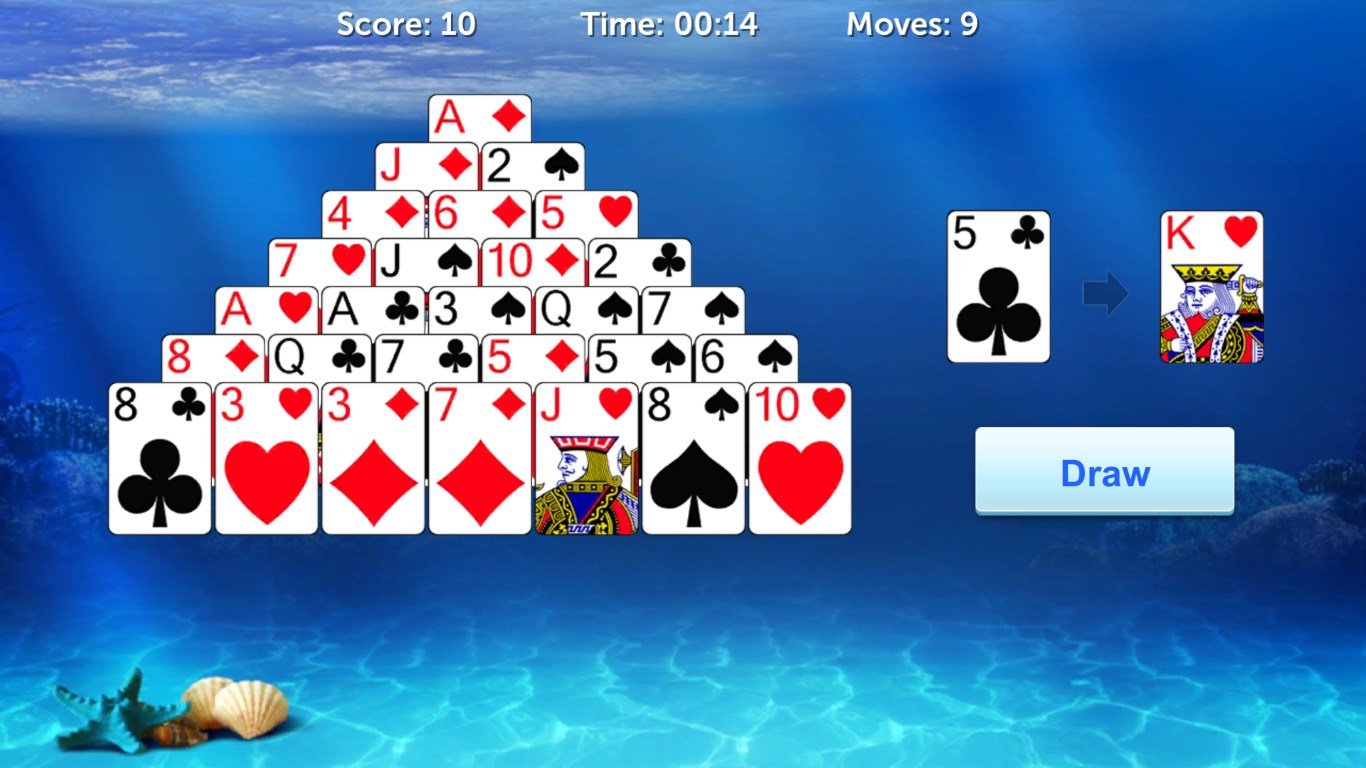
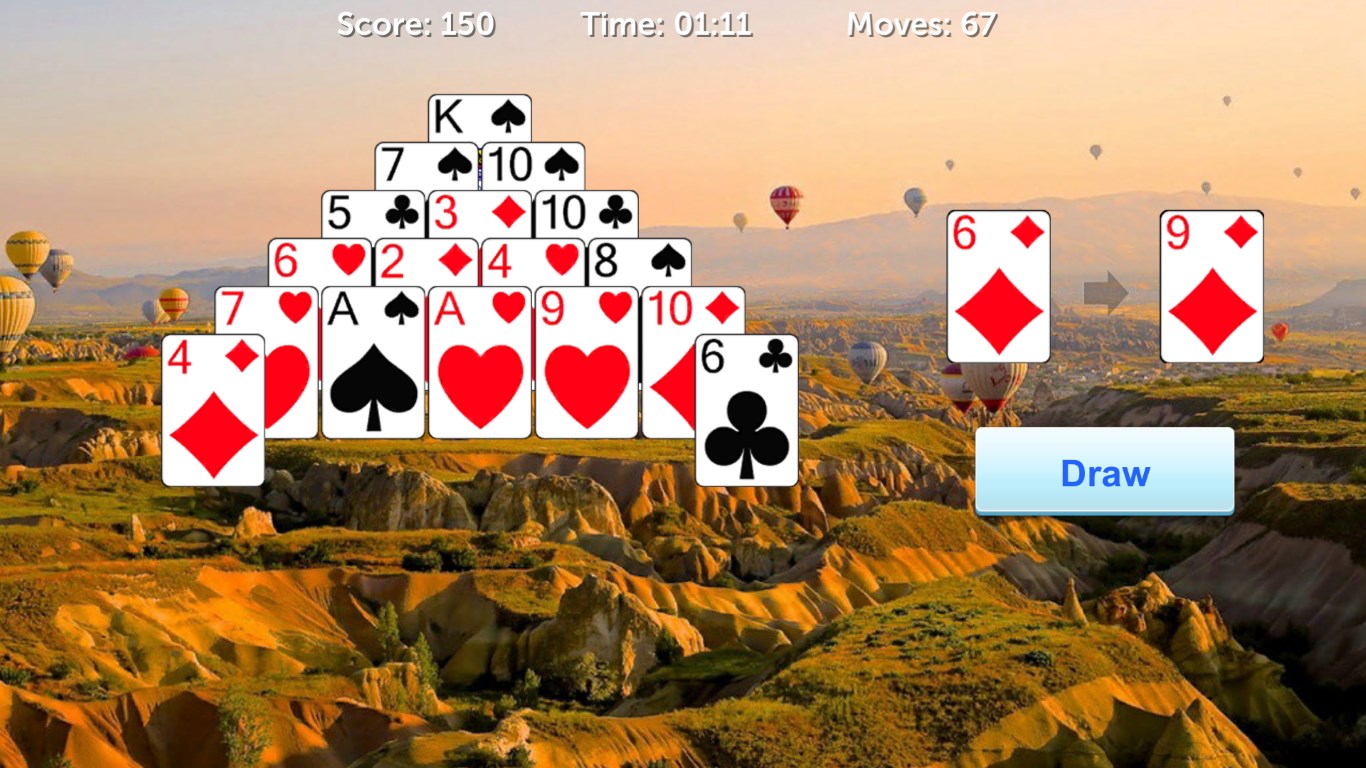
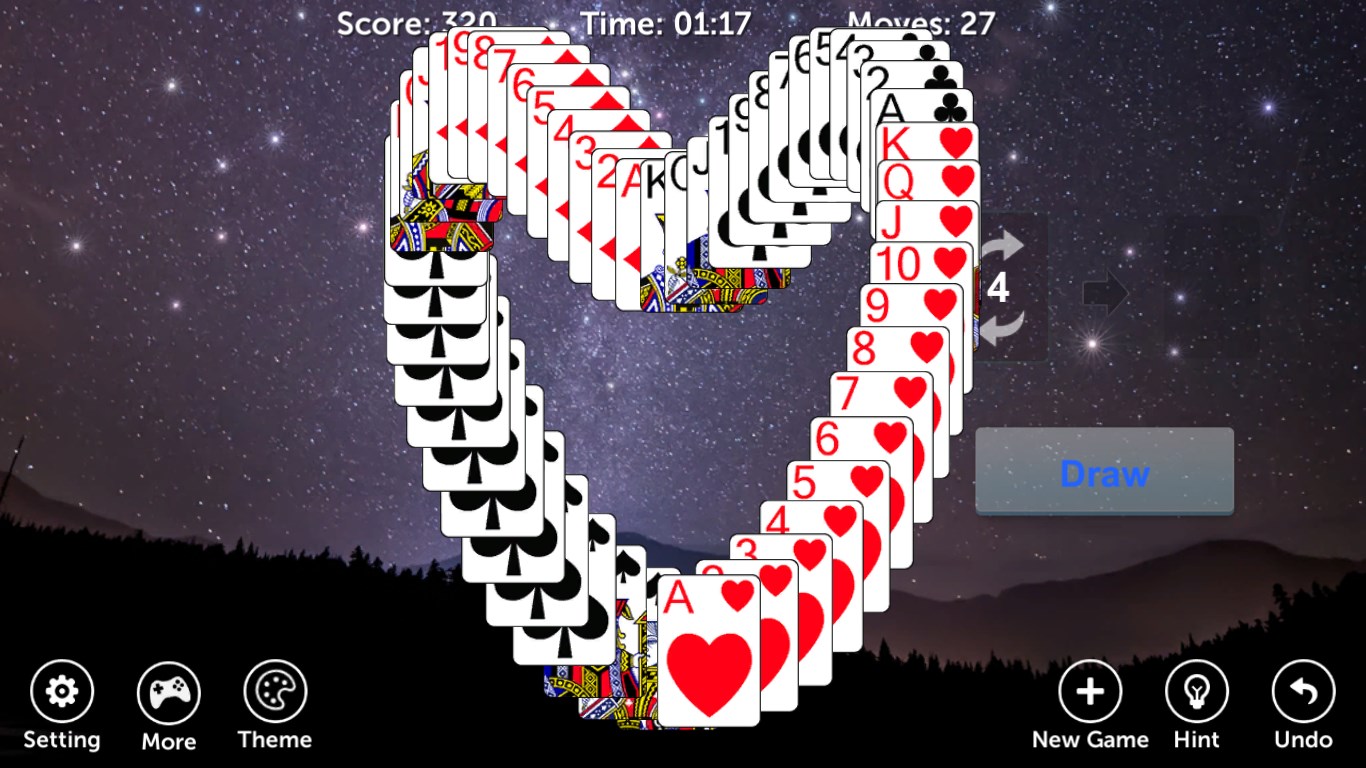
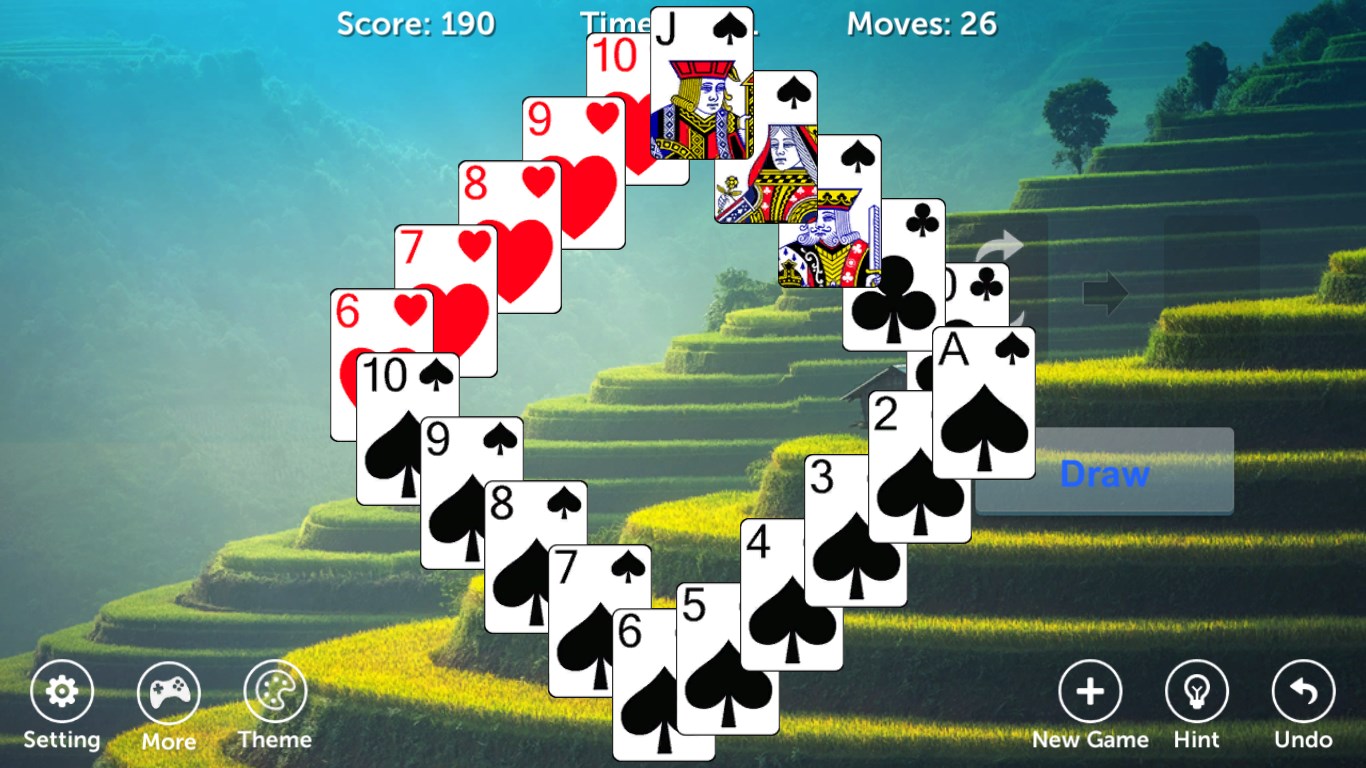
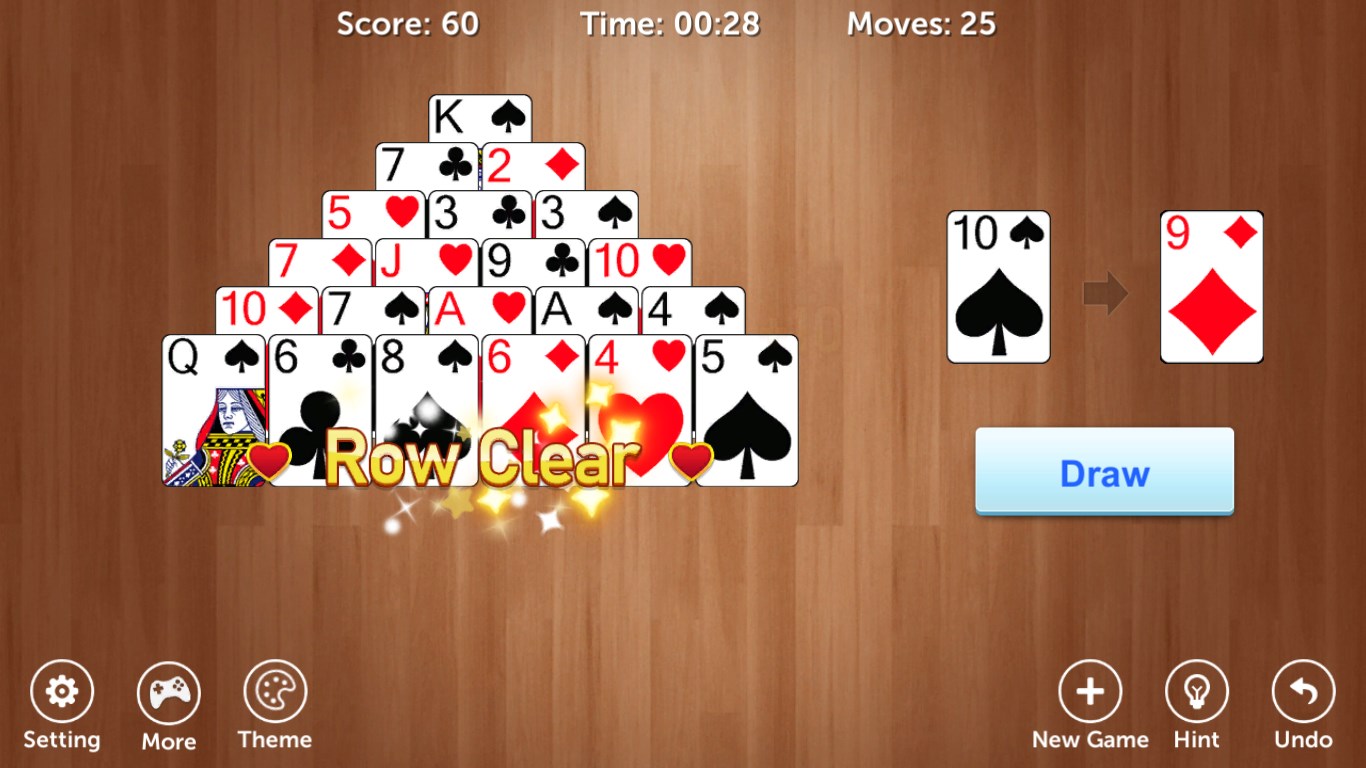
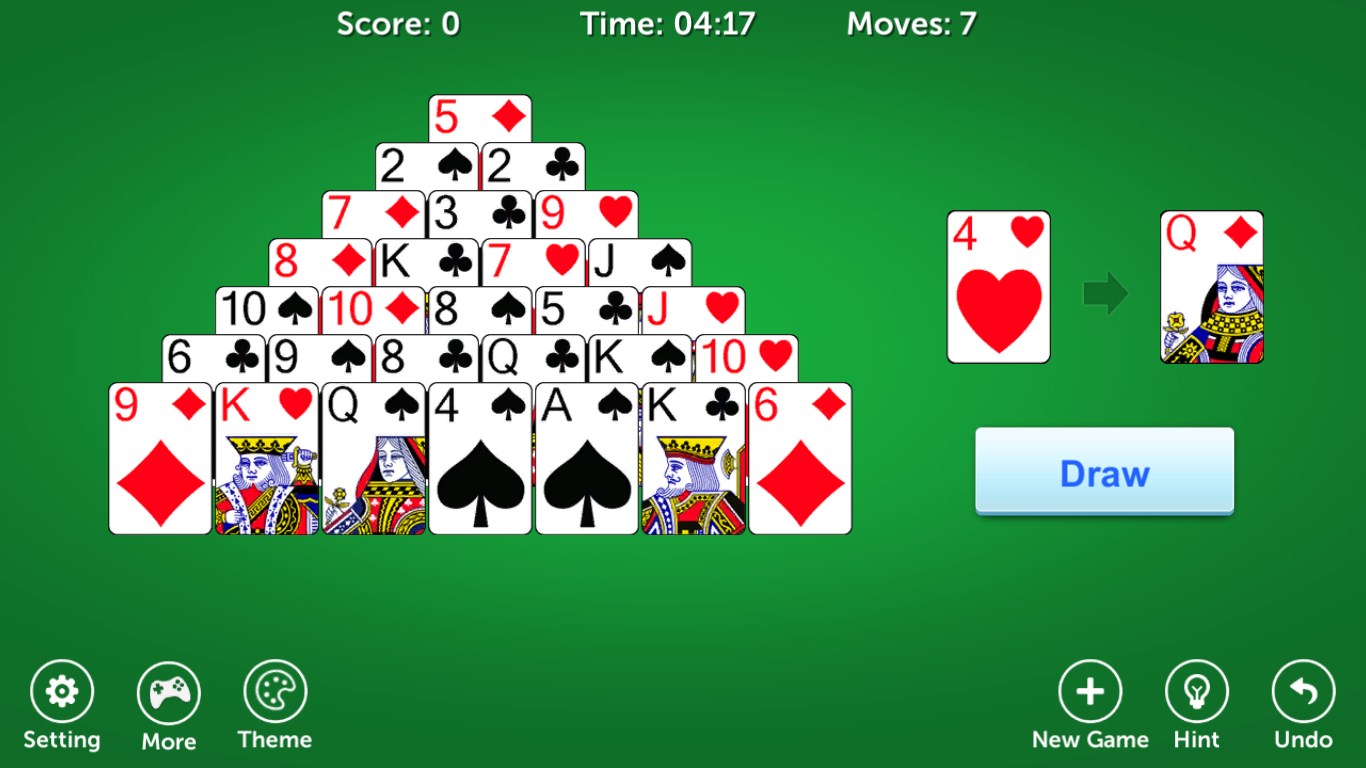
From the moment you launch Pyramid Solitaire Pro!!, the clean and colorful layout greets you like a well-organized puzzle board. The cards are crisply designed with clear suits and numbers, ensuring easy recognition even on smaller screens. The visual theme options—from classic cardboard to sleek dark modes—add a layer of personalization, making each game feel tailored to your mood. Transition animations are smooth, and the interface is intuitively laid out—clicking or dragging cards feels natural, mimicking the physical act of playing with real cards.
The game's mechanics are straightforward but cleverly executed to maintain challenge and engagement. You can move and match cards via dragging or simple taps—whichever feels more natural to you. The app includes helpful hints and an undo button, allowing players to correct mistakes or take a moment to plan their next move without penalty. The game's responsiveness ensures that even on slower devices, the gameplay remains fluid, letting you focus solely on strategizing rather than wrestling with controls.
For newcomers, Pyramid Solitaire Pro!! offers a gentle entry point. The initial tutorial is concise, guiding players through the basic rules and controls with animated prompts. Experienced players can dive straight into more challenging levels or customize their experience, with minimal fuss. The game strikes a balance—complex enough to stay interesting but straightforward enough for quick pick-up and play. The overall user experience feels polished, making it an ideal casual game for short breaks or extended sessions.
Many digital pyramid solitaire variants exist, but Pyramid Solitaire Pro!! shines through its attention to aesthetic detail and user engagement features. Its most standout aspect is the thoughtful inclusion of customizable themes and difficulty levels, allowing players to tailor the game environment to their preferences. The app's subtle animation effects and clear, uncluttered interface give it a premium feel, setting it apart from more cluttered or less polished competitors. Moreover, its use of helpful hints and undo functions demonstrates a player-centric design, ensuring that beginners aren't discouraged while still offering challenge for veterans.
In summary, Pyramid Solitaire Pro!! is a commendable digital adaptation of a classic game, condensed into a sleek and user-friendly package. Its most compelling features—intuitive controls and visually appealing themes—make it a delightful choice for puzzle fans and casual gamers alike. While it may not revolutionize the genre, it definitely earns a spot on your Windows desktop if you're looking for a reliable, engaging, and visually pleasing card game. I recommend giving it a try if you appreciate well-crafted casual games that combine simplicity with a touch of elegance. Whether you're aiming for quick solitaires or challenging yourself through time-limited puzzles, this app has enough versatility to keep you coming back.
Intuitive User Interface
Smooth Performance
Multiple Game Modes
Rich Visuals and Sound Effects
Offline Play Available
Limited Tutorial for Beginners
Ads Can Be Intrusive
Lack of Cloud Save Support
Limited Customization Options
Achievements and Leaderboards Are Basic

for Windows
 4.8
4.8

for Windows
4.7

for Windows
4.7
for Windows
4.6

for Windows
4.6

for Windows
4.5

for Windows
4.5

for Windows
4.4

for Windows
4.4

for Windows
4.2

for Windows
4.2

for Windows
4.2

for Windows
5

for Windows
5

for Windows
5

for Windows
5

for Windows
5

for Windows
5

for Windows
5

for Windows
5

for Windows
5

for Windows
5