Card & board
TreeCardGames
PC
Windows 10 version 17763.0 or higher
English, English (United States)
Pyramid Solitaire for Windows is a beautifully crafted digital adaptation of the timeless card game, providing players with a relaxing yet challenging experience that keeps the familiar gameplay fresh and engaging. Designed by TreeCardGames, this app aims to bring the classic Pyramid Solitaire to a modern audience with sleek visuals and smooth performance.
TreeCardGames is a dedicated game studio specializing in card and casual puzzle games, committed to delivering polished, user-friendly experiences that preserve the nostalgic charm of traditional games while enhancing them with digital innovations.
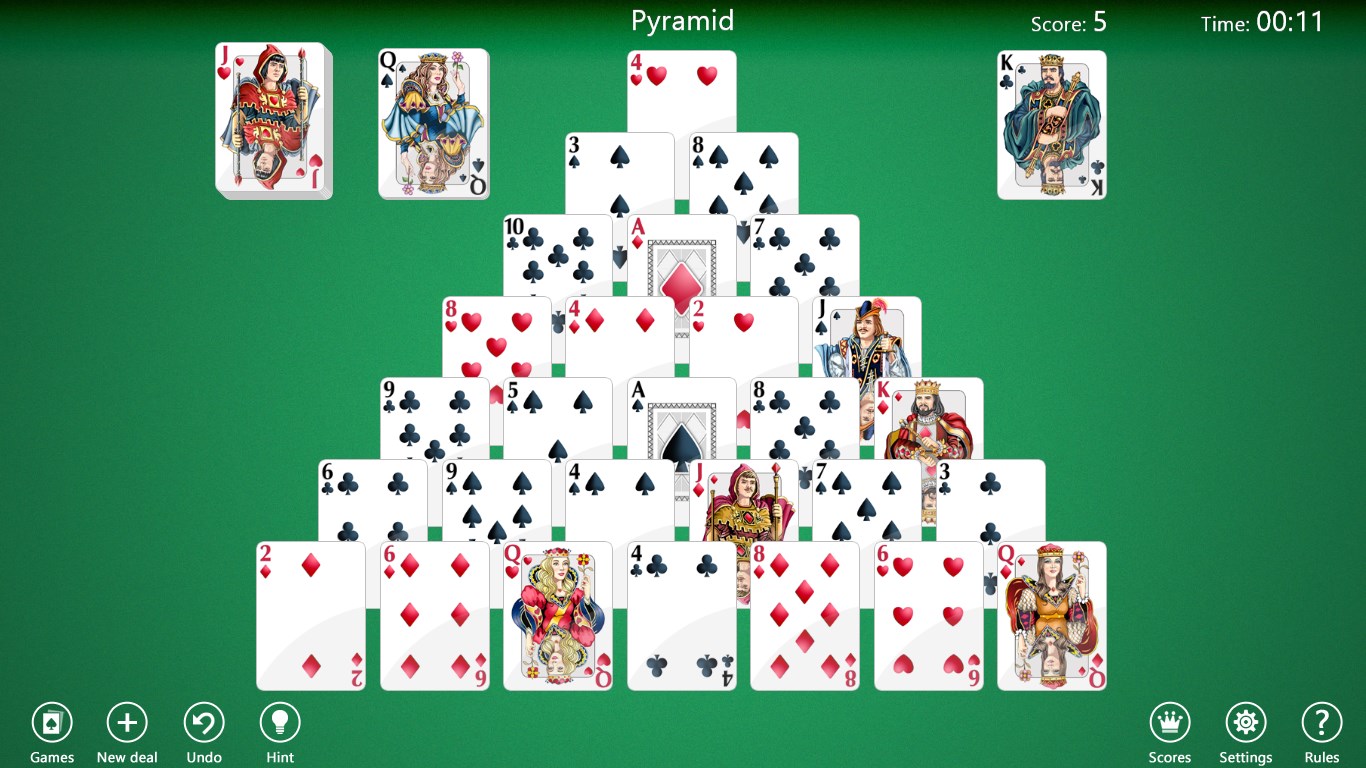
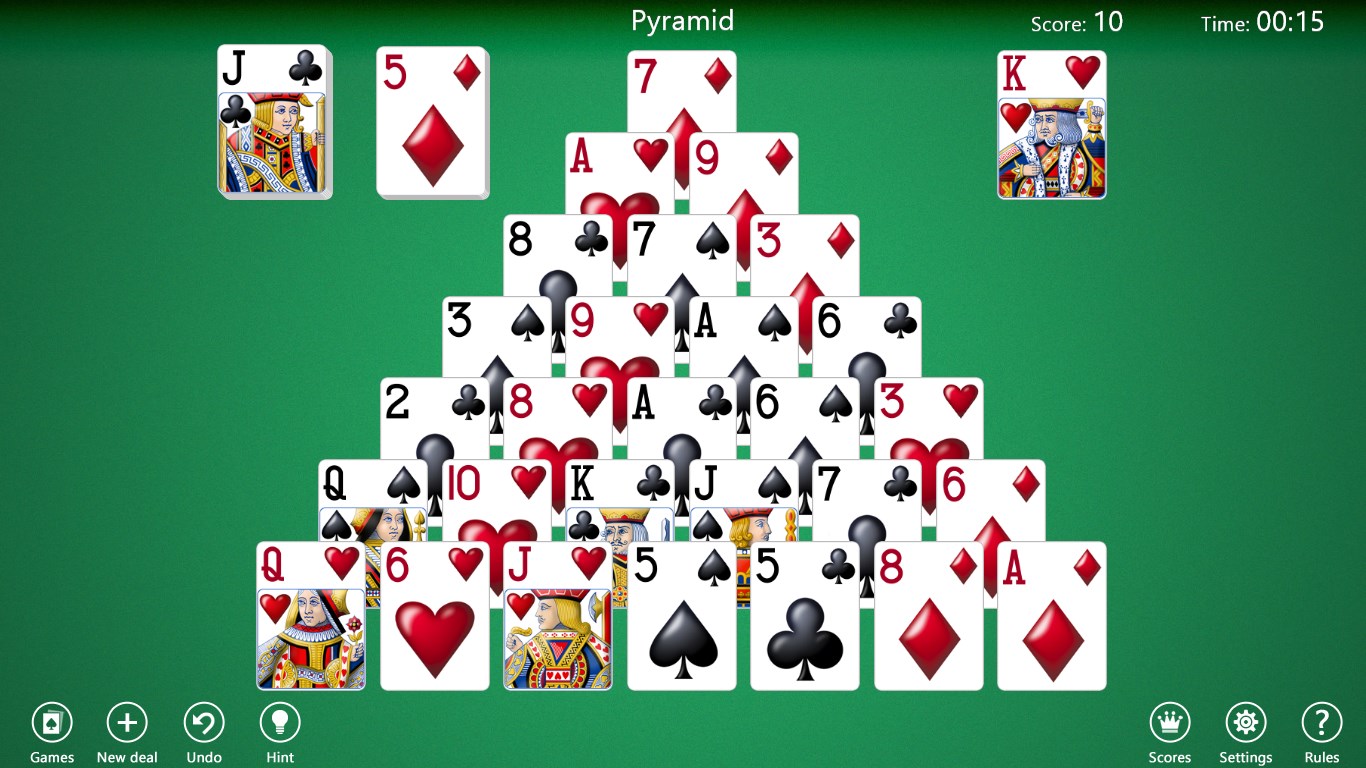
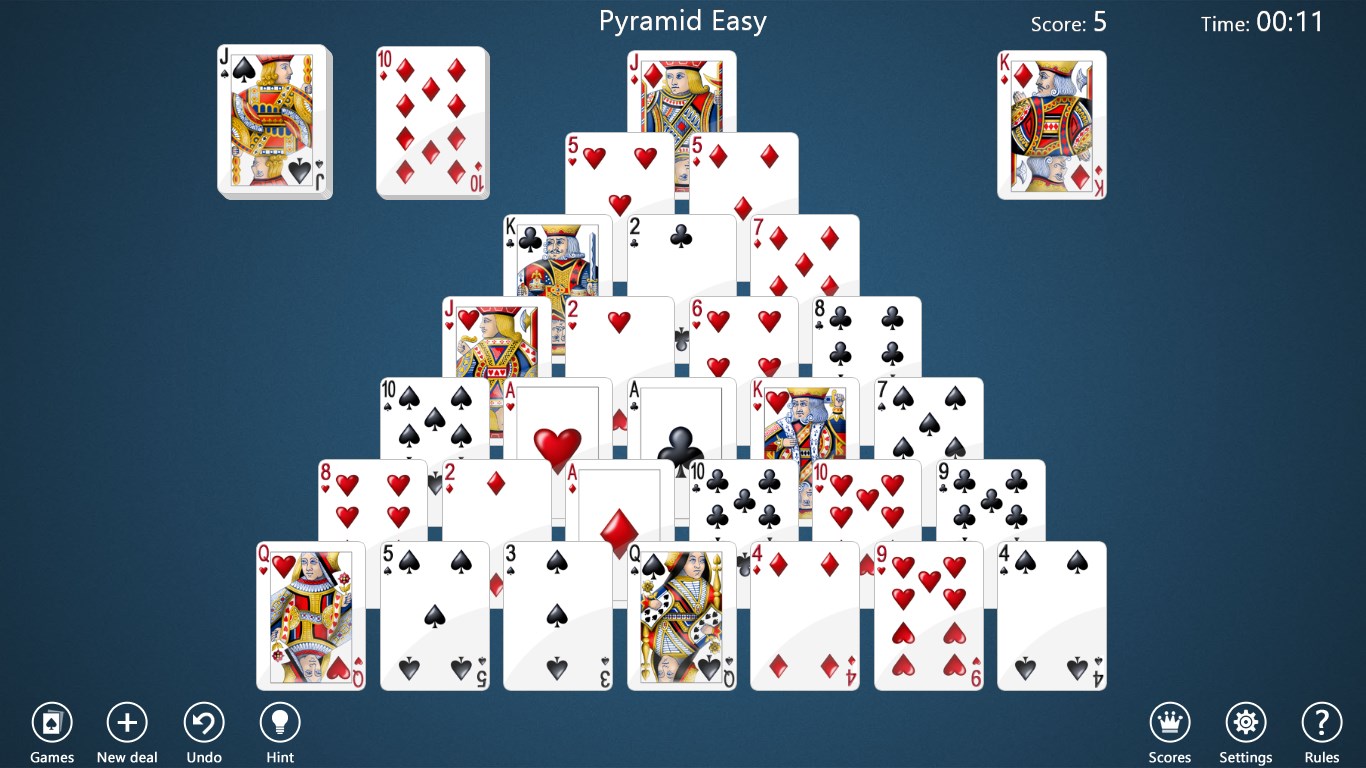
The game's interface feels like a neatly arranged tabletop, with crisp, well-illustrated cards that evoke a tangible feel, making it more than just pixels on a screen. The subtle use of colors and animations offers a visually calming environment, perfect for unwinding after a hectic day. The overall aesthetic is minimalist but charming, avoiding overwhelming clutter while maintaining sufficient visual interest to keep players engaged.
Navigation is as effortless as sliding a few cards across a velvet surface. The drag-and-drop mechanic is responsive, with no noticeable lag even during intense sessions. The game scales effortlessly across different Windows devices, from desktops to tablets, ensuring a consistent experience. The learning curve is gentle; new players can pick up the game quickly, thanks to clear tutorials and logical gameplay flow. For experienced players, the multiple difficulty settings offer enough challenge to sharpen their skills.
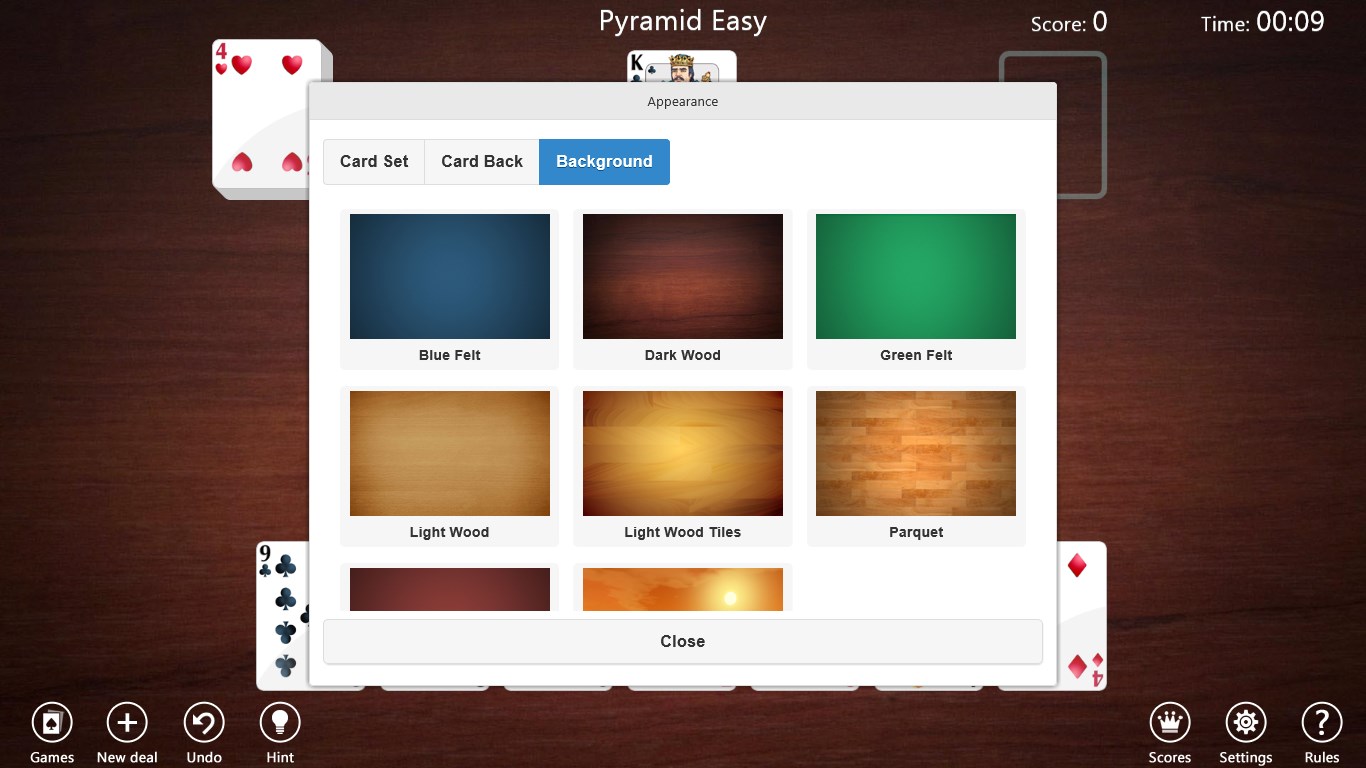
Many digital Solitaire variants exist, but Pyramid Solitaire for Windows excels with its thoughtful integration of assistive features like hints and undo options, promoting accessibility without compromising challenge. Its emphasis on customization—allowing players to tweak visual settings—creates a personalized gaming environment seldom seen in similar apps. Moreover, its seamless balance between nostalgia and modern usability positions it as a stand-out choice for fans of classic card games who also appreciate contemporary polish.
Suitably rated for players of all ages, Pyramid Solitaire for Windows provides a relaxing yet stimulating experience. I recommend it to anyone who enjoys puzzle cards, especially those seeking a balanced mix of traditional gameplay with modern usability enhancements. The game is ideal for quick sessions on a lunch break or longer gameplay marathons on quiet weekends. Its accessibility features and engaging visuals make it a considerate choice for casual players and seasoned solitaire enthusiasts alike.
Intuitive Drag-and-Drop Interface
Multiple Difficulty Levels
Clear and Attractive Graphics
Daily Challenges with Rewards
Auto-Complete and Hint Features
Limited Customization Options
Ads Between Games
Lack of Offline Mode
Performance Slightly Sluggish on Low-End Devices
Limited Replay Variations

for Windows
 4.9
4.9

for Windows
4.8

for Windows
4.8

for Windows
4.8

for Windows
4.8

for Windows
4.8

for Windows
4.8

for Windows
4.7

for Windows
4.7

for Windows
4.7

for Windows
4.7

for Windows
4.7

for Windows
5

for Windows
5

for Windows
5

for Windows
5

for Windows
5

for Windows
5

for Windows
5

for Windows
5

for Windows
5

for Windows
5