Business
PC
Windows 10 version 14316.0 or higher
English (United States)
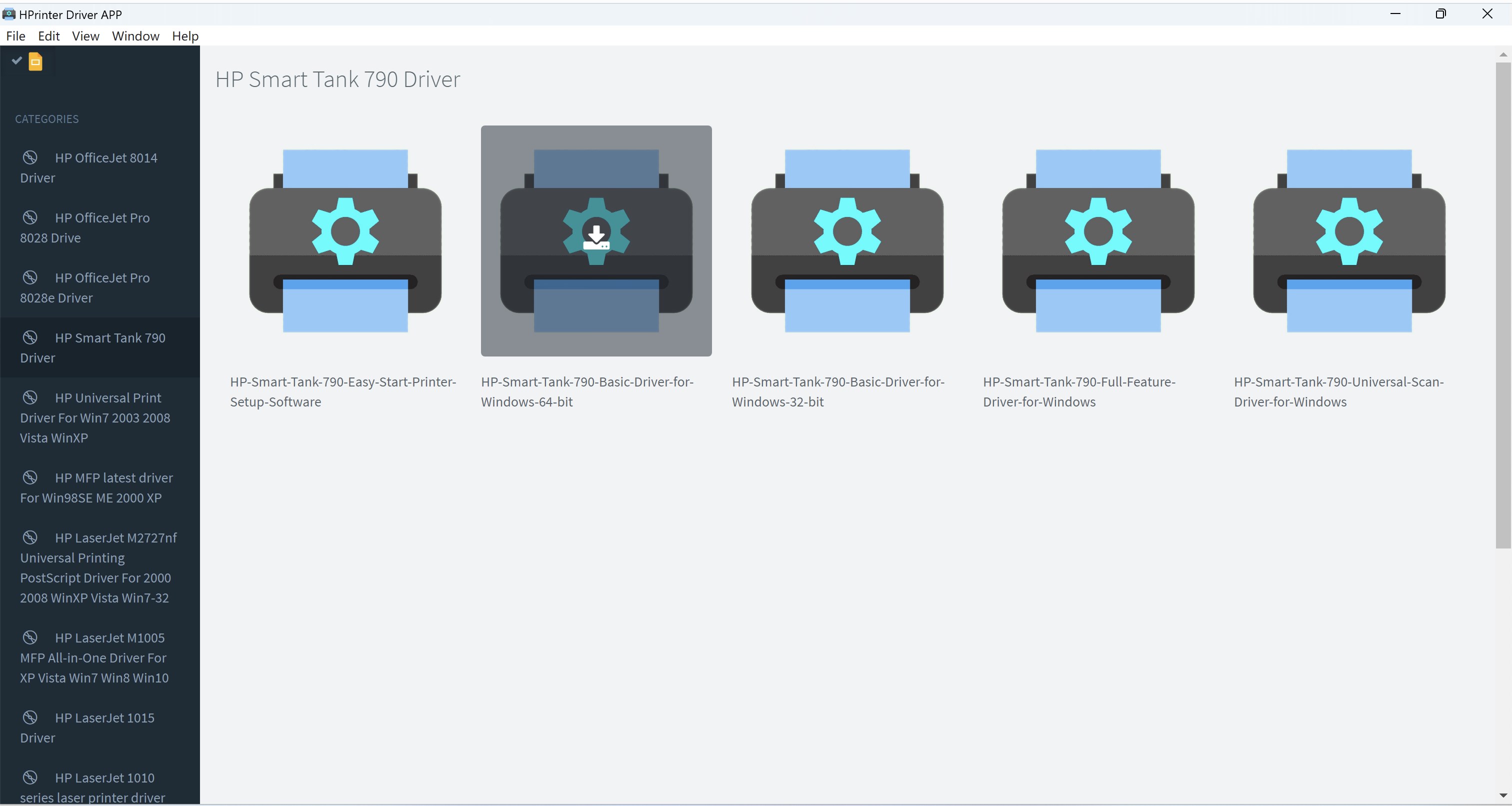
Printer Driver APP for Windows, developed by Hilarious, is a streamlined utility designed to simplify printer management and enhance printing efficiency within a Windows environment. With an intuitive interface and several targeted features, it aims to serve users seeking hassle-free printer setup and operation. Suitable for both individual users and small to medium-sized offices, this app stands out by bridging foundational printer controls with collaborative and task-oriented functionalities.
The core strength of Printer Driver APP lies in its effortless printer detection and configuration. Once installed, the app automatically scans for connected printers—be it via USB, network, or wireless—and provides users with straightforward options to set default devices, update drivers, or troubleshoot issues. Imagine it as a skilled conductor that quickly orchestrates all your printing instruments, ensuring each one is ready for action with minimal fuss.
What truly elevates this app is its ability to support collaborative work environments. Users can assign print jobs, share printer access permissions, and monitor ongoing tasks collectively. This feature is particularly beneficial for teams working on shared documents, allowing for a coordinated approach akin to a well-choreographed dance—everyone knows their role, and the print process flows harmoniously.
The app boasts a clean, visually appealing interface reminiscent of a helpful dashboard rather than a cluttered control panel. Navigating through printer settings, job queues, or troubleshooting tools feels natural, even for non-tech-savvy users. The responsiveness and smooth operation further enhance user experience, reducing the time spent on setup and emergencies alike. Think of it as the difference between a manual gear shift and an automatic transmission—less effort, more ease.
Compared to traditional printer management utilities, Printer Driver APP's most compelling aspect is its focus on collaborative features integrated directly into a straightforward driver management interface. Unlike many competing apps that merely handle driver updates or basic controls, this one emphasizes supporting teams working on shared devices and tasks—transforming a simple driver into a collaborative tool. Its ability to oversee multiple printers and assign specific jobs aligns well with small-office environments or classrooms that require shared resources, turning what was once fragmented into a unified workflow.
Overall, Printer Driver APP for Windows deserves a solid recommendation for users seeking an accessible, efficient, and collaborative approach to printer management. Its primary strength in enabling team-oriented print workflows sets it apart from more conventional apps. I suggest this app for small business teams, educators, or anyone who frequently interacts with multiple printers and values a streamlined, intuitive interface. For individual users with basic needs, it still offers straightforward management but shines brightest when multiple devices and collaborative tasks come into play.
In summary, if you're tired of juggling complicated printer settings or want a tool that makes managing shared resources less of a puzzle, Printer Driver APP by Hilarious is a worthy addition to your software arsenal—like having a friendly, tech-savvy assistant right at your fingertips.
Easy setup and installation process
Wide printer compatibility
Automatic updates and maintenance
User-friendly interface
Stable performance with minimal crashes
Limited customization options
Occasional connection failures with certain printers
Slower-than-expected update frequency for newer printers
Lack of detailed error explanations
Potentially large installation file size

for Windows
 5
5

for Windows
5

for Windows
4.9

for Windows
4.9
for Windows
4.9

for Windows
4.9

for Windows
4.8

for Windows
4.8

for Windows
4.8

for Windows
4.8

for Windows
4.7

for Windows
4.7

for Windows
5

for Windows
5

for Windows
5

for Windows
5

for Windows
5

for Windows
5
for Windows
5

for Windows
5

for Windows
5

for Windows
5