Business
Print Checks, Inc.
PC
Windows 10 version 17763.0 or higher
Integrated Keyboard
Integrated Mouse
English (United States)
Print Checks Pro for Windows by Print Checks, Inc. emerges as a dedicated tool tailored for small businesses and accounting professionals seeking efficient, accurate check printing with minimal fuss. Its straightforward design and focused features aim to streamline financial workflows, making it a noteworthy addition to Windows business applications.
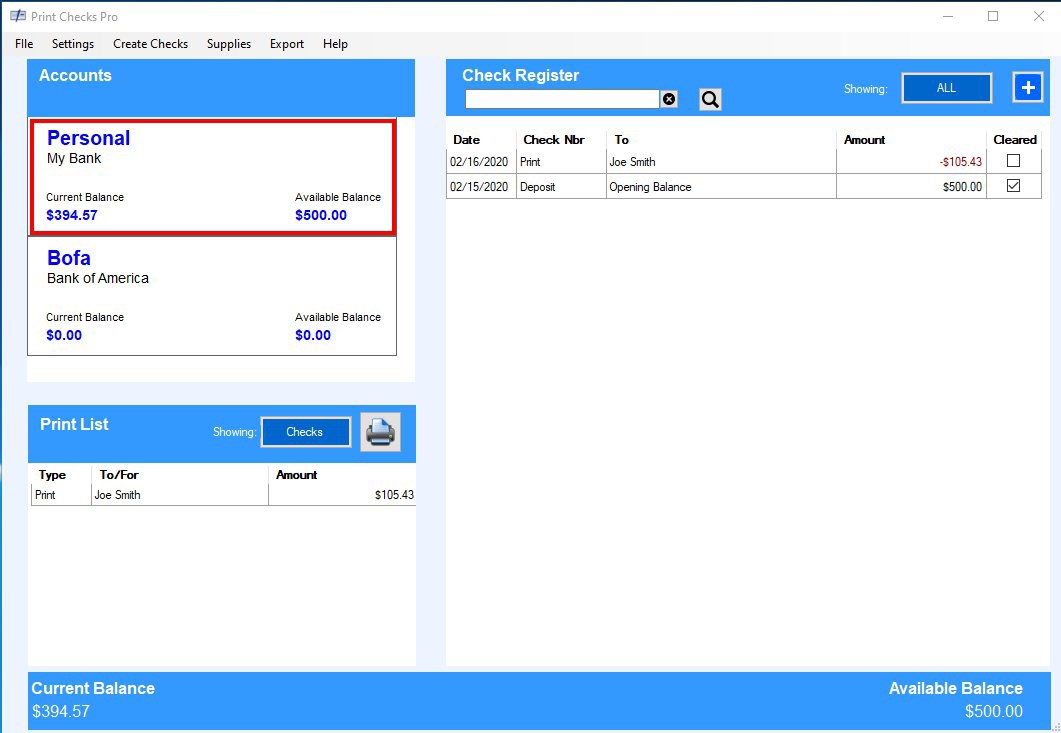
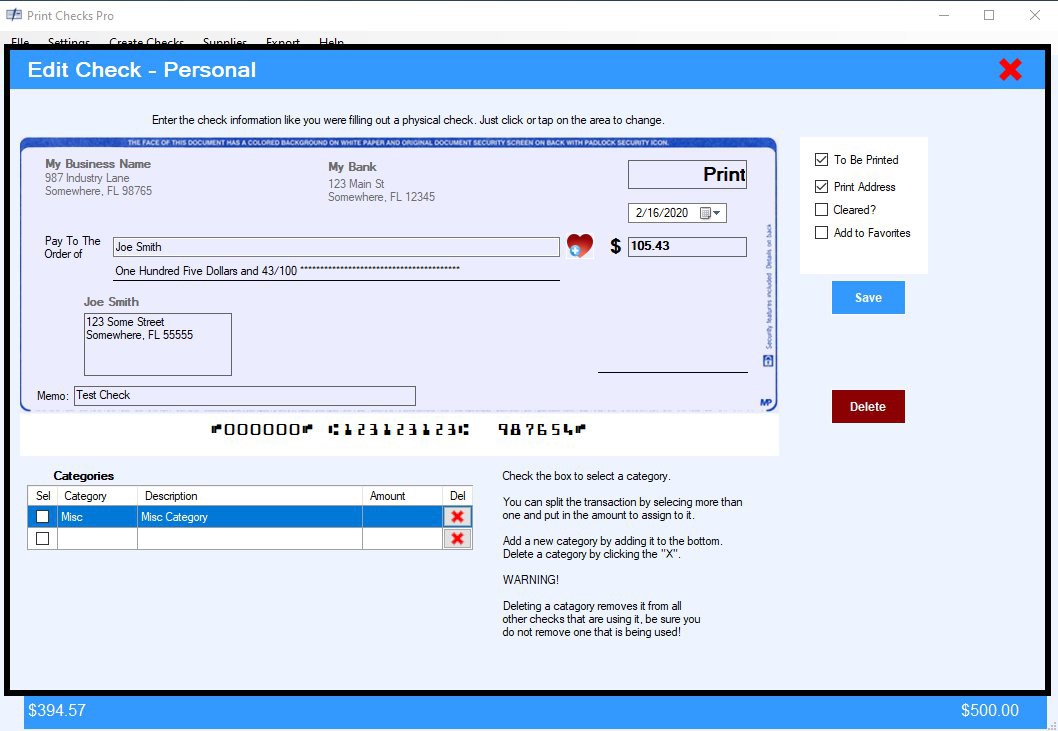
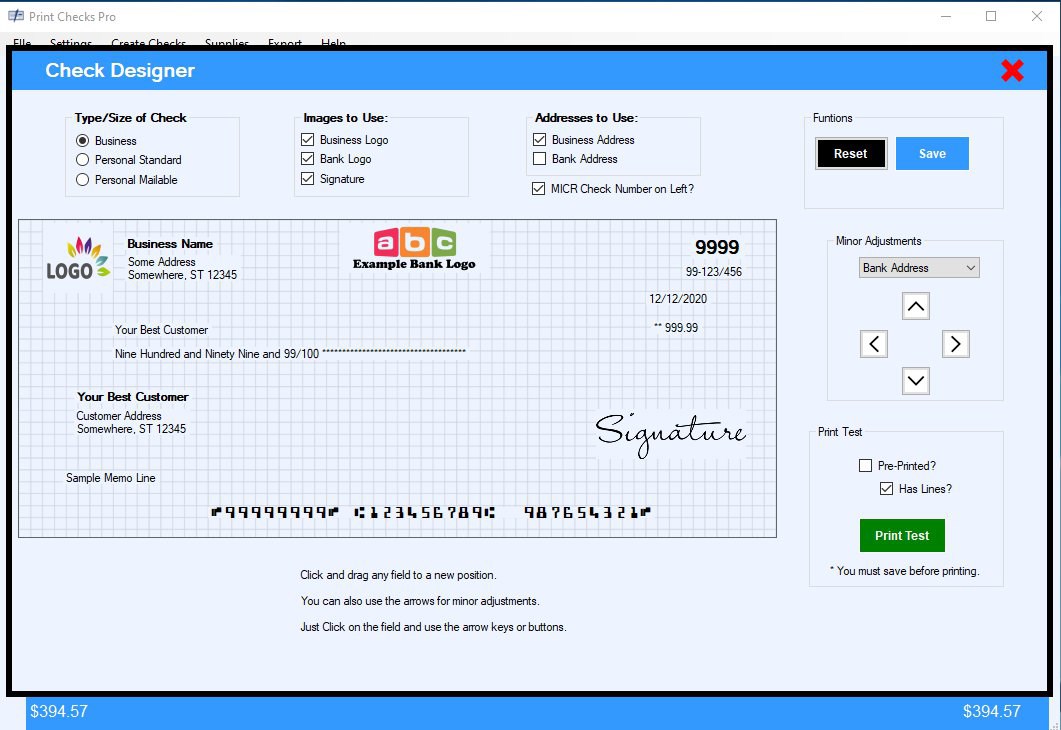
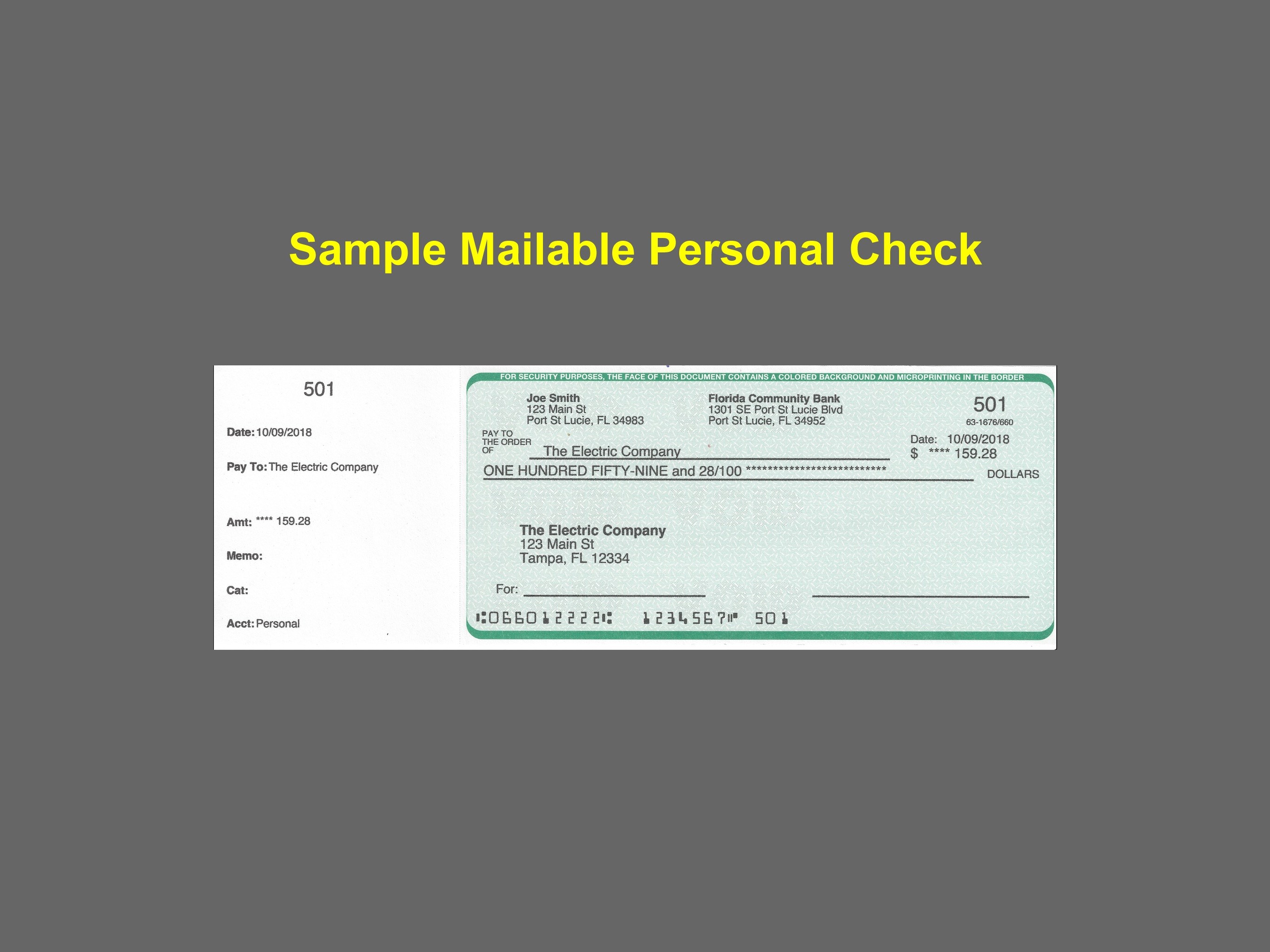
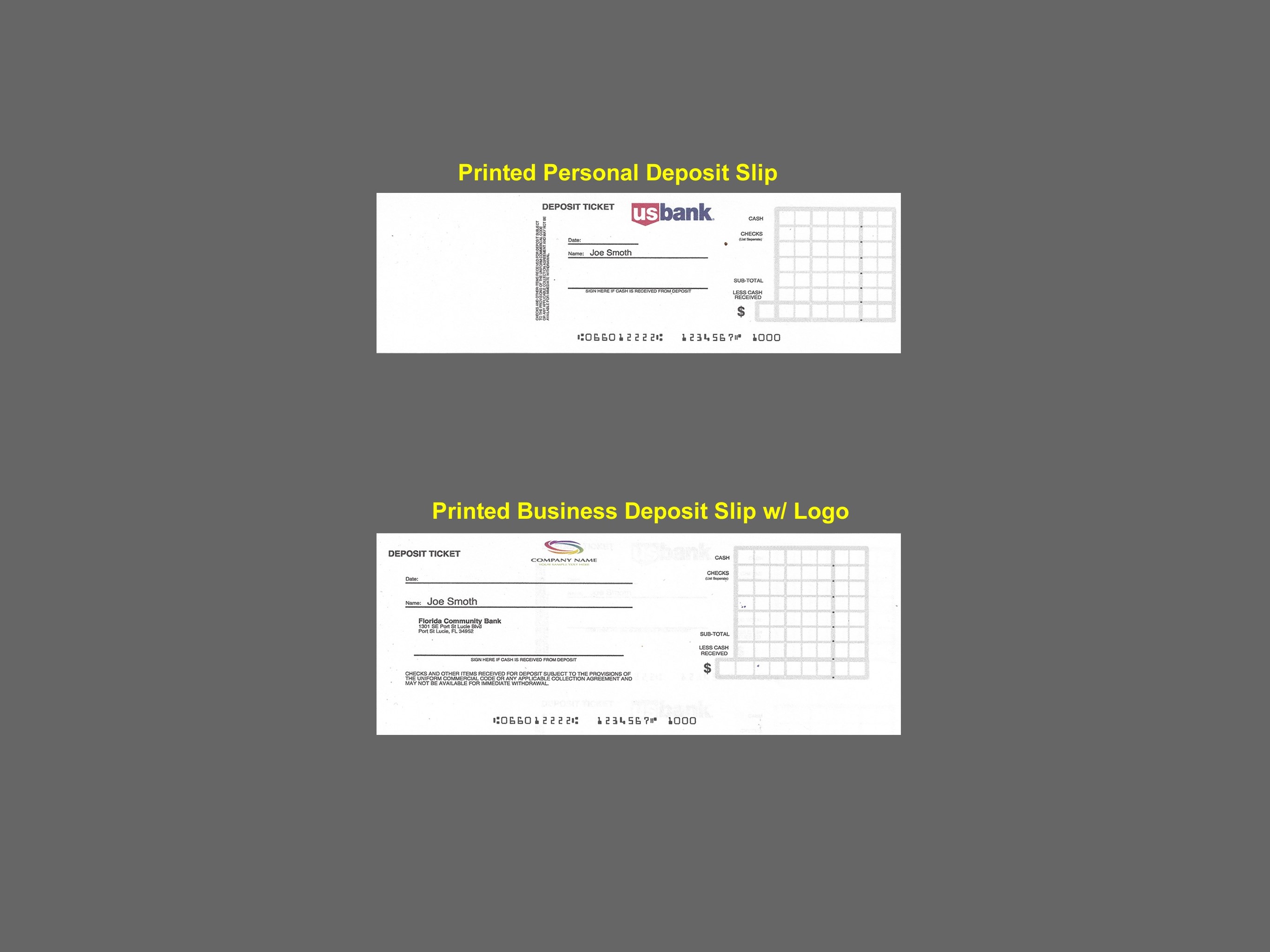
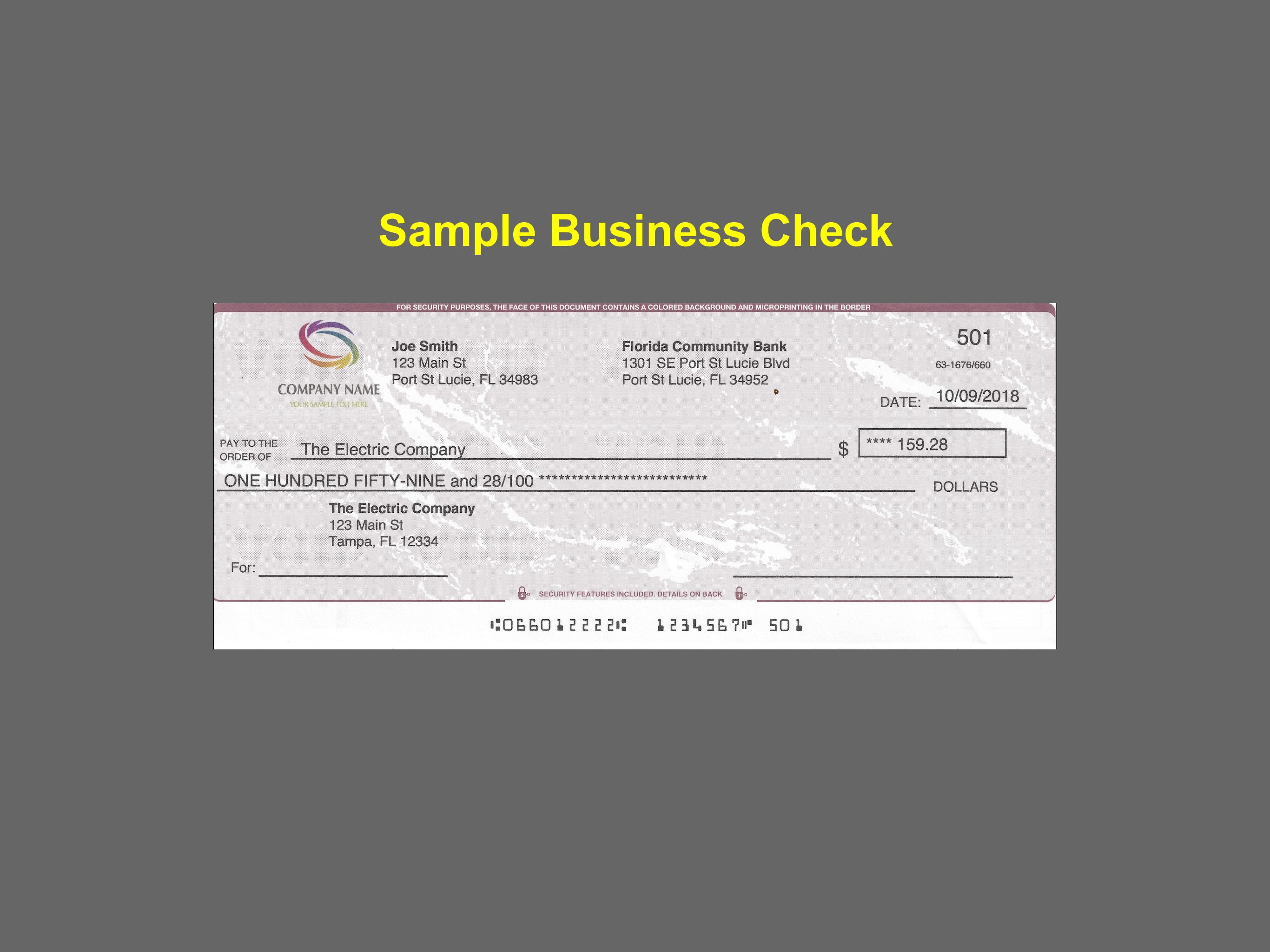
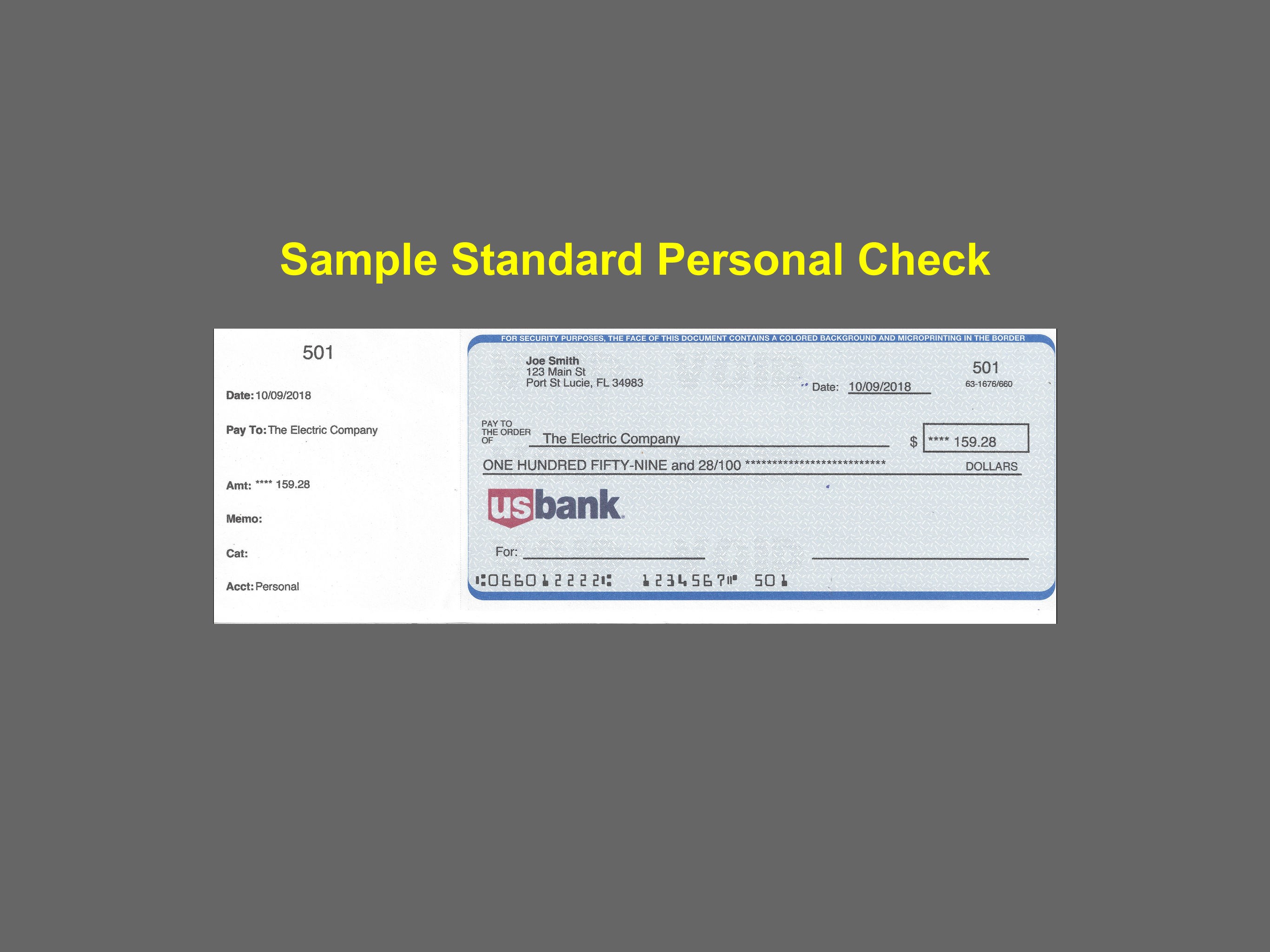
The application's primary allure lies in its intuitive check printing process. Users can effortlessly design, customize, and print checks directly from their Windows devices. With built-in templates and flexible formatting options, Print Checks Pro ensures that every check adheres to your business standards, eliminating the need for external templates or manual adjustments.
Managing sensitive financial information securely is crucial. Print Checks Pro offers encrypted data storage, ensuring your check data and bank details remain protected. Importing payee and account information from spreadsheets or direct input allows for speed and accuracy, reducing manual errors. The application also maintains audit logs for accountability and compliance.
One of the standout features is its batch processing capability, enabling users to print multiple checks simultaneously—an efficient solution for businesses processing numerous payments. Besides, Print Checks Pro distinguishes itself with collaborative task management—users can share check data securely within teams, assign review roles, and track the printing status collectively. This integration into team workflows makes it more than just a check printer; it becomes a part of your financial collaboration ecosystem.
The interface of Print Checks Pro feels like a well-organized workspace—clean, straightforward, and easy to navigate. The design leverages familiar Windows elements, reducing the learning curve for new users. During testing, operations like customizing check templates or importing data felt fluid and responsive, akin to a well-oiled machine. Even those less familiar with check printing software can pick it up quickly, thanks to clear instructions and logical layouts.
Compared to traditional check printing tools, Print Checks Pro excels by integrating collaborative task management, which is uncommon among desktop-only applications. Its ability to enable multiple users to work simultaneously—reviewing, approving, and tracking check printing status—mirrors the collaborative spirit seen in cloud-based apps but is optimized for local Windows environments. This makes it highly appealing for team-oriented small business settings that require both security and teamwork without reliance on external cloud services.
Print Checks Pro offers a solid, no-nonsense approach to check printing with a special focus on collaborative workflows. Its user-friendly interface, combined with batch processing and task sharing features, sets it apart from more generic solutions. For small business owners, accountants, or finance departments seeking a dependable tool to streamline check management, this app comes highly recommended.
While it's best suited for those who need straightforward check printing and team collaboration features, advanced users looking for extensive customizations or integrations may find it somewhat limited. Overall, I'd suggest giving it a try if your priorities are efficiency, security, and team-based task management in check processing.
User-Friendly Interface
Wide Compatibility
Customizable Templates
Batch Printing Support
Secure Data Handling
Limited Export Options
Basic Template Designs
Performance Issues on Large Batches
Limited Customer Support Options
Initial Setup Requires Guidance

for Windows
 5
5

for Windows
5

for Windows
4.9

for Windows
4.9

for Windows
4.9

for Windows
4.9

for Windows
4.8

for Windows
4.8

for Windows
4.8

for Windows
4.8

for Windows
4.7

for Windows
4.7

for Windows
5

for Windows
5

for Windows
5

for Windows
5

for Windows
5

for Windows
5
for Windows
5

for Windows
5

for Windows
5

for Windows
5