Business
PC
Windows 10 version 17763.0 or higher
2 GB
Arabic, Basque, Bulgarian, Catalan, Chinese (Simplified), Chinese (Traditional), Croatian, Czech, Danish, Dutch, English (United States), Estonian, Finnish, French, Galician , German, Greek, Hebrew, Hindi, Hungarian, Indonesian, Italian, Japanese, Kazakh, Korean , Latvian, Lithuanian, Malay, Norwegian (Bokmål), Polish , Portuguese (Brazil), Portuguese (Portugal), Romanian, Russian, Serbian, Serbian (Latin, Serbia), Slovak, Slovenian (Slovenia), Spanish (Spain), Swedish, Thai, Turkish, Ukrainian, Vietnamese
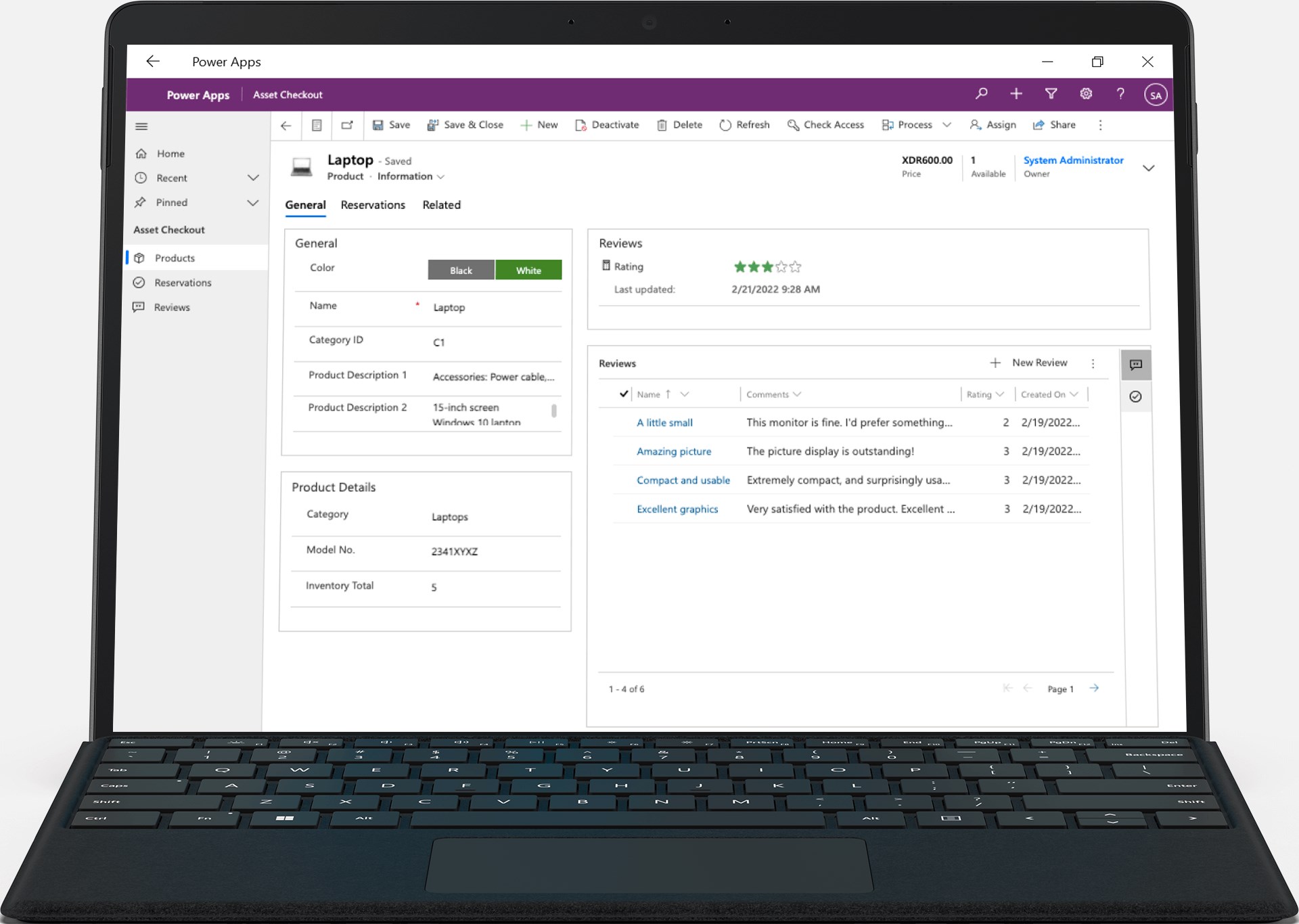
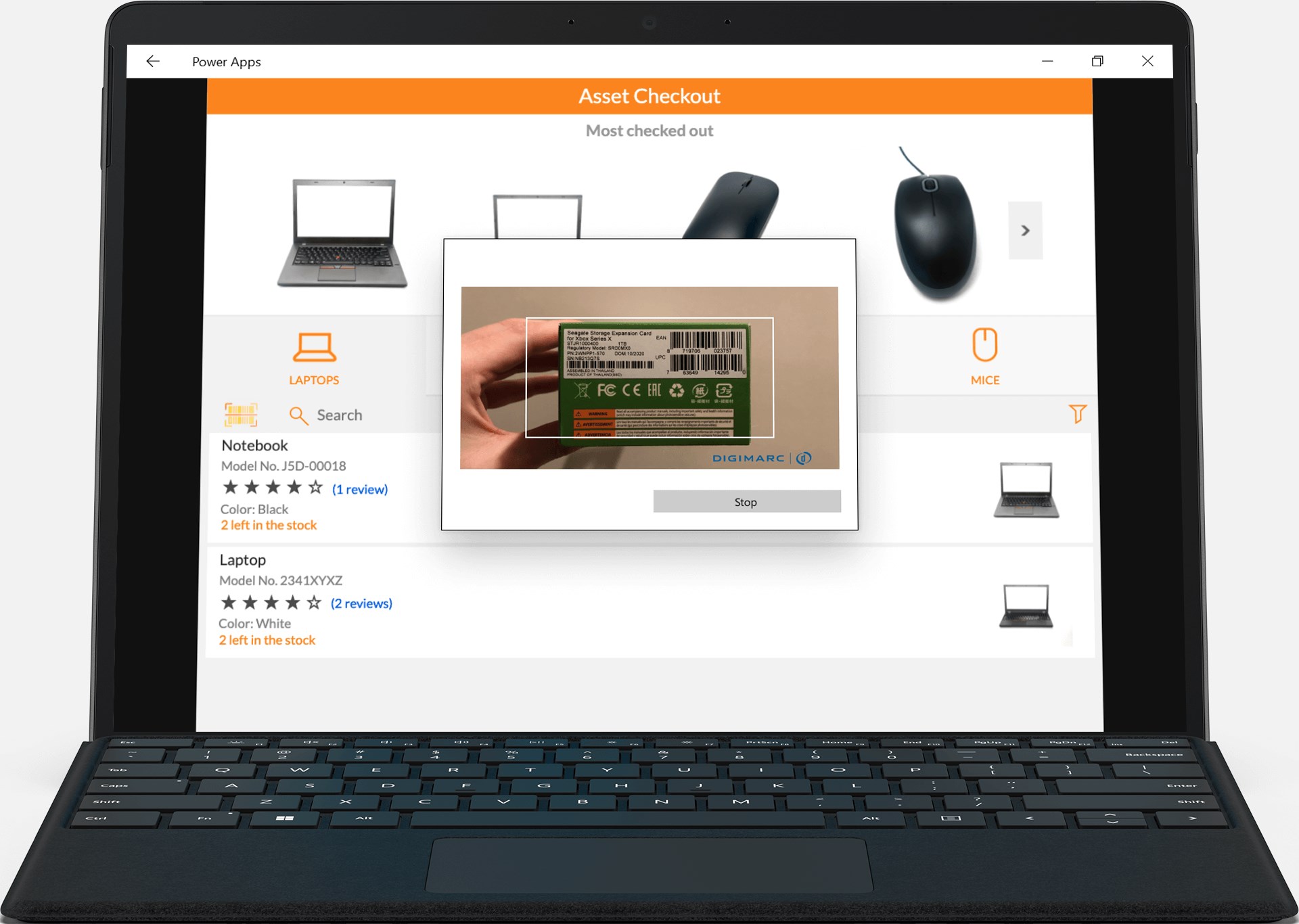
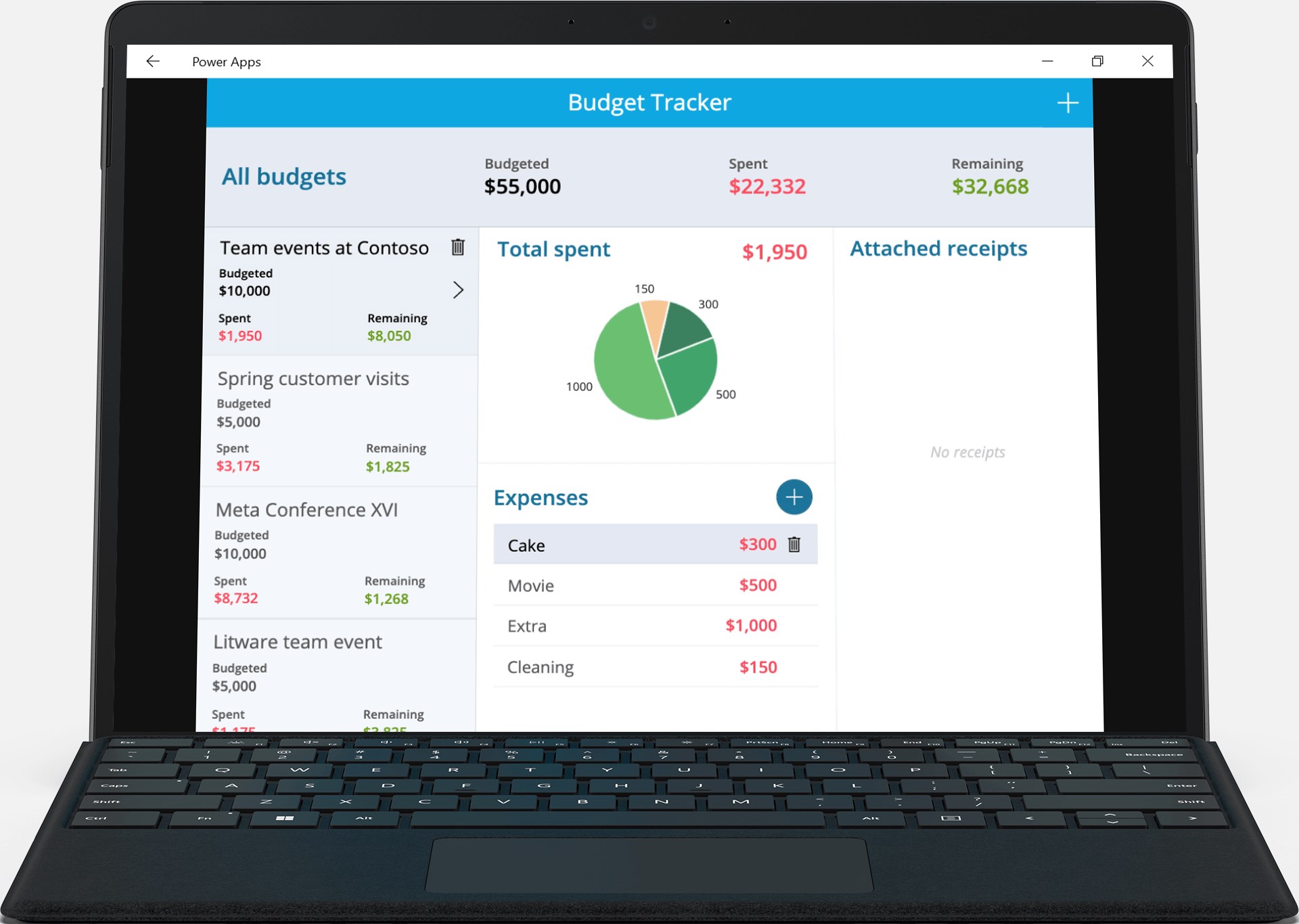
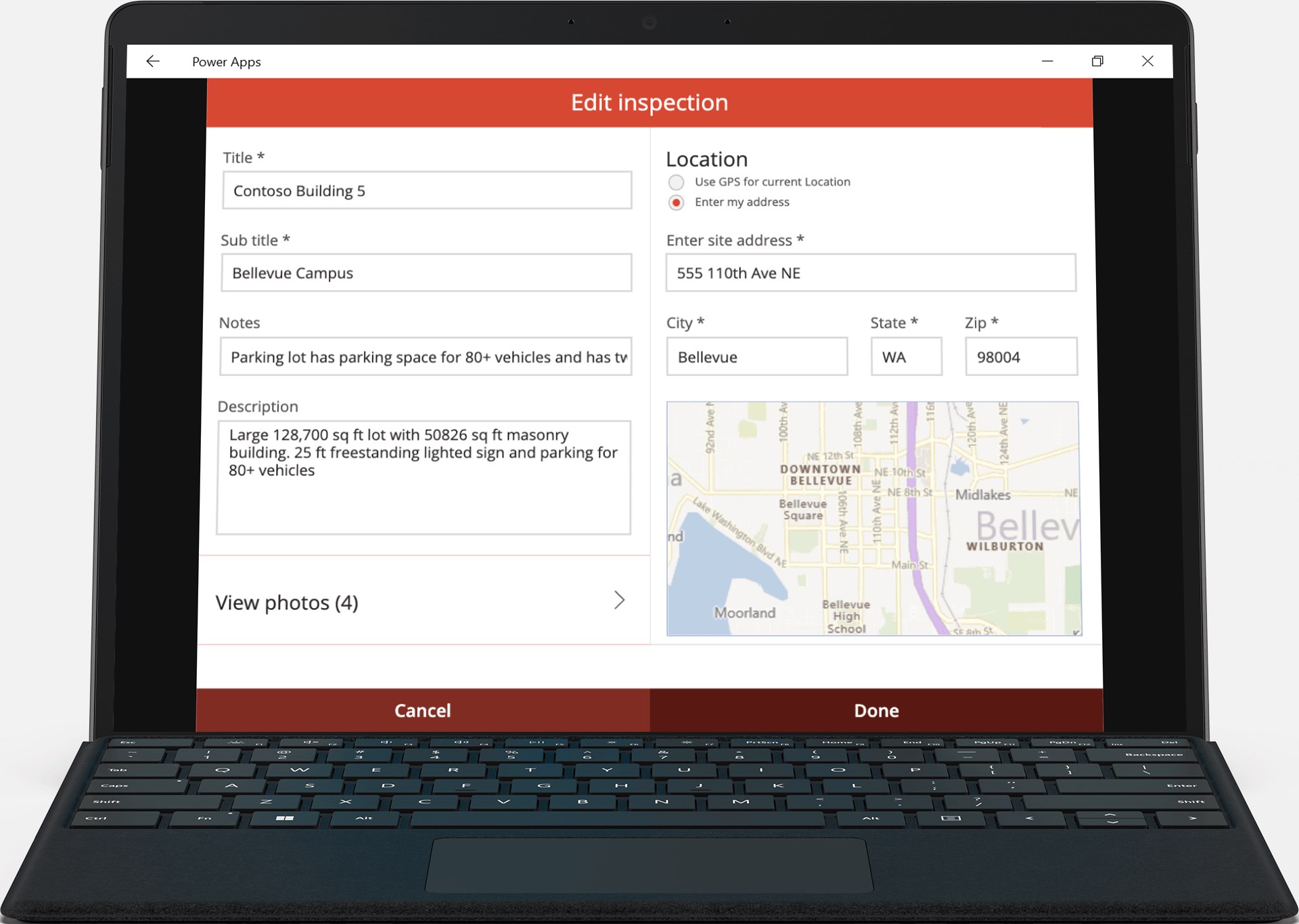
Microsoft's Power Apps for Windows positions itself as a versatile platform that bridges the gap between complex enterprise systems and user-friendly app creation, enabling even non-developers to craft tailored solutions swiftly and effortlessly.
This application is crafted by the trusted technology giant, Microsoft Corporation, ensuring seamless integration with other Microsoft 365 services and enterprise tools.
Imagine a workspace where app creation feels akin to assembling a well-structured Lego set — intuitive, engaging, and within reach. Power Apps for Windows embodies this philosophy, transforming what used to be a complex enterprise task into an approachable experience. Thanks to its clean interface and straightforward navigation, both seasoned developers and business users can jump right into building solutions without the usual technical hurdles. The learning curve is gentle, much like learning to ride a bicycle with stabilizers — supportive features and guided tutorials ease users into more advanced functionalities.
The application's interface is thoughtfully designed, combining familiar Windows aesthetics with modern minimalism. The layout minimizes clutter, allowing users to focus on their app logic rather than wrestling with menus. Transition animations are swift, and interactions are fluid, making the process of designing, testing, and deploying applications feel less like a chore and more like a creative endeavor. Offline functionality enhances the user experience, enabling app testing and updates even when disconnected from the internet, a vital feature for remote or field-based workflows.
One of Power Apps for Windows' standout capabilities is its emphasis on collaborative development. Unlike many business apps that silo user activities, this platform fosters teamwork through shared environments and permission controls. Multiple stakeholders can co-author or modify apps concurrently, ensuring alignment across departments. Moreover, its task management features allow teams to assign, track, and prioritize app development stages directly within the platform, streamlining workflows and reducing miscommunication. This integrated approach makes Power Apps not just a creation tool, but a hub for collaborative innovation.
While many competitors focus solely on app design or data connectivity, Power Apps for Windows distinguishes itself through its ecosystem integration and real-time collaboration features. Its close ties with Microsoft Teams and Power BI allow users to embed analytics and communication directly into their apps, creating a seamless operational environment. This holistic approach simplifies complex processes, accelerates decision-making, and encourages cross-functional teamwork — attributes that set it apart from more siloed solutions.
Power Apps for Windows earns a solid recommendation for organizations seeking to democratize app development within their teams. Whether you're a small business owner, an IT professional, or a department manager, this tool's ease of use and collaborative strengths make it a valuable asset. For those already invested in the Microsoft ecosystem, it offers added convenience and compatibility, making integration a breeze. While it might not replace high-end development platforms for complex, intricate apps, it's undoubtedly an excellent choice for rapid, collaborative enterprise solutions.
Intuitive Drag-and-Drop Interface
Seamless Integration with Microsoft 365
Prebuilt Templates and Components
Cross-Platform Compatibility
Robust Data Management
Limited Offline Functionality
Steep Learning Curve for Complex Apps
Performance Variability on Older Devices
Pricing Can Be Expensive for Large Teams
Limited Customizability of Default Templates

for Windows
 5
5

for Windows
5

for Windows
4.9

for Windows
4.9

for Windows
4.9

for Windows
4.9

for Windows
4.8

for Windows
4.8

for Windows
4.8

for Windows
4.8

for Windows
4.7

for Windows
4.7

for Windows
5

for Windows
5

for Windows
5

for Windows
5

for Windows
5

for Windows
5
for Windows
5

for Windows
5

for Windows
5

for Windows
5