Entertainment
Kakao Corp
PC
Windows 10 version 0.0 or higher
Arabic, Armenian, Azerbaijani (Arabic) (Azerbaijan), Belarusian, Bulgarian, Catalan, Chinese (Simplified), Chinese (Traditional Chinese), Chinese (Traditional) (Hong Kong), Czech, Dutch, English, French, German, Greek, Hebrew, Hungarian, Indonesian, Italian, Japanese, Korean, Kurdish, Persian/Farsi, Polish, Portuguese, Russian, Serbian, Spanish, Swedish, Tajik (Cyrillic), Thai, Ukrainian, Uzbek (Latin), Korean , Turkish
PotPlayer for Windows, developed by Kakao Corp., stands out as a robust media playback solution that combines powerful features with a user-friendly interface, making it a compelling choice for multimedia enthusiasts seeking flexibility and quality.
Kakao Corp., renowned for its diverse digital services across South Korea, extends its expertise into multimedia tools with PotPlayer, aiming to deliver an intuitive yet comprehensive media experience.
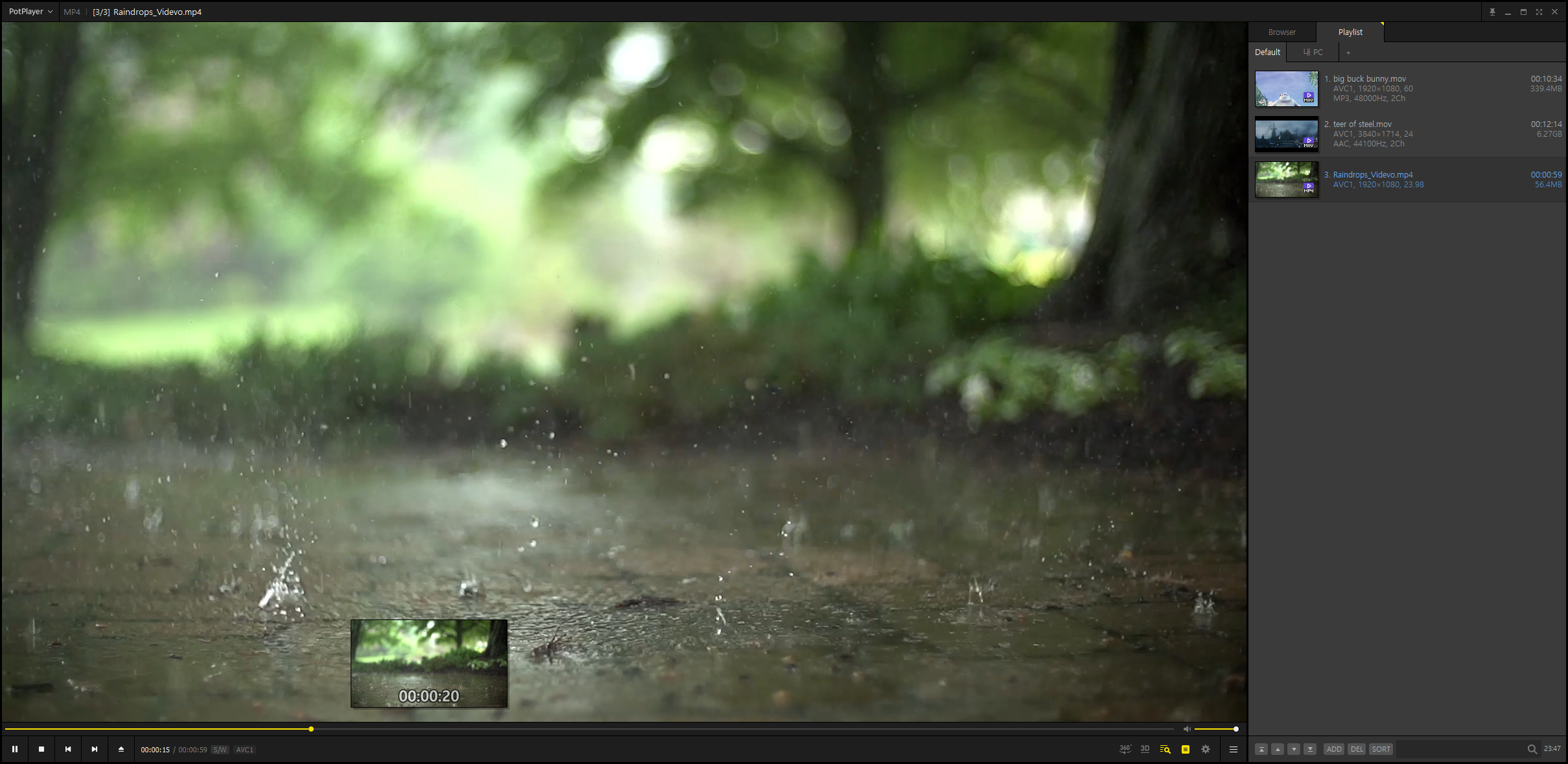
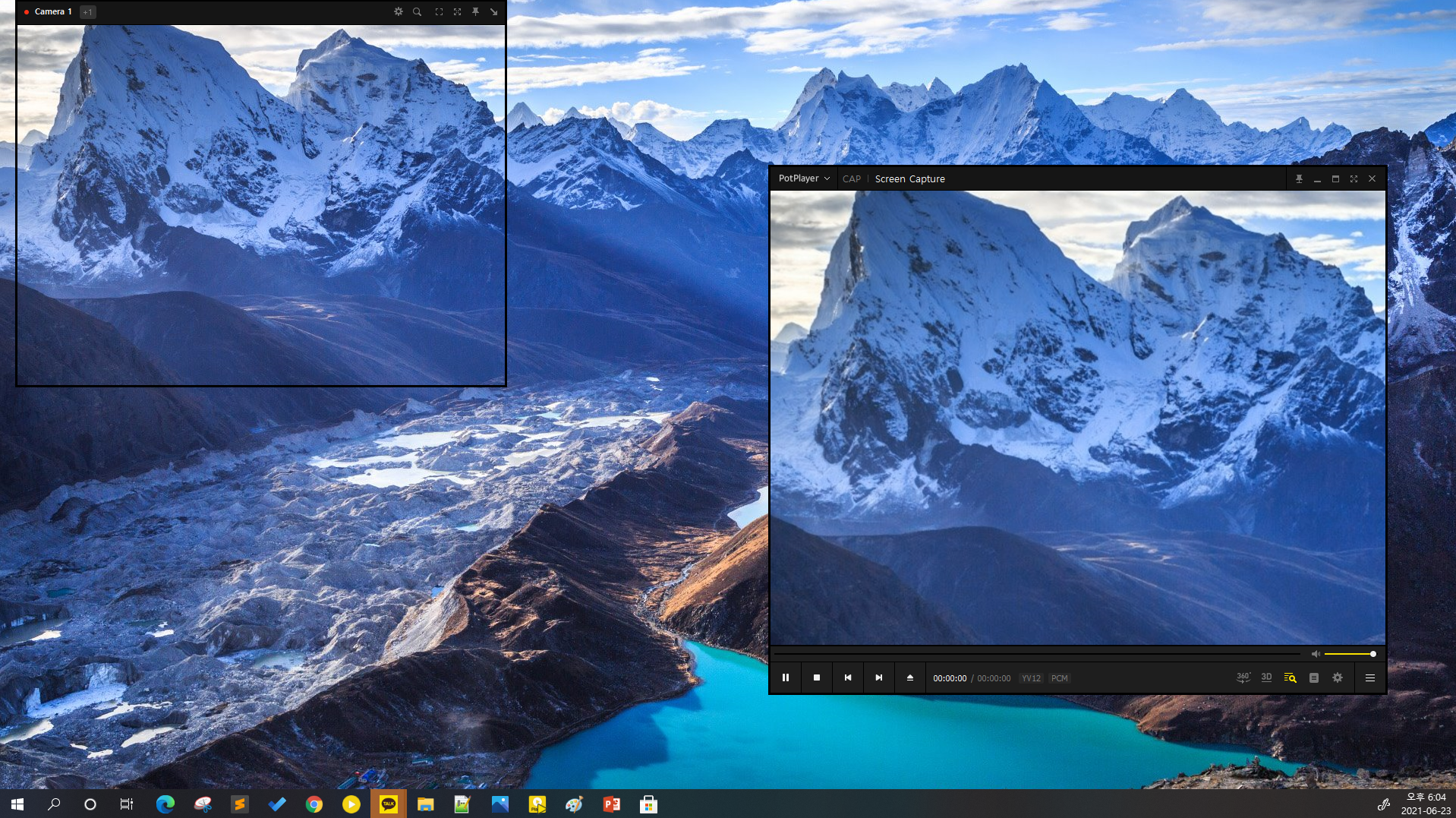
Opening PotPlayer feels akin to stepping into a well-organized media control room—sleek, intuitive, and inviting. The interface balances simplicity with depth; beginner users aren't overwhelmed, yet seasoned enthusiasts find enough sophistication to explore advanced features. Navigating playlists and media libraries is smooth, thanks to responsive controls and a logical layout. The application's lightweight design ensures that playback remains seamless, even when handling high-definition videos or multiple files simultaneously.
PotPlayer offers an impressive array of customization options, enabling users to modify video contrast, saturation, and aspect ratio on the fly. Its real-time filtering, combined with hardware acceleration support, guarantees smooth playback of resource-intensive files. This flexibility makes it ideal for cinephiles who wish to tweak their viewing experience for optimal quality or personal preference.
Subtitles are often an afterthought in media players, but PotPlayer emphasizes their importance. It supports a wide spectrum of subtitle formats, allows easy synchronization, and offers styling tools such as font, size, and color adjustments. These capabilities cater to viewers who rely heavily on subtitles, especially for foreign films or accessibility purposes, setting it apart from more limited players.
While many media players compete on basic playback features, PotPlayer distinguishes itself through its content discovery integrations and personalized recommendation relevance. Unlike simpler counterparts that treat media playback as mere function, PotPlayer's ability to integrate with content discovery algorithms—such as playlist recommendations based on user preferences—enhances its usability for viewers seeking new content without cluttering the interface. Its focus on tailored content presentation ensures that users are suggested videos aligned with their viewing habits, elevating the overall experience.
If you're searching for a media player that combines robust functionality with a high degree of customization, PotPlayer is worth a try. Its blend of extensive format support, sophisticated subtitle management, and personalized content suggestions makes it a versatile tool for both casual viewers and multimedia aficionados. While it may require a brief learning curve to unlock all advanced features, its logical interface and responsive controls make this process manageable. Overall, I would recommend PotPlayer to users who value control and flexibility in their media consumption, especially those who appreciate tailored content recommendations embedded within their playback environment.
Highly customizable interface
Supports a wide range of multimedia formats
Advanced playback features
Lightweight and efficient
Rich subtitle support
Steep learning curve for new users
Occasional stability issues with some third-party codecs
User interface can be cluttered
Lack of built-in streaming capabilities
Limited official support for macOS and Linux

for Windows
 5
5

for Windows
4.8

for Windows
4.8

for Windows
4.8

for Windows
4.7

for Windows
4.6

for Windows
4.6

for Windows
4.6
for Windows
4.6

for Windows
4.6

for Windows
4.6

for Windows
4.6

for Windows
5

for Windows
5

for Windows
5

for Windows
5
for Windows
5

for Windows
5

for Windows
5

for Windows
5

for Windows
5

for Windows
5