Sports
mobirix
PC, Mobile, Surface Hub, HoloLens
Windows 10 version 10240.0 or higher
Version 10
Not specified
Not specified
Chinese (Simplified), Chinese (Traditional Chinese), English, French, German, Italian, Japanese, Korean, Portuguese, Russian, Spanish, Turkish
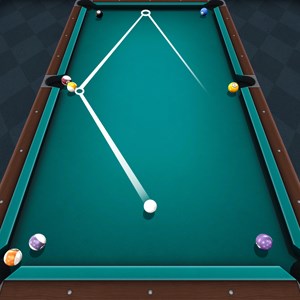
If you've ever dreamed of sinking perfect shots on a virtual billiard table, this app offers a lifelike experience right on your Windows device. Combining realistic physics with intuitive controls, it aims to satisfy both casual players and dedicated billiards enthusiasts alike.
The app is developed by MOBIRIX, a reputable company known for creating engaging and polished mobile and PC games. With a portfolio that includes various sports and casual games, MOBIRIX emphasizes quality gameplay and user-friendly design, which is evident in their Pool Billiard Championship title.
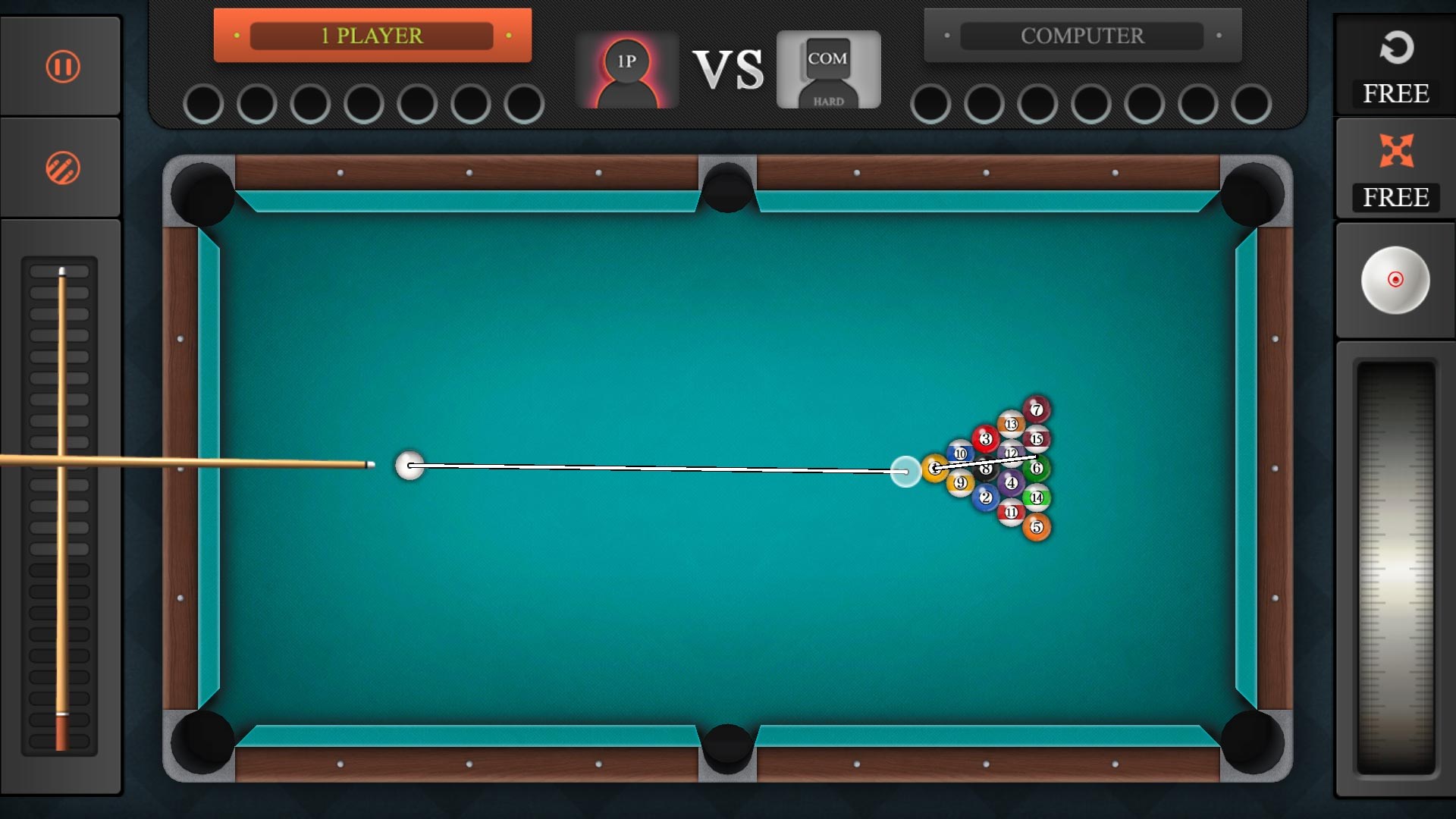
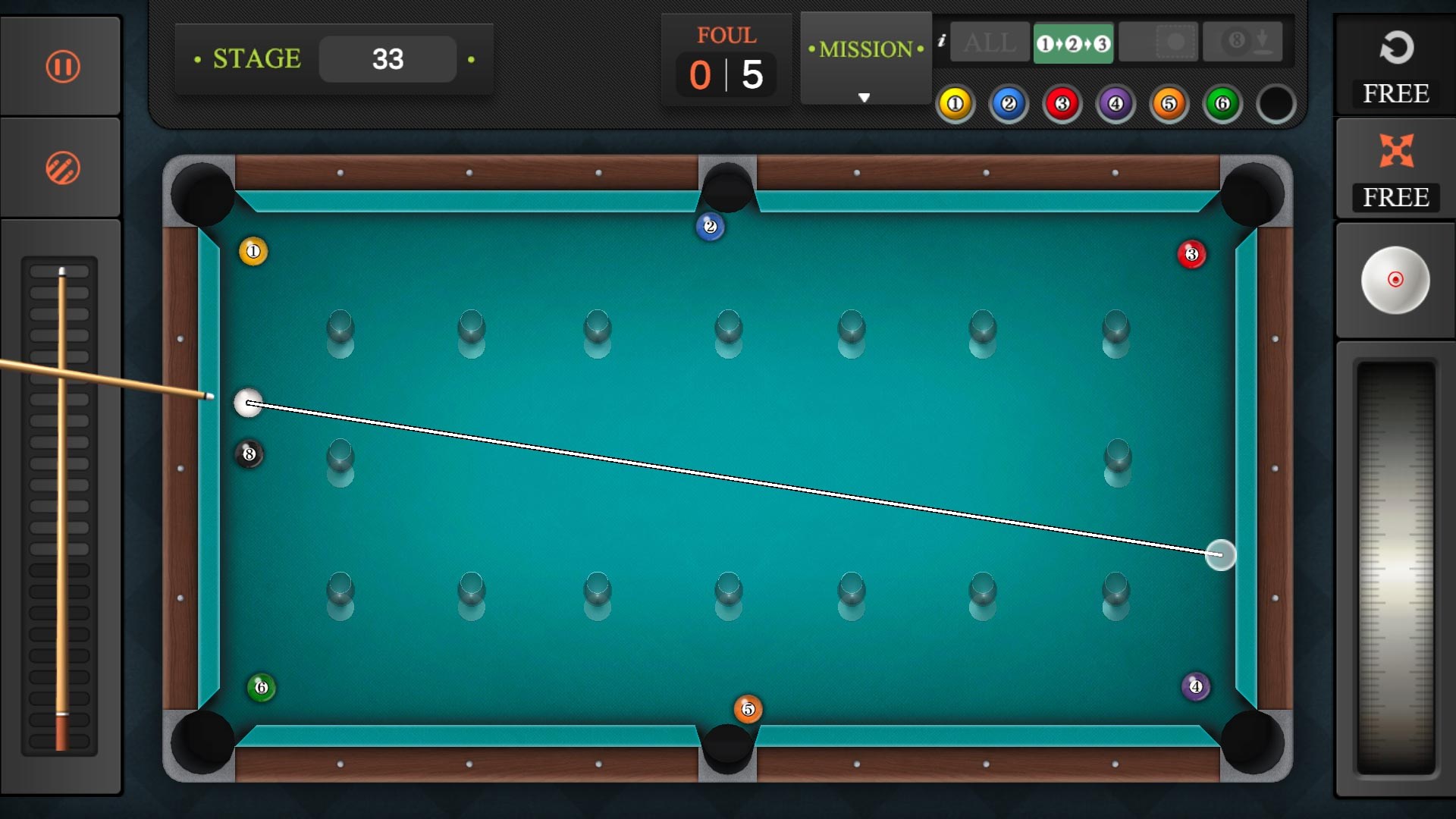
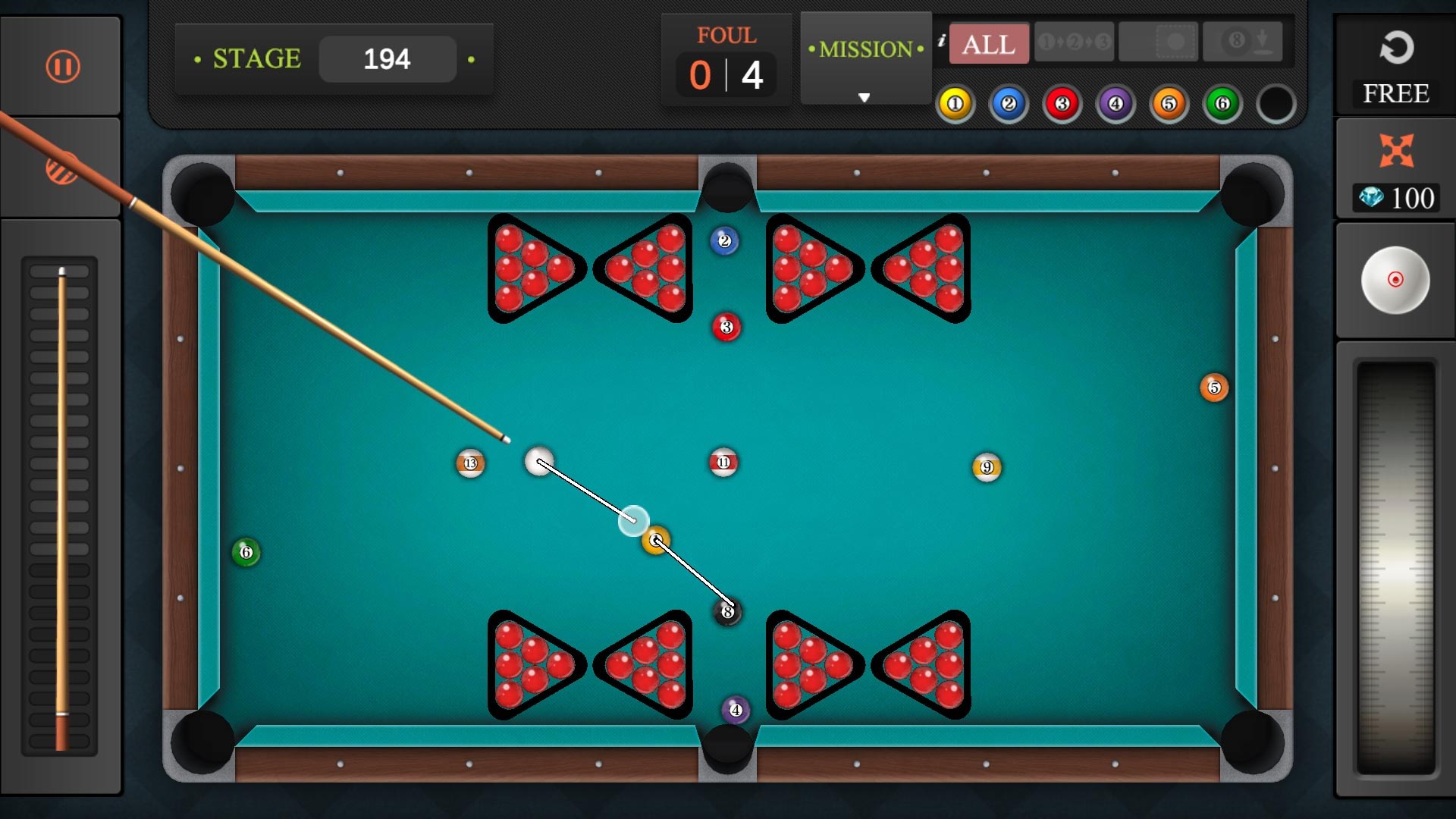
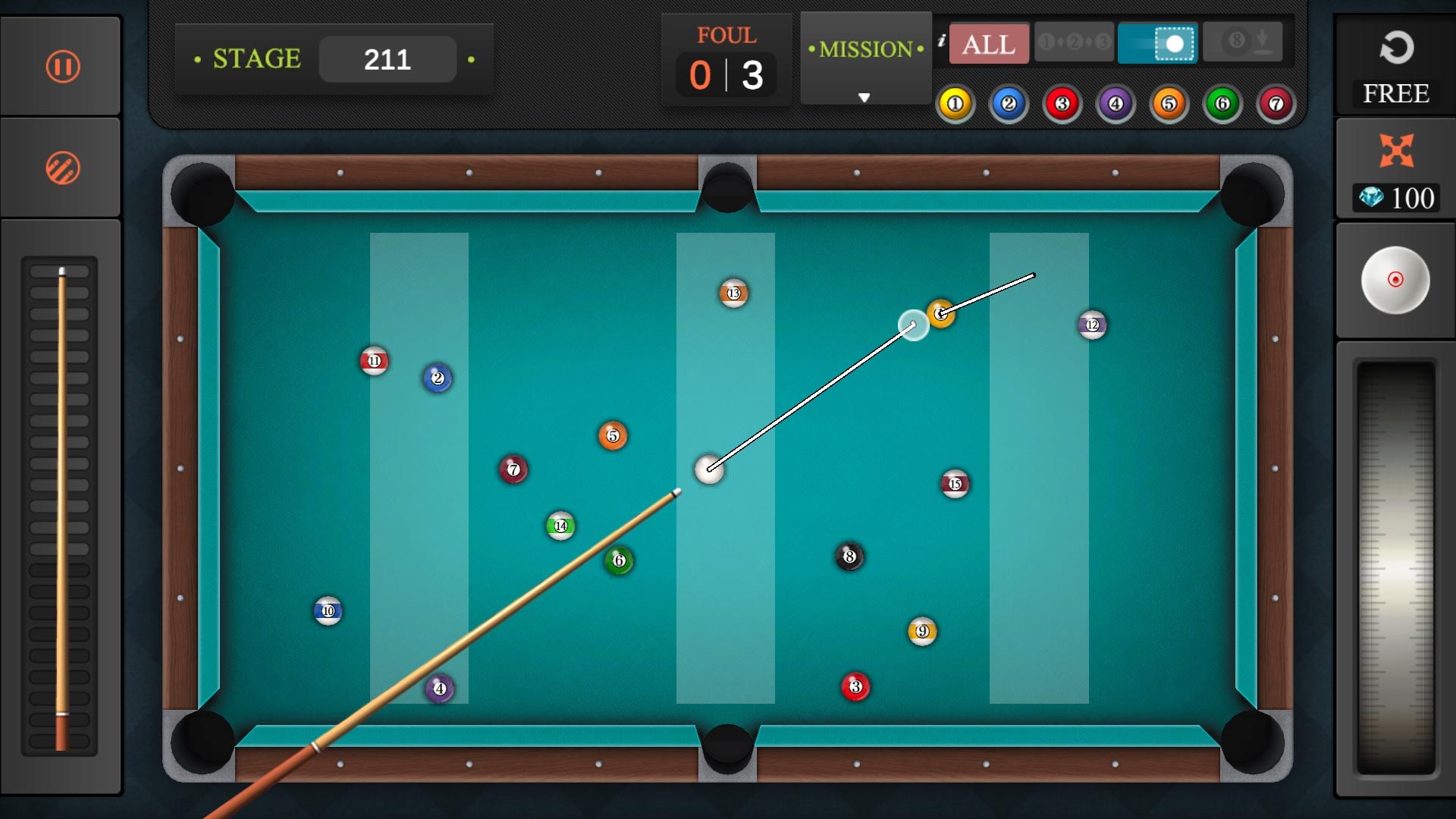
Imagine stepping into a sleek, digital billiard hall where the green felt glistens under soft lighting, and every shot feels as precise as on a real table. Pool Billiard Championship for Windows captures this imagery, transforming your mouse and keyboard into a cue stick that can deliver satisfying shots with a flick or a swipe. Whether you're practicing your break shot or competing against friends worldwide, this app aims to make each moment immersive and fun. Its polished visuals and sound effects contribute to an environment that's both lively and relaxing—perfect for unwinding after a busy day.
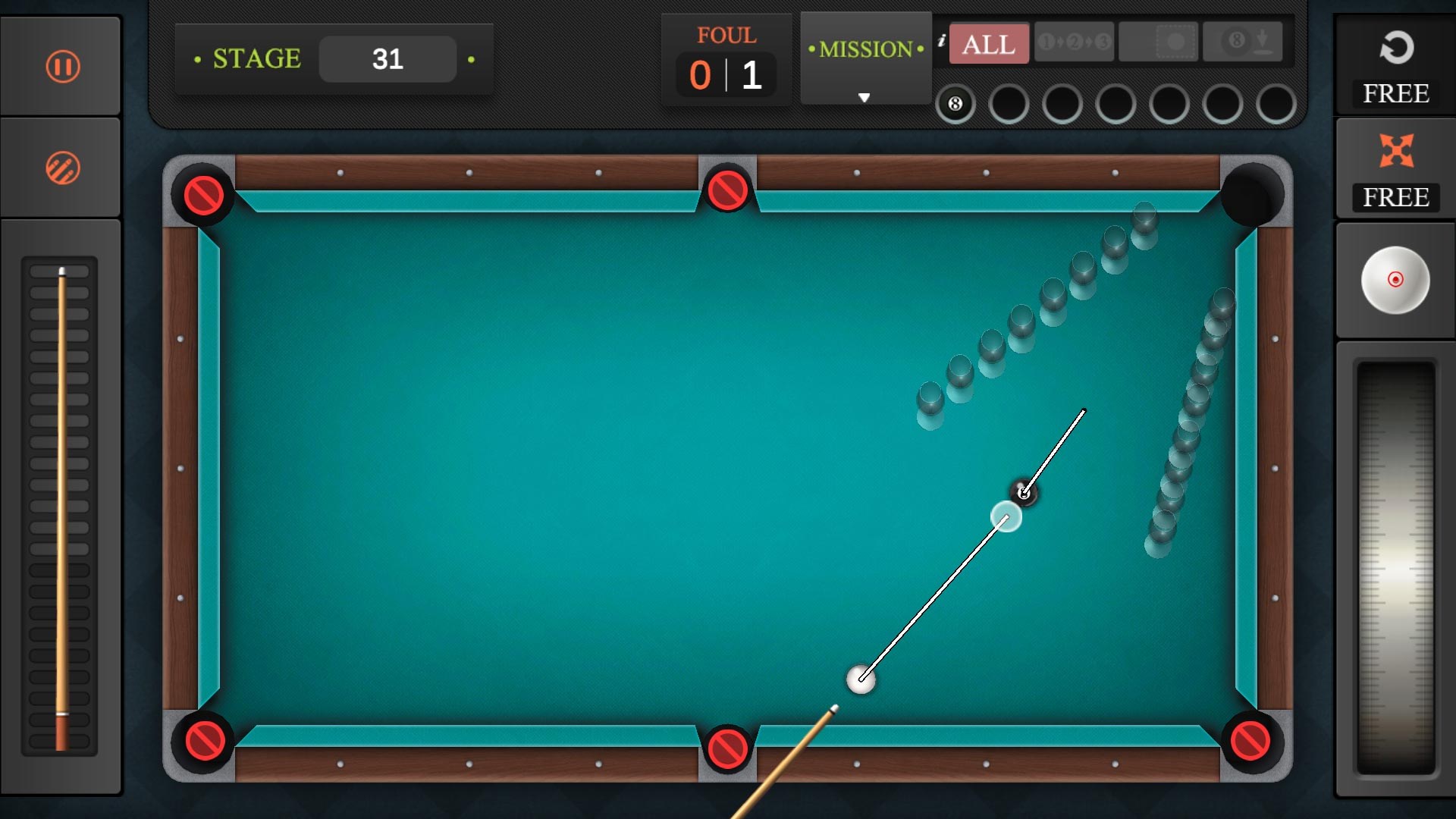
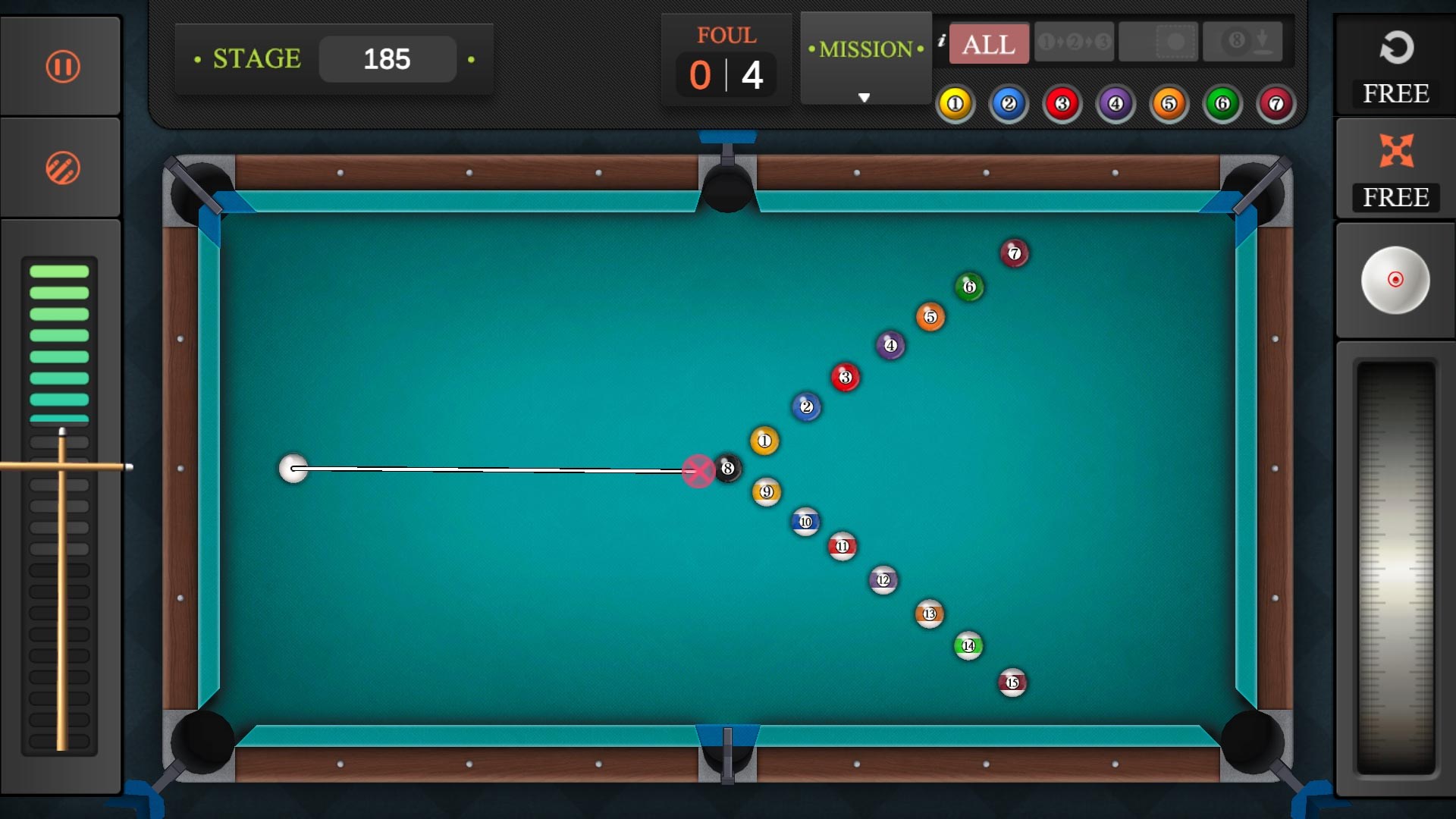
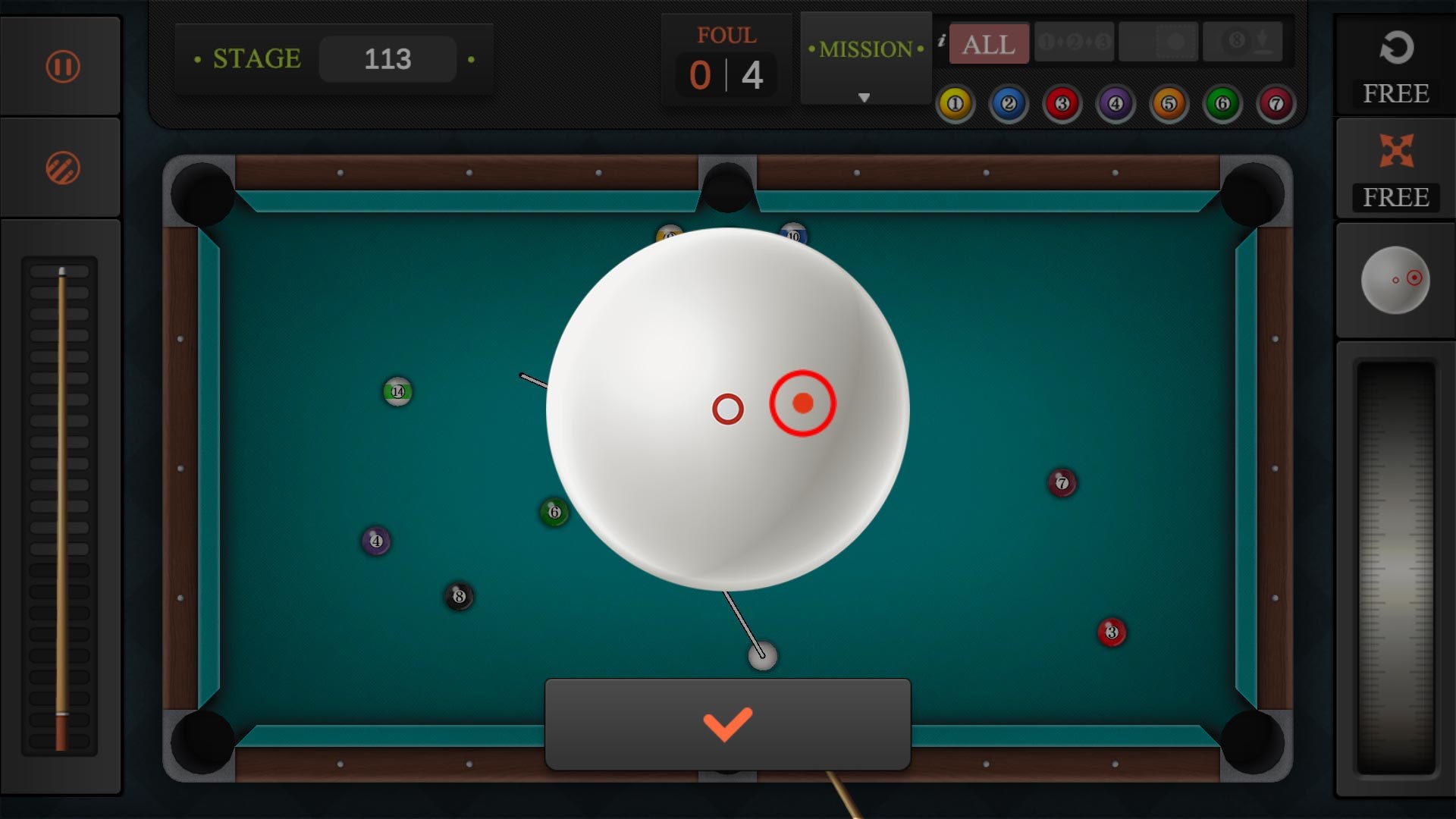
The game's core control system revolves around simple drag-and-aim gestures that simulate cue striking. The physics engine makes the ball movement feel natural, with realistic spin and cushion rebounds, creating a true-to-life billiard experience. The user interface is minimalistic yet functional, allowing players to focus on their shots without clutter or confusion. The learning curve is gentle; newcomers can quickly grasp the mechanics, while seasoned players can explore advanced techniques like spin control and shot strategies.
Compared to other billiard or sports applications, Pool Billiard Championship stands out primarily through its:
Overall, Pool Billiard Championship for Windows is a well-crafted digital billiard game that emphasizes realism and community engagement without overloading players with complex tutorials. Its most compelling feature is the physics-based gameplay complemented by seamless multiplayer options, making it ideal for both casual players and competitive enthusiasts. For anyone seeking a trustworthy virtual billiard hall and a chance to challenge friends or global rivals, this app is a solid choice.
Whether you're looking to hone your skills, enjoy casual matches, or simply appreciate high-quality sports simulations, I recommend giving this game a try. Just set your scene, line up your shot, and enjoy the satisfying click of the cue—virtually, of course!
Realistic physics and accurate ball movements
Intuitive touch controls for aiming and striking
Multiple game modes and difficulty levels
Appealing visuals and detailed table designs
Offline gameplay capability
Occasional lag during multiplayer matches
Limited tutorial for beginners
Advertisements interrupt gameplay
Occasional performance drops on older devices
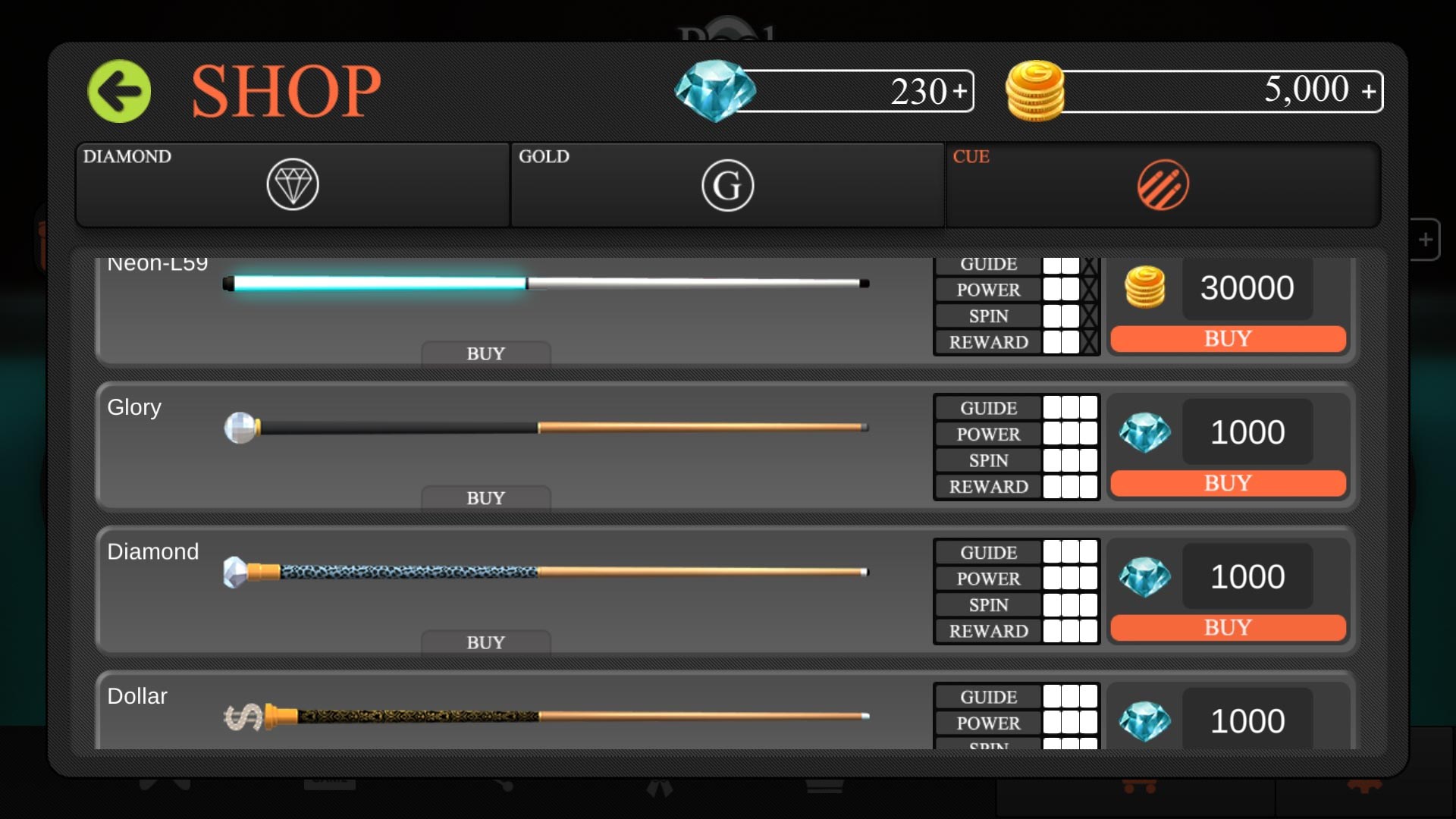
Limited customization options for tables and cues

for Windows
 4.7
4.7

for Windows
4.6
for Windows
4.5

for Windows
4.4

for Windows
4.2

for Windows
4

for Windows
3.9
for Windows
3.3

for Windows
3.2

for Windows
3.2

for Windows
3.2

for Windows
3.2

for Windows
5

for Windows
5

for Windows
5

for Windows
5

for Windows
5

for Windows
5

for Windows
5

for Windows
5

for Windows
5

for Windows
5