Entertainment
Plex Inc.
PC
Windows 10 version 0.0 or higher
Integrated Mouse
1 GB
Afrikaans, Arabic, Bulgarian, Catalan, Chinese, Chinese (Traditional), Croatian, Czech, Danish, Dutch, English, English (United Kingdom), Estonian, French, French (Canada), German, Greek, Hebrew, Hungarian, Icelandic, Italian, Japanese, Korean, Lithuanian, Norwegian, Persian/Farsi, Polish, Portuguese, Portuguese (Brazil), Romanian, Russian, Slovak, Slovenian, Spanish, Swedish, Thai, Ukrainian, Vietnamese
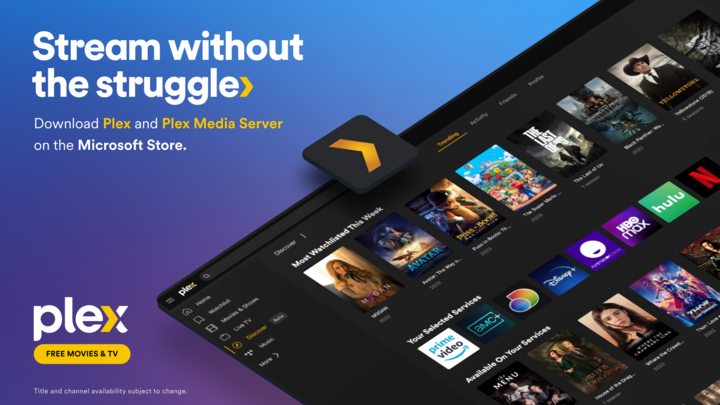
If you're tired of juggling multiple media apps and want a seamless hub to access all your content, Plex for Windows steps in as a reliable guide through your digital entertainment universe. It promises to organize, stream, and personalize your media experience with finesse—think of it as your personal media curator, always ready to serve up your favorite movies, shows, and photos.
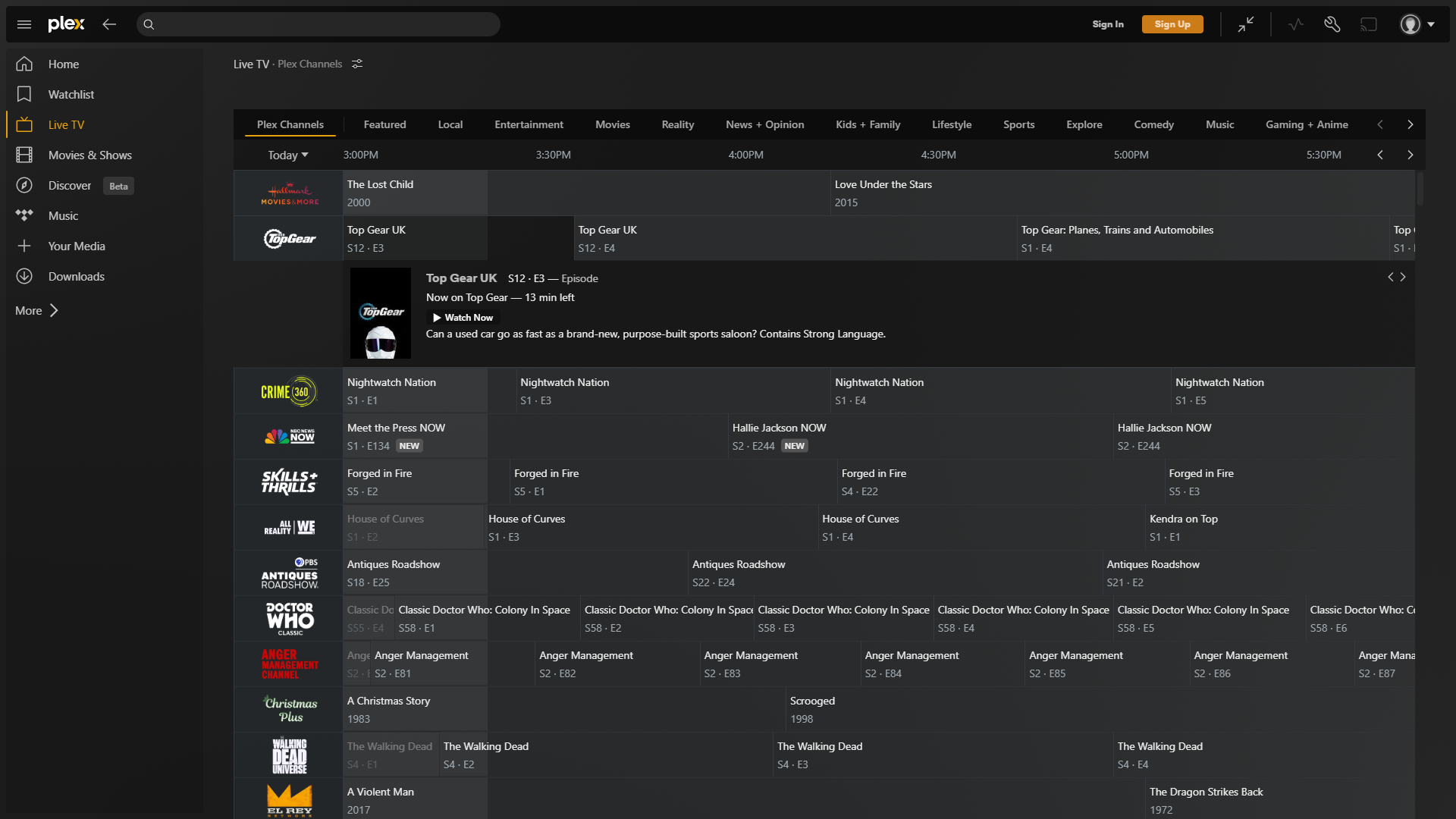
Developed by Plex Inc., a reputable name in media server solutions, Plex for Windows aims to bring the power of a comprehensive media center directly to your desktop. Its main features include multi-device streaming capabilities, intelligent content organization, and personalized recommendations that feel tailor-made for each user. Designed with a broad audience in mind—from casual viewers to tech-savvy media enthusiasts—this app helps you turn your Windows device into a centralized entertainment hub, accessible anywhere within your home or remotely.
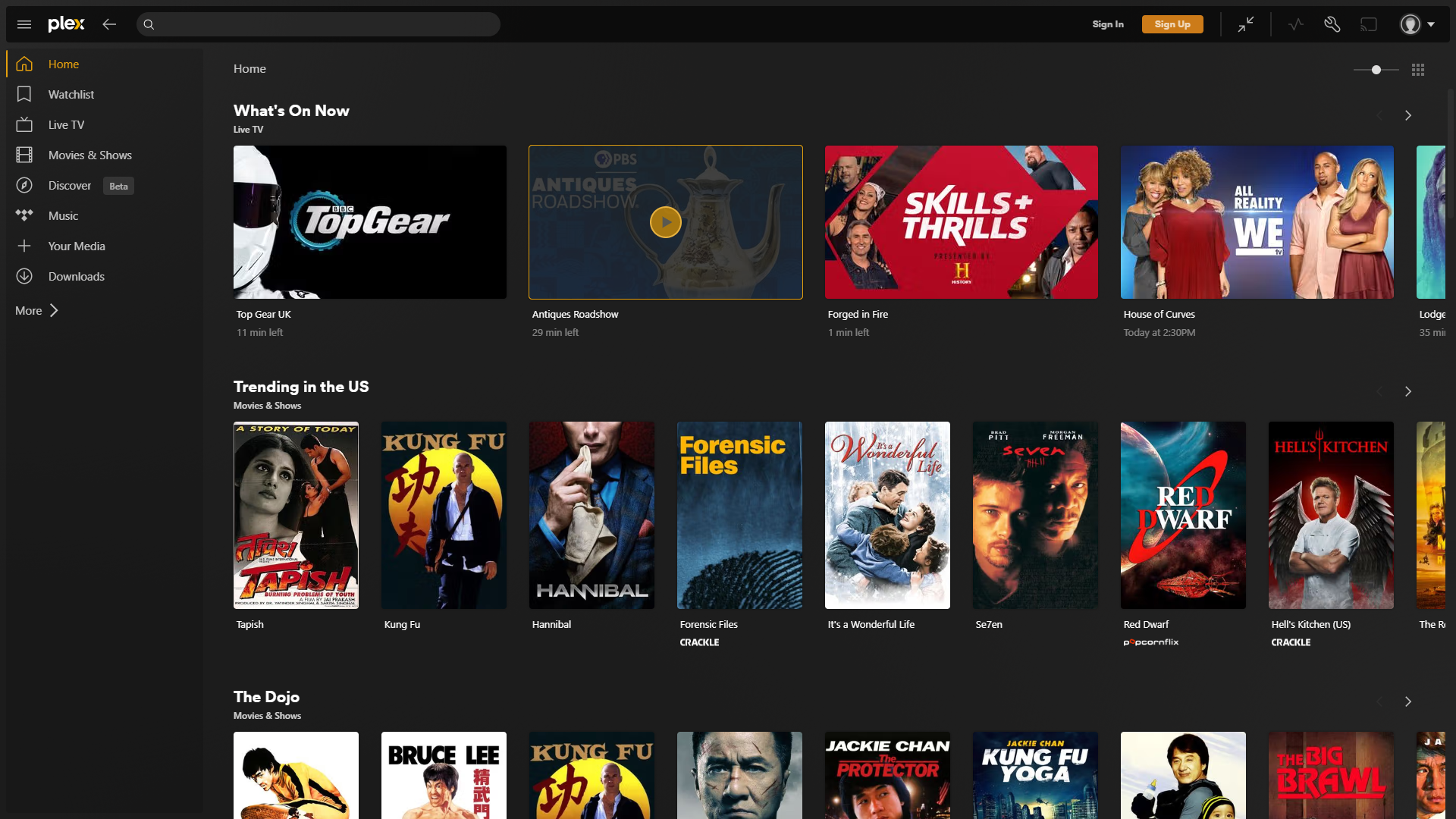
Imagine walking into your living room with a mountain of digital treasures—movies, TV shows, photos—all waiting to be accessed with a single click. Plex for Windows acts like the friendly librarian who knows exactly where everything is and presents it in a cozy, inviting interface. Its core mission is to eliminate the clutter and chaos of managing media files while elevating your viewing experience to new levels of personalization and convenience. Whether you're binge-watching classic films or reminiscing over family photos, Plex is like the reliable friend who always has your favorite snacks and a playlist ready.
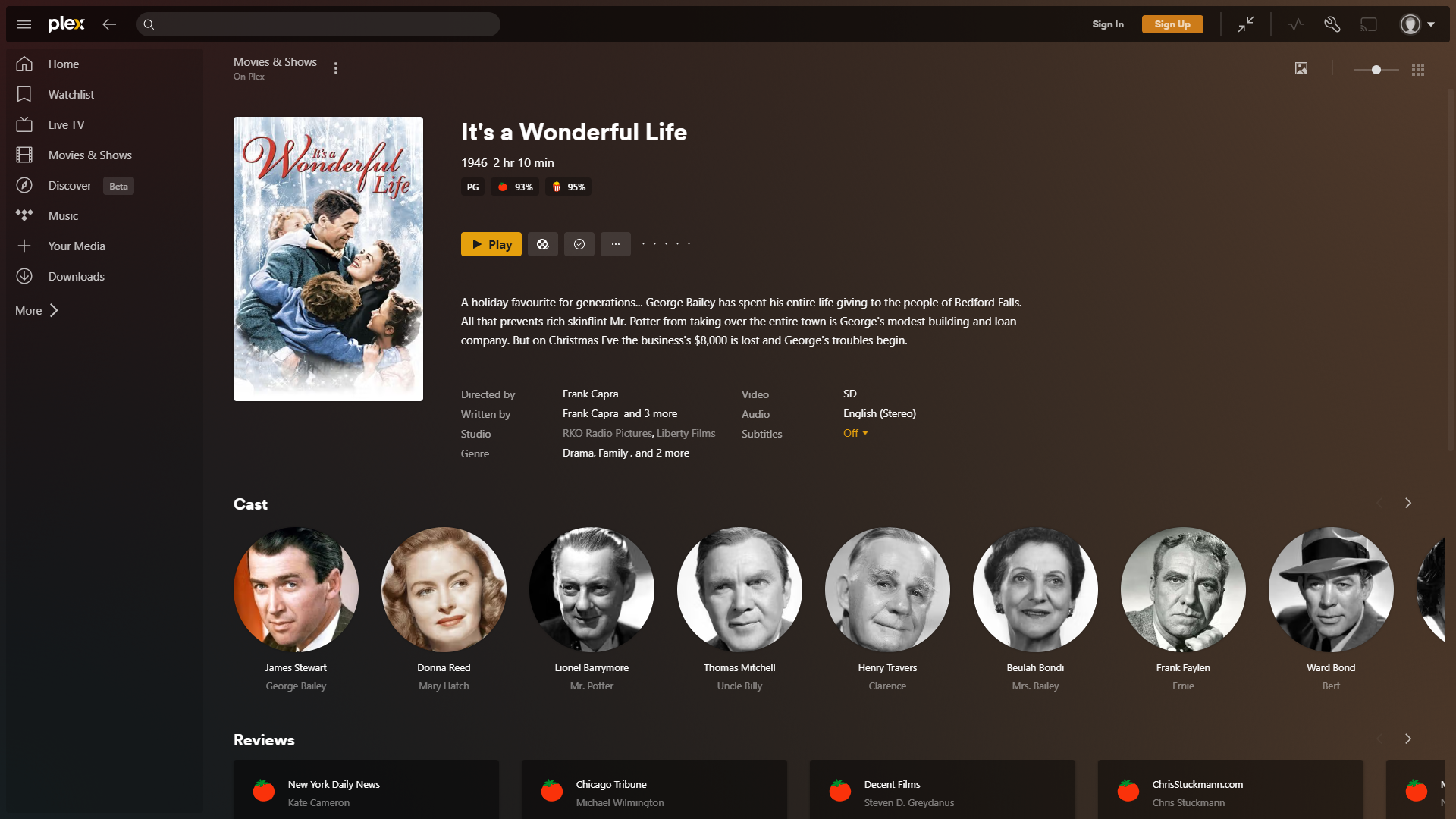
The most compelling strength of Plex lies in its content discovery algorithms. Unlike typical media apps that just list files in alphabetical order or by date, Plex analyzes your entire media library with intelligent tagging and categorization. It then presents you with curated suggestions based on your viewing habits, mood, and preferences, much like a savvy concierge at a five-star hotel. This enhances your experience by reducing time spent searching and increasing time immersed in your favorite content. For example, if you often watch sci-fi flicks on weekend nights, Plex anticipates that and highlights similar titles without you lifting a finger.
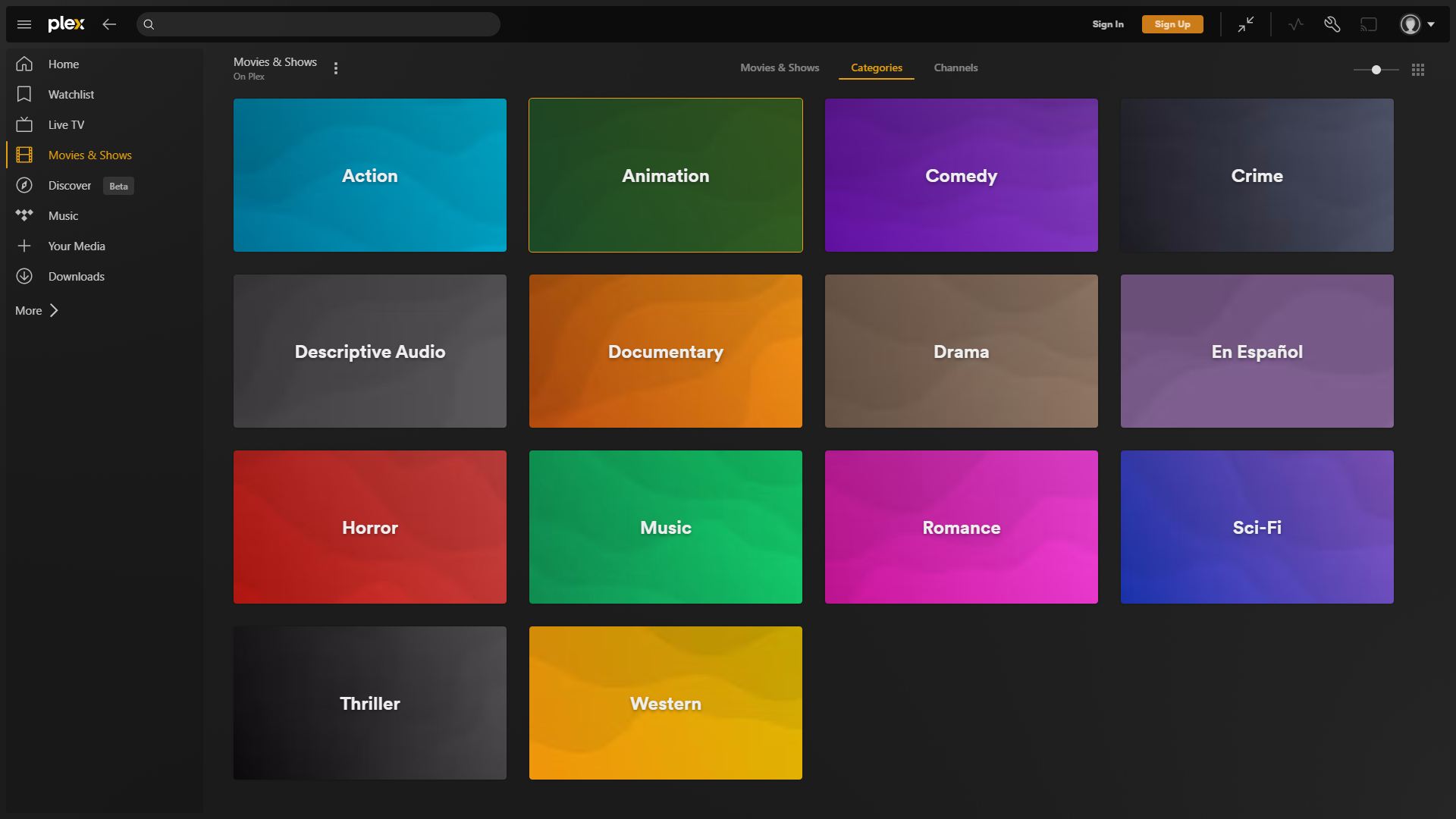
The heart of Plex's appeal is its user-friendly interface, which feels like flipping through a sleek magazine—clean, organized, and visually engaging. Navigating through menus is smooth, with swift transitions that make browsing feel natural rather than clunky. Setting up your media library is straightforward, guided by clear prompts and minimal complexity. The learning curve is gentle enough for a casual user, yet robust functionalities satisfy tech enthusiasts. Whether you're streaming high-definition movies or browsing family photo albums, Plex handles it gracefully—no frustrating lag or confusing controls destabilize the experience.
What sets Plex apart from other entertainment apps is its smart content recommendation system combined with its versatility across devices. While many media apps offer basic sorting or minimal personalization, Plex dives deeper, employing advanced algorithms that analyze your viewing history, preferences, and even content ratings to suggest titles that truly resonate with you. This results in a more relevant, satisfying discovery experience. Moreover, Plex's capability to stream across multiple devices—smartphones, tablets, smart TVs, and desktops—ensures that your media travels with you. It's like having a personal movie theater that follows you everywhere.
After exploring its features, user experience, and unique personalization prowess, I'd recommend Plex for Windows as a versatile and reliable media management solution. It's especially beneficial for those who want an all-in-one platform with intelligent content discovery, rather than multiple disjointed apps. While it might not be the most minimalistic or light-weight option available, its strengths lie in delivering a cohesive, personalized, and highly accessible entertainment experience. If you're seeking a comprehensive media hub that adapts to your taste and keeps your content organized effortlessly, Plex is certainly worth a try—your digital living room will thank you.
Intuitive User Interface
Wide Content Compatibility
Multi-Device Support
Remote Access Capability
Integration with Plex Ecosystem
Occasional Streaming Buffering
Limited Subtitle Editing Features
High System Resource Usage
Initial Setup Complexity
Limited Free Tier Features

for Windows
 5
5

for Windows
4.8

for Windows
4.8

for Windows
4.8

for Windows
4.7

for Windows
4.6

for Windows
4.6

for Windows
4.6

for Windows
4.6

for Windows
4.6

for Windows
4.6

for Windows
4.6

for Windows
5

for Windows
5

for Windows
5

for Windows
5
for Windows
5

for Windows
5

for Windows
5

for Windows
5

for Windows
5

for Windows
5