Social
PC
Windows 10 version 19041.0 or higher
English (United States)
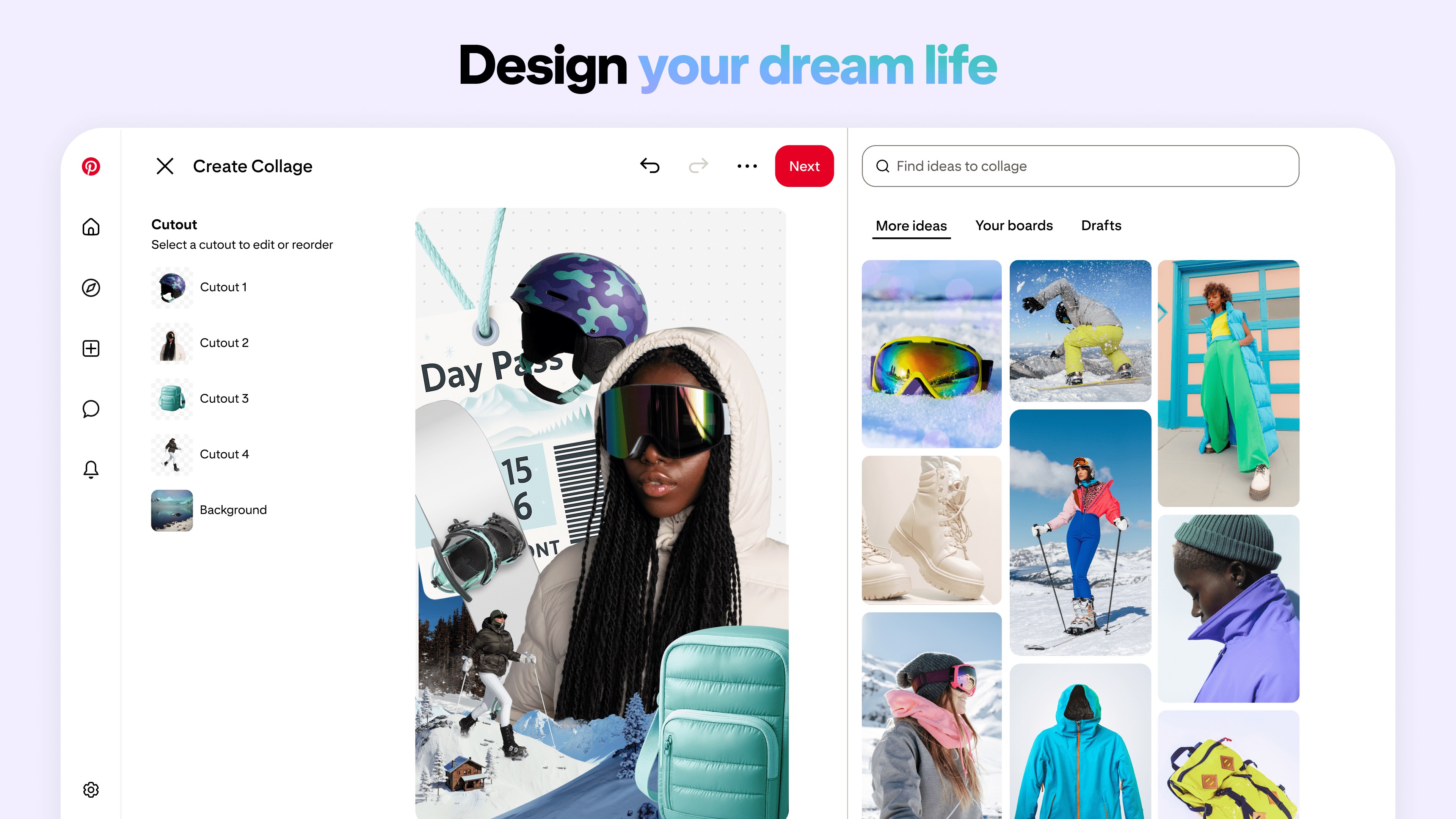
Designed to bring creativity and discovery to your fingertips, Pinterest for Windows offers a streamlined platform for exploring, organizing, and sharing visual content in a way that's both intuitive and personalized.
Pinterest for Windows is a digital pinboard application developed by Pinterest Inc., aiming to transform how users find and curate visual inspiration on their desktop devices. The app's defining features include an elegant interface for browsing endless images, robust tools for organizing pins into themed boards, and seamless integration with your Pinterest account for consistent cross-platform experience. Its primary user base comprises creative enthusiasts, DIYers, designers, and anyone seeking a visual sandbox to spark ideas and plan projects.
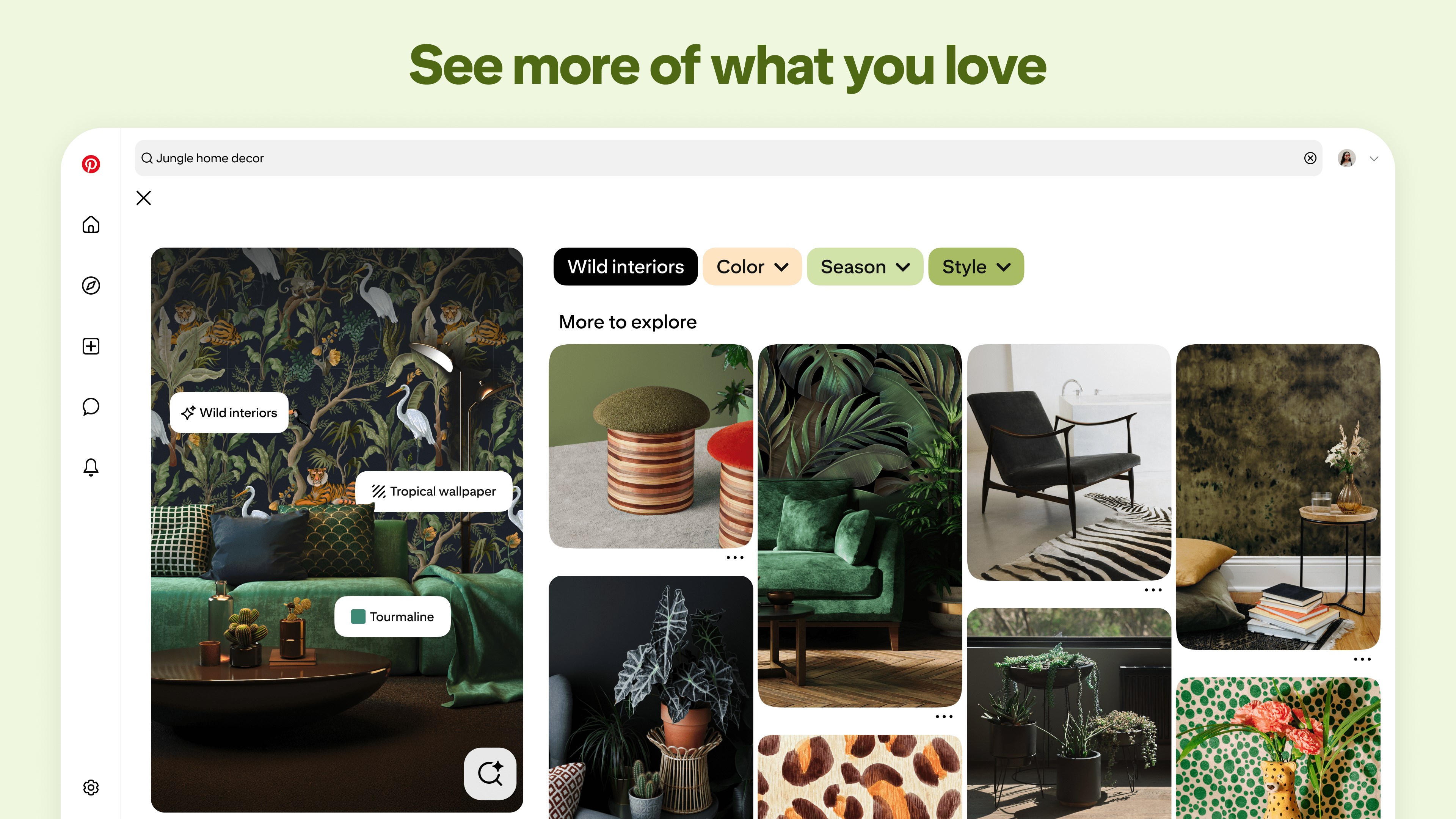
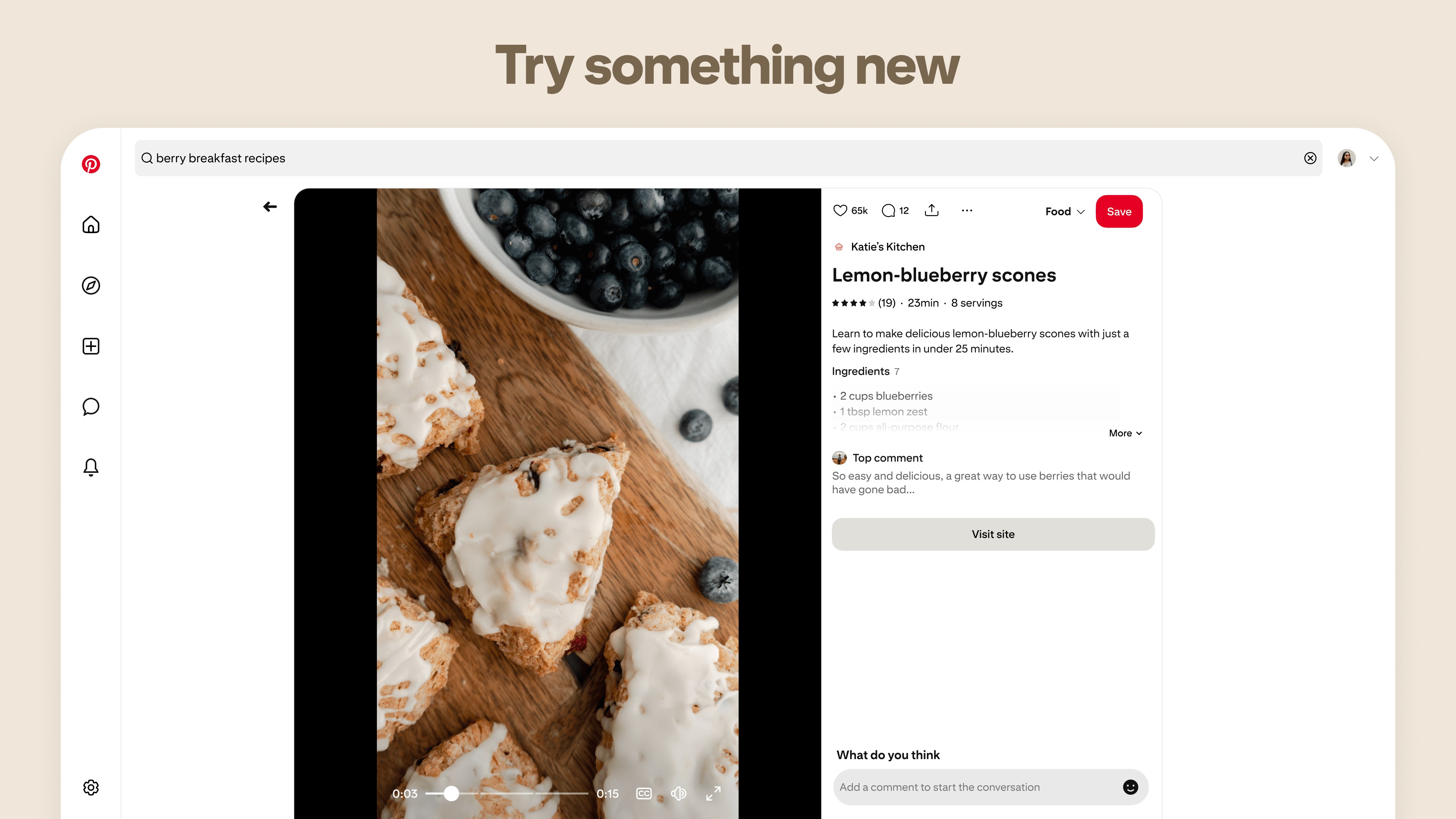
Imagine browsing through an endless gallery where every image can inspire your next big idea. That's the magic Pinterest for Windows brings to your screen — a virtual museum that feels as vibrant as walking through a carefully curated exhibition. Whether you're dreaming up home decor, planning a wedding, or exploring new recipes, this app transforms mundane browsing into a delightful journey of discovery and organization.
The app boasts a clean, user-friendly layout that makes exploring a visual feast without feeling overwhelmed. The intuitive navigation means you can swipe, scroll, and search with fluid motions, much like flipping through an artbook. The search bar is prominently placed, allowing quick access to specific topics or themes, while the customized feed adapts to your interests, presenting you with relevant content over time. This all contributes to a smooth and engaging user experience that reduces the learning curve and keeps you focused on your inspiration quest.
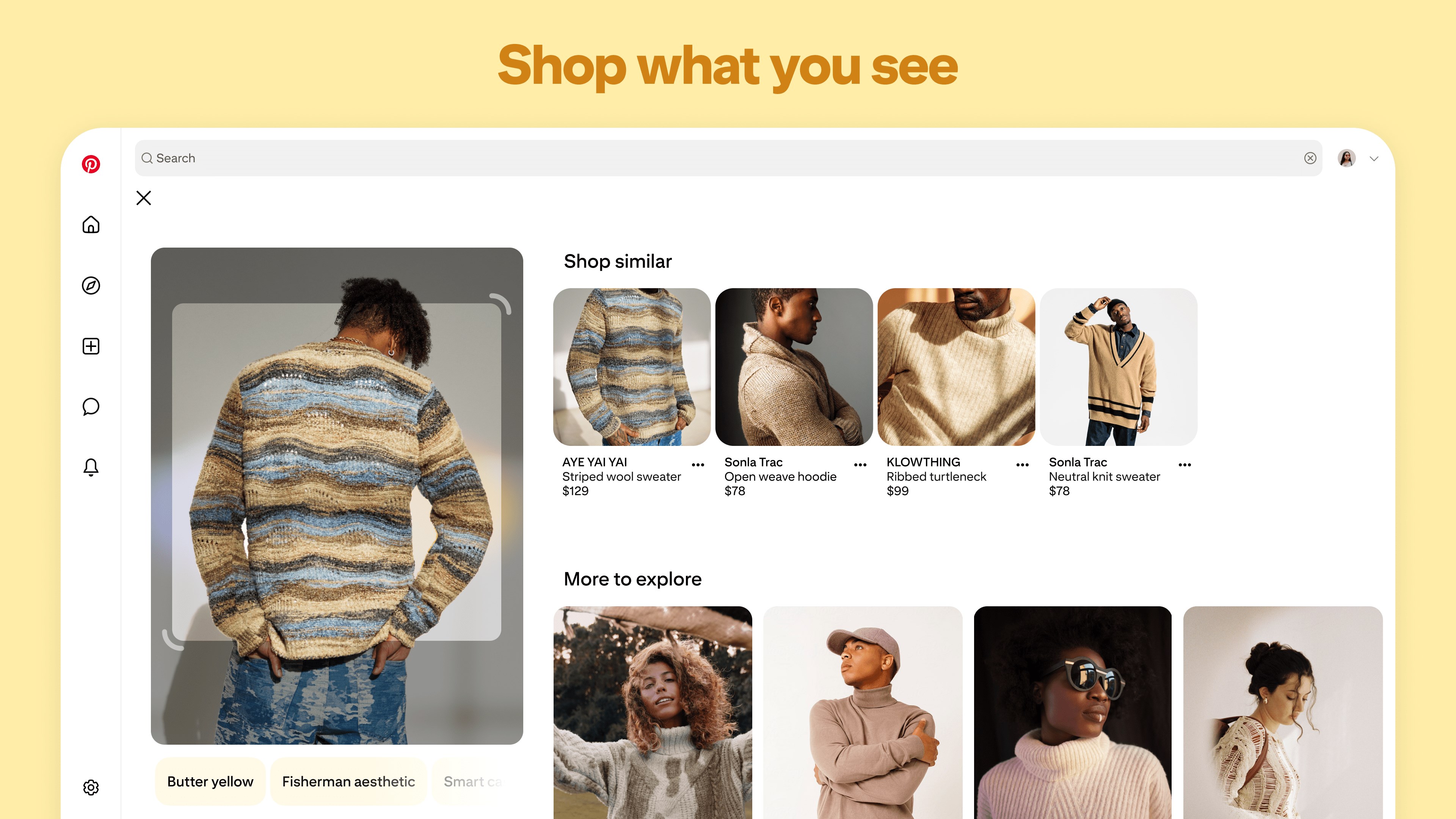
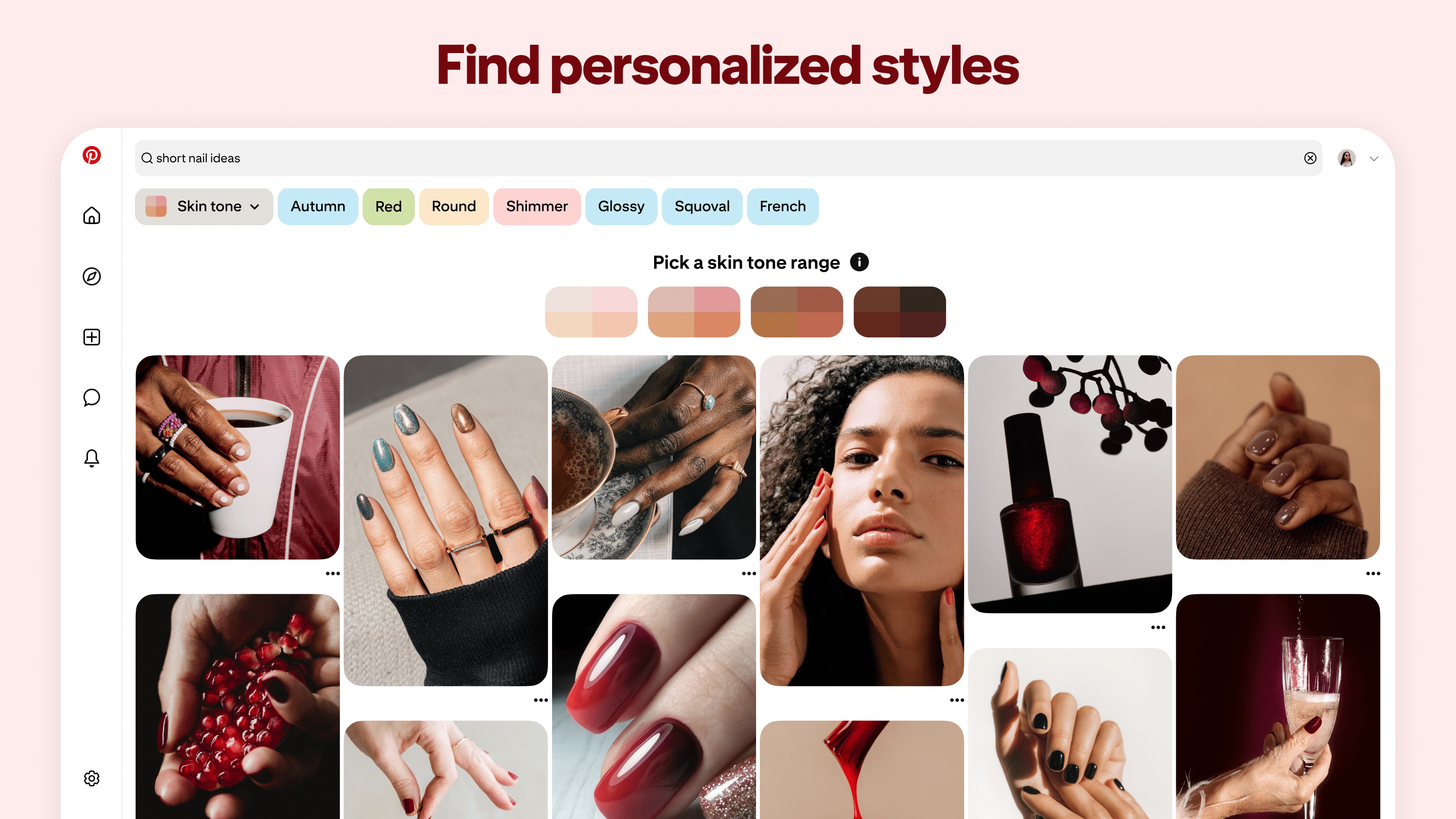
One of Pinterest for Windows' standout qualities is its ability to turn your browsing into a personalized design studio. Creating boards for different projects is straightforward, and you can effortlessly pin images from the web or your device. What truly elevates this app is its user profile customization — enabling you to tailor your Pinterest homepage to reflect your unique tastes and interests, making the discovery process feel more personal. Additionally, the app includes authenticity verification features, helping to ensure the pins and content are genuine and trustworthy, which is especially important when sourcing inspiration for projects or ideas.
Beyond just collecting pins, Pinterest for Windows helps you discover new connections — be it other users with similar tastes or trending content within your areas of interest. This community aspect fosters a sense of belonging and encourages shared creativity. Unlike some social platforms that are more about social interaction, Pinterest's focus on connection discovery feels more refined and purpose-driven; it's about connecting through shared inspirations rather than casual social chatting. This difference makes Pinterest a more authentic space for creators and enthusiasts alike.
Overall, Pinterest for Windows deserves a solid recommendation for anyone craving a versatile visual discovery environment with a personal touch. It's especially suitable for creative professionals, hobbyists, or casual browsers who appreciate a highly curated experience with the ability to organize their ideas effortlessly. To get the most out of the app, spend some time customizing your profile and boards, and explore the connection features to expand your inspiration network.
While it may not replace dedicated design or photo editing tools, it serves as a powerful supplement for idea collection and planning, making it a worthwhile addition to your digital toolkit. If you enjoy exploring diverse visual content and want a platform that adapts to your interests rather than overwhelming you, Pinterest for Windows is definitely worth trying.
Intuitive User Interface
Vast Content Library
Personalized Recommendations
Sync Across Devices
Offline Access to Saved Pins
Occasional Slow Loading Times
Limited Search Filters
Notification Overload
Difficulty Managing Large Boards
Inconsistent Image Quality

for Windows
 5
5

for Windows
4.9

for Windows
4.8

for Windows
4.7
for Windows
4.7

for Windows
4.6

for Windows
4.6

for Windows
4.5

for Windows
4.5

for Windows
4.5

for Windows
4.5

for Windows
4.4

for Windows
5

for Windows
5

for Windows
5

for Windows
5

for Windows
5
for Windows
5

for Windows
5

for Windows
5

for Windows
5

for Windows
5