Racing & flying
Mehedi Hasan MISHU
Xbox console, PC, Mobile, Surface Hub
Windows 10 version 17763.0 or higher
Version 10
2 GB
Not specified
English (United States)
Pickup Driving for Windows is an engaging driving simulation game that immerses players into the rugged world of off-road pickups, combining realistic physics with fun gameplay. Crafted by Mehedi Hasan MISHU and published by AndroidGameZoneBd, this app aims to provide an exciting and approachable vehicle experience right on your Windows device.
The app is developed by Mehedi Hasan MISHU, a developer focused on creating entertaining simulation games, with AndroidGameZoneBd serving as the publisher to amplify its reach on the Windows platform.
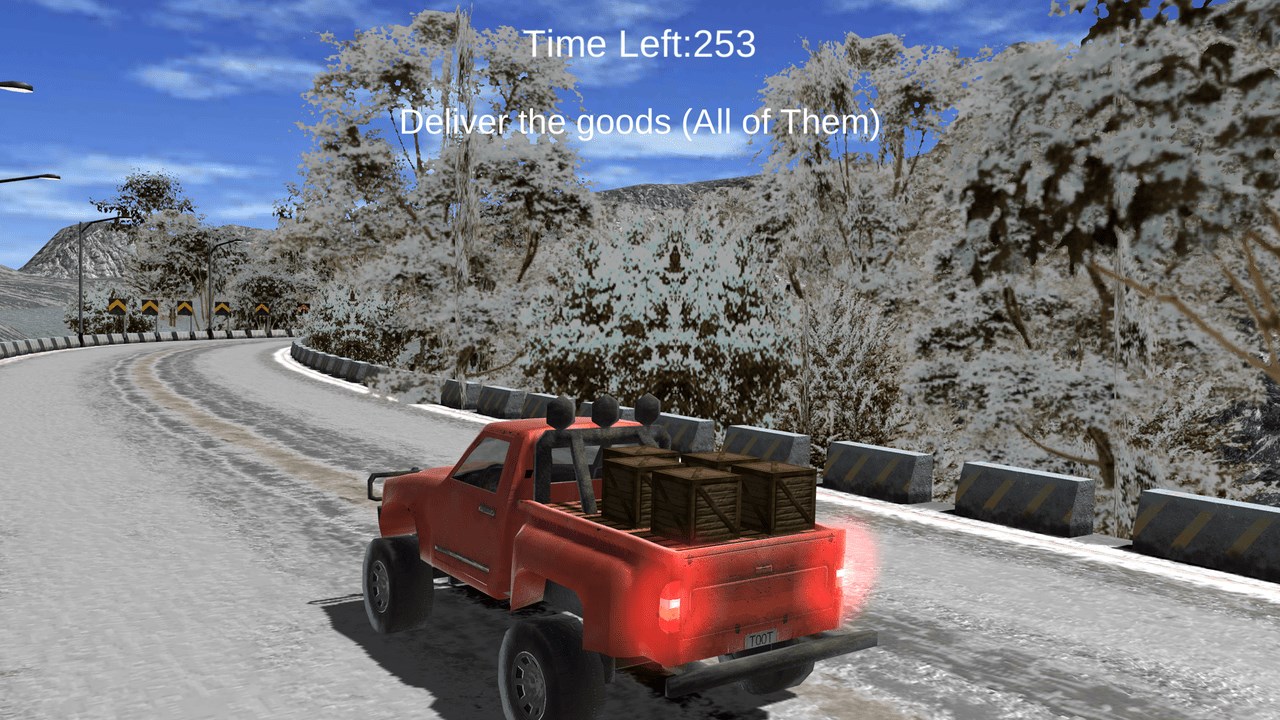
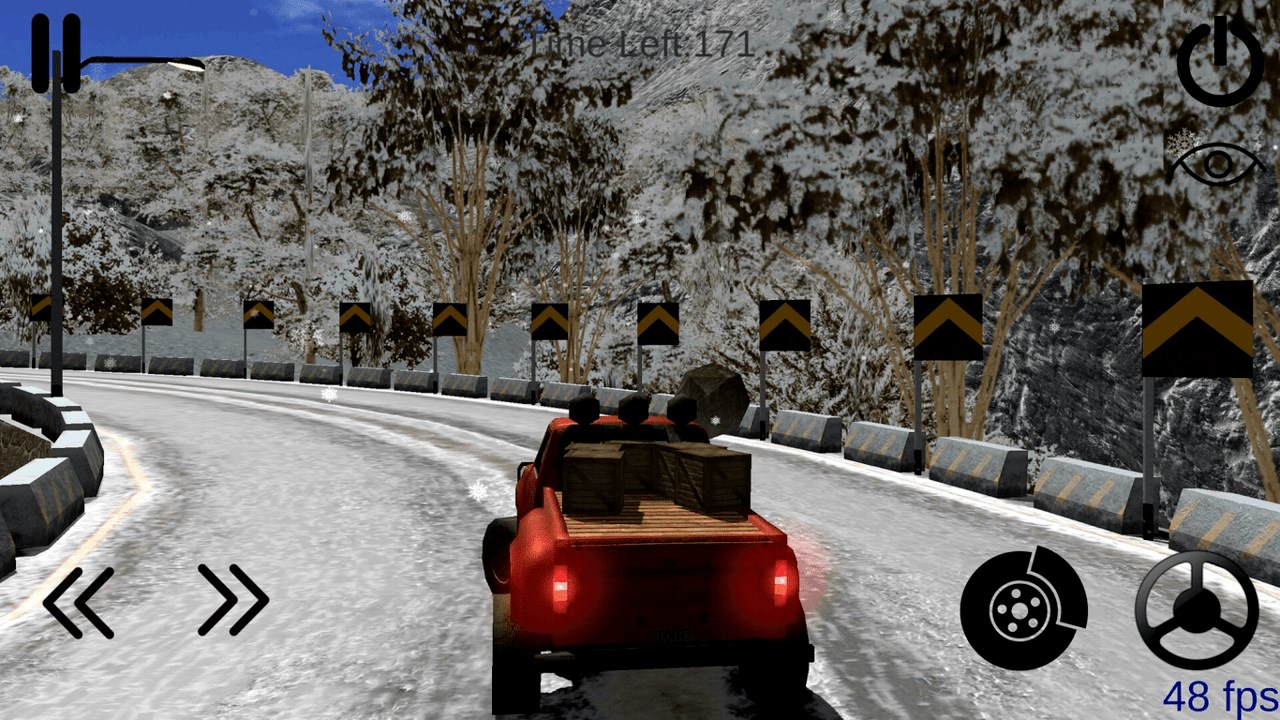
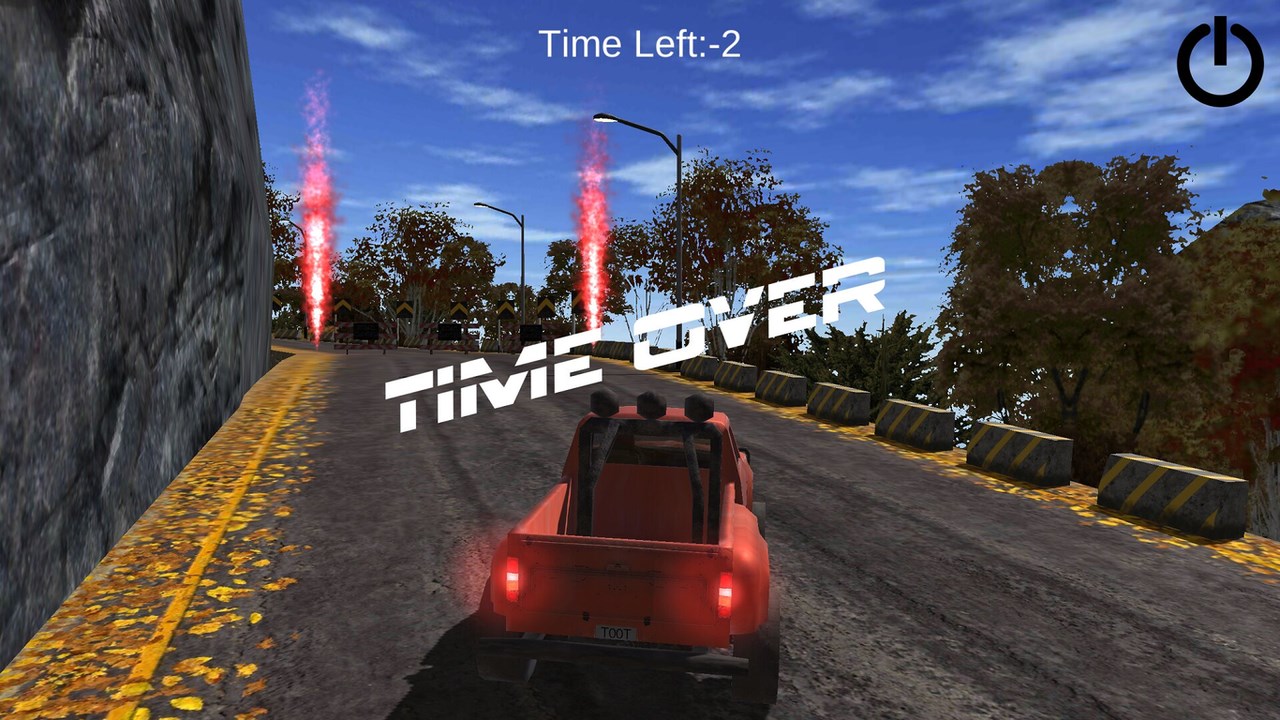
From the moment you launch Pickup Driving, you're greeted with a vibrant and inviting interface that feels like stepping into a virtual sandbox of adventure. The game vividly captures the thrill of off-road driving, akin to conquering uncharted wilderness with your trusty pickup—imagine navigating through a trail that twists and turns like a rollercoaster in a theme park, but with much more grit and muddy splashes.
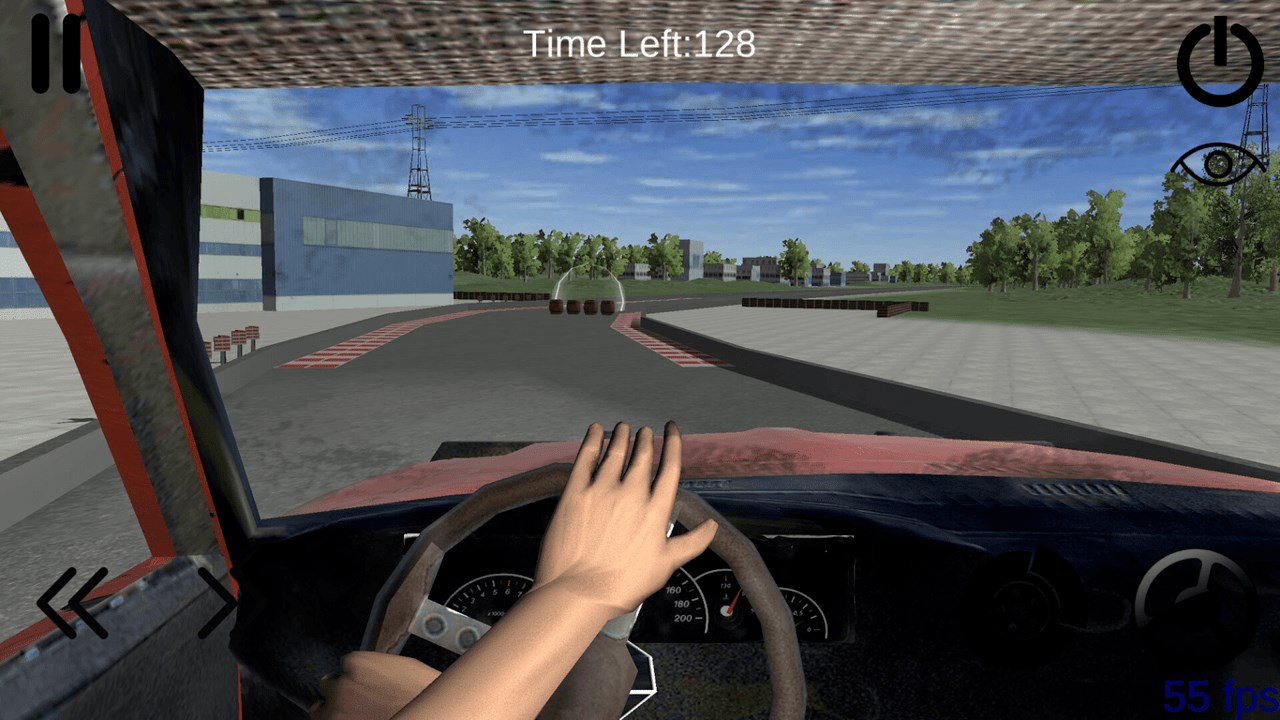
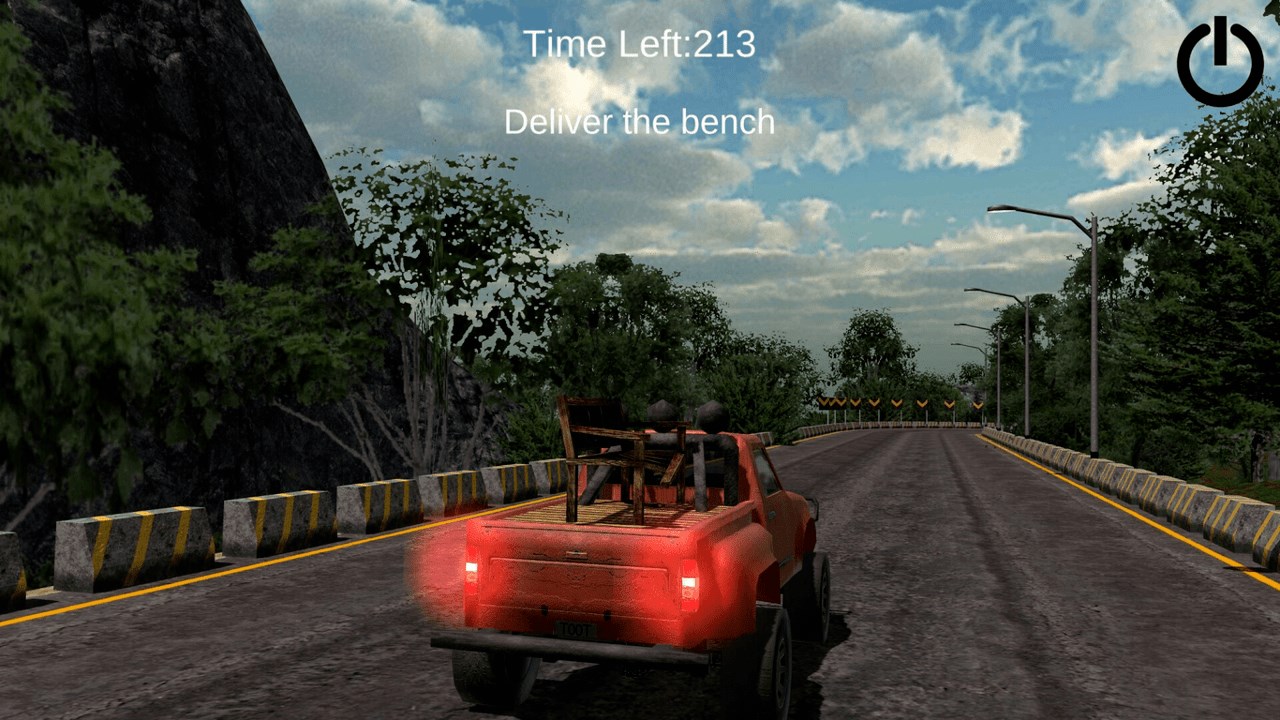
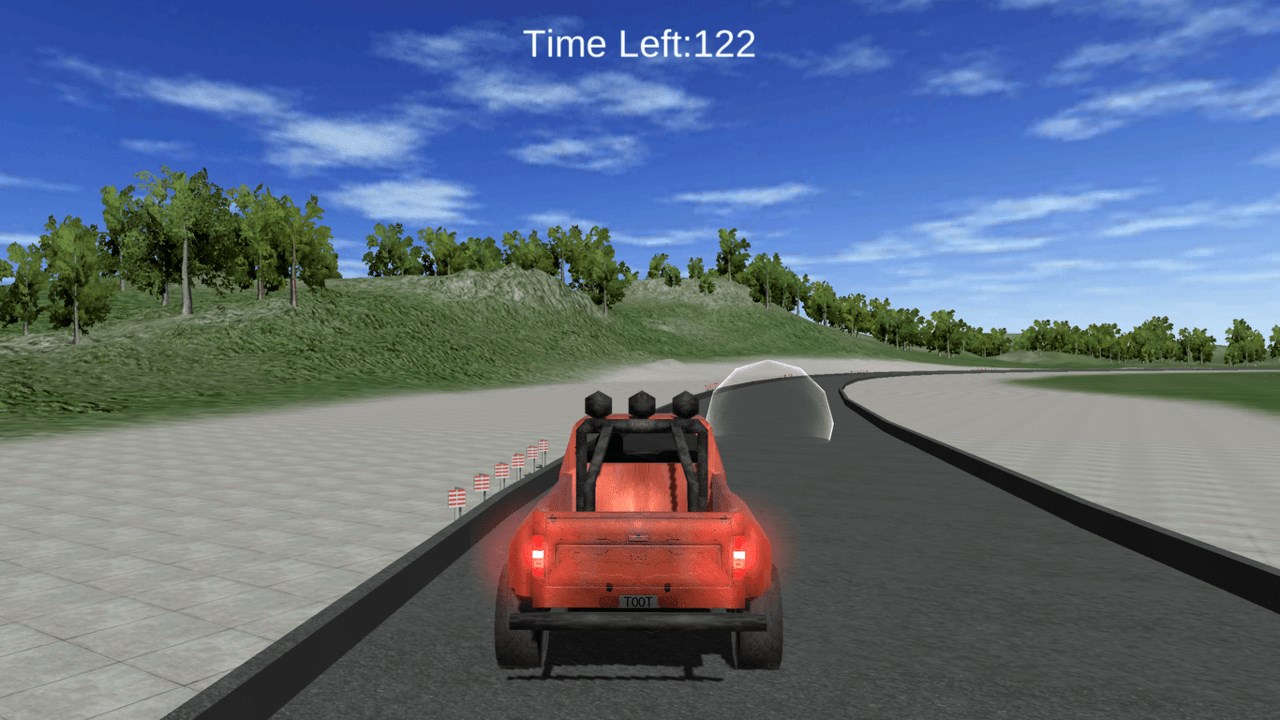
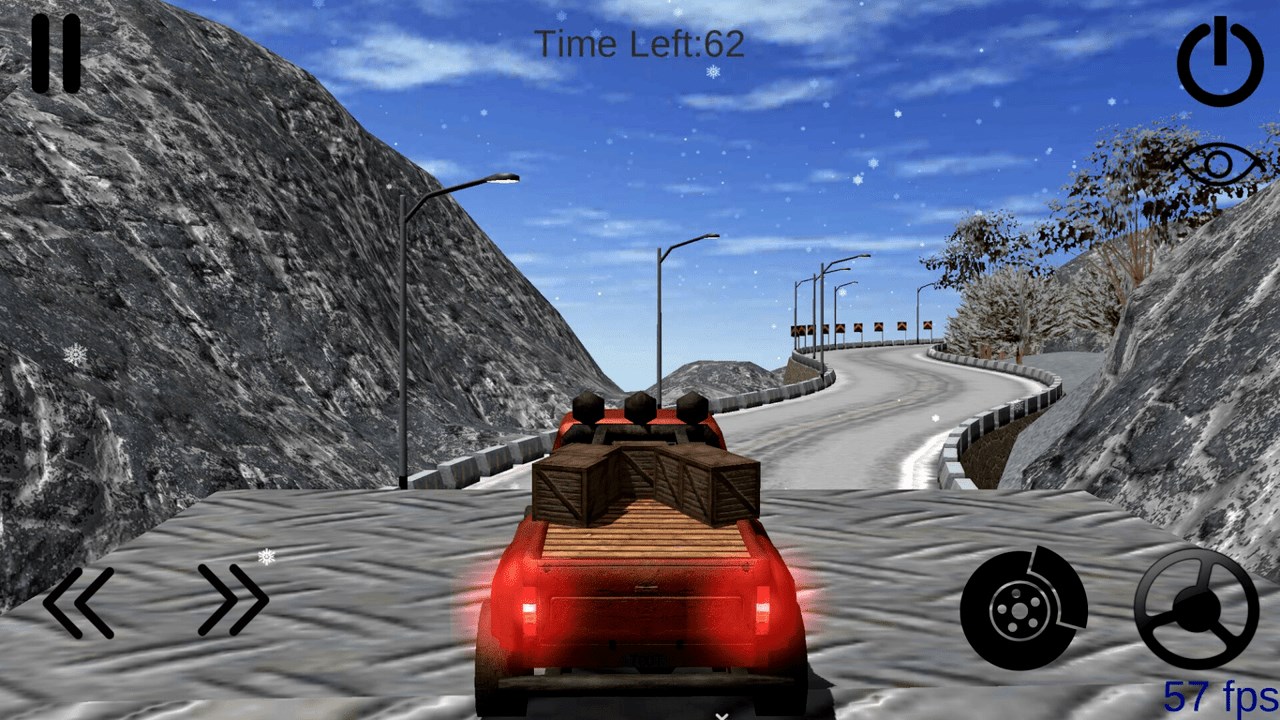
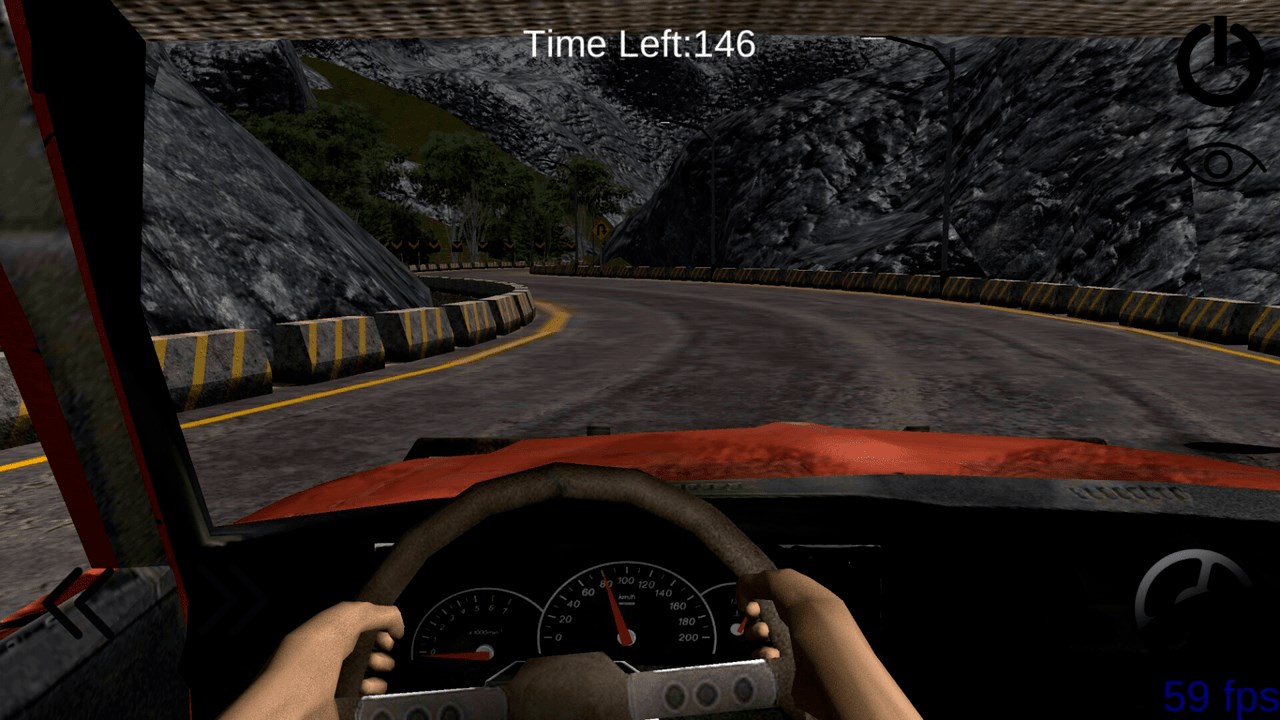
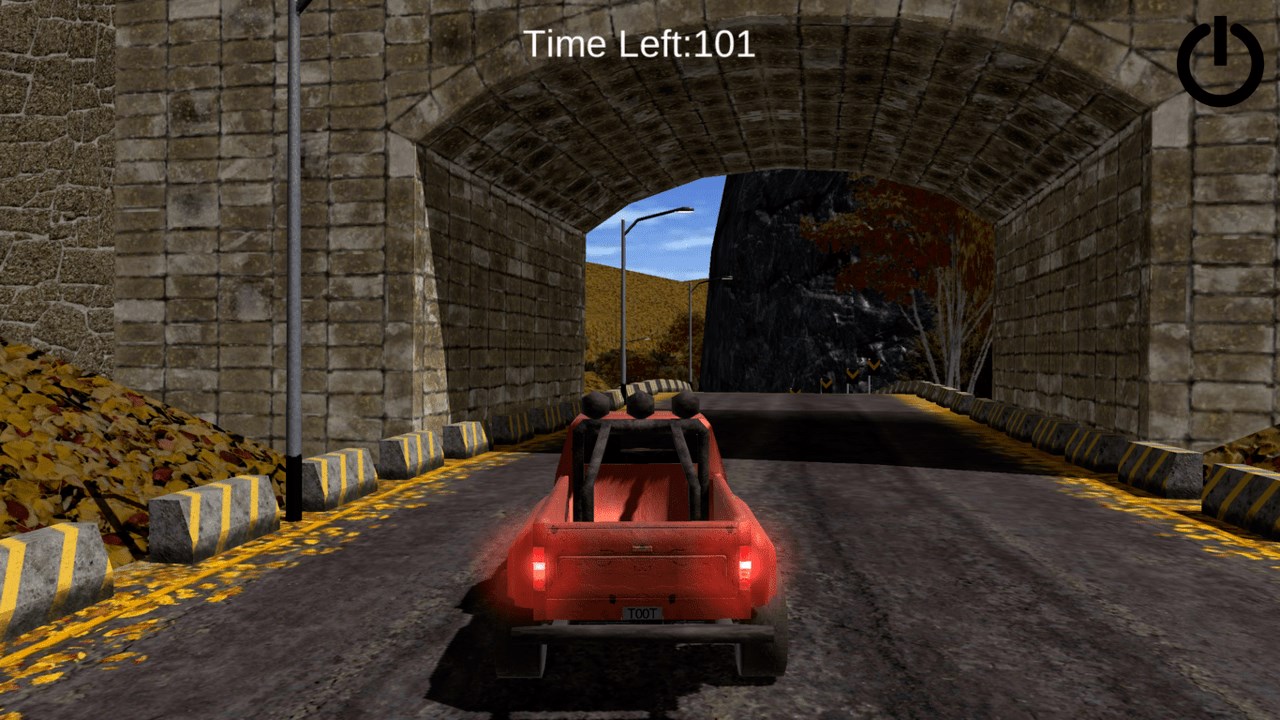
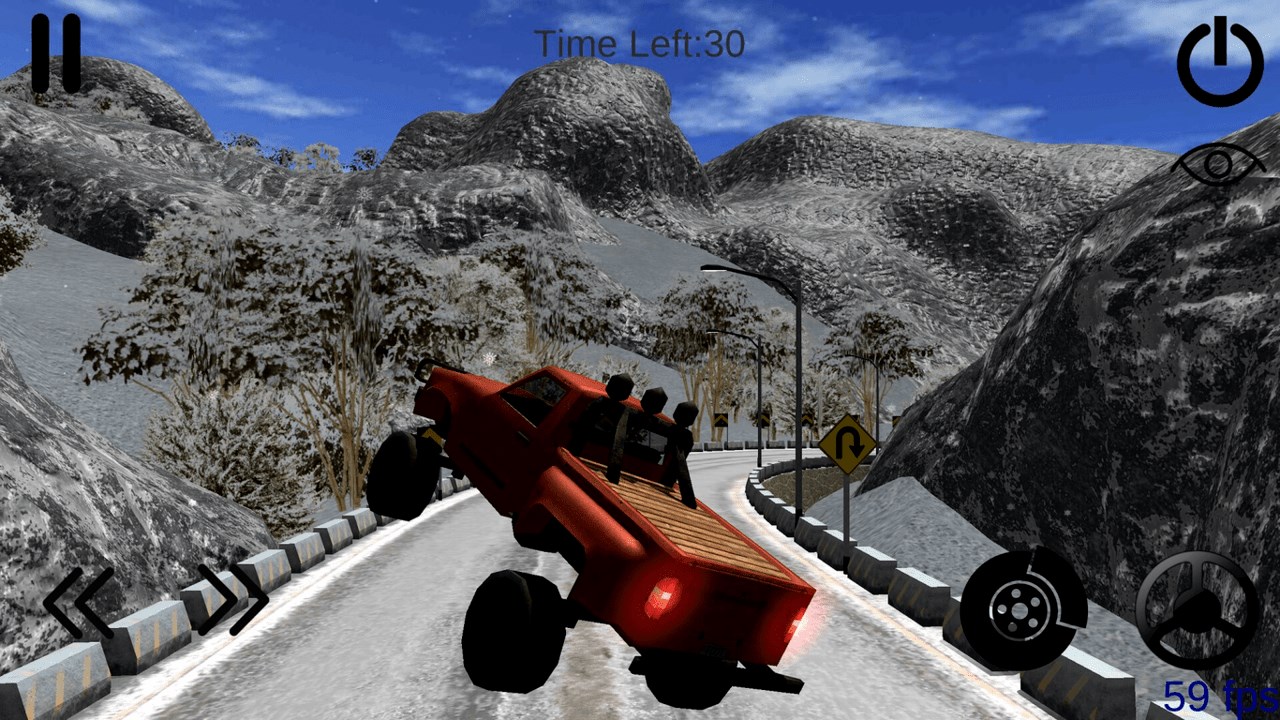
The core gameplay revolves around controlling a sturdy pickup truck across various terrains. The physics engine excels at mimicking real-world driving sensations; feel the bounce as you ascend a rocky incline or the slip when passing through a muddy patch. The control layout is intuitive—whether you prefer joystick controls or tilt steering, the responsiveness is smooth, making it easy for beginners to pick up but still offering depth for more experienced players aiming for mastery.
The interface is straightforward, with clean menus and easy access to customization options. Visual design is vibrant but not overwhelmingly cluttered, creating an immersive driving environment. The game doesn't bombard players with tutorials; instead, it encourages exploration, and the learning curve is gentle—perfect for casual players or those new to vehicle sims. The textures and terrain details, though modest, successfully evoke the ruggedness of off-road driving, adding to the overall sense of adventure.
While many racing games focus on speed and city streets, Pickup Driving embeds a sense of exploration and durability in challenging terrains. Its most distinctive feature is the combination of realistic physics with accessible gameplay—making it satisfying to tackle tough off-road scenarios without the need for complex controls or lengthy tutorials. Unlike typical racing titles that emphasize competitive streaks, this app immerses players in a solo adventure, capturing the joy of conquering nature's obstacles.
Pickup Driving for Windows is a commendable choice for those seeking a relaxed yet engaging off-road driving experience. It's especially suitable for players who enjoy vehicle simulations with a touch of adventure—think of it as a virtual outdoor expedition rather than a race to the finish line. The game's emphasis on realistic physics and varied terrains makes it a refreshing departure from more arcade-style racers.
Overall, I recommend giving it a try if you appreciate rugged landscapes, vehicle handling realism, and a casual gaming pace. Whether you're a seasoned simulation fan or a newcomer looking to explore off-road driving in a friendly environment, PickUp Driving offers an enjoyable ride with just enough challenge to keep you returning for more.
Realistic driving scenarios
User-friendly interface
Multiple vehicle options
Good graphics and sound effects
Free to download and play
Limited gameplay variety
Occasional lag during intensive scenes
Basic customization options
Lack of multiplayer features
In-app ads may interrupt gameplay

for Windows
 4.8
4.8

for Windows
4.8

for Windows
4.7

for Windows
4.7

for Windows
4.6

for Windows
4.6

for Windows
4.6

for Windows
4.5

for Windows
4.3

for Windows
4.2

for Windows
4.2

for Windows
4.2

for Windows
5

for Windows
5

for Windows
5

for Windows
5

for Windows
5

for Windows
5

for Windows
5

for Windows
5

for Windows
5

for Windows
5