Business
PC
Windows 10 version 14393.0 or higher
Chinese (Simplified), Dutch, English (United States), French, German, Italian, Japanese, Korean, Portuguese, Russian, Spanish
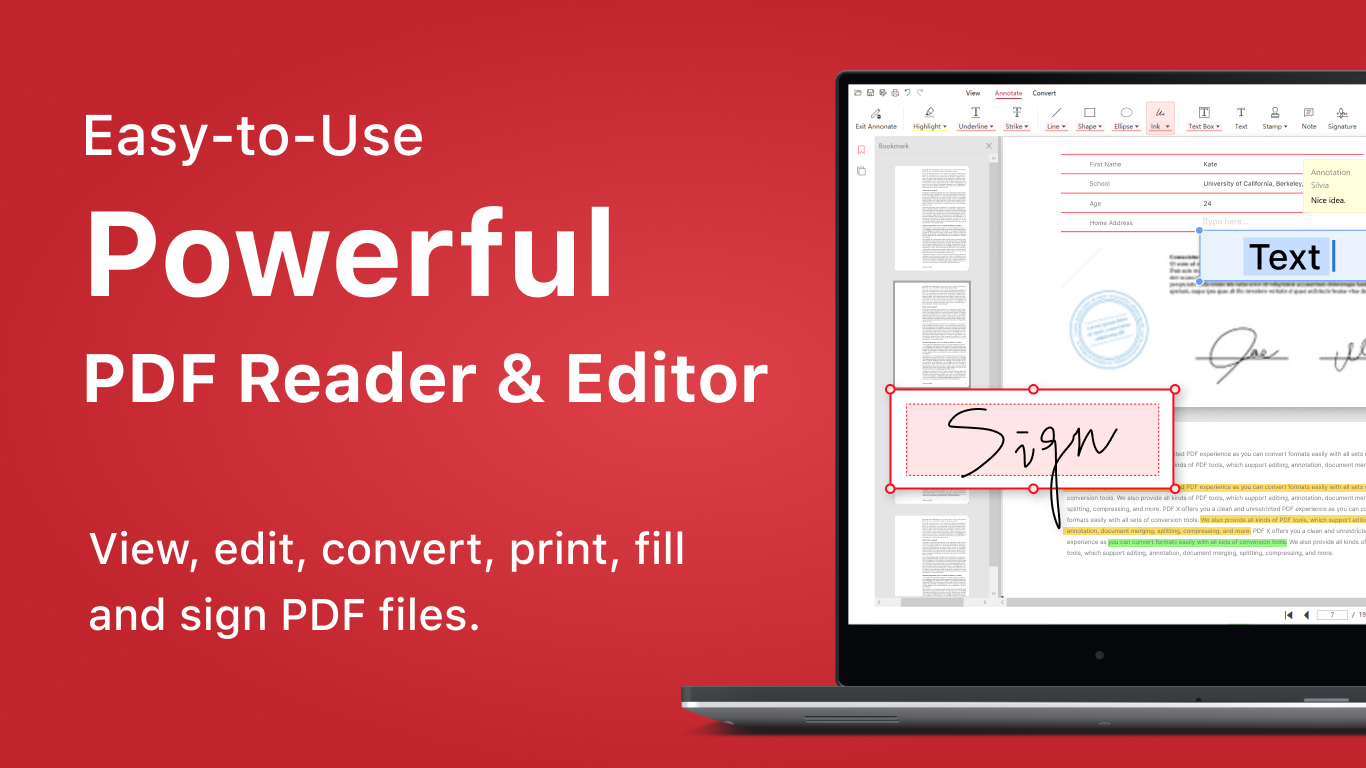
Imagine having a reliable, all-in-one tool that not only lets you view and edit PDFs but also collaborates seamlessly with your team—PDF X aims to be that powerhouse for Windows users. Whether you're a student, a professional, or just someone who frequently works with PDF documents, this app promises to streamline your workflow with a suite of robust features. Released by NG PDF Lab through the Microsoft Store, PDF X is positioned as an accessible yet powerful PDF editor and reader that caters to a broad spectrum of needs.
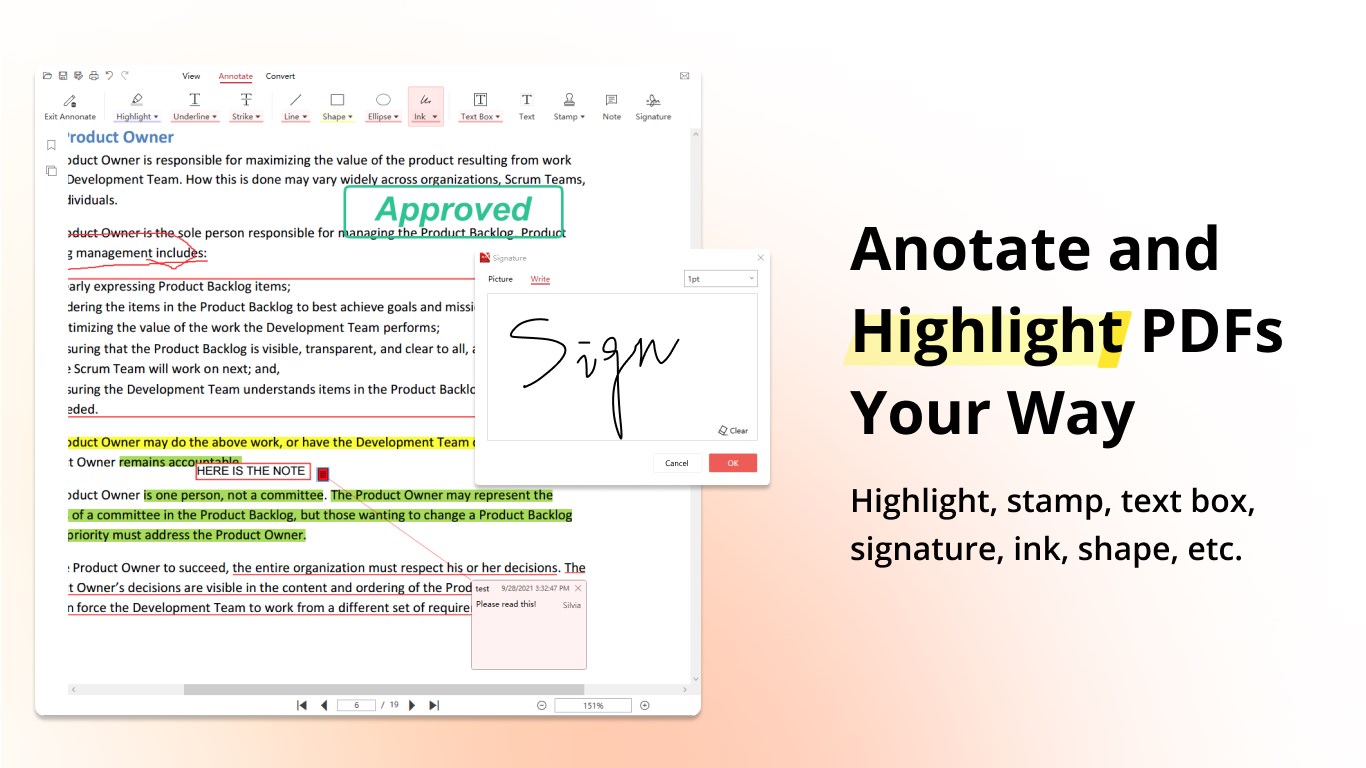
One of the standout features of PDF X is its comprehensive editing toolkit. You can effortlessly annotate, highlight, underline, or add comments to your PDF files, making it perfect for review sessions or collaborative projects. The app also allows you to modify text and images within a PDF, transforming static documents into dynamic, customizable files. This flexibility ensures users can quickly make adjustments without switching to complicated, multi-step workflows.
What truly elevates PDF X above typical PDF readers is its focus on collaborative work. The app introduces unique features such as shared annotations and task assignments directly within the document. Imagine reviewing a team proposal where each member's comments are color-coded and assigned to specific persons—this creates a transparent and organized review process. Such design significantly simplifies project coordination, especially in remote or hybrid work environments.
From the moment you open PDF X, its clean and modern interface welcomes you like an organized virtual desk. With straightforward menus and a logical layout, even first-time users can start editing and annotating with minimal learning curve. The app performs smoothly, with swift rendering of pages and real-time updates to edits, ensuring your workflow remains uninterrupted. Whether on a powerful desktop or a modest laptop, the app's responsiveness impresses, making document handling a pleasant experience.
Compared to other business-oriented PDF applications, PDF X's distinct advantage lies in its collaborative features integrated directly into the reading and editing experience. While many PDF tools require cumbersome third-party integrations or separate comment-tracking systems, PDF X simplifies this by embedding task management within the document itself. You can assign, track, and resolve comments in a unified interface. This paints a picture of a virtual roundtable—everyone's input is visible, organized, and efficiently managed within a single window, fostering teamwork without the complexity.
Based on its features and user experience, I'd recommend PDF X to professionals and organizations that value collaboration and versatility in document handling. Its intuitive interface reduces the learning curve, making it suitable for both beginners and experienced users. For those who rely heavily on feedback cycles, review processes, or team coordination, PDF X offers a unique edge with its integrated task assignment and collaborative annotations. For casual users or simpler PDF reading needs, it's equally capable but shines brightest when used in team settings or document-intensive workflows.
In conclusion, PDF X by NG PDF Lab is a well-rounded PDF tool that delivers not only standard editing capabilities but also innovative features geared toward collaborative work. Its user-friendly design and smart task management make it a noteworthy choice for teams seeking efficiency and clarity in their document processes. Give it a look—you may find it becomes your go-to PDF companion for everyday tasks and collaborative projects alike.
Intuitive User Interface
Comprehensive PDF Editing Tools
Fast Loading and Smooth Performance
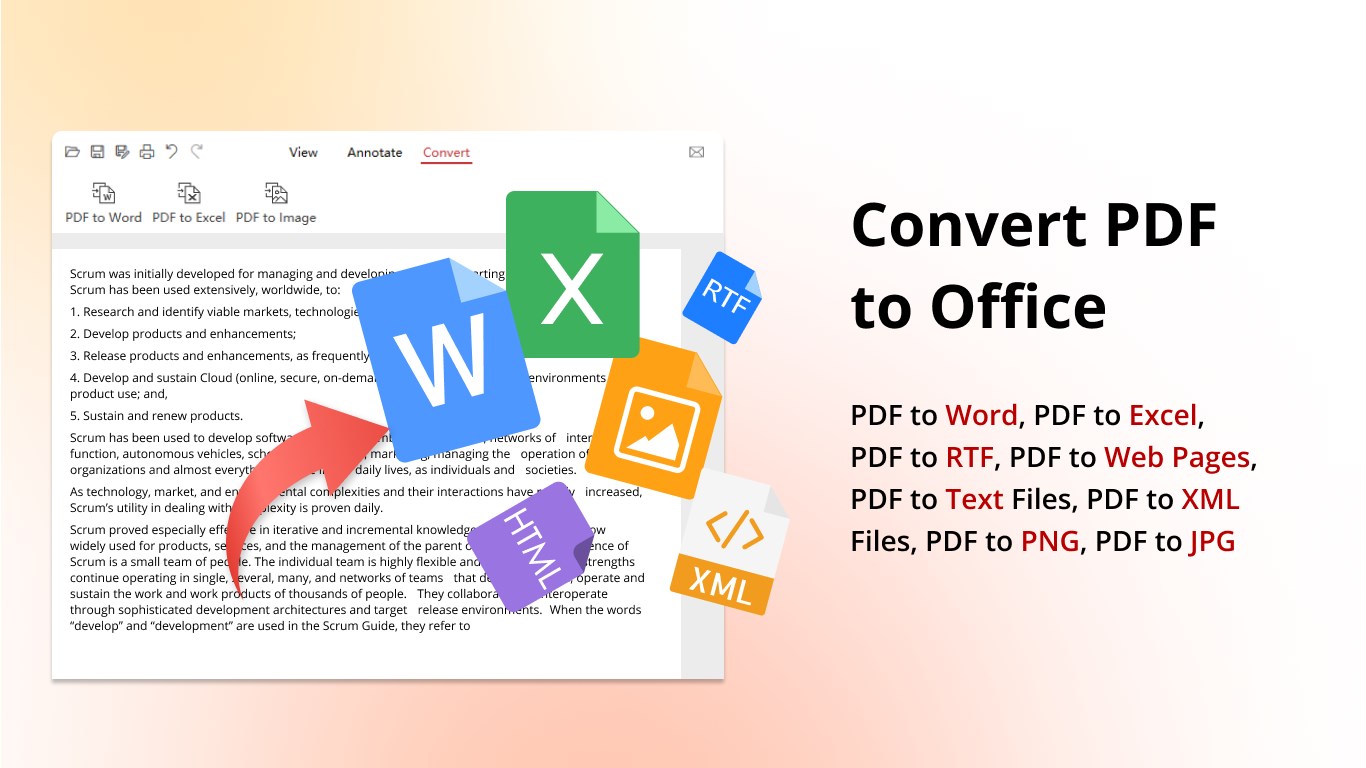
Support for Multiple File Formats
Cloud Integration
Limited Free Features
Occasional Crashes with Large Files
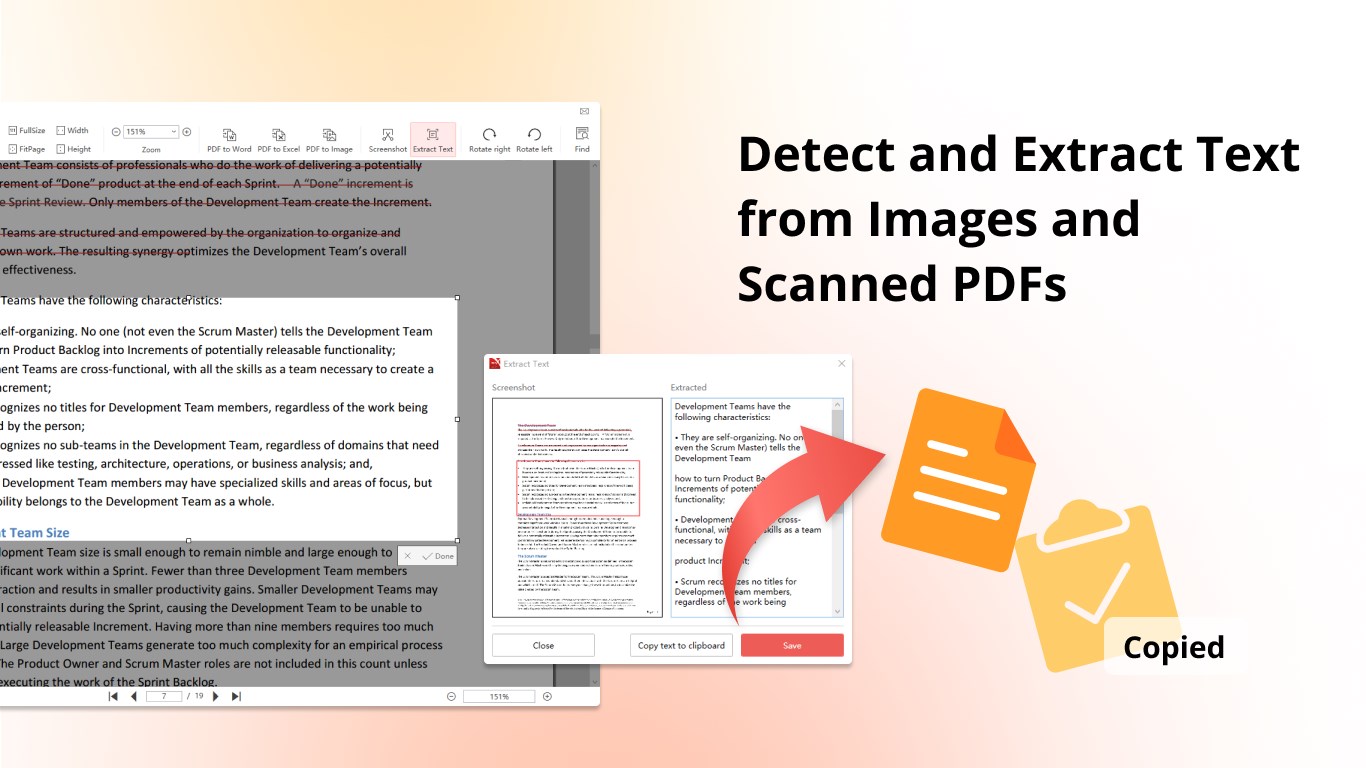
Basic OCR Capabilities
Limited Customization Options
No Offline Editing for Some Features

for Windows
 5
5

for Windows
5

for Windows
4.9

for Windows
4.9

for Windows
4.9

for Windows
4.9

for Windows
4.8

for Windows
4.8

for Windows
4.8

for Windows
4.8

for Windows
4.7

for Windows
4.7

for Windows
5

for Windows
5

for Windows
5

for Windows
5

for Windows
5

for Windows
5
for Windows
5

for Windows
5

for Windows
5

for Windows
5