Productivity
PC
Windows 10 version 18362.0 or higher
Chinese (Simplified), Chinese (Traditional), English (United States), French, German, Italian, Japanese, Korean , Portuguese, Russian, Spanish (Spain)
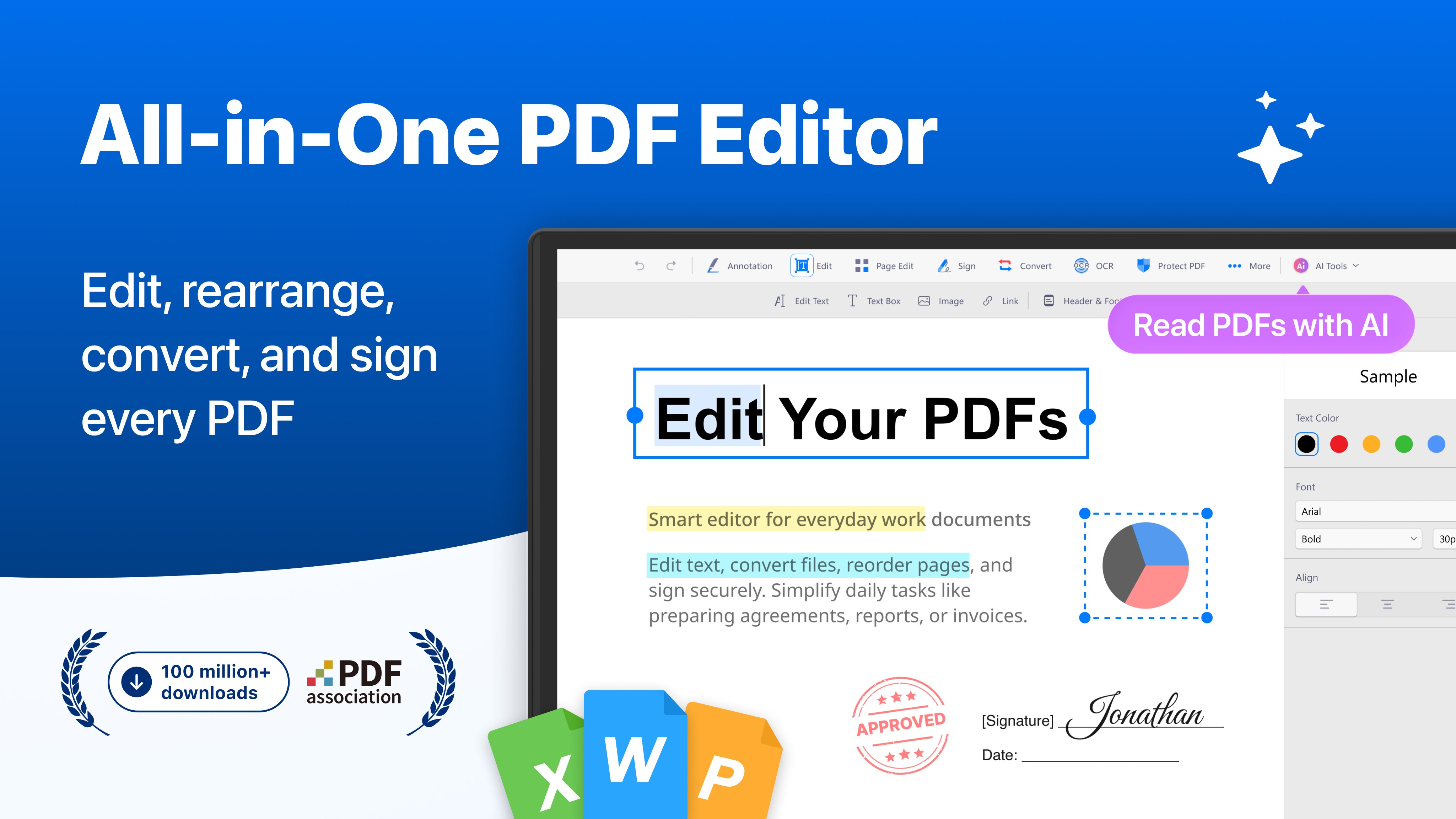
Designed to streamline your PDF interactions, PDF Reader by Kdan Mobile transforms the often tedious task of handling PDF files into a more seamless and efficient experience, making it a reliable tool for both casual users and professionals.
Developed by Kdan Mobile Software Ltd., a well-established software company renowned for its focus on productivity and multimedia applications, this app benefits from a team dedicated to enhancing user workflows through intuitive design and robust functionality.
Imagine you're preparing a report or reviewing contracts—now, picture doing all this within a clean, user-friendly environment that anticipates your needs, giving you tools that are both powerful and unobtrusive. That's what PDF Reader aims to deliver.
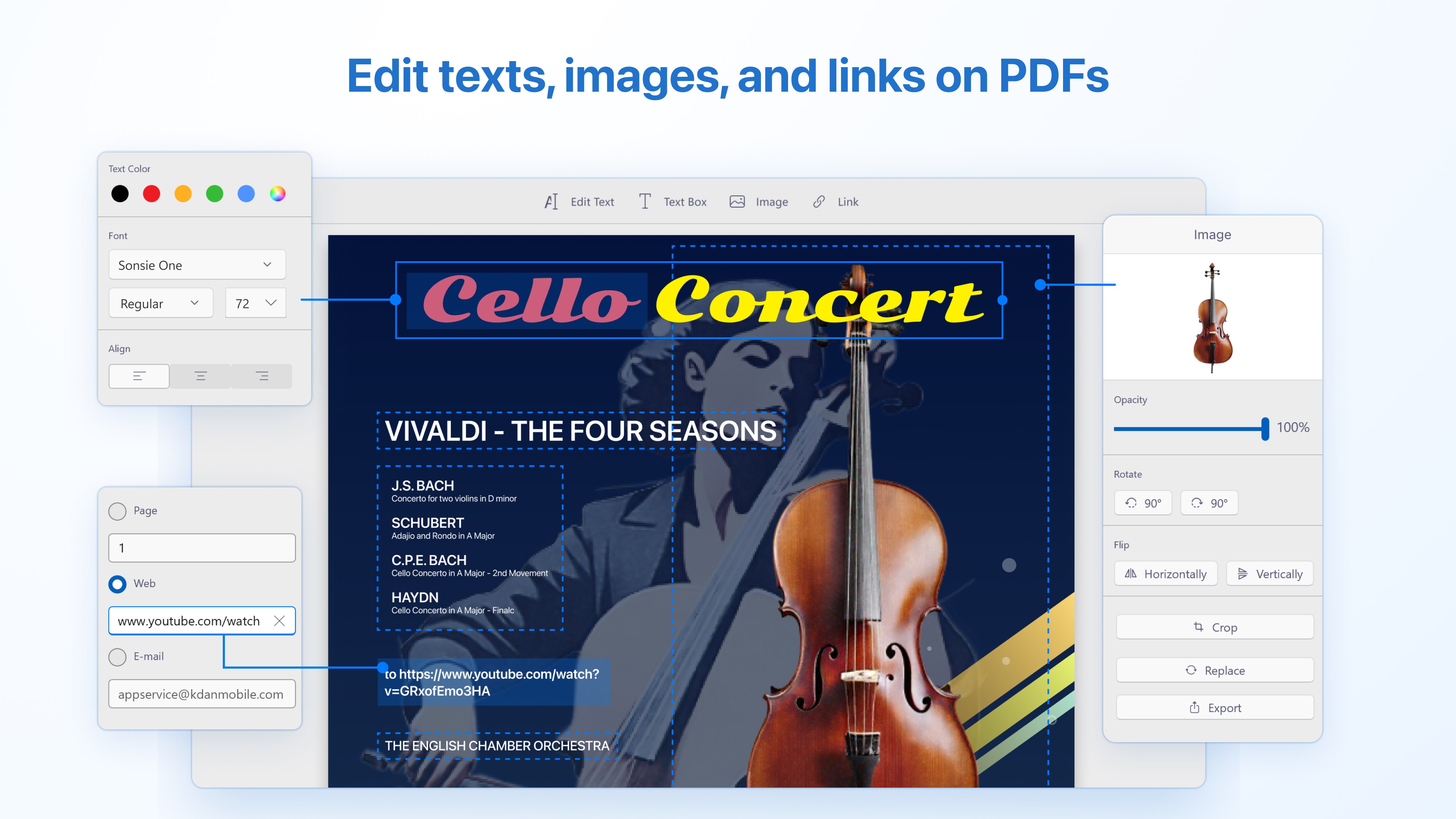
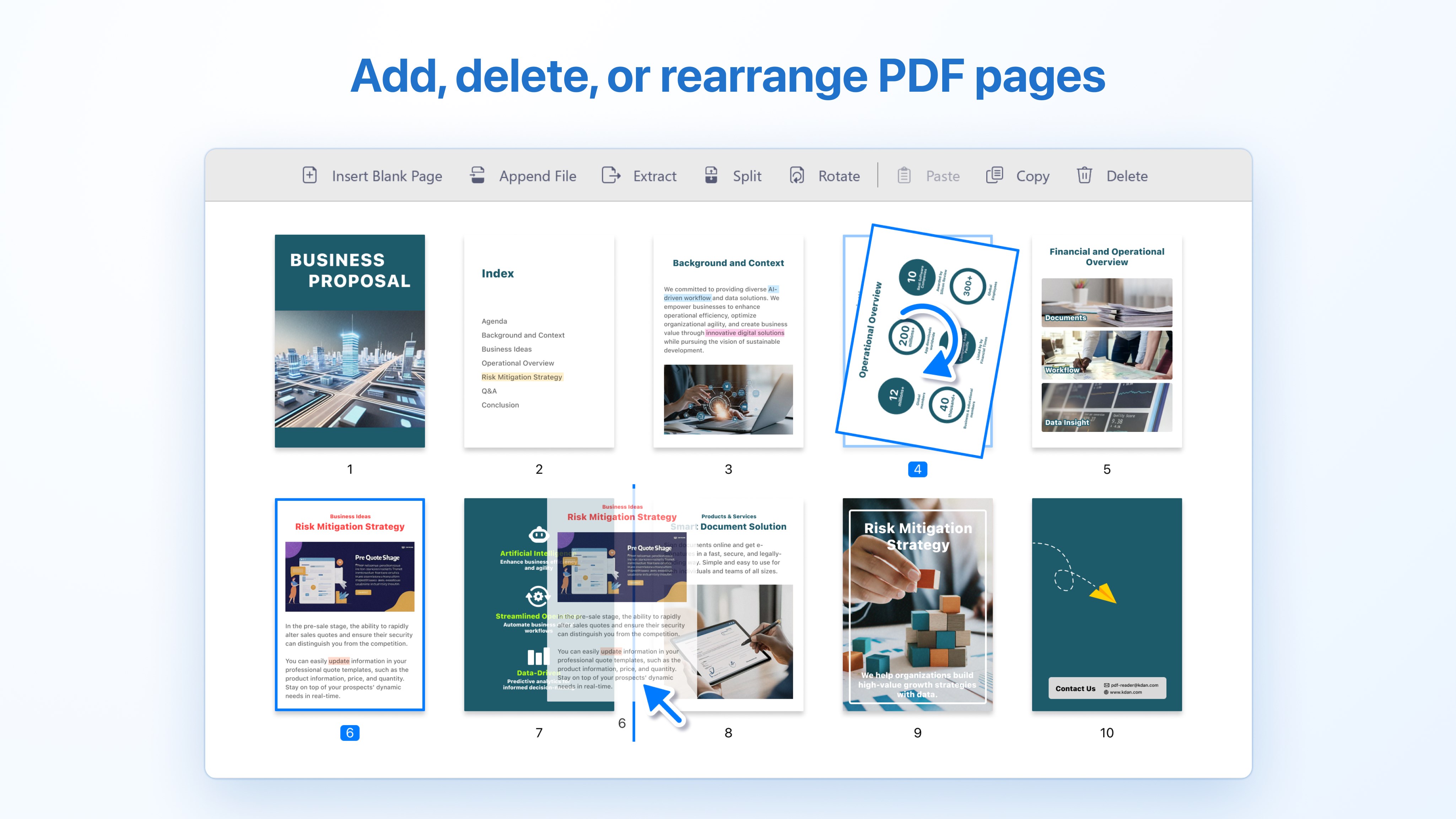
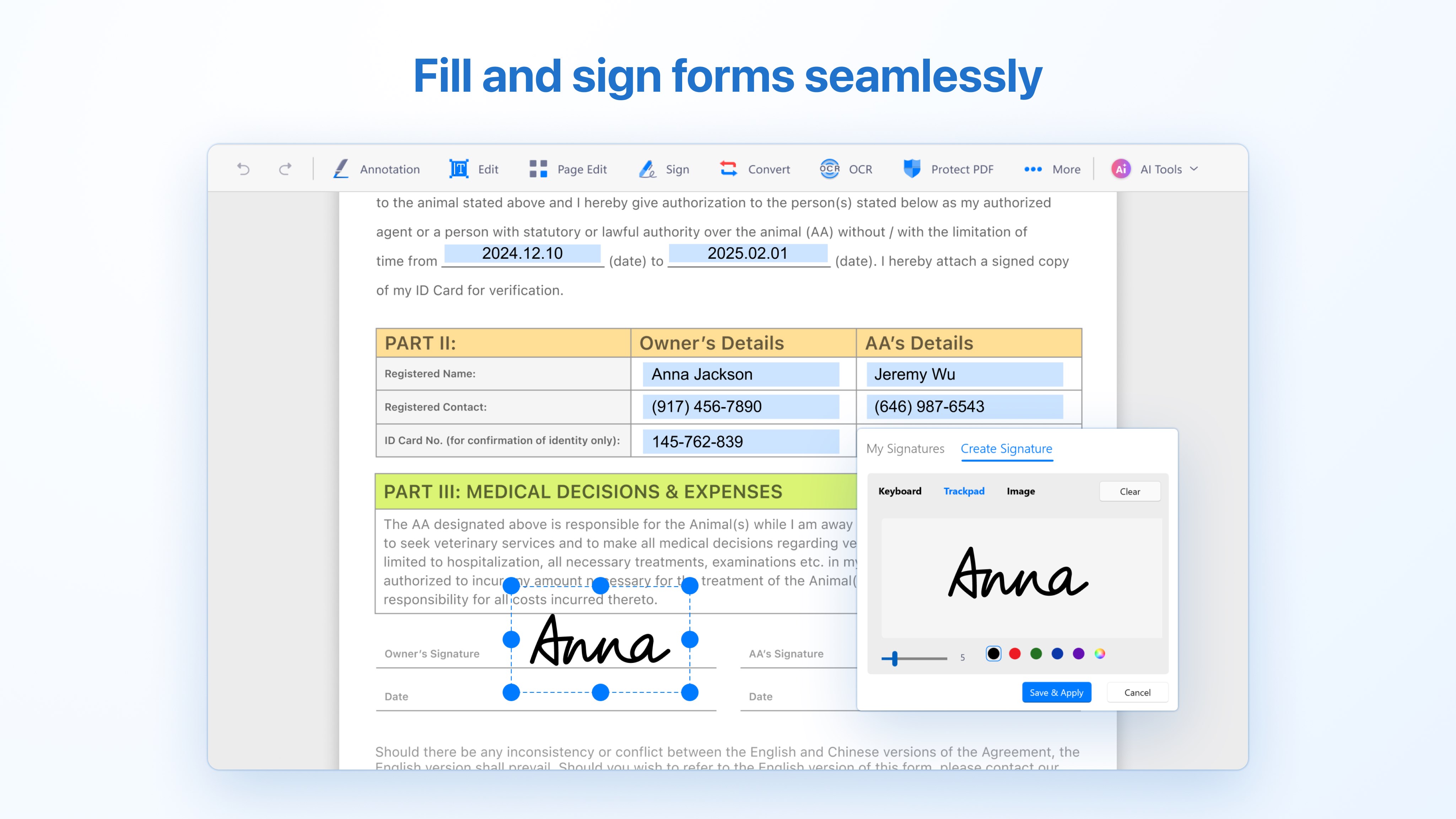
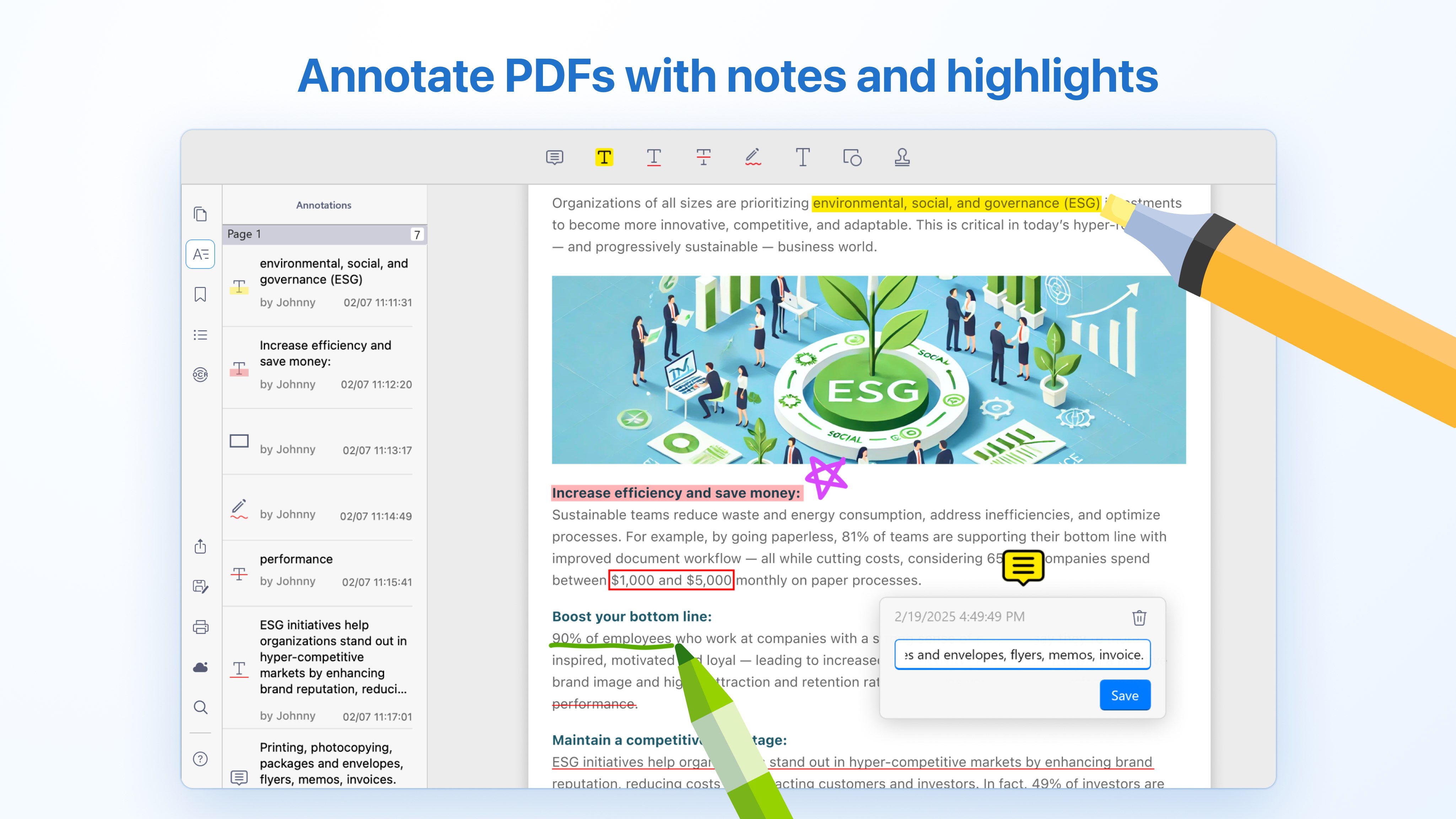
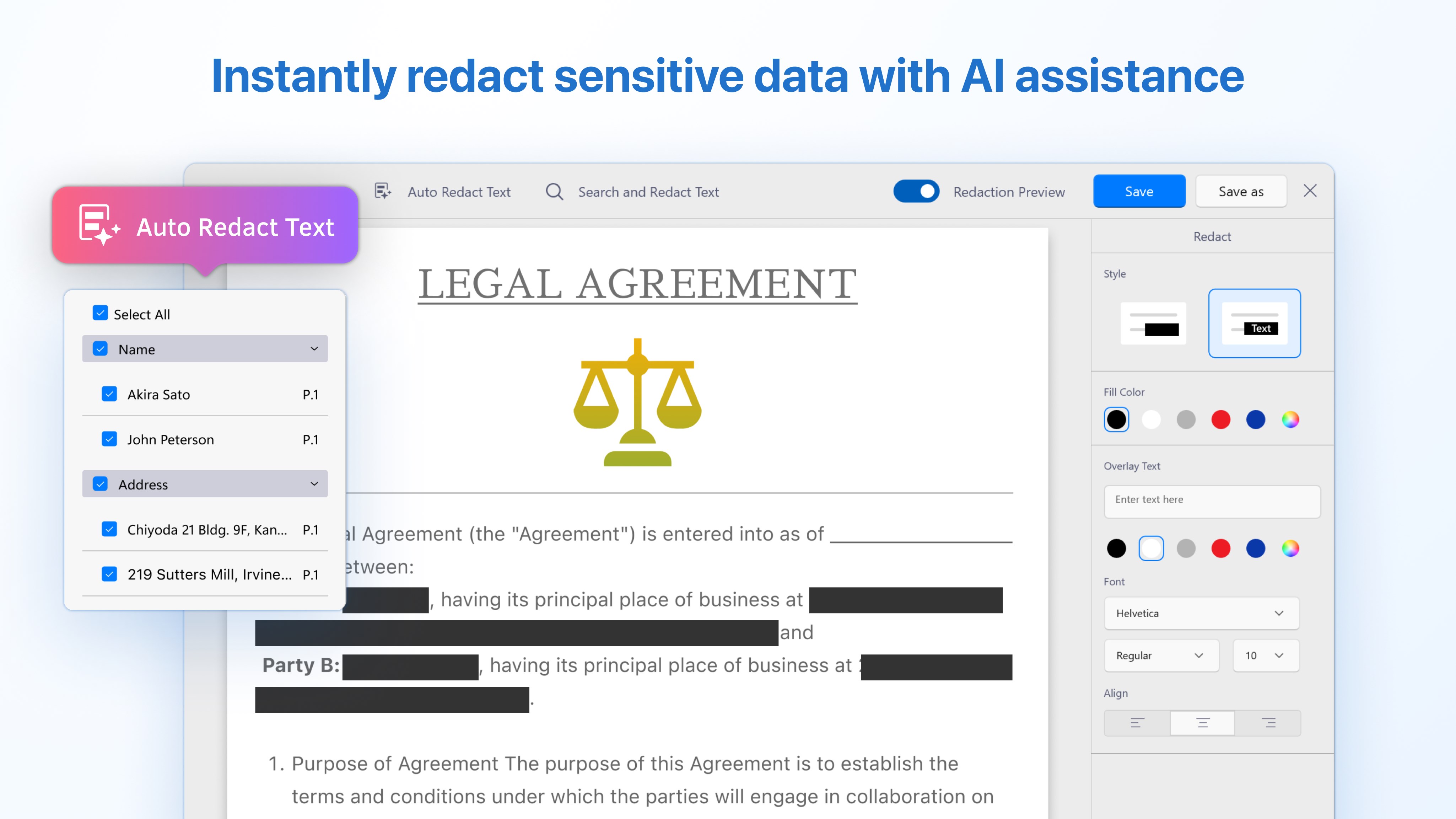
The application's *most noteworthy feature* is its dual ability to view and edit PDFs within a fluid workflow, eliminating the need to switch between multiple apps. Its editing tools are straightforward yet flexible, allowing users to crop, rotate, or annotate directly on the document, which is akin to having a digital whiteboard at your fingertips. Additionally, the form filling and signing capabilities simplify administrative tasks, saving time and reducing reliance on paper-based signatures. These functions are particularly beneficial for professionals who handle contracts, reports, or submissions regularly.
The interface is designed with clarity in mind—clean icons, logical menus, and minimal clutter make navigation a breeze. Swiping between pages feels smooth, like gliding through a well-organized deck of cards. The learning curve is gentle; even first-time users can grasp the core features within minutes, making it accessible for users of all tech levels. Transitions and actions are snappy, ensuring that your workflow isn't hampered by lag or confusion.
Unlike many generic document viewers or editors that cram in features at the expense of simplicity, PDF Reader emphasizes **workflow efficiency** and **cognitive load reduction**. Its focused design reduces the mental effort needed to locate and utilize functions, allowing users to focus on their content rather than wrestling with the tool itself. Its tight integration with cloud services enables quick access and storage, fostering a seamless respect for your existing productivity ecosystem. The app's balanced feature set avoids overwhelming users with options, instead offering the right tools at the right time—this is its key differentiator compared to more feature-heavy but cluttered alternatives.
If you need a reliable app to view, annotate, and lightly edit PDFs without a steep learning curve, this app is certainly worth trying. Its streamlined workflow integration and intelligent design make it suitable for both everyday tasks and more focused professional work. I'd recommend it to users seeking a clean, efficient PDF solution that respects their existing file management habits and reduces unnecessary cognitive load. While it might not replace advanced editing suites for complex manipulations, for most routine document handling tasks, it hits the sweet spot perfectly.
Intuitive User Interface
Multiple Viewing Modes
Basic Editing Features
Cloud Integration
Supports a Wide Range of PDFs
Limited Advanced Editing Tools
Occasional Crashes on Large Files
Annotation Tools Are Basic
Search Functionality Can Be Slow
Offline Mode Limited

for Windows
 5
5

for Windows
5

for Windows
4.9

for Windows
4.9

for Windows
4.9
for Windows
4.8

for Windows
4.8

for Windows
4.8

for Windows
4.8

for Windows
4.8

for Windows
4.8

for Windows
4.8

for Windows
5
for Windows
5

for Windows
5

for Windows
5

for Windows
5

for Windows
5

for Windows
5

for Windows
5

for Windows
5
for Windows
5