Business
PDF Technologies, Inc.
PC
Windows 10 version 17763.0 or higher
Chinese (Simplified), Chinese (Traditional), English (United States), French, German
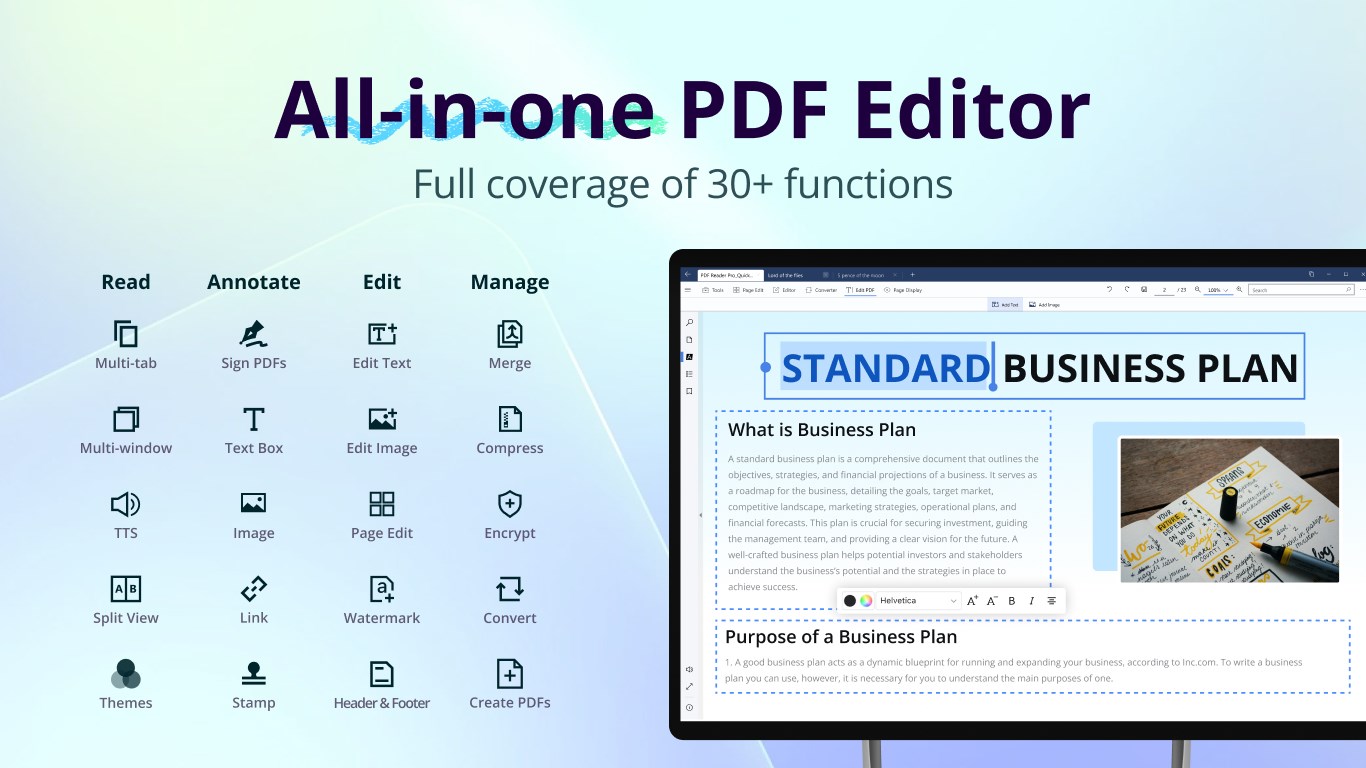
PDF Reader Pro - PDF Editor & Converter for Windows offers a comprehensive suite of tools to handle your PDF documents with efficiency and precision. Whether you're a student, professional, or business user, this app aims to simplify complex PDF tasks by providing a seamless and intuitive experience.
Developed and published by PDF Technologies, Inc., a company specializing in document management solutions, this app stands out with its focus on ease of use and advanced features. Its main highlights include robust editing capabilities, versatile conversion functions, and collaborative tools designed to streamline teamwork.
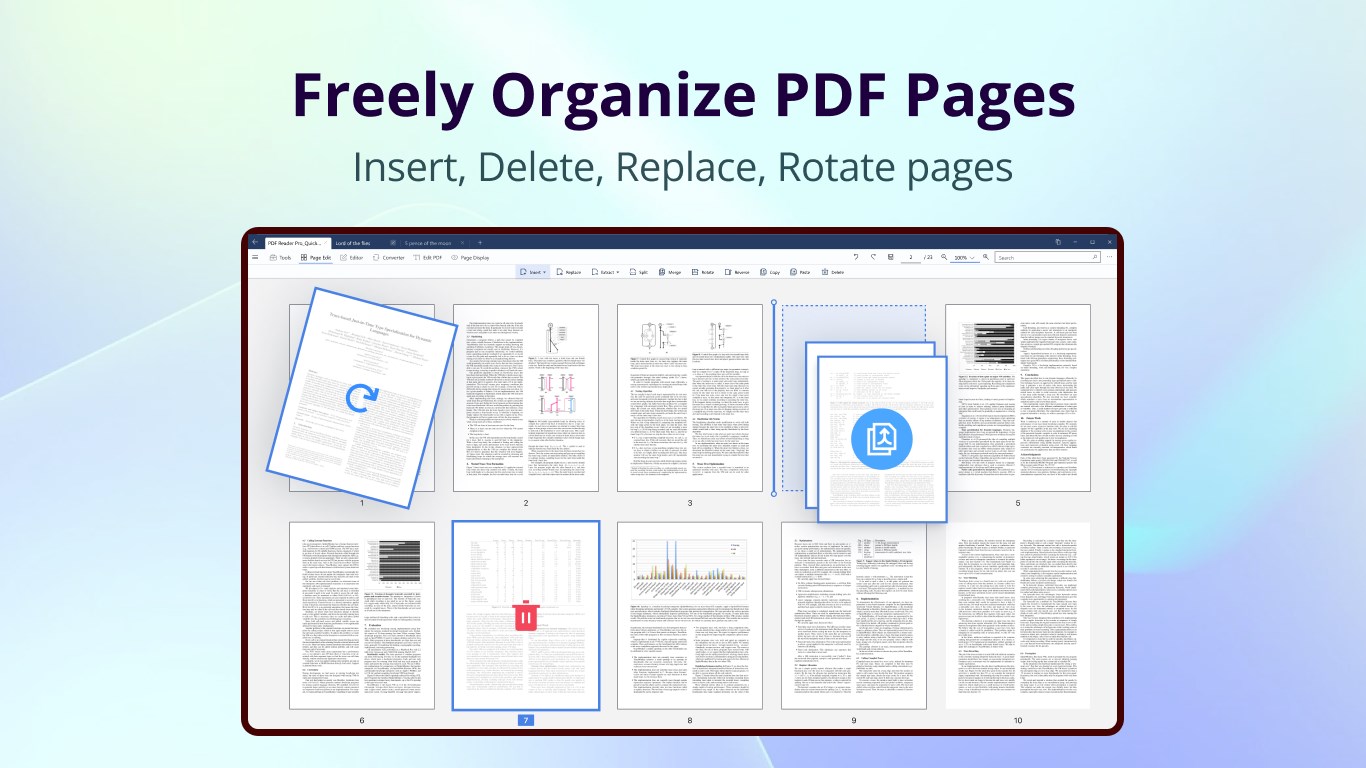
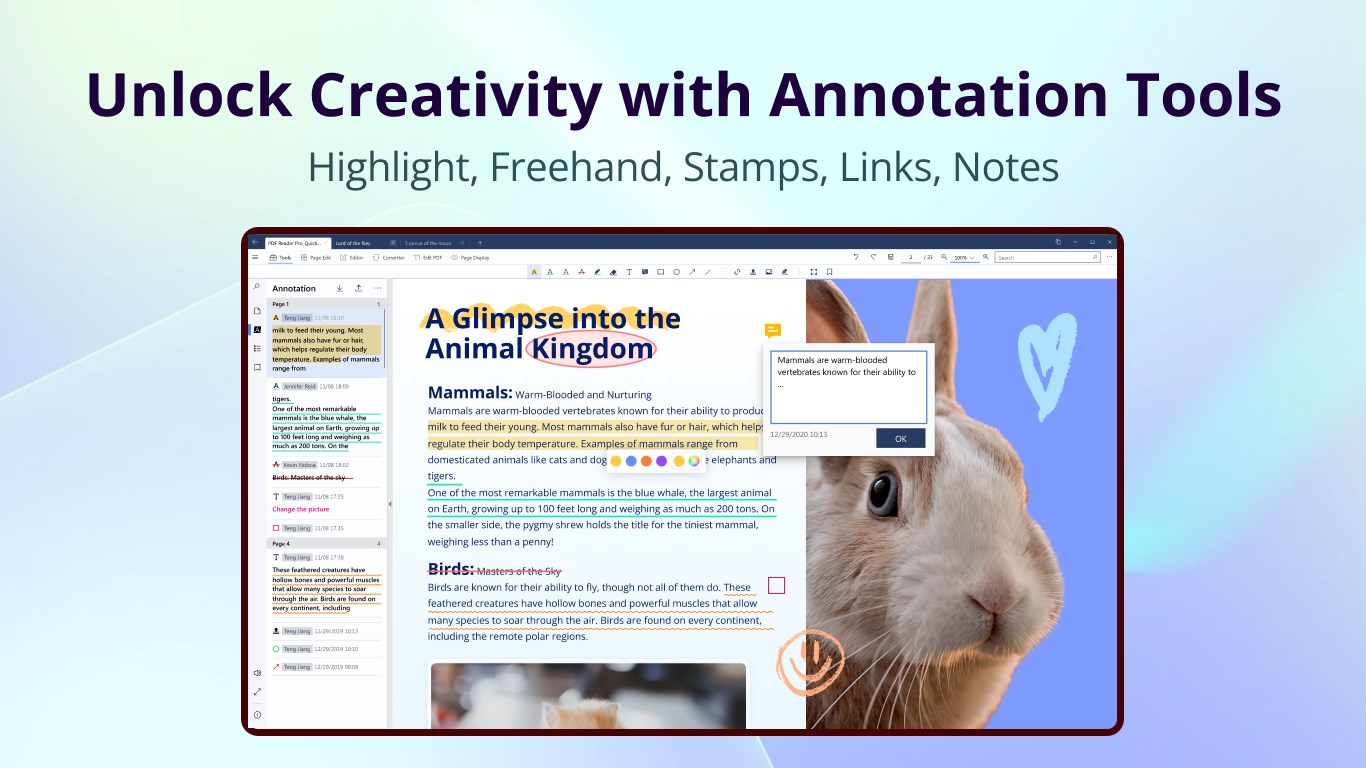
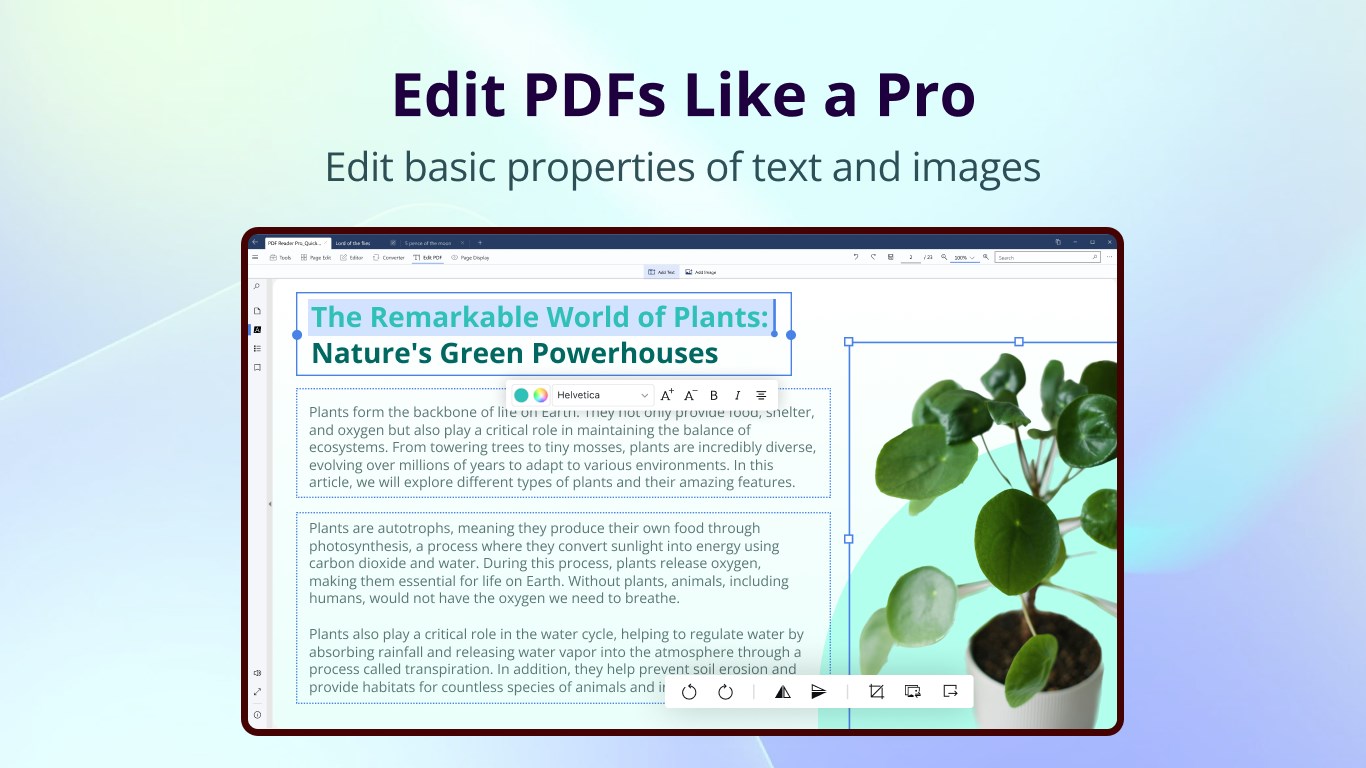
Imagine sitting at a virtual drafting table where every stroke counts. PDF Reader Pro transforms static PDFs into editable canvases, allowing you to tweak textual content, rearrange pages, or highlight critical sections effortlessly. Its intelligent text recognition ensures that making modifications feels natural, even in scanned documents. The interface is refreshingly clean, guiding you intuitively through editing tasks without the clutter of unnecessary options.
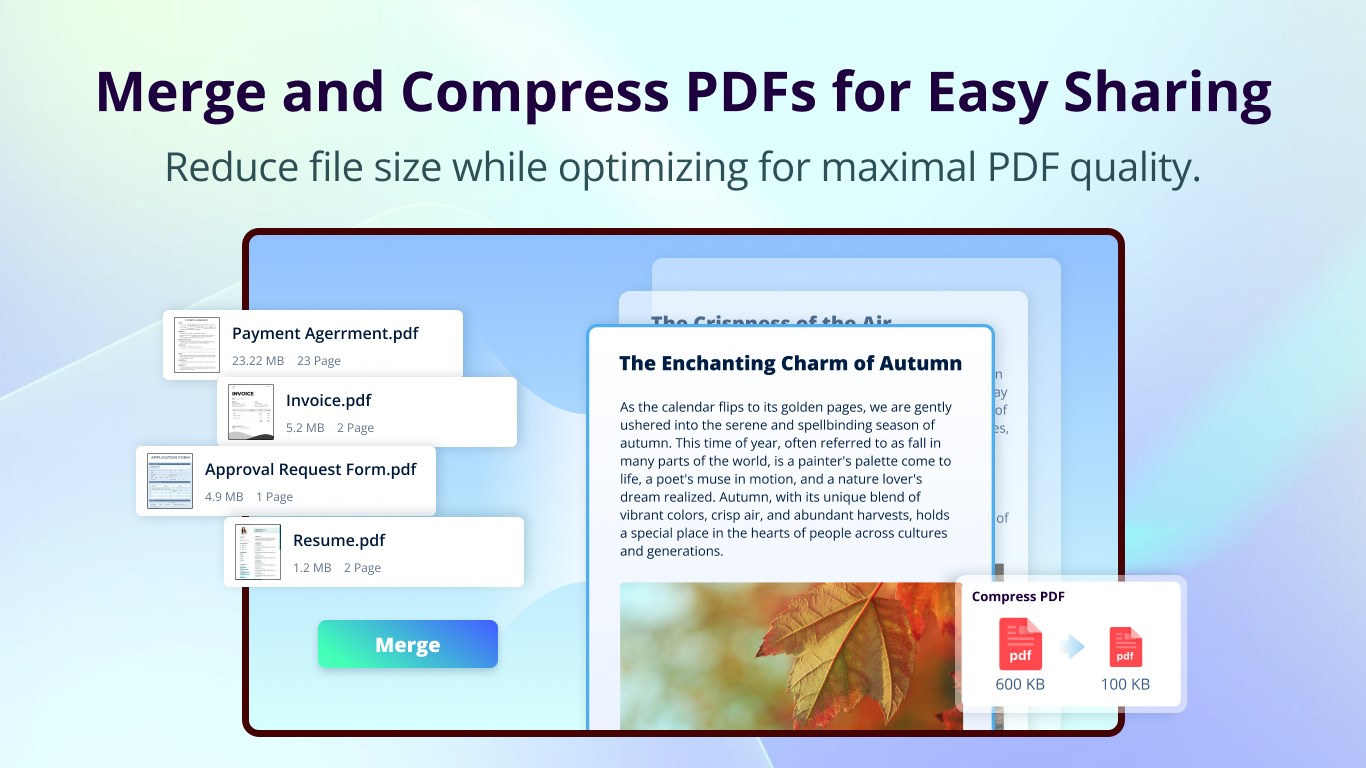
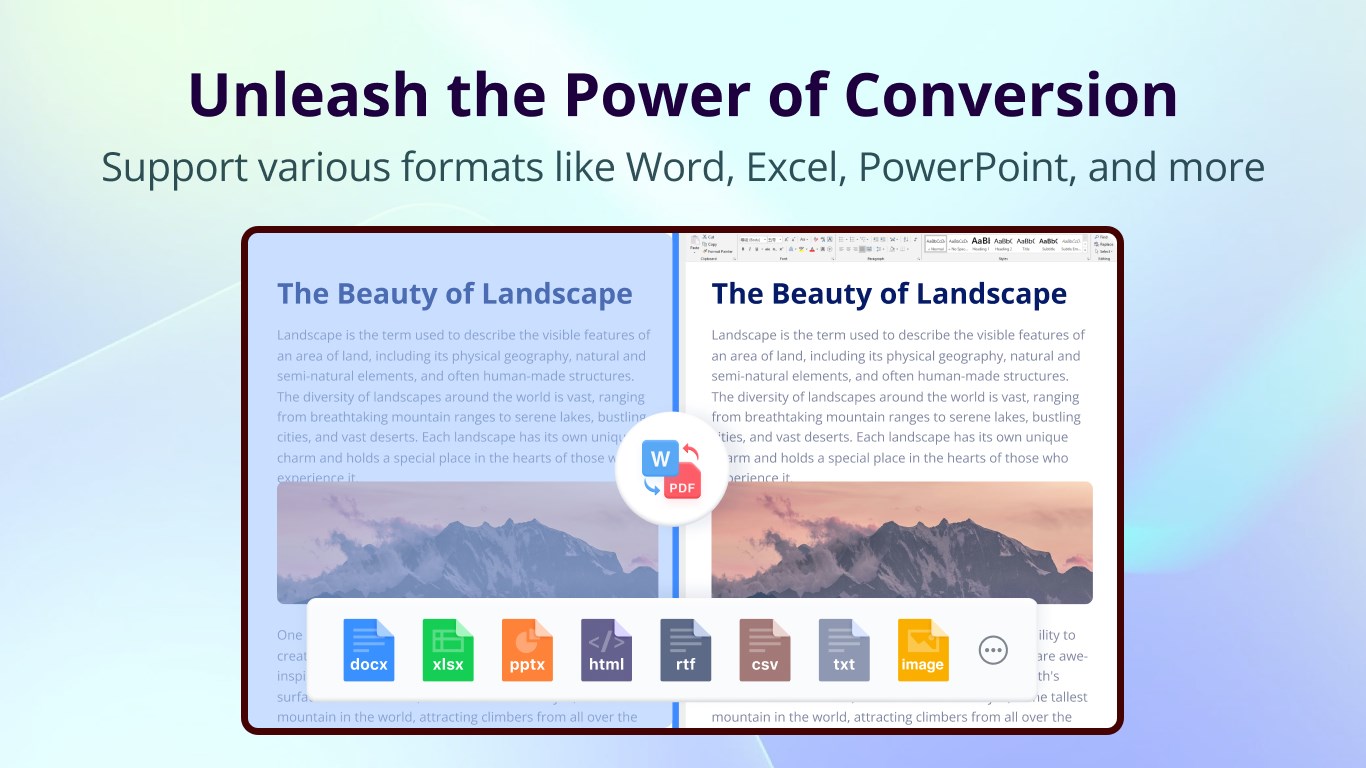
Converting PDFs has never been smoother—think of it as translating a foreign language with finesse. This app supports batch conversions, saving time when handling large volumes of documents. Whether you're turning a PDF report into a Word file for editing or exporting a complex table into Excel for data analysis, the app preserves formatting with reliability. Its smart OCR feature enhances the accuracy of scanned documents, ensuring you retain as much fidelity as possible.
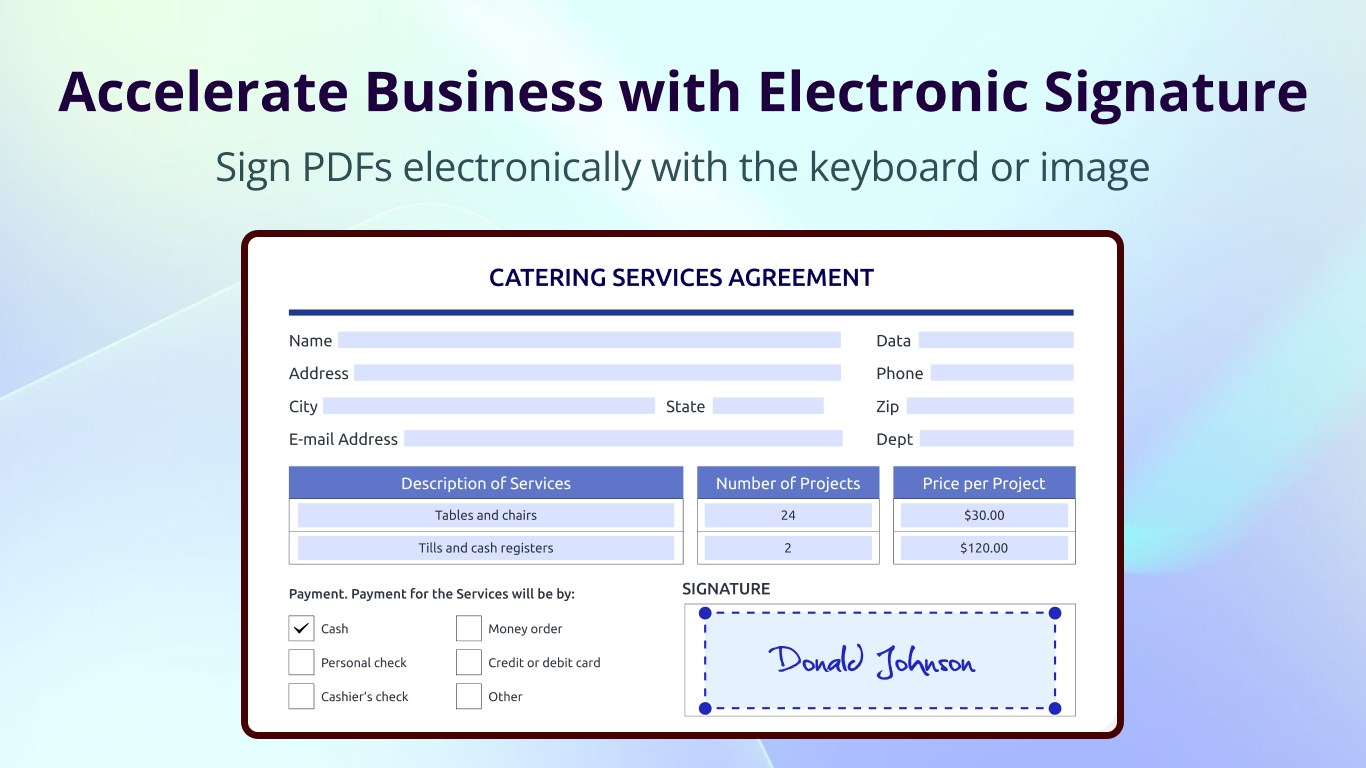
Many PDF tools focus solely on individual work, but this app introduces a collaborative dimension. It's akin to having a shared whiteboard where team members can leave comments, annotations, or assign specific tasks directly within the document. This feature is particularly valuable for project teams or legal professionals who need to review and approve documents collectively without switching between multiple apps. The integrated task management helps keep everyone on the same page, with clear pointers on what needs attention.
The application's user interface strikes a good balance between functionality and simplicity, resembling a well-organized workspace that invites exploration. Navigation is smooth; transitions between features feel fluid, thanks to optimized performance. Even users new to PDF editing will find the learning curve gentle—think of it as learning to ride a bike with training wheels that gradually come off. Regular updates and helpful tutorials further ease users into mastering the full potential of the tool.
While many PDF applications excel at one or two aspects—such as basic editing or conversion—PDF Reader Pro distinguishes itself through its integrated collaborative features and task management. Unlike purely standalone editors, it acts as a virtual team hub, enabling multiple users to work jointly within a single document context. This sets it apart from traditional applications that require external tools for collaboration, making it especially appealing for business environments where teamwork and document tracking are vital.
Overall, PDF Reader Pro offers a well-rounded, reliable solution for handling PDFs in various scenarios. Its most compelling advantages are the collaborative tools and intuitive interface, making it suitable for both light daily tasks and more complex team projects. I'd recommend this app to professionals seeking more than just basic PDF handling—those who value collaboration and efficient workflows. For individual users with straightforward needs, it still provides a proficiency that surpasses many free alternatives. Consider giving it a try if you want a versatile, business-ready PDF solution that keeps everything under control.
User-friendly interface
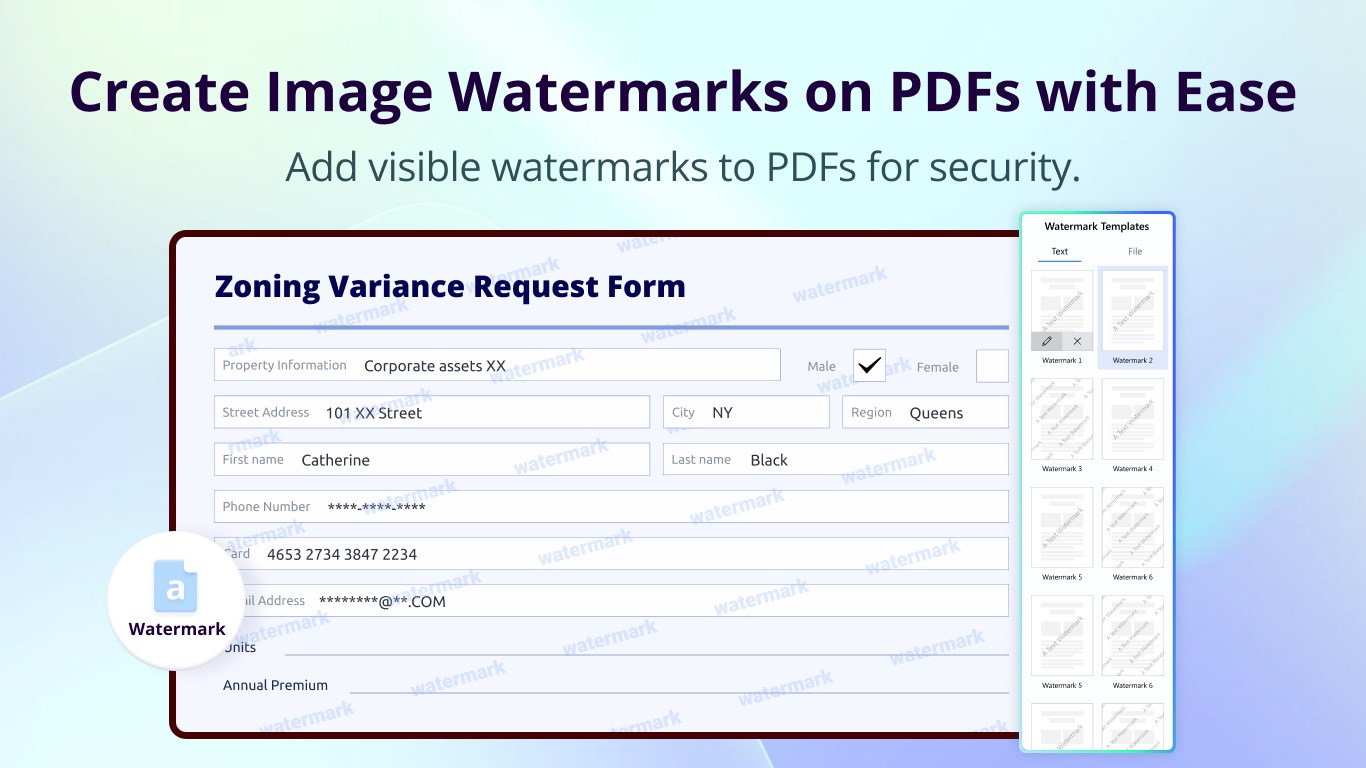
Comprehensive PDF editing tools
Fast and accurate PDF conversion
Cloud integration support
Regular updates and improvements
Limited free features
Occasional app crashes during large file processing
Basic OCR capabilities available only in premium version
Occasional lag in annotation tools with complex PDFs
Limited customization options for editing tools

for Windows
 5
5

for Windows
5

for Windows
4.9

for Windows
4.9

for Windows
4.9

for Windows
4.9

for Windows
4.8

for Windows
4.8

for Windows
4.8

for Windows
4.8

for Windows
4.7

for Windows
4.7

for Windows
5

for Windows
5

for Windows
5

for Windows
5

for Windows
5

for Windows
5
for Windows
5

for Windows
5

for Windows
5

for Windows
5