Business
AnywaySoft Inc.
PC, Mobile, Surface Hub, HoloLens
Windows 10 version 17134.0 or higher
Not specified
Not specified
Not specified
English (United States)
If you frequently find yourself juggling multiple PDFs—merging important documents into a single file or splitting cumbersome PDFs into manageable sections—then PDF Merger & Splitter for Windows by AnywaySoft Inc. might just become your go-to tool. Designed to simplify the often laborious process of handling PDFs, this app promises efficiency without sacrificing user-friendliness.
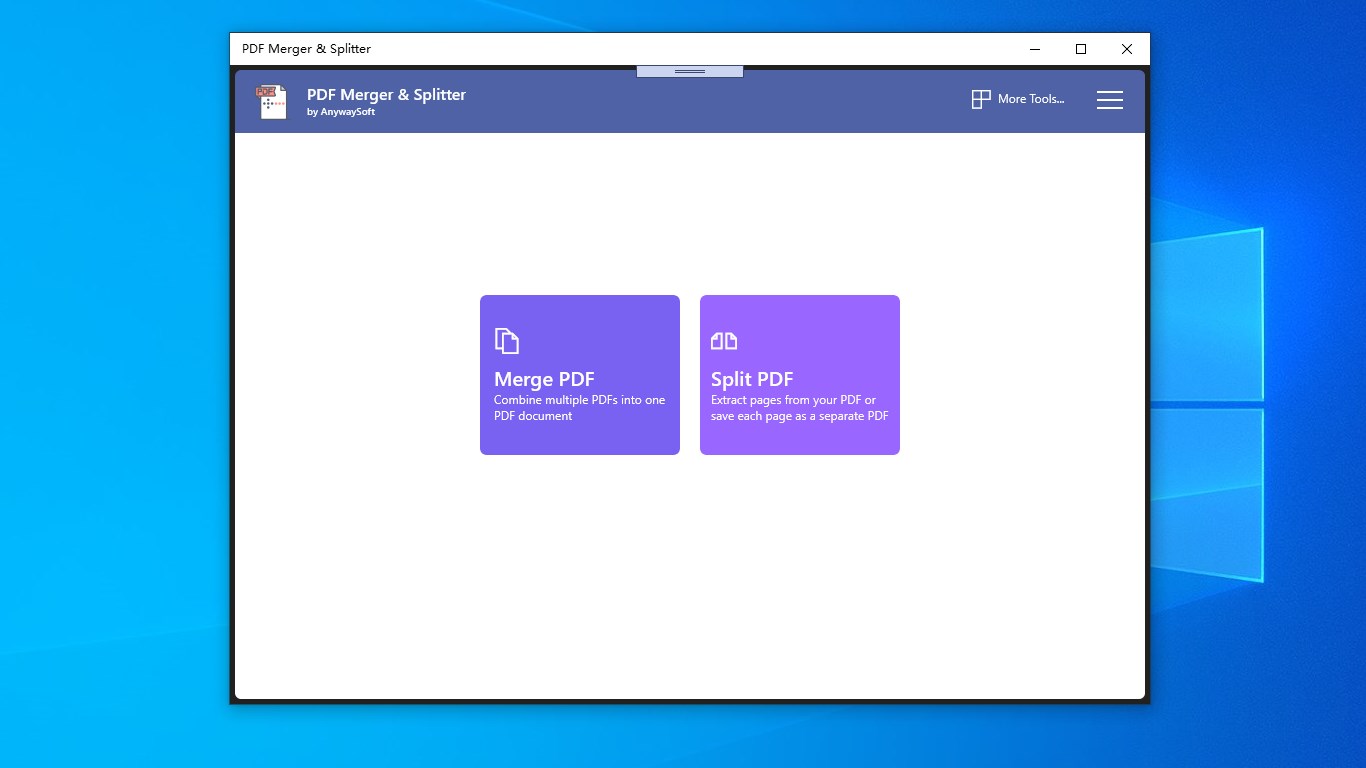
The interface of PDF Merger & Splitter presents itself as a digital workspace that feels welcoming rather than intimidating. Clean lines, straightforward icons, and logical layouts make navigation a breeze—like a well-organized desk that invites you to get straight to work. For new users, the initial learning curve is gentle; the app's clear instructions and step-by-step prompts eliminate guesswork. Operation-wise, it runs smoothly on Windows, with quick response times that allow you to process large files seamlessly. Whether you're a seasoned tech user or a casual home office worker, the design facilitates a stress-free experience, turning what could be a technical chore into a streamlined task."
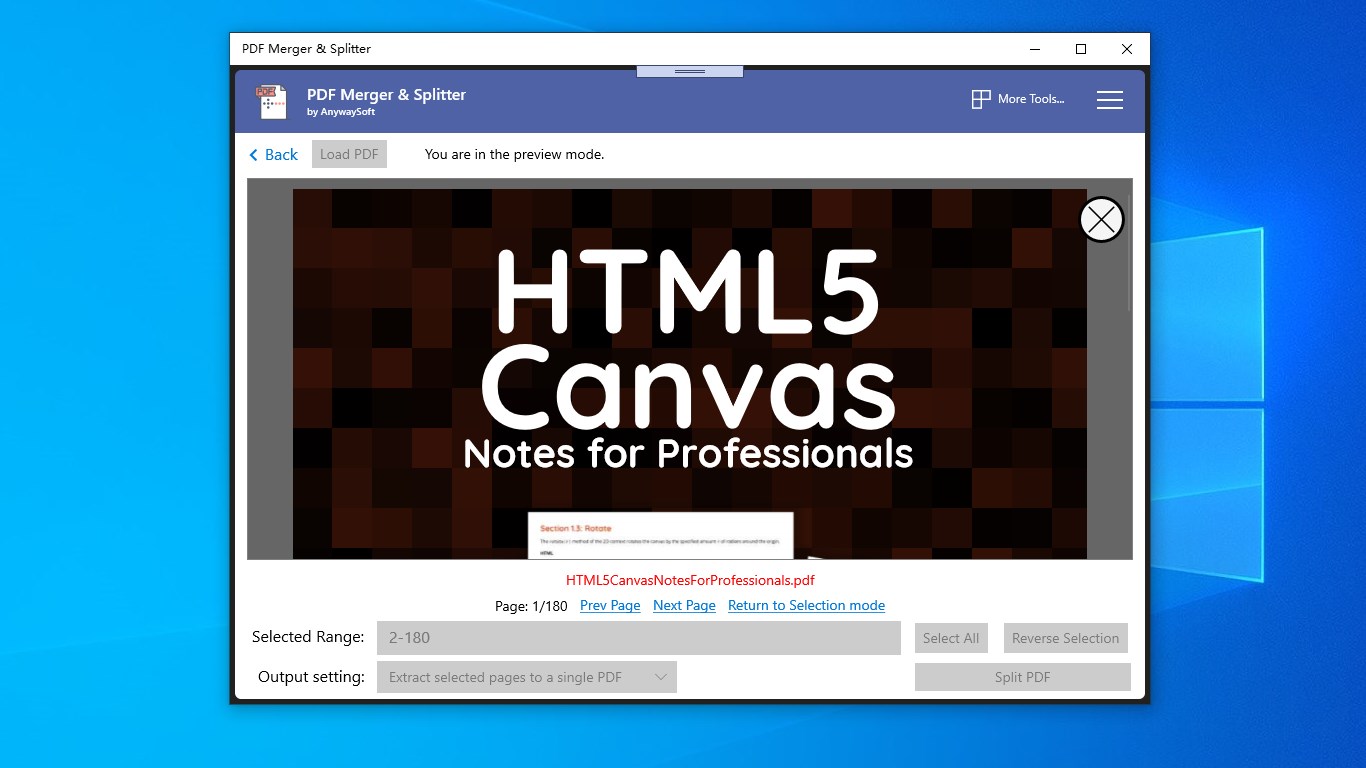
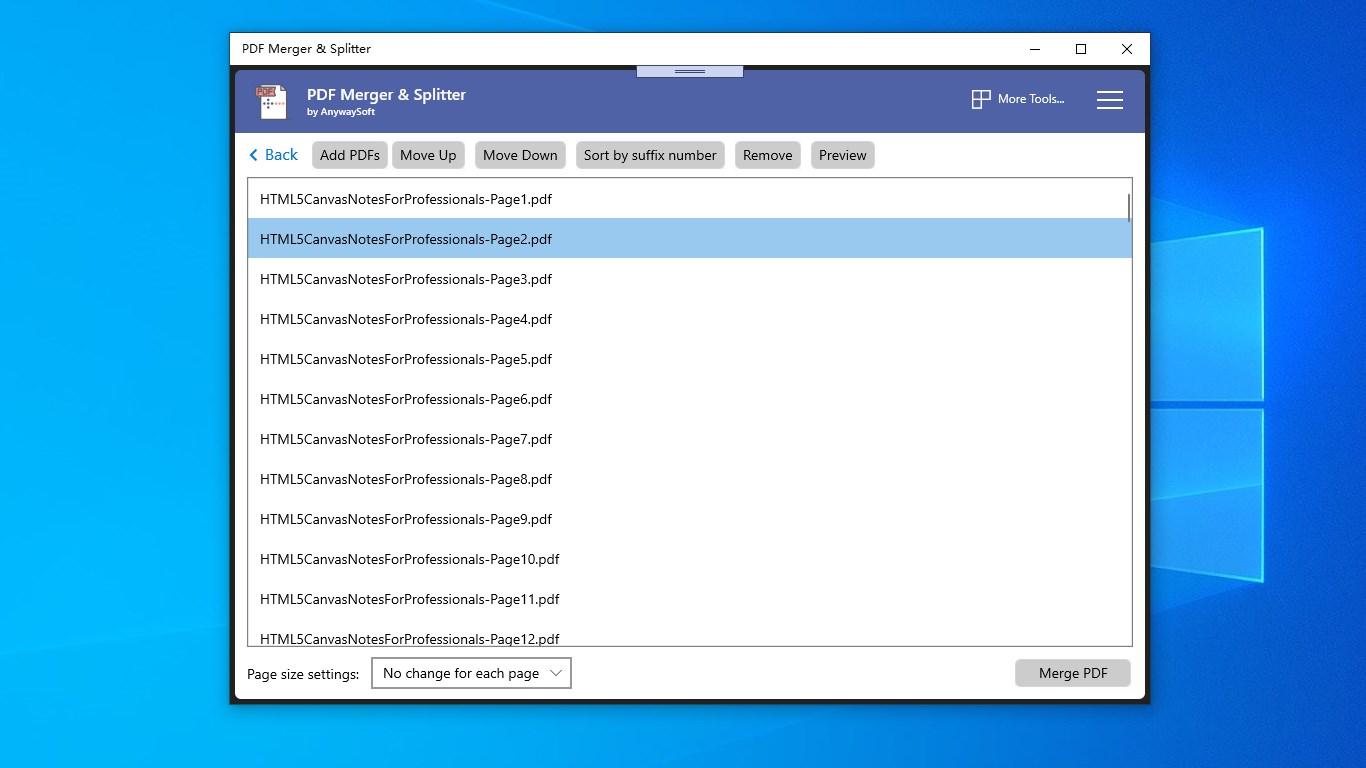
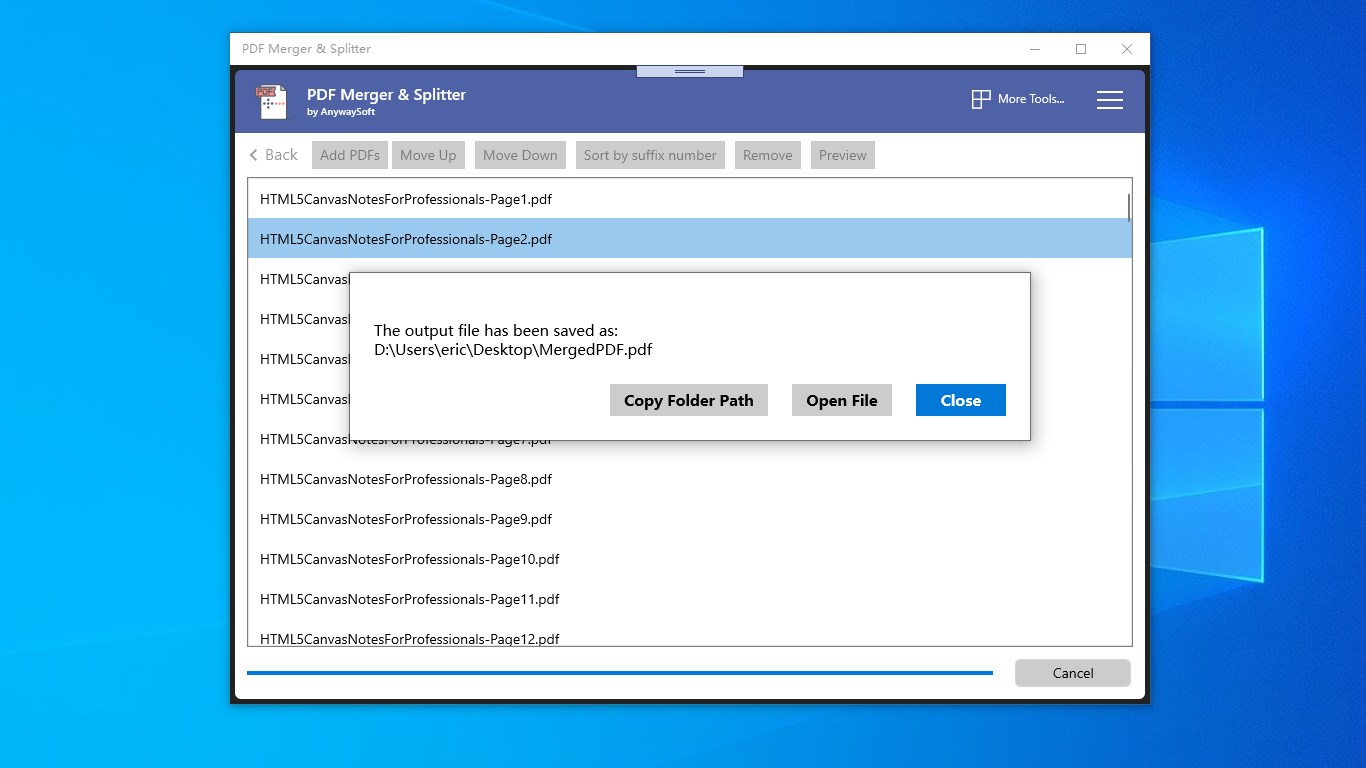
The merging function stands out by offering a simple drag-and-drop interface that any user can quickly master. You can combine multiple PDFs into a single, cohesive document with just a few clicks. The app respects your page order preference and even allows you to preview combined files before finalizing, minimizing errors. This feature is particularly useful for professionals dealing with contracts, reports, or academic papers, where consolidating related documents improves workflow efficiency.
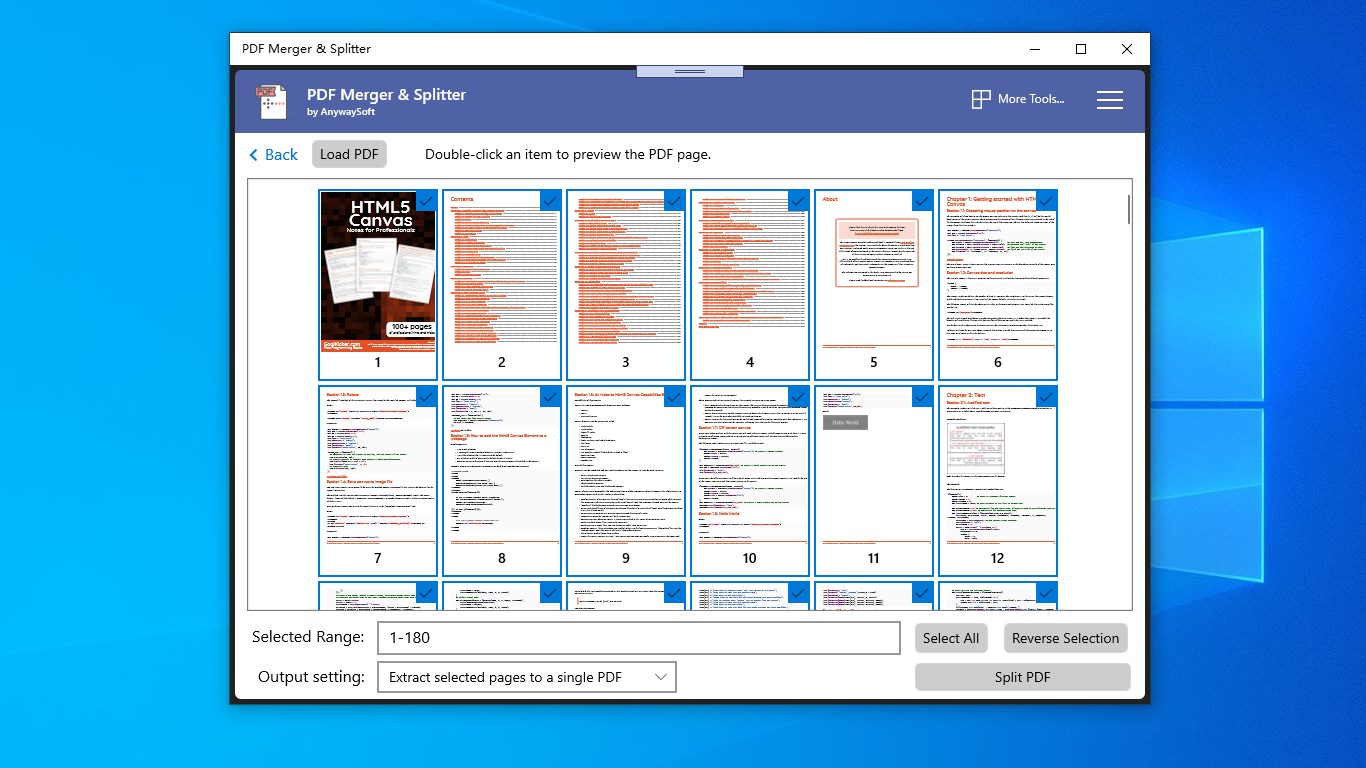
Splitting PDFs is just as straightforward—select the source file, specify the pages or segments you want to extract, and let the app do the rest. The granular control provided allows users to precisely cut out sections, which is ideal for sharing specific chapters or removing sensitive pages from larger documents. The process is quick, accurate, and retains original formatting—saving you both time and effort in document management. For educators, students, or legal professionals, this robust splitting capability ensures that distributing relevant parts becomes effortless.
While many PDF tools focus solely on merging or splitting, this app emphasizes a smooth, integrated experience. One particularly notable feature is its support for batch processing—allowing multiple files to be handled simultaneously—saving significant time during mass operations. Unlike some competitors that lack this efficiency, AnywaySoft's solution also emphasizes reliability and high-quality output, maintaining document fidelity. Although collaborative work features are limited in this tool, its task management aspect shines by enabling users to prepare multiple PDF tasks efficiently, integrating well into larger workflows.
For users seeking a dependable, easy-to-navigate PDF tool for everyday tasks, PDF Merger & Splitter for Windows by AnywaySoft Inc. proves to be a solid choice. Its standout features—particularly the efficient merging process and precise splitting controls—are tailored to boost productivity without overwhelming novice users. While it isn't a comprehensive document management suite with collaboration features, its focused approach makes it ideal for individual professionals, students, and small teams who need straightforward PDF manipulation.
In conclusion, if your work involves frequent editing, merging, or dividing PDFs, and you prefer a tool that combines simplicity with robust functionality, this app deserves a spot on your desktop. It's not about flashy gimmicks but reliable performance, and in the world of PDF management, that's often what really counts.
Intuitive user interface
Fast processing speed
Supports multiple file formats
Batch processing capabilities
Affordable pricing
Limited editing features
Occasional crashes with very large files
Lack of OCR support
Watermark on free version
Limited customization options for output PDFs

for Windows
 5
5

for Windows
5
for Windows
4.9

for Windows
4.9

for Windows
4.9

for Windows
4.9

for Windows
4.8

for Windows
4.8

for Windows
4.8

for Windows
4.8

for Windows
4.7

for Windows
4.7

for Windows
5

for Windows
5

for Windows
5

for Windows
5

for Windows
5

for Windows
5
for Windows
5

for Windows
5

for Windows
5

for Windows
5