Productivity
MobiSystems Inc.
PC, Mobile, Surface Hub, HoloLens
Windows 10 version 17763.0 or higher
1 GB
Arabic (Egypt), Bulgarian, Chinese (Simplified), Czech, English (United States), French, German, Hebrew, Hindi, Italian, Japanese, Polish , Portuguese (Brazil), Portuguese (Portugal), Russian, Spanish (Spain), Swedish, Thai
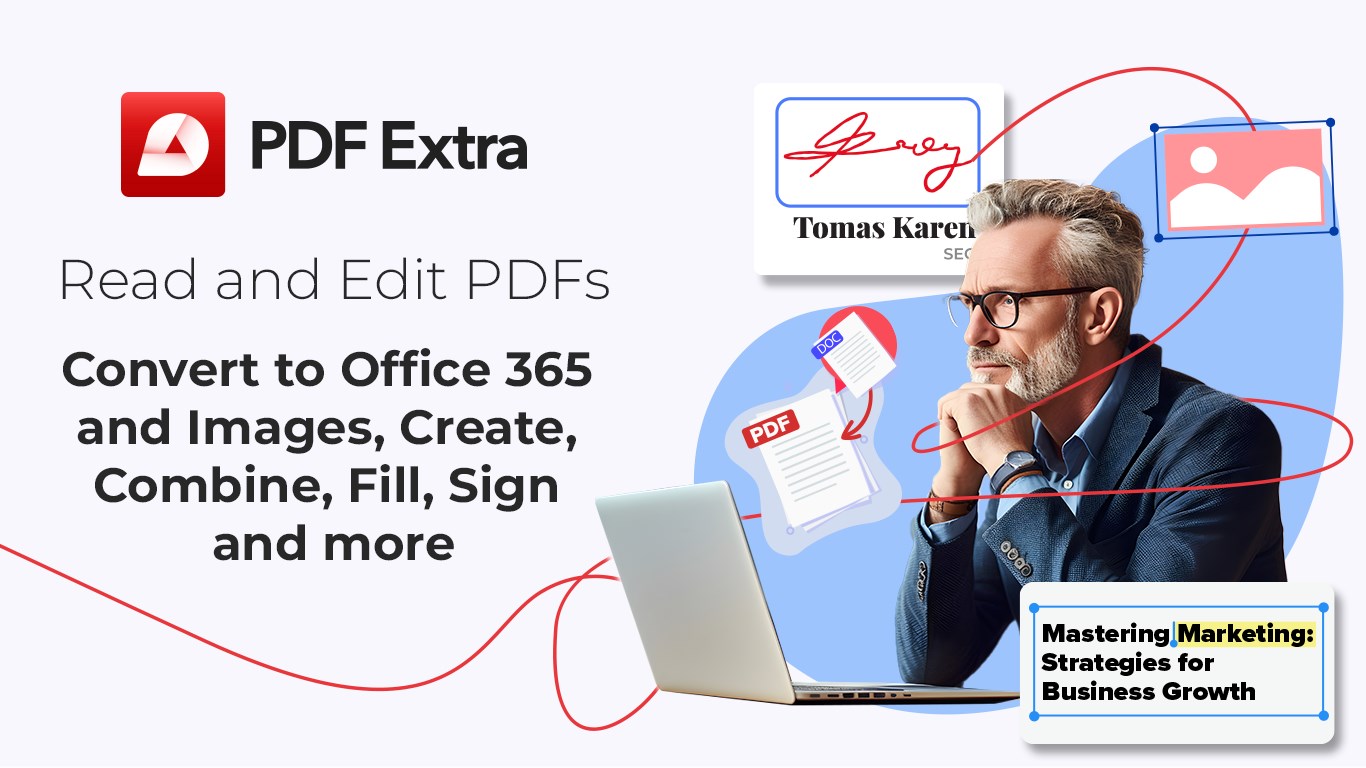
PDF Extra Lifetime by MobiSystems Inc. positions itself as a comprehensive and user-friendly PDF editor and reader designed to streamline your document management tasks on Windows. Whether you're reviewing contracts, annotating reports, or editing PDFs on the go, this app promises to be a reliable digital workspace tailored for efficiency.
Developed by MobiSystems Inc., a seasoned name in the productivity app realm, the company brings a wealth of experience and a track record of creating well-polished, reliable tools for document handling.
Targeted at students, professionals, or anyone frequently working with PDFs, the app is tailored to those seeking a straightforward yet powerful tool to manage documents without cluttering their workflows.
Imagine trying to manage a mountain of paperwork—PDF Extra Lifetime feels like having a diligent assistant right on your desktop, helping you sift through, annotate, and modify your documents with ease. Its streamlined design doesn't just look modern; it's built for speed and clarity, reducing the typical frustration of dealing with overly complex PDF tools.
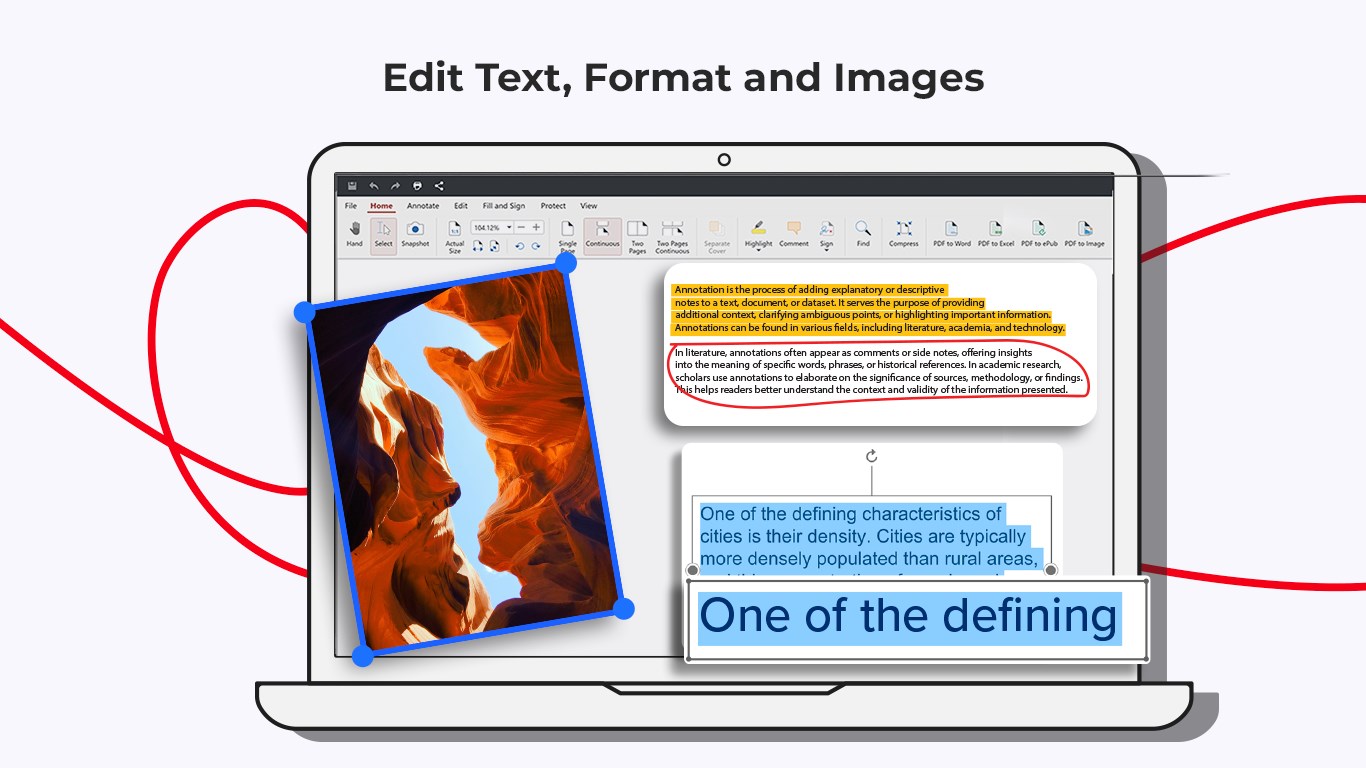
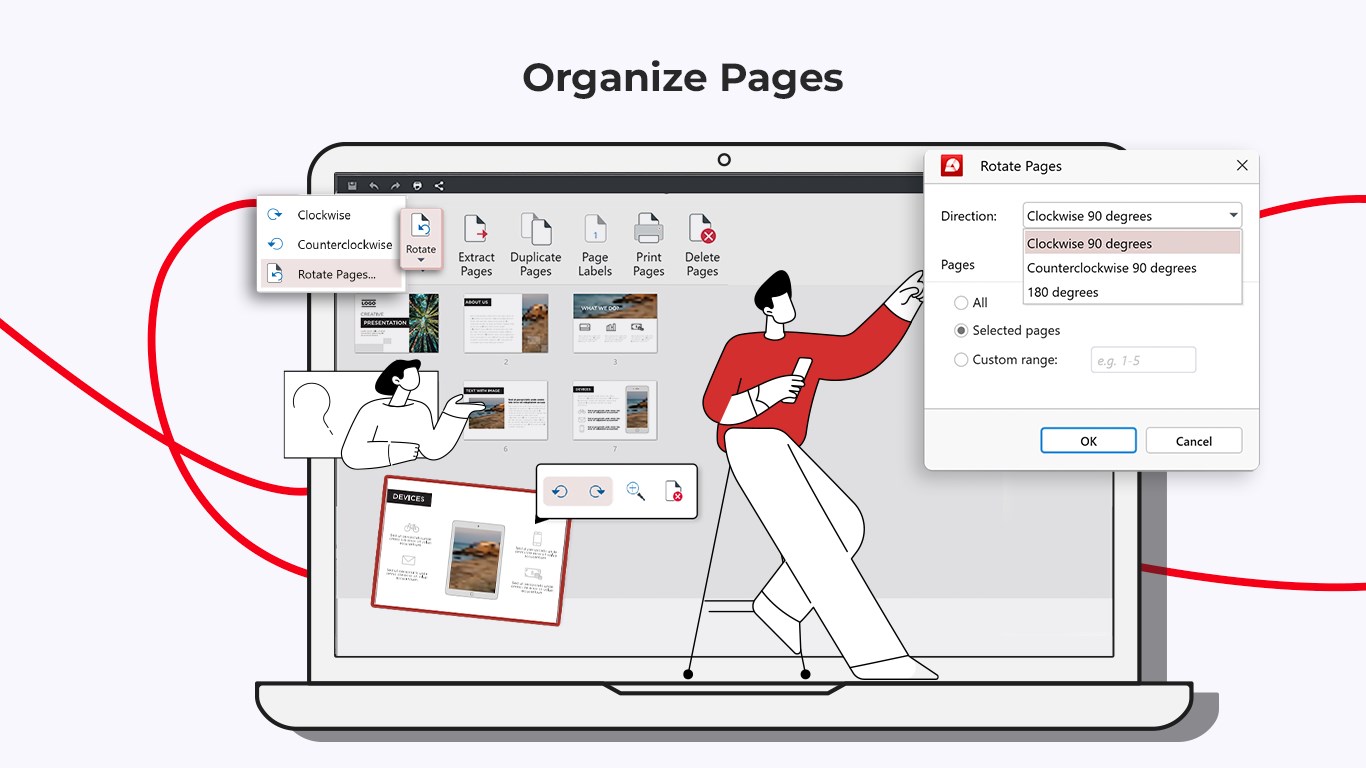
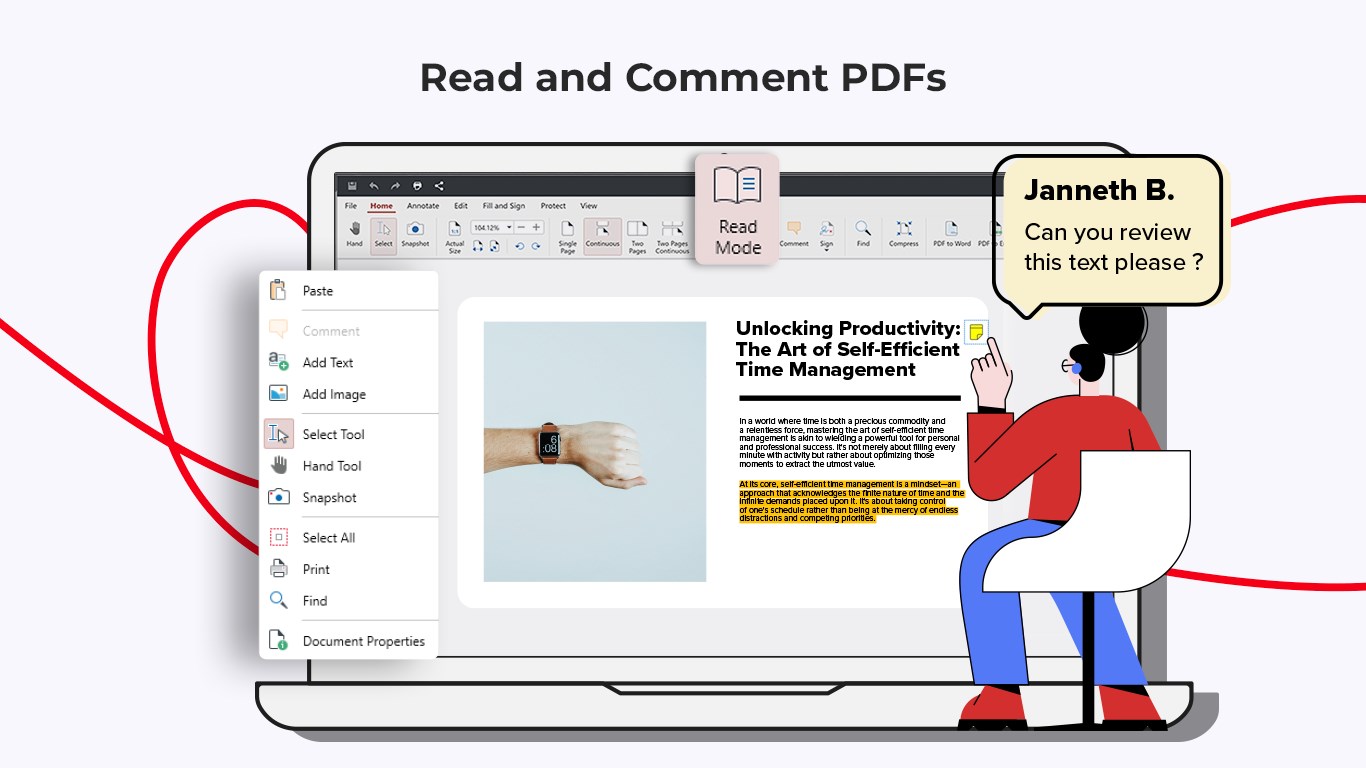
The app's core strength lies in its robust editing and annotation features. Users can add text, images, or draw directly onto PDFs, mark important sections with highlights, underlines, or sticky notes. The editing interface is intuitive, almost like scribbling on paper, but with the precision of digital tools. This feature particularly shines for review cycles—allowing colleagues or clients to see your comments in context without relying on cumbersome back-and-forth email exchanges.
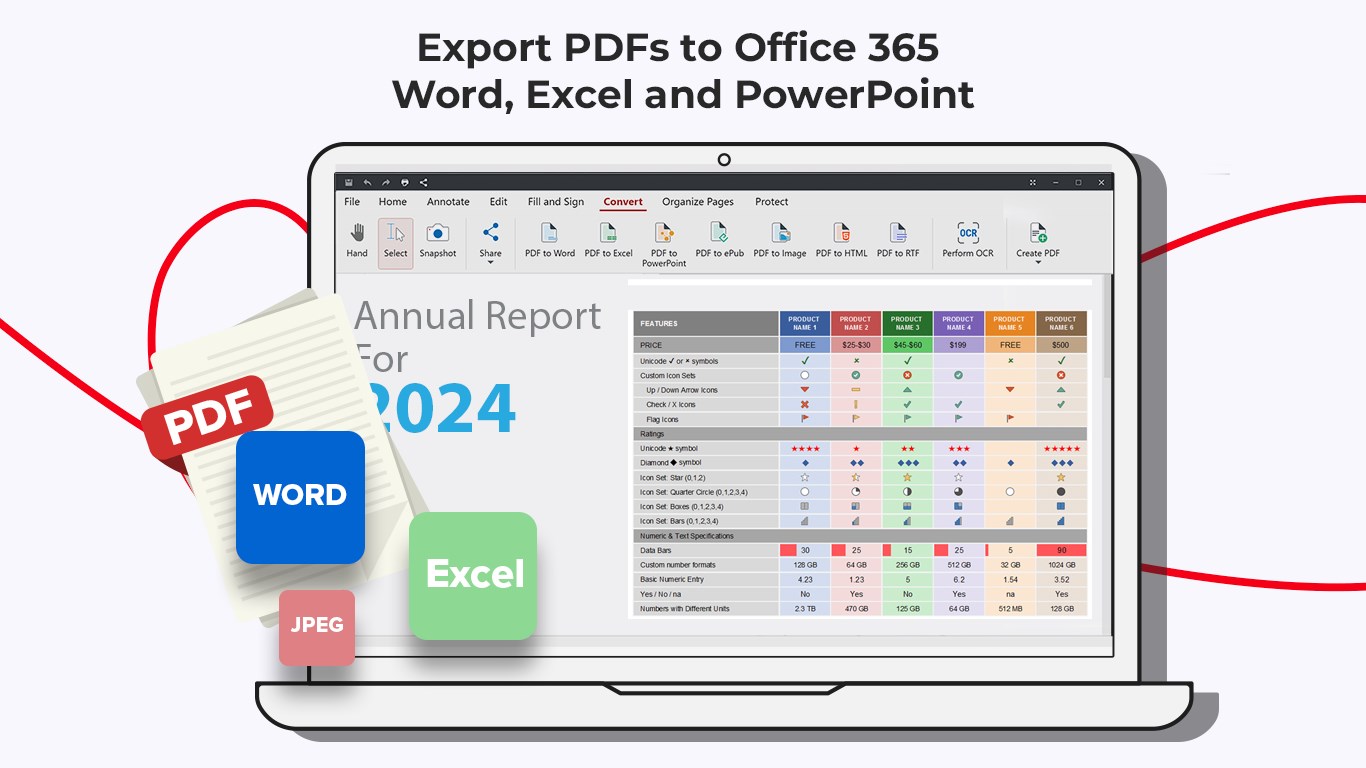
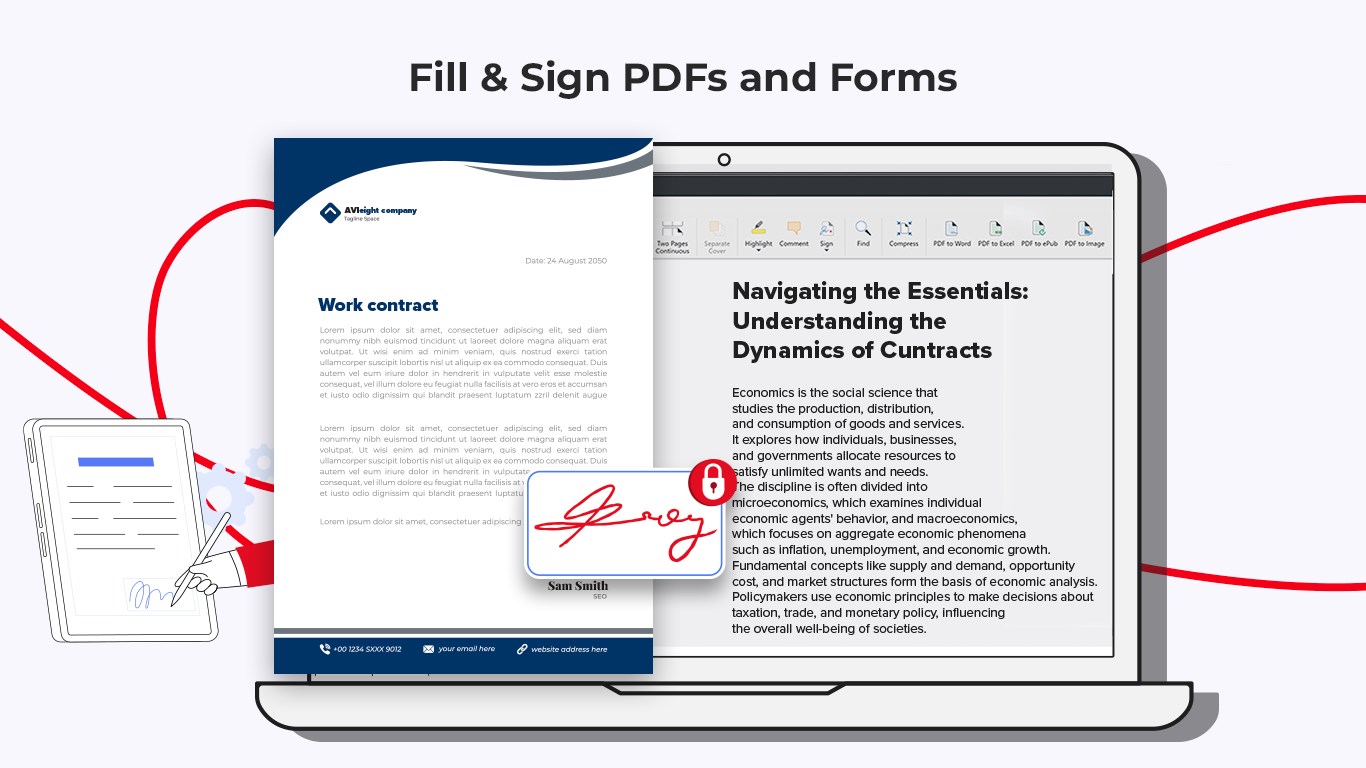
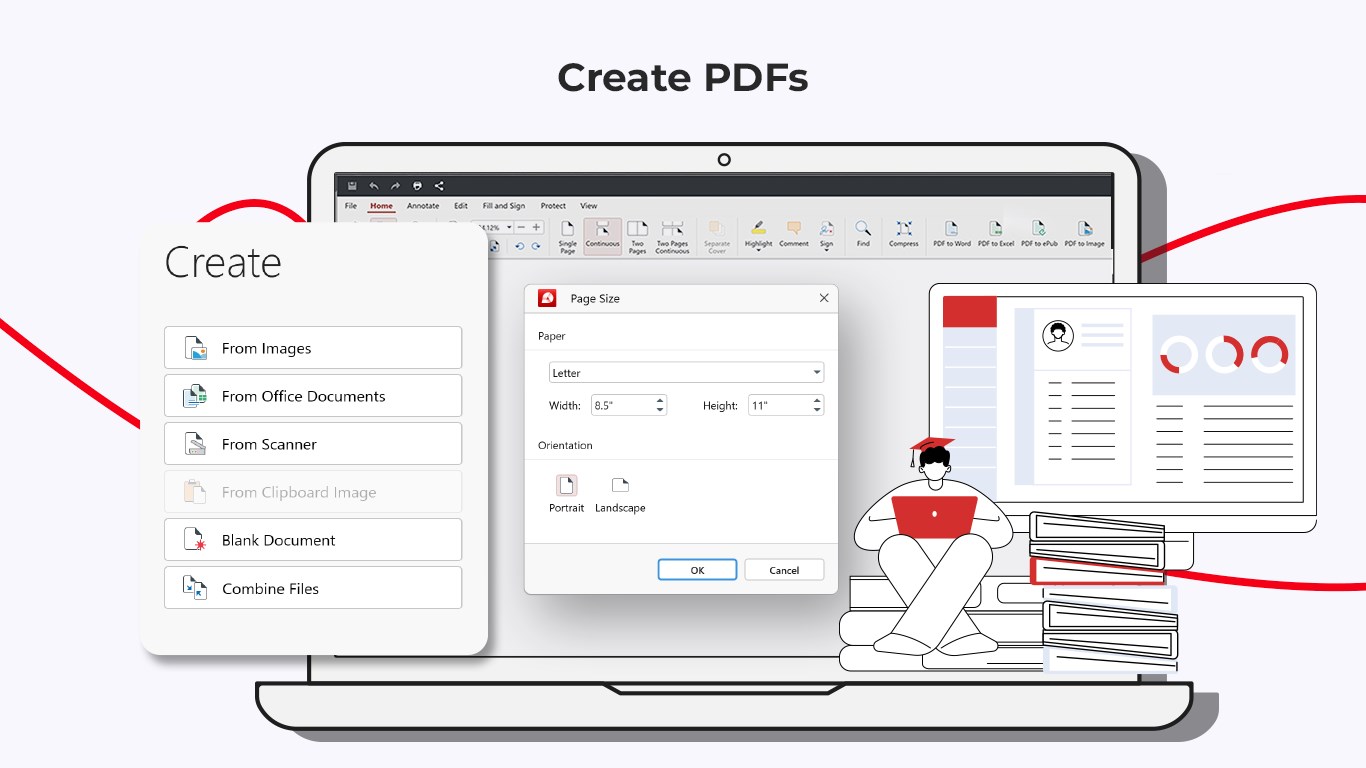
Another hot ticket feature is the PDF conversion capability—transforming PDFs into Word, Excel, or other formats without losing formatting fidelity. It's like having a translator at your disposal, helping convert static documents into work-ready files seamlessly. Meanwhile, the form-filling feature transforms what could be a tedious chore into a straightforward process. Filling, saving, and signing forms is likened to using a digital pen—smooth, simple, and fuss-free.
Walking through PDF Extra Lifetime feels akin to navigating a well-paved path—there's a gentle learning curve, and everything seems placed where you'd expect. The interface boasts a clean, modern design that minimizes distractions and focuses your attention squarely on the task. Responsiveness is exemplary; actions such as zooming or switching tools happen instantly, supporting a smooth workflow.
Compared to other productivity apps cluttered with features that often overload the user, this app strikes a meticulous balance. Its focus is on reducing cognitive load by offering essential tools that are simple to access and execute, allowing users to concentrate on their content rather than battling the interface.
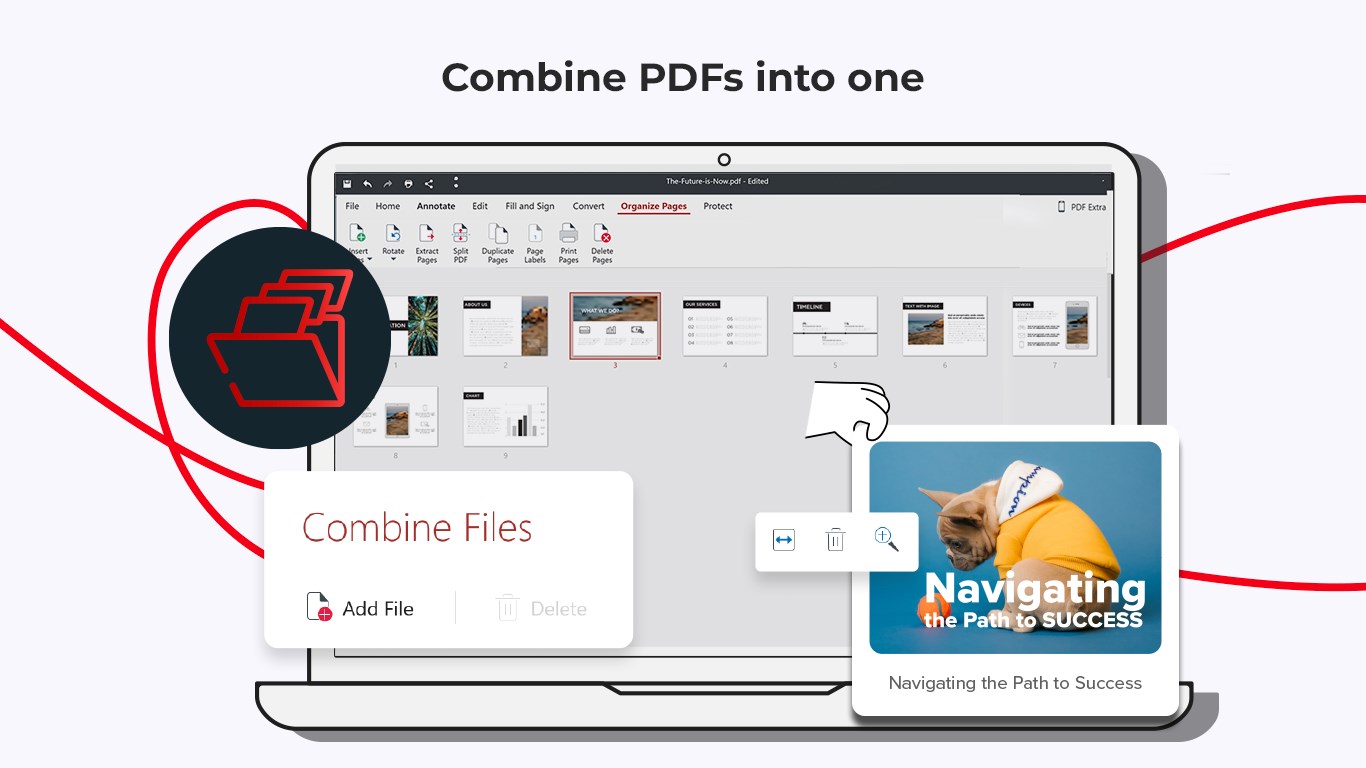
The app's most distinctive features—its integrated editing suite coupled with seamless conversion and form handling—set it apart from many traditional PDF readers or editors that require multiple separate tools. Its design caters to users who need a straightforward but powerful app that integrates smoothly into their ongoing workflows without adding complexity.
Given its functionality, ease of use, and the value of lifetime access, I confidently recommend PDF Extra Lifetime to professionals and students alike who seek a dependable, efficient PDF management tool. It's particularly advantageous for those who prefer a one-time purchase over subscription-based models and appreciate a clean, clutter-free workspace.
Intuitive PDF Editing Tools
Lifetime Access with One Purchase
Robust PDF Reader Features
Cross-Platform Compatibility
Secure PDF Handling
Limited Advanced Editing Capabilities
Occasional PDF Rendering Glitches
No Cloud Storage Integration
Limited Annotation Features Compared to Competitors
Occasional Slow Performance with Large Files

for Windows
 5
5

for Windows
5

for Windows
4.9

for Windows
4.9

for Windows
4.9

for Windows
4.8

for Windows
4.8

for Windows
4.8

for Windows
4.8

for Windows
4.8

for Windows
4.8

for Windows
4.8

for Windows
5
for Windows
5

for Windows
5

for Windows
5

for Windows
5

for Windows
5

for Windows
5

for Windows
5

for Windows
5
for Windows
5