Productivity
XtremeDevelopments.com Ltd
PC, Surface Hub
Windows 10 version 17763.0 or higher
Arabic, Chinese (Simplified), Dutch, English, French, German, Hindi, Italian, Japanese, Russian, Spanish
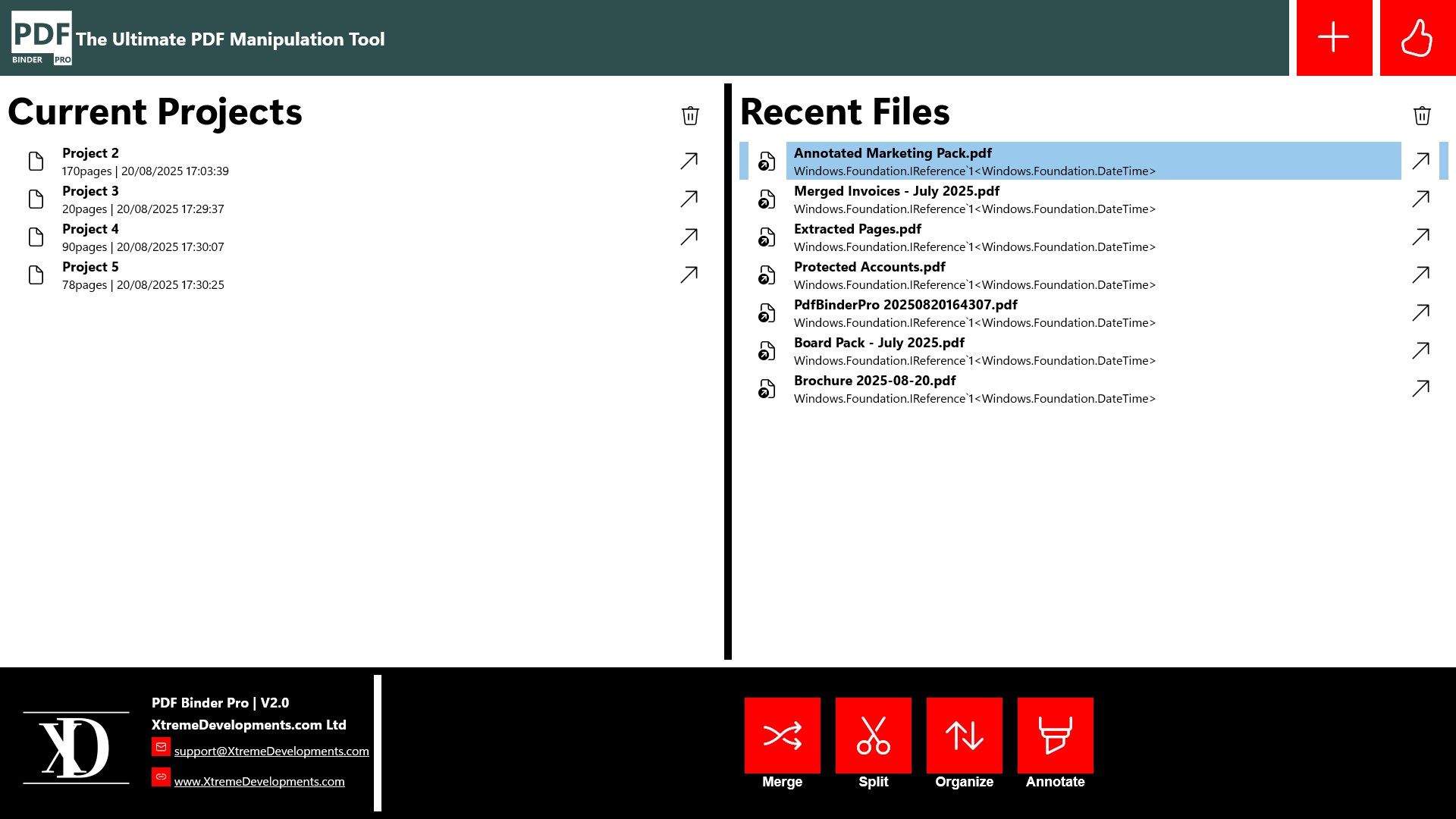
In the world of digital documents, efficiently organizing and combining PDFs can feel like trying to herd cats. Enter PDF Binder Pro, a Windows application designed to simplify this complex task with a user-friendly approach. Developed by XtremeDevelopments.com Ltd., this app aims to transform your PDF organization into a seamless experience, whether you're a busy professional, educator, or student.
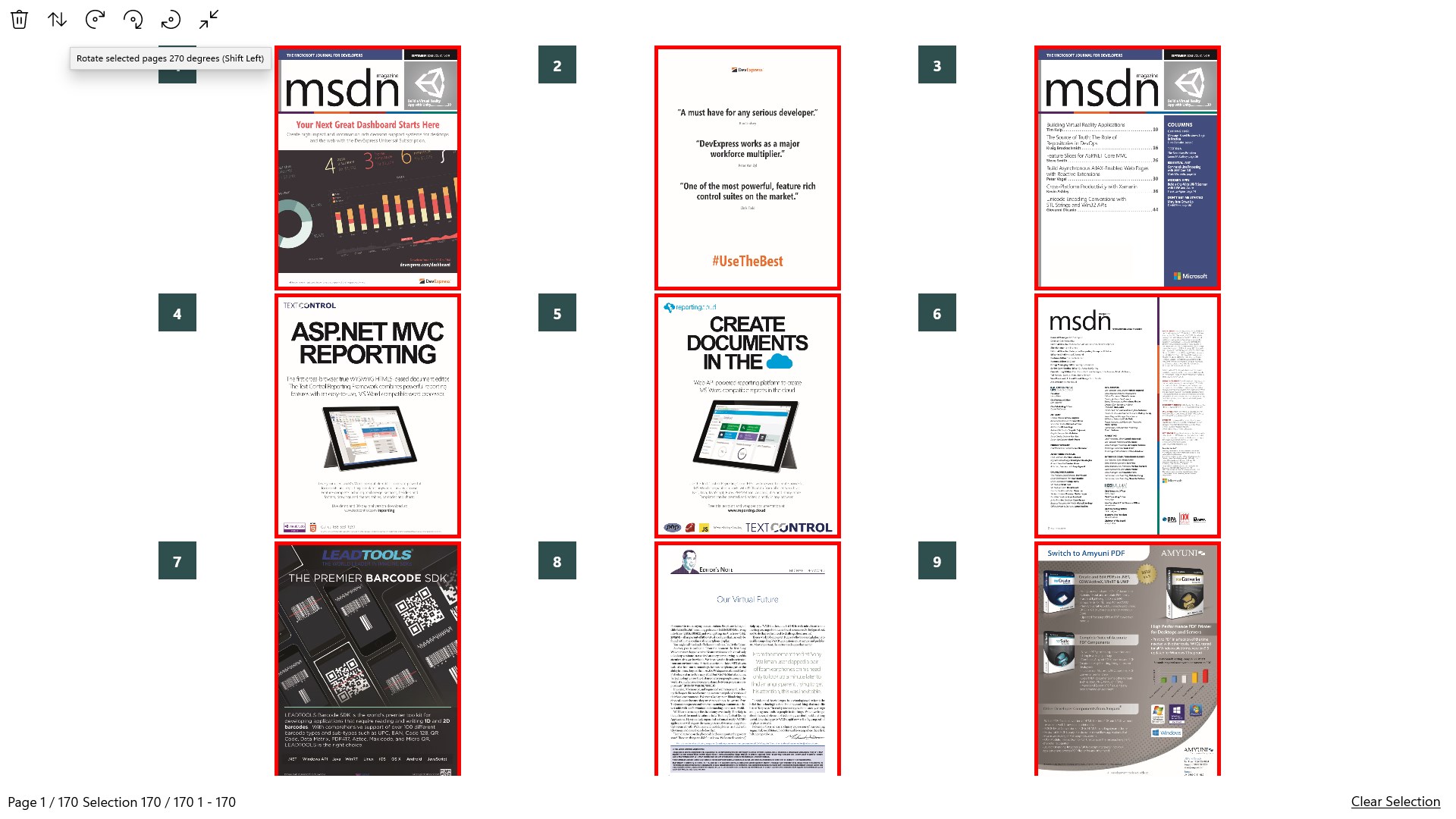
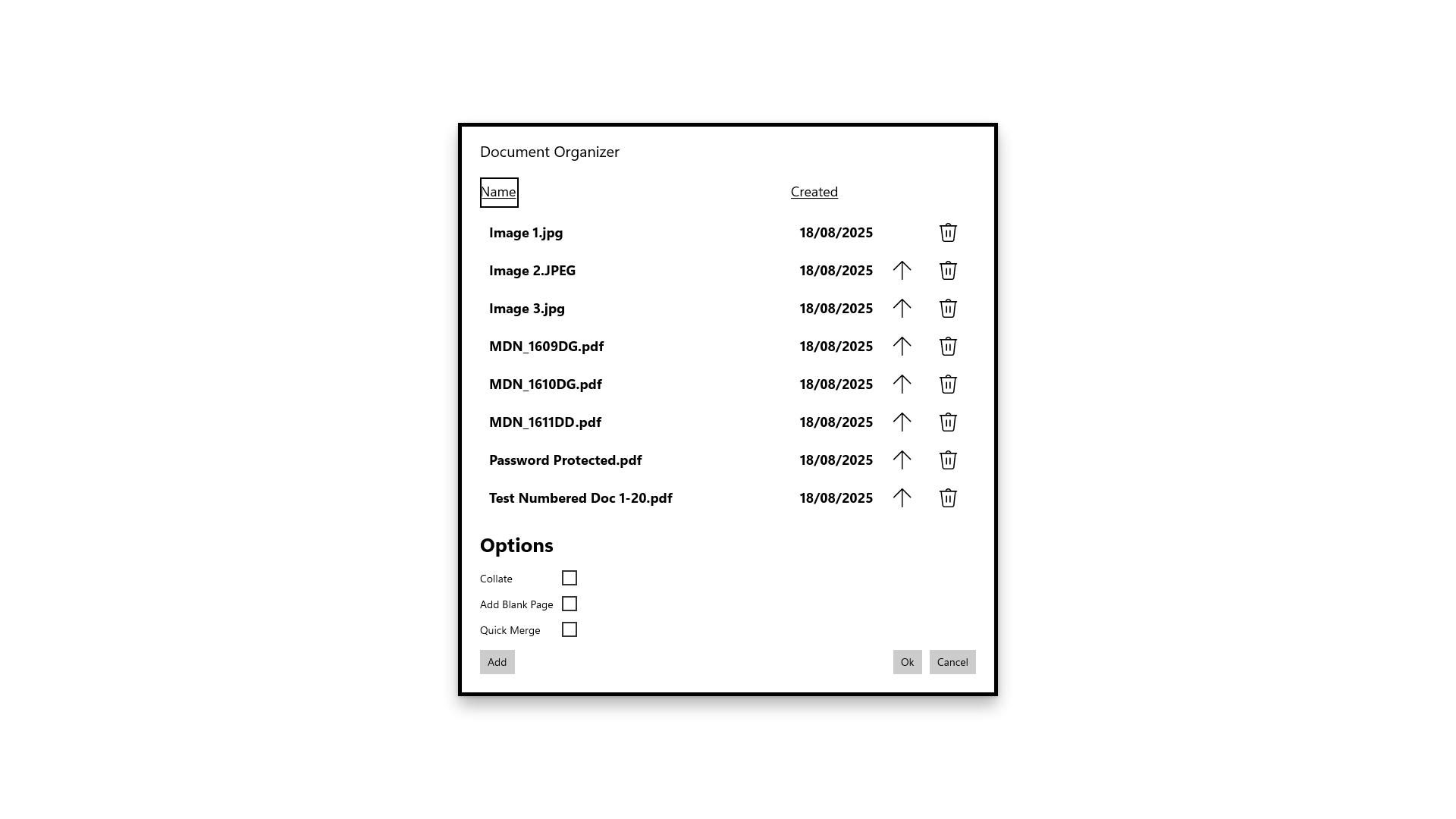
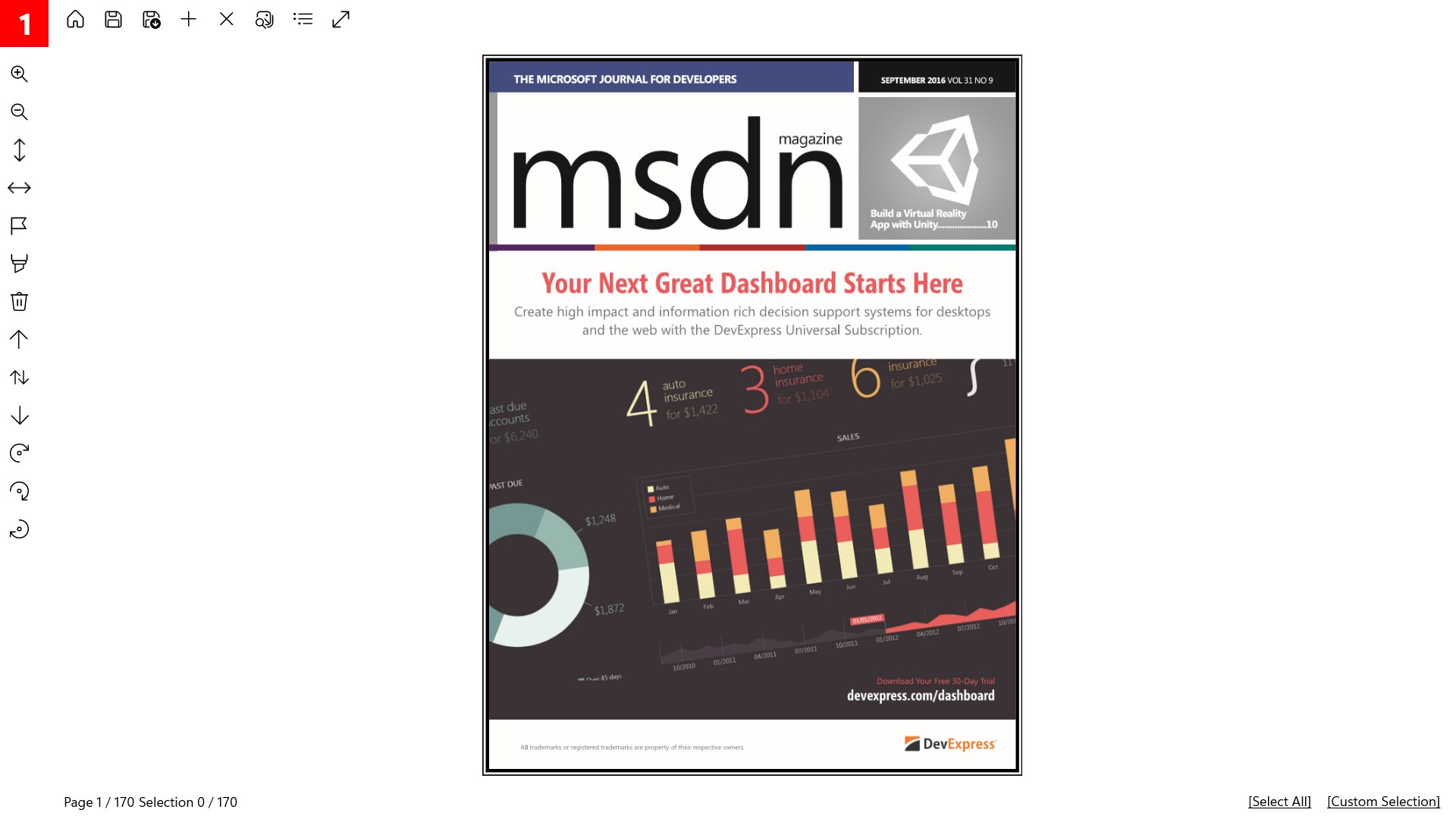
At the heart of PDF Binder Pro is its robust ability to merge multiple PDFs effortlessly. Its drag-and-drop interface feels as smooth as gliding a bookmark through a well-organized book, reducing the typical frustration associated with complex file management. You can select, reorder, and combine documents without switching between multiple applications, making it a real time-saver.
Another standout feature is the intelligent PDF splitting and extracting capability. Imagine having a magic scissors that precisely snips pages from your larger documents—this app does just that. Whether you need specific chapters or pages separated for a presentation, PDF Binder Pro handles it swiftly, maintaining the integrity of your files without any hassle.
Handling multiple files at once is where PDF Binder Pro shines. Its batch processing feature allows you to carry out bulk operations—merging, splitting, or compressing—without breaking a sweat. This function is particularly beneficial for users dealing with extensive document libraries, streamlining workflows that otherwise would be tediously repetitive.
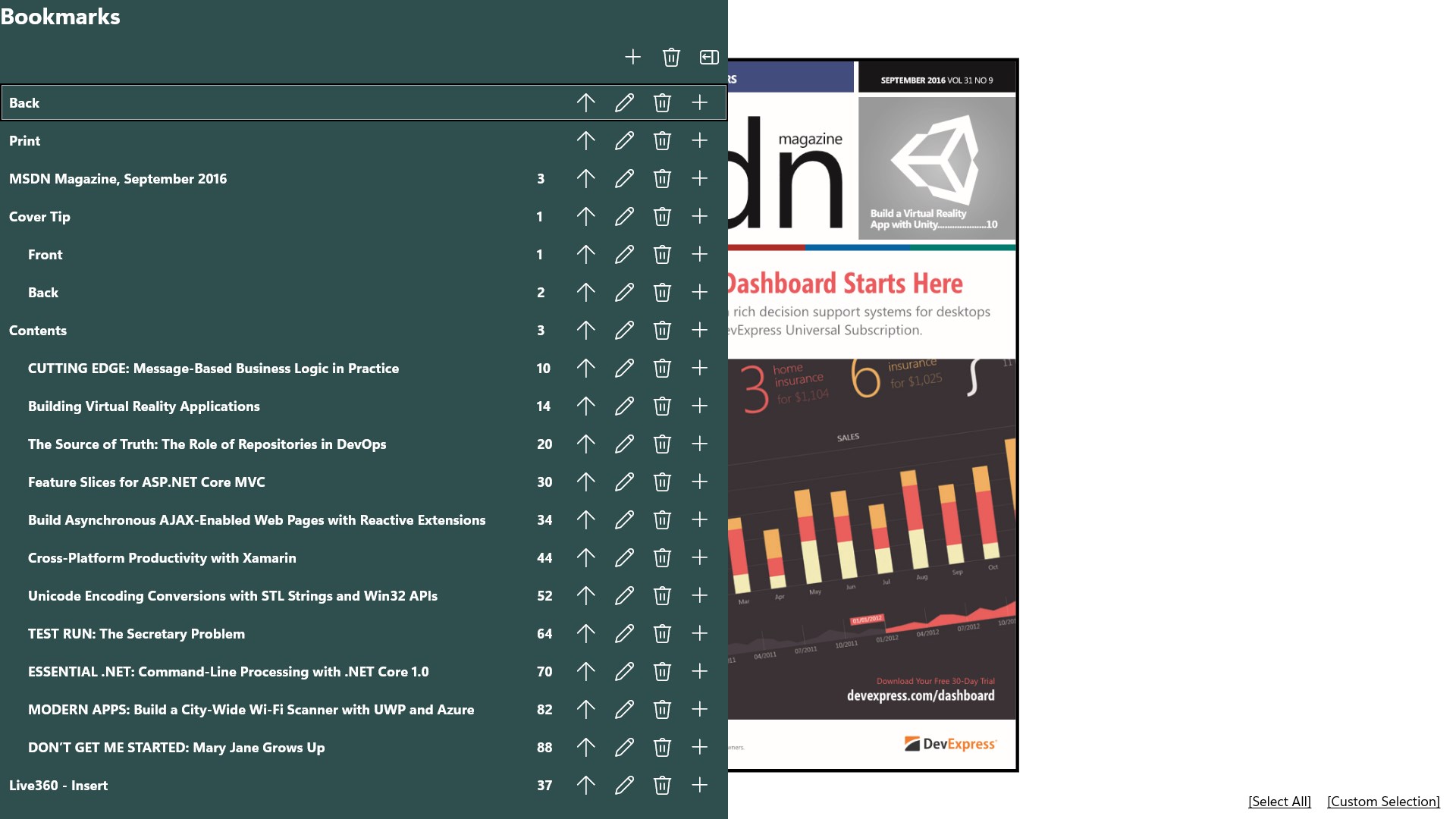
The interface of PDF Binder Pro strikes a balance between simplicity and functionality, reminiscent of opening a well-organized toolbox. Clear icons and straightforward menus mean even first-time users will feel at home quickly. The app boasts smooth operation with responsiveness that makes dragging and dropping feel like shuffling playing cards—effortless and natural. The learning curve is gentle; most tasks can be performed with minimal guidance, which is perfect for users wanting quick results without sifting through endless tutorials.
While many PDF tools tend to crowd the market with bloated feature sets, PDF Binder Pro emphasizes workflow efficiency and cognitive load reduction. Unlike some apps burdened with complicated options that can turn users into overwhelmed toddlers, this application's design wisely prioritizes core functions—merging, splitting, and batch processing—delivering these with clarity and speed. Its particular strength lies in its ability to integrate seamlessly into existing workflows, making PDF management feel like a natural extension of your daily tasks rather than an additional chore.
For instance, compared to bulky multi-function tools that often require navigating through cluttered menus, PDF Binder Pro's streamlined interface speeds up your process, conserving mental energy for you to focus on content rather than format. This clarity makes it especially advantageous for users who value efficiency over excess features, turning what could be a tedious task into a straightforward, almost meditative activity.
Overall, PDF Binder Pro deserves a solid recommendation for anyone seeking a reliable, easy-to-use PDF management tool. It excels in workflows that demand quick merging, splitting, and batch processing—making it ideal for professionals, educators, and students alike. Beginners will appreciate its gentle learning curve, while seasoned users will value its efficiency and integration capabilities.
To maximize its potential, I suggest exploring its batch processing features for routine tasks and utilizing the drag-and-drop interface for quick adjustments. If your daily work involves handling multiple PDFs, this app may become your new digital assistant—saving you time, reducing cognitive overload, and turning a once-daunting task into a streamlined routine.
Intuitive interface with simple drag-and-drop functionality
Fast processing speeds for merging and splitting documents
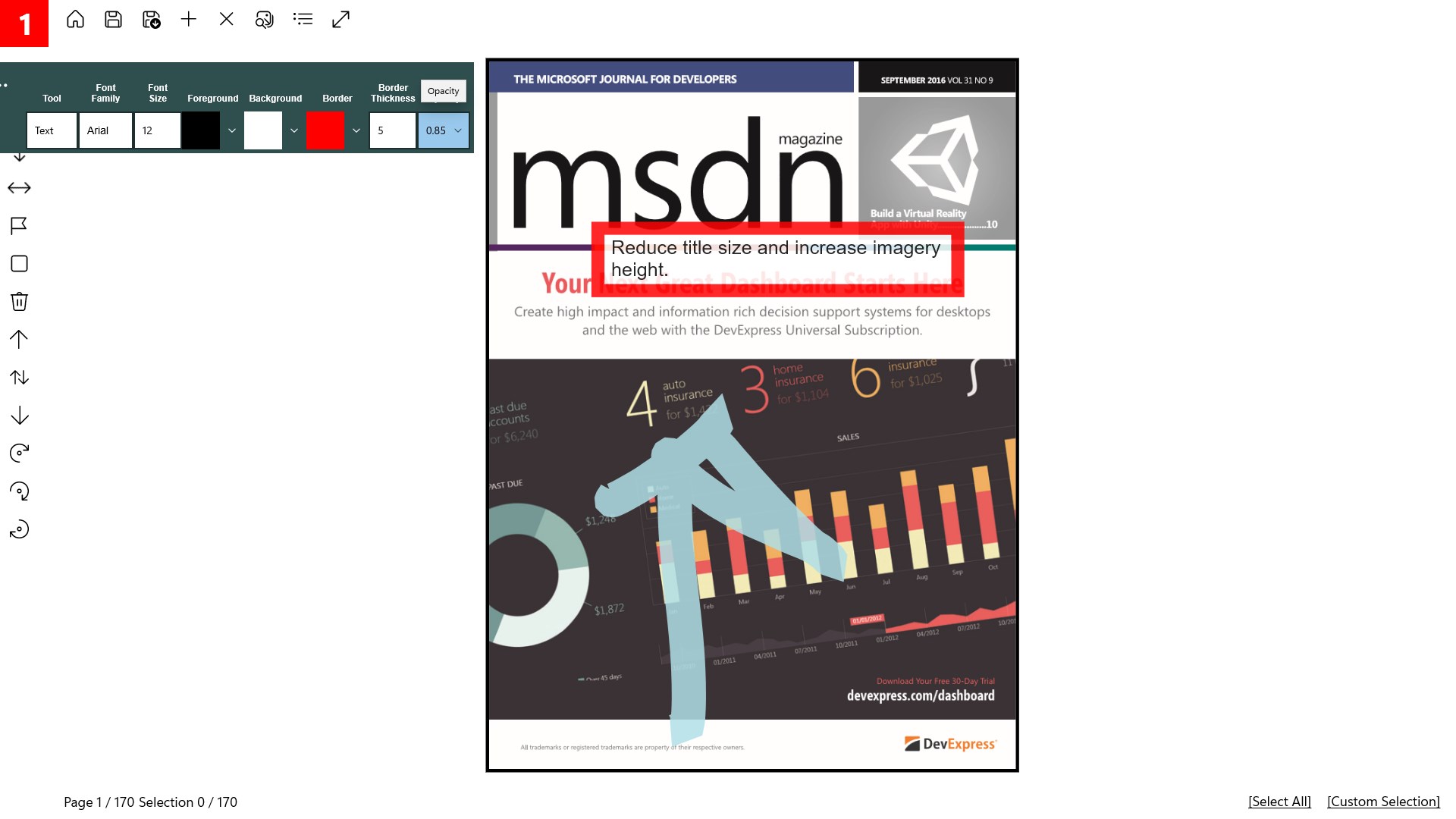
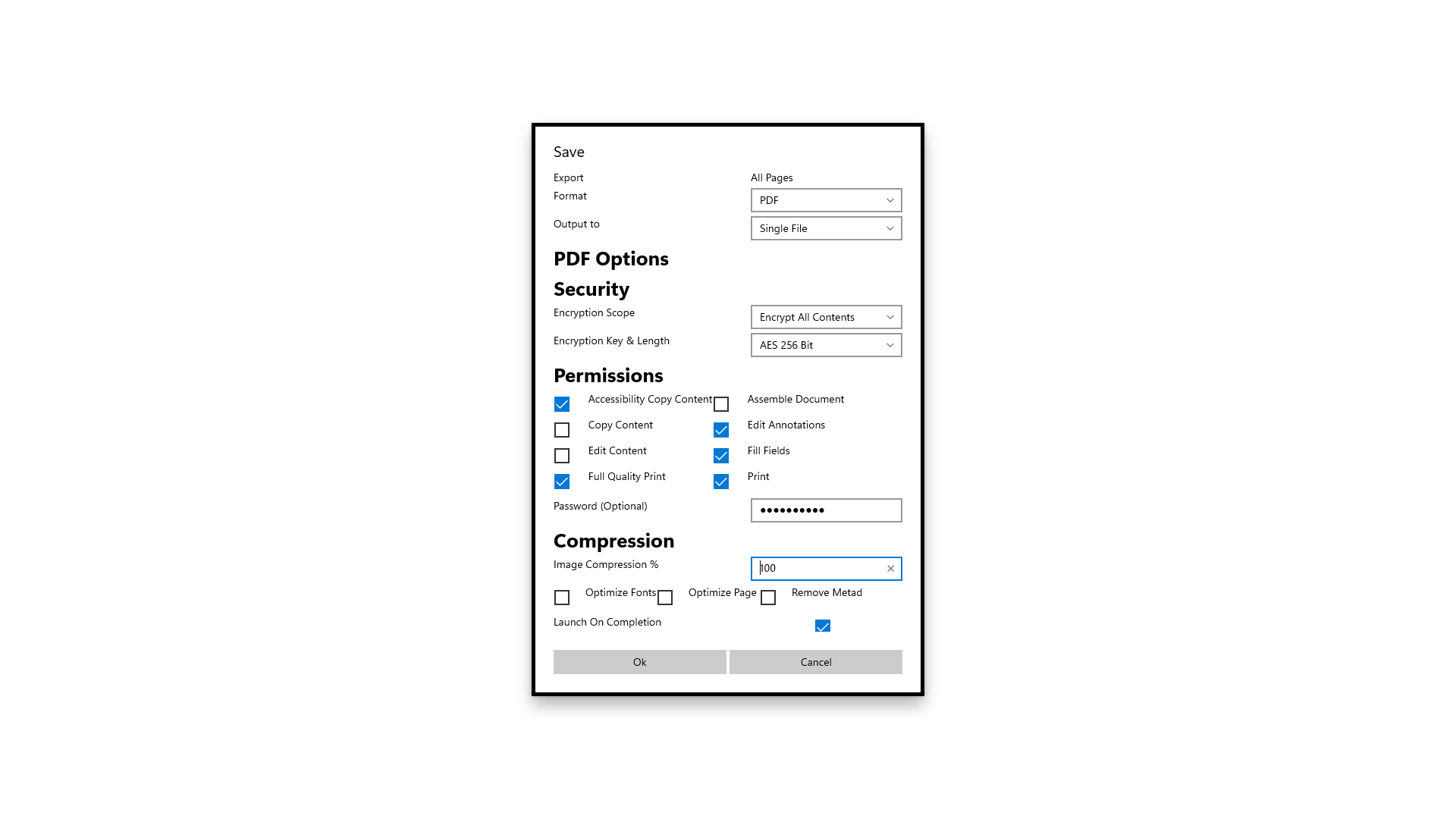
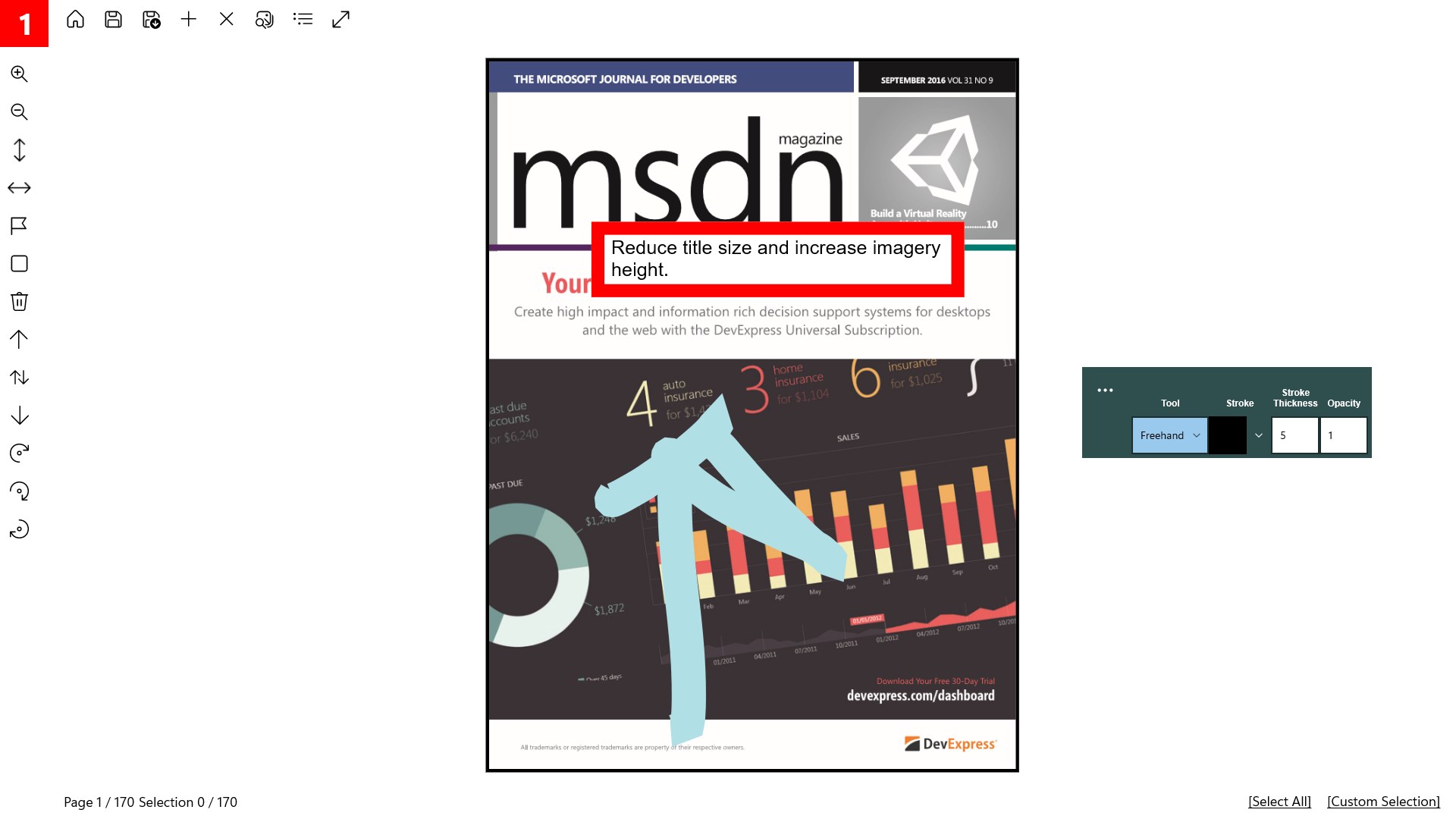
Supports a wide range of PDF editing features including annotation and compression
Regular updates improving stability and adding new features
Affordable pricing with a free trial available
Limited advanced editing options compared to desktop PDF editors
Occasional slow response when handling very large files over 200MB
Some features require a paid subscription, which might be restrictive for casual users
User interface could be more customizable for professional workflows
Official customer support response times vary, especially during peak periods

for Windows
 5
5

for Windows
5

for Windows
4.9

for Windows
4.9

for Windows
4.9

for Windows
4.8

for Windows
4.8

for Windows
4.8

for Windows
4.8

for Windows
4.8

for Windows
4.8

for Windows
4.8

for Windows
5
for Windows
5

for Windows
5

for Windows
5

for Windows
5

for Windows
5

for Windows
5

for Windows
5

for Windows
5
for Windows
5