Multimedia design
PC
Windows 10 version 0.0 or higher
Integrated Mouse
300 MB
DirectX 12 API, Hardware Feature Level 11
English
If you're someone who loves a sleek, dynamic desktop and appreciates the blend of aesthetic appeal with performance optimization, then PC Performance Wallpaper for Windows is a tool worth exploring. It promises to bring your desktop to life while subtly enhancing your system's visual experience.
This application is developed by wallpaper, a team focused on creating visually engaging and functional desktop tools. Their goal appears to be combining eye-catching wallpapers with performance analytics to offer users a dual-purpose utility.
Targeted mainly at tech enthusiasts and power users who enjoy blending aesthetic customization with system insight, this app aims to turn your desktop into an interactive performance dashboard.
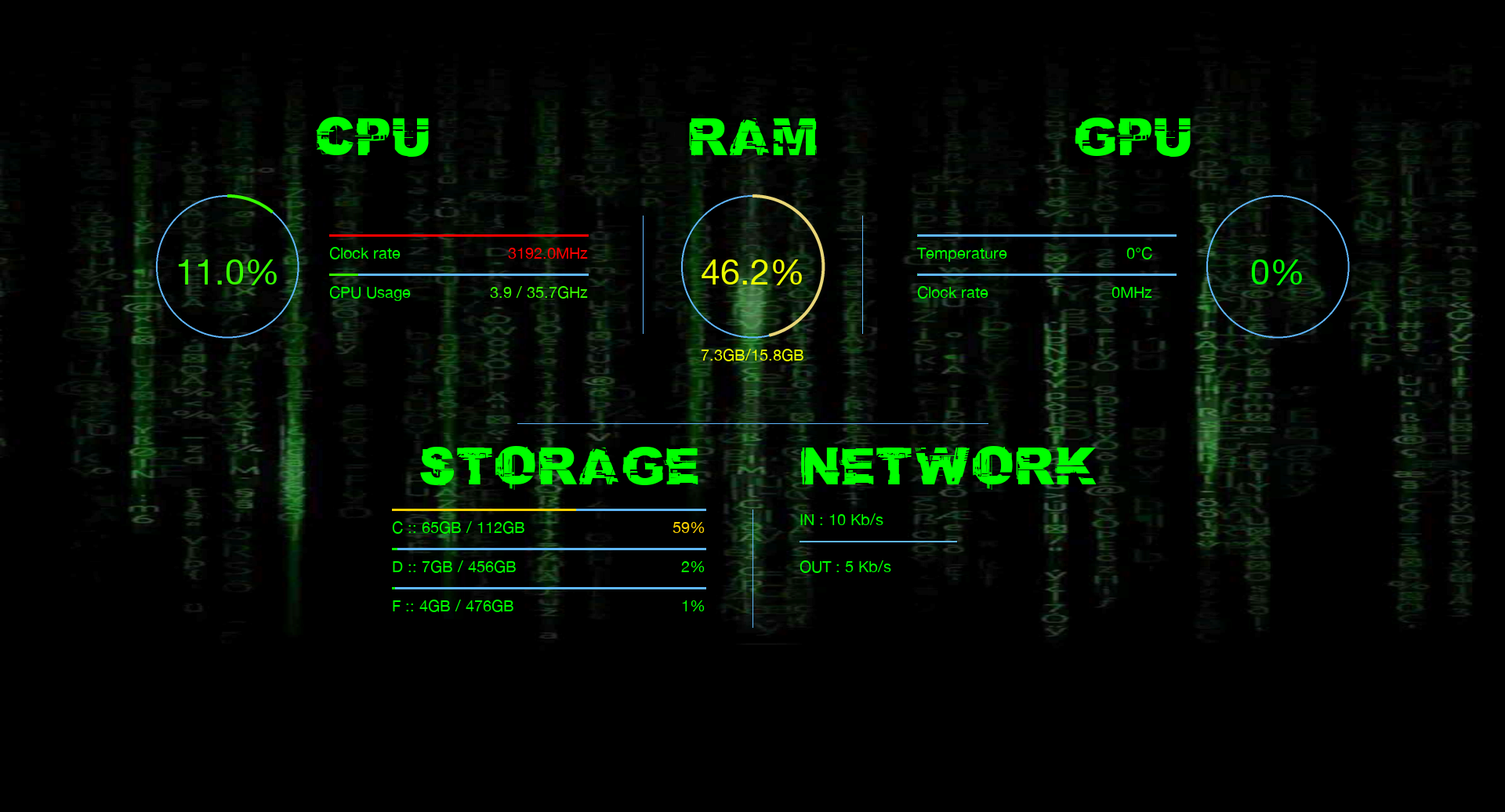
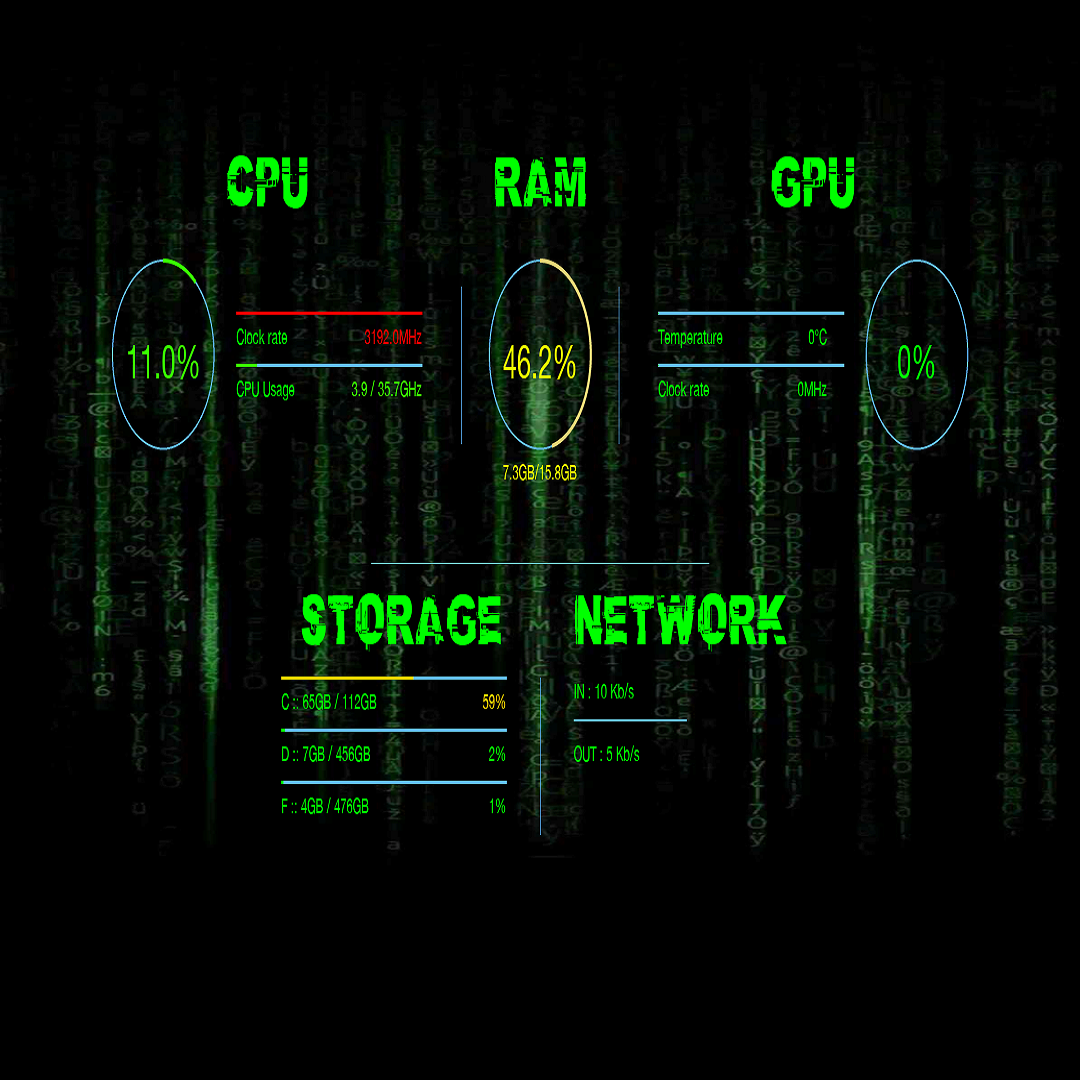
Imagine your desktop as a high-tech command center, where every pixel sparkles with purpose. PC Performance Wallpaper doesn't just decorate; it informs. The wallpapers dynamically adjust their visuals based on your system's current state, turning your screen into a lively indicator panel. It's akin to having your own system health dashboard right behind your icons, merging visual appeal with practical insight. The engaging movement or color shifts are smooth and unobtrusive, making the usage feel seamless rather than gimmicky.
The app's interface adopts a minimalist approach, emphasizing ease of use. Navigating through different themes and performance metrics is straightforward, even for less tech-savvy users. The controls are intuitively placed, reducing the learning curve to just a few minutes. The fluidity of transitions and updates ensures that switching between wallpapers or adjusting settings feels natural, akin to flipping through a well-organized magazine. Overall, the experience is smooth, and the app runs unobtrusively in the background, only presenting information when needed.
Dynamic Performance-Linked Wallpapers: The flagship feature, these wallpapers reflect real-time system status visually. For example, a healthy CPU might display a calm, bright landscape, while high CPU usage could turn the scene more intense or darker. This subtle yet powerful feature transforms your desktop into a proactive health indicator, making it easy to spot system stress without opening task manager.
Customizable Visuals & Data Display: Users can select from various themes, including abstract, nature, or tech-inspired designs. Additionally, performance metrics such as CPU load, RAM usage, and temperature readings are displayed subtly within the wallpaper, enabling quick diagnostics without cluttering your desktop.
Performance & Resource Efficiency: Despite its vibrant visuals, the app is optimized to keep system resource consumption minimal. The wallpapers update smoothly in the background without causing noticeable lag or battery drain, making it suitable even for lower-spec devices.
Compared to other multimedia design tools, PC Performance Wallpaper's main distinction lies in its integration of system performance metrics into visually appealing wallpapers. Other wallpaper apps often focus purely on aesthetics, but this application combines functionality with design, delivering an experience that's both beautiful and insightful. Its real-time adaptation to system load makes it a unique blend of utility and artistry, standing out from more static, purely decorative wallpaper collections.
All in all, PC Performance Wallpaper for Windows is a thoughtfully crafted tool that offers a fresh approach to desktop customization. If you enjoy having quick, visual access to your system's performance or simply want a lively, interactive desktop, this app is a commendable choice. Its easy setup, intuitive interface, and the most captivating feature — dynamic wallpapers responsive to system health — make it a worthwhile install.
We recommend it to tech enthusiasts, professionals, or anyone eager to add a touch of interactivity and style to their daily computing. Just keep in mind that, as with any system-monitoring tool, it functions best when paired with other system maintenance practices to ensure optimal performance. Overall, it's a noteworthy app that balances form with function, turning your desktop into both a canvas and a cockpit of system awareness.
Visually Stunning Wallpapers
Automatic Refresh Options
Customizable Performance Metrics
Lightweight and Seamless Integration
Regular Updates and Support
Limited Wallpaper Selection
Performance Monitoring Overhead
Customization Options Are Basic
Requires Windows 10 or Higher
Occasional Bug Reports

for Windows
 4.8
4.8

for Windows
4.8

for Windows
4.7

for Windows
4.7

for Windows
4.6

for Windows
4.6

for Windows
4.6

for Windows
4.6

for Windows
4.5

for Windows
4.5

for Windows
4.5

for Windows
4.5

for Windows
5

for Windows
5

for Windows
5

for Windows
5

for Windows
5

for Windows
5

for Windows
5

for Windows
5

for Windows
5

for Windows
5