Photo & video
Rick Brewster
PC
Windows 10 version 19044.0 or higher
Integrated Keyboard
Integrated Mouse
1 GB
Not specified
Belarusian, Bulgarian, Catalan, Chinese (Simplified), Chinese (Traditional), Czech, Danish, Dutch, English, English (United States), Finnish, French, German, Greek, Hebrew, Hindi, Hungarian, Italian, Japanese, Kazakh, Korean, Latvian, Lithuanian, Norwegian, Persian/Farsi, Polish, Portuguese (Brazil), Portuguese (Portugal), Romanian, Russian, Slovak, Slovenian, Spanish, Swedish, Thai, Turkish, Ukrainian
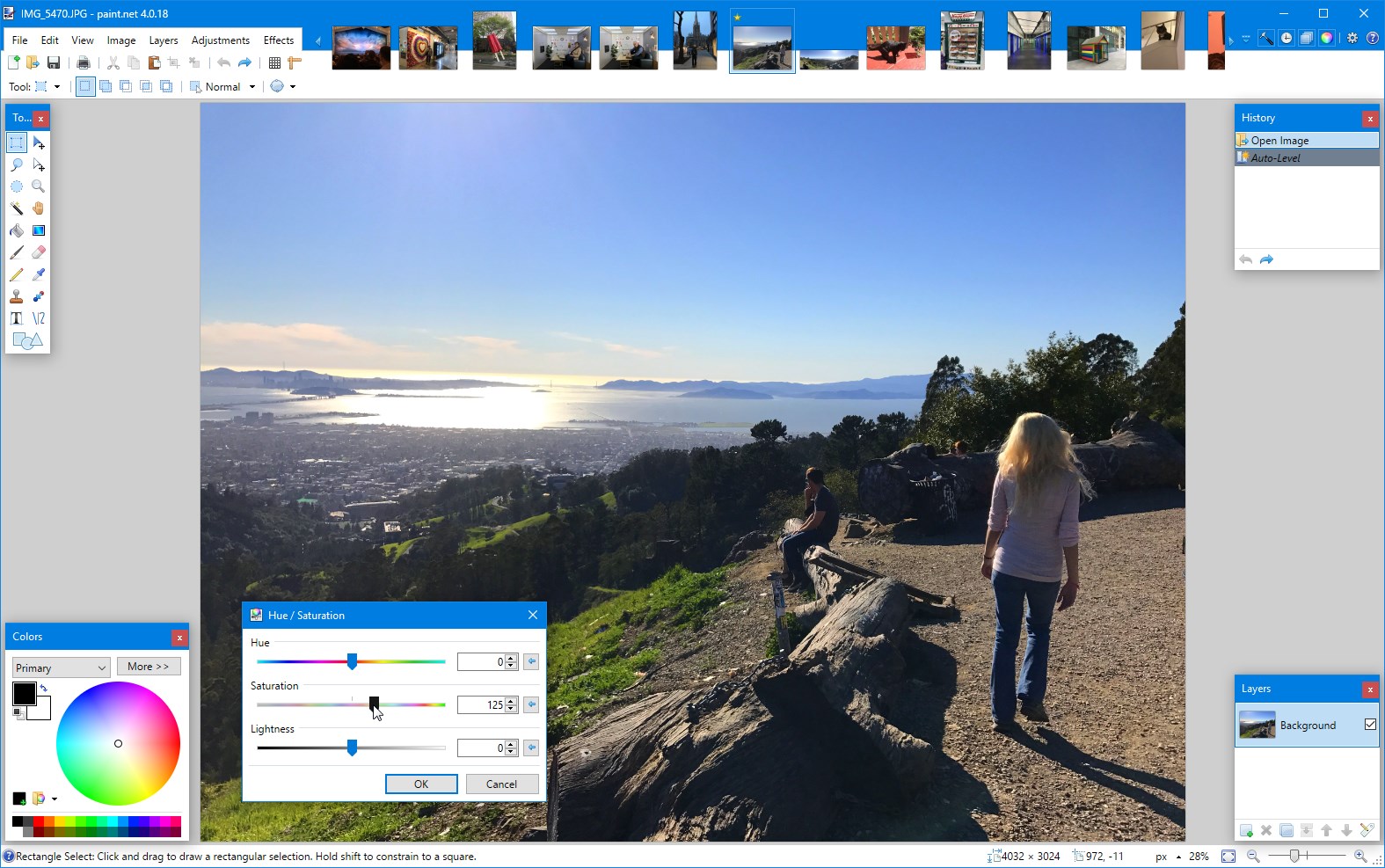
Paint.NET is a free, user-friendly image editing application that strives to provide a robust yet accessible platform for creative expression and basic photo editing tasks on Windows. Unlike more complex, professional-grade software, it focuses on simplicity without sacrificing essential features.
Developed by Rick Brewster and published by dotPDN LLC, Paint.NET offers a streamlined experience tailored primarily for amateur photographers, digital hobbyists, and casual users seeking quick edits and creative tweaks. Its standout features include multilayer support, an intuitive interface, and an impressive set of effects and adjustments — all designed to make editing straightforward and efficient. Additionally, the app supports plugins, allowing for extended functionality and customization, which appeals to those wanting a bit more flexibility without stepping into advanced territory.
Imagine opening a digital canvas where your ideas can instantly come to life — lively cartoons, quick photo touch-ups, or artistic renderings — all within a friendly environment that feels less like a laboratory and more like a cozy art studio. That's what Paint.NET aims to bring to Windows users: a balance between power and simplicity, enabling you to transform your images without feeling overwhelmed by endless options. Its minimalist design invites newcomers to explore, while still offering enough depth for a variety of projects, making every editing session feel more like a creative adventure than a chore.
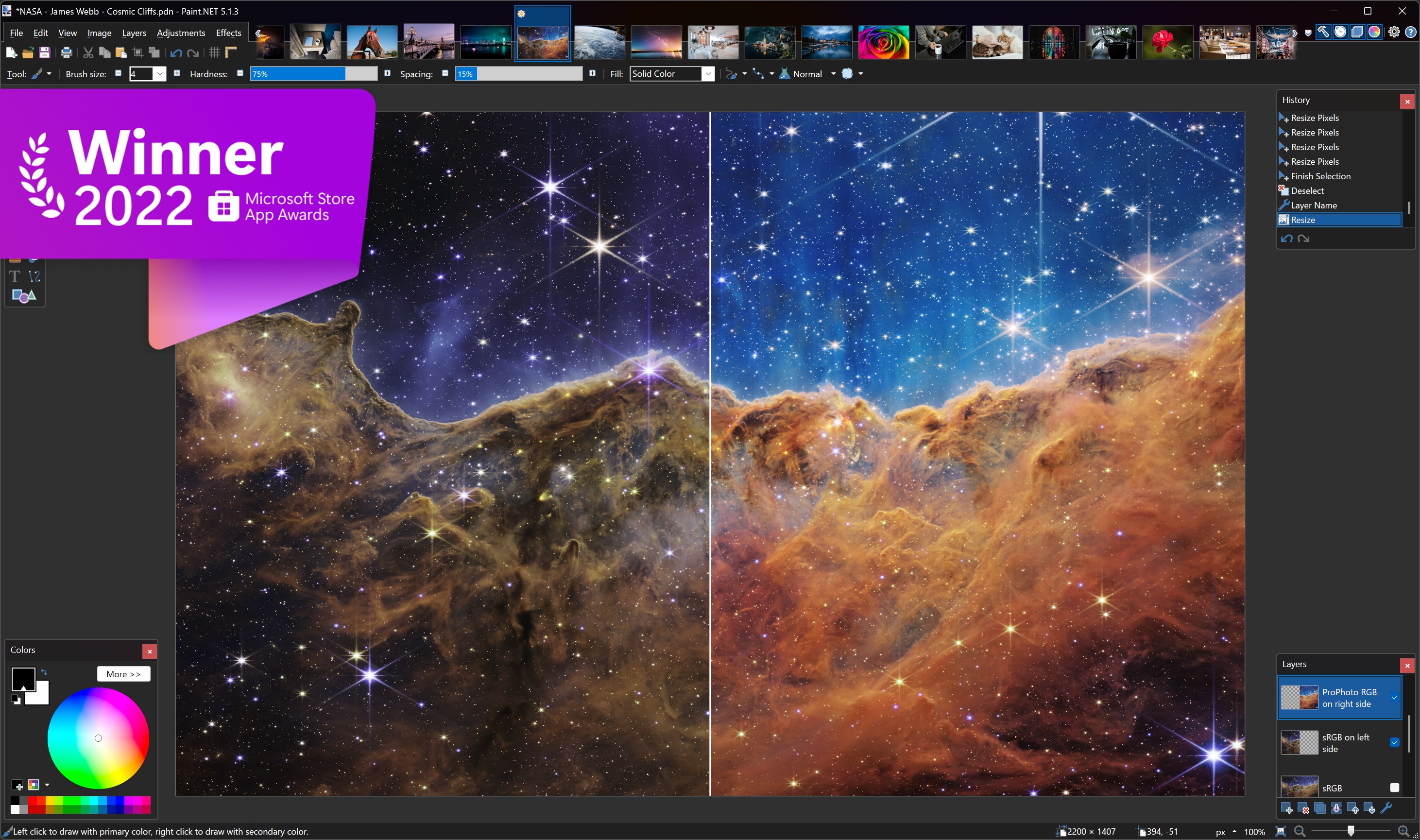
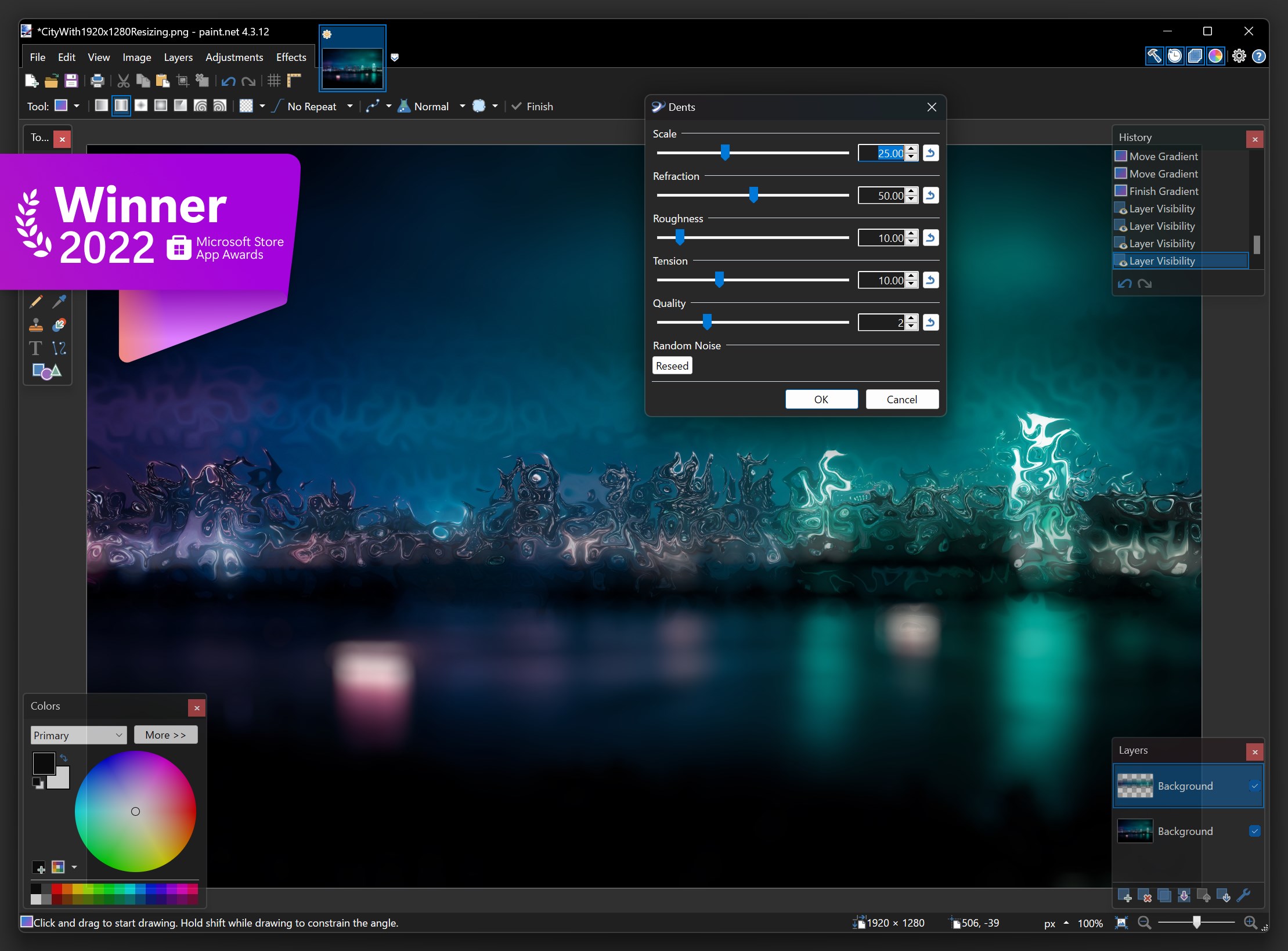
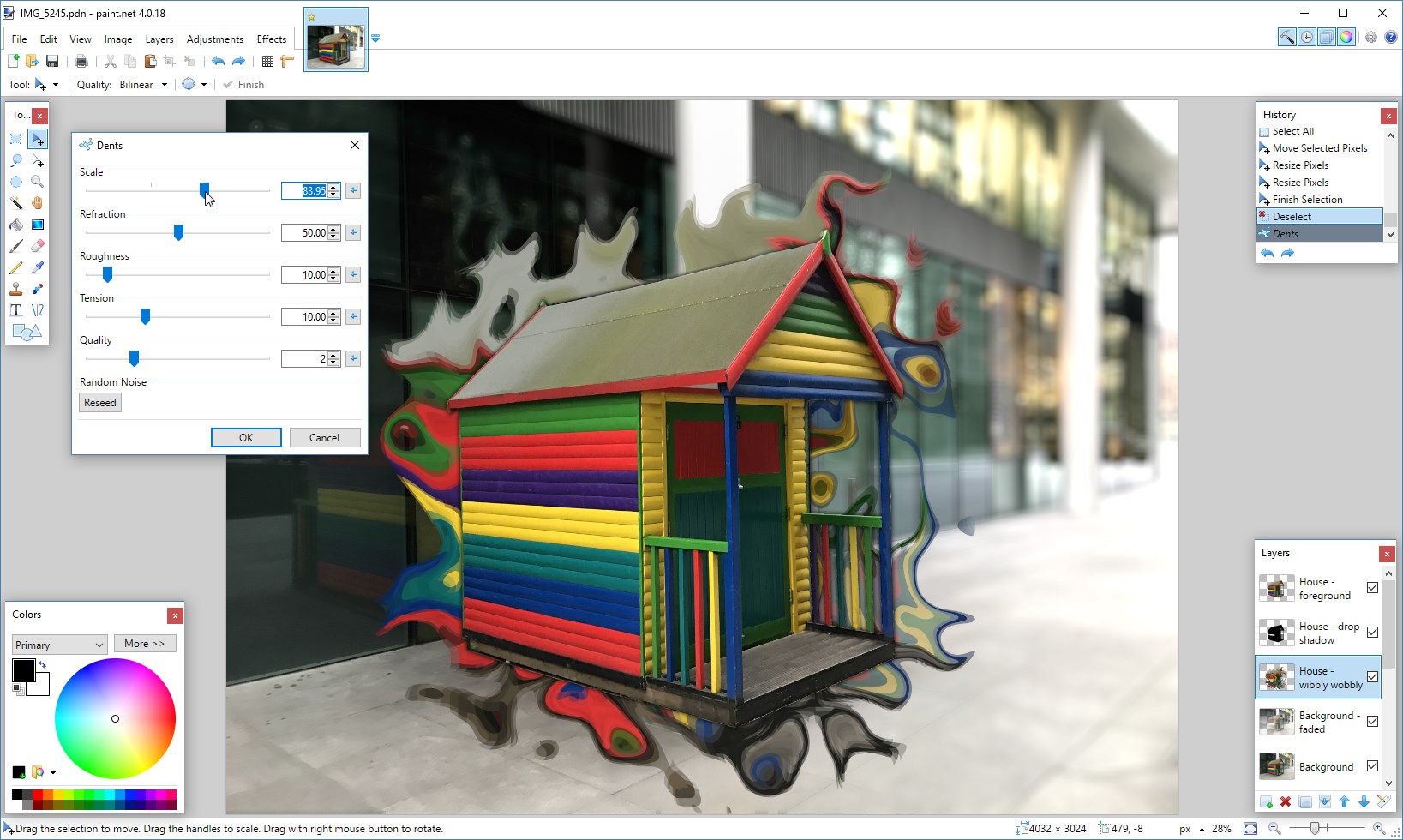
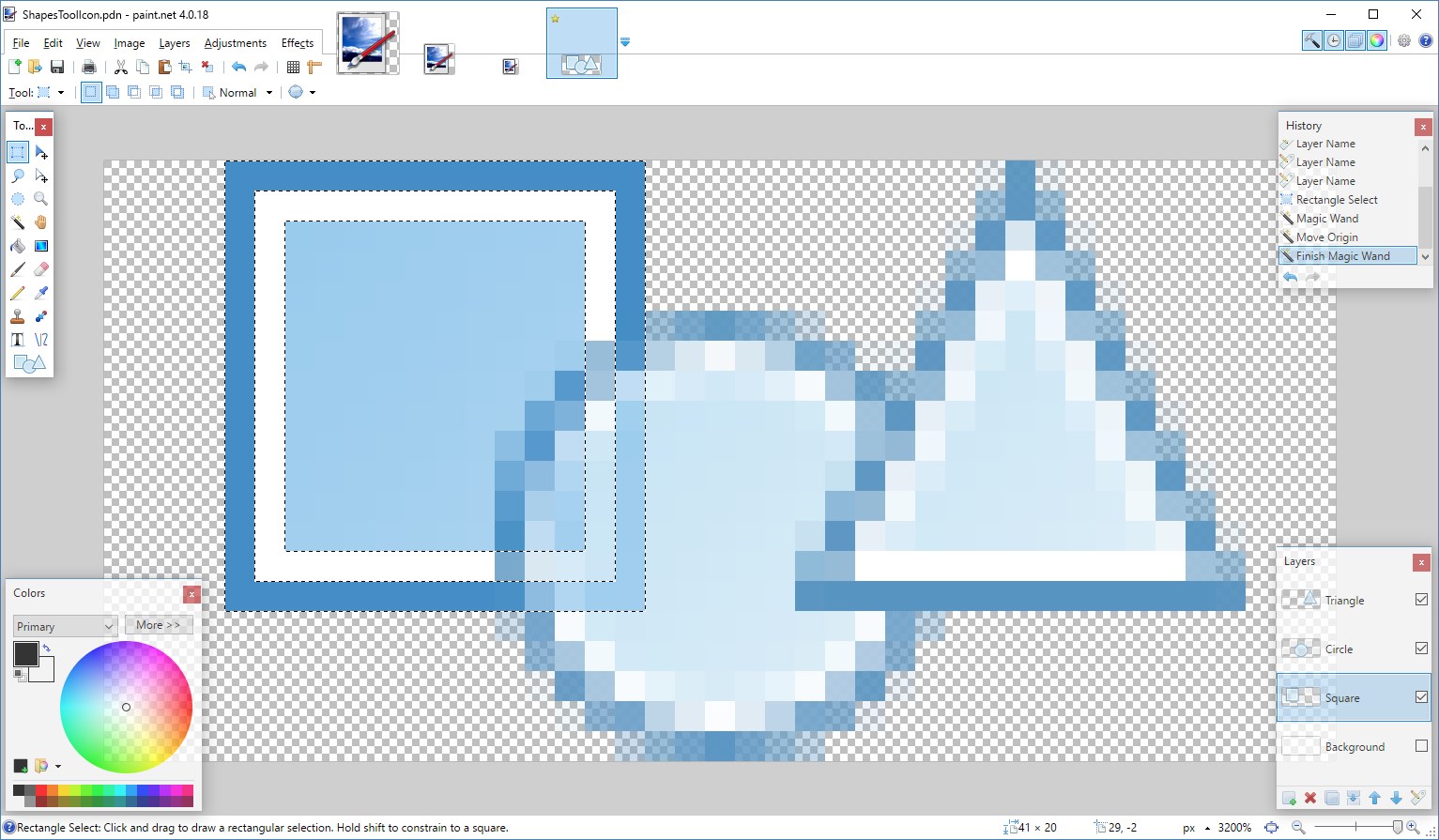
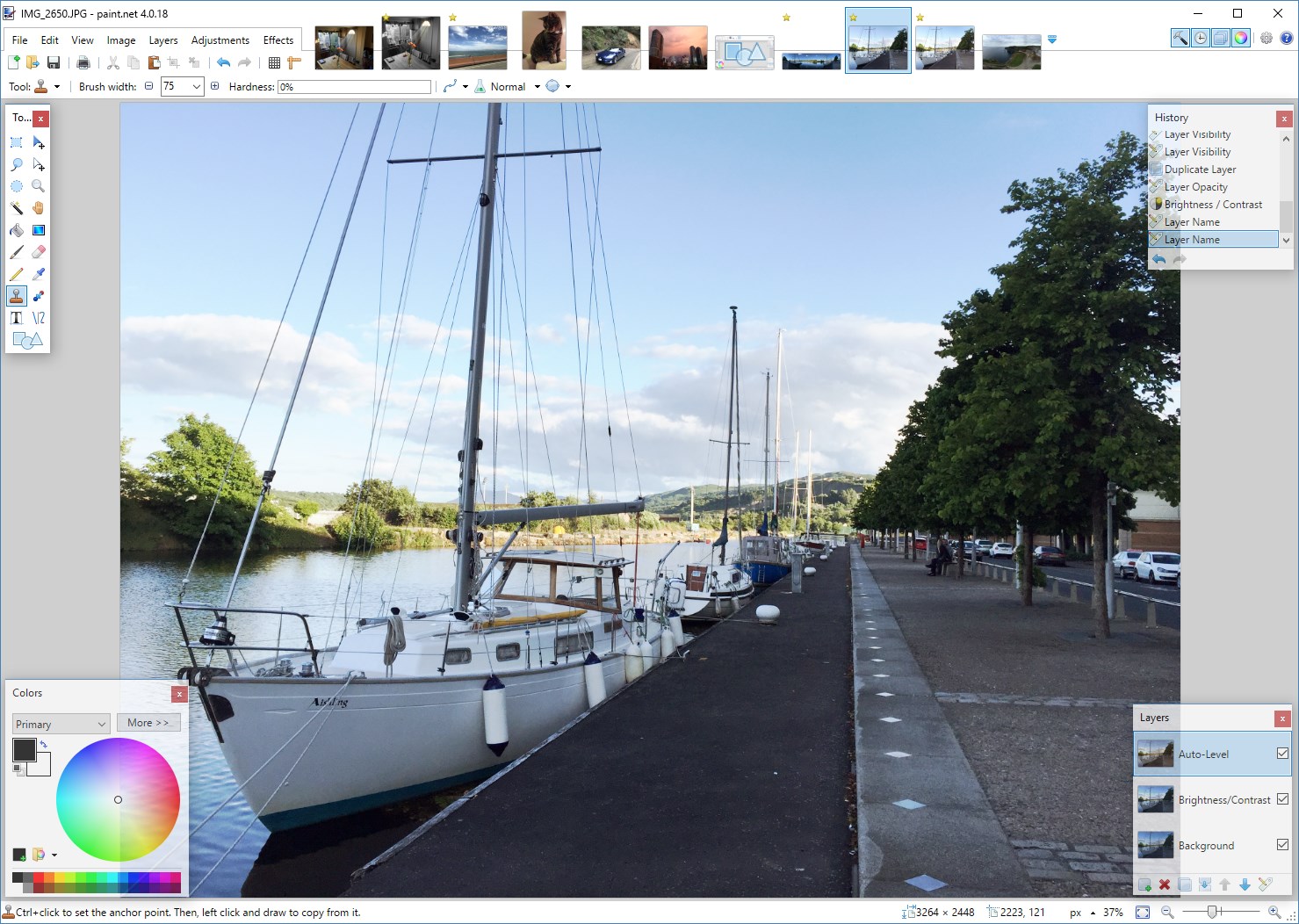
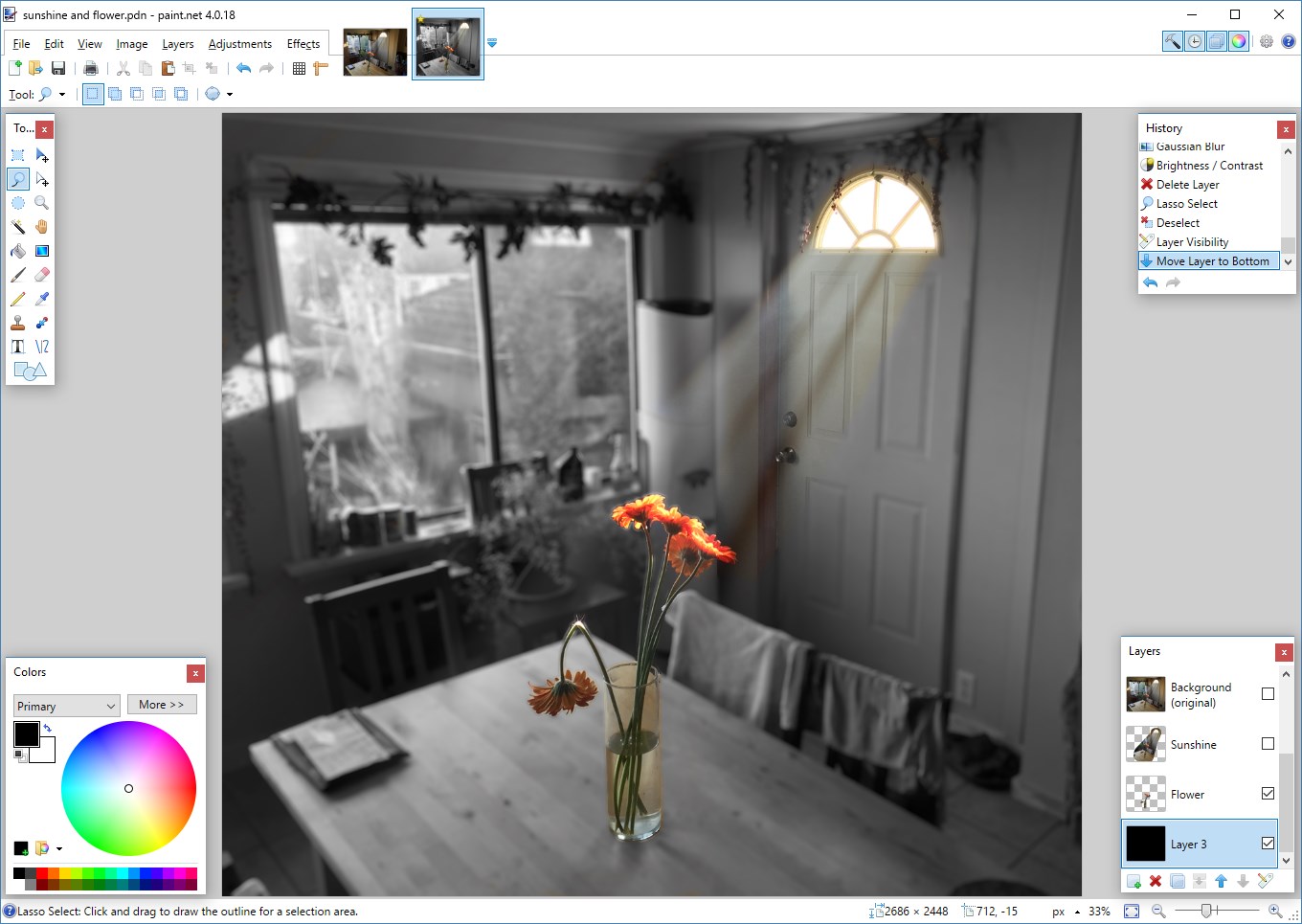
One of Paint.NET's most compelling features is its multilayer support, allowing users to stack, blend, and manipulate multiple image layers with ease. Imagine assembling a digital collage where each piece is adjustable independently — this flexibility is vital for complex edits or creative compositions. Coupled with a rich library of effects such as blurring, sharpening, and stylized filters, users can add artistic flair or refine images with precision. The app's real-time preview helps you see changes instantly, making the editing process fluid and responsive.
Paint.NET's interface resembles a familiar workspace — akin to a well-organized artist's studio — with clearly labeled tools and a lightweight layout that avoids clutter. The learning curve is gentle; even beginners can quickly grasp essential tasks like cropping, resizing, or adjusting color properties. As you navigate through menus, it feels as though the app anticipates your needs, streamlining your workflow. The responsiveness is smooth, with minimal lag or crashes, which boosts confidence for those experimenting with different techniques. Overall, the user experience strikes a harmonious balance: accessible for novices yet sufficiently powerful for more nuanced editing.
What truly sets Paint.NET apart from similar photo editing tools — such as GIMP or Adobe Photoshop Express — is its focus on simplicity combined with expandability. The software's plugin architecture allows users to add specialized features, like advanced effects or file format support, without overwhelming the core experience. This modular approach is reminiscent of building a customized toolkit: start with a solid foundation and add tools as needed. The minimalist yet expandable design ensures the app remains lightweight and quick, making it ideal for everyday edits without the bloat often found in more heavyweight programs.
Considering its user-centric features, ease of use, and flexible architecture, I would recommend Paint.NET for casual users, hobbyists, or anyone seeking a straightforward, reliable image editor on Windows. Its array of core features covers most basic photo editing needs, and its extensibility invites tech-savvy users to tailor the app further. While it may not replace professional-grade software for complex projects, it excels at simplifying everyday editing tasks with a friendly interface and surprising depth. For those wanting a dependable stepping stone into digital art and photo adjustments, Paint.NET is definitely worth exploring.
User-Friendly Interface
Free and Lightweight
Layer Support
Rich Plugin Ecosystem
Regular Updates
Limited Advanced Features
Basic Text Editing Capabilities
Lack of Mac Version
No Non-Destructive Editing
Limited Support for 3D and Animation

for Windows
 5
5

for Windows
4.9

for Windows
4.8

for Windows
4.8

for Windows
4.8

for Windows
4.7

for Windows
4.7

for Windows
4.7

for Windows
4.7

for Windows
4.7

for Windows
4.7

for Windows
4.7

for Windows
5

for Windows
5

for Windows
5

for Windows
5

for Windows
5

for Windows
5

for Windows
5

for Windows
5

for Windows
5

for Windows
5