Multimedia design
PC
Windows 11 version 22000.0 or higher
Afrikaans, Albanian, Amharic, Arabic, Armenian, Assamese, Azerbaijani, Bangla (India), Basque, Bosnian (Latin, Bosnia and Herzegovina), Bulgarian, Catalan, Chinese (Simplified), Chinese (Traditional), Croatian, Czech, Danish, Dutch, English (United Kingdom), English (United States), Estonian, Filipino, Finnish, French, French (Canada), Galician , Georgian, German, Greek, Gujarati, Hebrew, Hindi, Hungarian, Icelandic, Indonesian, Irish, Italian, Japanese, Kannada, Kazakh, Khmer, Konkani, Korean , Lao, Latvian, Lithuanian, Luxembourgish, Macedonian, Malay, Malayalam, Maltese, Maori, Marathi, Nepali, Norwegian (Bokmål), Odia, Persian, Polish , Portuguese (Brazil), Portuguese (Portugal), Punjabi (India), Quechua, Romanian, Russian, Scottish Gaelic, Serbian, Serbian (Cyrillic, Bosnia and Herzegovina), Serbian (Latin, Serbia), Slovak, Slovenian (Slovenia), Spanish (Mexico), Spanish (Spain), Swedish, Tamil, Tatar, Telugu, Thai, Turkish, Ukrainian, Urdu, Uyghur, Uzbek, Valencian, Vietnamese, Welsh
Imagine having a canvas that fits right into your Windows environment, offering both simplicity and powerful tools—Paint for Windows positions itself as a lightweight yet capable digital painting app perfect for hobbyists and casual creators alike. Developed by Microsoft Corporation, this app aims to revive the classic Paint experience with added modern features, making it more versatile without overwhelming users with complexity.
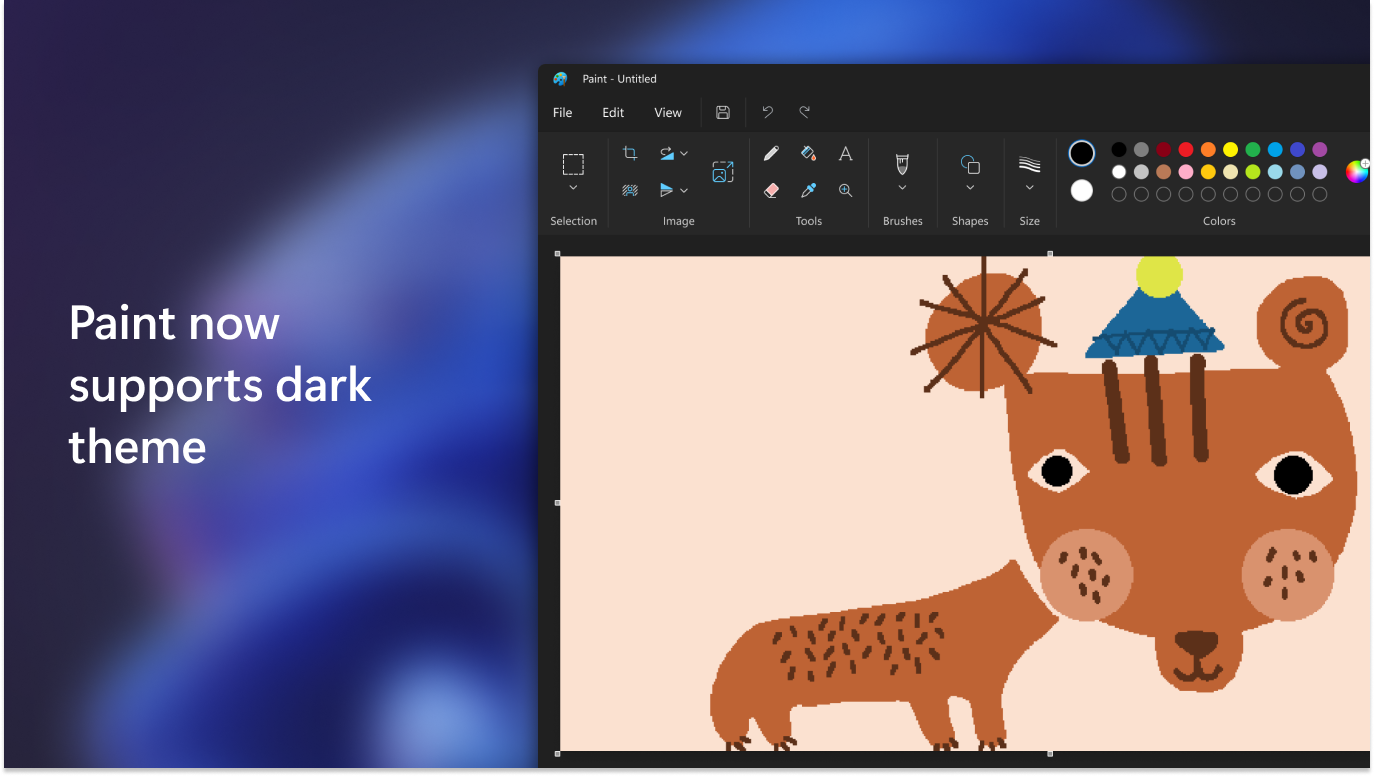
Upon launching Paint for Windows, you'll notice an interface that echoes familiar design cues from traditional paint programs but with a sleek, modern twist. The layout is clean, with intuitive toolbars and a straightforward menu system that streamlines your creative flow. Whether you're a seasoned artist or a beginner, the interface invites you to dive in without a steep learning curve. The app responds smoothly to commands, with minimal lag even when handling larger files, making your painting experience seamless and enjoyable.
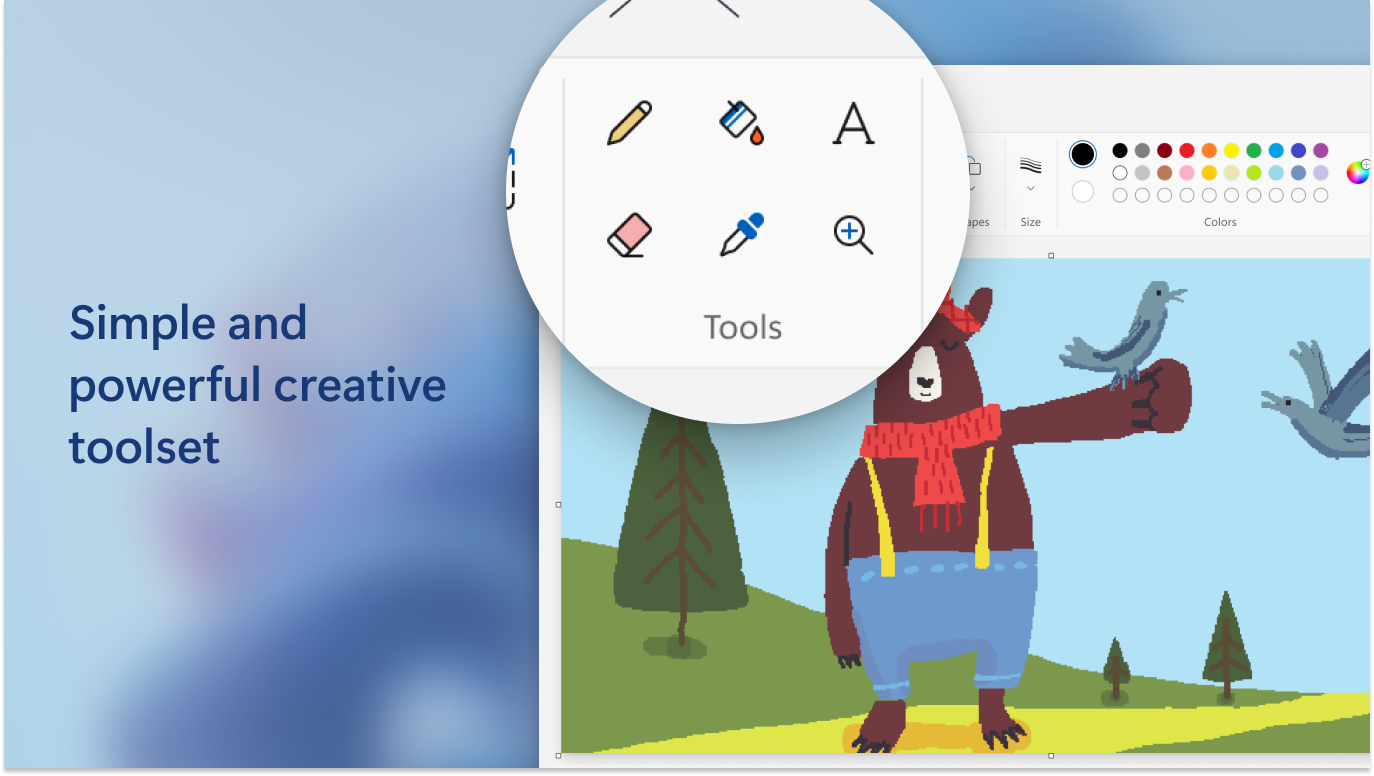
Paint for Windows packs a punch with its fundamental drawing features. From basic brushes and pencils to shape tools and fills, the app provides essential options to bring your ideas to life. The tools are highly responsive, with adjustable size and opacity settings, giving users control over their strokes. Simple editing functions like undo, redo, and cut/paste make modifications straightforward, mimicking the familiar feel of classic paint programs but with enhanced responsiveness.
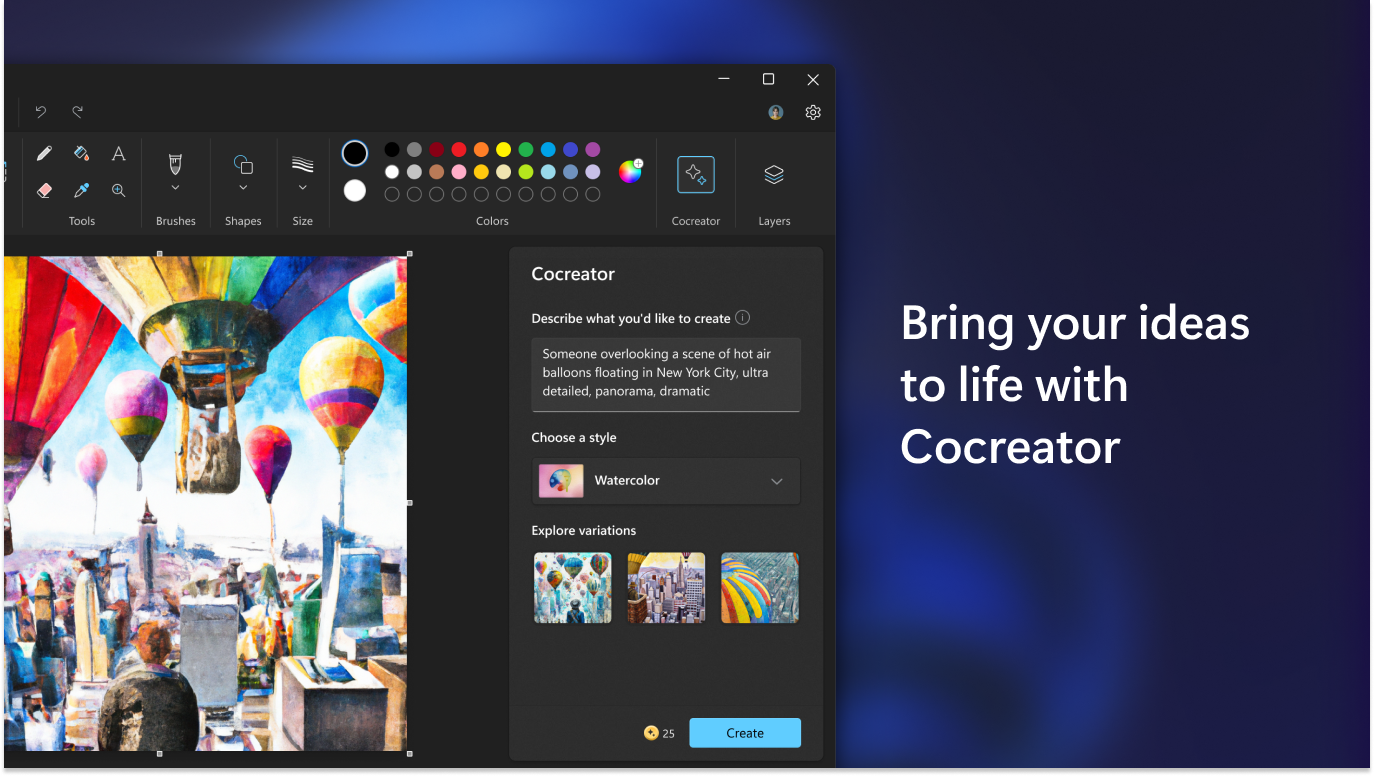
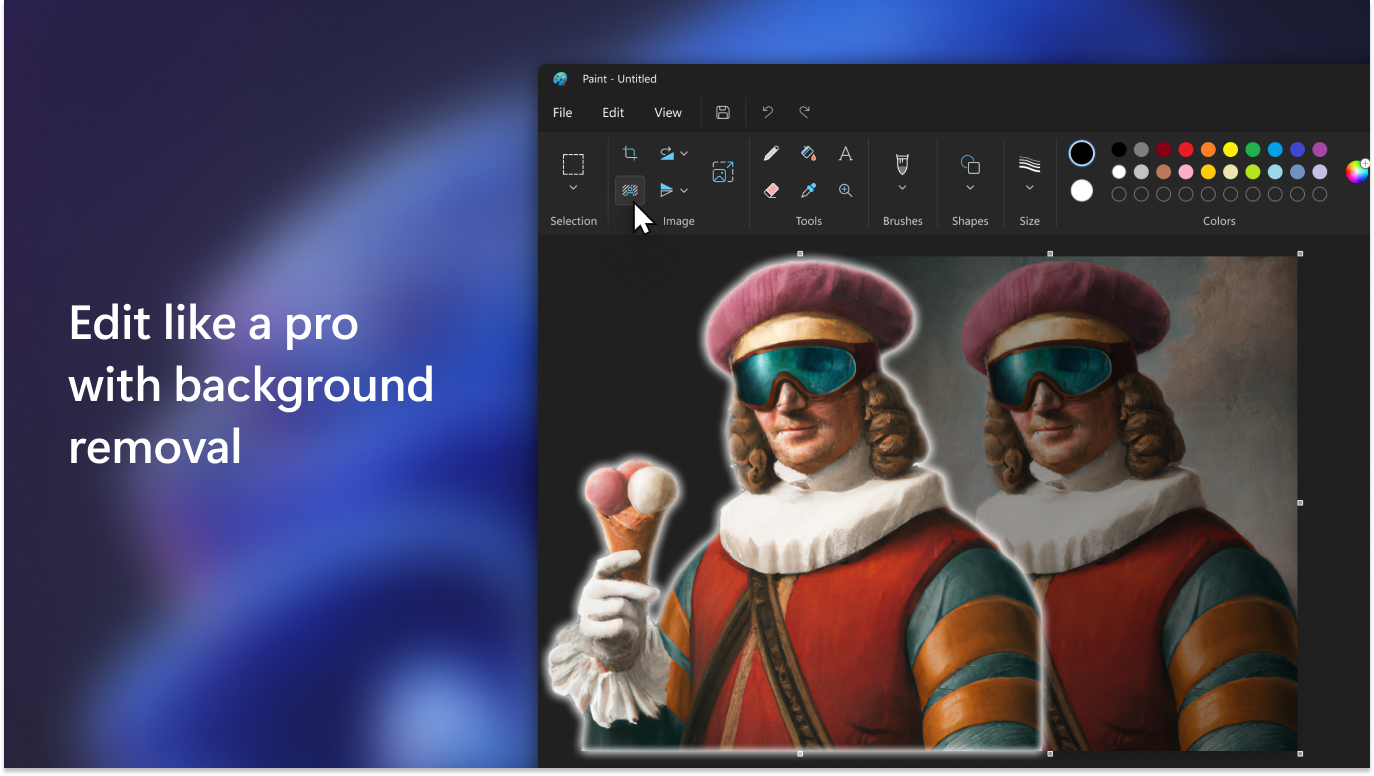
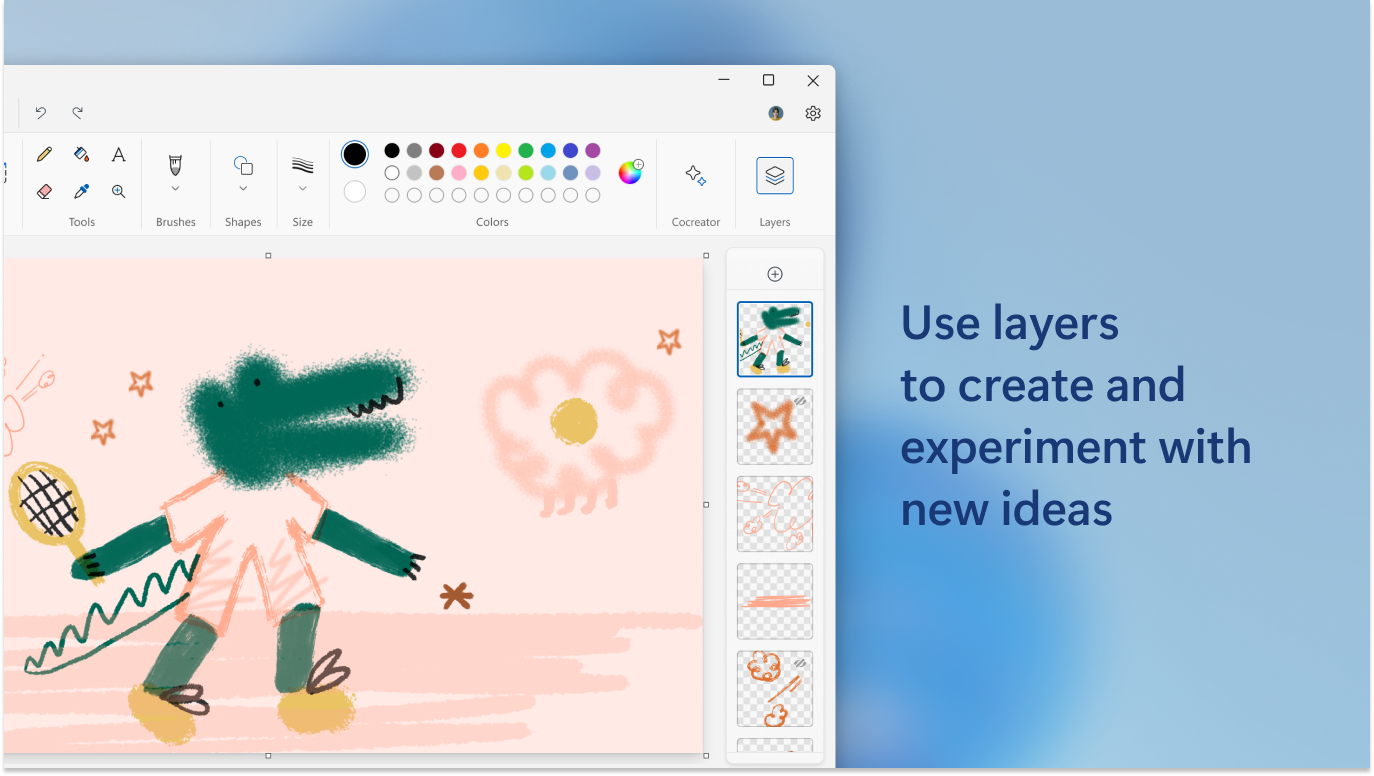
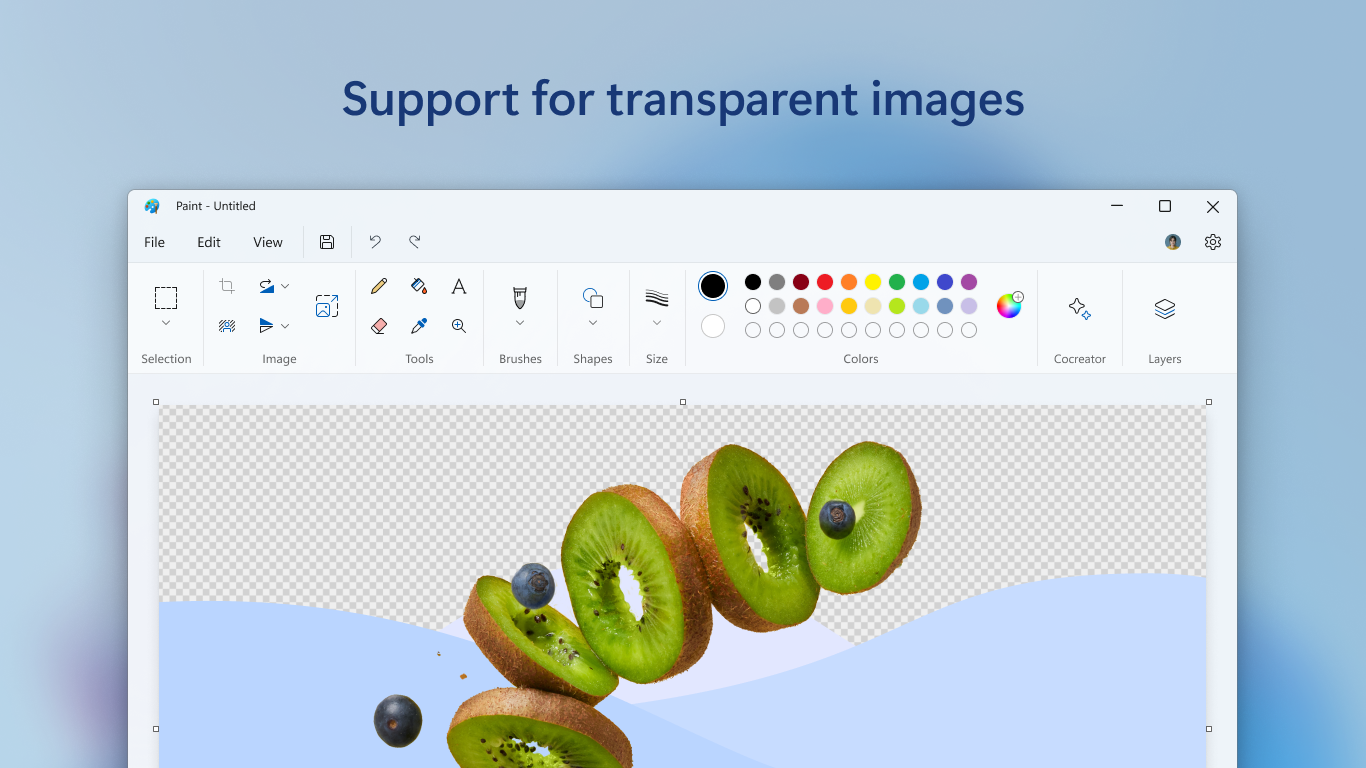
One of the standout features that elevates Paint for Windows beyond its traditional roots is its layer capability. Users can add, delete, or organize layers akin to more advanced digital art software, enabling more complex compositions without cluttering their workspace. Additionally, the app introduces creative features like transparency adjustments and basic filters, allowing users to experiment with effects and add depth to their digital artwork. These tools make it suitable not just for drawing but for digital design, meme creation, or simple photo editing.
Designed with a focus on performance, the app feels fluid and stable, maintaining responsiveness even with multiple layers or larger images. The minimalistic approach ensures that users are not distracted by unnecessary features but can still access all they need to create compelling visuals.
Compared to other multimedia design applications, Paint for Windows's distinctive advantage lies in its seamless integration with the Windows ecosystem and its nostalgic yet modern interface. Unlike complex programs like Photoshop or GIMP, this app is perfect for quick sketches, annotations, or light digital art, making it a practical tool for everyday use. Its simplicity is not a limitation but a strength—allowing users to quickly turn ideas into visuals without a steep learning curve.
Overall, Paint for Windows earns a strong recommendation for users seeking an easy-to-use yet capable drawing app on Windows. Whether you're doodling during your lunch break, illustrating basic concepts, or editing images for fun, this app delivers a straightforward experience with enough tools to spark creativity. If your needs are aligned with quick sketches and simple edits without delving into professional-grade software, Paint for Windows is a reliable companion. For those looking to explore more advanced digital art features, it may serve as a stepping stone, but its real charm lies in its accessibility and integration with everyday Windows routines.
User-Friendly Interface
Basic Drawing Tools
Fast Performance
Lightweight App Size
Integration with Microsoft Store
Limited Advanced Features
Basic Undo/Redo Functionality
No Support for Pressure Sensitivity
Limited Export Options
Lack of Customizable Brushes

for Windows
 4.8
4.8

for Windows
4.8

for Windows
4.7

for Windows
4.7

for Windows
4.6

for Windows
4.6

for Windows
4.6

for Windows
4.6

for Windows
4.5

for Windows
4.5

for Windows
4.5

for Windows
4.5

for Windows
5

for Windows
5

for Windows
5

for Windows
5

for Windows
5

for Windows
5

for Windows
5

for Windows
5

for Windows
5

for Windows
5