Entertainment
Opera Norway AS
PC
Windows 10 version 0.0 or higher
Afrikaans, Bangla, Belarusian, Bulgarian, Catalan, Chinese, Chinese (Simplified), Chinese (Traditional Chinese), Czech, Danish, Dutch, English, Estonian, Filipino, Finnish, French, German, Greek, Hindi, Hungarian, Indonesian, Italian, Japanese, Korean, Latvian, Lithuanian, Malay, Norwegian, Polish, Portuguese, Portuguese (Brazil), Romanian, Russian, Serbian, Slovak, Slovenian, Spanish, Spanish (Americas), Swedish, Thai, Turkish, Ukrainian, Vietnamese
If you're a gamer or someone who loves to keep your digital world organized and clutter-free, Opera GX offers a dedicated browser tailored to your needs. Developed by Opera Norway AS, this application combines sleek design with gaming-centric features, making web navigation feel like an extension of your gaming environment.
Opera GX positions itself as a gaming-optimized browser designed to enhance your online lifestyle. Created by the reputable Opera Norway AS team, it's built with gamers in mind but accessible to anyone who appreciates speed and customization. Key highlights include resource management tools that allow users to limit CPU and RAM usage, integrated Twitch and Discord integrations for social connectivity, and a customizable interface with vibrant themes. Its target audience primarily comprises gamers, eSports enthusiasts, and power users seeking a dynamic browsing experience without sacrificing system performance.
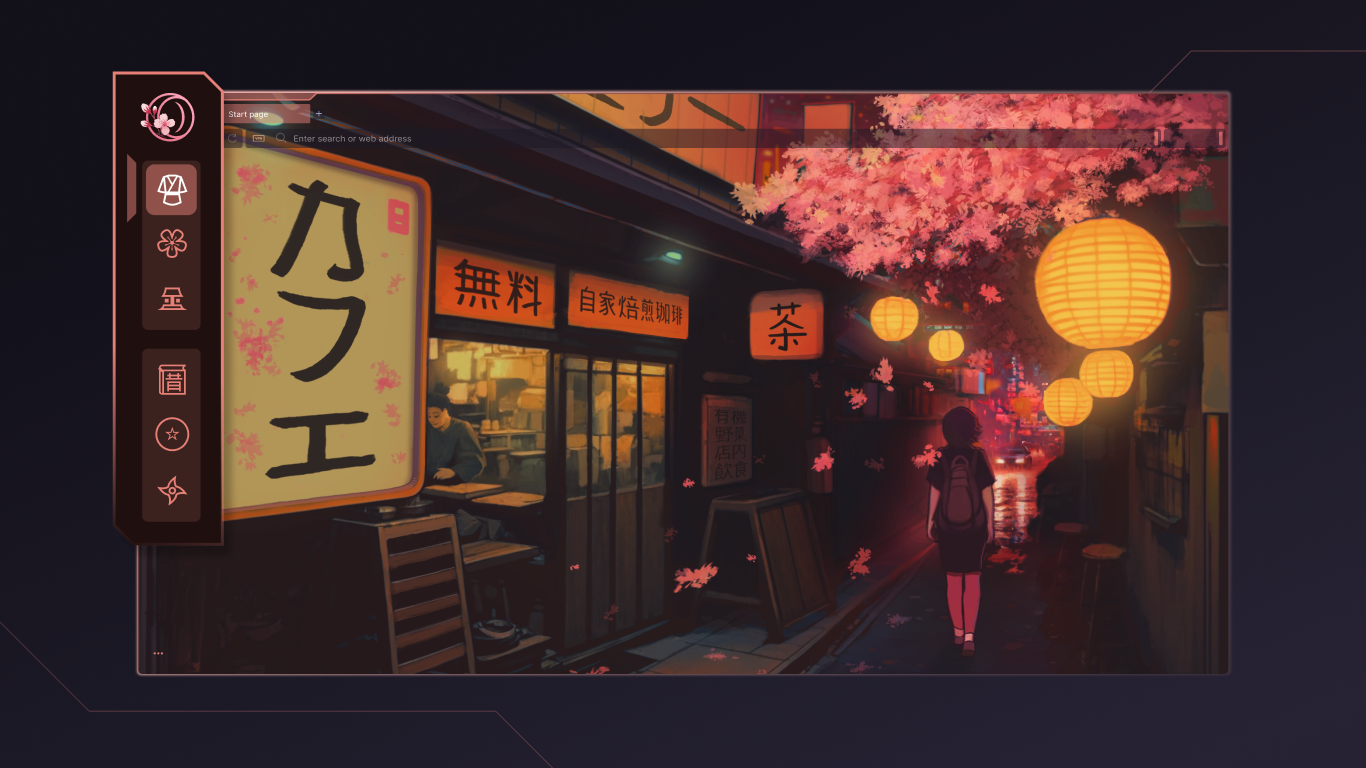
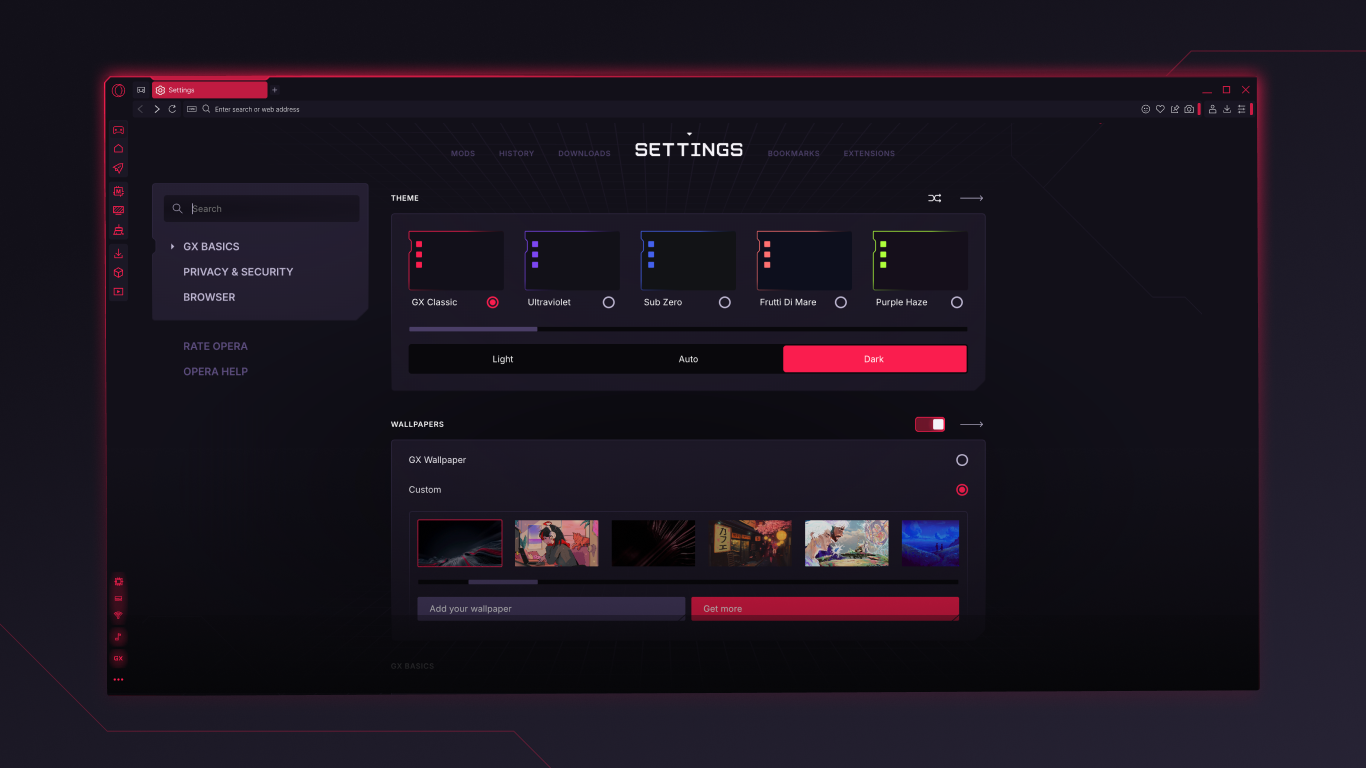
Opera GX invites users into a visually striking environment where every element feels curated—the dark theme accented with neon colors makes the interface lively yet unobtrusive. Navigation feels smooth and intuitive, akin to gliding on a lubricant-infused track—your fingers dance effortlessly across tabs and menus. The customization options allow users to tailor the look to match their gaming setup or mood, providing a personalized aesthetic that sets it apart from traditional browsers.
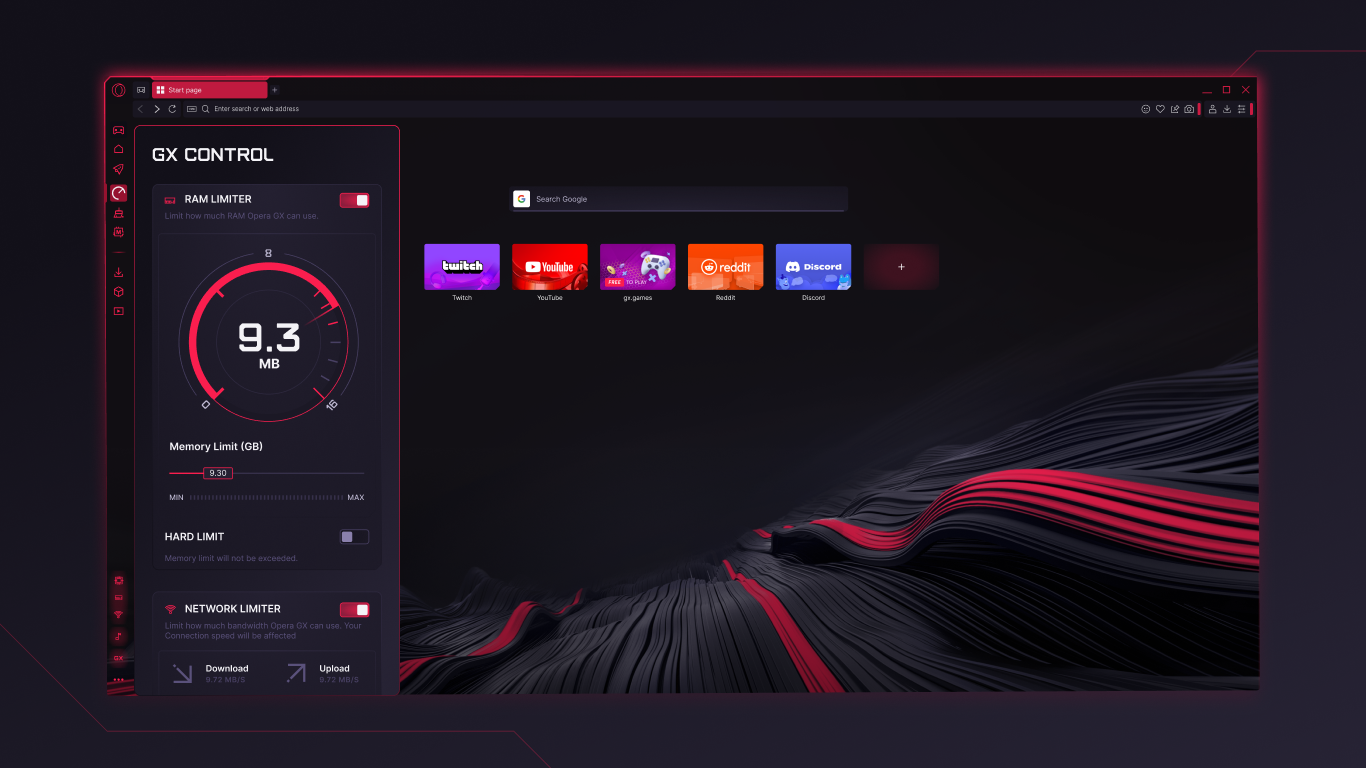
The standout feature of Opera GX is its resource control panel. Imagine having a sophisticated dashboard that lets you allocate CPU, RAM, and network bandwidth—think of it as tuning the engine of your gaming PC for peak performance. This allows you to run your favorite open tabs or streaming services without overloading your system, ensuring smooth gameplay and browsing at the same time. Users can set limits to prevent their browser from hogging resources, a feature especially valuable during intensive gaming sessions or when multitasking. These controls are straightforward to access and modify, making system optimization accessible even for casual users.
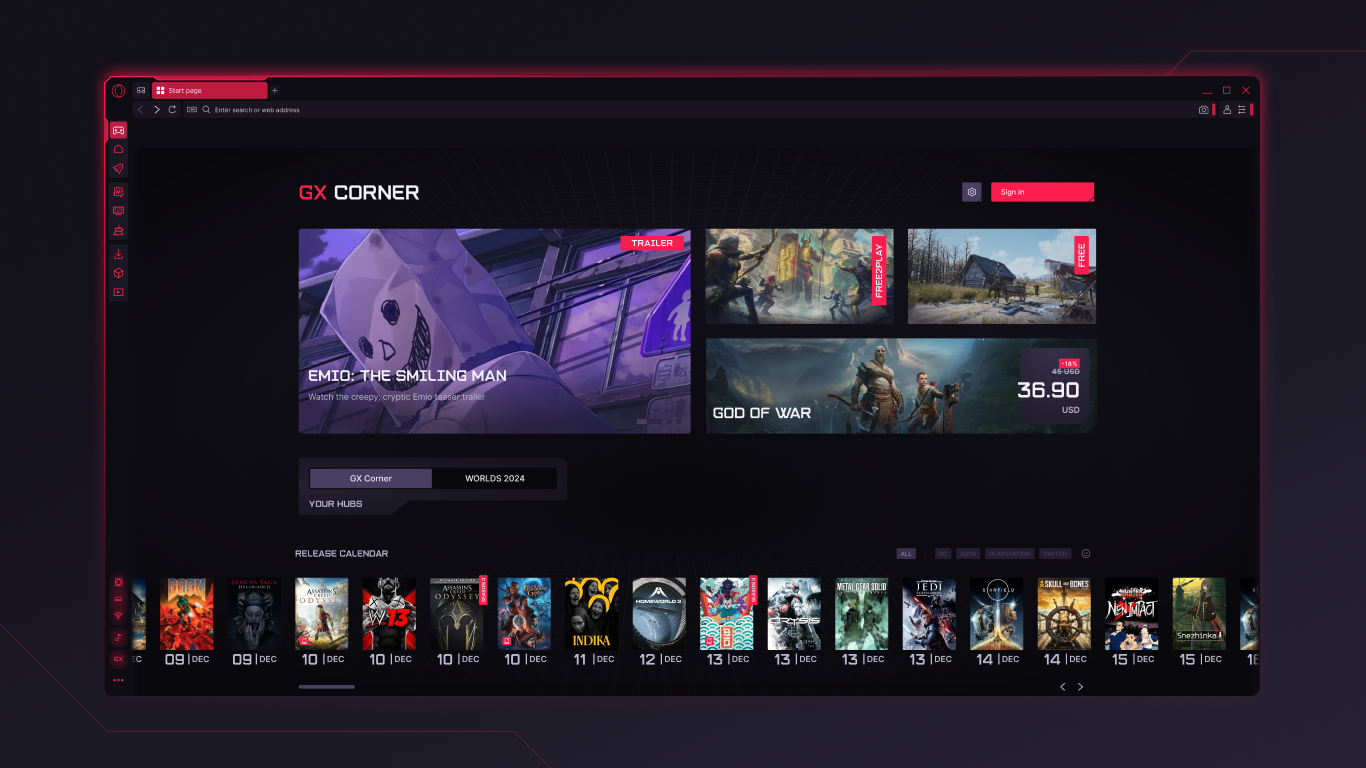
One of Opera GX's most unique strengths is its adaptive content discovery engine. Unlike standard browsers, which often deliver generic recommendations, Opera GX leverages intelligent algorithms that focus on gaming news, streams, deals, and entertainment tailored to users' habits. Its integration with Twitch and Discord seamlessly brings gaming communities into view, turning browsing into a personalized gateway to your favorite gaming content. This level of targeted content recommendation enhances relevance—imagine opening your browser and instantly seeing news, streams, or deals that genuinely interest you, much like having a personal assistant who understands your gaming passions. This personalized relevance sets Opera GX apart from typical entertainment or news browsers, providing an experience that's both engaging and efficient.
Opera GX presents itself as a refined, gamer-focused browser with compelling features that easily justify a recommendation for those seeking a resource-efficient and highly customizable browsing experience. Its unique resource management capabilities combined with excellent content personalization make it particularly appealing to gamers who want their browser to complement their digital lifestyle. However, casual users unfamiliar with gaming might find some features less relevant, so for non-gamers, the appeal might be more limited. Nonetheless, for its target audience, Opera GX offers a robust and innovative alternative to mainstream browsers—making browsing feel like a part of your gaming setup rather than just another task.
Customizable Gaming-Focused Browser
Built-in CPU and RAM Limiter
Integrated Twitch and Discord Support
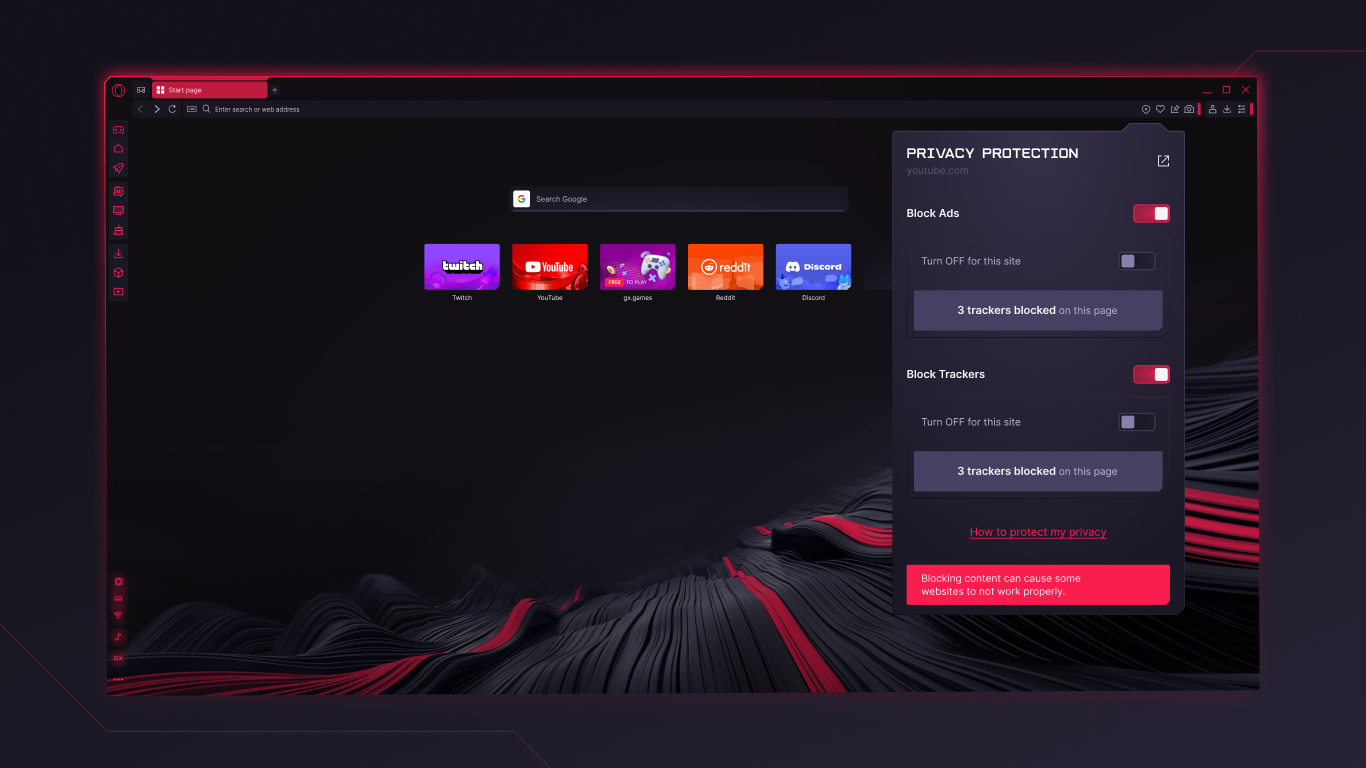
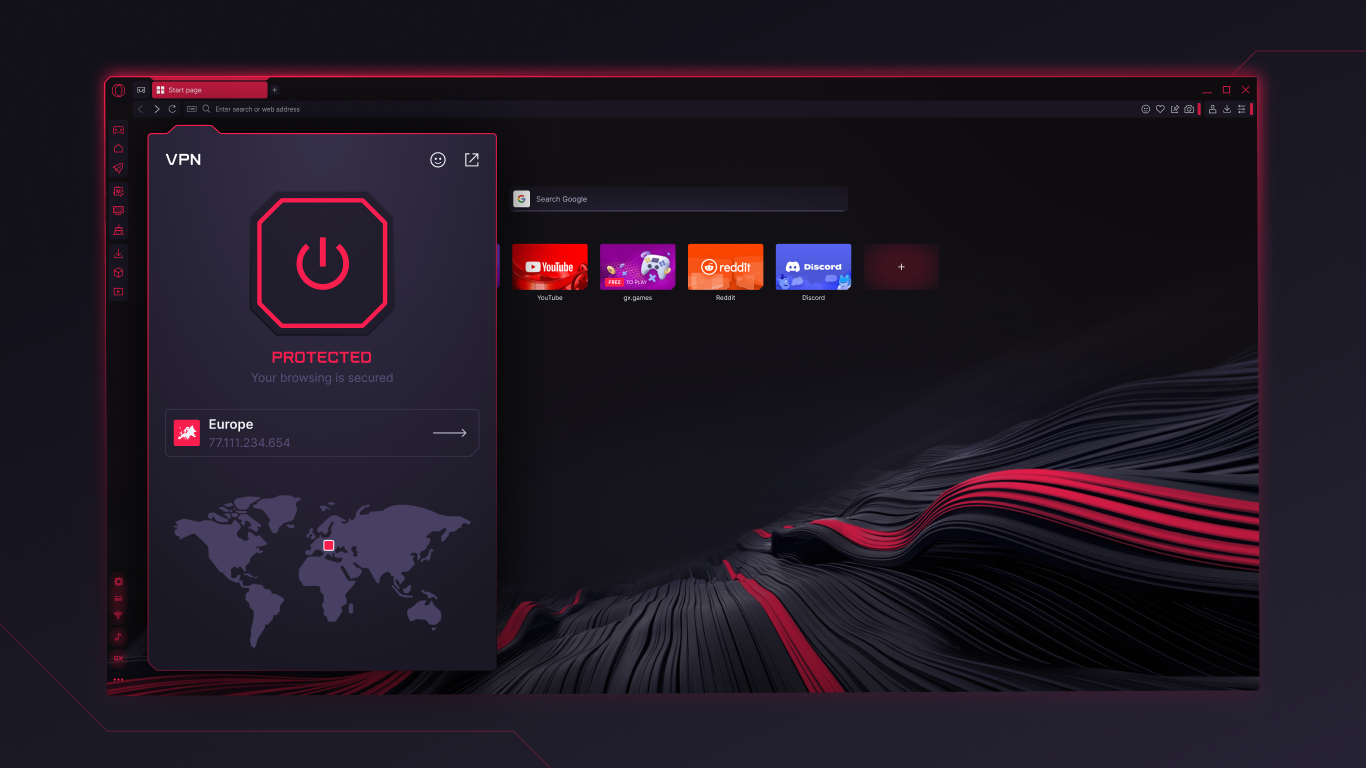
Advanced Privacy Features
Enhanced Video Streaming
Relatively High Resource Consumption
Limited Extension Compatibility
Occasional Stability Issues
Embedded Gaming Features May Distract
Limited Cross-Platform Synchronization

for Windows
 5
5

for Windows
4.8

for Windows
4.8

for Windows
4.8

for Windows
4.7

for Windows
4.6

for Windows
4.6

for Windows
4.6

for Windows
4.6

for Windows
4.6
for Windows
4.6

for Windows
4.6

for Windows
5

for Windows
5

for Windows
5

for Windows
5
for Windows
5

for Windows
5

for Windows
5

for Windows
5

for Windows
5

for Windows
5