Photo & video
Jonas Selling
PC
Windows 10 version 14393.0 or higher
English (United States)
One Photo Viewer for Windows, developed by Jonas Selling and published by Elliptic Phenomena, is designed to offer an efficient and user-friendly photo viewing experience with a focus on simplicity and speed, making it a compelling choice for casual users and photography enthusiasts alike.
This app is optimized for speed, allowing users to load and browse large collections of images without lag or stutter. Its lightweight nature ensures it doesn't hog system resources, making it ideal for older or lower-spec PCs.
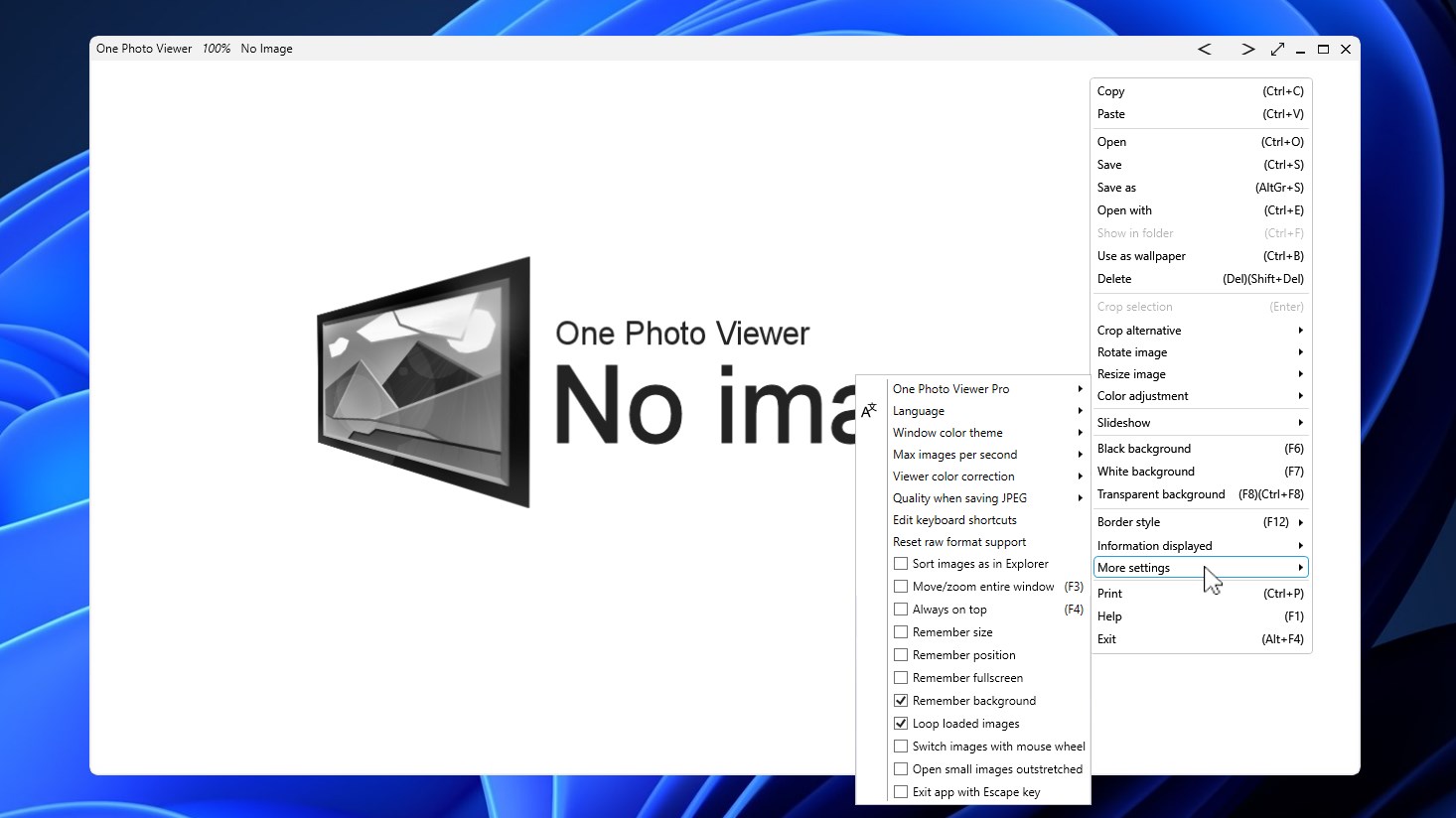
One Photo Viewer sports a minimalist design that resembles a digital photo album—simple icons, clutter-free layout, and straightforward navigation. This reduces the learning curve, ensuring users can focus entirely on their images rather than figuring out complicated menus.
Supporting a broad range of image formats, including JPEG, PNG, BMP, GIF, and TIFF, the app guarantees compatibility with most image files. Additionally, some customization options like thumbnail grid adjustments and viewing modes allow tailoring the experience to individual preferences.
Imagine browsing through your favorite photo collection on a lazy afternoon—each picture inviting you in, clear and vivid against a sleek background. That's the feeling One Photo Viewer aims to deliver. With its crisp, snappy interface, navigating hundreds of images feels almost like flipping through pages of a well-organized photo album—no fuss, just pure visual enjoyment. The app's quick loading times turn what could be a tedious task into a seamless, even pleasurable experience.
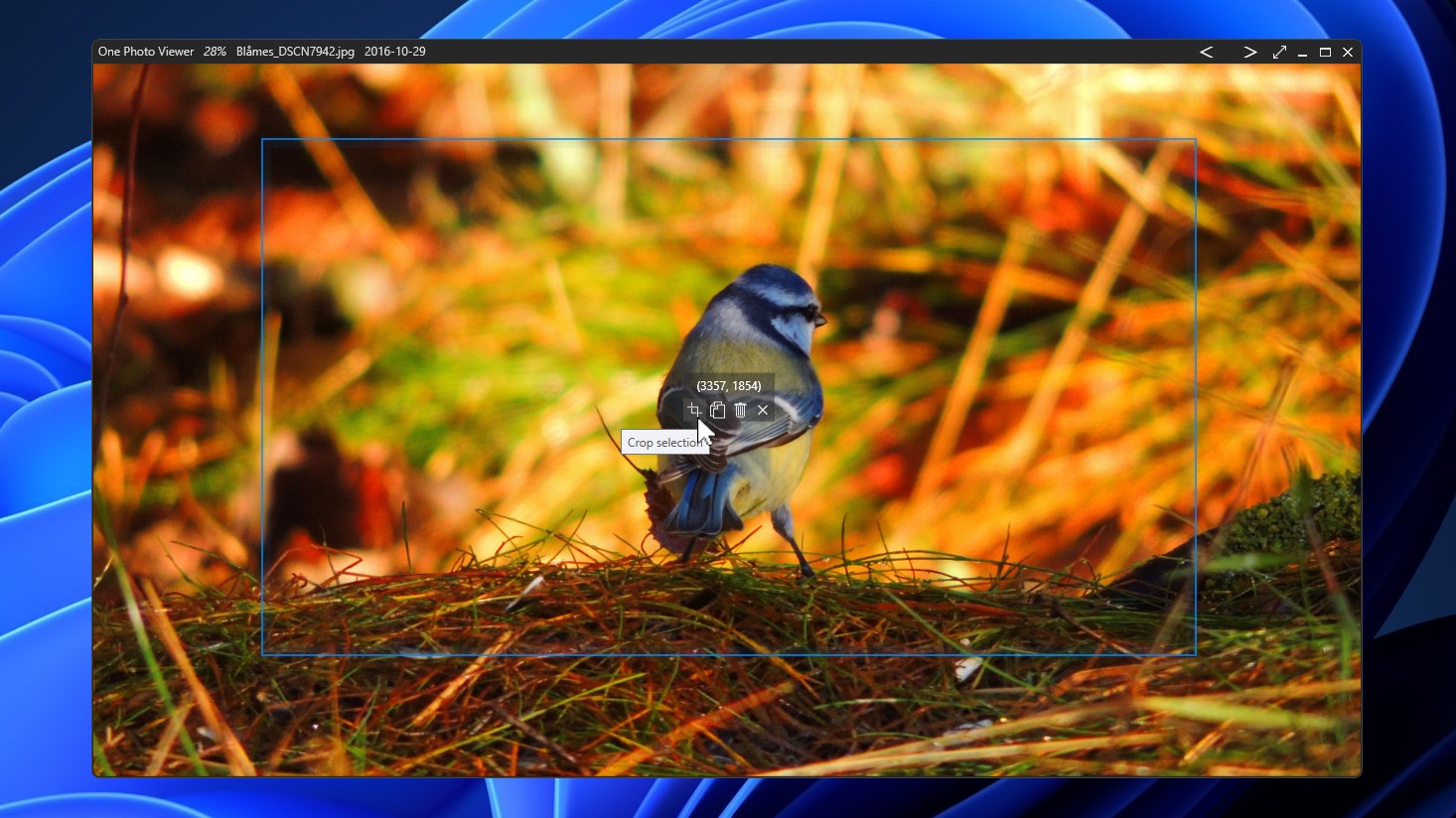
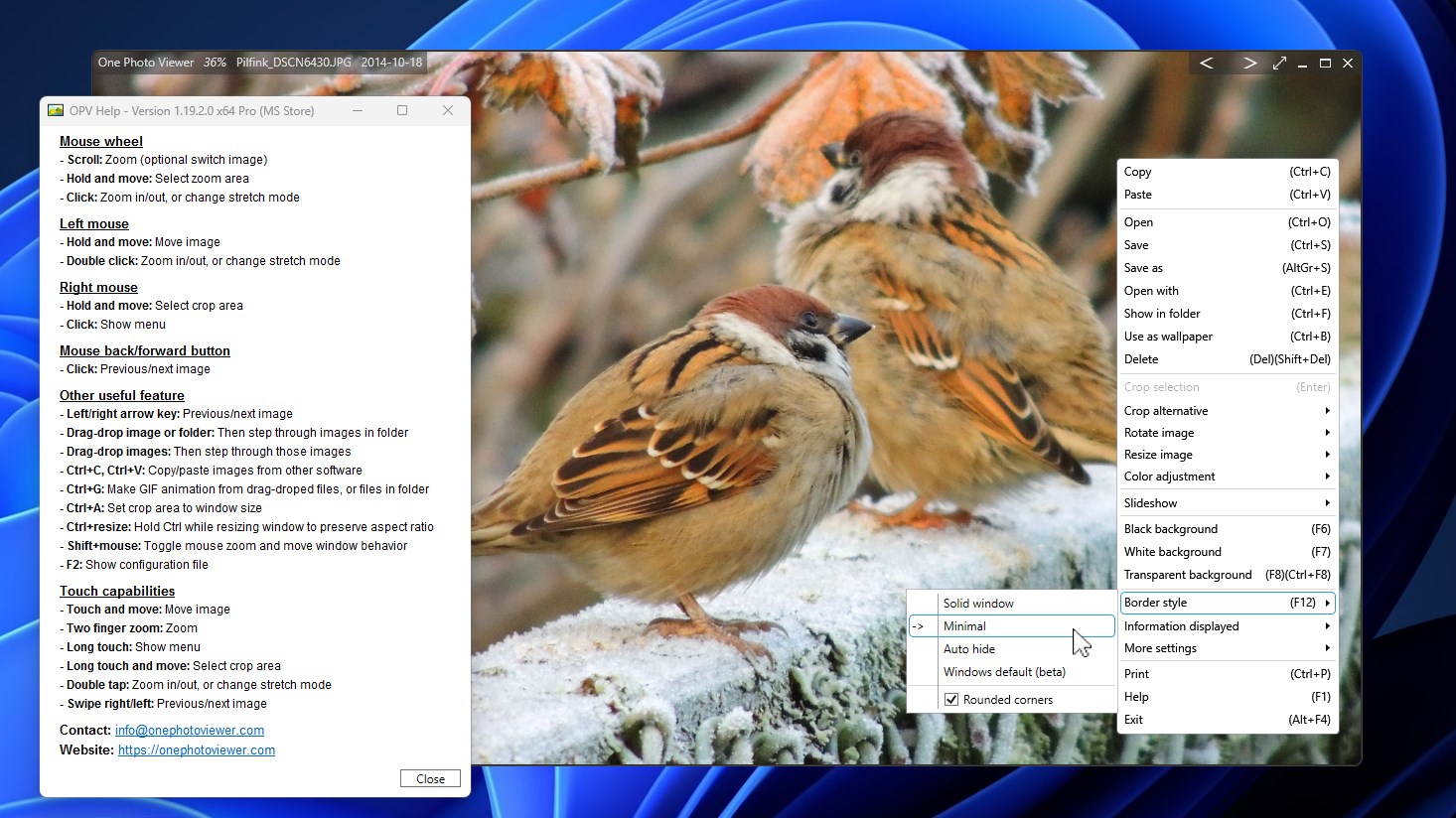
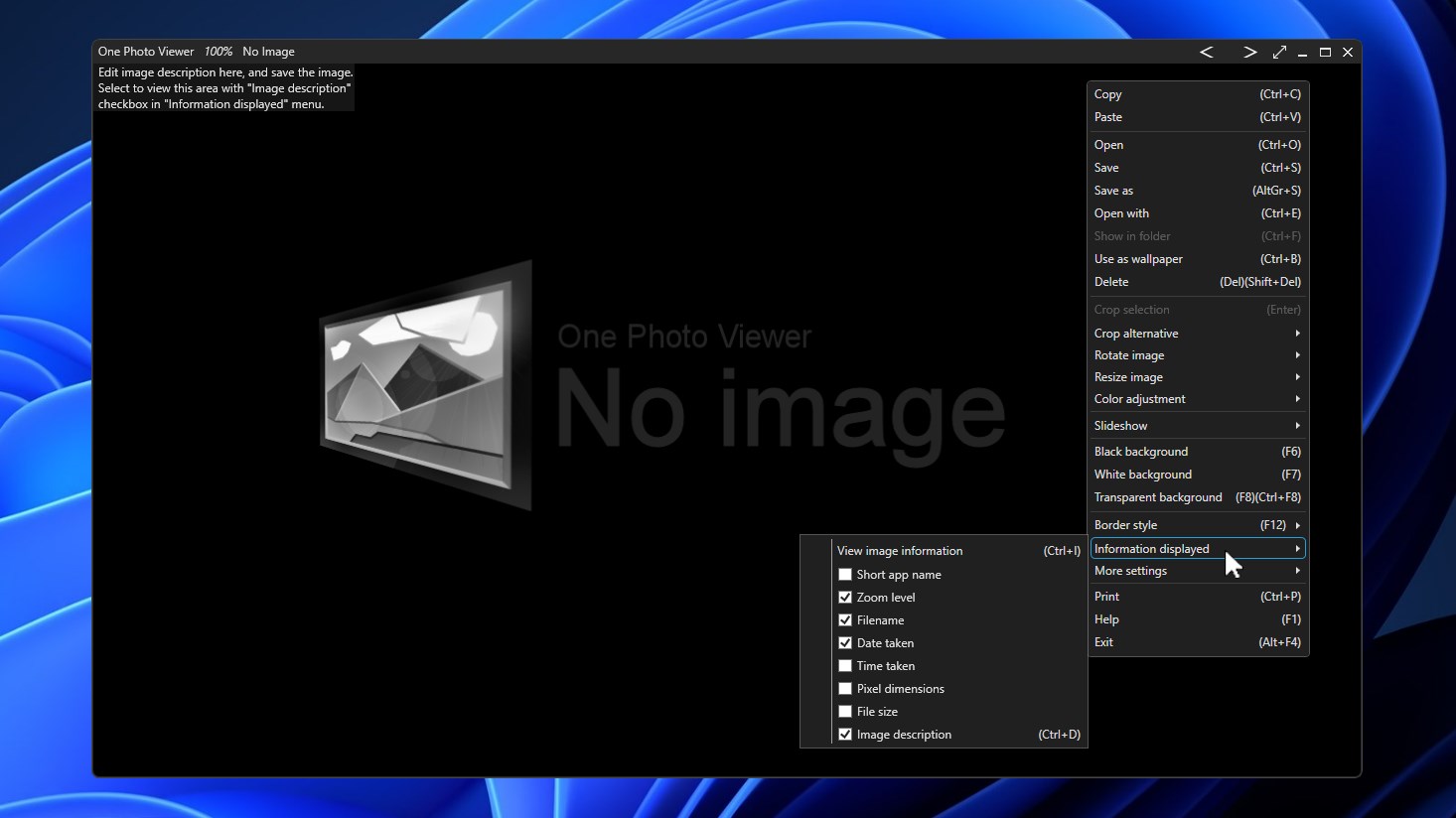
The app's core strength lies in its ability to quickly display images with minimal delay. Users can easily switch between thumbnail views and full-screen modes, zoom in for details, or navigate folders with keyboard shortcuts or mouse clicks. Its simple management tools—such as rotating images, enlarging or shrinking, and deleting unwanted files—are intuitive, turning image browsing into a smooth dance rather than a chore.
One Photo Viewer allows users to personalize how they see their images. Whether you prefer a grid layout that shows thumbnails of dozens of photos at once or a slideshow mode that makes your pictures come alive, the app adapts seamlessly. Transition effects are subtle, keeping the focus on the photos instead of over-the-top animations. This flexibility ensures it caters to both casual viewers and more detail-oriented photographers.
Compared to traditional Windows photo viewers or cluttered photo management tools, One Photo Viewer's clean design and swift performance make it a breath of fresh air. Its primary advantage lies in providing a no-frills, efficiency-focused interface that's free from distractions—think of it as the reliable, no-nonsense chauffeur who gets you where you need to go quickly and comfortably. Moreover, its broad format support and customization capabilities elevate it beyond basic viewers, offering a versatile platform suitable for various user needs.
Overall, I'd recommend One Photo Viewer for Windows to anyone seeking a straightforward, reliable photo viewer that prioritizes speed and ease of use. It's particularly well-suited for users who manage large photo collections and desire quick access without the complexity often found in more feature-heavy applications. While it may lack some advanced editing or tagging features, its focus on streamlined viewing makes it an excellent choice for daily image browsing or casual photo management. For those craving a simple, efficient way to enjoy photos on Windows, this app earns a solid thumbs-up.
Intuitive Interface
Fast Loading Speed
Supports Multiple Formats
Lightweight and Low Battery Usage
Integrated Basic Editing Tools
Limited Advanced Features
Minimal Customization Options
No Cloud Integration
Basic Navigation Controls
Occasional Compatibility Issues

for Windows
 5
5

for Windows
4.9

for Windows
4.8

for Windows
4.8

for Windows
4.8

for Windows
4.7

for Windows
4.7

for Windows
4.7

for Windows
4.7

for Windows
4.7

for Windows
4.7

for Windows
4.7

for Windows
5

for Windows
5

for Windows
5

for Windows
5

for Windows
5

for Windows
5

for Windows
5

for Windows
5

for Windows
5

for Windows
5