Utilities & tools
PC
Windows 10 version 19041.0 or higher
Integrated Keyboard
Integrated Mouse
Arabic, Chinese (Simplified), Chinese (Traditional Chinese), Chinese (Traditional), Croatian, Czech, Danish, Dutch, English, English (Canada), English (United Kingdom), English (United States), Finnish, French, German, Greek, Italian, Japanese, Korean, Latvian, Lithuanian, Norwegian, Polish, Portuguese (Portugal), Russian, Slovak, Slovenian, Spanish, Swedish
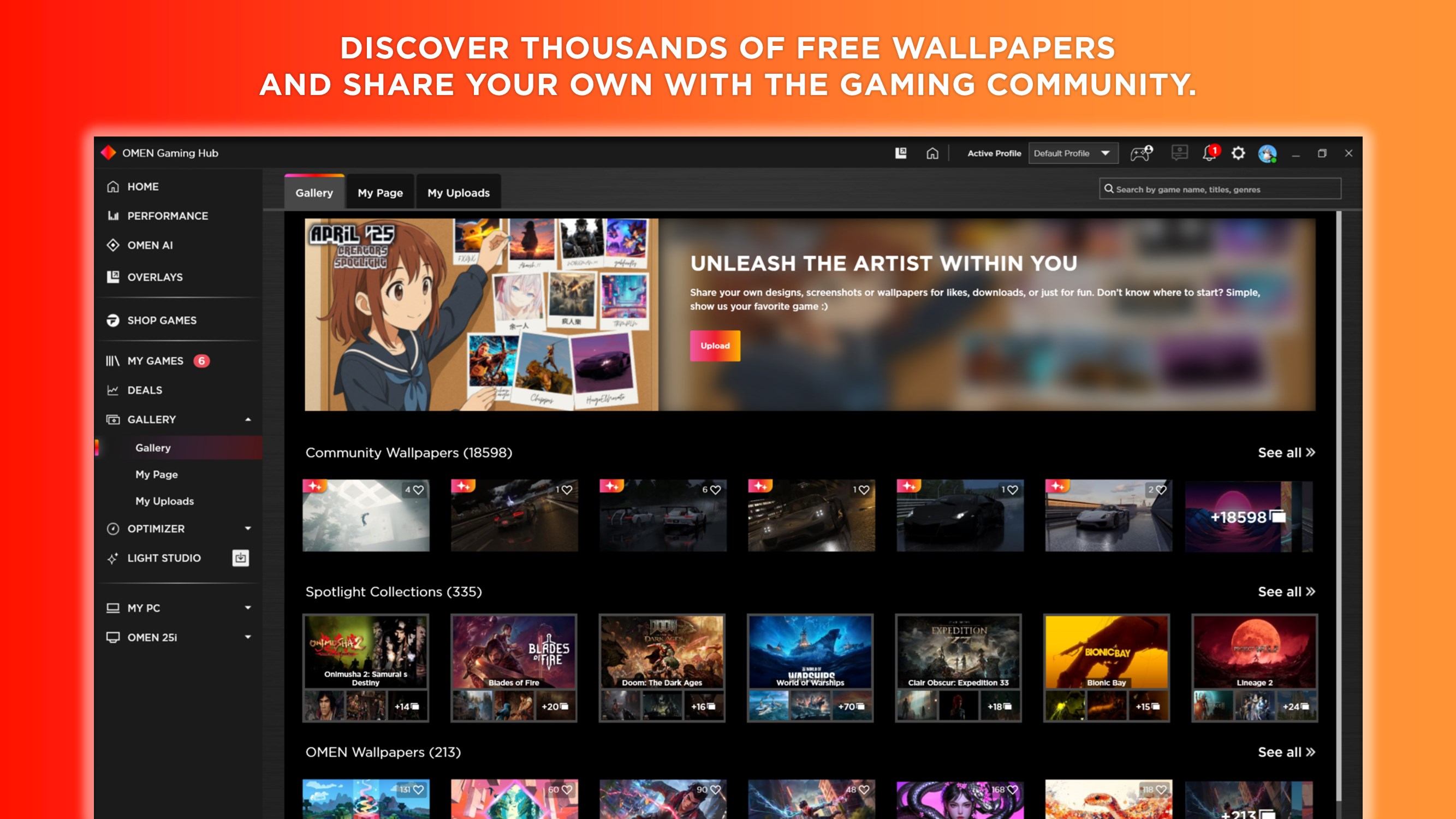
If you're a dedicated gamer looking for a one-stop solution to optimize your gaming experience, OMEN Gaming Hub for Windows offers a comprehensive platform that transforms your PC into a powerhouse. Developed by HP Inc., this app seamlessly blends device management, performance tuning, and customization into an intuitive interface, making it a must-have for gaming enthusiasts.
Designed by the renowned HP Inc., OMEN Gaming Hub is tailored to bring gamers closer to their devices through smart controls and insightful analytics. It aims to elevate gaming experiences by providing easy access to hardware settings, game modes, and live performances. Whether you're a casual gamer or a competitive e-sports player, this application targets anyone eager to optimize their gaming setup without fussing over endless settings.
Imagine stepping into your game zone, your machine humming in quiet anticipation, ready to deliver that extra edge. OMEN Gaming Hub feels like your personal gaming assistant that's always by your side—smart, responsive, and tailored to your needs. Its vibrant interface and real-time feedback make adjusting settings feel like fine-tuning your favorite instrument rather than wrestling with confusing menus. Whether you're swiping through profiles or tweaking lighting effects, OMEN Gaming Hub makes every interaction smooth as silk, ensuring your focus remains on the game, not the gears.
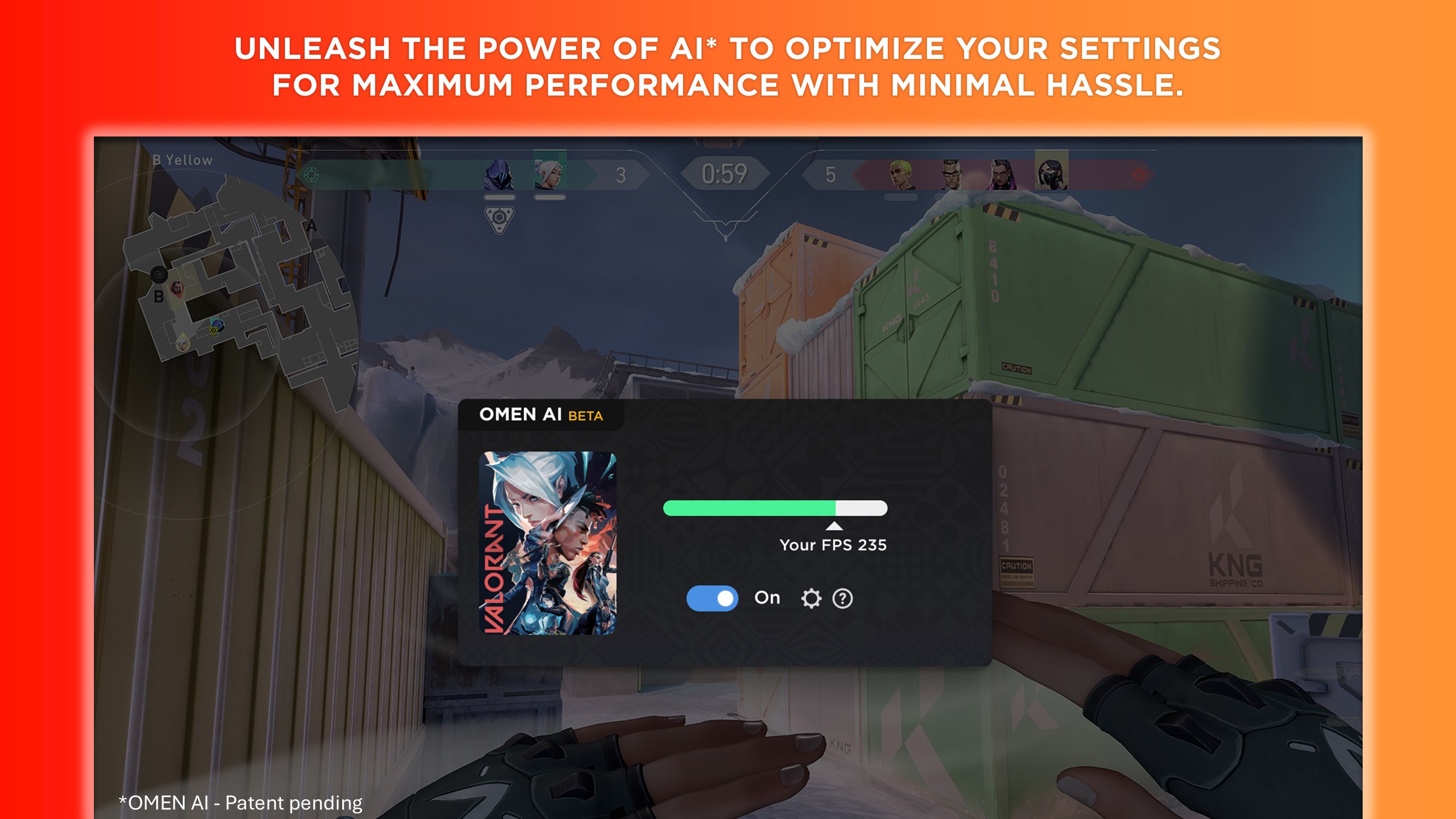
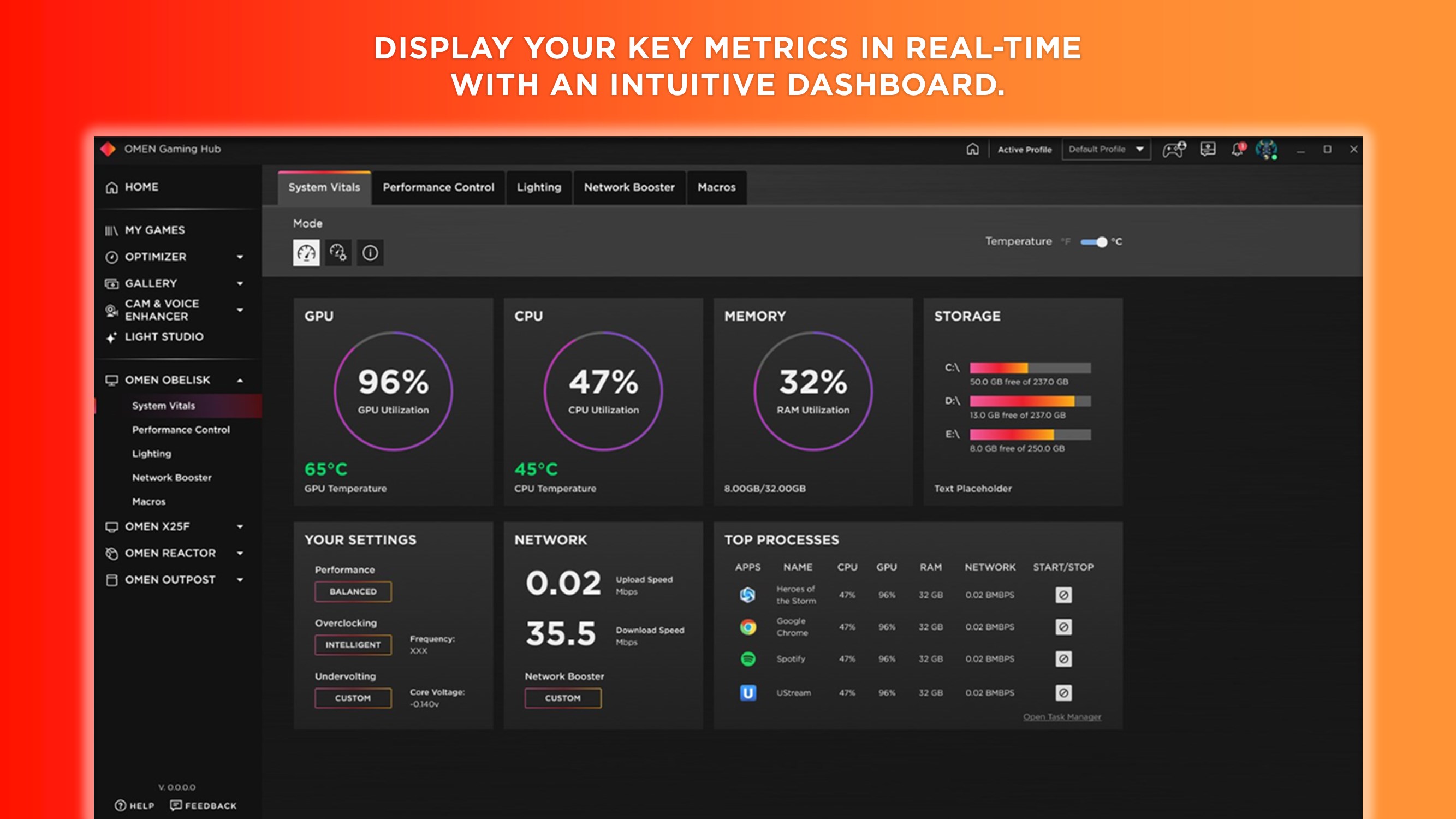
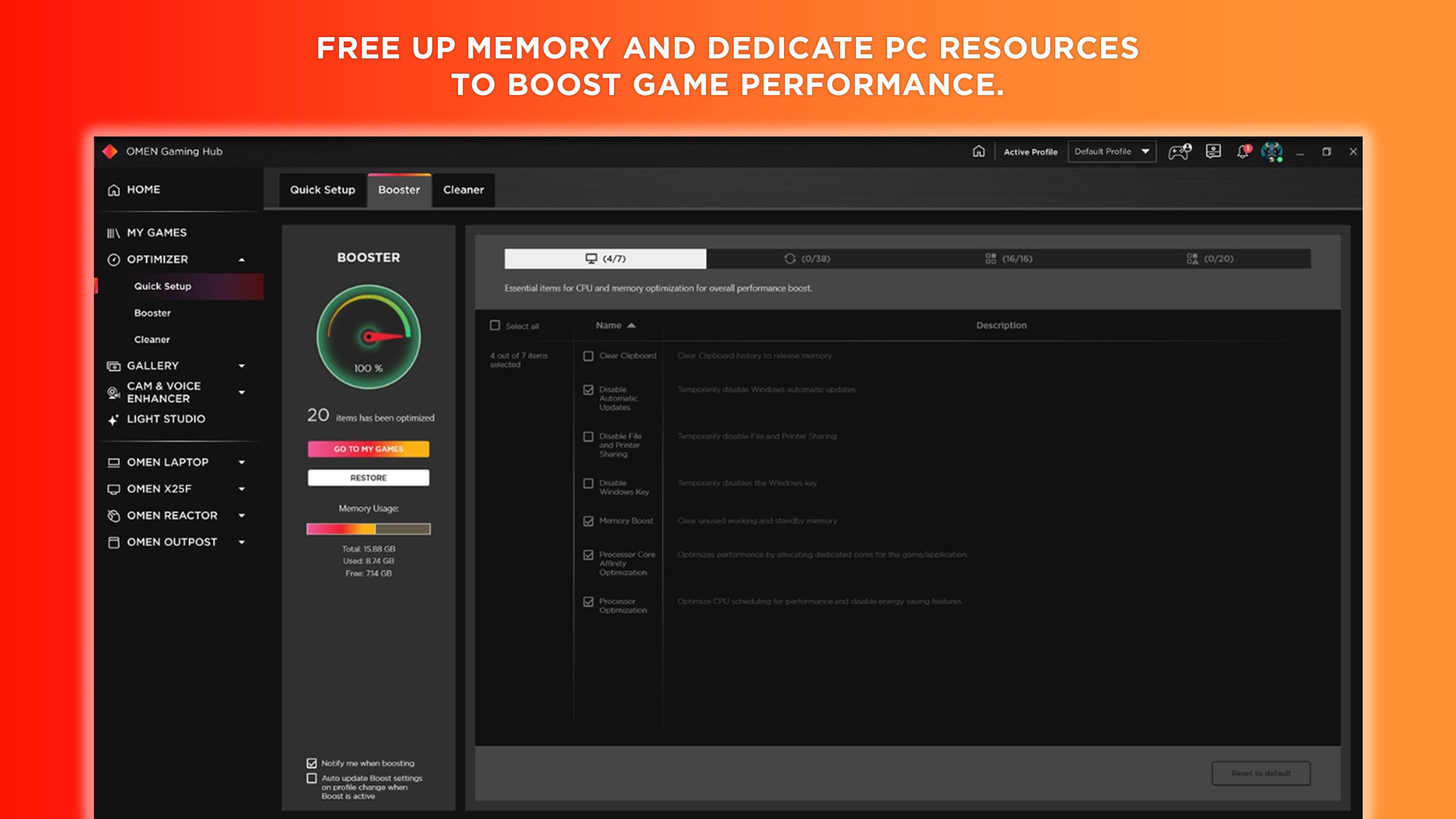
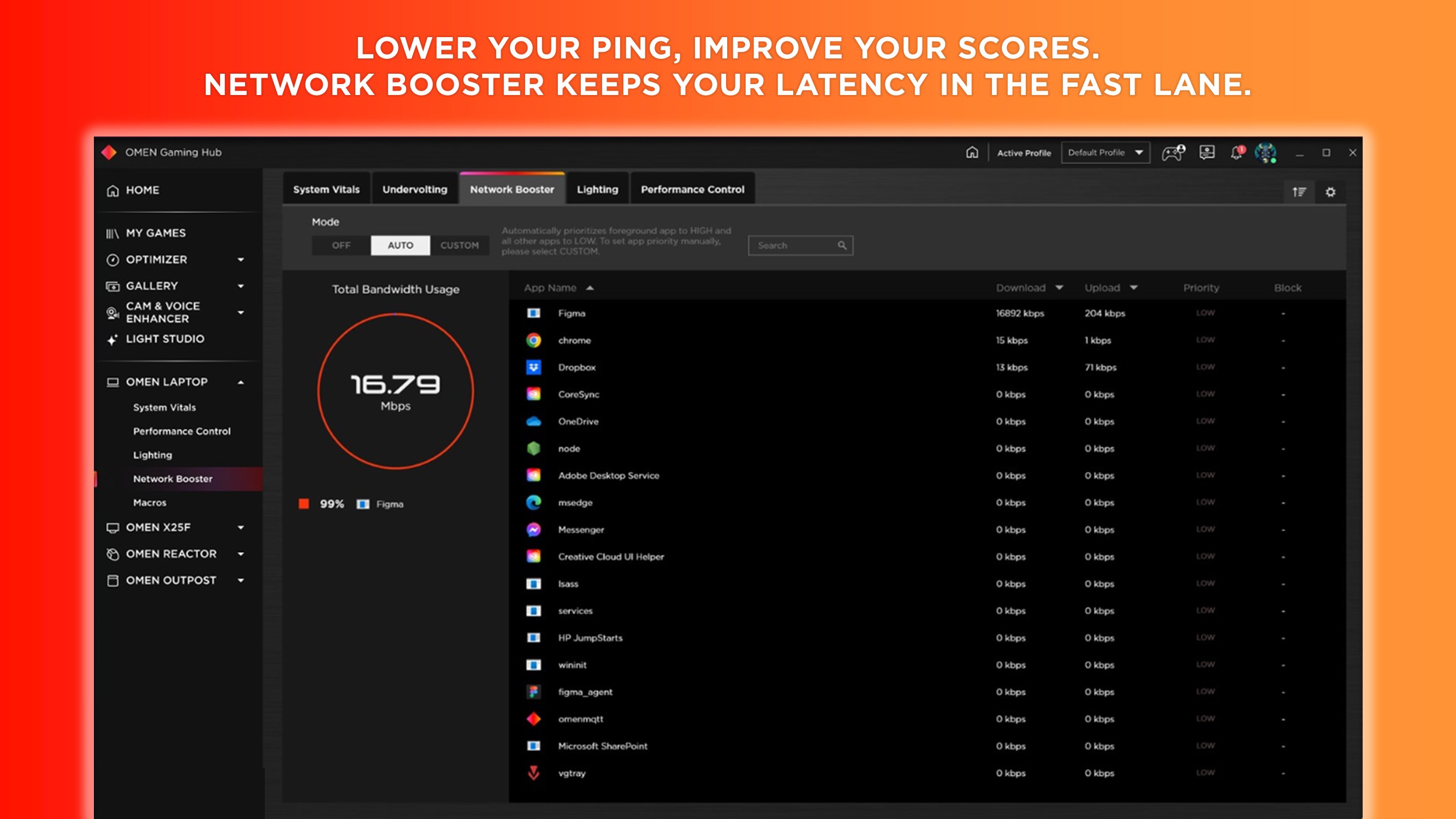
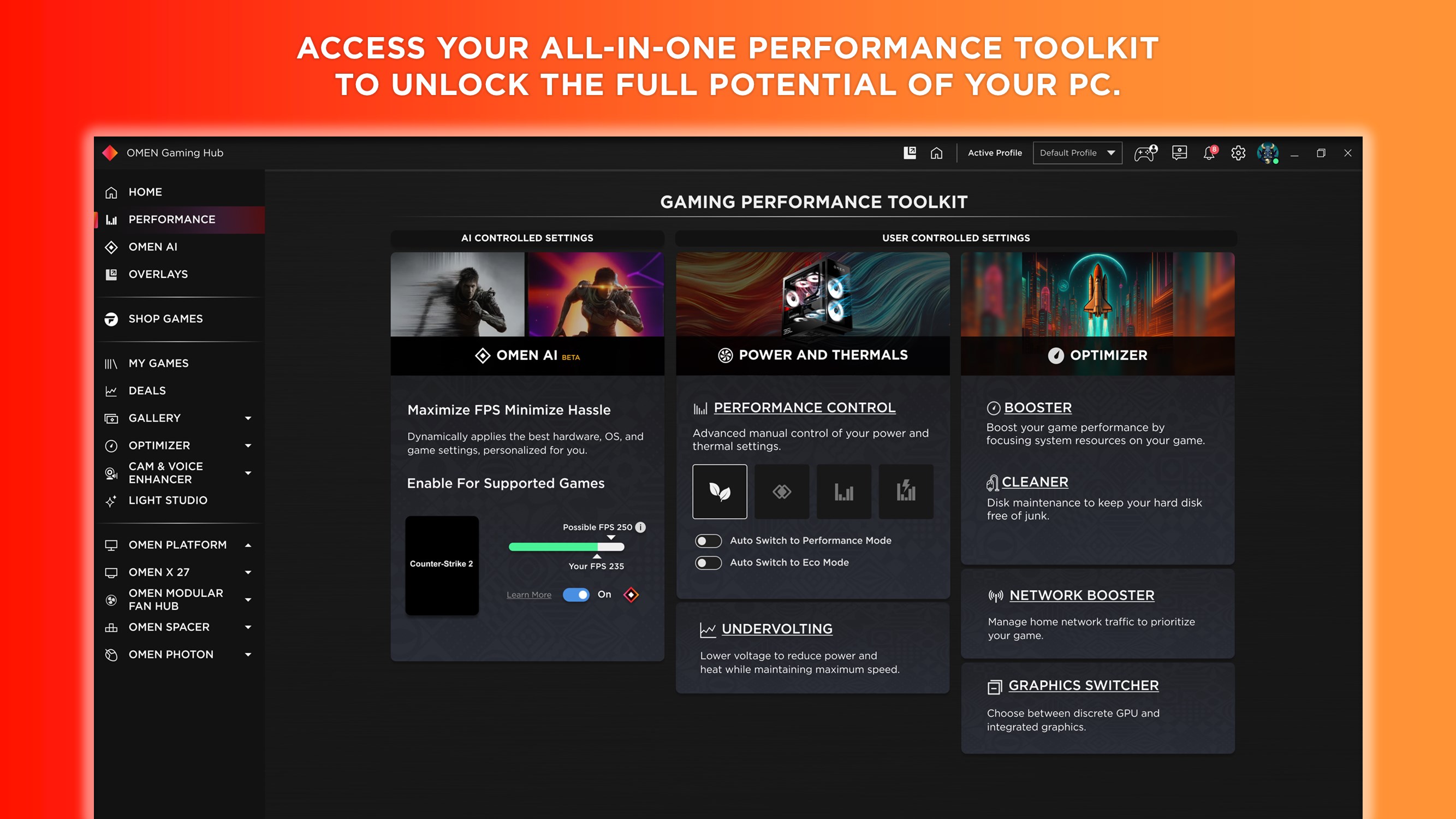
The core of OMEN Gaming Hub's charm lies in its ability to optimize your system seamlessly. Its game mode feature dynamically adjusts CPU, GPU, and network priorities to reduce lag and stuttering, making competitive matches feel fluid. Plus, the real-time system monitoring gives you instant insights into temperature, utilization, and power consumption—think of it as your PC's health dashboard, helping you catch issues before they become problems.
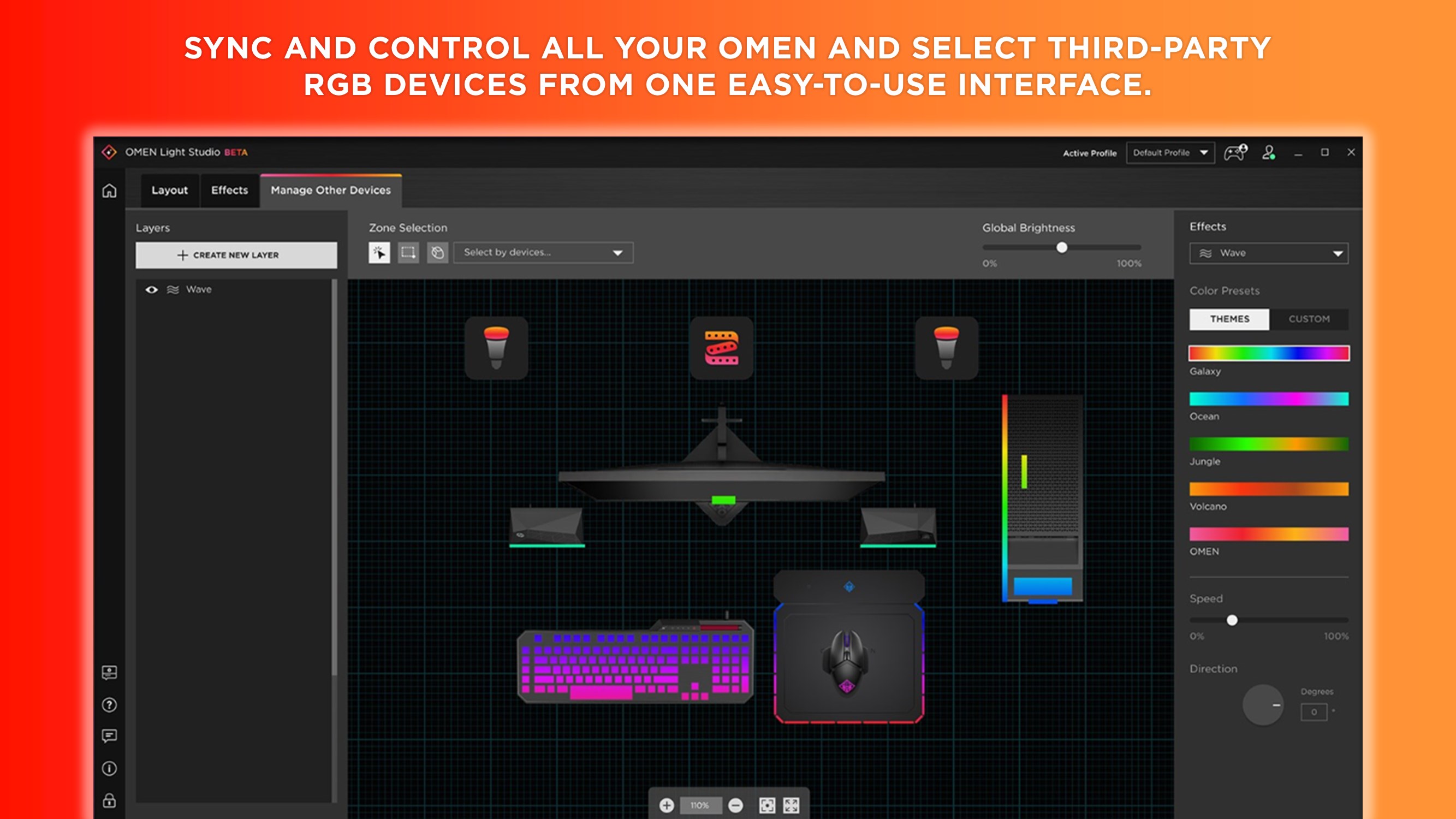
Equally impressive is its RGB lighting control, which allows for vibrant, synchronized lighting effects matching your style—imagine transforming your gaming rig into a neon-lit spaceship that reacts to your gameplay. The customization options are intuitive, even for those new to hardware tweaking, offering a gentle learning curve while still providing depth for more seasoned users.
One of the app's standout features is profile management, enabling users to create and switch between personalized settings for different games effortlessly. It's like having a wardrobe of perfect gear tailored for specific battles, saving you time and effort. Plus, profile synchronization across multiple devices ensures a consistent gaming experience, whether you're switching from your desktop to a notebook or sharing your setup with friends during a LAN party.
This cross-device harmony is a unique selling point—for gamers who like their environment exactly how they like it, OMEN Gaming Hub makes customization portable and persistent, akin to having your favorite playlist follow you everywhere you go.
While many utility apps focus solely on hardware monitoring or lighting, OMEN Gaming Hub's strength is the integration of performance tuning, system health insights, and social features within a single, user-friendly interface. Its game mode is context-aware, optimizing resources in real-time without needing complicated manual settings—think of it as having a smart assistant that anticipates your needs. Moreover, HP's commitment to a seamless experience across devices makes it stand out among similar tools that often silo features or require multiple applications to work together.
If you're someone who values simplicity yet desires powerful control over your gaming environment, OMEN Gaming Hub is definitely worth trying. Its most compelling features—the dynamic performance optimization and profile management—are particularly impressive and straightforward to use. While it may not overhaul your entire setup, it adds a layer of convenience and customization that can subtly but noticeably improve your gaming sessions.
Given its thoughtful design, intuitive interface, and targeted features, I'd recommend OMEN Gaming Hub as a solid utility for gamers seeking to squeeze extra performance and personalization out of their systems. Whether you're fine-tuning during casual play or preparing for competitive matches, this app acts as a friendly guide helping you get the most from your hardware without the hassle.
Intuitive User Interface
Customizable Gaming Profiles
Performance Optimization Features
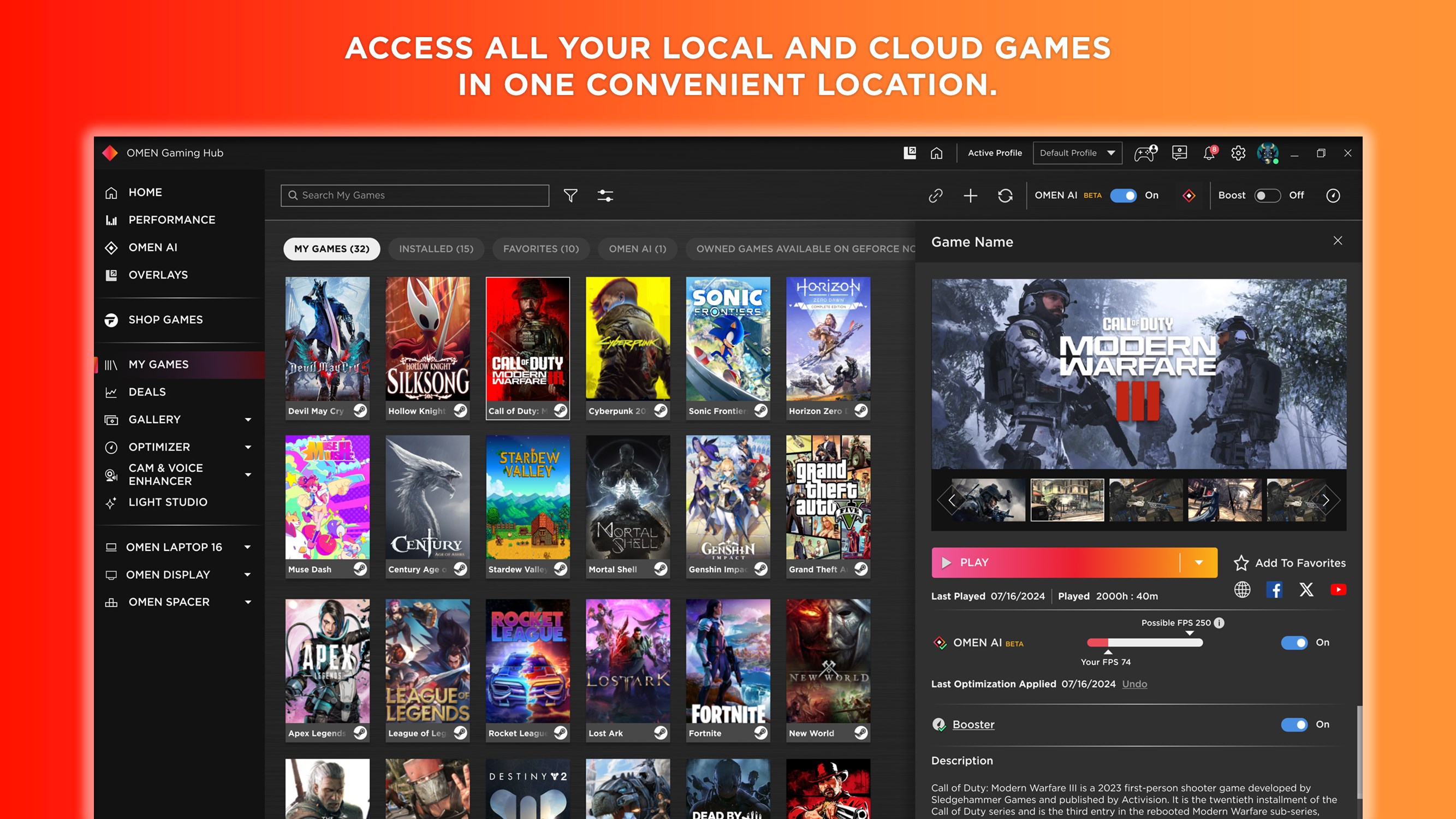
Game Library Management
Integration with Hardware Settings
Limited Compatibility with Some Devices
Occasional Software Bugs
Battery Consumption
Feature Discrepancies Across Platforms
Learning Curve for New Users

for Windows
 5
5

for Windows
5

for Windows
5

for Windows
5

for Windows
5

for Windows
4.9
for Windows
4.9

for Windows
4.9

for Windows
4.9

for Windows
4.9

for Windows
4.9

for Windows
4.9

for Windows
5

for Windows
5

for Windows
5
for Windows
5

for Windows
5

for Windows
5

for Windows
5

for Windows
5

for Windows
5

for Windows
5