Productivity
MobiSystems Inc.
PC, Mobile, Surface Hub
Windows 10 version 17763.0 or higher
1 GB
Arabic (Egypt), Bulgarian, Chinese (Simplified), Czech, English (United States), French, German, Hebrew, Hindi, Italian, Japanese, Polish , Portuguese (Brazil), Portuguese (Portugal), Russian, Spanish (Spain), Swedish, Thai
In a landscape cluttered with numerous productivity tools, OfficeSuite Office Pack & PDF Editor by MobiSystems Inc. stands out as a robust, all-in-one office suite designed to streamline document management for Windows users. Whether you're drafting documents, managing spreadsheets, or editing PDFs, this tool aims to be your reliable assistant, combining essential office applications into a cohesive package.
Produced by MobiSystems Inc., a reputable developer known for high-quality productivity solutions, OfficeSuite Office Pack & PDF Editor consolidates multiple functionalities into one seamless interface. Key features include:
The target audience includes students, small business owners, and professionals seeking an economical yet comprehensive office solution that replaces multiple separate applications.
Imagine having a Swiss Army knife for your digital office chores—compact, versatile, and ready at your fingertips. OfficeSuite Office Pack & PDF Editor is that dependable multitool, bringing order to your chaotic document universe. But how does it truly perform under the hood? Let's explore.
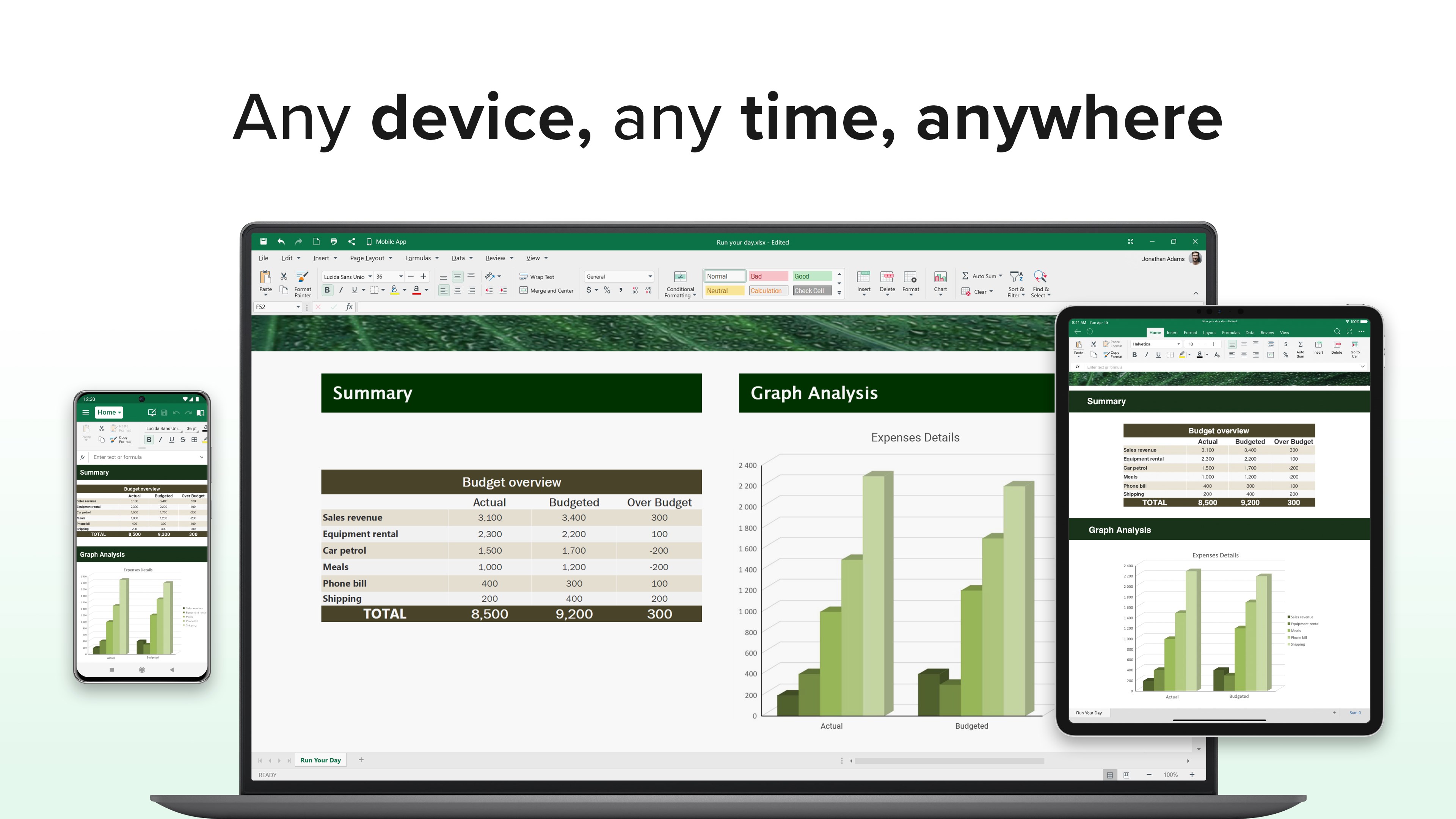
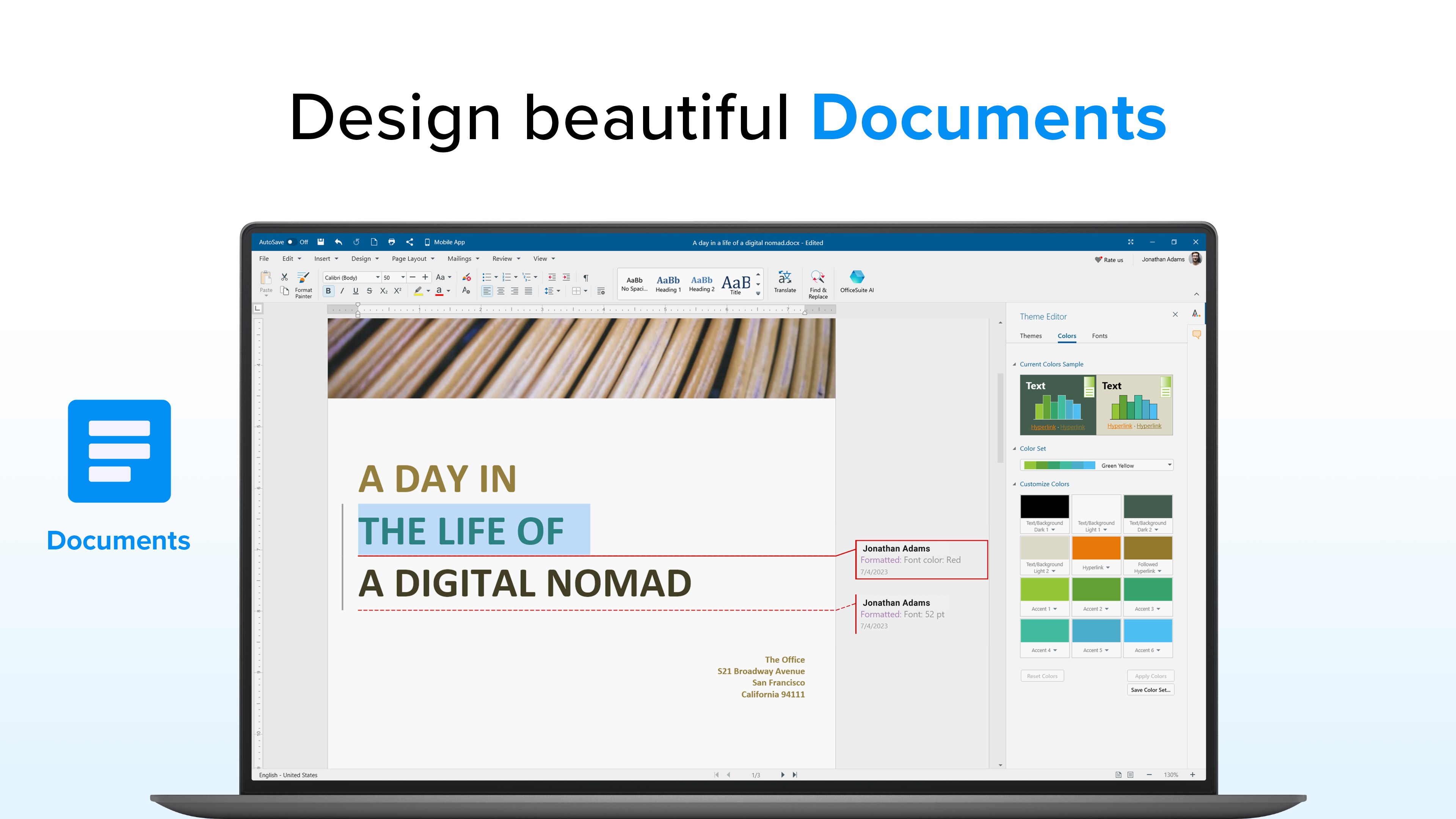
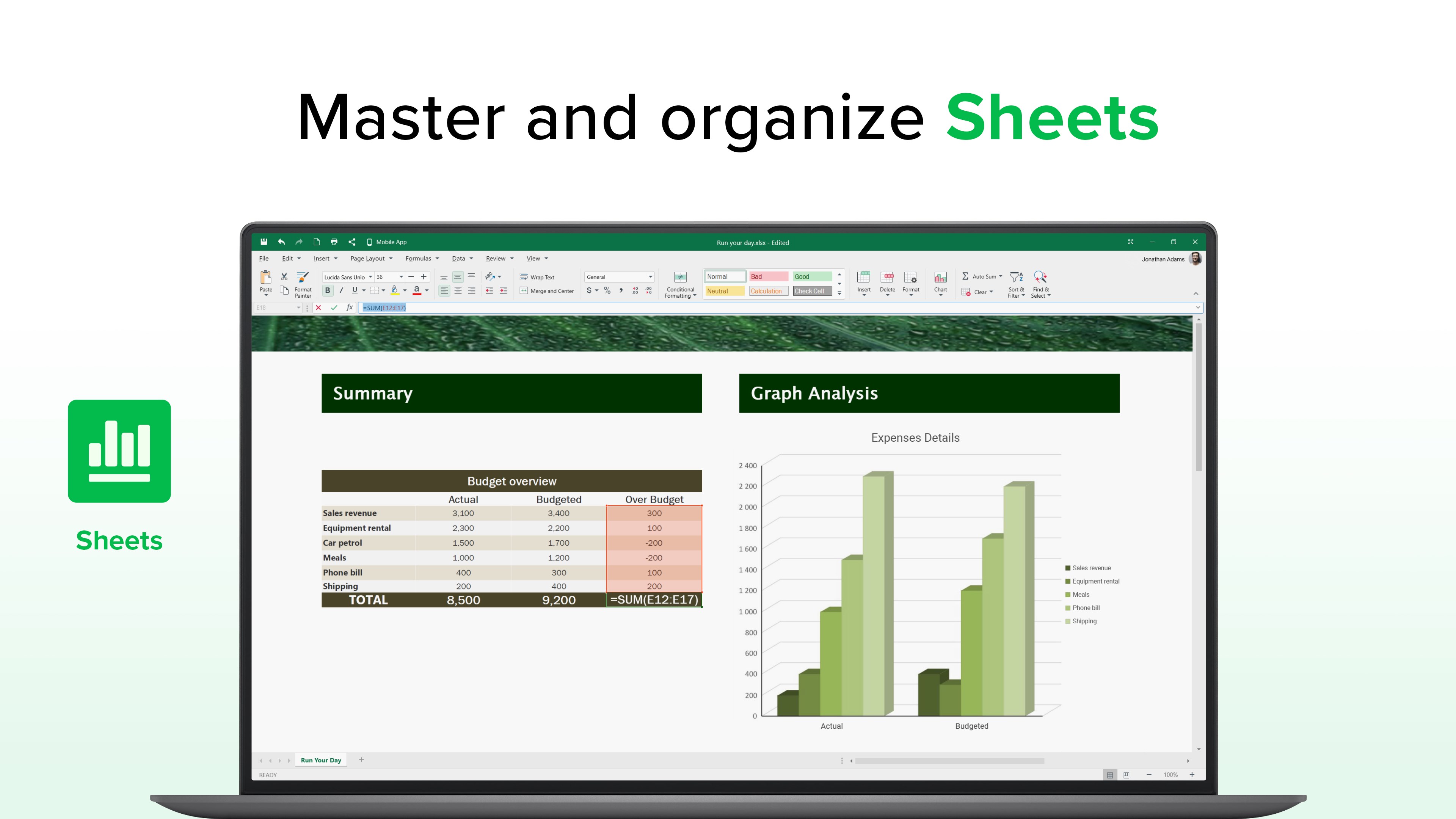
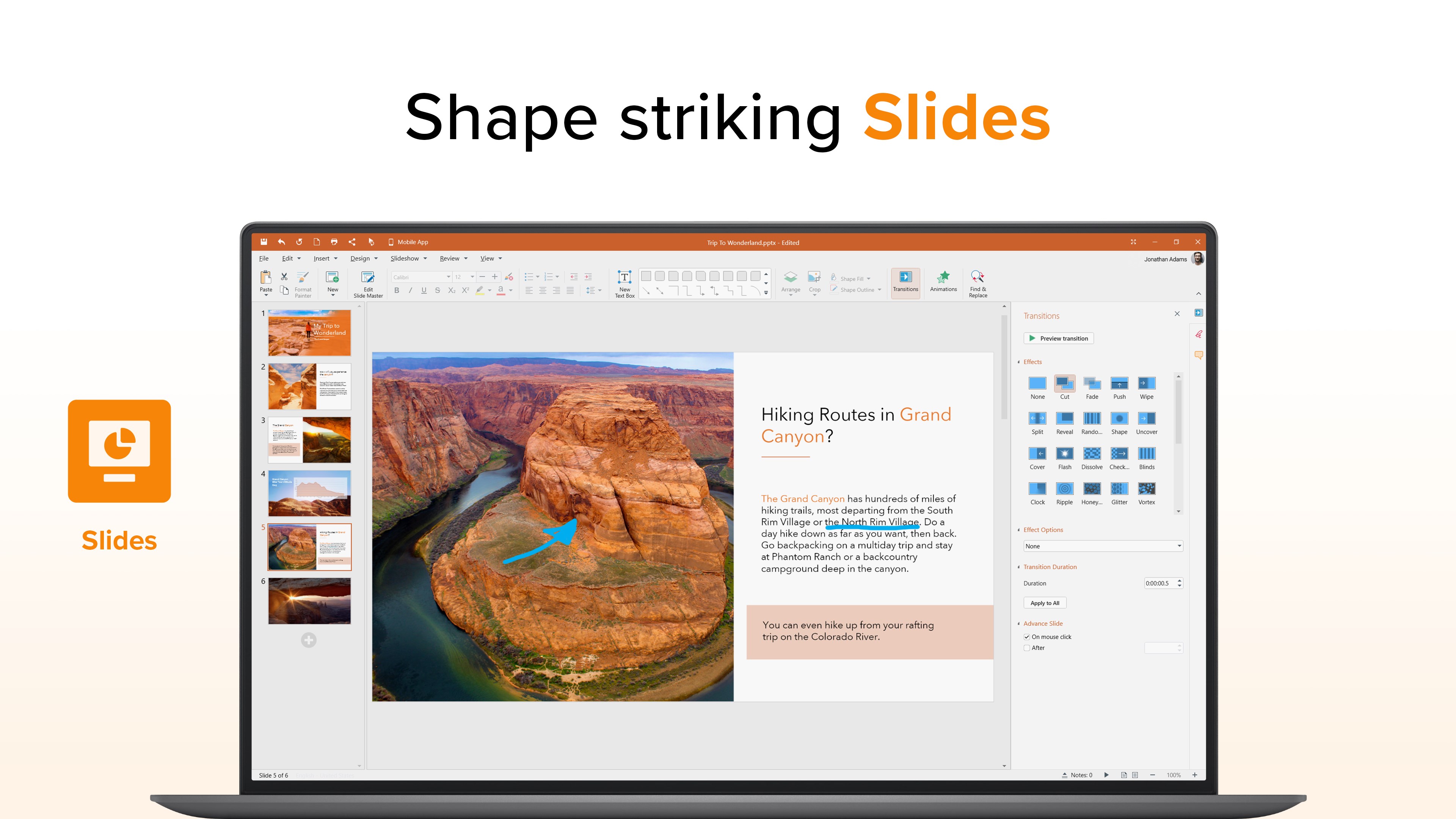
At its heart, OfficeSuite excels in word processing and spreadsheets. The interface remarkably resembles familiar platforms like Microsoft Word or Excel, yet with a lighter touch. Formatting options are extensive but organized logically, making it easy for newcomers to get started without feeling overwhelmed. The real strength lies in its fluid editing experience; typing feels natural, akin to working on a desktop application rather than a clunky web-based editor. For users accustomed to traditional office tools, this familiarity accelerates workflow, reducing the cognitive load. The built-in templates further speed up routine tasks, allowing you to produce professional documents quickly—no need for intricate setups.
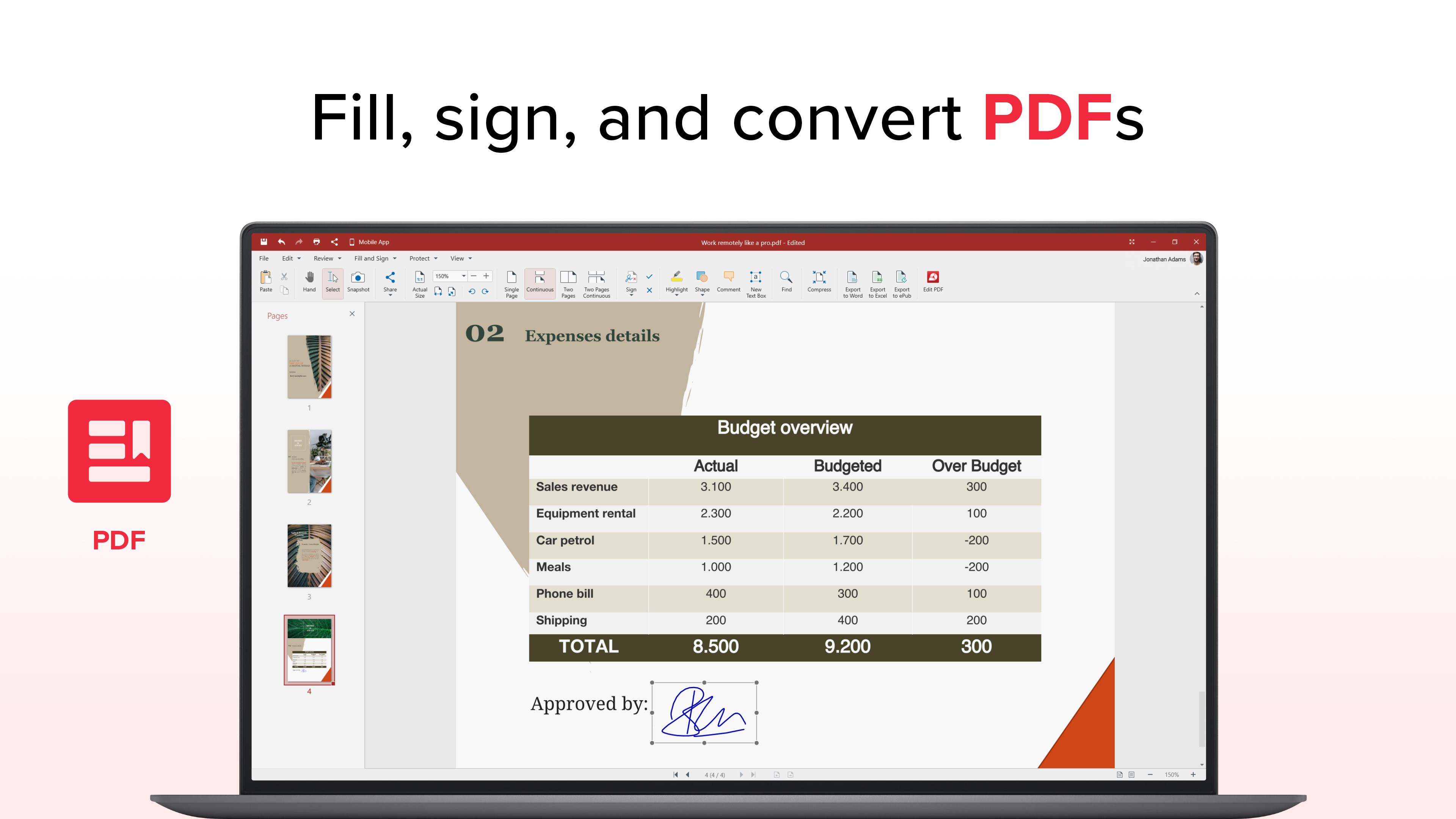
Where OfficeSuite truly shines is its integrated PDF editor. Unlike many competitors that require separate apps or expensive upgrades, OfficeSuite offers direct PDF annotations, conversions, and form fillings within the same environment. The process is streamlined: open your PDF, annotate with familiar tools like highlighters and sticky notes, or convert PDF files into editable formats with just a few clicks. This eliminates the need for juggling multiple apps or complex workflows. Whether reviewing contracts or filling out forms, users can handle PDF tasks without breaking their concentration, maintaining a steady workflow and reducing mental clutter.
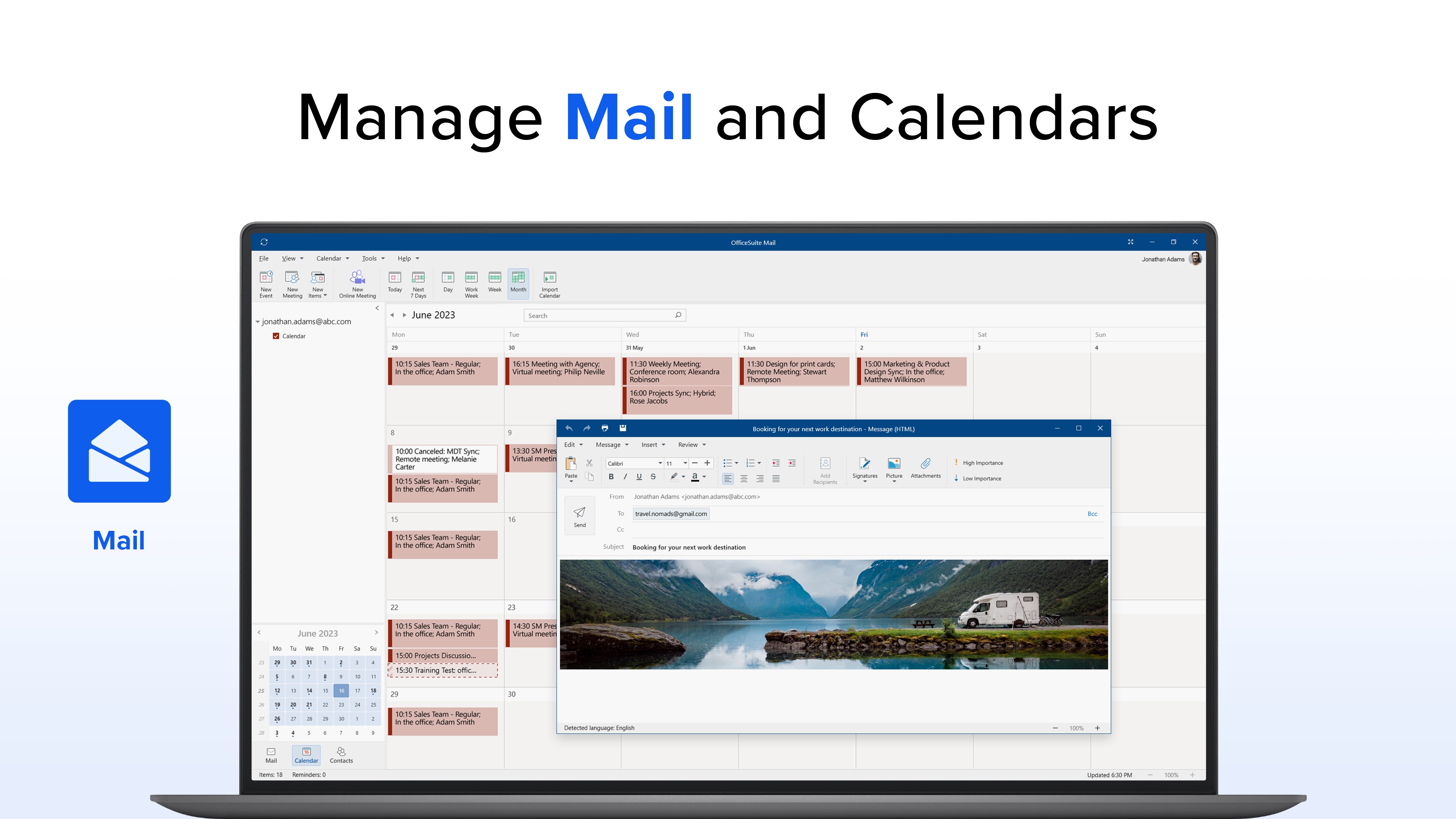
The user interface is akin to a well-organized workspace—everything in its place, easy to find. Navigation is straightforward, enabling users to switch between tasks smoothly without wasting time searching for features. The app's responsiveness on Windows devices is commendable; operations are performed swiftly, making work sessions feel effortless. The learning curve is gentle, even for those new to office suites, thanks to clear icons and guided tutorials embedded within. Against the backdrop of complex productivity tools flooding the market, OfficeSuite's advantage is its focus on minimizing cognitive load: it emphasizes core functionalities, stripping away unnecessary frills. This focus results in faster task completion and less mental fatigue, especially during intense work periods.
For those seeking a unified office and PDF editing experience, OfficeSuite Office Pack & PDF Editor offers a compelling package. Its two standout features—the seamless PDF editing and the familiar, intuitive document editing interface—are particularly noteworthy. While it may not boast the overwhelming feature set of some mainstream giants, its emphasis on workflow integration and reducing complexity makes it an excellent fit for day-to-day productivity needs.
I'd recommend this app to users who prioritize efficiency and ease of use over feature overload. It's especially suited for small teams, students, or professionals who want reliable tools without the heft of bloated programs. With its user-friendly design and practical core capabilities, OfficeSuite can become a quiet workhorse in your digital toolbox, helping you get more done with less hassle.
User-friendly interface
Comprehensive Office Suite features
Excellent PDF editing capabilities
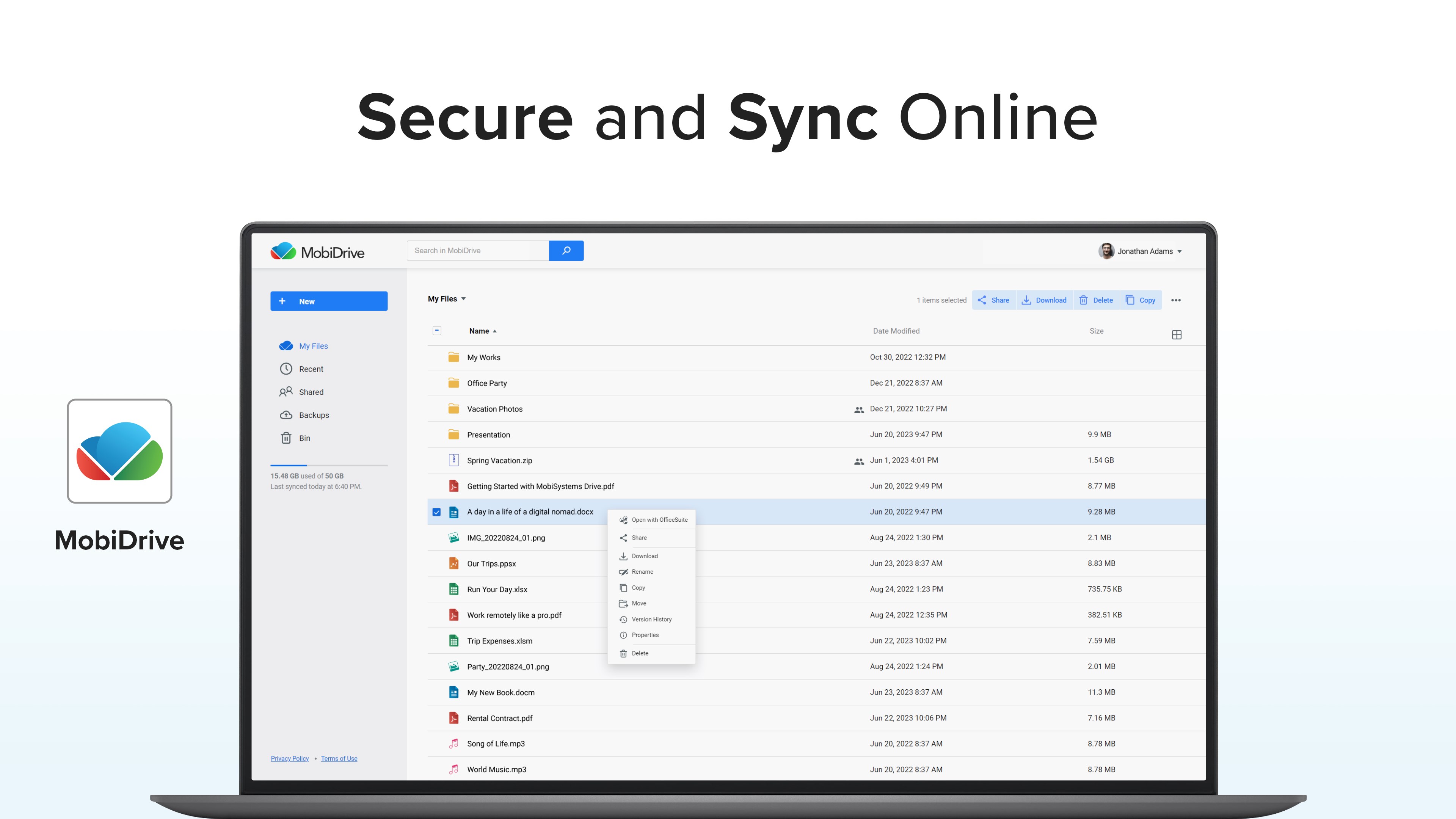
Cloud integration support
Affordable subscription options
Occasional stability issues
Limited offline functionalities
Minor UI inconsistencies on different devices
Occasional lag during large file edits
Limited customization options for toolbars

for Windows
 5
5

for Windows
5

for Windows
4.9

for Windows
4.9

for Windows
4.9

for Windows
4.8

for Windows
4.8

for Windows
4.8

for Windows
4.8

for Windows
4.8

for Windows
4.8

for Windows
4.8

for Windows
5
for Windows
5

for Windows
5

for Windows
5

for Windows
5

for Windows
5

for Windows
5

for Windows
5

for Windows
5
for Windows
5