Multimedia design
OBS Project
PC
Windows 10 version 0.0 or higher
Version 11
Basque, Catalan, Chinese (Simplified), Chinese (Traditional Chinese), Czech, Danish, Dutch, English, English (United Kingdom), Finnish, French, Galician, Georgian, German, Greek, Hungarian, Indonesian, Italian, Japanese, Korean, Malay, Persian/Farsi, Polish, Portuguese, Portuguese (Brazil), Portuguese (Portugal), Romanian, Russian, Slovak, Slovenian, Spanish, Swedish, Turkish, Ukrainian, Vietnamese
Built by the dedicated OBS Project team, OBS Studio for Windows is a versatile, open-source application designed to elevate your live streaming and screen recording experiences. Whether you're a content creator, streamer, educator, or professional looking for a robust tool, OBS provides a comprehensive platform full of innovative features to meet your needs.
Developed by the OBS Project, a passionate community committed to open-source software, OBS Studio offers a range of powerful functionalities:
Targeted primarily at gamers, educators, and live content creators, OBS Studio caters to users who seek a reliable, flexible, and free solution to broadcast their content.
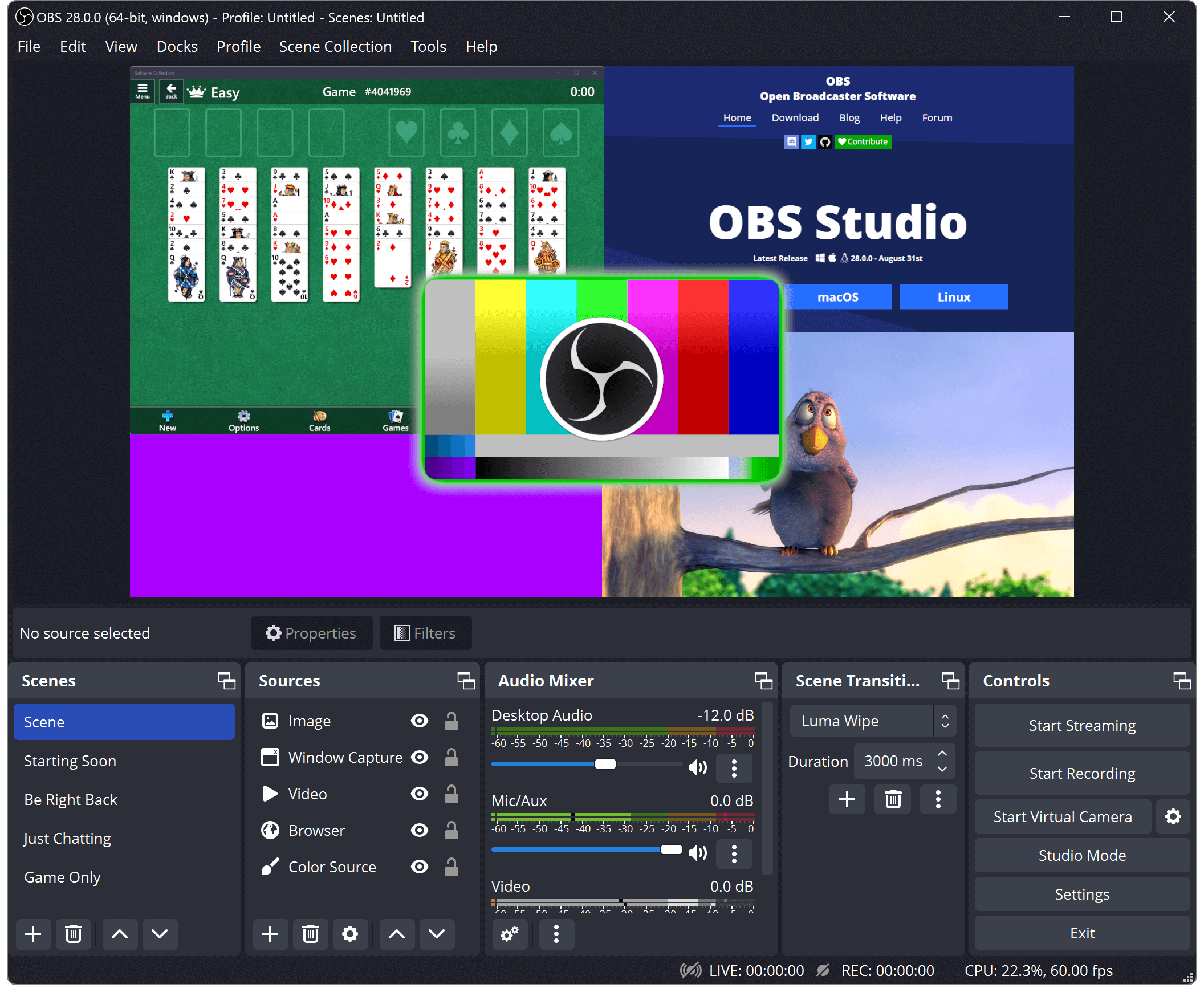
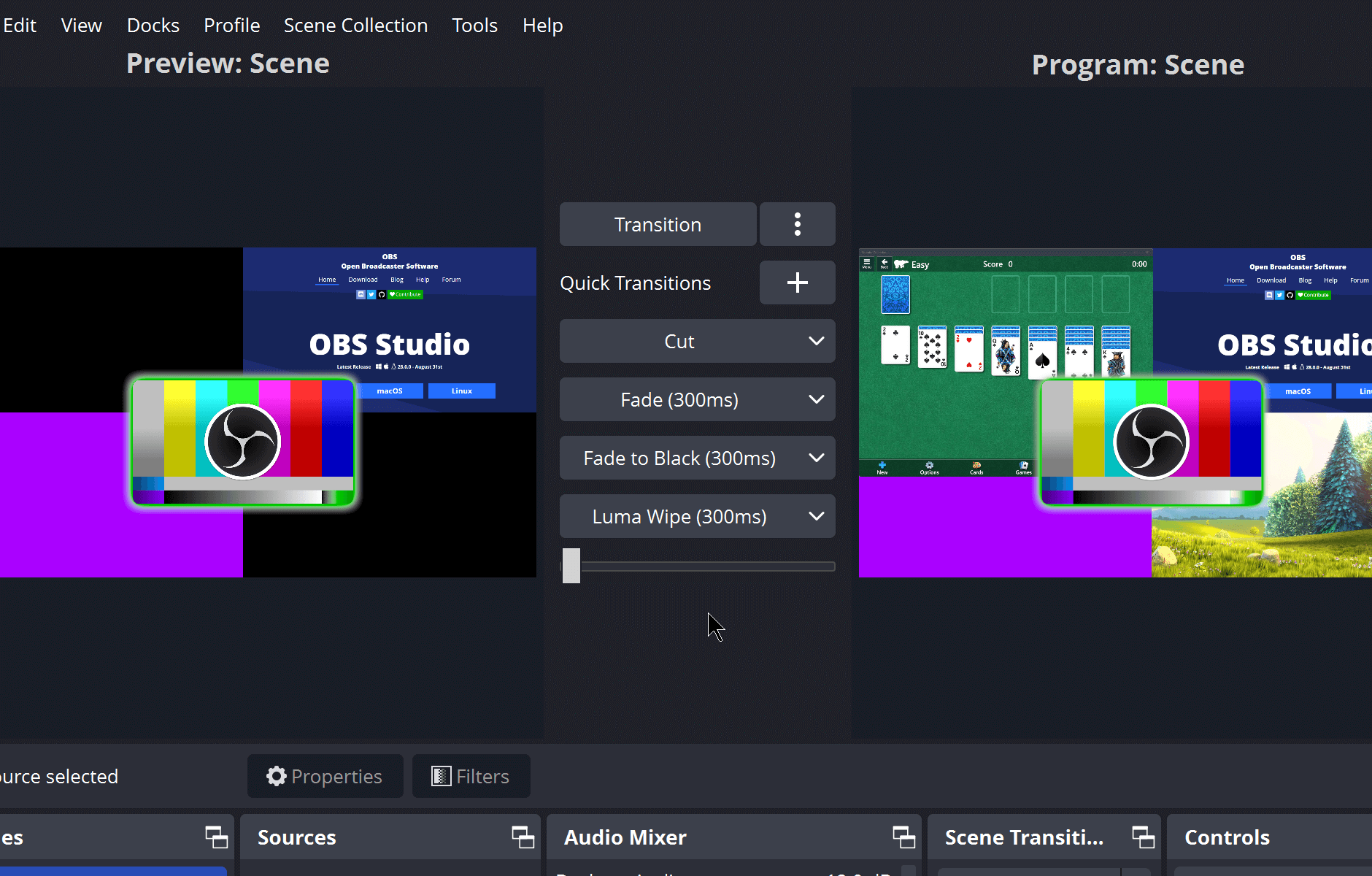
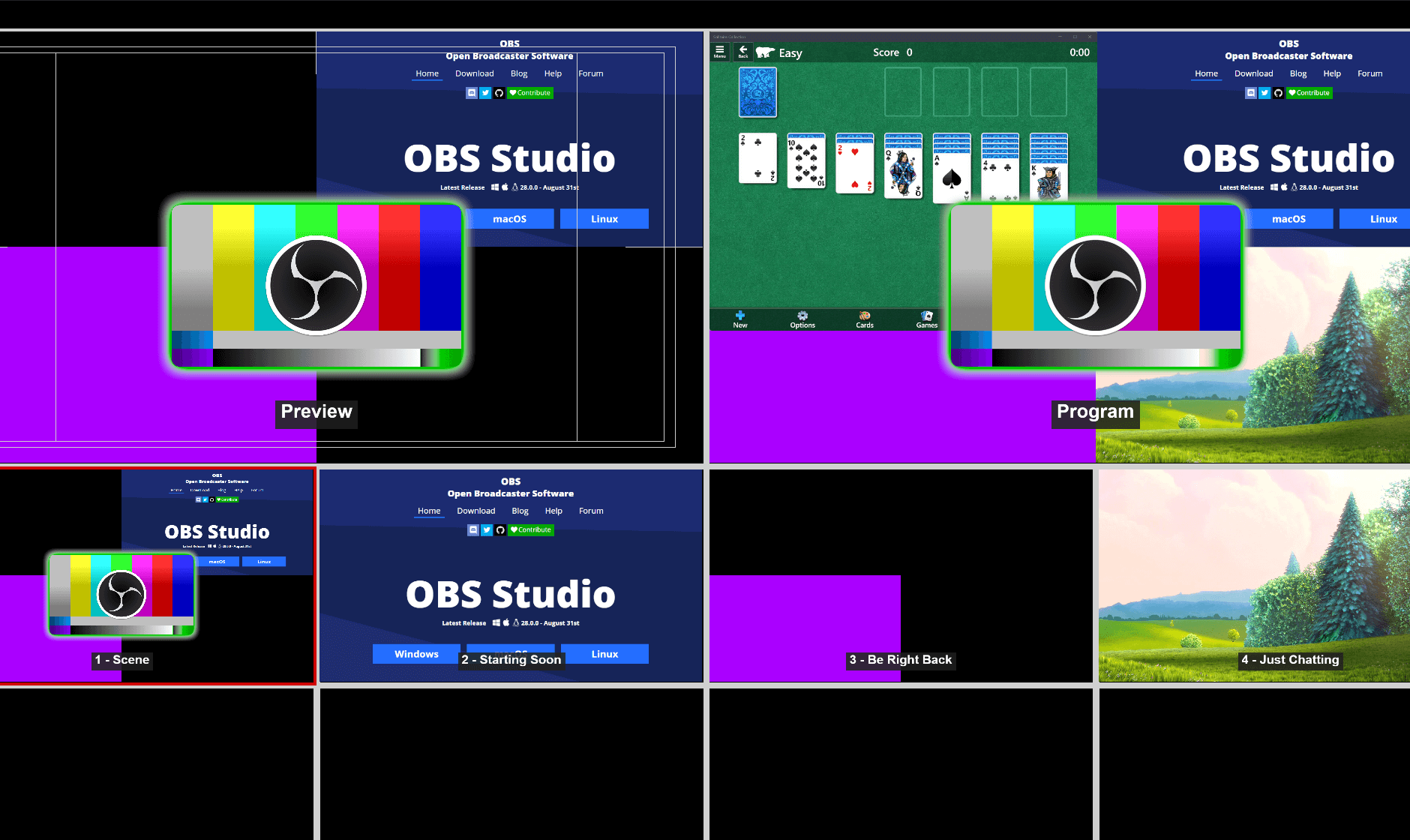
Imagine organizing a live concert, where each scene is like a band member stepping onto the stage one after another—fluid, coordinated, and strikingly professional. That's what OBS's scene management system aims for, offering users a way to craft complex layouts that transition seamlessly in real-time. The sticky note here? It's all managed via a straightforward interface that even newcomers can grasp after a brief introduction.
One of OBS's flagship features is its intuitive scene and source system. Think of scenes as different chapters of your show—each with its own set of media, overlays, and windows. Adding or switching between them is as simple as clicking a button, yet behind the scenes, it's performing complex juggling of video feeds, images, audio, and other sources. This modular approach allows for creative freedom without technical hassle, setting OBS apart from more simplified, less flexible tools.
Obs Studio's interface strikes an impressive balance—professional enough for serious production, yet accessible for novices. The layout reflects a well-organized control panel where you can tweak settings, preview scenes, and start streaming with minimal effort. Performance-wise, OBS leverages hardware acceleration and efficient encoding protocols such as NVENC and AMD VCE, ensuring your system isn't overwhelmed, even during demanding sessions. For instance, streamers report fluid frame rates and crisp visuals, akin to a well-rehearsed orchestra performing in perfect harmony.
Unlike some media applications that box you in with limited features, OBS invites personalization through plugins and scripts. Users can extend functionalities—adding chat overlays, alerts, or automating scene changes—much like enhancing a DIY home theater system with bespoke gadgets. This flexibility makes OBS not just a tool but a full-fledged production environment tailored to your creative vision.
In summary, OBS Studio for Windows stands out as a free, open-source alternative that rivals many paid solutions in features and stability. Its core strengths—powerful scene management, high-quality performance, and extensive customization—make it an excellent choice for anyone serious about live streaming or recording. For beginners, the learning curve is gentle, thanks to its clear interface and large community support. Power users will appreciate its depth and expandability.
Considering its versatility, efficiency, and the fact that it's developed by a dedicated open-source community, I confidently recommend OBS Studio as the go-to application for professional-grade streaming and recording. Whether you're broadcasting your gaming session, delivering a webinar, or creating content for YouTube, OBS provides the tools to bring your vision to life with clarity and style.
Powerful, feature-rich streaming and recording capabilities
Extensive customizability with plugins and scenes
Open-source and regularly updated by a large community
Built-in live streaming integration
Advanced encoding options with support for GPU acceleration
Steep learning curve for beginners
Occasional stability issues on certain hardware configurations
Resource-intensive process, may affect system performance
Limited built-in editing features for recorded videos
Occasional lag or delay in live preview during complex scenes

for Windows
 4.8
4.8

for Windows
4.8

for Windows
4.7

for Windows
4.7

for Windows
4.6
for Windows
4.6

for Windows
4.6

for Windows
4.6

for Windows
4.5

for Windows
4.5

for Windows
4.5

for Windows
4.5

for Windows
5

for Windows
5

for Windows
5

for Windows
5

for Windows
5

for Windows
5

for Windows
5

for Windows
5

for Windows
5

for Windows
5