Security
Gen Digital Inc.
PC
Windows 10 version 0.0 or higher
Integrated Keyboard
Integrated Mouse
2 GB
English
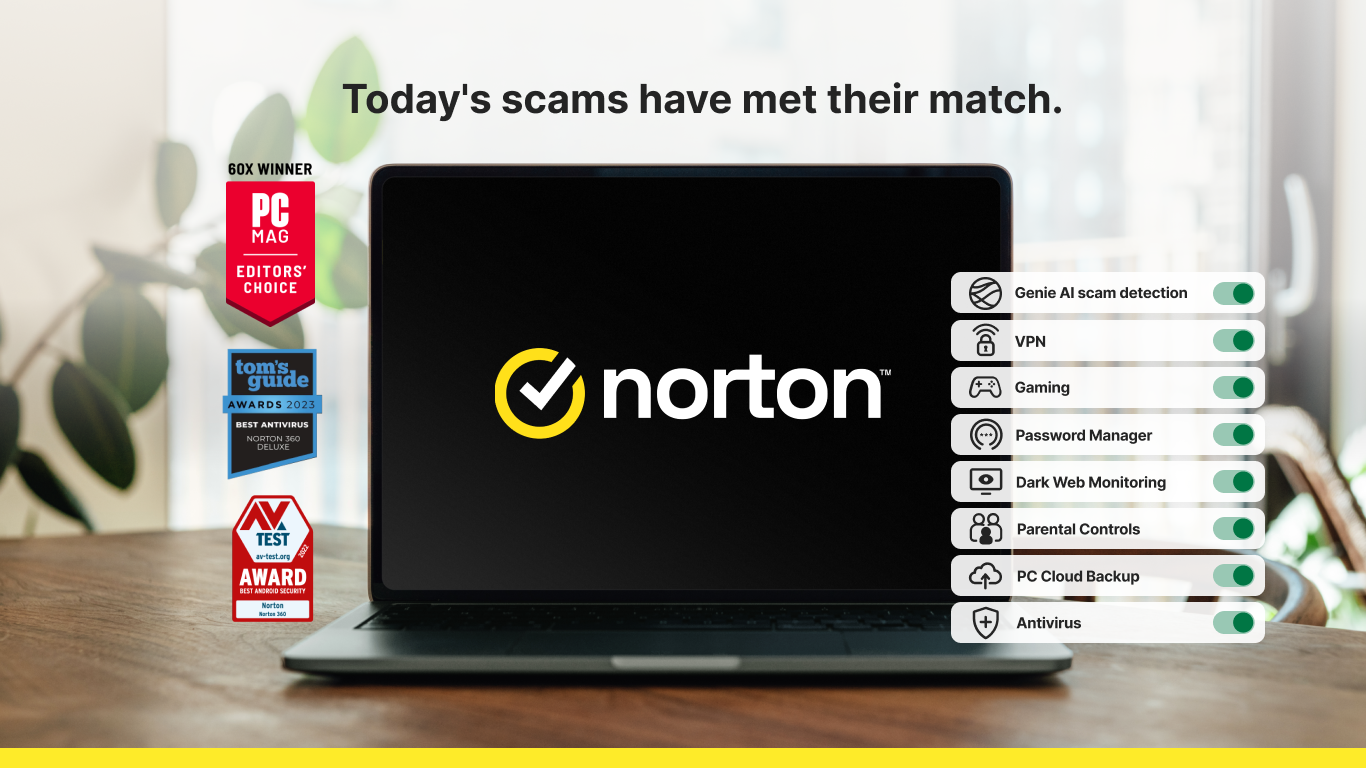
Norton 360 for Windows stands out as a holistic cybersecurity solution designed to shield your devices from a broad spectrum of online threats, all wrapped in an intuitive interface tailored for everyday users. Developed by Gen Digital Inc. and published by NortonLifeLock Inc., this application aims to provide peace of mind in our increasingly digital world.
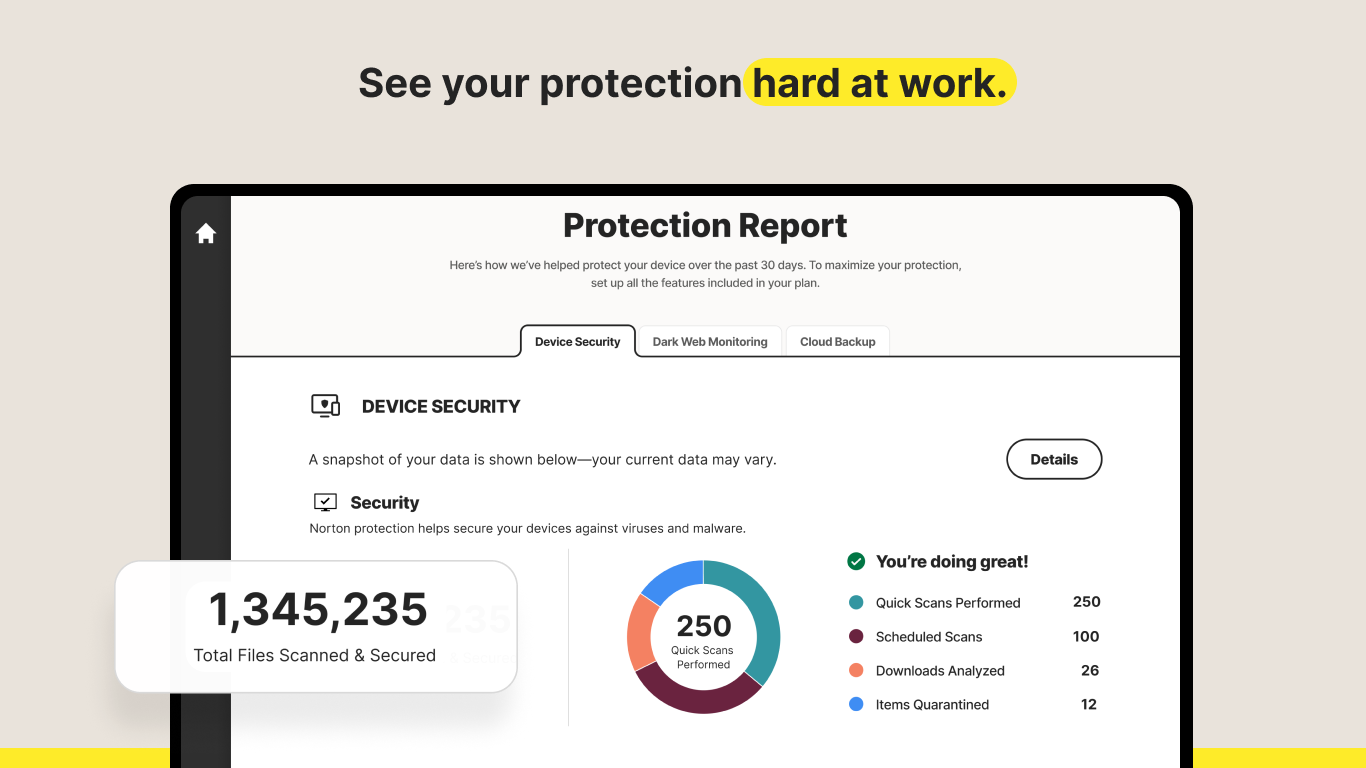
At the heart of Norton 360 is its formidable real-time scanning engine powered by adaptive AI, which constantly analyzes your system for malicious activities. Imagine having a vigilant security guard who never sleeps, instantly recognizing and neutralizing emerging threats before they can cause harm. Whether it's malware, ransomware, or phishing attempts, Norton's proactive defense mechanism ensures your digital life remains safe and secure.
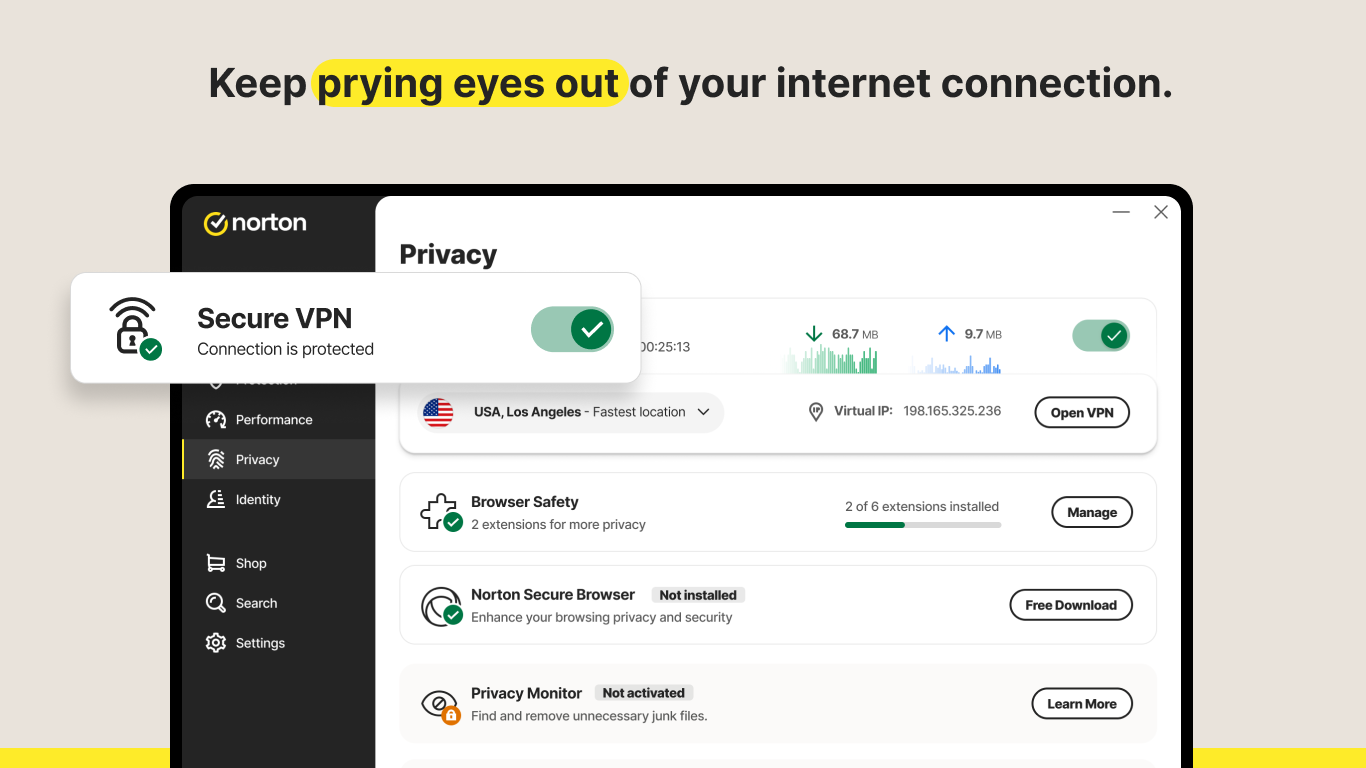
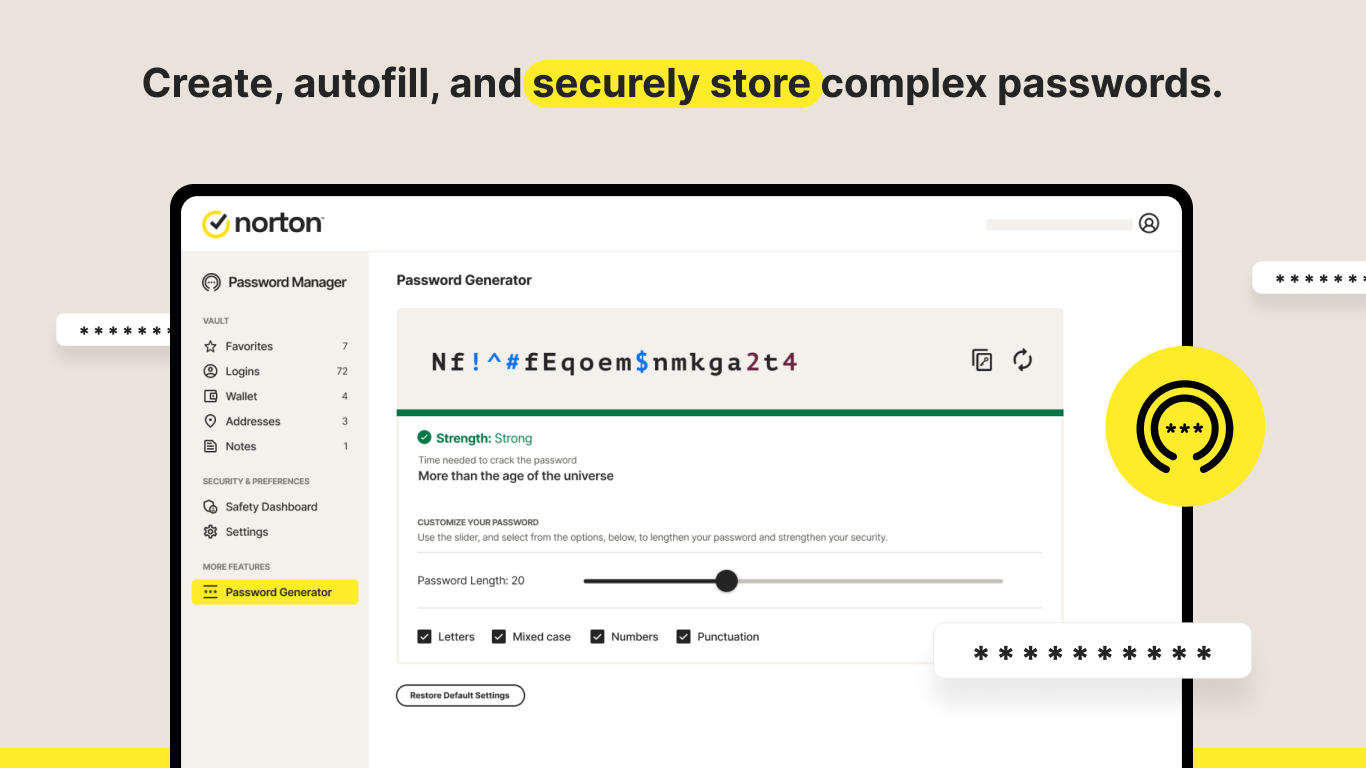
Two standout features are Norton's Password Manager and Secure VPN. The password manager simplifies the complex task of managing numerous passwords, storing them securely with encryption, and auto-filling credentials. Think of it as a trusted safe-deposit box for your digital passwords. Meanwhile, the VPN creates a secure tunnel over public Wi-Fi networks, akin to having your own private lane for internet traffic, shielding your browsing activity from prying eyes and geo-restrictions.
Norton 360 doesn't just stop threats; it actively maintains your device's health. Its Performance Optimization tools help clear unnecessary files, manage startup items, and improve overall responsiveness. Picture your PC as a busy city – Norton acts as the city planner, reducing clutter and traffic to keep everything running smoothly without sacrificing speed or efficiency.
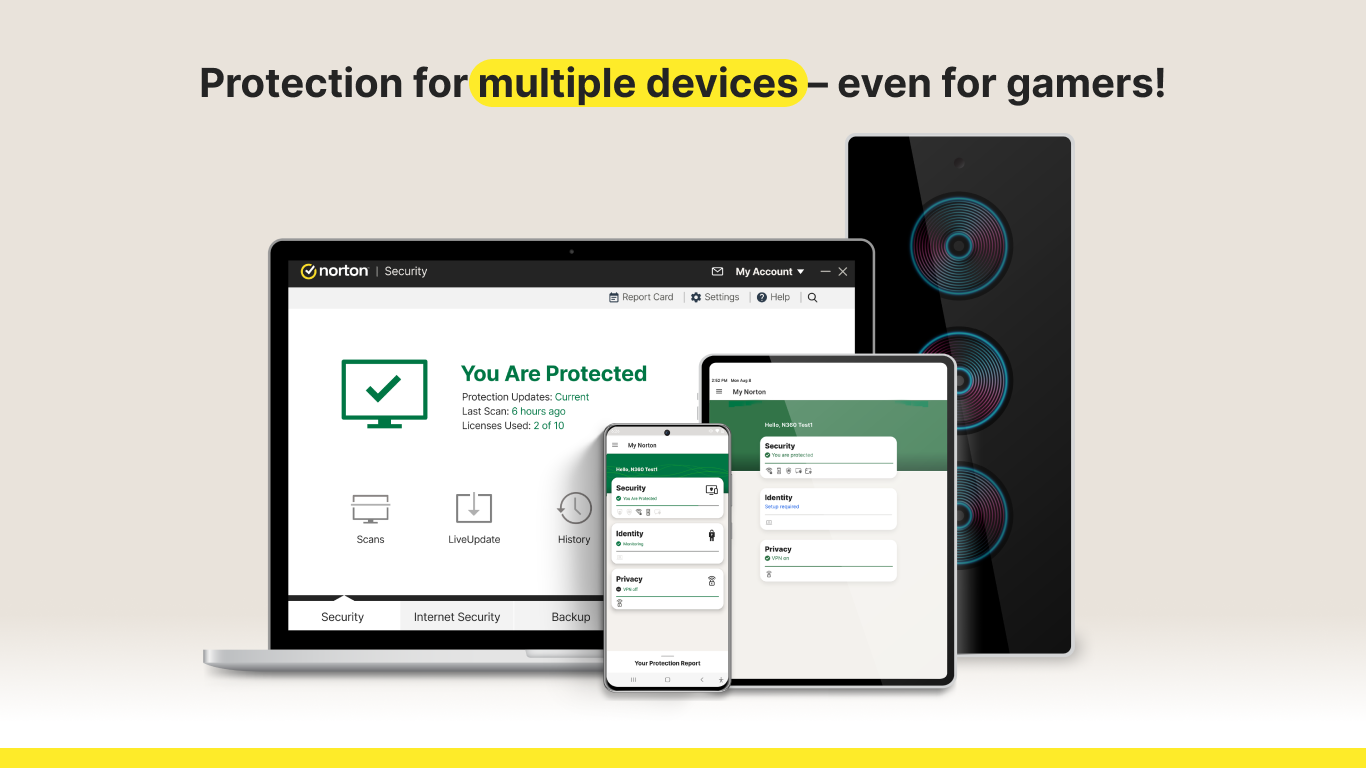
The interface of Norton 360 for Windows strikes a fine balance between sophistication and simplicity. The dashboard resembles a well-organized control panel, with clearly labeled icons and status indicators that guide users effortlessly through security options. Navigating between scans, VPN settings, and password management feels natural, even for those unfamiliar with cybersecurity nuances. Operations are swift; scanning is thorough yet quick, and updates are seamlessly integrated without user intervention. The learning curve is gentle—think of it as a user-friendly navigation map rather than a complex maze.
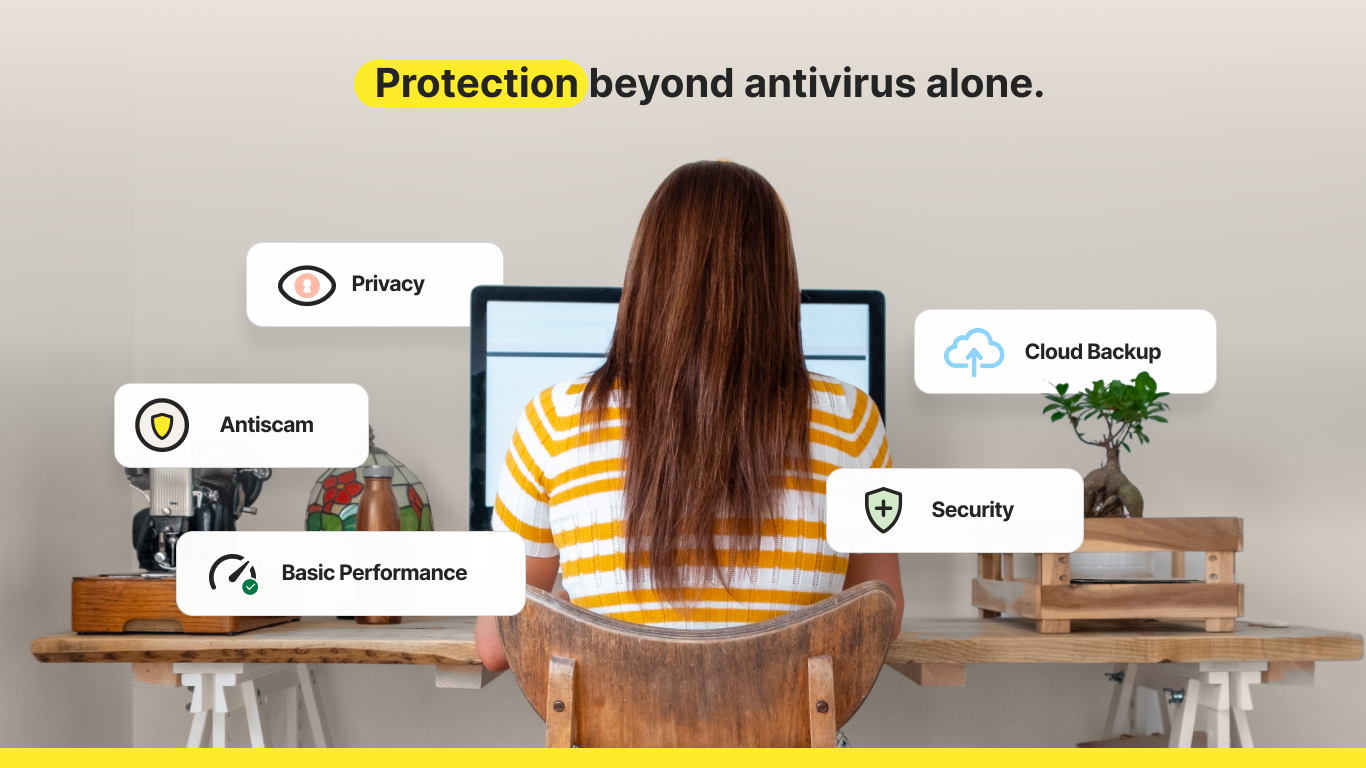
While numerous cybersecurity apps flood the market, Norton 360 distinguishes itself with its integrated approach, combining threat detection, device optimization, and privacy tools in one package. The particularly impressive feature is its predictive AI threat detection, which acts like an anticipatory bodyguard, identifying and thwarting zero-day exploits before they reach your device. Additionally, its VPN is notable for offering unlimited bandwidth in the standard package, a significant advantage over many competitors that impose data caps.
Given its balanced blend of comprehensive security, performance enhancements, and user-centric design, Norton 360 for Windows earns a strong recommendation for everyday users, families, and small business owners. For those seeking straightforward yet robust protection against modern digital threats, this app is a trustworthy companion. For optimal performance, regularly update the application, enable automatic scans, and take advantage of the VPN when on public Wi-Fi to safeguard your privacy. This way, Norton 360 becomes not just a security tool, but an integral part of your digital lifestyle.
Comprehensive security features
Real-time threat detection
User-friendly interface
Automatic updates
Excellent customer support
High system resource usage
Occasional false positives
Subscription cost
Limited customization options in some areas
Initial setup may take some time

for Windows
 4.8
4.8

for Windows
4.7

for Windows
4.7

for Windows
4.7

for Windows
4.6

for Windows
4.6

for Windows
4.5

for Windows
4.4

for Windows
4.4

for Windows
4.3

for Windows
4.3

for Windows
4.3

for Windows
5

for Windows
5

for Windows
5

for Windows
5

for Windows
5

for Windows
5

for Windows
5

for Windows
5

for Windows
5

for Windows
5