Puzzle & trivia
Fons Sonnemans
PC, Mobile, Surface Hub, HoloLens
Windows 10 version 17763.0 or higher
English (United States)
If you're someone who enjoys unraveling puzzles that combine logic and patience, Nonograms Pro for Windows offers a compelling canvas to sharpen your mind while having fun. Think of it as a digital cross-stitch where each correct block reveals a hidden picture—making every completed puzzle feel like unveiling a secret treasure. Developed by Fons Sonnemans and published by Reflection IT, this app aims to provide both casual players and dedicated puzzle enthusiasts with an engaging experience. Whether you're waiting for a train or relaxing at home, Nonograms Pro transforms idle moments into rewarding brain workouts.
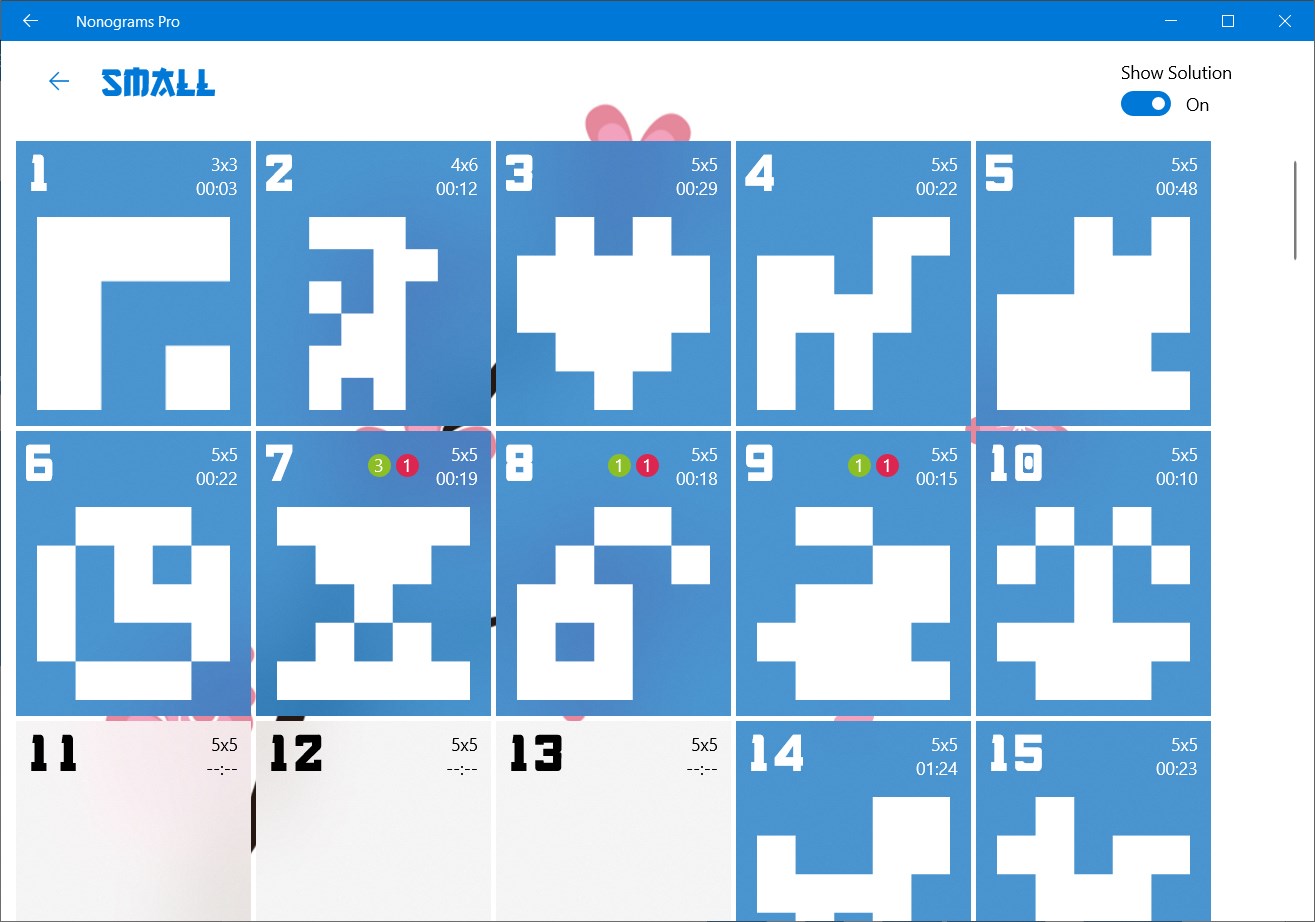
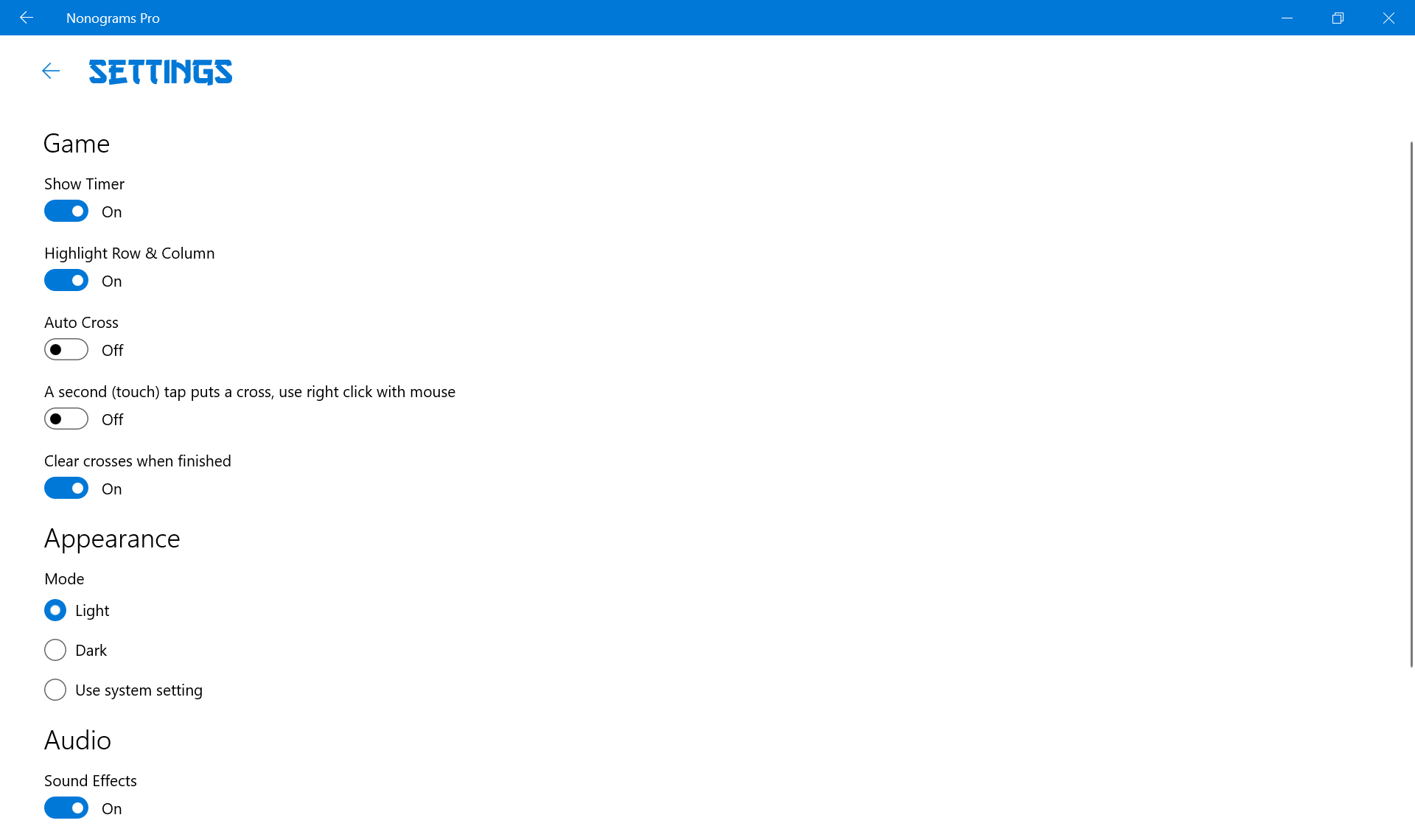
Fons Sonnemans, a proficient puzzle developer, brings years of experience to Nonograms Pro, crafting a neat, user-friendly app. Its main features include a vast collection of puzzles across multiple difficulty levels, an intuitive interface designed for smooth gameplay, and helpful hints to guide beginners through challenging sections. Additionally, the app offers adjustable grid sizes, personal puzzle creation, and a dark mode for comfortable viewing—making it a versatile choice for puzzle lovers of all kinds. The emphasis on a clean, distraction-free environment ensures your focus remains solely on solving the puzzles, rather than wrestling with cumbersome menus.
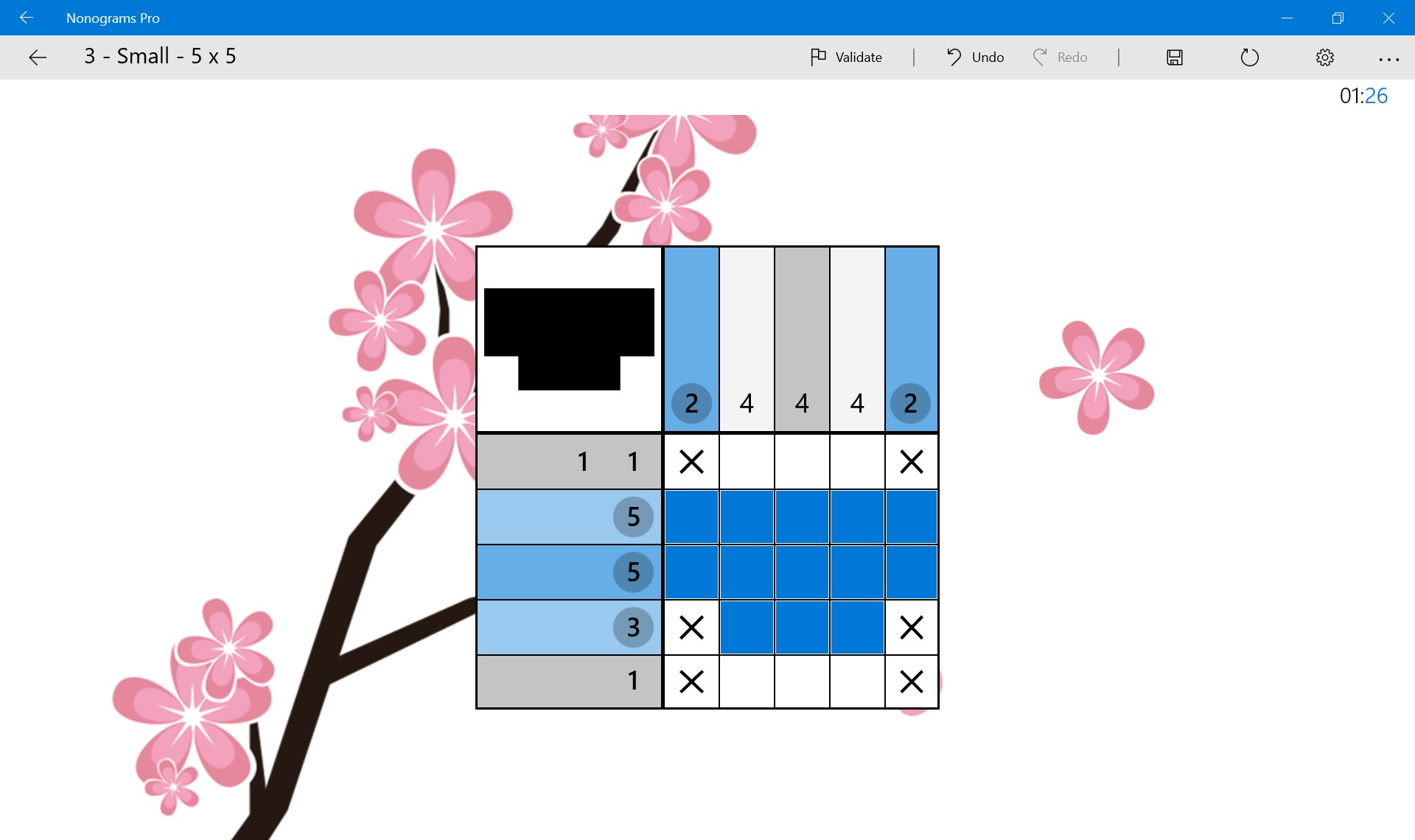
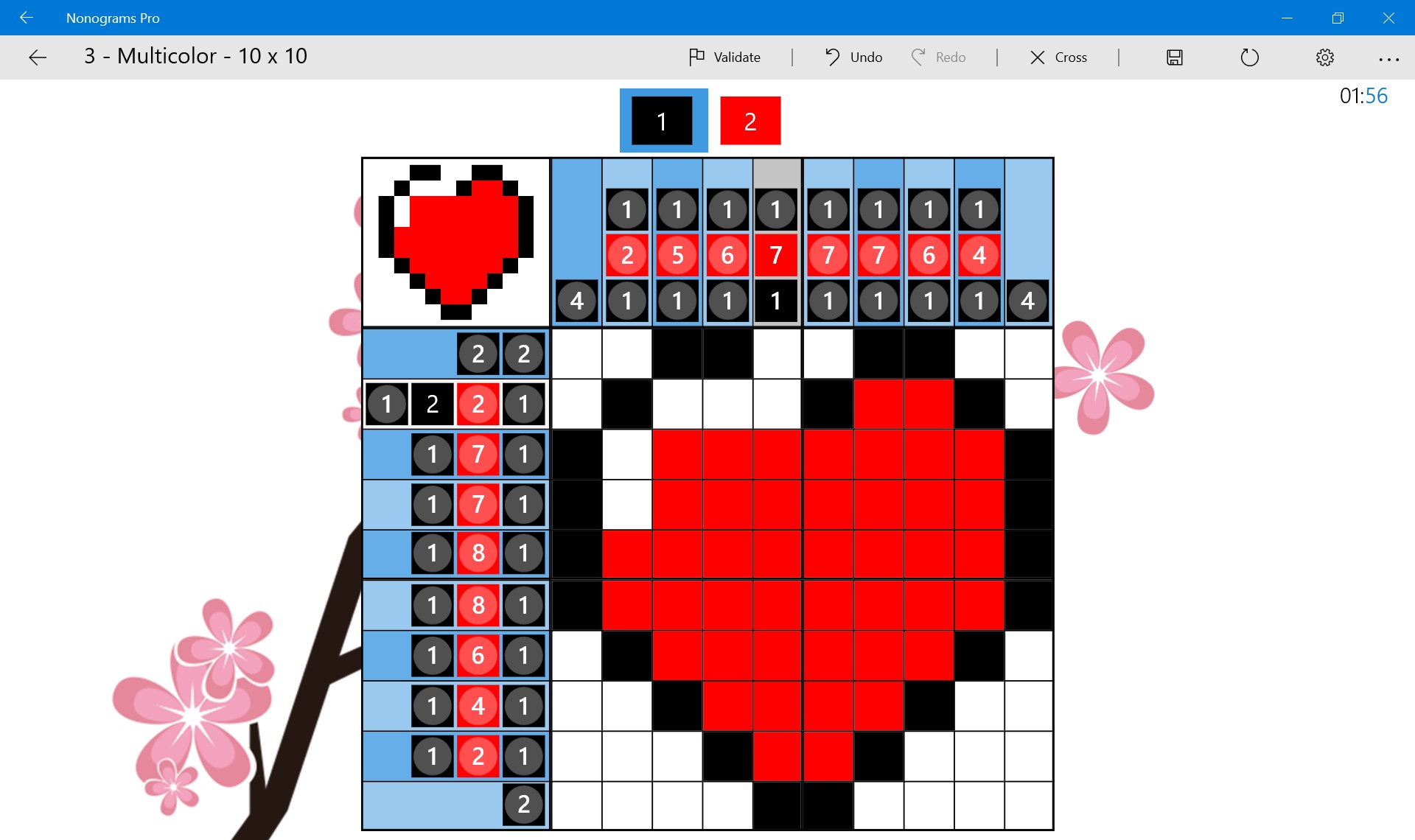
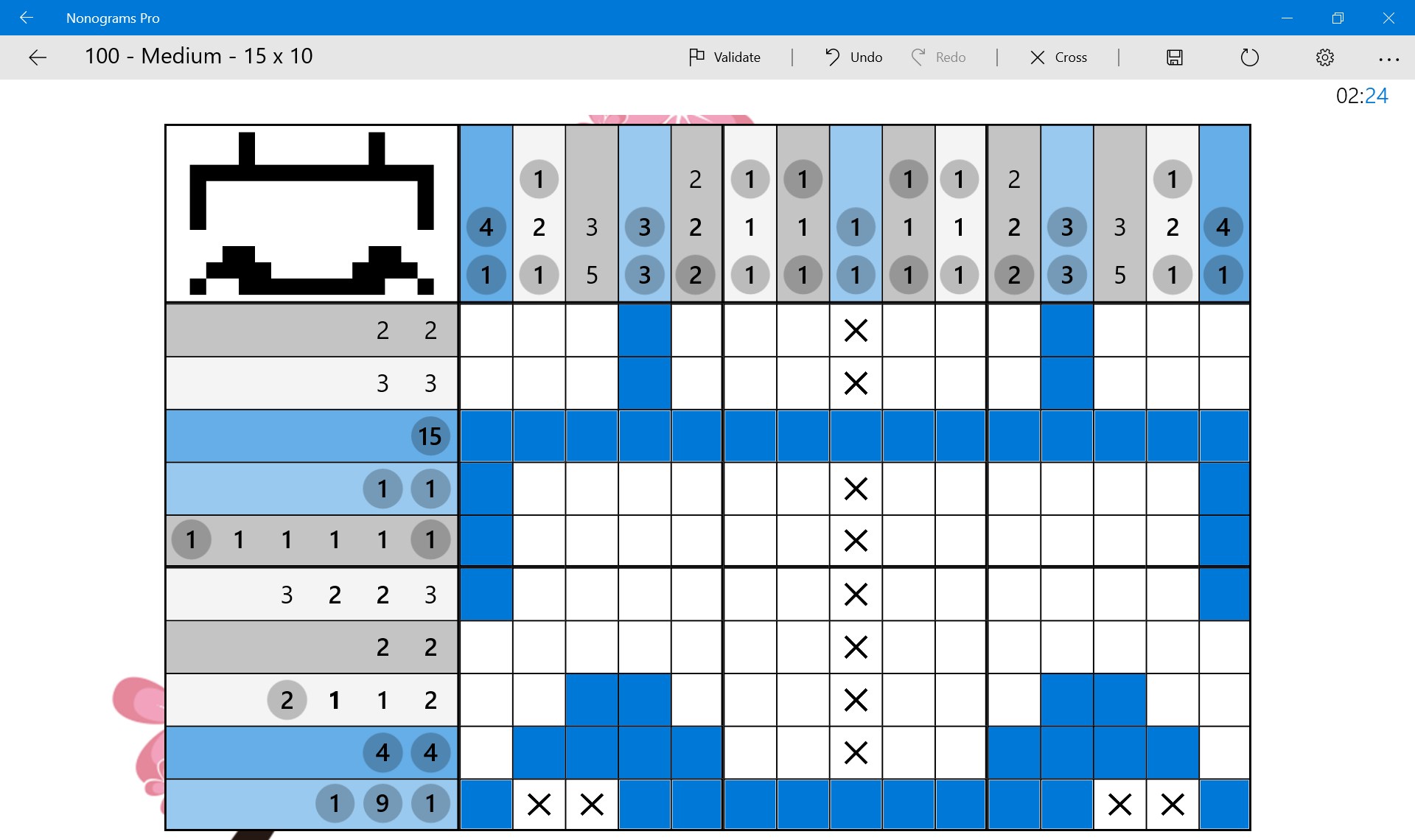
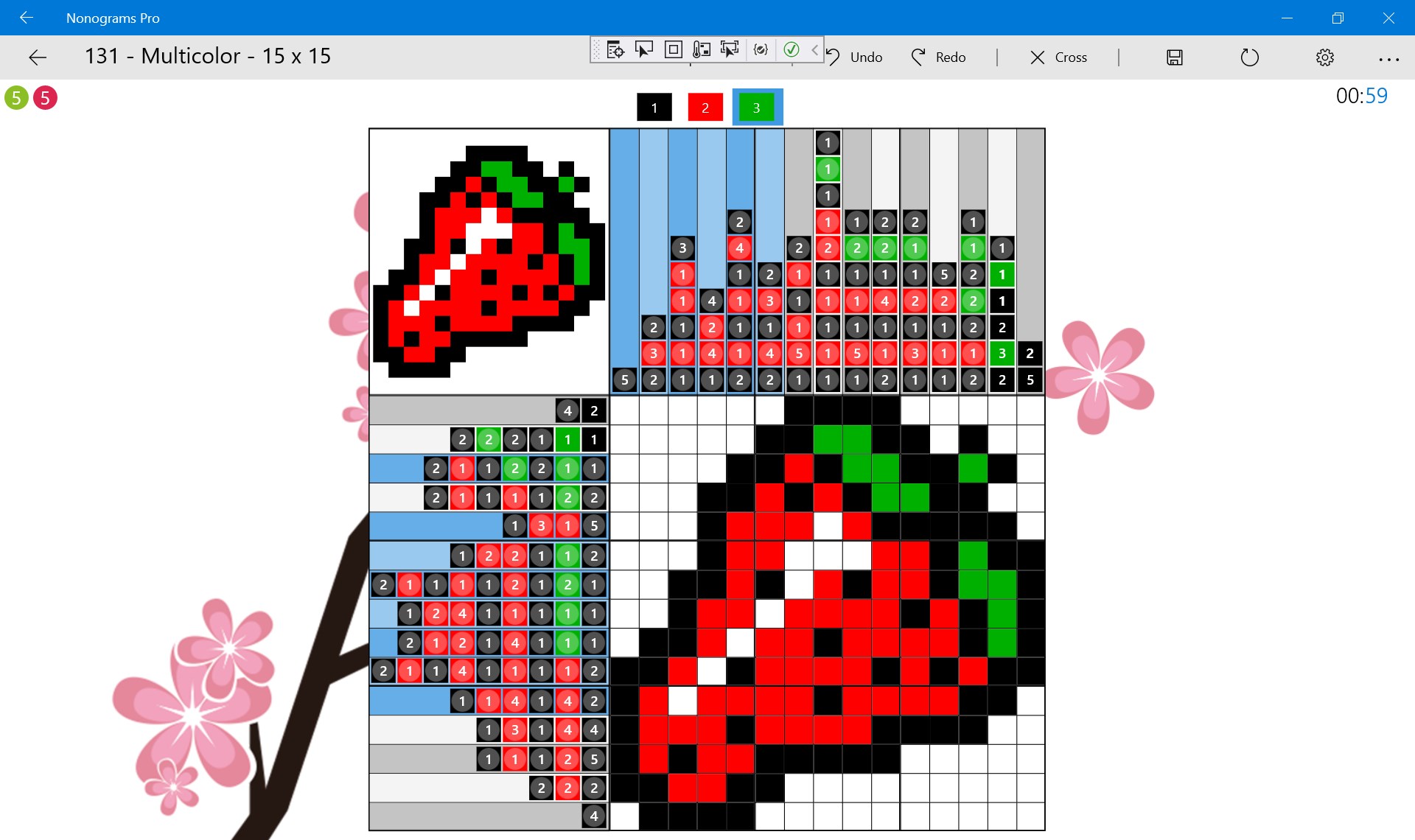
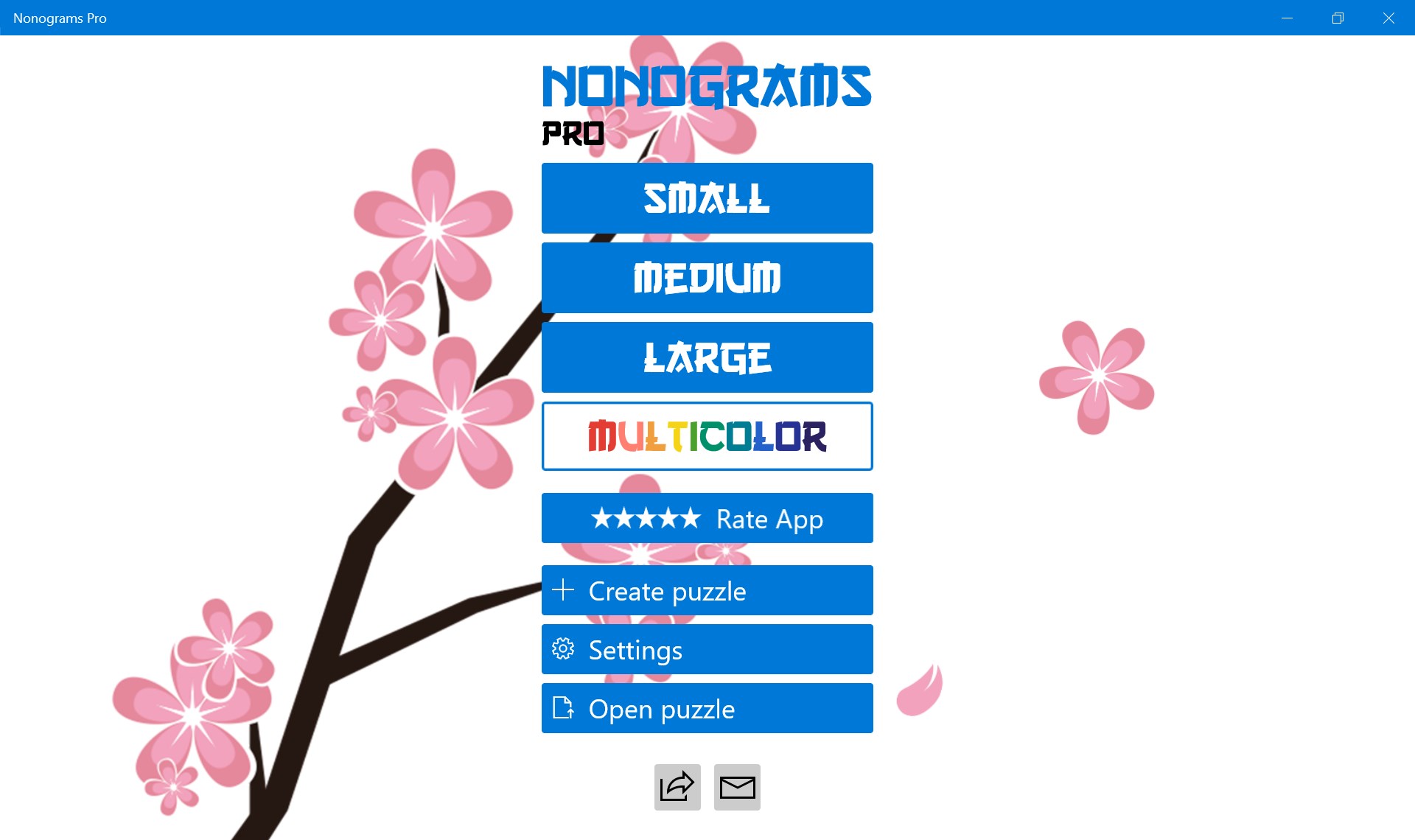
From the moment you launch Nonograms Pro, you'll find yourself immersed in a world where logic meets visual art. The interface is sleek, with pastel tones and clear, rounded grids that invite exploration. Navigating through puzzles feels seamless—dragging your cursor to fill in cells, toggling between fill and mark modes is intuitive, almost second nature. The app's responsive design means even complex puzzles don't cause undue lag, so your concentration remains intact. For newcomers, the learning curve is gentle; a brief tutorial introduces the basics, and occasional tooltips can assist as you progress to more challenging levels. For veteran puzzlers, the variety of grid sizes and customization options keep the game fresh and stimulating.
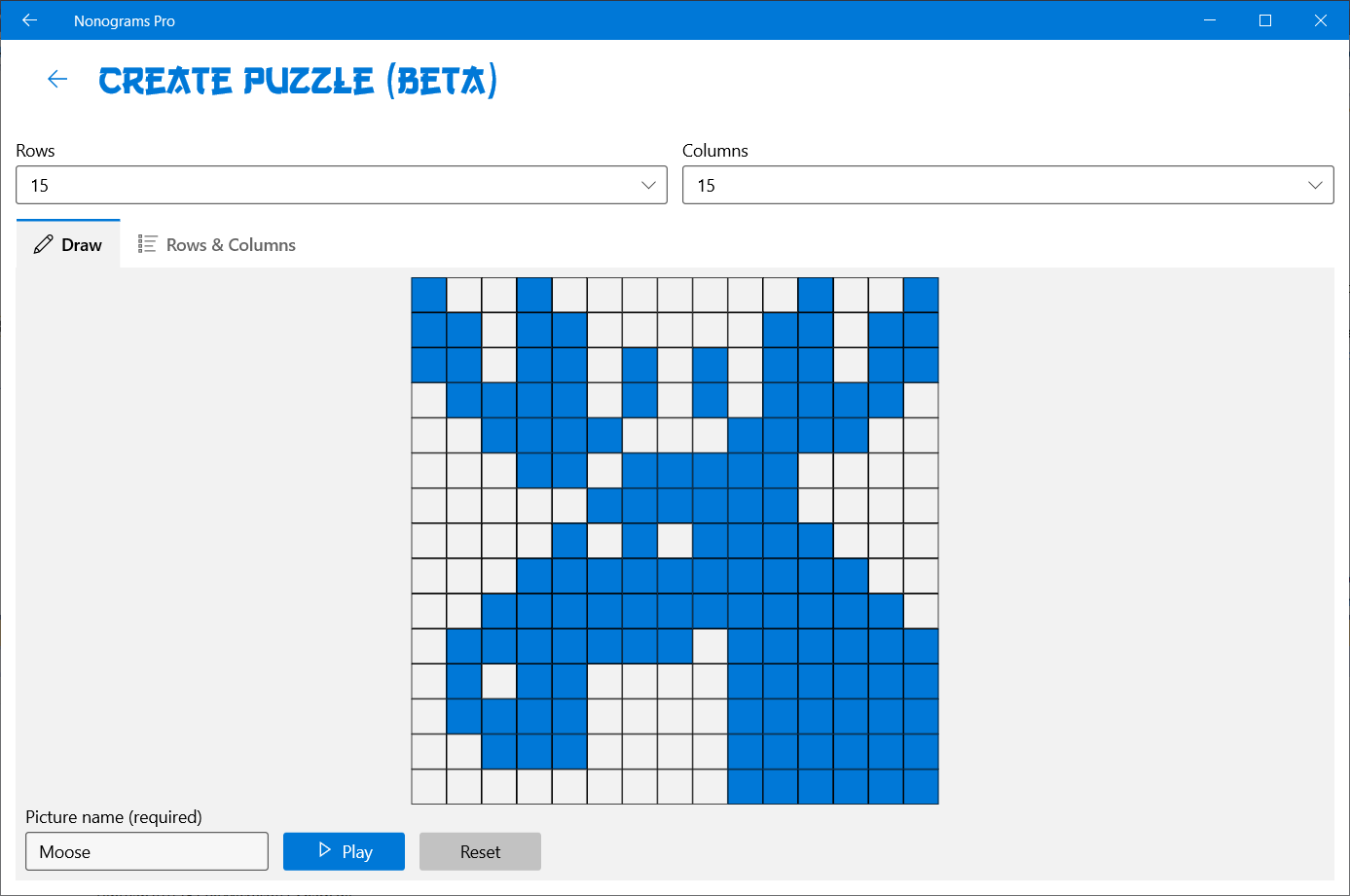
While the realm of puzzle games is saturated with trivia and casual challenges, Nonograms Pro stands out through its focus on visual logic puzzles. Its most distinctive feature is the *Visual Puzzle Mode*, which allows players to see partial images gradually emerge, adding an extra layer of satisfaction and motivation. Furthermore, the app's *Personal Puzzle Creator* is a thoughtful addition—enabling users to craft their own patterns and challenge friends, fostering a personalized puzzle experience that can extend beyond the app itself. This blend of community engagement and customization distinguishes Nonograms Pro from similar apps that often lack user-generated content or innovative visualization techniques.
Nonograms Pro for Windows is a thoughtfully designed puzzle app that balances accessibility with depth. It's suitable for casual players seeking a relaxing pastime as well as seasoned puzzle enthusiasts craving more complex challenges. Its core strengths—intuitive interface, smooth gameplay, and unique puzzle visualization—make it a compelling choice for anyone interested in logic-based puzzles. I'd recommend this app to those who enjoy a mental workout coupled with a touch of artistic discovery. Whether alone for a quiet afternoon or shared among friends through its puzzle creation feature, Nonograms Pro proves to be a versatile and engaging digital companion. It's a good download for anyone looking to add a bit of brain-teasing fun to their daily routine.
User-friendly interface
Wide variety of puzzles
Helpful hints feature
Regular updates and new puzzles
Offline mode availability
Limited custom puzzle creation
In-app ads interruptions
Difficulty scaling
Limited hints for complex puzzles
Graphical simplicity
for Windows
 4.8
4.8

for Windows
4.8

for Windows
4.8

for Windows
4.8

for Windows
4.8

for Windows
4.8

for Windows
4.8
for Windows
4.8

for Windows
4.7

for Windows
4.7

for Windows
4.7
for Windows
4.7

for Windows
5

for Windows
5

for Windows
5

for Windows
5

for Windows
5

for Windows
5

for Windows
5

for Windows
5

for Windows
5

for Windows
5