Personal Finance
Samsop Software
PC, Surface Hub, HoloLens
Windows 10 version 14393.0 or higher
Integrated Keyboard
Integrated Mouse
English (United States)
In an era flooded with complex financial software, No Frills Checkbook stands out as a straightforward yet robust solution designed to simplify personal finance management. Developed by Samsop Software, this application offers a no-nonsense approach to tracking expenses, balancing accounts, and gaining clearer insight into your financial habits—perfect for those who prefer simplicity over elaborate features.
Samsop Software, the creator behind No Frills Checkbook, is committed to delivering lightweight tools that prioritize user ease and essential functionalities. Their focus seems to be on creating reliable, easy-to-use apps that serve everyday financial needs without overwhelming users with unnecessary options. This philosophy resonates well with users seeking a no-fuss method to manage their personal finances efficiently.
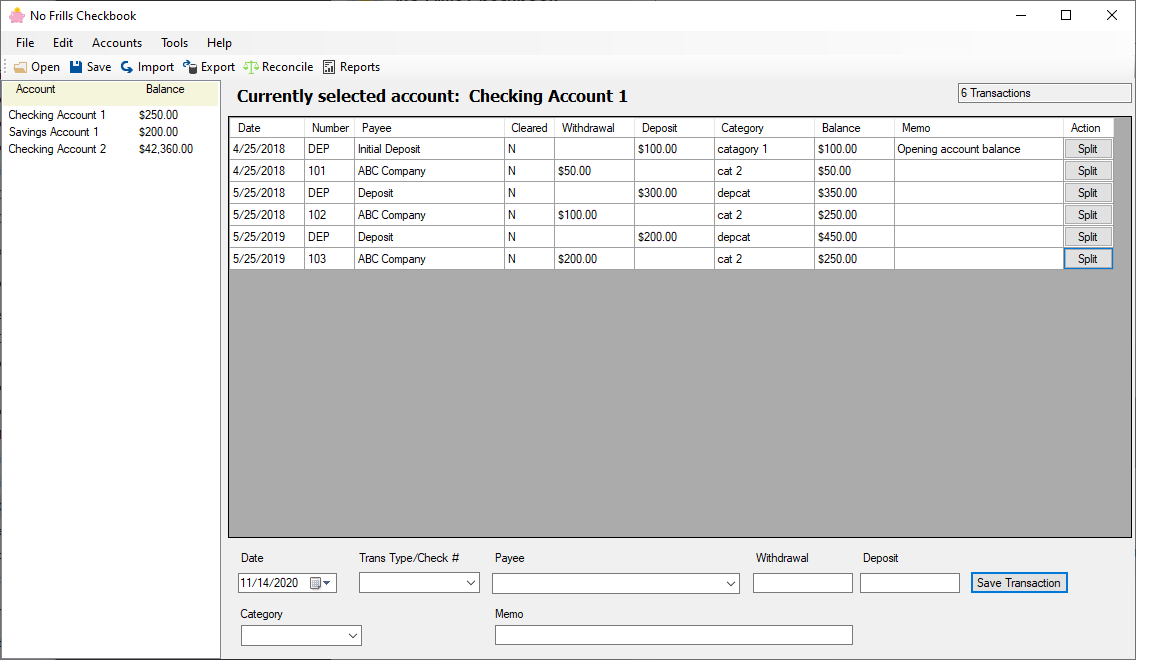
At the heart of No Frills Checkbook is its streamlined transaction entry system. Whether you're jotting down a grocery run or a paycheck deposit, the app allows quick, straightforward data input with minimal fuss. The interface minimizes clutter, helping you focus purely on recording your financial movements without distraction—much like using a well-organized checkbook in the digital age.
The app's core strength lies in its clear presentation of your account balances and transaction history. Users can easily see their current financial status through a simple, well-structured ledger. This feature transforms what could be a confusing jumble of numbers into a daily financial snapshot, empowering users to make informed decisions without the need for complex calculations or dashboards.
Although basic, No Frills Checkbook offers customizable expense and income categories. This allows users to tailor the app to match their unique spending patterns or budgeting goals. The categorization system helps in identifying where money goes—serving as a digital ledger that remains uncluttered yet insightful.
The interface maintains a minimalist aesthetic, with a clean layout that resembles a traditional checkbook register. Navigation is straightforward; the app responds quickly to input, making the experience seamless—much like flipping through a well-kept ledger. The learning curve is gentle, even for those less familiar with digital finance tools, thanks to intuitive controls and clear labels. The overall feel is that of a trustworthy financial companion designed to assist without overwhelming.
While many personal finance apps include fancy graphs or multi-layered budgeting tools, No Frills Checkbook's real strength lies in its simplicity and precision. Its standout feature—focused transaction tracking with immediate, clear account balances—serves as the digital equivalent of a well-worn checkbook that you can trust. Unlike overly complex apps, it avoids information overload, making it particularly suitable for users who prefer to keep things straightforward, yet accurate. This emphasis on essential functions offers a unique value for those who want to maintain a tight grip on their finances without the fuss.
Considering its core strengths, No Frills Checkbook is highly recommended for individuals seeking a practical, easy-to-use personal finance tool. It's especially beneficial if you prefer a digital checkbook that stays true to traditional ledger methods but with the convenience of modern technology. However, if you require advanced budgeting features, investment tracking, or integration with other financial platforms, this app might be too minimalist. For everyday expense tracking and quick balance checks, it hits the spot perfectly.
In conclusion, No Frills Checkbook for Windows is like a dependable friend: simple, honest, and always there when you need to keep your finances in check. If clarity and simplicity matter to you in managing your money, this app deserves a spot on your desktop.
User-Friendly Interface
Comprehensive Checkbook Features
Synchronization Support
Custom Budgeting Options
Secure Data Storage
Limited Export Options
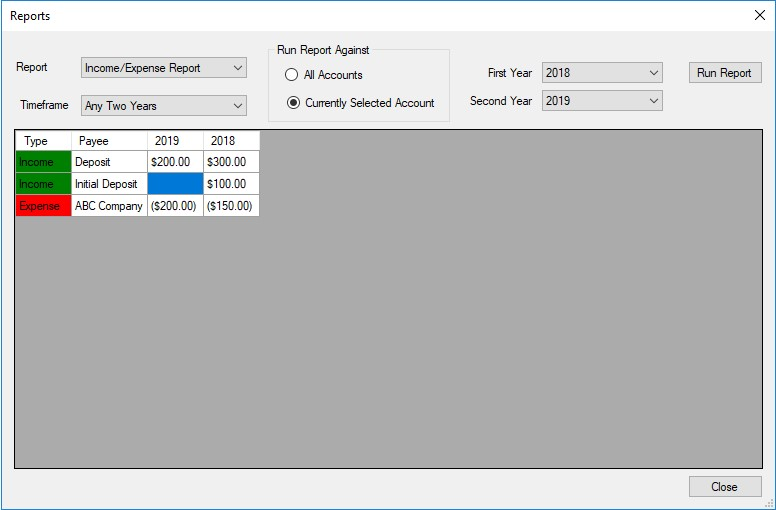
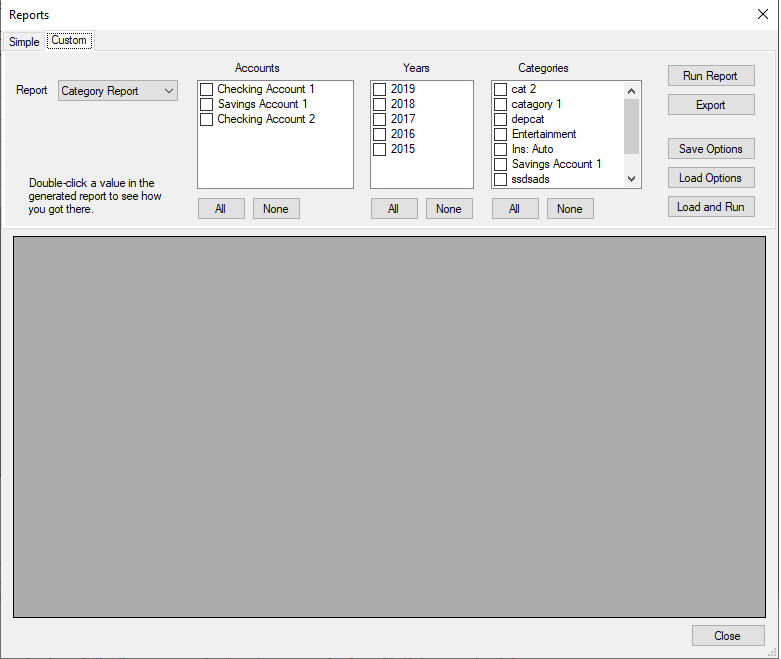
Basic Reporting Features
Occasional Sync Delays
Lack of Multi-Currency Support
Limited Customization Options

for Windows
 5
5

for Windows
5

for Windows
5

for Windows
5

for Windows
5

for Windows
5

for Windows
5

for Windows
5

for Windows
5

for Windows
5