Utilities & tools
PC
Windows 10 version 19041.0 or higher
Afrikaans, Albanian, Arabic, Armenian, Azerbaijani (Arabic), Bangla, Basque, Belarusian, Bulgarian, Catalan, Central Kurdish, Chinese (Simplified), Chinese (Traditional Chinese), Croatian, Czech, Danish, Dutch, English, Estonian, Finnish, French, Galician, Georgian, German, Greek, Gujarati, Hebrew, Hindi, Hungarian, Icelandic, Indonesian, Irish, Italian, Japanese, Kazakh, Kiswahili, Korean, Kyrgyz, Latvian, Lithuanian, Macedonian, Malay, Marathi, Mongolian (Cyrillic), Mongolian (Traditional Mongolian), Nepali, Norwegian (Bokmål), Norwegian (Nynorsk), Persian/Farsi, Polish, Portuguese, Portuguese (Brazil), Punjabi (India), Romanian, Russian, Serbian (Cyrillic), Serbian (Latin), Sinhala, Slovak, Slovenian, Spanish, Swedish, Tajik (Arabic), Tamil, Tatar (Arabic), Thai, Turkish, Turkmen (Cyrillic), Ukrainian, Uyghur (Arabic), Uzbek (Cyrillic), Uzbek (Latin), Valencian, Vietnamese, Welsh, Yoruba (Latin)
NanaZip for Windows is a lightweight, open-source archiving tool designed to seamlessly integrate into your Windows environment, offering a familiar yet enhanced way to manage compressed files.
Created and maintained by Kenji Mouri, NanaZip aims to bring back the classic 7-Zip experience with a modern touch, focusing on simplicity and user convenience.
Power users, casual users, and IT professionals seeking a free, reliable, and straightforward compression tool that complements Windows without excessive bloat or clutter.
Imagine finding a trusty pocketknife — simple, reliable, and always at hand. NanaZip is just that for your file management needs. Whether you're zipping up large project folders or extracting essential documents, its straightforward operation transforms potentially daunting tasks into an almost enjoyable chore. It's a fresh breeze for those who feel overwhelmed by clunky software or overly complicated interfaces. Let's explore what makes NanaZip an unexpected gem among Windows utilities.
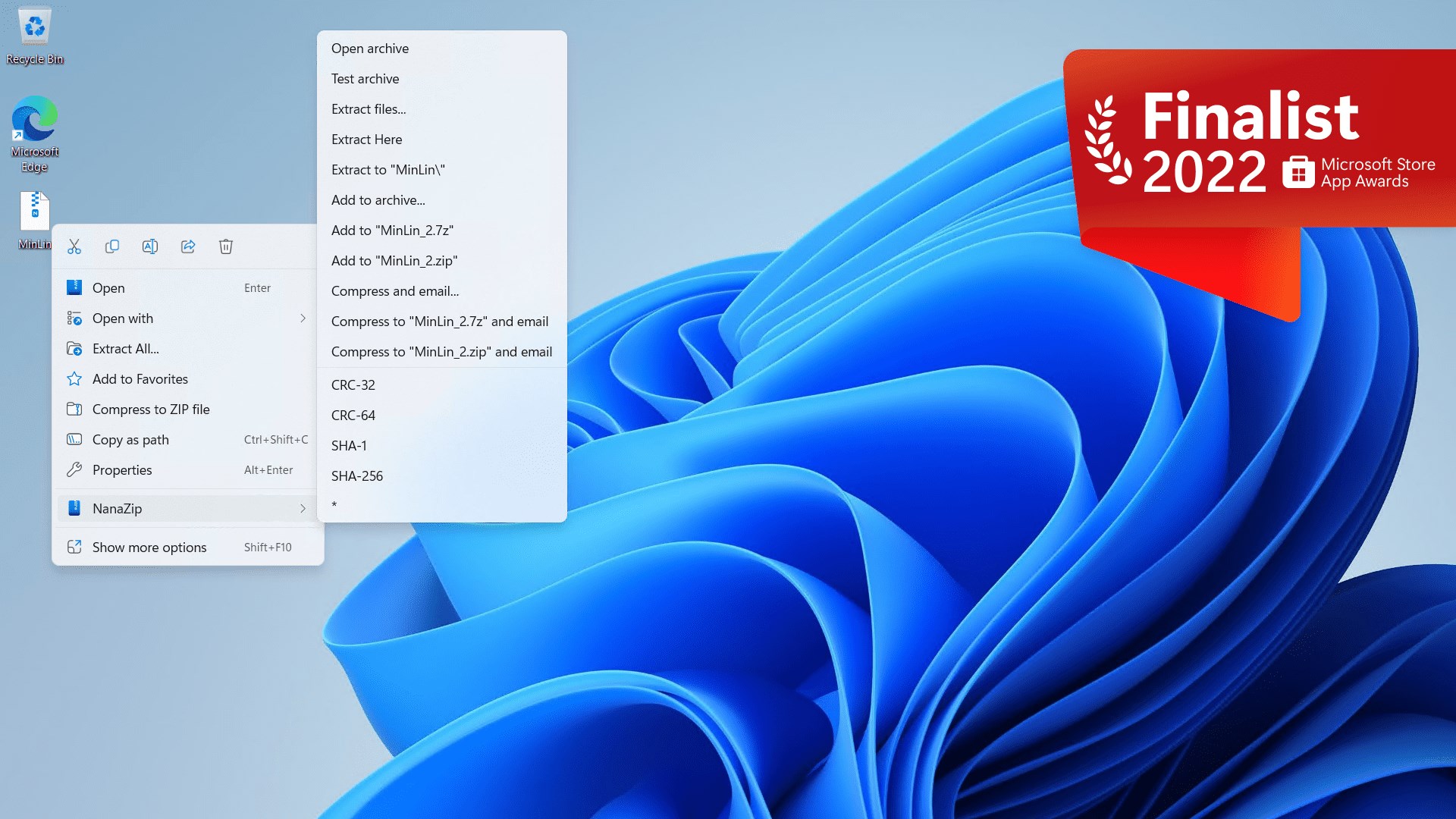
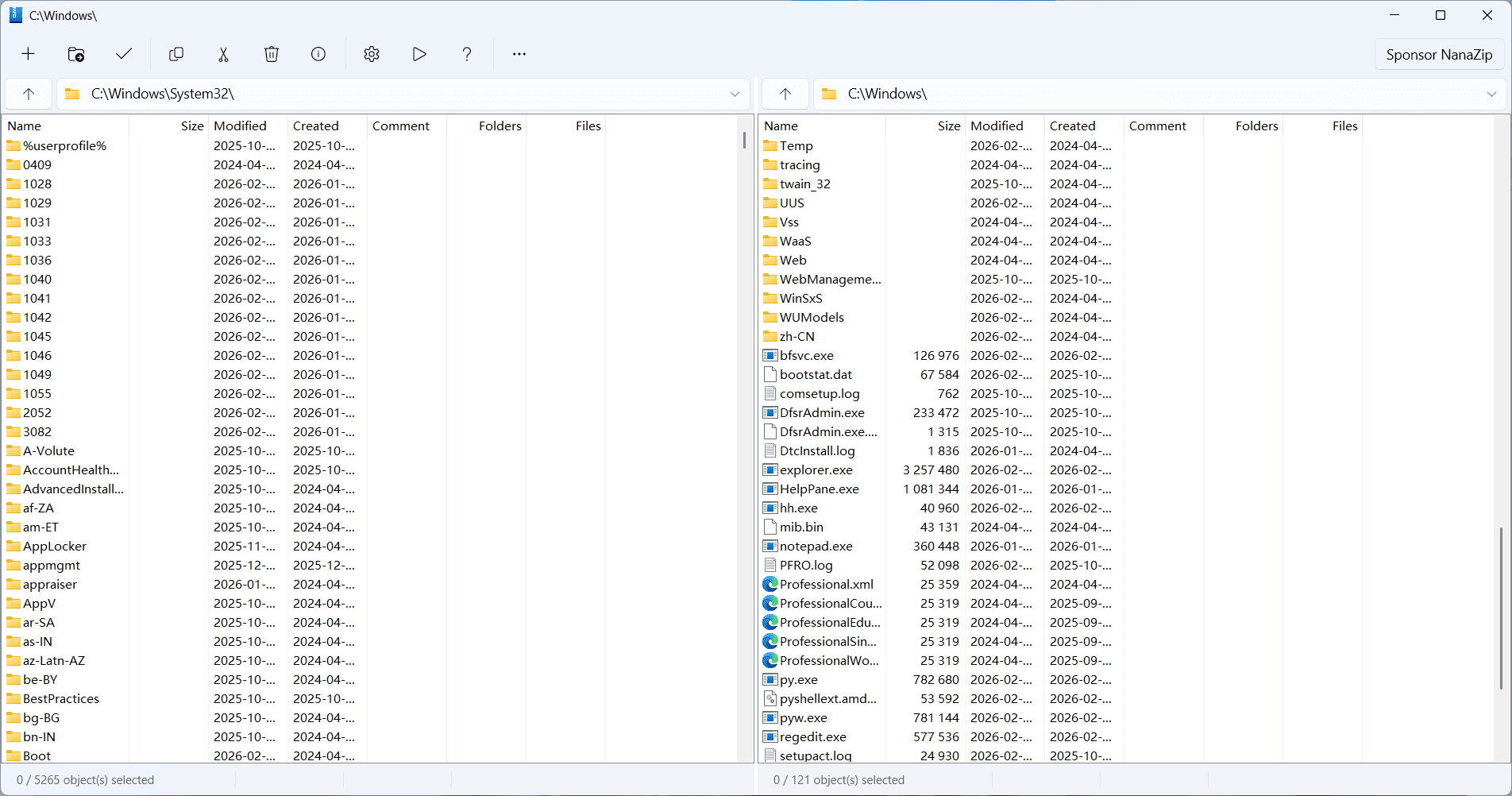
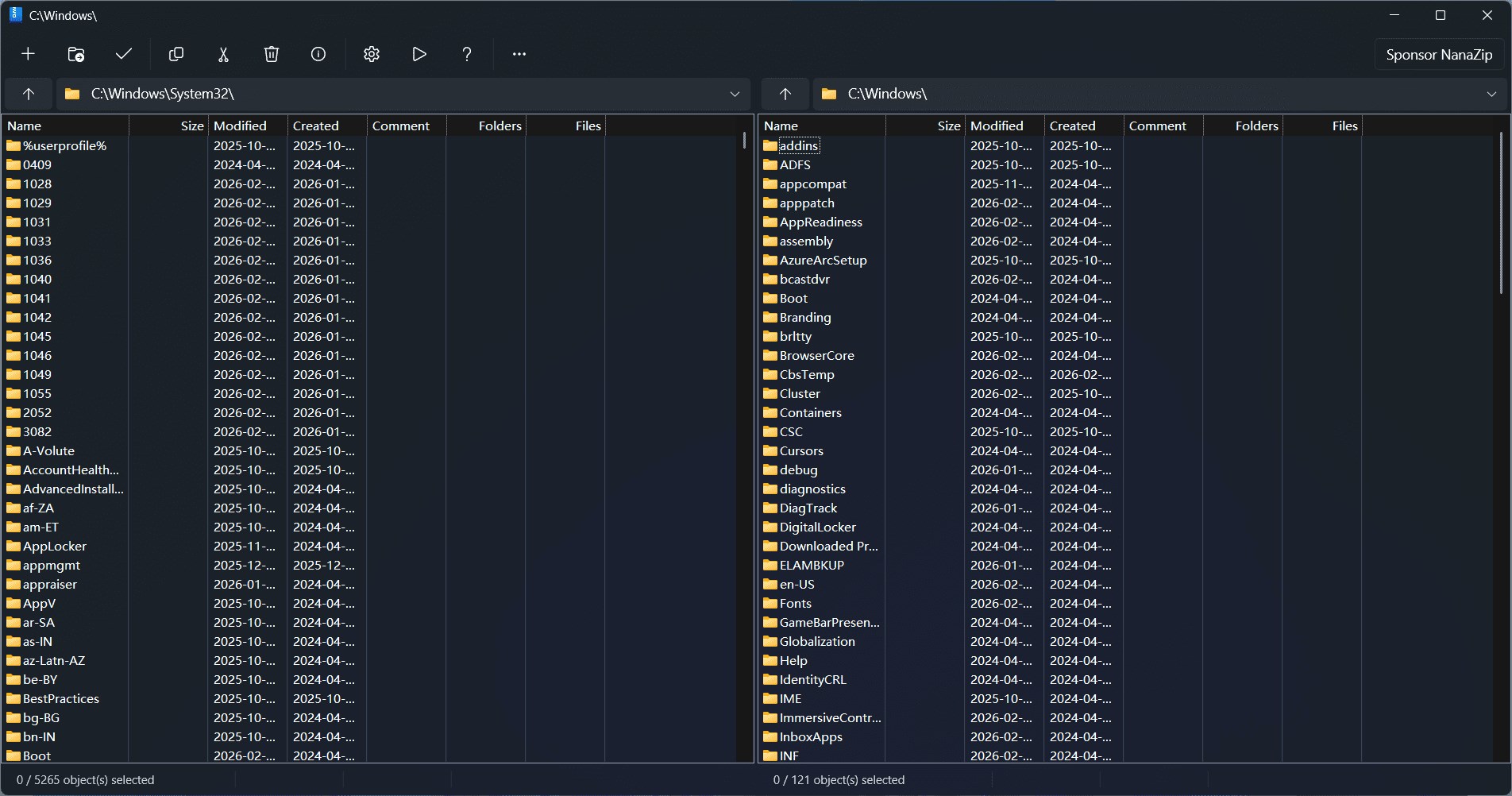
NanaZip's design is clean, uncluttered, and purpose-built. It closely mirrors the familiar Windows Explorer contextual menus, allowing users to right-click compress or extract files with just a couple of keystrokes. The interface eschews unnecessary bells and whistles, focusing instead on clarity and speed. Navigating through compressed archives is as easy as flipping through folders on your desktop, making learning curve virtually nonexistent for users familiar with Windows. The app's responsiveness is noteworthy: actions like opening archives or creating new compressed files happen swiftly, contributing to a smooth workflow.
At its heart, NanaZip leverages the popular 7-Zip compression algorithm, supporting formats like ZIP, 7z, GZIP, BZIP2, and more. This compatibility ensures users can effortlessly open, modify, and create archives in a wide array of formats without juggling multiple tools. It's like having a Swiss Army knife, but for file compression—ready to tackle any zip or 7z challenge.
Unlike some bloated utilities that bury you under adware or unnecessary features, NanaZip stays lean and clean. With an open-source license, users and developers can verify its code, suggest improvements, or even tweak it to fit their needs. This transparency boosts trust and fosters a community around the software, ensuring it remains relevant and secure over time.
While many compression tools exist, NanaZip's resurrection of the classic 7-Zip experience, combined with its modern Windows integration, creates a unique blend. Its closest competitors, like WinRAR or commercial tools, often come with costs or bundle extra features that users might not need. NanaZip, on the other hand, offers the essential functionalities within a minimal footprint. Notably, its smooth right-click menu integration and compatibility with Windows 11's design guidelines make it feel native, almost like an extension of Windows itself—not an external app.
If you're someone who regularly works with compressed files and values a tool that is straightforward, efficient, and free, NanaZip is highly recommended. It's particularly ideal if you prefer open-source solutions or want a lightweight program that doesn't compromise on functionality. For casual users, it's a perfect utility to keep in your utility toolbox; for power users, its compatibility and speed make it a dependable companion. While it might not boast advanced encryption or cloud features, its core strengths lie in simplicity and robustness.
In conclusion, NanaZip stands out as a modern, reliable, and user-friendly zip utility that respects your Windows environment without demanding a hefty download or steep learning curve. It's a quietly powerful tool—like a trusted old friend ready to save the day whenever data compression needs arise.
Lightweight and fast operation
Seamless integration with Windows
Supports multiple archive formats
Open-source and free to use
Regular updates and active community support
Limited advanced features
User interface could be more modern
Compatibility issues with very large archives
Limited documentation for advanced options
Occasional bugs in Windows 11

for Windows
 5
5

for Windows
5

for Windows
5

for Windows
5

for Windows
5

for Windows
4.9

for Windows
4.9

for Windows
4.9

for Windows
4.9

for Windows
4.9

for Windows
4.9

for Windows
4.9

for Windows
5

for Windows
5

for Windows
5
for Windows
5

for Windows
5

for Windows
5

for Windows
5

for Windows
5

for Windows
5

for Windows
5