Music
n-Track S.r.l.
PC
Windows 10 version 0.0 or higher
English, French, German, Indonesian, Italian, Japanese, Portuguese, Spanish, Turkish, Russian
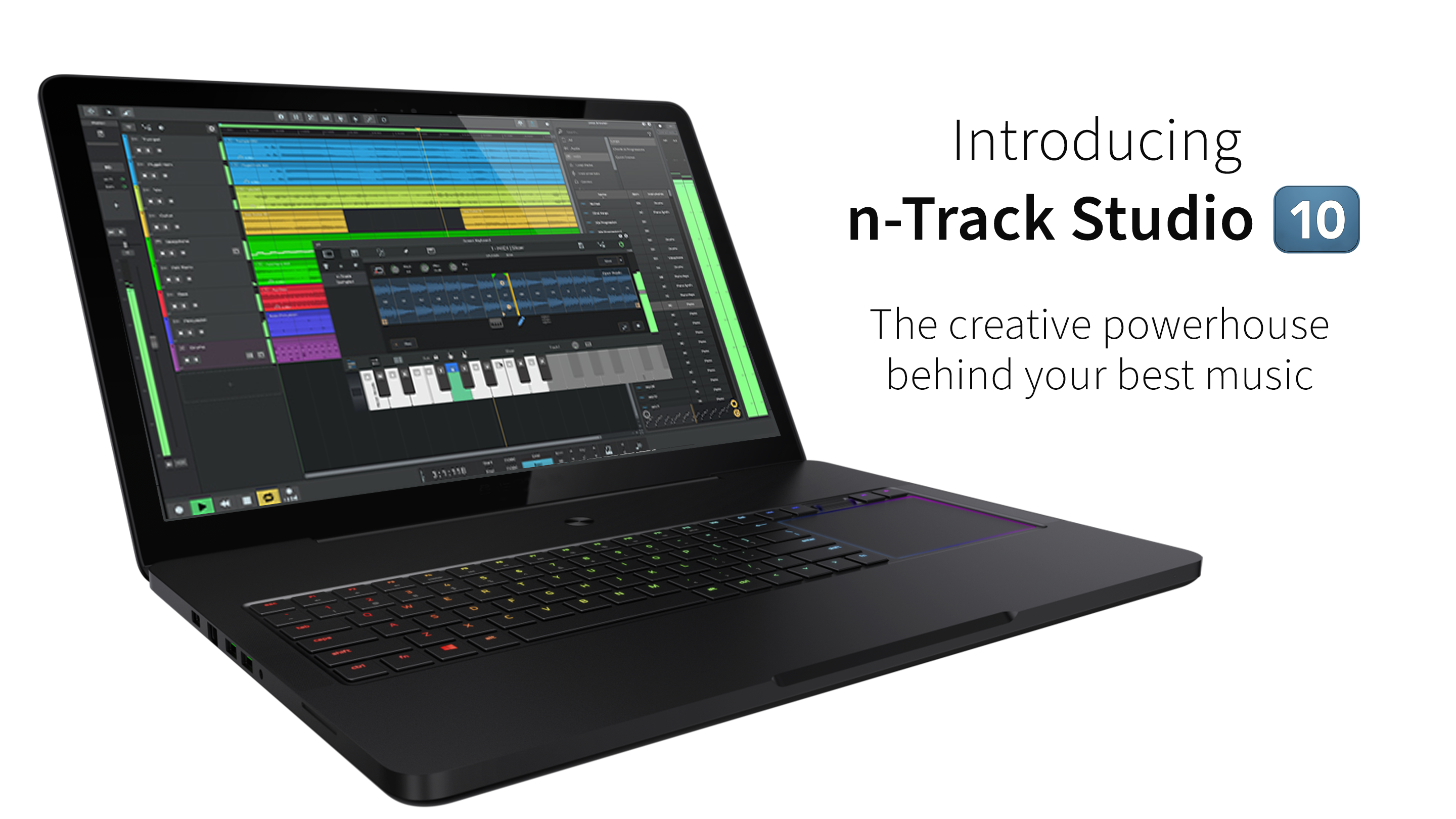
n-Track Studio for Windows stands out as a versatile digital audio workstation (DAW) tailored for musicians and producers seeking a powerful yet accessible music creation environment. Designed to facilitate everything from simple recordings to complex multi-layered compositions, it offers a comprehensive toolkit for both novices and experienced audio creators. Developed and published by n-Track S.r.l., this application aims to blend professional-grade features with user-friendly workflows, making music production on Windows an inviting experience.
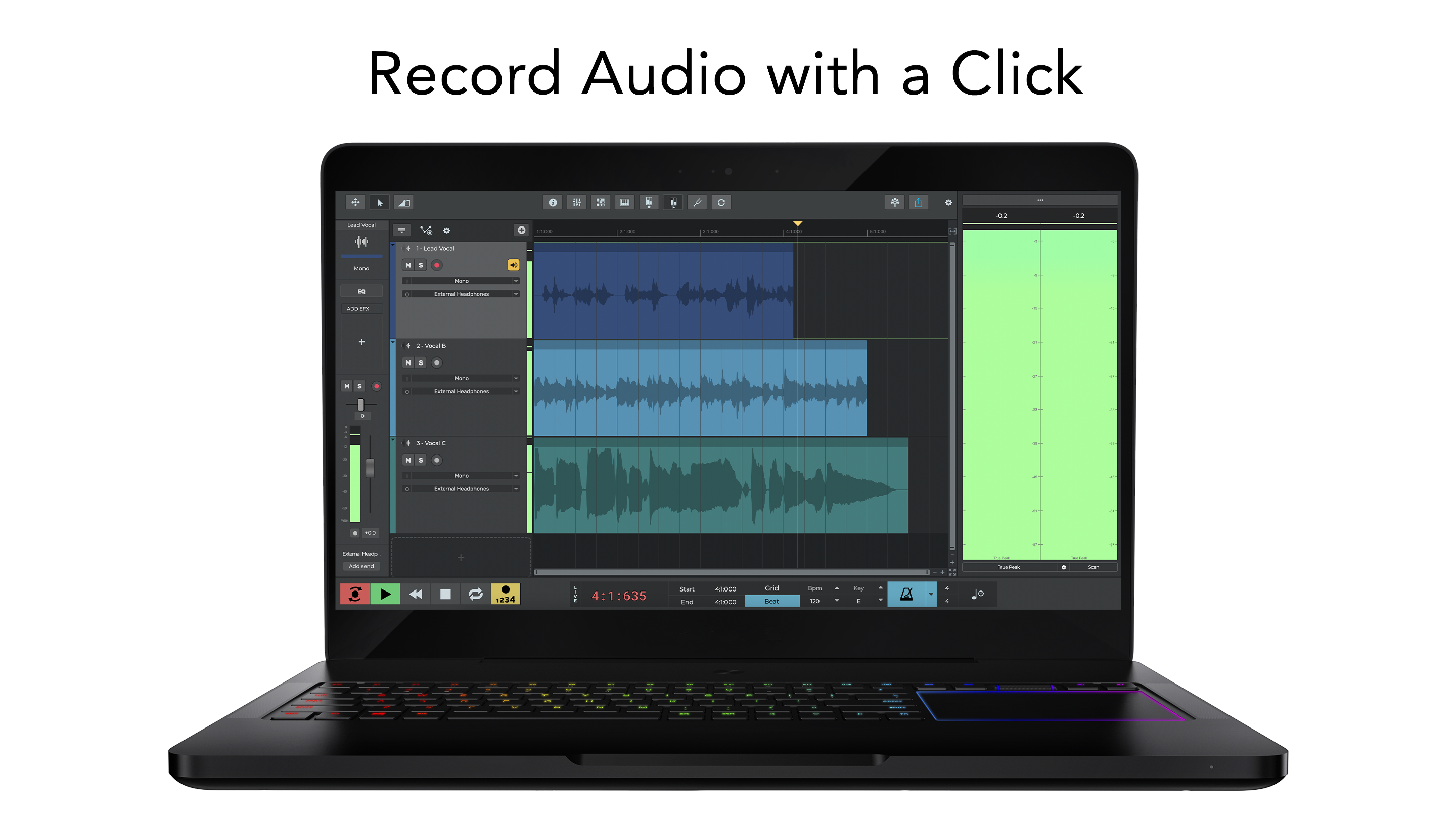
At its core, n-Track Studio excels in multi-track recording, allowing users to record multiple instruments or vocal tracks simultaneously or sequentially. Its non-destructive editing ensures that musicians can experiment freely without fear of losing previous work. The mixing console is intuitively designed, supporting real-time effects, automation, and precise pan, volume, and EQ controls—empowering even beginners to produce polished mixes.
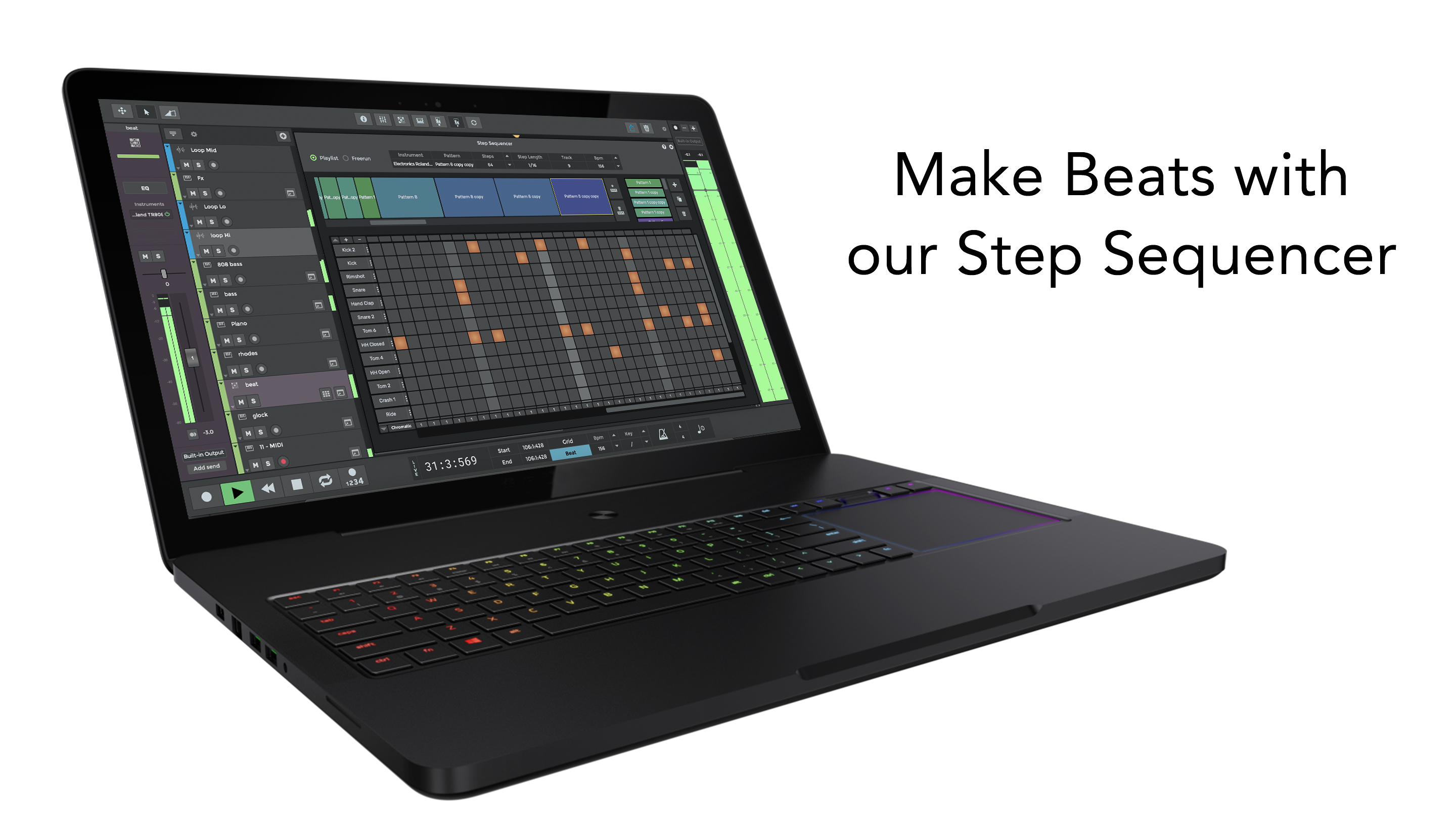
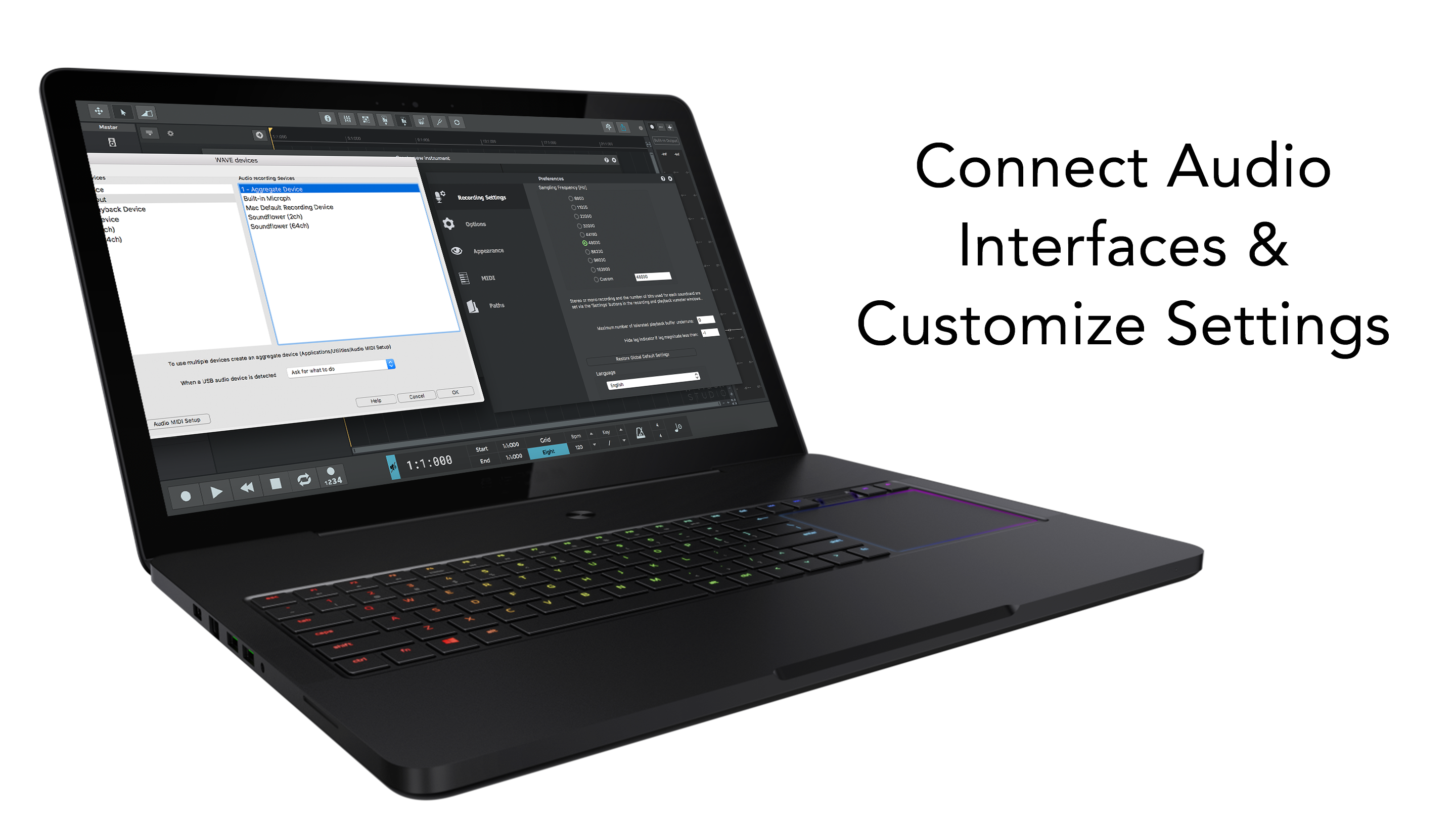
One of the standout features is its ability to accurately assess and accommodate input latency, ensuring seamless real-time monitoring which is crucial during recording sessions. Additionally, the software provides a rich library of rhythm patterns and the flexibility to customize or generate new beats, aiding composers and beatmakers to craft dynamic, varied rhythmic foundations. This combination of low latency tolerance and pattern diversity sets it apart from many competitors, making it particularly appealing for rhythm-driven music styles.
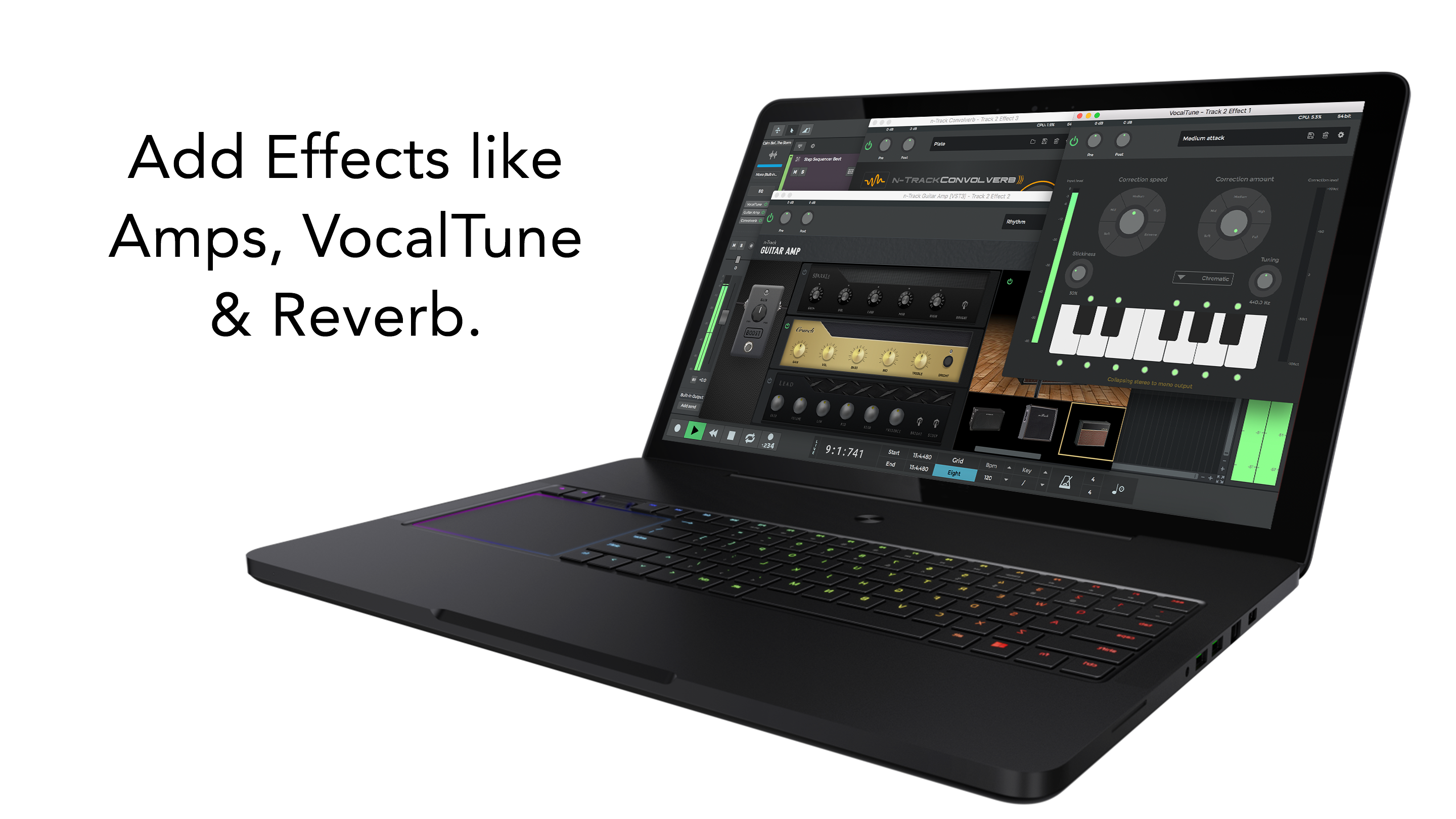
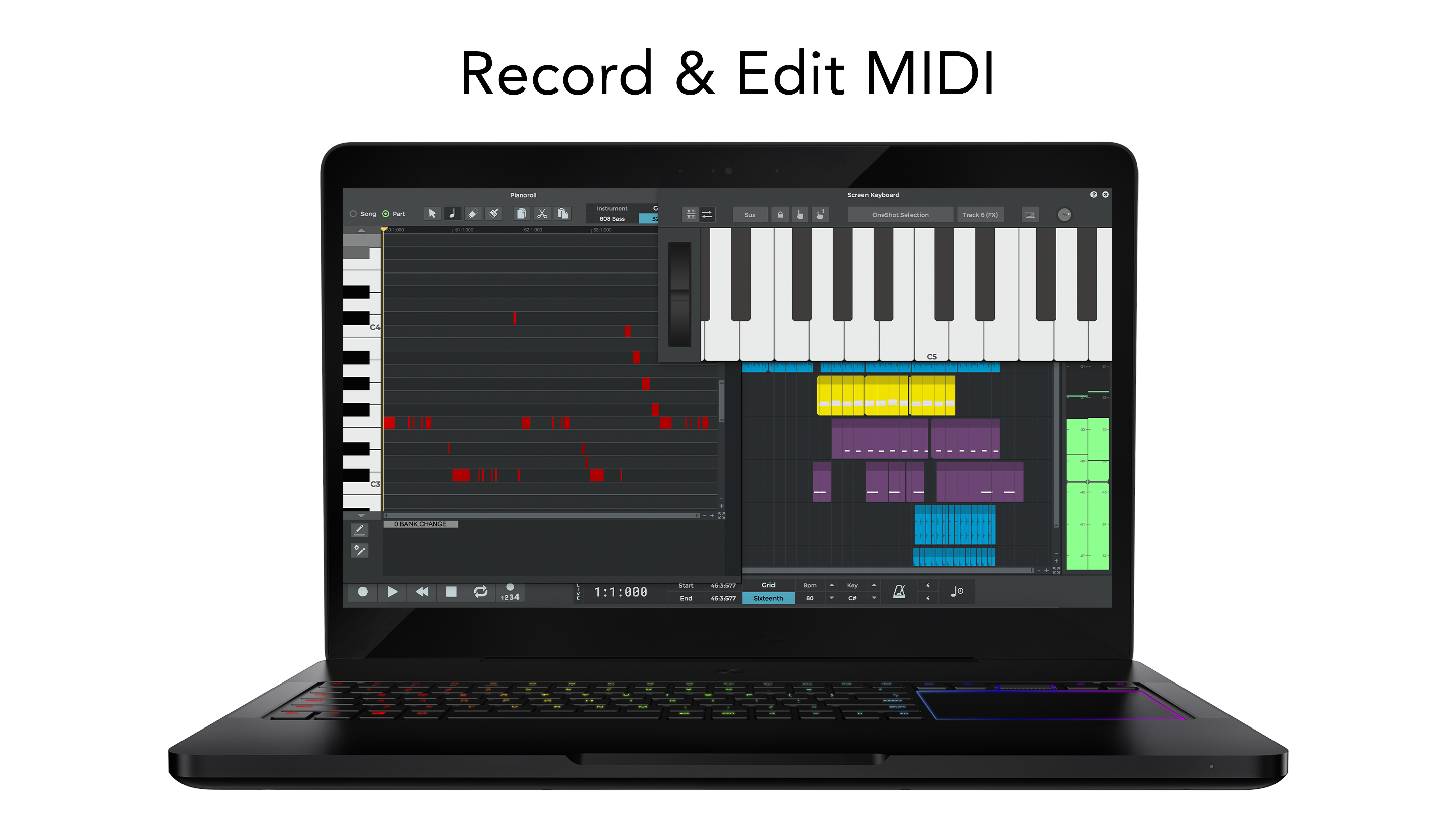
n-Track Studio includes a suite of virtual instruments and effects, from classic amp simulations to modern synthesizers, allowing users to craft a wide range of sounds within the application. These tools are easily accessible, yet sophisticated enough to produce professional-quality audio. Real-time effects processing and automation further enhance the creative possibilities, making it an all-in-one solution for sound design and music production.
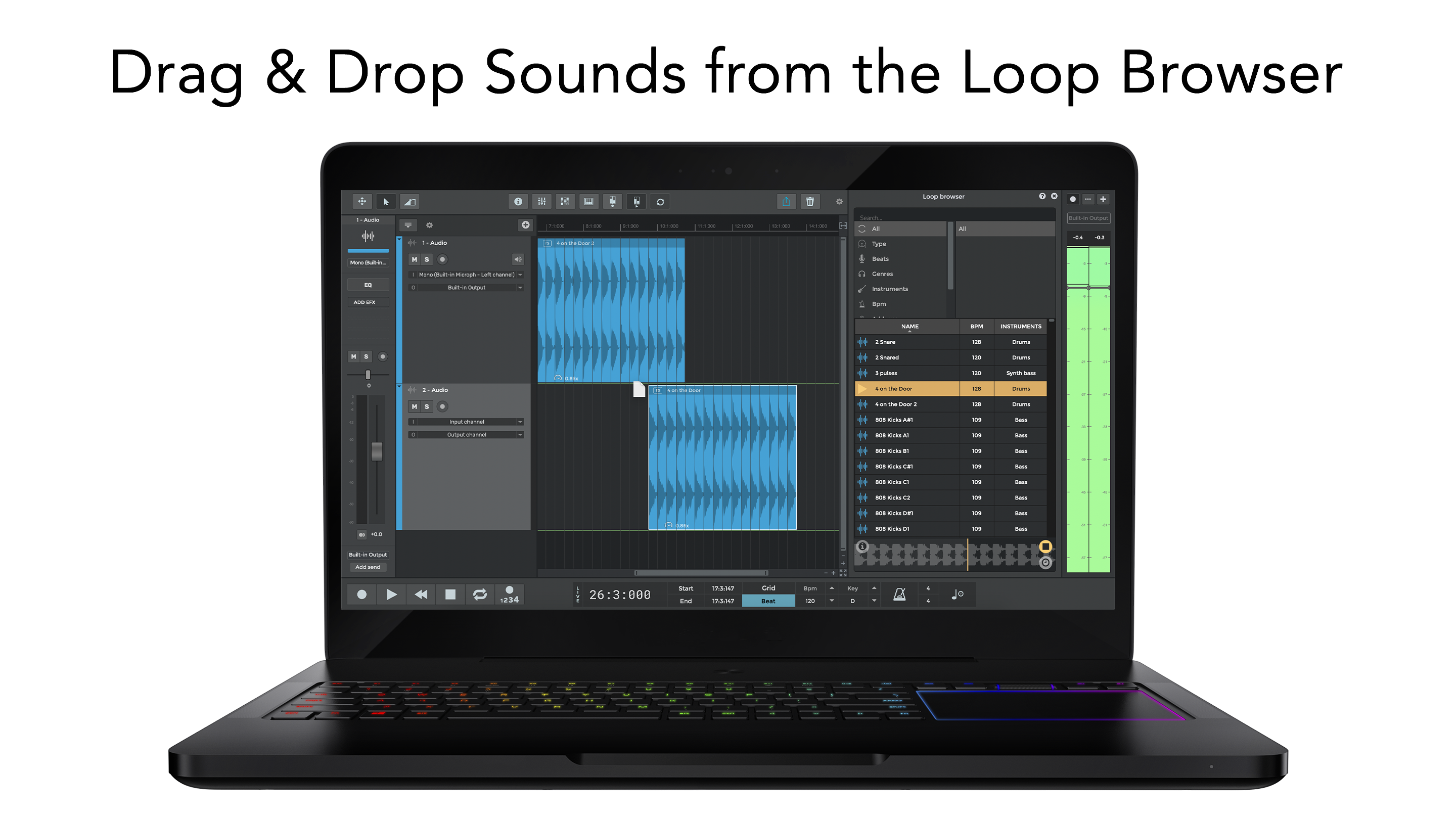
The interface showcases a clean, organized layout reminiscent of a professional studio, yet it remains approachable for newcomers. Navigation feels smooth, with drag-and-drop elements and context-sensitive menus streamlining workflow. The application's responsiveness is notable; even with larger projects, performance remains stable, providing a frictionless experience without cumbersome lags. Learning curve is reasonable—the thoughtfully arranged features and helpful tooltips help new users get started quickly, while advanced features satisfy seasoned producers.
Compared to other music production apps, n-Track Studio's ability to accurately assess input latency and its extensive variety of rhythm patterns are particularly distinctive. When recording live instruments or vocals, low latency input is essential to keep performances in sync, and this app's robust latency management ensures that musicians can monitor themselves without disruptive delays. Additionally, the flexible, customizable rhythm tools inspire creativity, allowing producers to experiment with complex beats beyond preset loops, truly empowering rhythmic innovation.
Overall, n-Track Studio for Windows deserves a solid recommendation for those starting their music production journey or seeking a reliable tool for professional projects. Its balance of performance, versatility, and user-friendly design makes it suitable for home studios, educational settings, or even mobile workflows. Beginners will appreciate its accessible interface and helpful tutorials, while experienced users will find plenty of advanced features to harness. If rhythmic creativity and low-latency live recording are priorities for you, this application should definitely be on your shortlist.
Intuitive User Interface
Wide Range of Instruments
Robust Mixing and Editing Tools
Seamless Integration
Regular Updates
Occasional Stability Issues
Limited Free Features
Resource Intensity
Learning Curve for Advanced Features
Limited Export Options

for Windows
 4.9
4.9

for Windows
4.9

for Windows
4.8

for Windows
4.8

for Windows
4.7

for Windows
4.7

for Windows
4.6

for Windows
4.6

for Windows
4.5

for Windows
4.5

for Windows
4.5

for Windows
4.5

for Windows
5

for Windows
5

for Windows
5

for Windows
5

for Windows
5

for Windows
5

for Windows
5

for Windows
5

for Windows
5

for Windows
5