News & weather
ACME AtronOmatic
PC
Windows 10 version 19041.0 or higher
Integrated Mouse
Version 11
4 GB
Not specified
English (United States), Spanish
If you're seeking a weather app that combines accuracy, detail, and user-friendly features, MyRadar Pro for Windows stands out as a reliable choice. Packed with powerful radar visualization and customizable alerts, it promises to bring weather insights straight to your desktop, making it ideal for everyday planning or professional needs.
Developed and published by ACME AtronOmatic, a team renowned for creating intuitive weather tools, MyRadar Pro is their flagship Windows application designed to deliver real-time radar imagery and detailed weather data. The app's main features include high-resolution radar imagery with animated updates, customizable weather alerts and notifications, and an easy-to-navigate interface that caters to both casual users and weather enthusiasts alike. Its targeted audience ranges from outdoor workers, travelers, and hobbyists to meteorology professionals seeking a reliable desktop companion for weather monitoring.
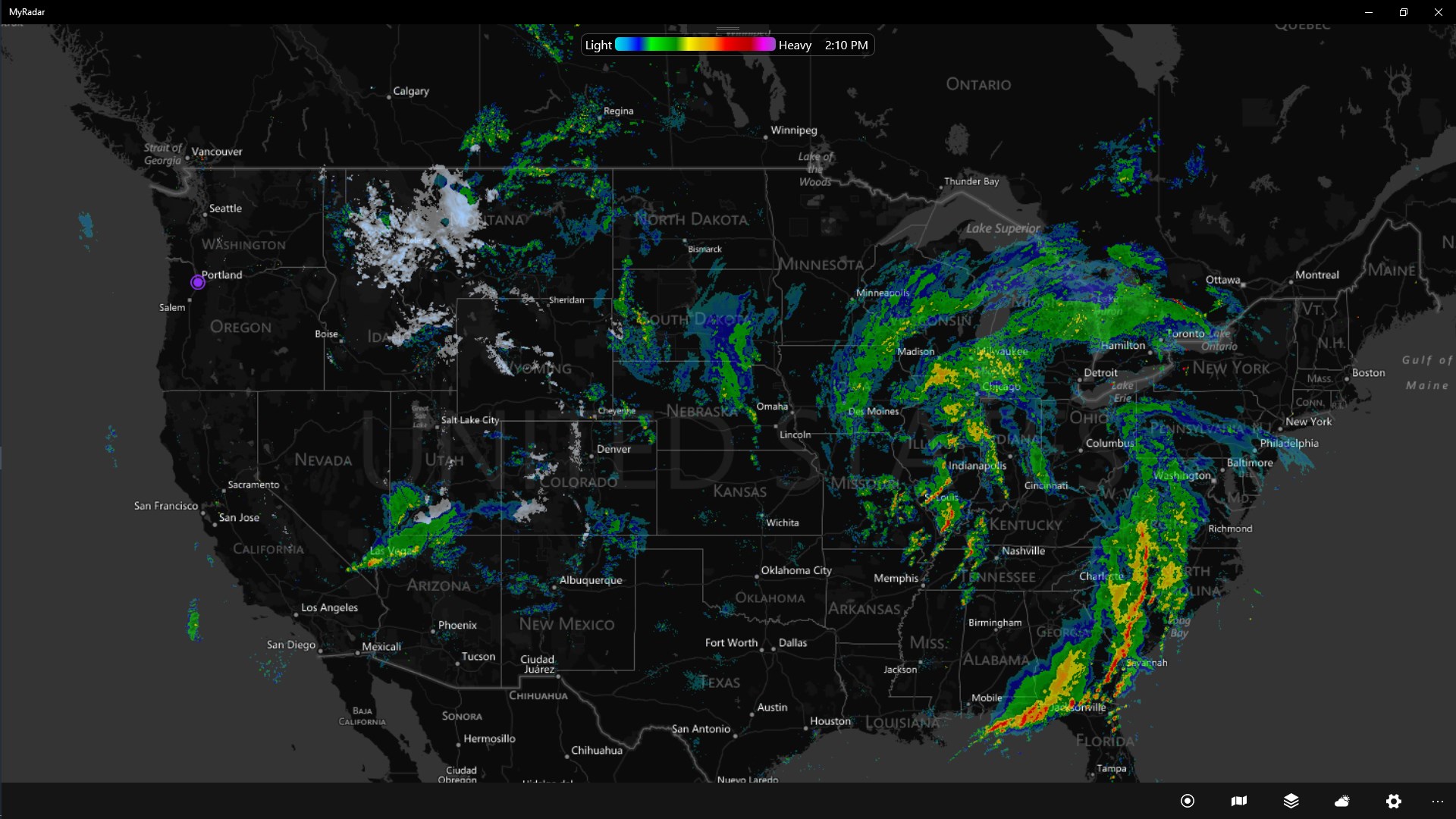
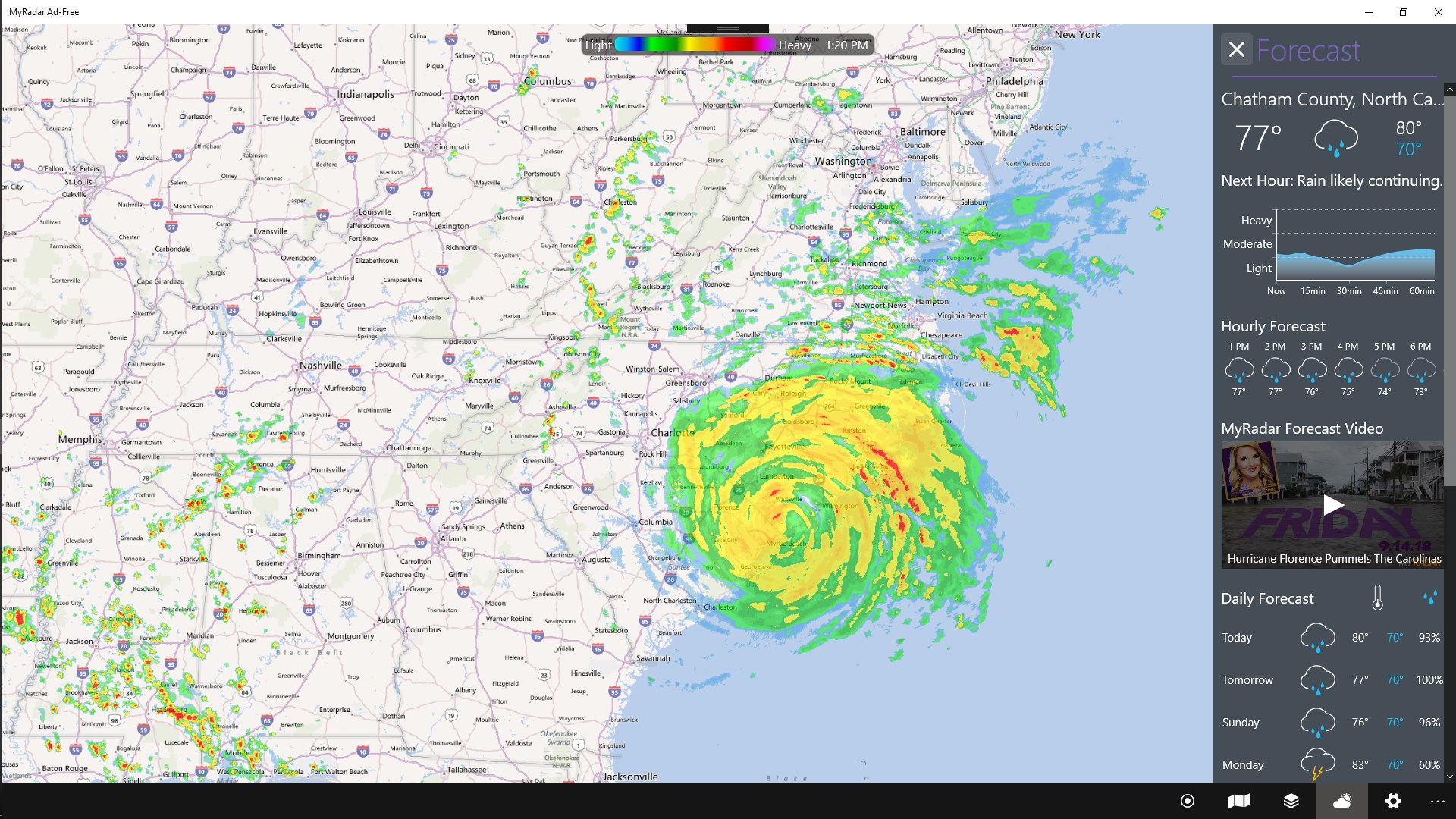
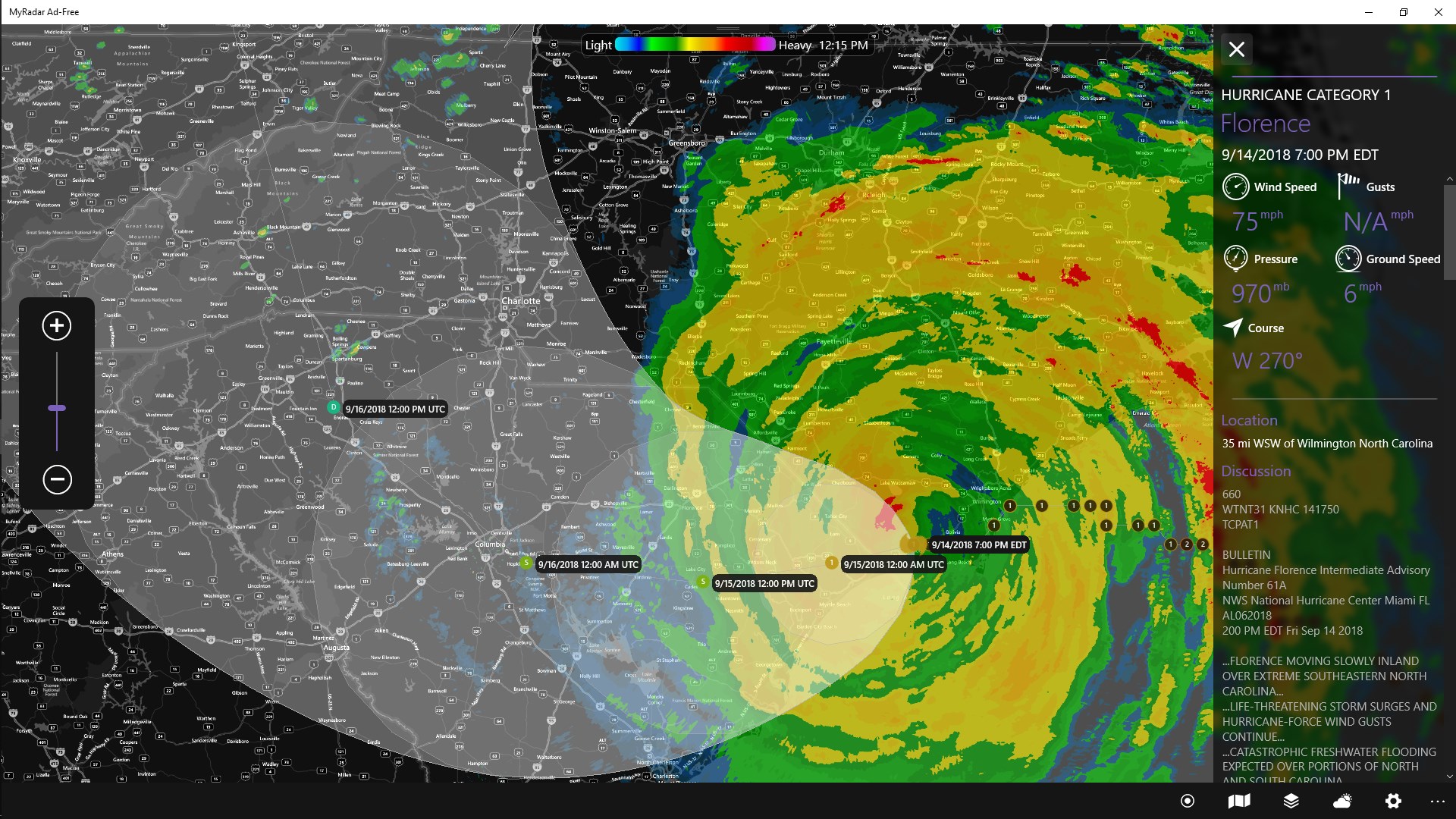
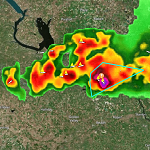
Imagine gazing out your window and seeing the storm's dance unfold in real time—MyRadar Pro gives you that immersive experience right from your desktop. Its radar imagery isn't just static pictures; it's a dynamic window into the atmosphere, allowing you to anticipate storms, track weather patterns, and plan your day more effectively. Whether you're monitoring approaching thunderstorms or tracking hurricane paths, this app transforms complex meteorological data into accessible visual stories.
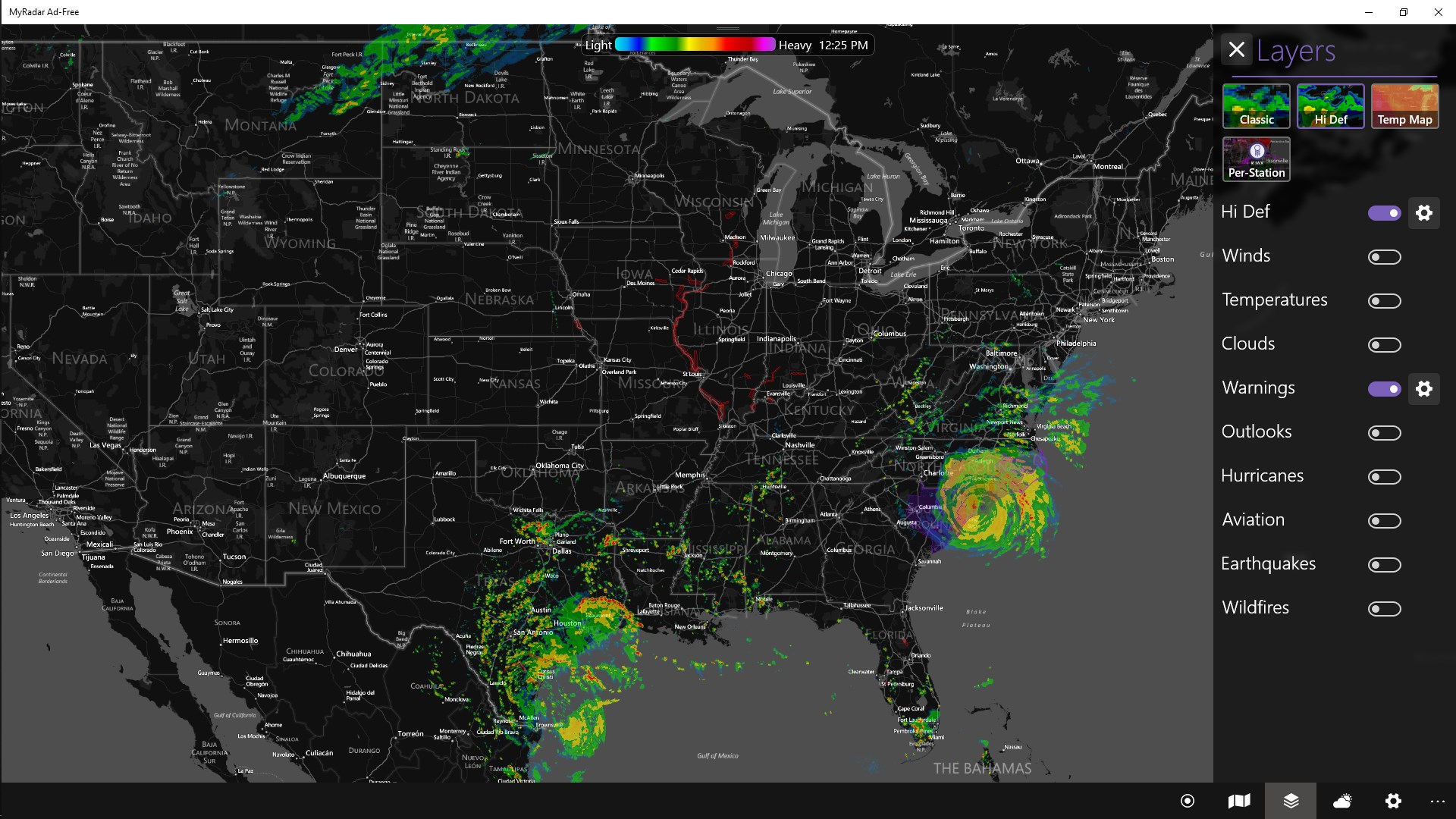
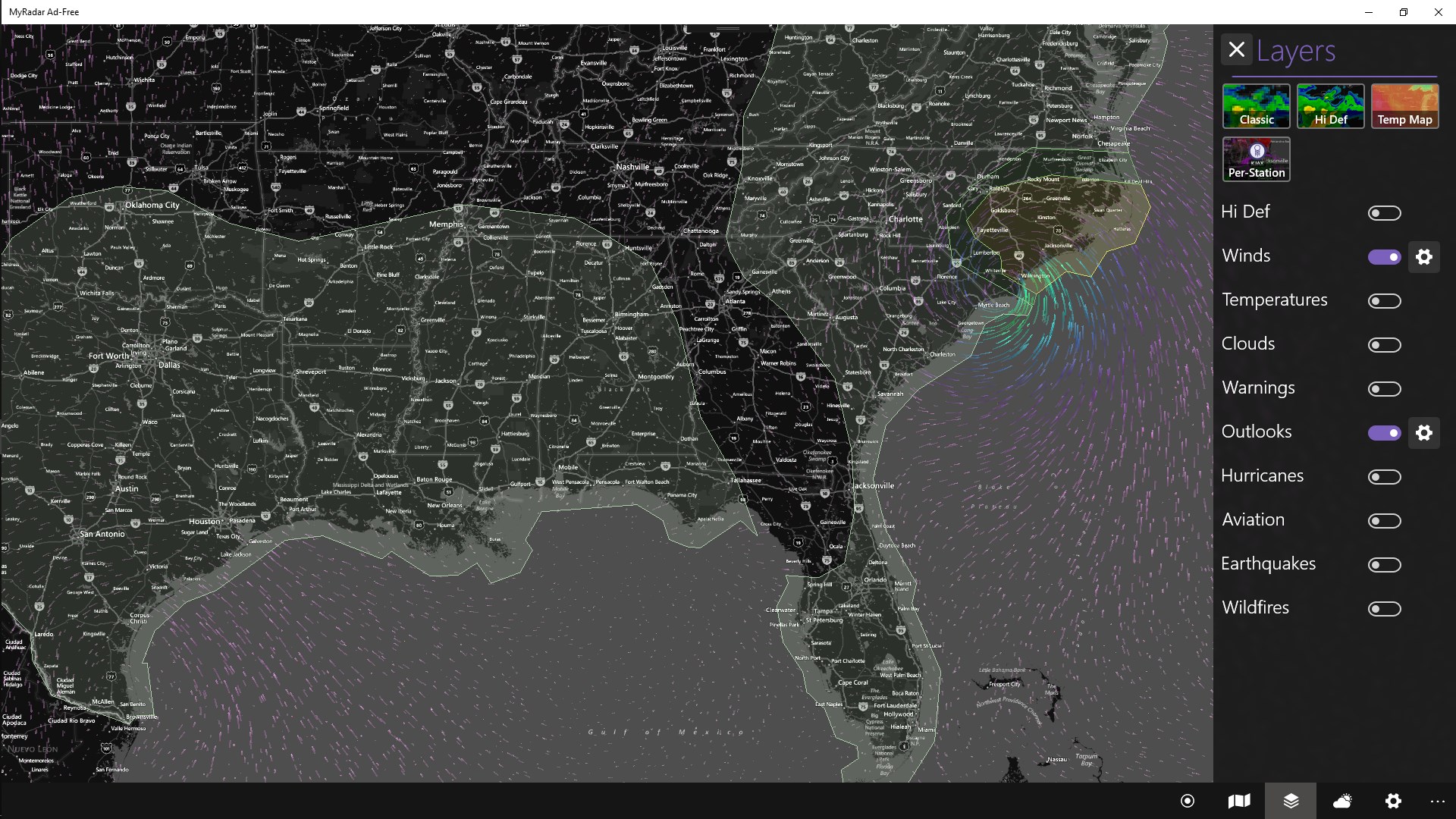
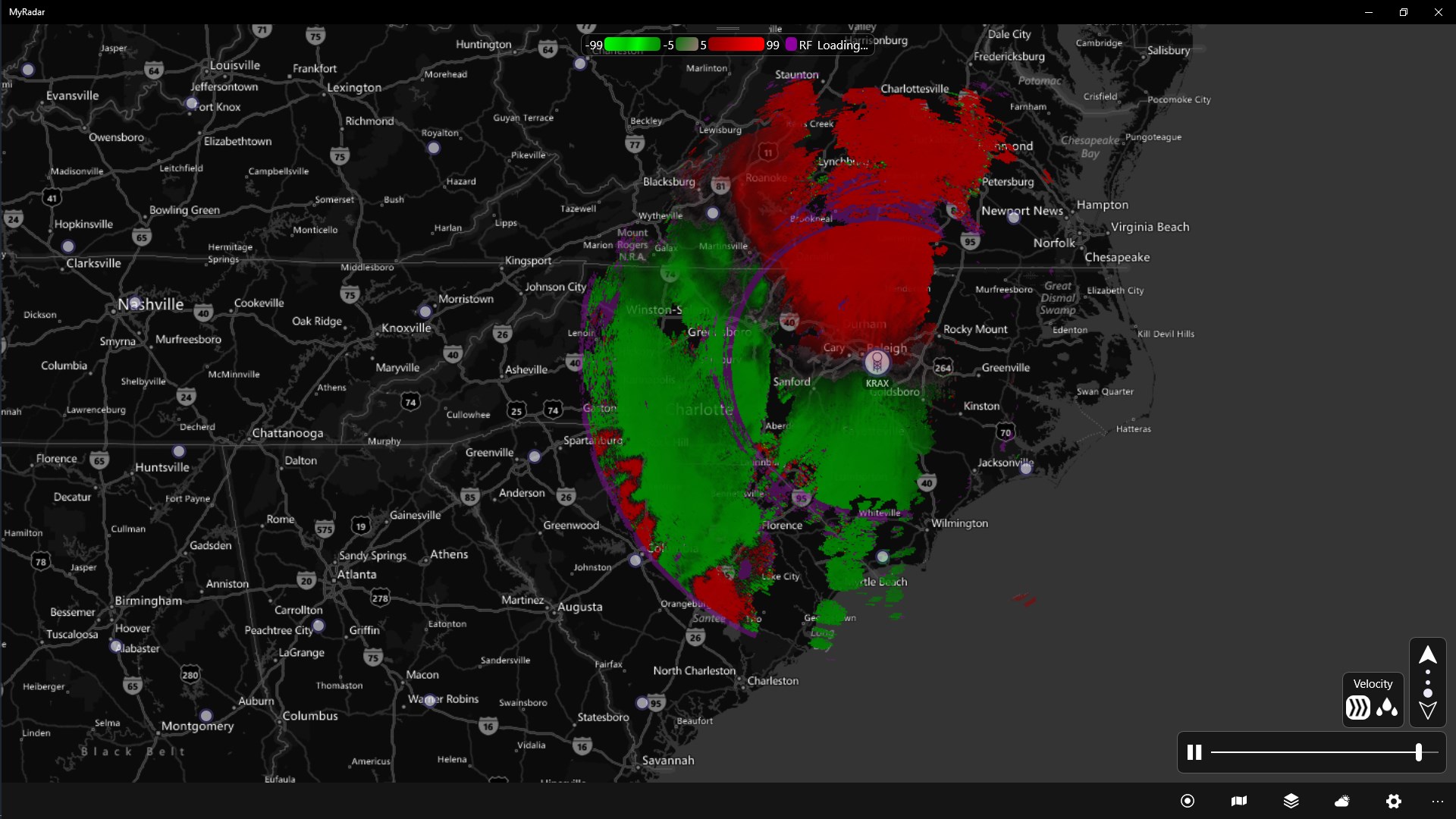
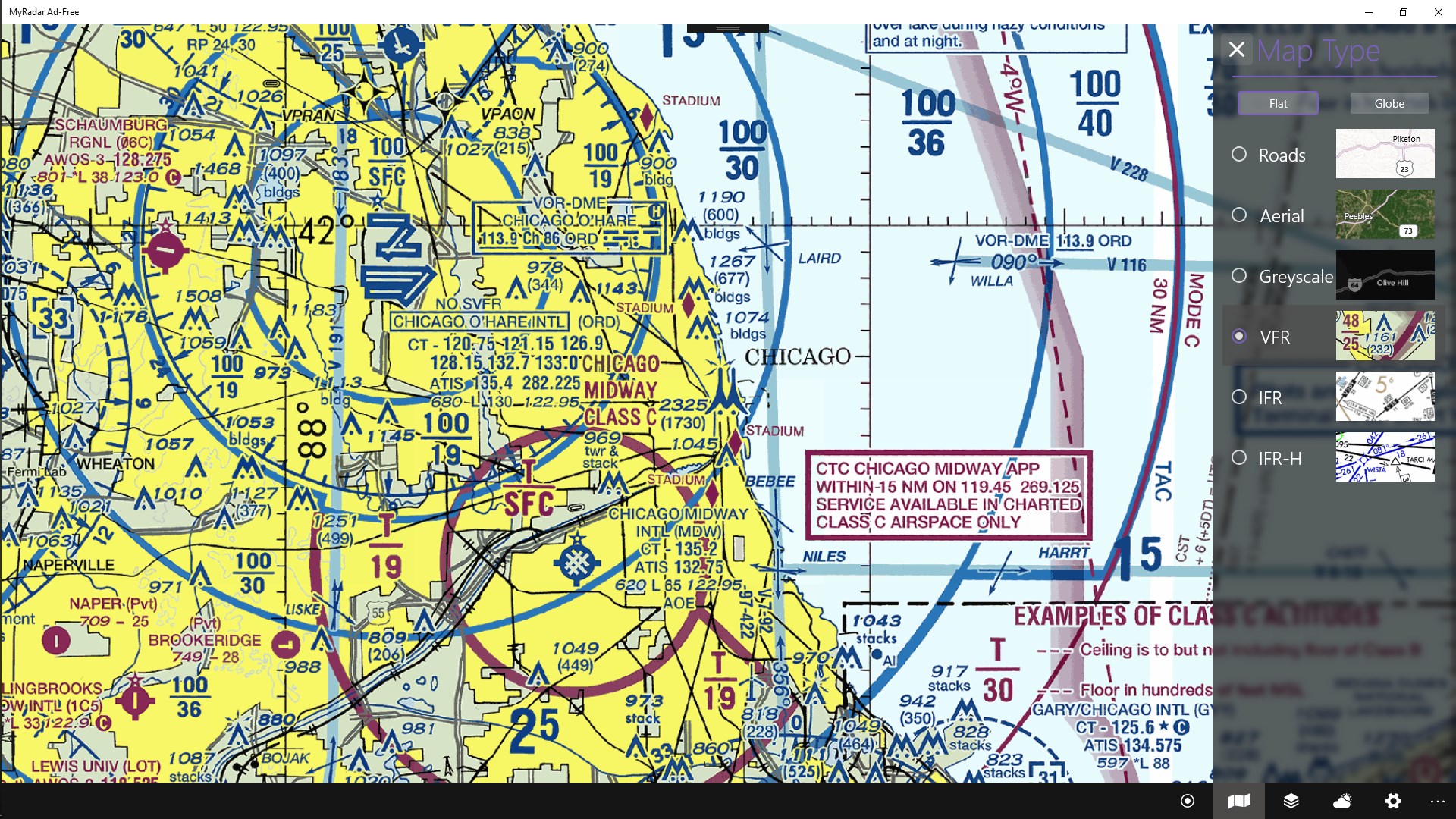
The core of MyRadar Pro lies in its high-definition animated radar map. This feature offers users real-time updates showing precipitation, clouds, and storm movement across the globe. The radar layers are customizable—users can toggle specific weather conditions, select different radar types, or focus on particular regions—making it a precision tool for those who need detailed weather tracking. Its smooth animation and sharp graphics ensure that even amateur weather watchers can easily interpret meteorological phenomena. This level of detail is a significant leap from basic weather apps, giving it an edge over simpler forecast tools.
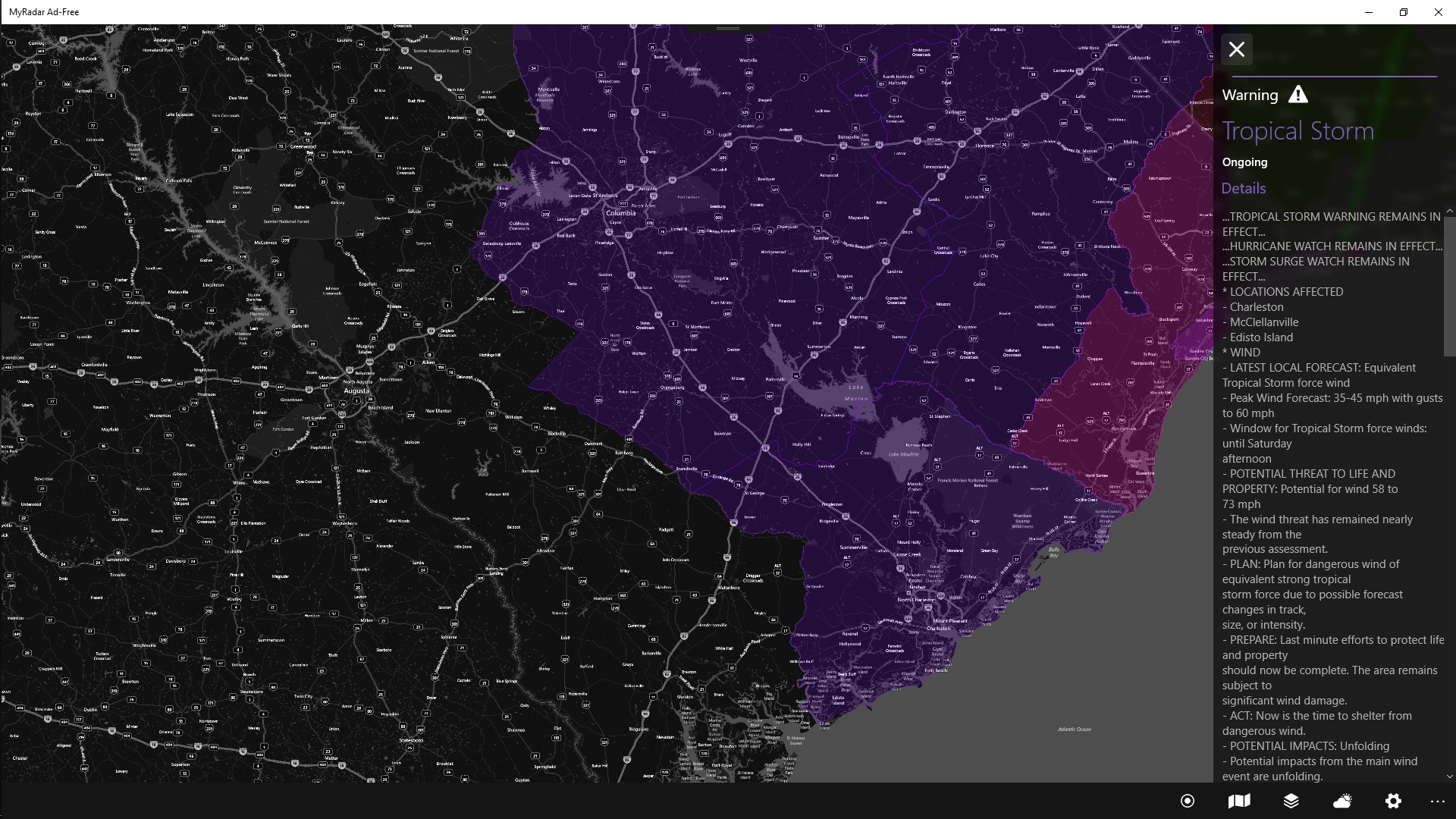
One of MyRadar Pro's standout features is its ability to set personalized weather alerts. Whether you want to be notified about incoming storms, high wind speeds, or temperature drops, the app sends timely notifications right to your desktop. This proactive approach is particularly beneficial for outdoor workers, event organizers, or anyone whose plans depend heavily on weather conditions. The alerts are customizable, allowing you to choose specific severity levels or weather events, ensuring you only get relevant updates without unnecessary noise.
The app boasts a clean, intuitive interface that resembles a digital weather radar station—organized but not overwhelming. The layout is straightforward, with controls easily accessible for toggling layers, adjusting animation speeds, and customizing alerts. The responsiveness and fluidity of updates make navigation smooth, even on modest hardware configurations. For newcomers, there's a gentle learning curve: basic functions can be picked up quickly, while advanced options cater to seasoned weather monitors. Overall, the user experience strikes a balance between richness of detail and simplicity, reducing the intimidation factor often associated with professional-grade meteorological tools.
Compared to other weather apps, MyRadar Pro's key differentiator lies in its detailed radar visualization combined with personalized alert systems. Unlike standard forecast apps, which often rely on static images or brief summaries, this app immerses users in a dynamic environment that updates constantly, much like a weather studio's live feed. Its ability to scrutinize specific weather events in high resolution, along with tailored notifications, offers a level of control and insight that's uncommon in free or less specialized apps. This makes it particularly valuable for users who require precise, real-time data—be it for outdoor activities, safety planning, or professional use.
MyRadar Pro for Windows is a robust weather monitoring tool that stands out through its detailed radar visuals and customizable alert system. While it may seem overwhelming at first glance due to its wealth of information, its user-friendly design makes it accessible for most users with a basic familiarity with weather apps. I would recommend it particularly to outdoor enthusiasts, professionals in weather-sensitive fields, or anyone seeking a more granular understanding of local and global weather patterns.
If you're looking for an app that combines visual immersion with precise, personalized alerts, MyRadar Pro is definitely worth a try. Its core strengths—real-time high-resolution radar imagery and proactive notifications—make it a standout choice in the crowded weather app landscape. For those serious about staying ahead of the weather, this app provides a reliable, insightful window into Mother Nature's ever-changing canvas.
Accurate weather radar imagery
User-friendly interface
Customizable alerts
Wide coverage areas
Additional weather data
Limited free features
Battery consumption
Occasional data lag
Map clarity in low-light conditions
Limited multi-location monitoring

for Windows
 5
5

for Windows
5

for Windows
5

for Windows
5

for Windows
5

for Windows
5

for Windows
5

for Windows
5

for Windows
5

for Windows
5