News & weather
ACME AtronOmatic
PC
Windows 10 version 19041.0 or higher
English (United States), Spanish
If you're a weather enthusiast or a professional who relies on timely and precise meteorological data, MyRadar for Windows offers a compelling tool to navigate the skies with confidence. With its crisp visuals and robust functionalities, this app aims to transform your weather experience from mundane updates into an interactive adventure.
Developed by ACME AtronOmatic, a team renowned for creating intuitive and reliable weather applications, MyRadar brings years of expertise in delivering accurate weather insights. Their commitment shines through in this streamlined Windows version, tailored to meet both casual users and weather professionals.
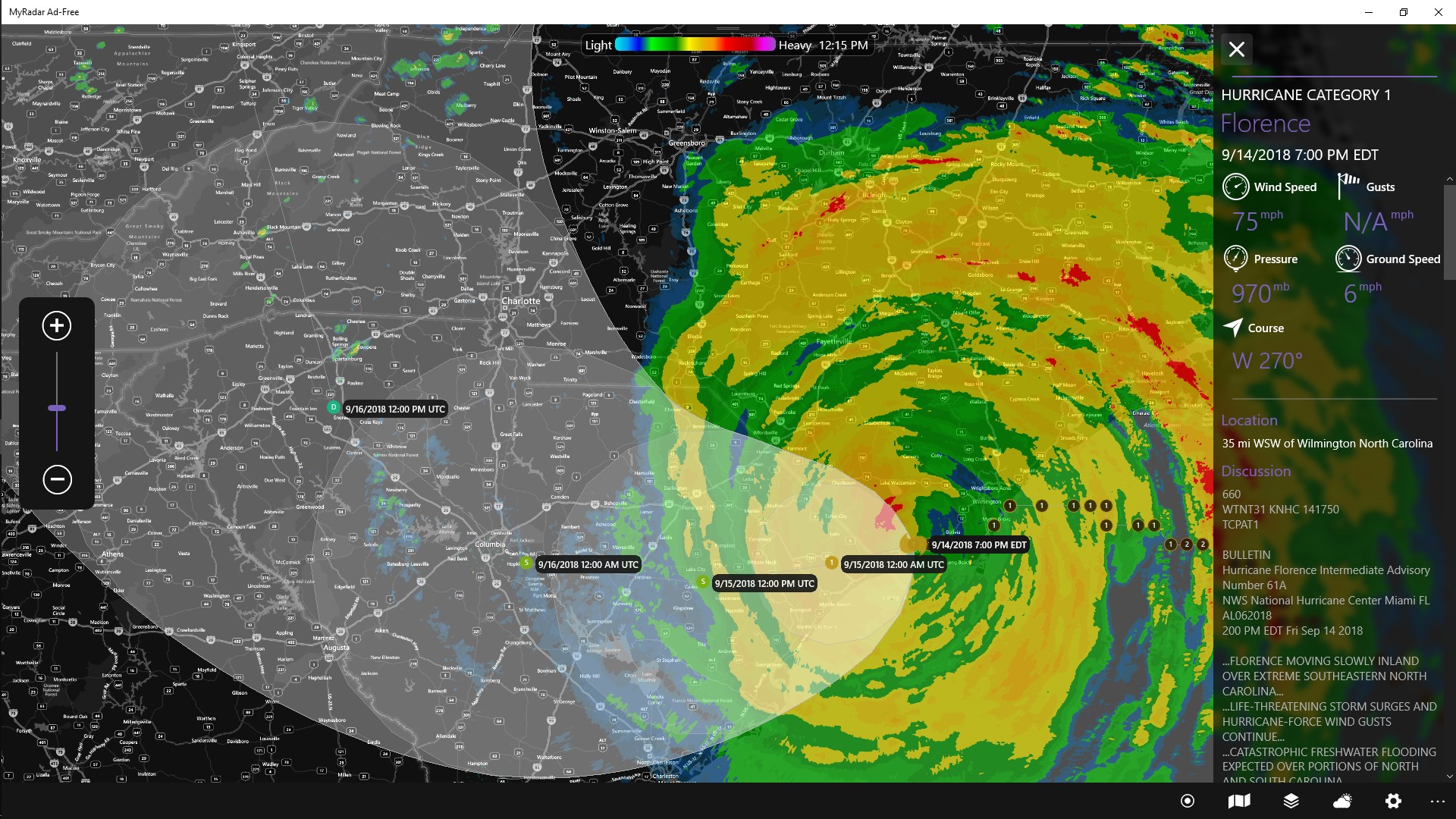
Walking into MyRadar's interface is akin to entering a crisp, well-organized weather command center. The design employs a clean, modern aesthetic with intuitive iconography that guides users effortlessly through different functionalities. The map itself is smooth and responsive, with pinch-to-zoom interactions feeling fluid—certainly a plus for detailed exploration.
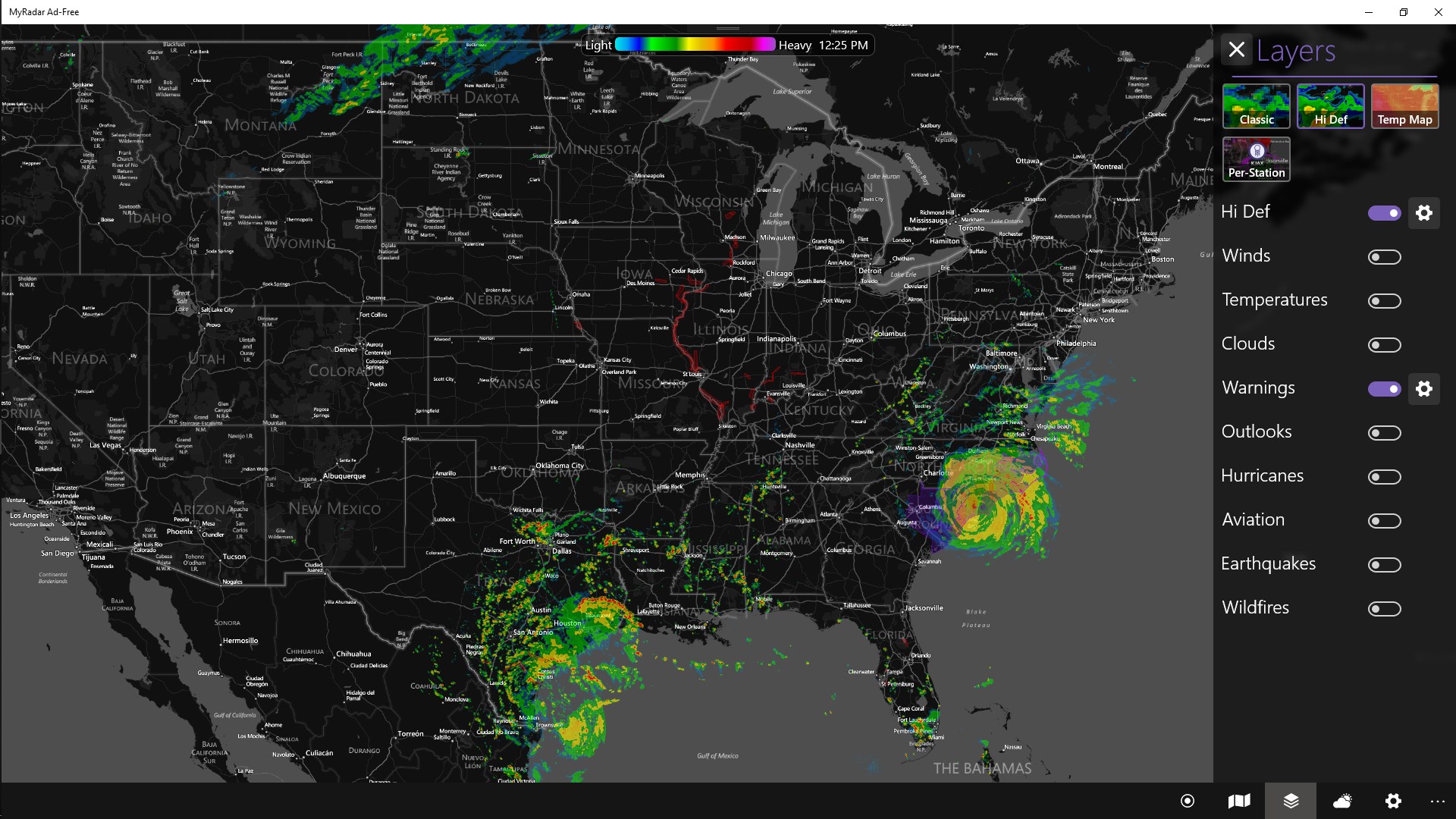
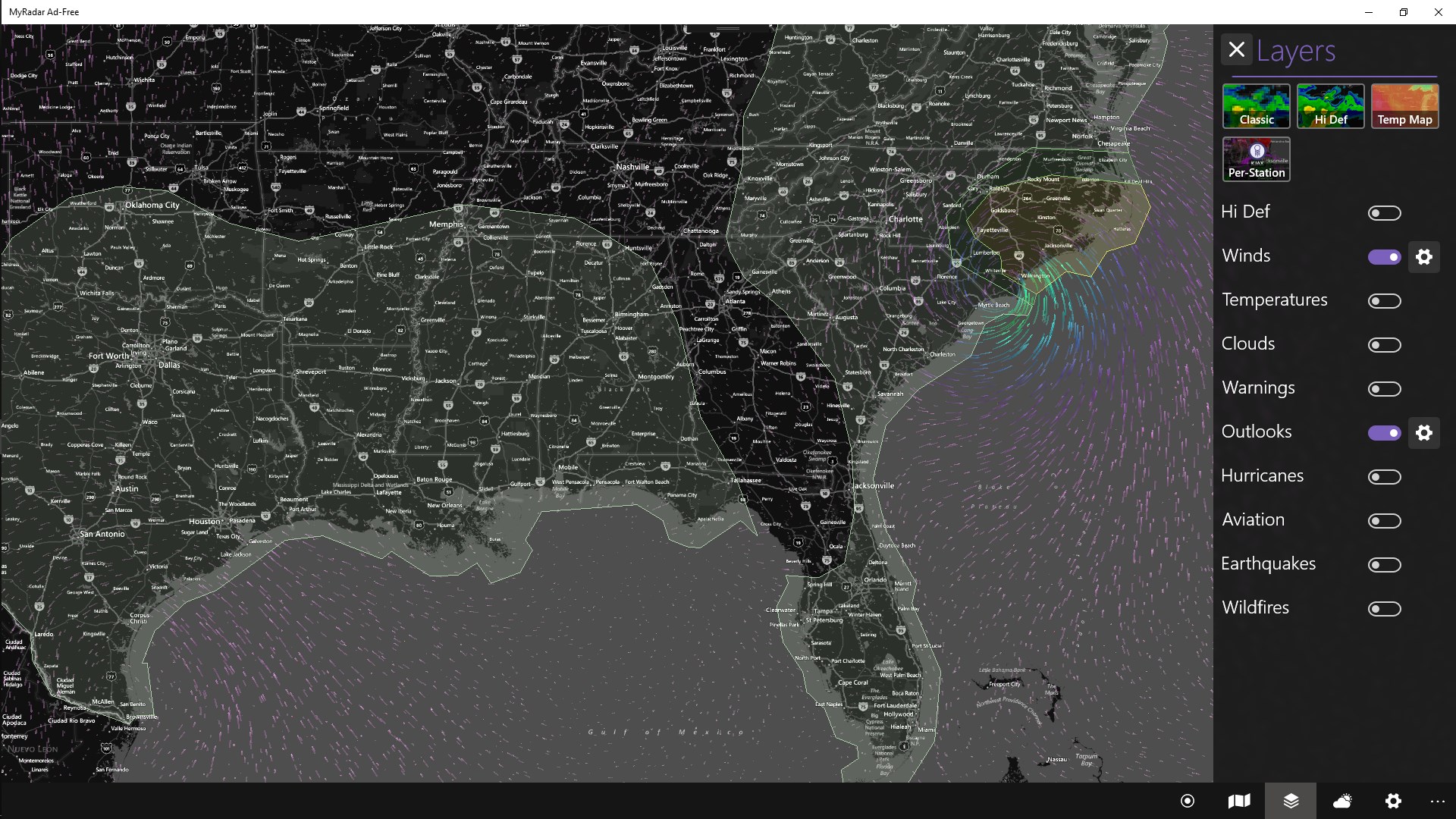
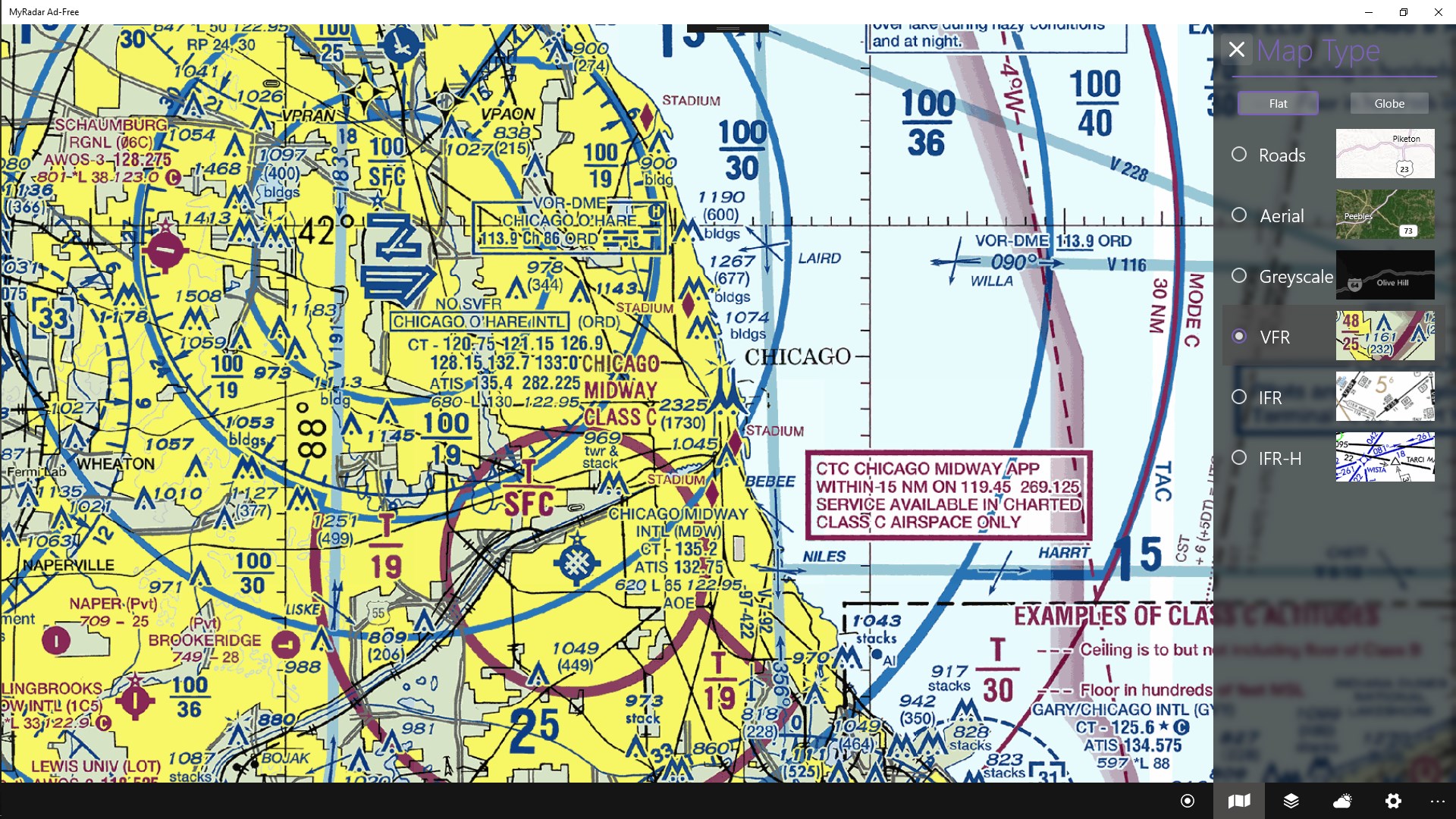
Compared to other weather apps, MyRadar emphasizes simplicity without sacrificing depth. The initial learning curve is gentle; even casual users can navigate the core features within minutes. For power users, the option to customize map layers and set detailed alerts adds layers of utility for more advanced weather tracking.
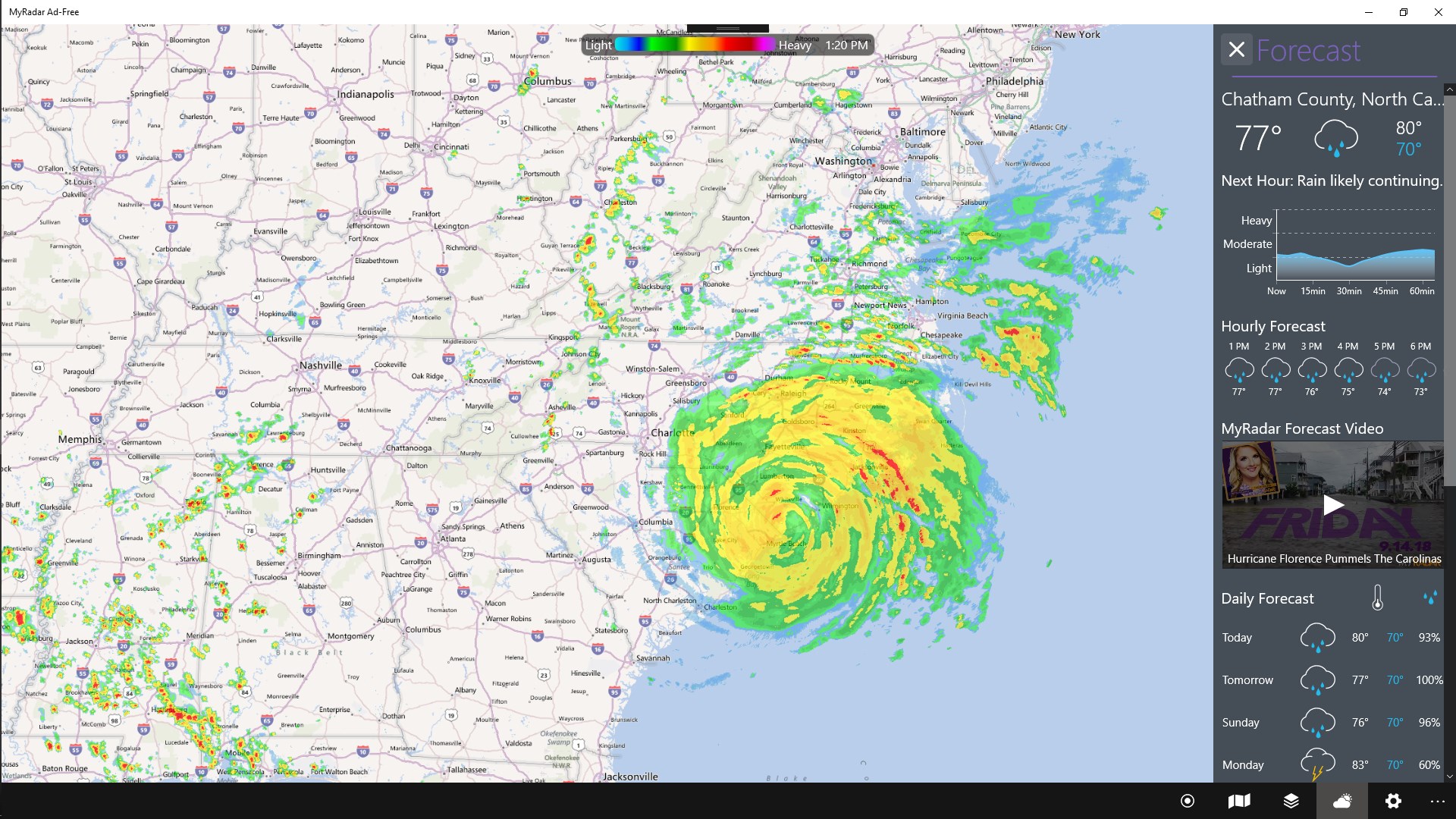
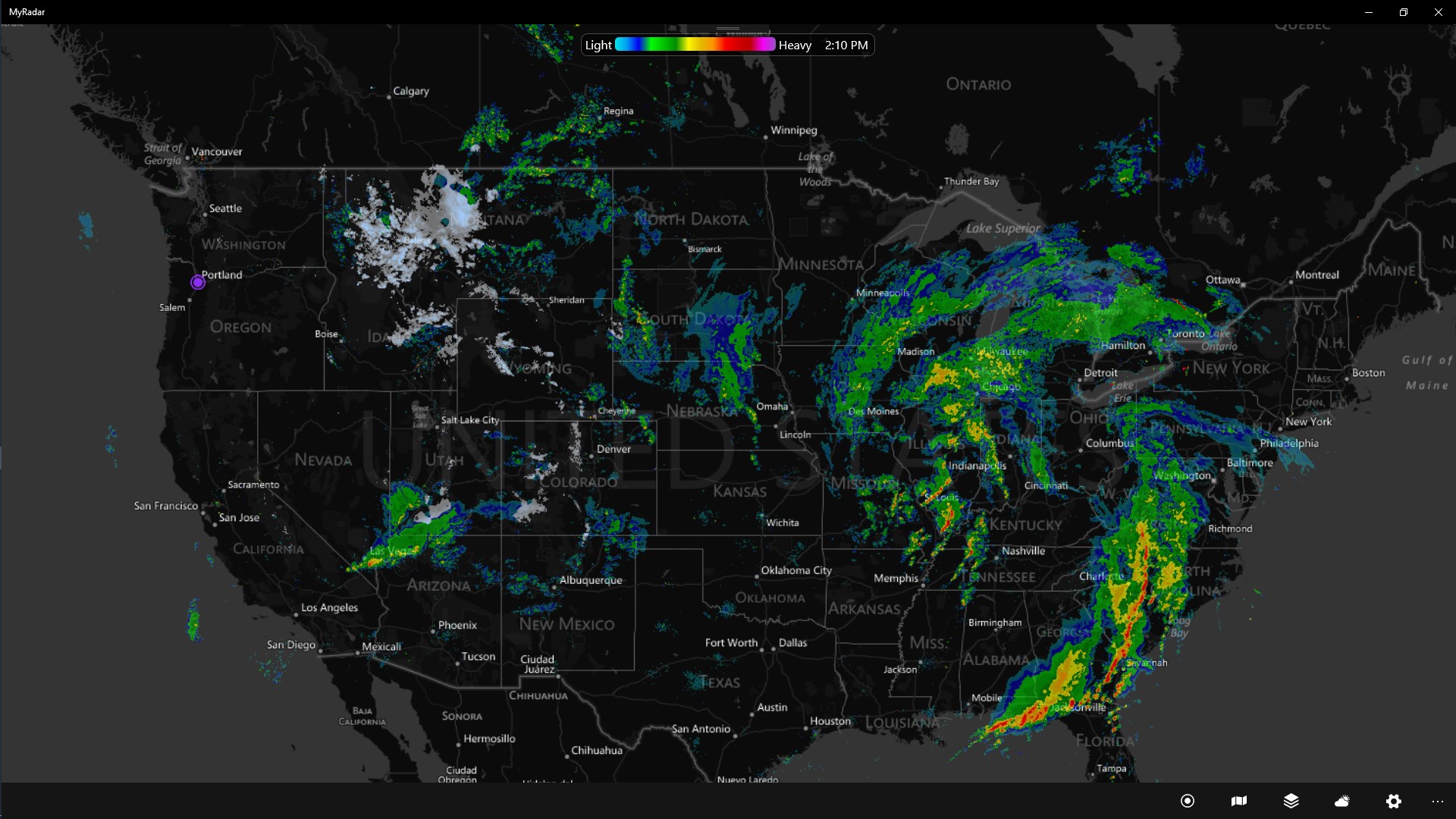
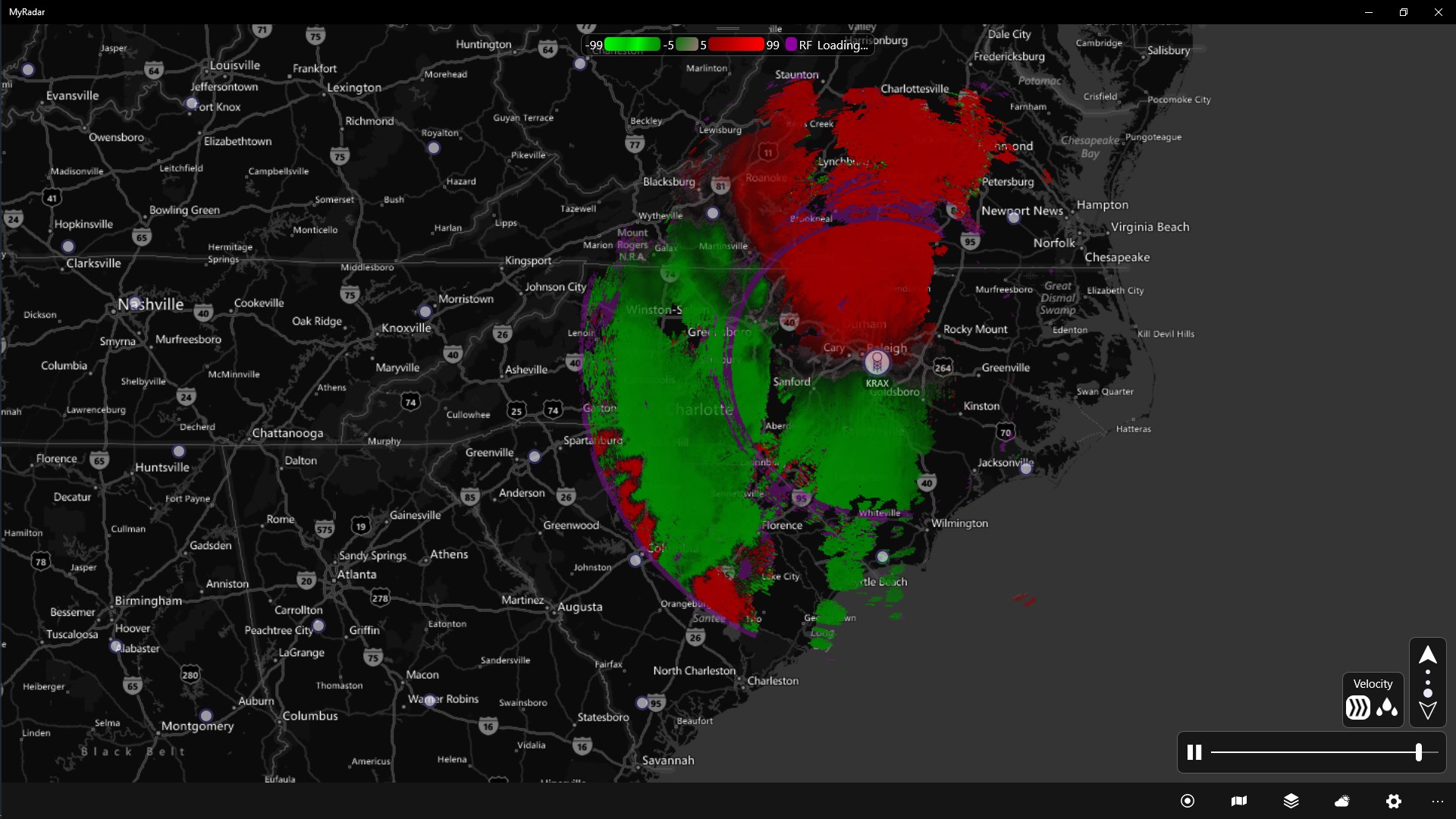
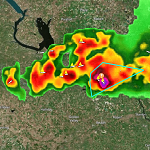
While many weather apps provide basic forecasts and radar, MyRadar's standout feature lies in its high-definition, animated radar imagery combined with its lightning tracker. Think of it as upgrading from a static weather map to a lively weather film—more engaging and insightful.
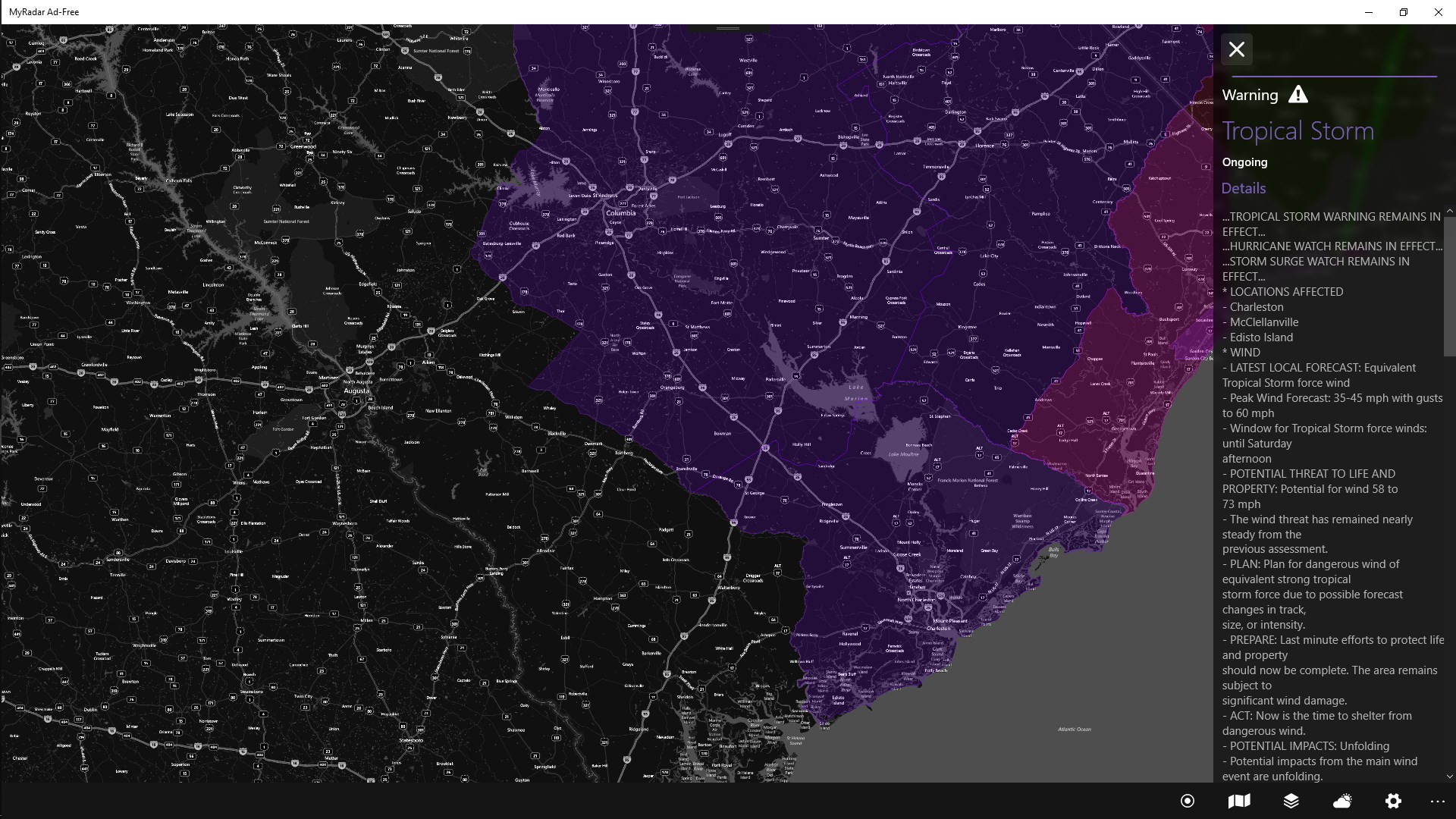
Another differentiator is its focus on real-time alerts and forecast customization. Unlike some apps that bombard users with notifications, MyRadar enables fine-tuning, which means users receive only the crucial updates, minimizing distractions while maximizing relevance.
Additionally, the app's design impeccable responsiveness ensures that users in various scenarios—from quick checks during a commute to detailed planning for outdoor events—benefit from a seamless experience across devices.
All considered, MyRadar for Windows earns a solid recommendation for anyone serious about understanding weather patterns or needing reliable real-time updates. Its most impressive features—the dynamic radar animation and lightning tracker—are particularly valuable for outdoor enthusiasts and safety-conscious individuals.
While the app boasts a friendly interface suitable for all levels, power users will appreciate the depth of customization options. Slight room for improvement exists in expanding weather forecast integrations, but overall, MyRadar provides a comprehensive, user-friendly platform that stands out in the crowded weather app space.
If you're looking for a reliable, visually engaging weather app that combines real-time data with easy customization, MyRadar for Windows is definitely worth trying. Whether you're planning weekend adventures or monitoring storm movements from your desk, this app equips you with the tools to stay informed with confidence.
Accurate weather radar visualization
User-friendly interface
Timely weather alerts
Extensive weather data coverage
Add-on features like storm animations
Limited free features
Occasional data synchronization delays
Battery consumption may be high during live radar usage
Map zooming and panning can be sluggish on older devices
Limited customization options for alerts

for Windows
 5
5

for Windows
5

for Windows
5

for Windows
5

for Windows
5

for Windows
5

for Windows
5

for Windows
5

for Windows
5

for Windows
5