Productivity
MyLifeOrganized.net
PC
Windows 10 version 0.0 or higher
Integrated Keyboard
Integrated Mouse
English, German, Spanish, Portuguese, Russian, Ukrainian, Chinese (Simplified)
MyLifeOrganized (MLO) is a comprehensive to-do list application designed to transform chaos into clarity, helping users organize their personal and professional lives with precision and flexibility.
Developed by MyLifeOrganized.net and published by Andriy Tkachuk, this app stems from a dedicated team passionate about productivity and task management. Their goal is to craft tools that seamlessly integrate into your workflow, making task management less of a chore and more of an empowering experience.
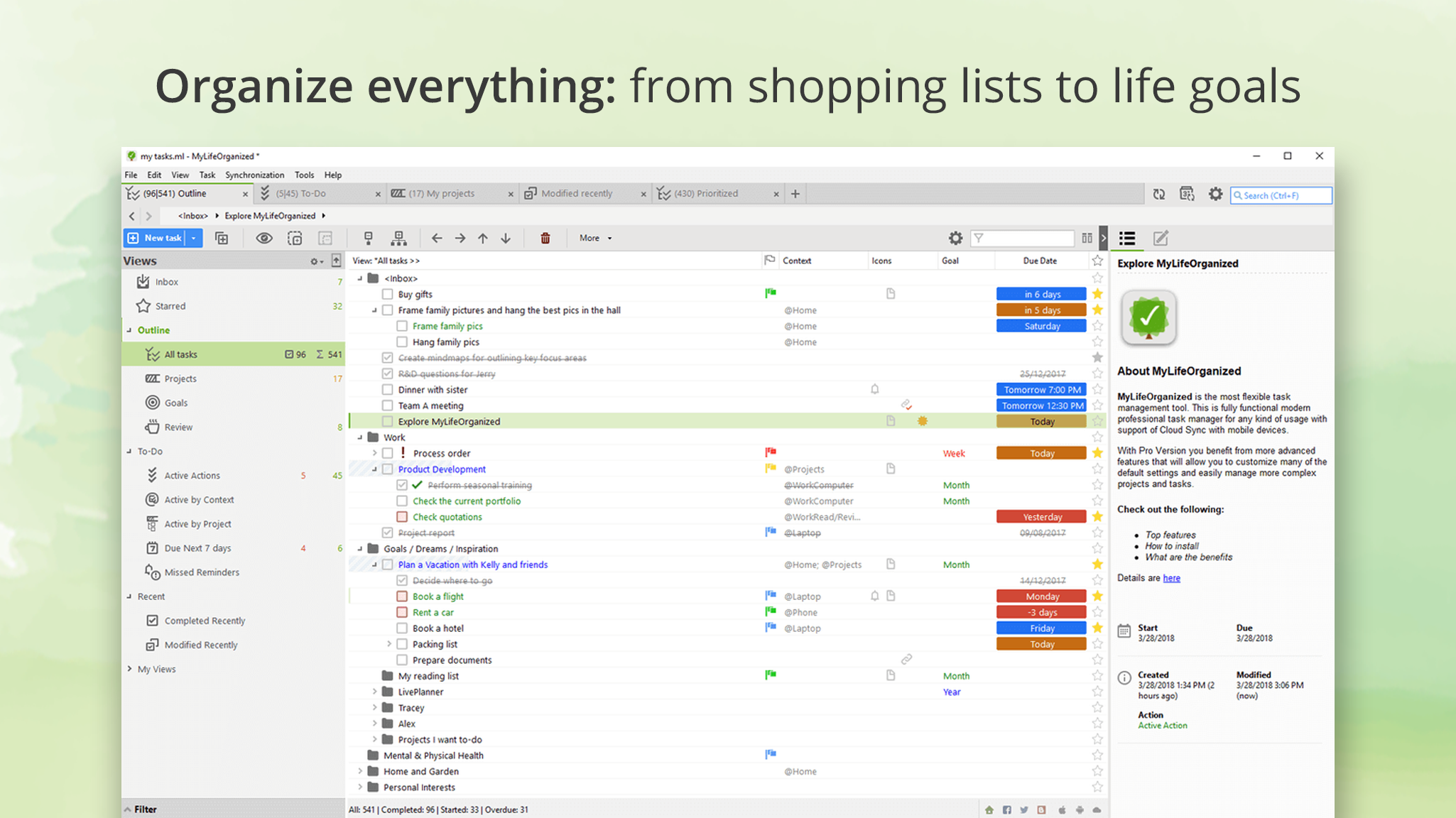
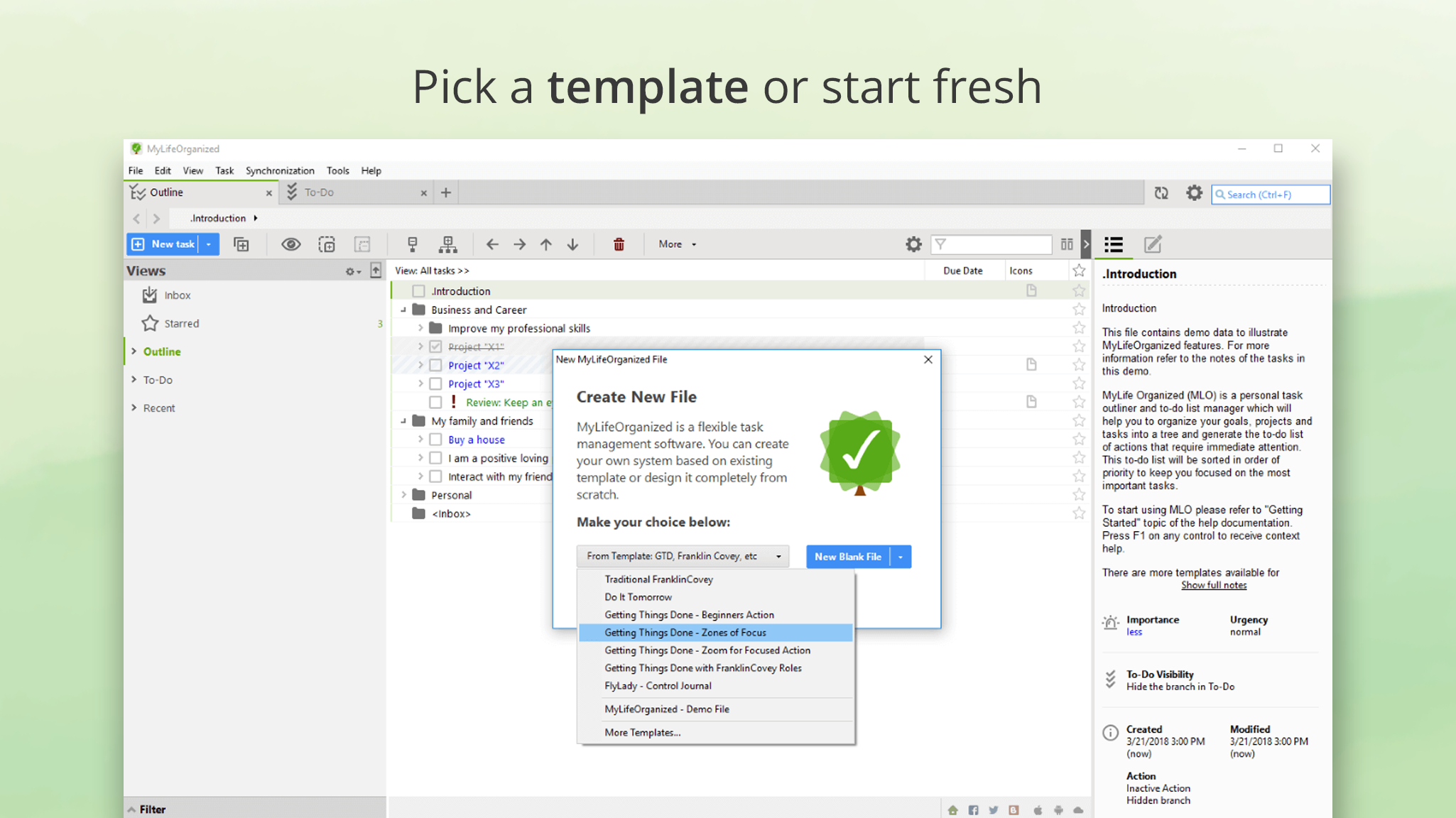
Imagine entering a well-lit, organized workspace. MLO's interface exudes a minimalistic design, with a flexible layout that can be customized to match your workflow preferences. The navigation feels smooth and intuitive, akin to flipping through a favorite notebook—no awkward lags or confusing menus here. Even for first-time users, the learning curve remains gentle, thanks to thoughtful onboarding and a supportive help system. As you dig into managing tasks, you'll appreciate how naturally actions flow—from creating subprojects to setting reminders—making task management feel less like a chore and more like a natural extension of your thought process.
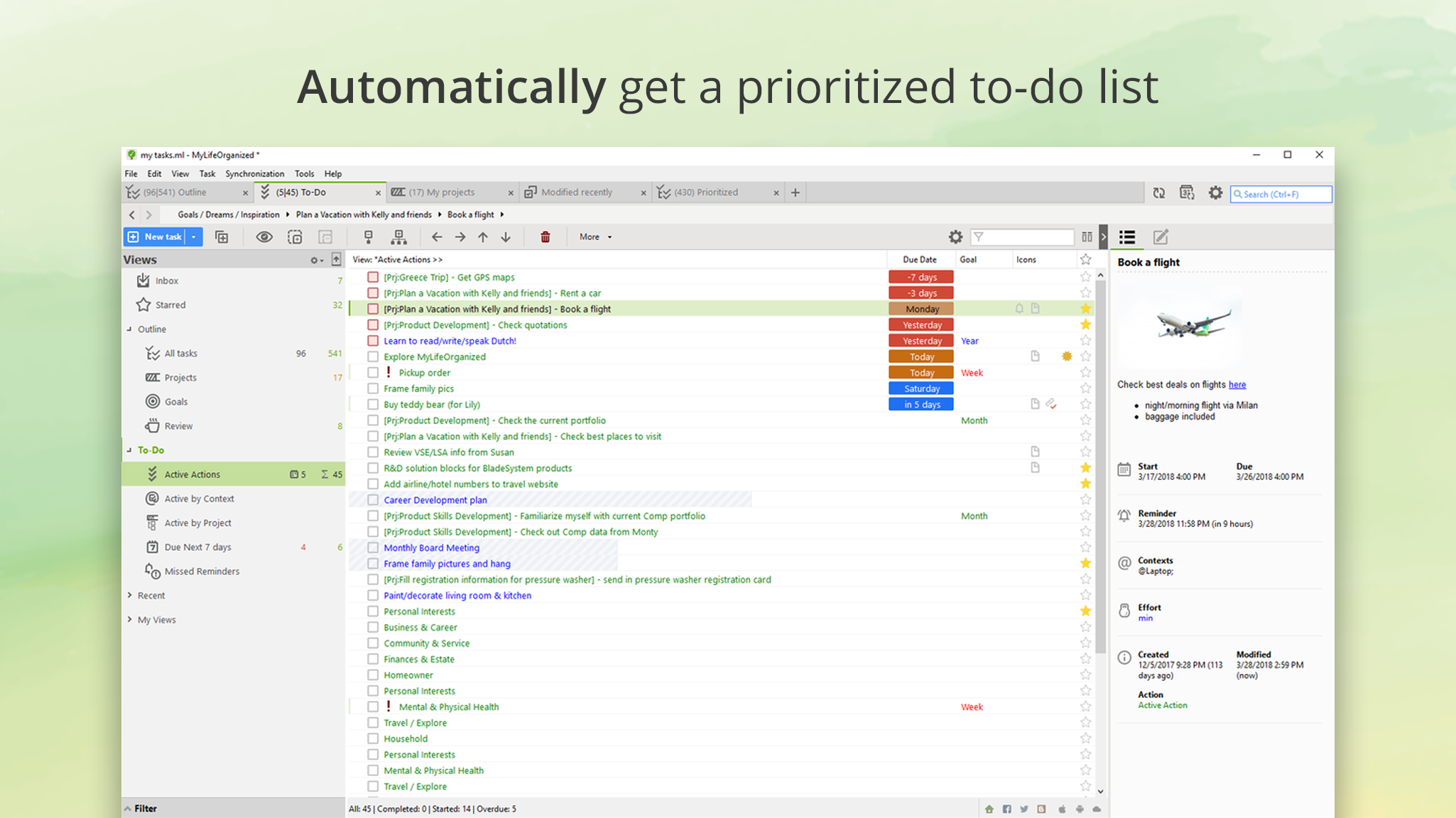
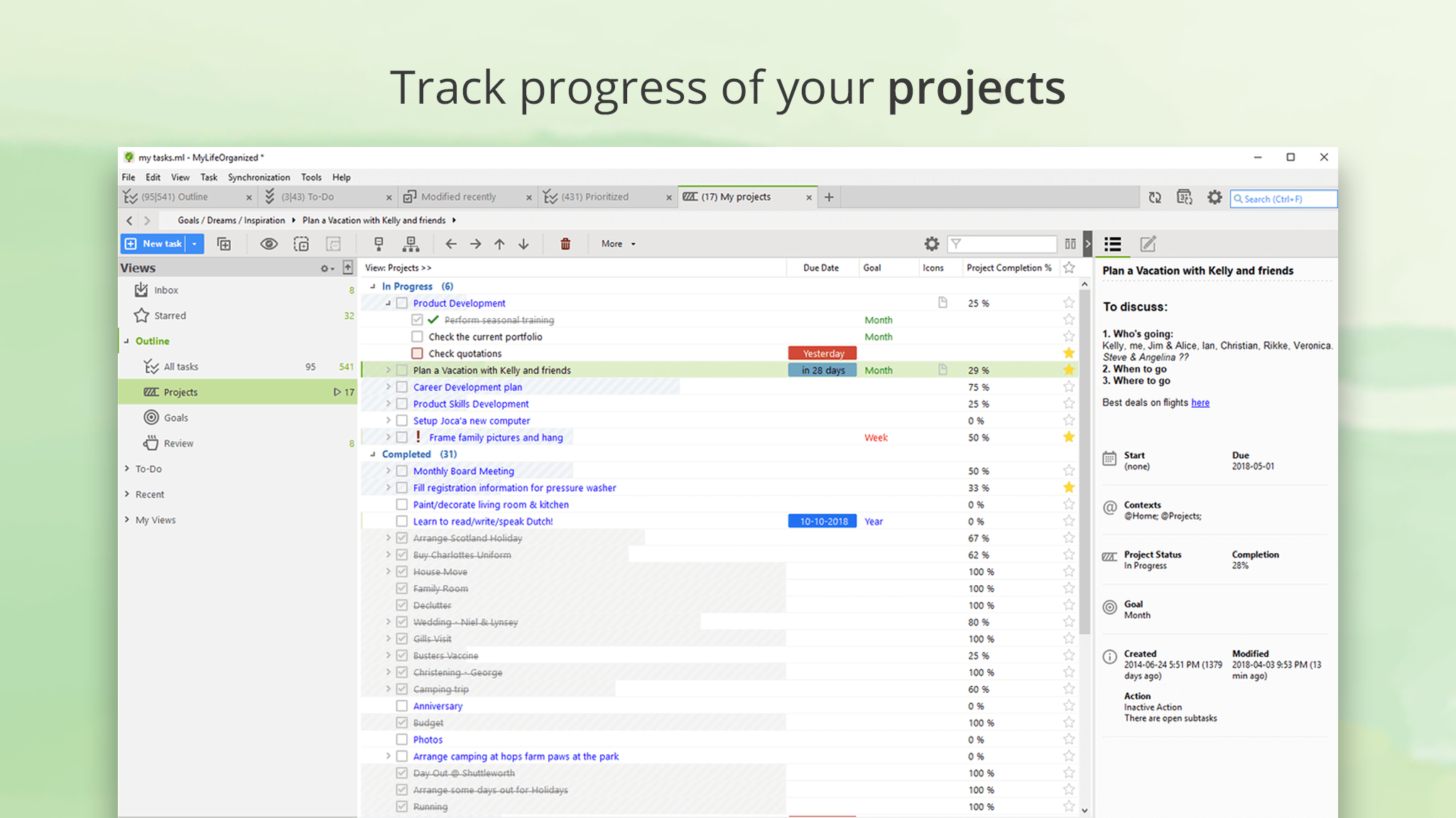
While many task managers focus on simple list-making or calendar integration, MLO takes a different route by emphasizing workflow efficiency through hierarchical task structures and automation. This design significantly reduces cognitive load—no need to remember multiple steps or juggle various apps. Instead, it centralizes complex workflows into a cohesive environment, allowing you to maintain focus and clarity. Moreover, its customization options strike a delicate balance, offering powerful features without overwhelming beginners, positioning it above simpler planners that lack depth or overly complex tools that intimidate new users.
MyLifeOrganized stands out as a robust solution for users who need a flexible yet powerful task management system. It's especially suited for those who appreciate deep customization and workflow automation—think project managers, busy professionals, or detail-oriented individuals. While it may take a moment to fully harness its full potential, the payoff is a streamlined, less stressful planning experience. I'd confidently recommend MLO to anyone seeking to bring order to their busy life through a tool that respects their need for both simplicity and depth. If you're looking for an app that adapts to your existing workflow and significantly cuts down your cognitive load, MLO could become your new organizational partner.
Intuitive Task Management Interface
Advanced Scheduling Features
Flexible Hierarchical Structure
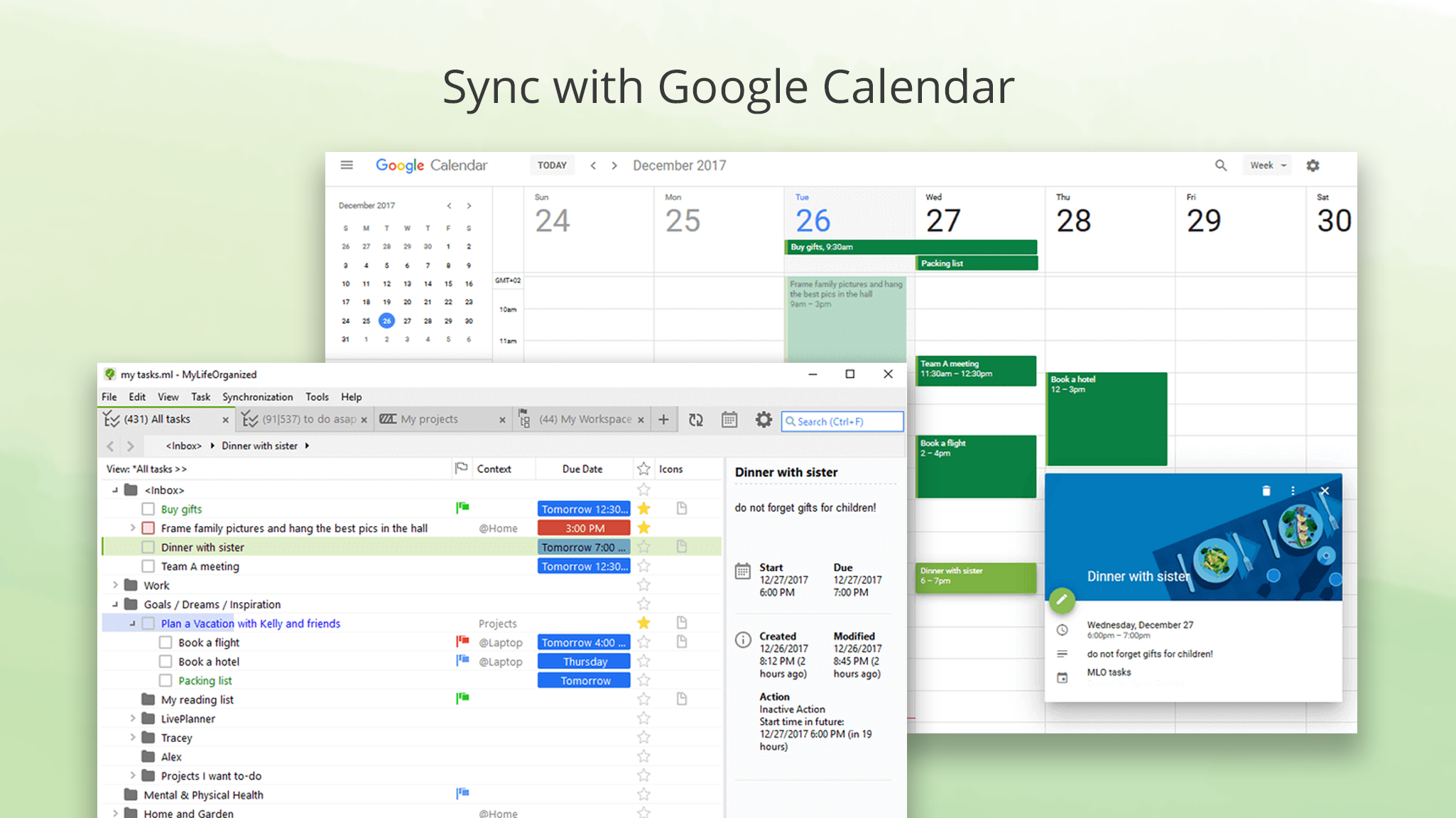
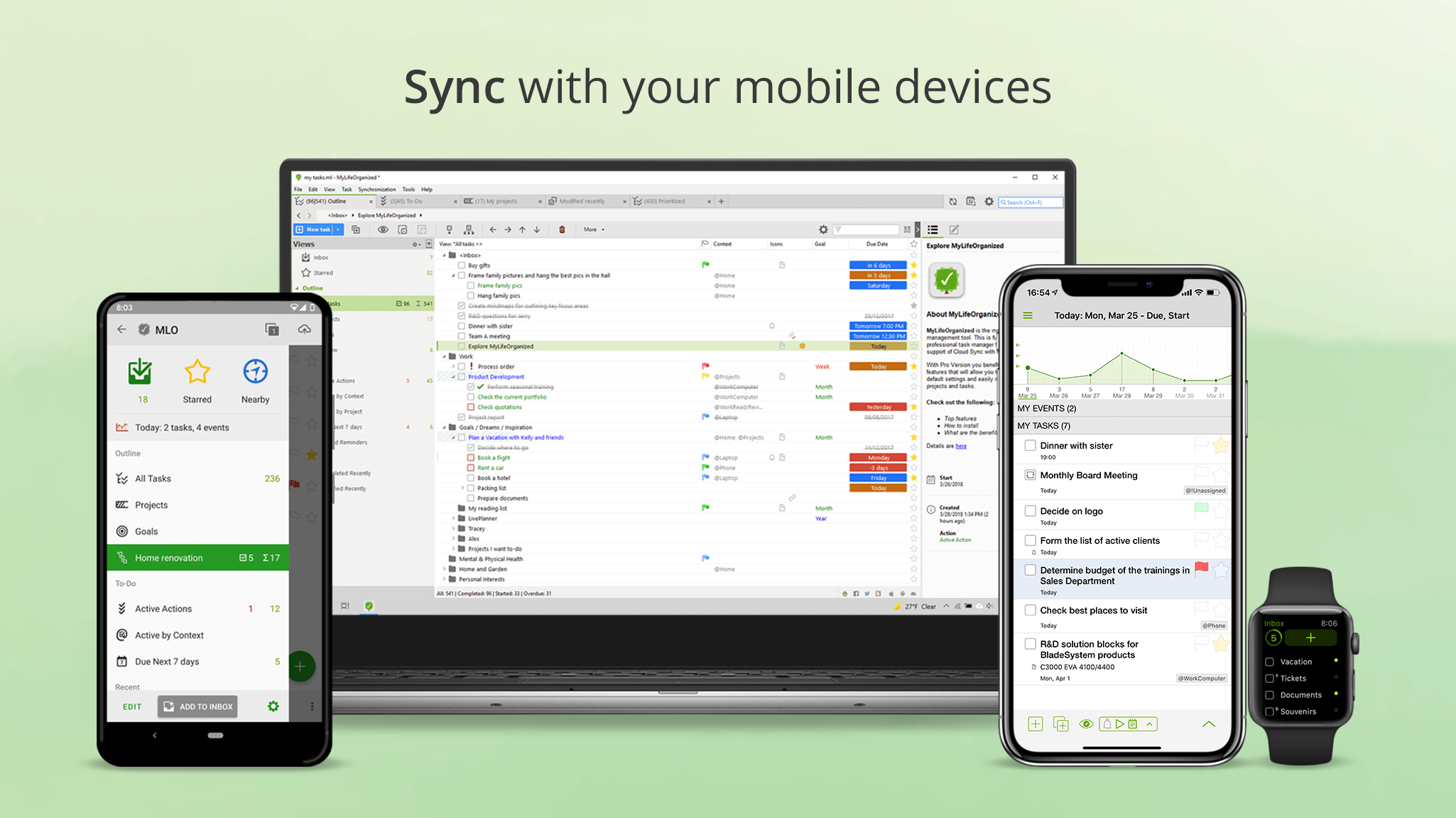
Sync Across Devices
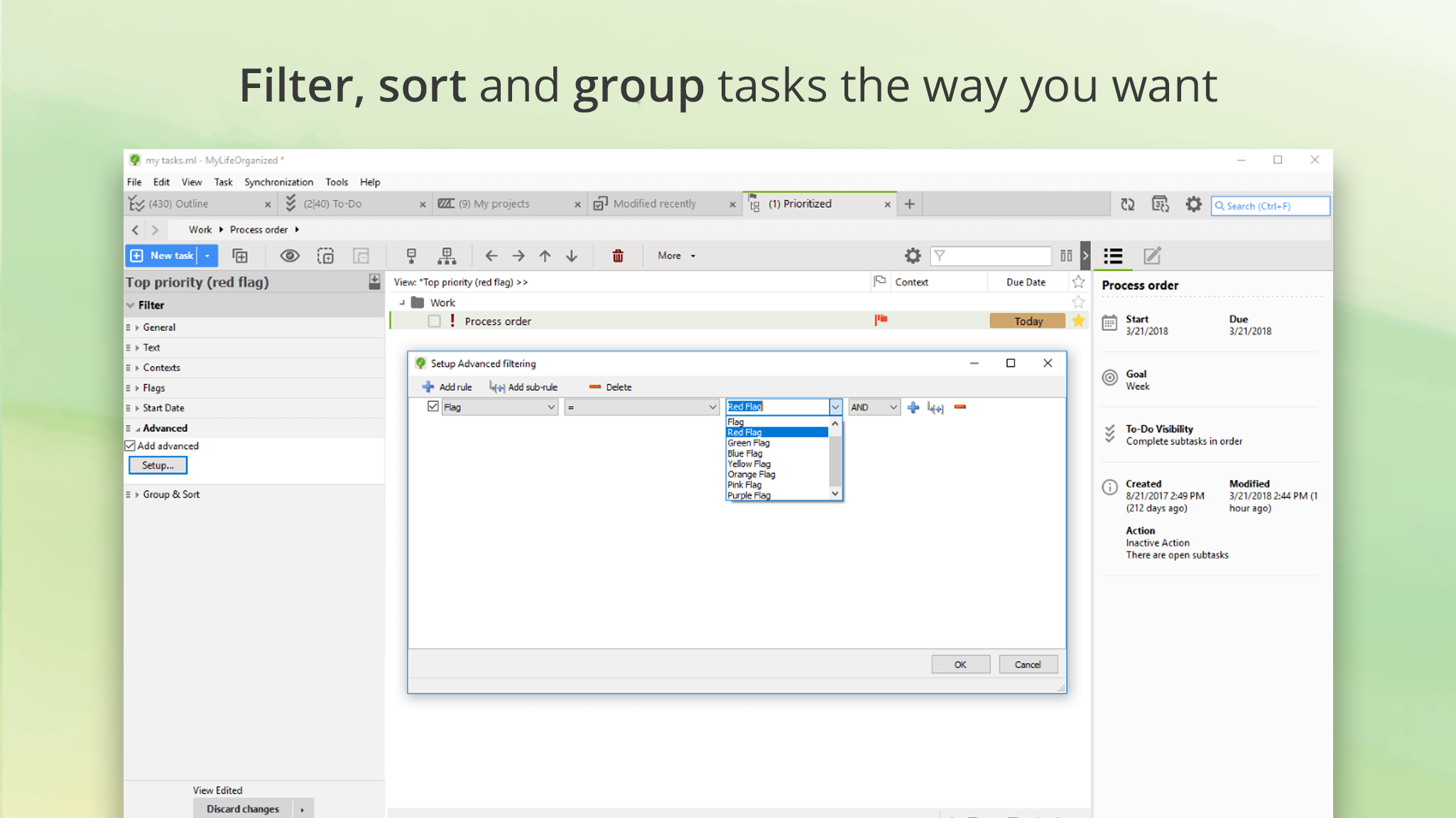
Customizable Views and Filters
Learning Curve for Beginners
Limited Offline Functionality
Customization Options Could Expand
Notification Settings Are Basic
Integration with Other Apps Is Limited

for Windows
 5
5

for Windows
5

for Windows
4.9

for Windows
4.9

for Windows
4.9

for Windows
4.8

for Windows
4.8

for Windows
4.8

for Windows
4.8

for Windows
4.8

for Windows
4.8

for Windows
4.8

for Windows
5
for Windows
5

for Windows
5

for Windows
5

for Windows
5

for Windows
5

for Windows
5

for Windows
5

for Windows
5
for Windows
5