Utilities & tools
PC
Windows 10 version 17763.0 or higher
Integrated Keyboard
Integrated Mouse
2 GB
English (United States)
If you've ever felt overwhelmed by the myriad of Windows system issues or just wish there was a friendly assistant guiding you through troubleshooting steps, then My-Technician for Windows might be just what you need. Designed as a comprehensive yet user-friendly tool, this app aims to streamline your technical woes with an approachable interface and effective solutions.
Created by the passionate development team at MyTechnician, this application reflects their dedication to simplifying computer maintenance for everyday users. With a focus on clarity and practicality, the team has crafted an app that bridges the gap between complex tech diagnostics and non-technical users.
Imagine your computer as a vigilant but sometimes temperamental friend. When things go awry, wouldn't it be wonderful to have an intelligent assistant that not only pinpoints the problem but also guides you with a kind, approachable voice? That's precisely what My-Technician offers — a cheerful companion that demystifies the often-daunting world of system maintenance. With its vibrant color palette and straightforward layout, the app makes troubleshooting feel less like a chore and more like a friendly chat.
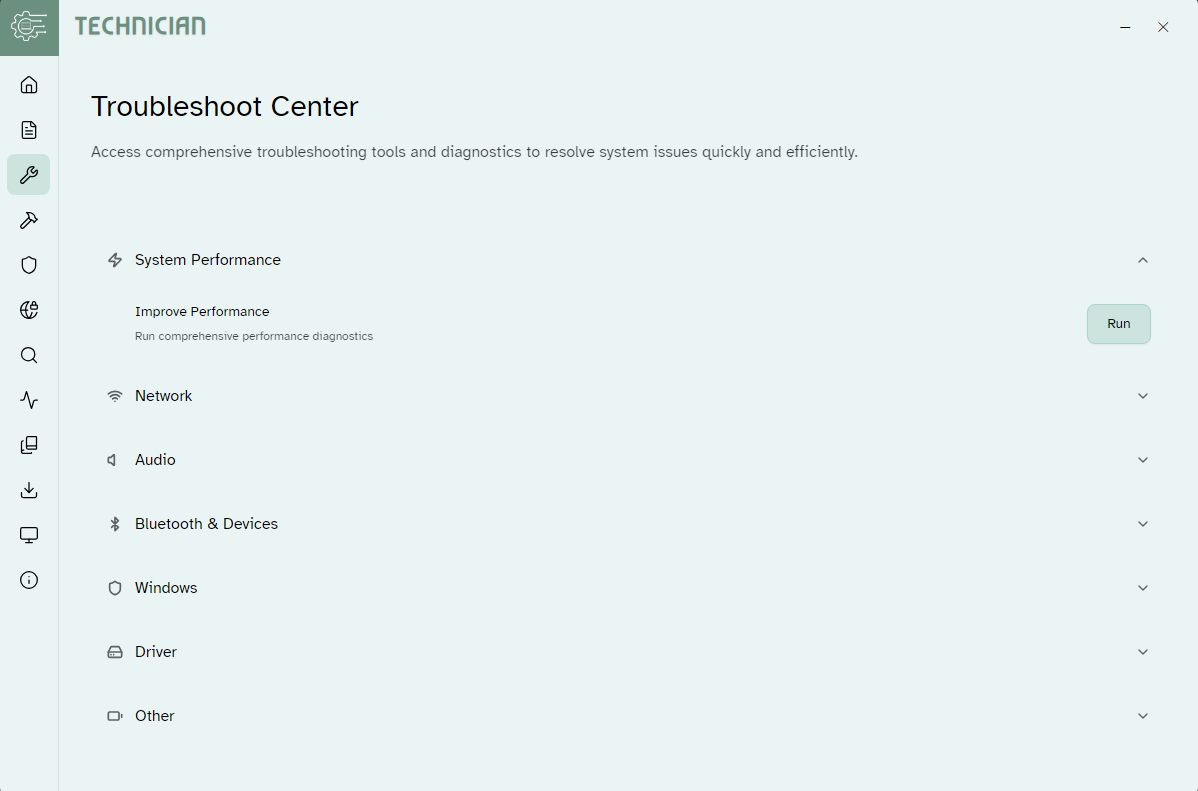
First up, the automated troubleshooting module stands out as its crown jewel. Much like a seasoned detective solving a mystery, the app scans your system for common headaches—be it slow performance, network issues, or software conflicts—and presents easy-to-understand solutions. Unlike many utilities that throw technical jargon your way, My-Technician translates complex diagnostics into simple steps, making repairs accessible to all.
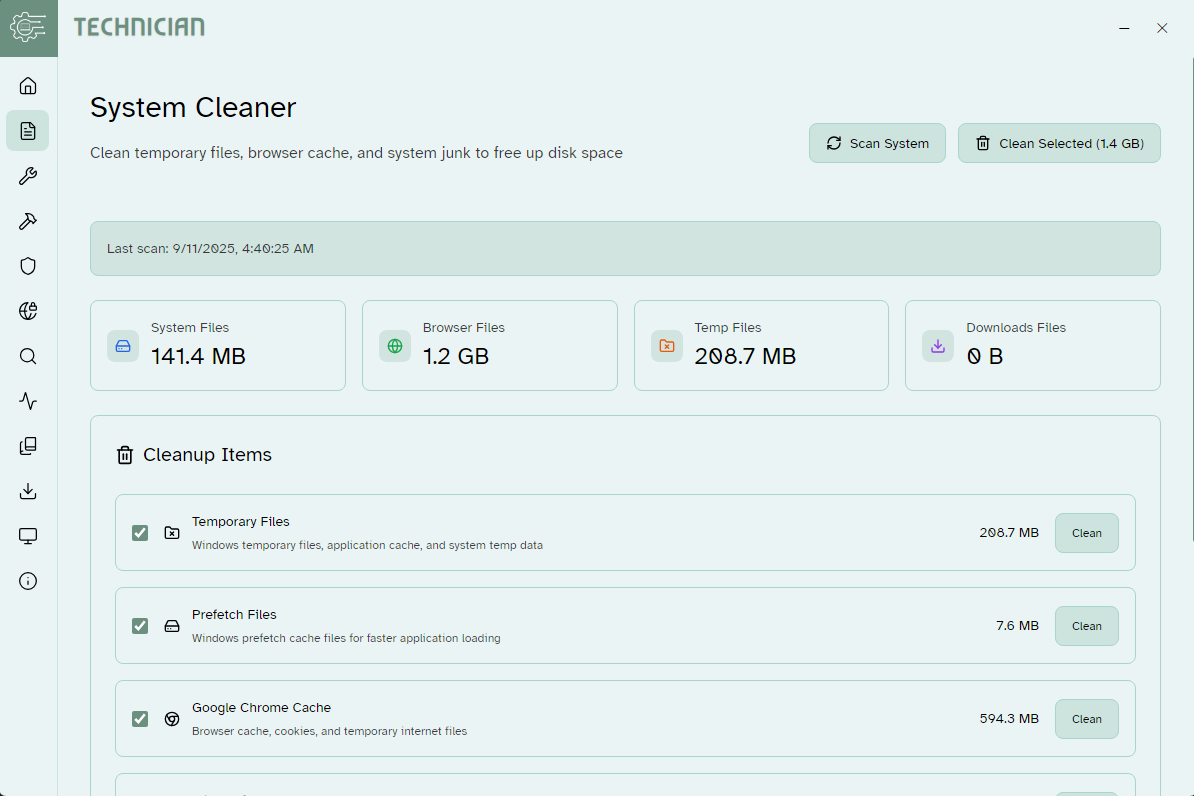
Next, the performance optimization features are akin to giving your PC a quick spa treatment. With just a few clicks, you can manage startup programs, clean junk files, and free up disk space, automating routines that would otherwise require navigating numerous settings. It's like having a personal trainer for your computer—keeping it in shape without sweat or confusion.
The real-time health monitoring offers a proactive edge. Think of it as having a vigilant guardian watching over your system's vital signs. It alerts you about potential vulnerabilities or resource bottlenecks before they turn into crises, helping you stay one step ahead of problems.
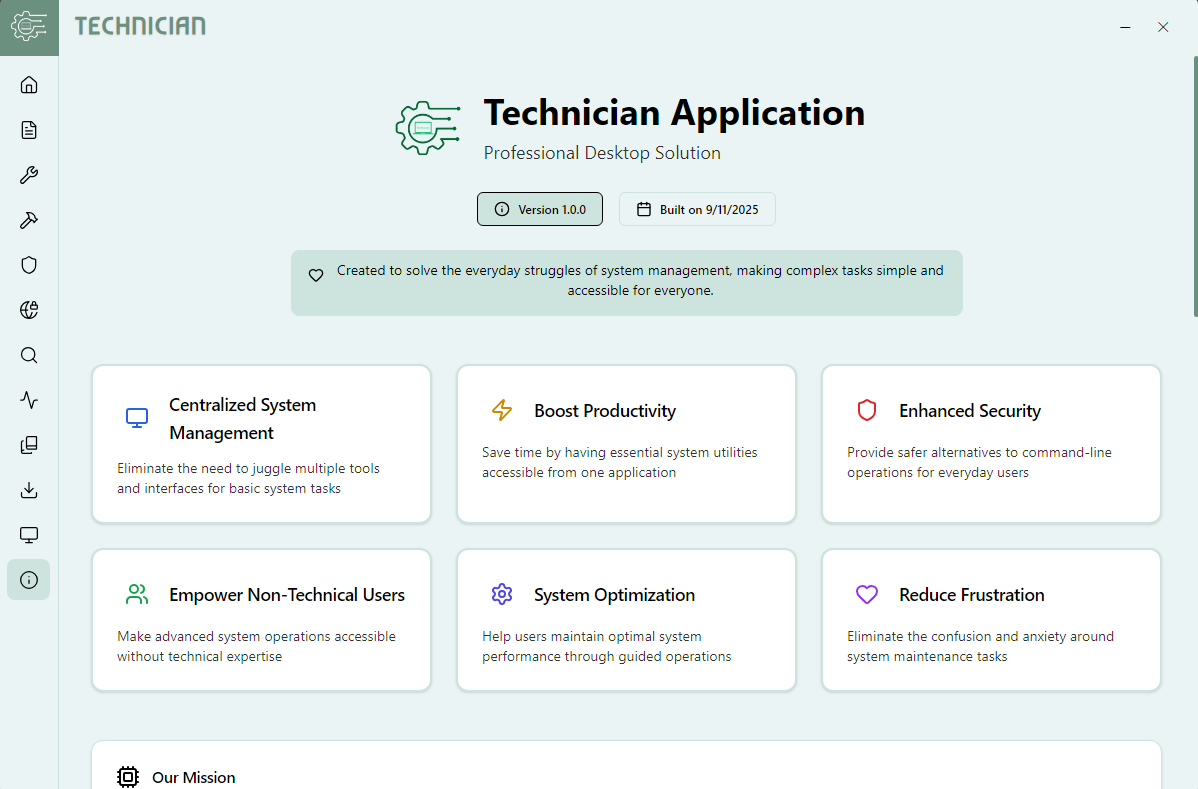
The interface strikes a balance between professional polish and approachable friendliness. The layout is uncomplicated, with prominent icons and clearly labeled sections that guide you seamlessly. For users who aren't tech-savvy, this reduces the intimidation factor and makes routine maintenance feel manageable.
The app operates smoothly, with quick response times that make the troubleshooting process feel snappy and satisfying. Its learning curve is gentle; even first-time users can quickly pick up the essentials after a brief exploration.
What truly sets My-Technician apart from other utility tools is its focus on automation combined with user-centric design. Many similar apps require manual intervention at multiple steps, but My-Technician's guided processes and real-time monitoring make system health management less daunting and more integrated into daily use. It's like having a personal IT assistant who is both proactive and easy to understand.
All in all, My-Technician for Windows earns a confident recommendation. Its standout features—particularly the automated troubleshooting and real-time health monitoring—address common pain points with simplicity and charm. While it may not replace more advanced technical tools for seasoned pros, it's an excellent companion for everyday PC maintenance, especially for those who prefer a friendly, guided approach over complex setups. If you're seeking a trustworthy, approachable utility to keep your Windows system running smoothly, give My-Technician a shot—it might just become your new digital best friend.
User-friendly Interface
Comprehensive Technician Database
Real-time Support Tracking
Integrated Scheduling System
Secure Payment Options
Limited Offline Functionality
Occasional App Lag
Inconsistent Technician Availability
Limited Customer Support Options
App Customization Options Could Improve

for Windows
 5
5
for Windows
5

for Windows
5

for Windows
5

for Windows
5

for Windows
4.9

for Windows
4.9

for Windows
4.9

for Windows
4.9

for Windows
4.9

for Windows
4.9

for Windows
4.9

for Windows
5

for Windows
5

for Windows
5
for Windows
5

for Windows
5

for Windows
5

for Windows
5

for Windows
5

for Windows
5

for Windows
5