Social
CodeView
PC, Mobile, Surface Hub, HoloLens
Windows 10 version 19041.0 or higher
English (United States)
If you're someone juggling multiple chat platforms and craving a unified space to connect, organize, and verify your digital persona, then Multi Messenger Professional is designed to be your efficient companion. Developed by CodeView, this Windows application seeks to streamline your social interactions by bridging various messaging services into a single, manageable interface.
CodeView, a team dedicated to creating intuitive and powerful communication tools, brings forward Multi Messenger Professional to the Windows ecosystem. Their mission appears to be simplifying digital social life, with a focus on seamless integration and user-friendly experiences.
This tool primarily targets busy professionals, social media enthusiasts, and digital content creators seeking a consolidated social communication experience without sacrificing control or security.
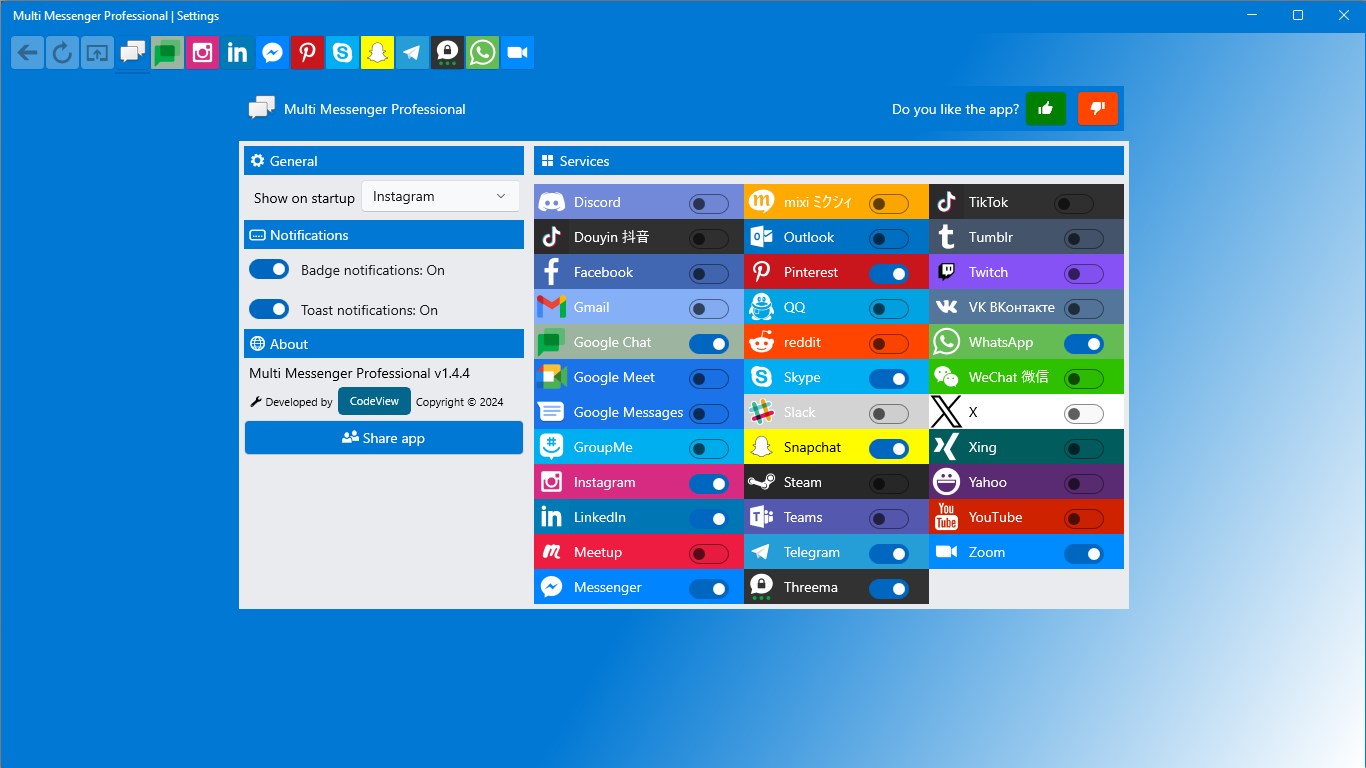
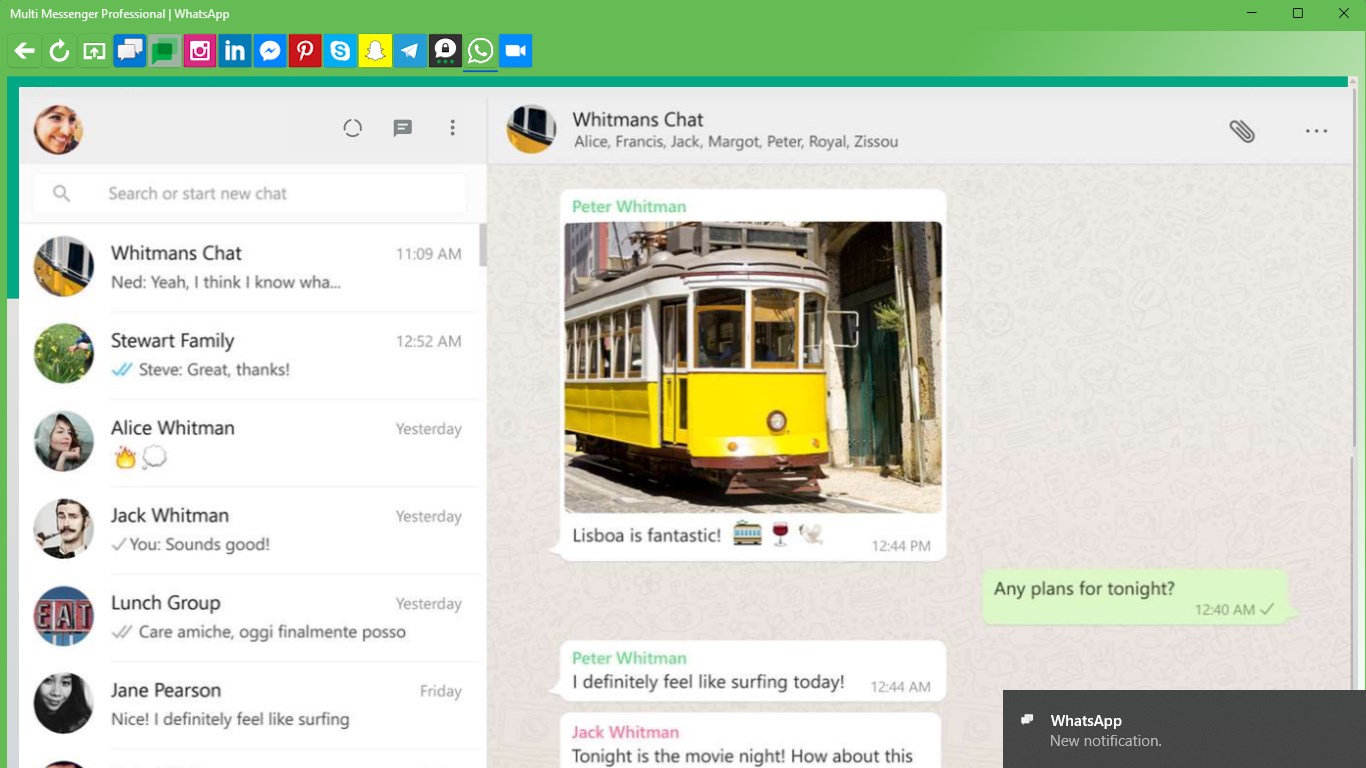
Stepping into Multi Messenger Professional feels akin to entering a well-organized, digital command center—everything in its place, yet accessible with a click. The design employs a clean, minimalistic aesthetic with clear icons and straightforward navigation that invites users to dive right in without a steep learning curve. For those familiar with multi-platform messaging, the learning curve is gentle; the app's intuitive layout ensures that even newcomers can start managing their conversations efficiently within minutes.
The heart of the application lies in its ability to amalgamate various messaging services—whether it's WhatsApp, Telegram, Messenger, or others—into a single interface. Imagine switching between different city bus routes seamlessly; Multi Messenger Professional acts as your transit system, allowing you to read, send, and manage messages without hopping between apps. The real-time syncing feels smooth and lag-free, ensuring your conversations stay current across all services.
One standout feature that distinguishes this app is its emphasis on profile authenticity. Users can verify their identities within the platform, which adds a layer of trustworthiness—crucial in today's social landscape rife with impersonation. Additionally, profile customization options let users personalize their avatars, bios, and status indicators, making their digital persona truly feel like their own. It's like decorating your room and hanging up a personalized sign—it helps others recognize and connect with the real you.
Another compelling aspect is how Multi Messenger Professional aids in discovering new contacts and managing connections. With intelligent suggestions based on your existing contacts and activity, it acts like a friendly social navigator guiding you to potential friends or collaborators. This feature is especially useful for those looking to grow their network or reconnect with acquaintances effortlessly.
Unlike many social apps that focus solely on messaging or social networking in isolation, this tool's unique blend of profile verification and connection discovery sets it apart. For users concerned about authenticity, the verification feature ensures that contacts are genuine, much like having a trusted badge in a crowded marketplace. Moreover, the application's ability to unify multiple platforms into a cohesive interface reduces the overwhelm of managing several apps—think of it as a smart control tower over your social aircraft, keeping everything aligned and accessible. These thoughtful features make Multi Messenger Professional particularly appealing for those prioritizing trustworthiness and streamlined communication.
All in all, Multi Messenger Professional for Windows offers a compelling toolkit for managing your diverse messaging universe. Its strongest selling points are the profile verification system that promotes authenticity and the connection discovery feature that fosters new interactions without breaking a sweat. For users seeking a more organized, trustworthy social experience, this app comes highly recommended. Whether you're a professional networking, a social media enthusiast, or someone who values a tidy digital environment, give it a try—it's akin to having a trusty digital assistant for your social life.
Unified Messaging Interface
Multi-Account Support
Notification Management
Customizable Layouts
Secure Data Handling
Limited Platform Compatibility
Occasional Syncing Delays
High Resource Usage
Limited Custom Notifications
Lack of Cloud Backup

for Windows
 5
5

for Windows
4.9

for Windows
4.8

for Windows
4.7

for Windows
4.7

for Windows
4.6

for Windows
4.6

for Windows
4.5

for Windows
4.5

for Windows
4.5

for Windows
4.5

for Windows
4.4

for Windows
5

for Windows
5

for Windows
5

for Windows
5

for Windows
5
for Windows
5

for Windows
5

for Windows
5

for Windows
5

for Windows
5