Photo & video
AI Photo Editor Lab
PC
Windows 10 version 17763.0 or higher
Version 9
4 GB
Arabic, Chinese (Simplified), Chinese (Traditional Chinese), Dutch, English (United States), French, German, Indonesian, Italian, Japanese, Korean, Polish, Portuguese (Brazil), Portuguese (Portugal), Russian, Spanish (Spain)
In an era where visual storytelling reigns supreme, finding a versatile and user-friendly video editor can significantly elevate your creative projects. Movie Maker - Video Editor PRO for Windows emerges as a compelling option, promising a blend of powerful features and intuitive design that caters to both amateurs and semi-professionals alike.
Developed by AI Photo Editor Lab, this application benefits from a team dedicated to merging artificial intelligence with multimedia editing. While their portfolio encompasses various multimedia tools, their focus on streamlining video editing workflows makes this app stand out in a crowded marketplace.
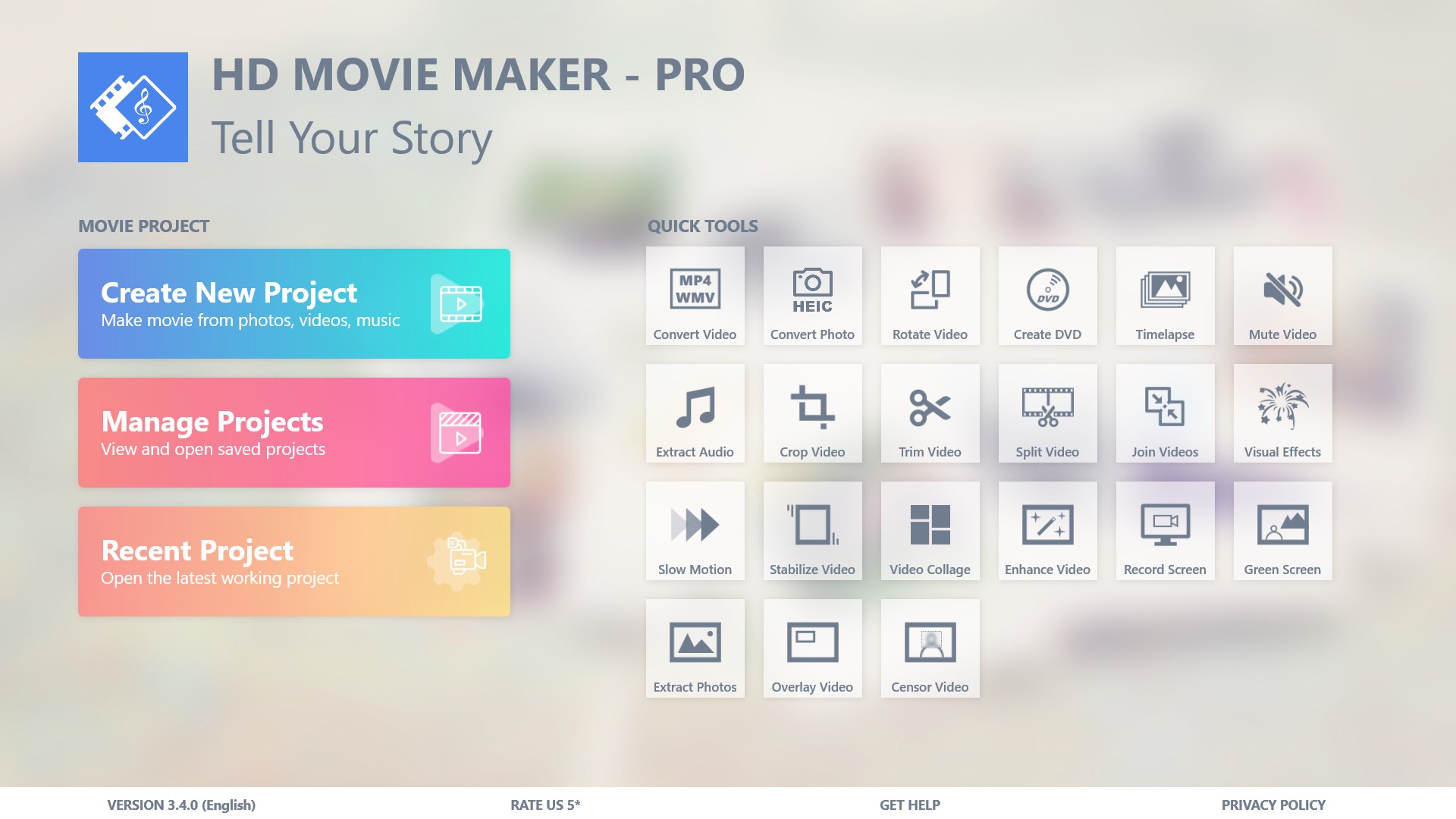
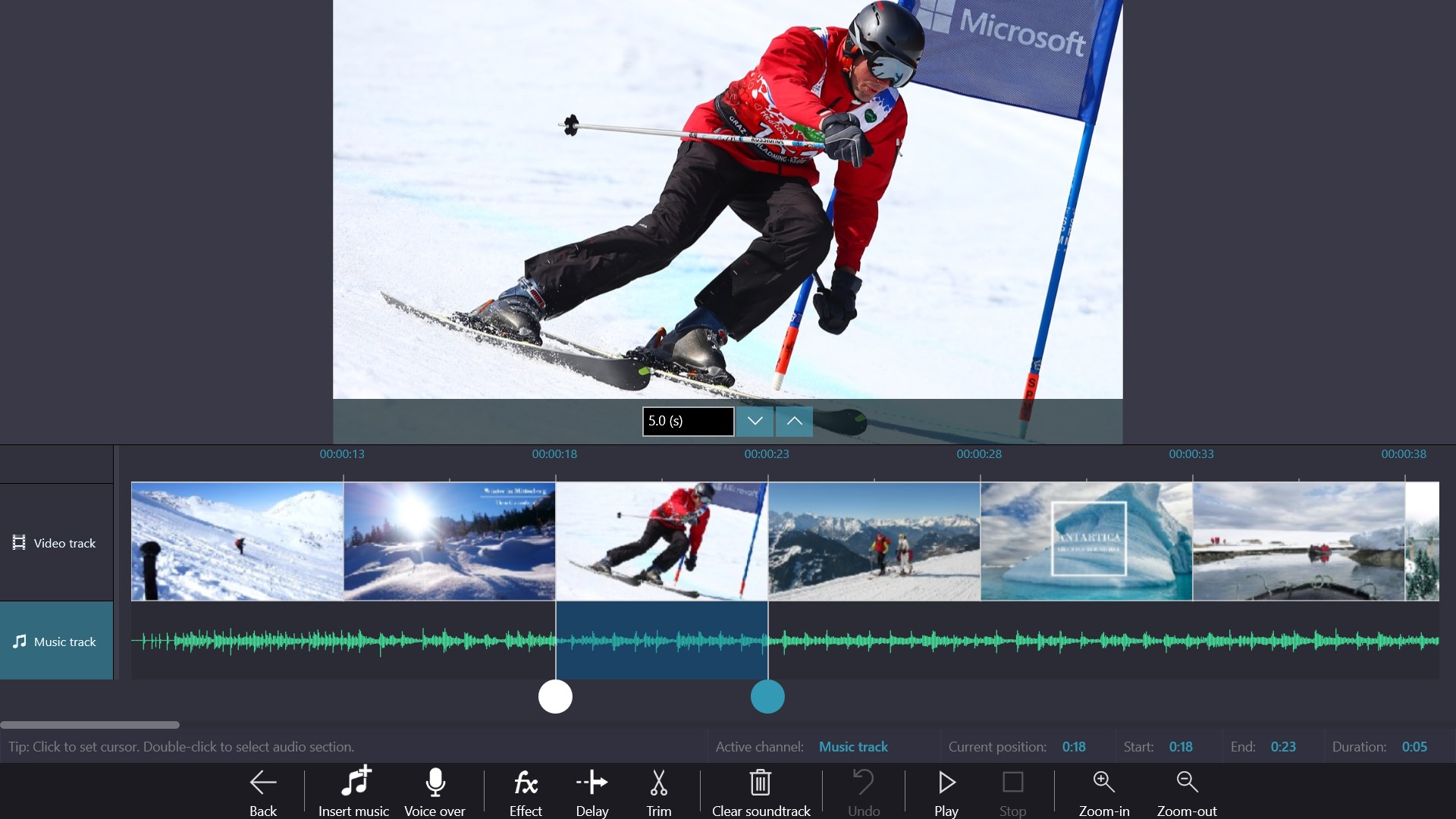
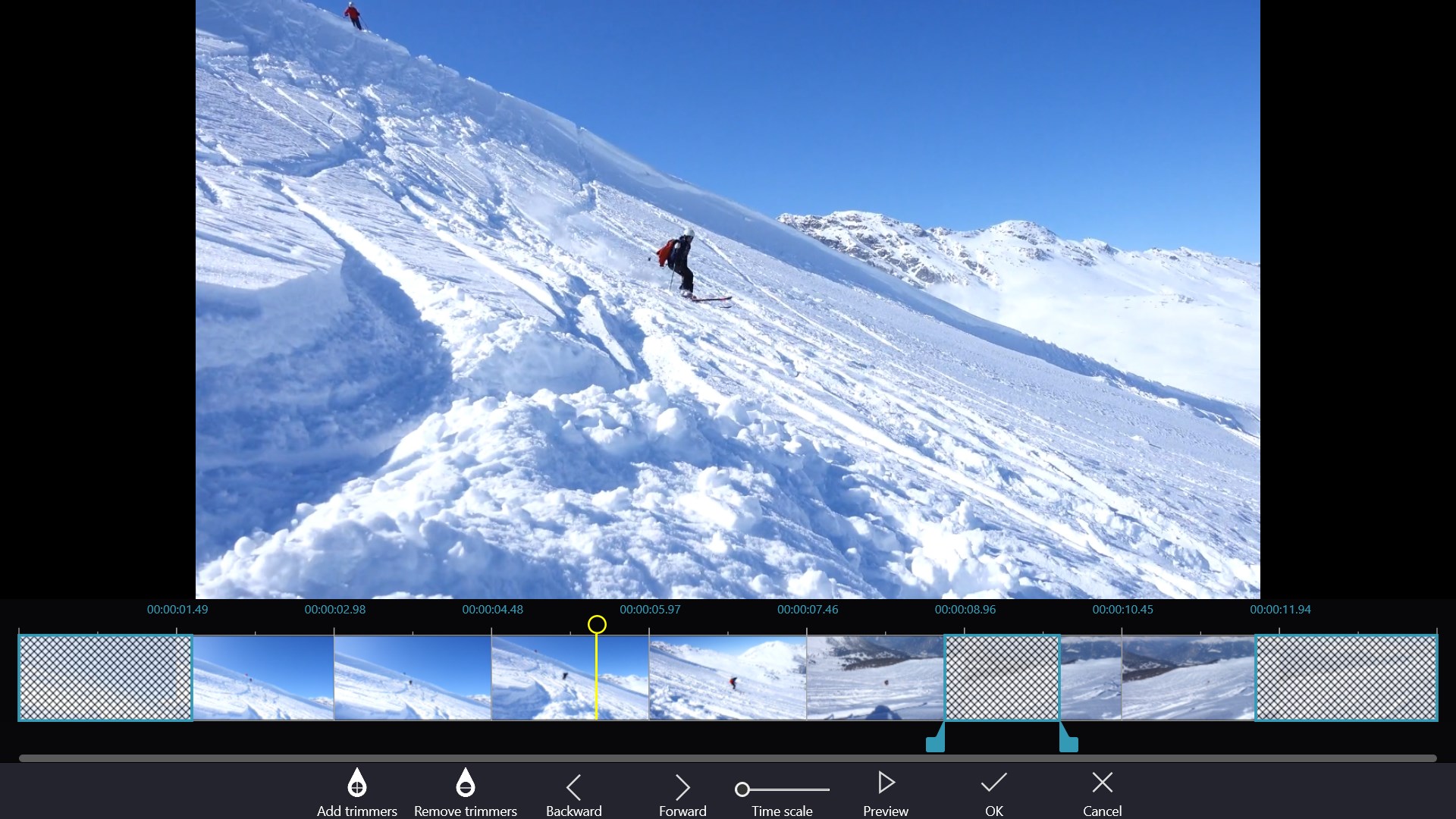
From the moment you open Movie Maker - Video Editor PRO, you'll find yourself welcomed by a clean, organized interface that invites exploration. The layout resembles a well-arranged workspace—imagine a clutter-free artist's studio—where every tool and panel is logically positioned, making access straightforward. This thoughtful design significantly lowers the learning curve, which is especially advantageous for newcomers to video editing.
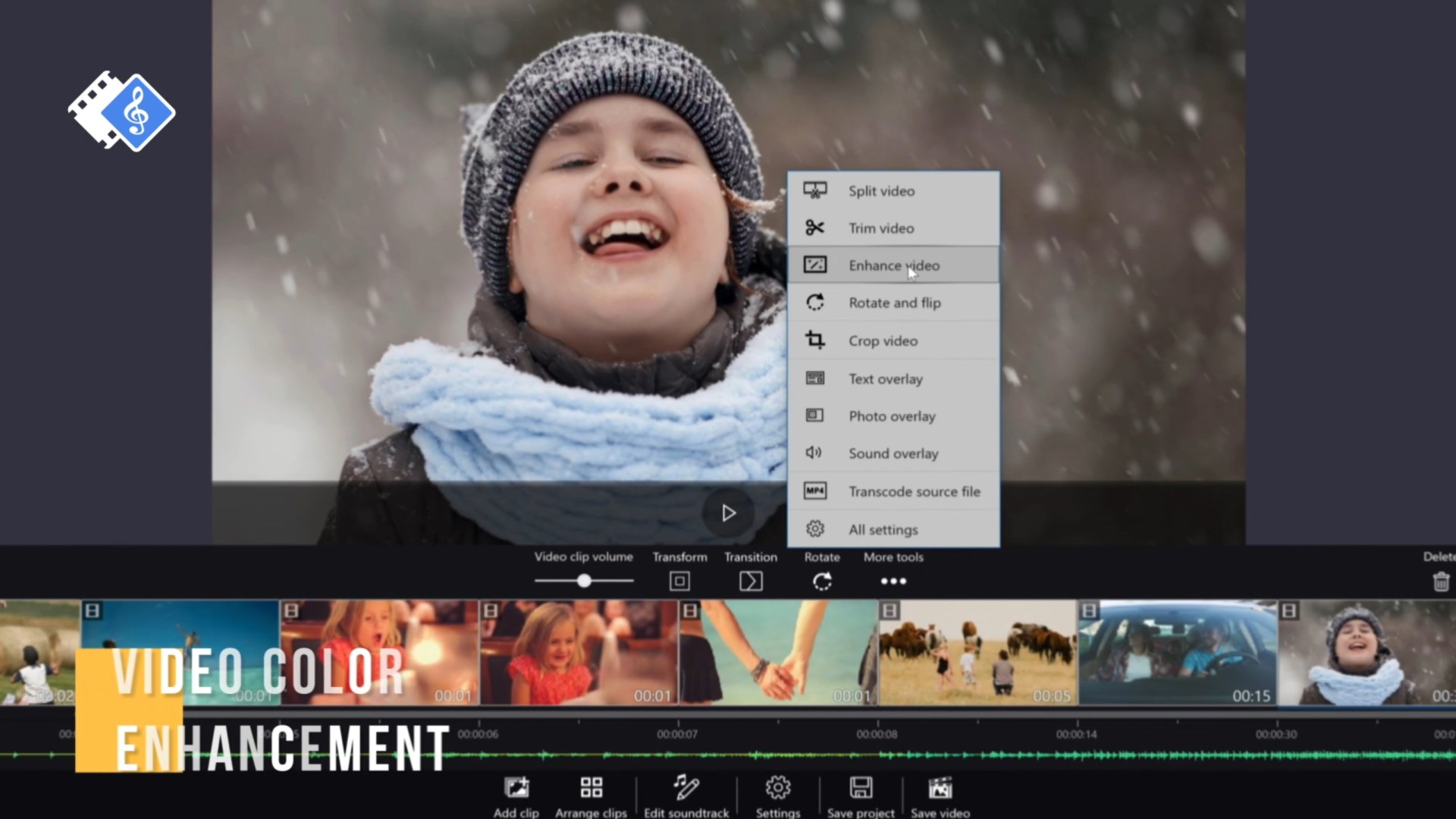
The app runs smoothly on Windows, with minimal lag even when handling longer or high-resolution videos, thanks to optimized performance. Drag-and-drop functionality simplifies the editing process—think of it as piecing together a puzzle—allowing users to quickly place clips, overlays, and effects into their timeline. This fluidity facilitates a natural creative flow, akin to painting on a canvas without interruptions.
For those concerned about complexity, the built-in tutorials and smart presets offer a gentle introduction, turning what could be intimidating into an approachable craft. The interface's responsiveness and the logical progression of editing steps ensure that users won't feel lost—more like collaborating with a helpful guide than wrestling with a complicated tool.
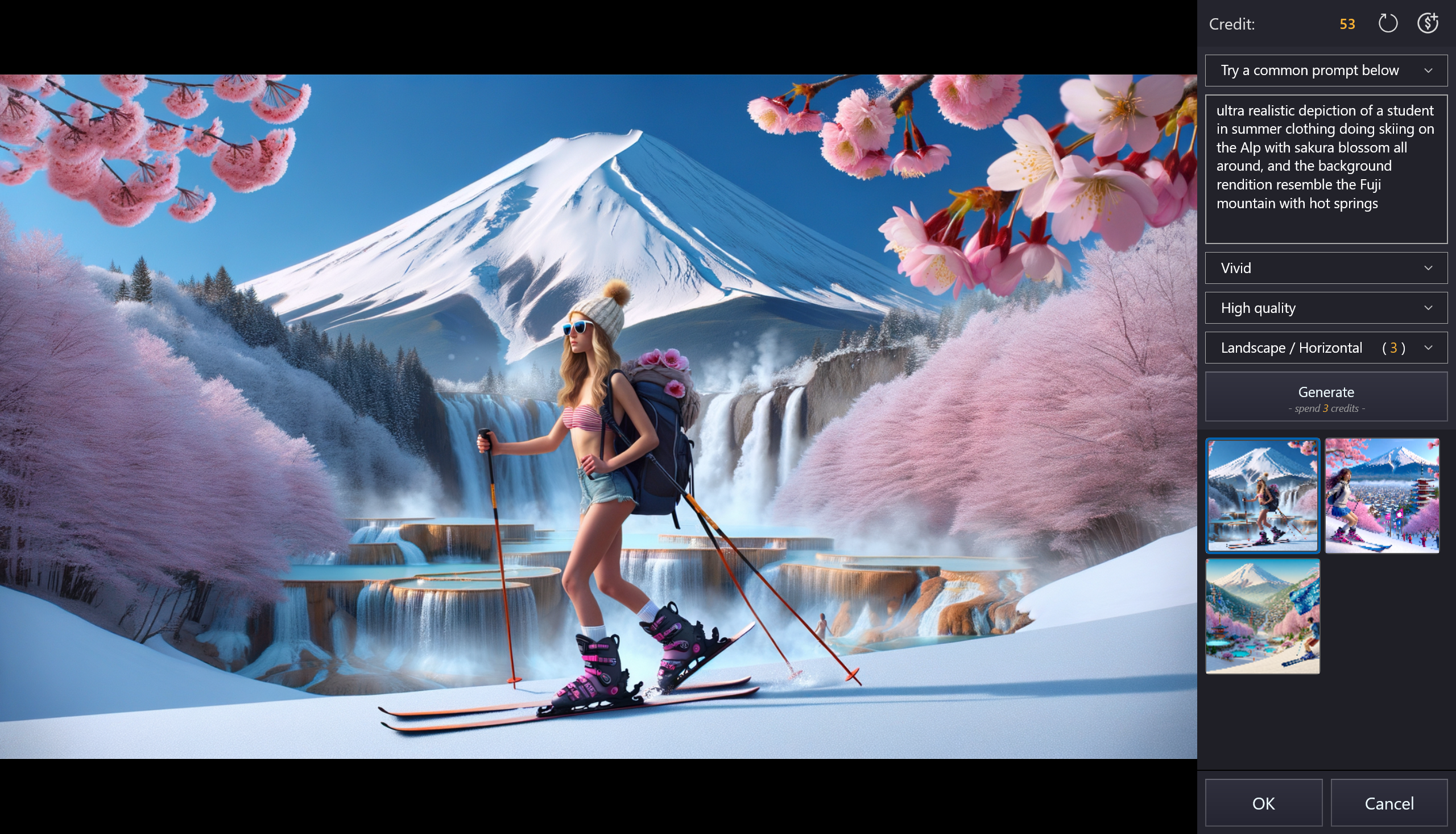
While many video editors promise a spectrum of features, Movie Maker - Video Editor PRO distinguishes itself primarily through its AI-assisted functionalities. The automation capabilities empower users to achieve polished results with minimal fuss—perfect for quick social media clips or spontaneous projects. Unlike traditional editors that demand meticulous manual adjustments, this app's smart algorithms act as an intelligent co-pilot, suggesting improvements and streamlining common editing tasks.
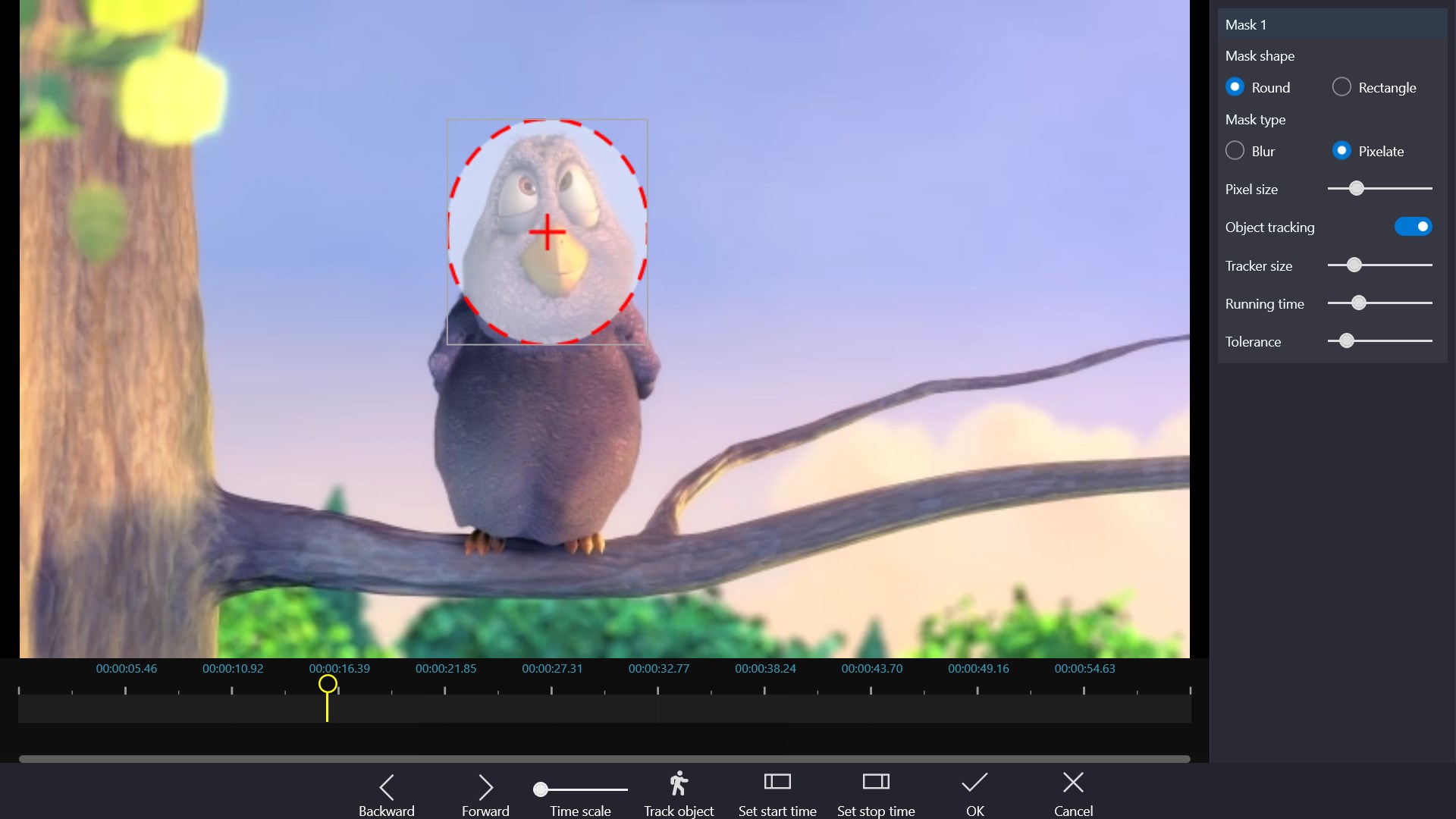
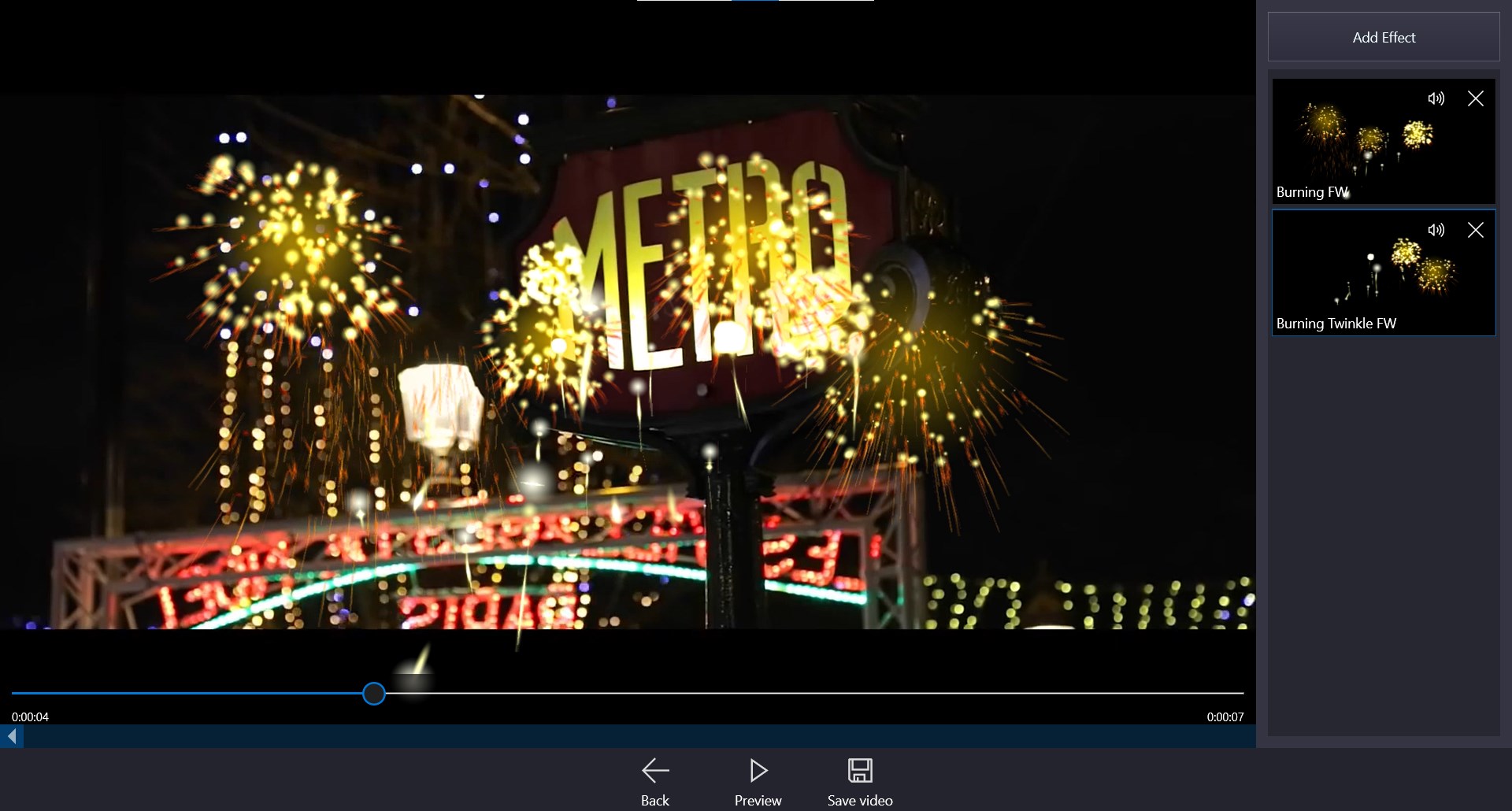
Another highlight is its comprehensive yet straightforward effect library. Rather than overwhelming users with endless options, it strikes a balance by providing curated effects that enhance storytelling without requiring deep technical knowledge. This makes it especially appealing for casual creators who want high-quality results without becoming bogged down in complex workflows.
Overall, Movie Maker - Video Editor PRO earns a solid recommendation—particularly for beginners and casual users seeking a reliable tool that simplifies the editing process while still offering enough creative flexibility. Its unique AI-powered features and user-friendly interface make it stand out among free and paid competitors alike.
If you're looking to produce engaging videos quickly—whether for personal memories, small business promotions, or social media content—this app deserves a place on your desktop. However, professionals requiring advanced color grading or intricate audio editing might find it slightly limited and may prefer more robust solutions.
In essence, think of Movie Maker - Video Editor PRO as a well-trained assistant—ready to help craft beautiful stories efficiently and effortlessly. For most everyday creators, it's a handy, approachable tool worth exploring.
Intuitive User Interface
Wide Range of Editing Tools
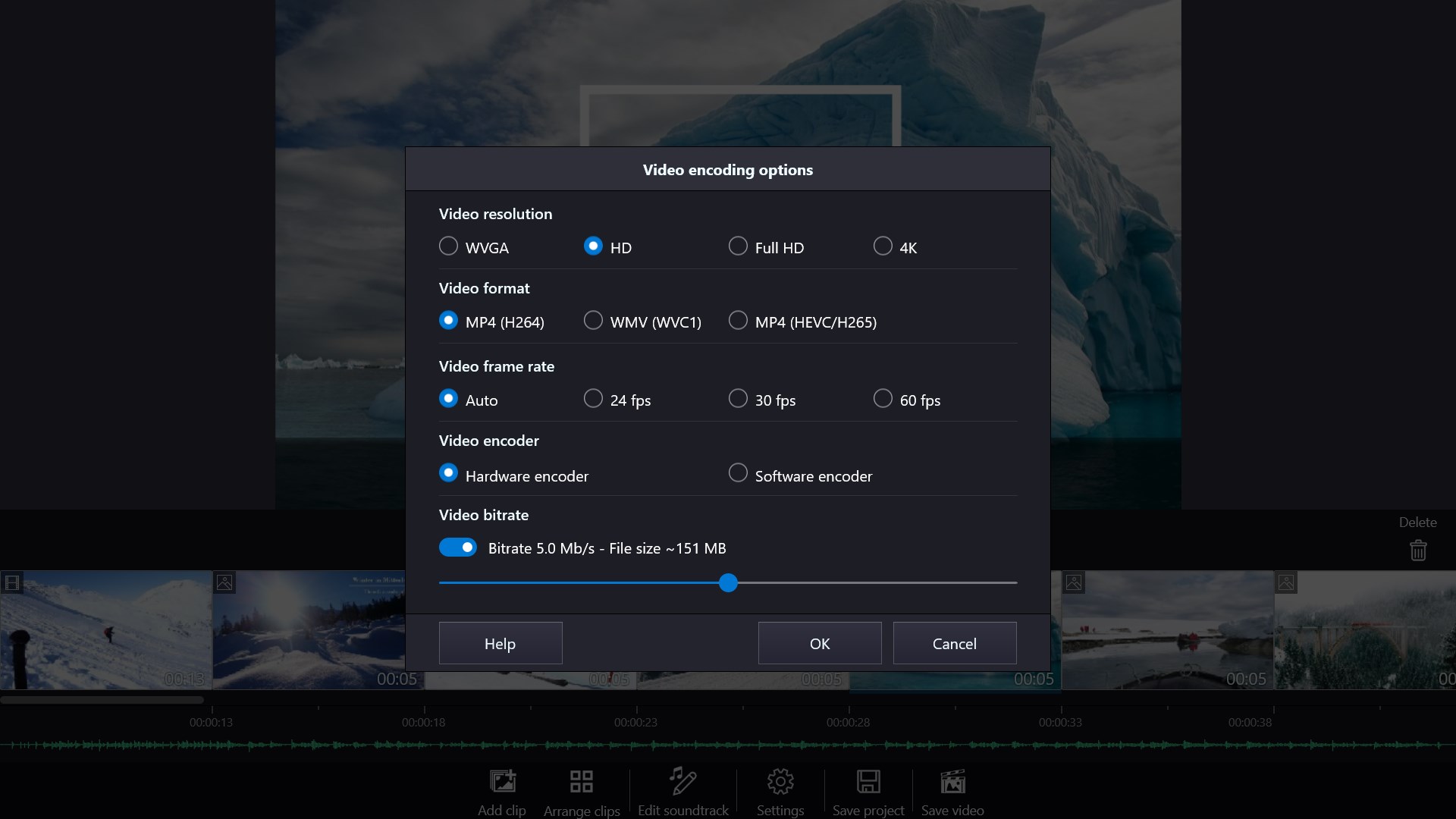
Supports Multiple Video Formats
Built-in Music and Effects
Fast Rendering Speed
Limited Advanced Features
Occasional Crashes on Export
Watermark on Free Version
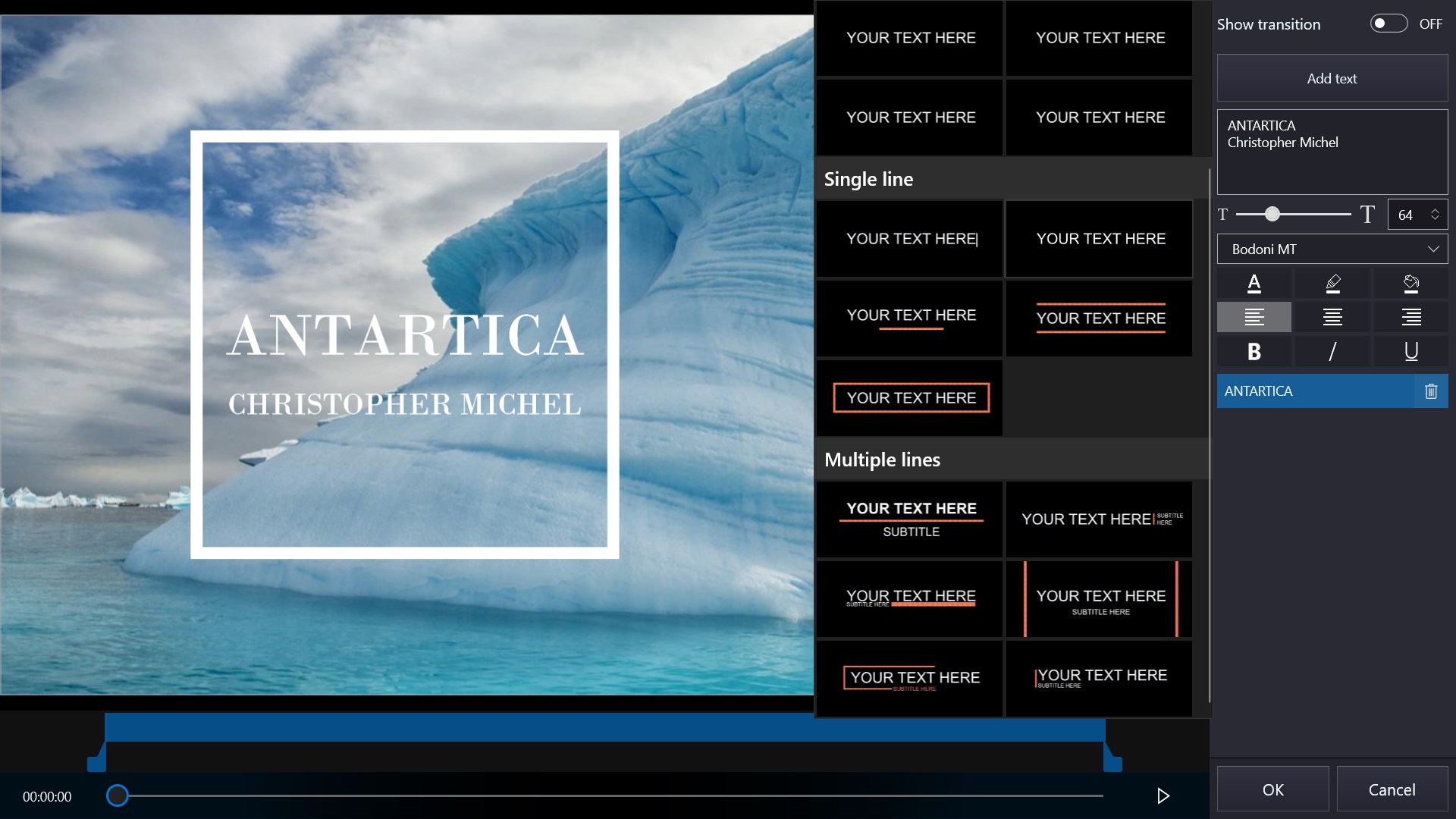
Limited Text Customization
Slow Customer Support Response

for Windows
 5
5

for Windows
4.9

for Windows
4.8

for Windows
4.8

for Windows
4.8

for Windows
4.7

for Windows
4.7

for Windows
4.7

for Windows
4.7

for Windows
4.7

for Windows
4.7

for Windows
4.7

for Windows
5

for Windows
5

for Windows
5

for Windows
5

for Windows
5

for Windows
5

for Windows
5

for Windows
5

for Windows
5

for Windows
5