Photo & video
Movie Maker
PC
Windows 10 version 17134.0 or higher
Arabic, Chinese (Simplified), Dutch, English (United States), French, German, Italian, Japanese, Korean, Korean , Portuguese, Portuguese (Brazil), Russian, Spanish, Spanish (Spain)
If you're seeking an intuitive yet reasonably powerful video editing app that feels like chatting with a friendly neighbor rather than wrestling with a complex software, Movie Maker: Video Editor for Windows might just be your new go-to tool. Designed for casual creators and aspiring hobbyists alike, this app promises to streamline your video projects without sacrificing essential editing features.
Developed by Movie Maker, a dedicated team focused on user-friendly multimedia tools, this application aims to provide Windows users with an accessible editing experience. Its core strengths lie in offering a straightforward interface packed with essential functionalities, making editing less daunting and more enjoyable. Whether you're putting together a family vacation montage or creating content for social media, this app caters to everyday users who want quick results without the learning curve associated with professional-grade software.
Imagine sitting down at your computer with a fresh cup of coffee and opening an editing app that feels like flipping through a well-organized scrapbook rather than navigating a maze. That's the vibe Movie Maker provides—it invites users to dive into their creative projects without frustration or confusion. From the moment you launch it, you'll find a clean, uncluttered workspace that welcomes beginners and seasoned editors alike. The app balances simplicity with essential features, making the editing journey feel less like a chore and more like a fun crafting session.
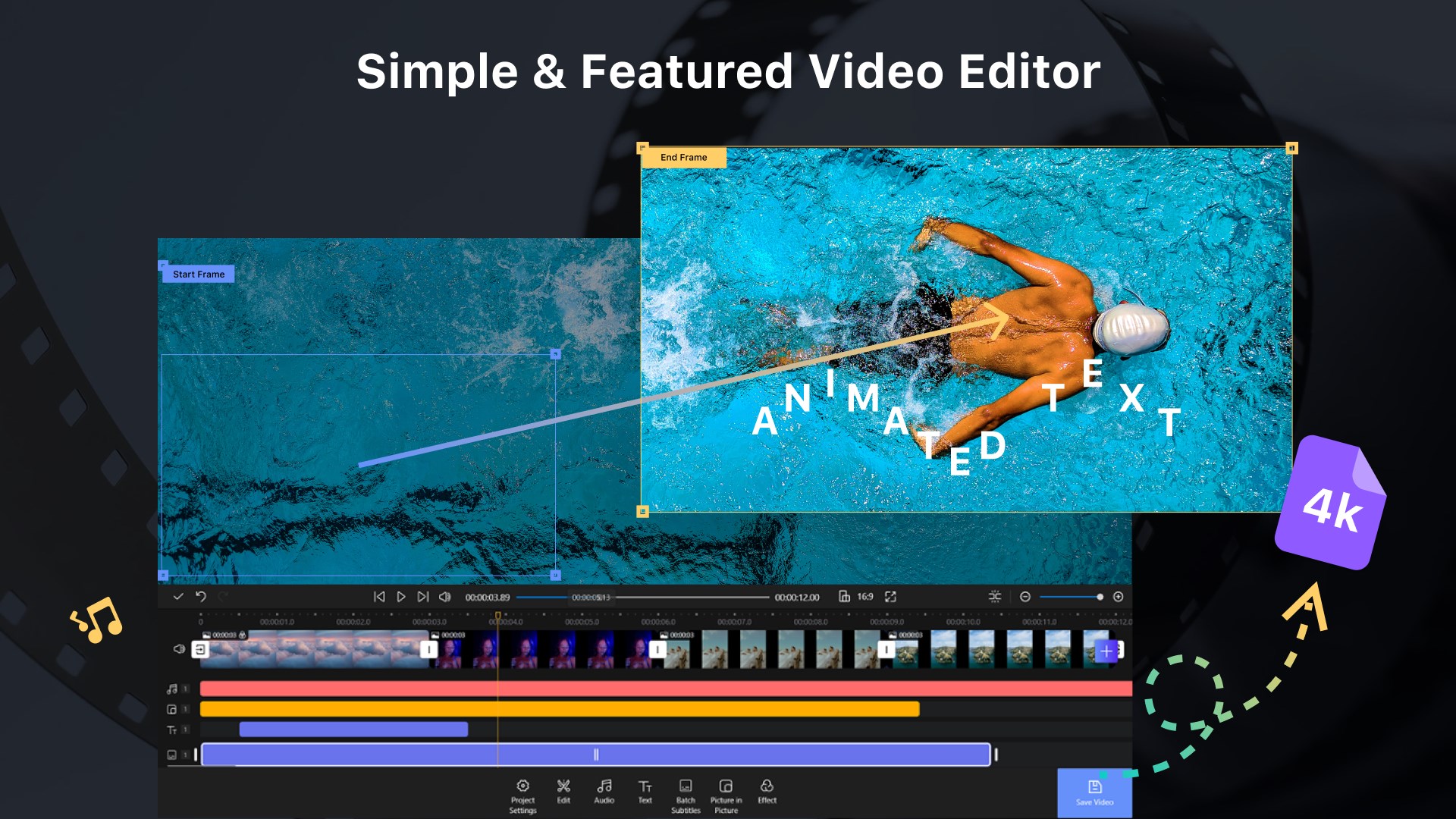
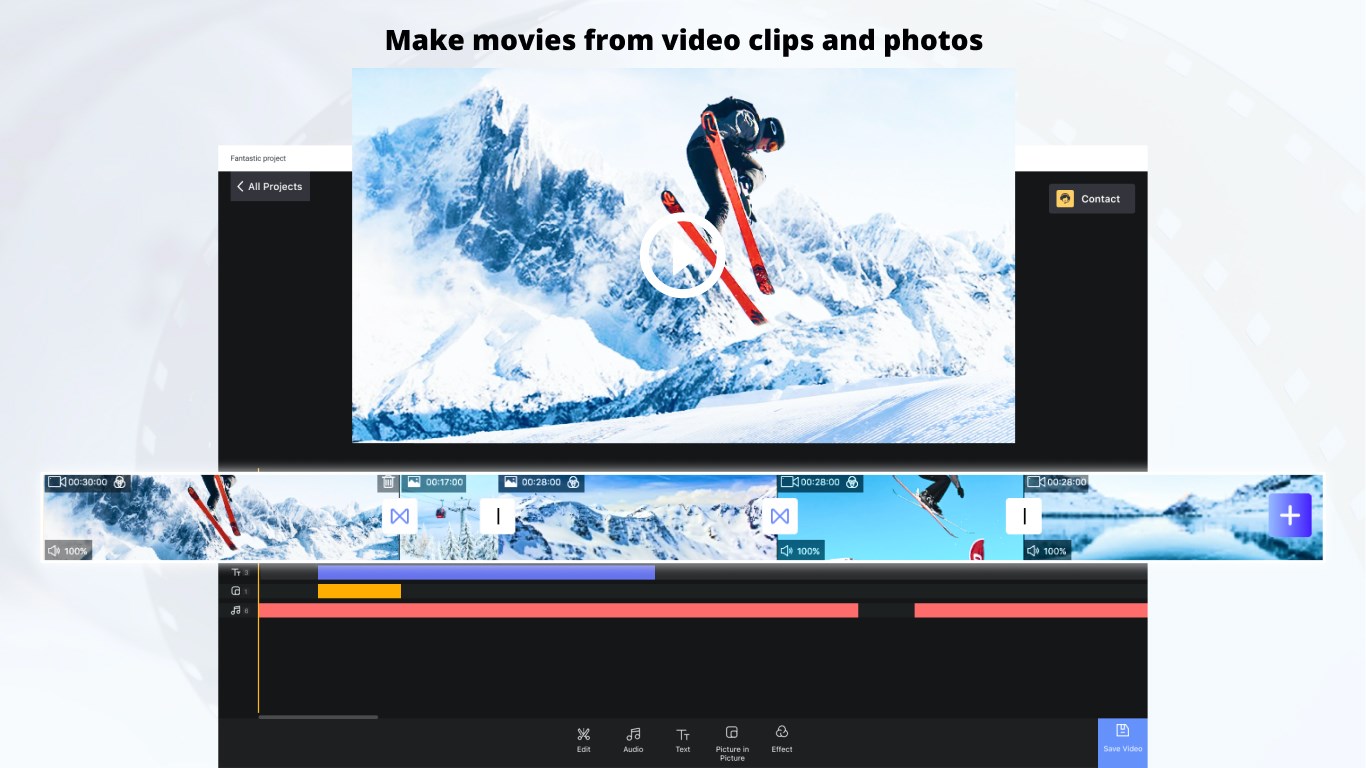
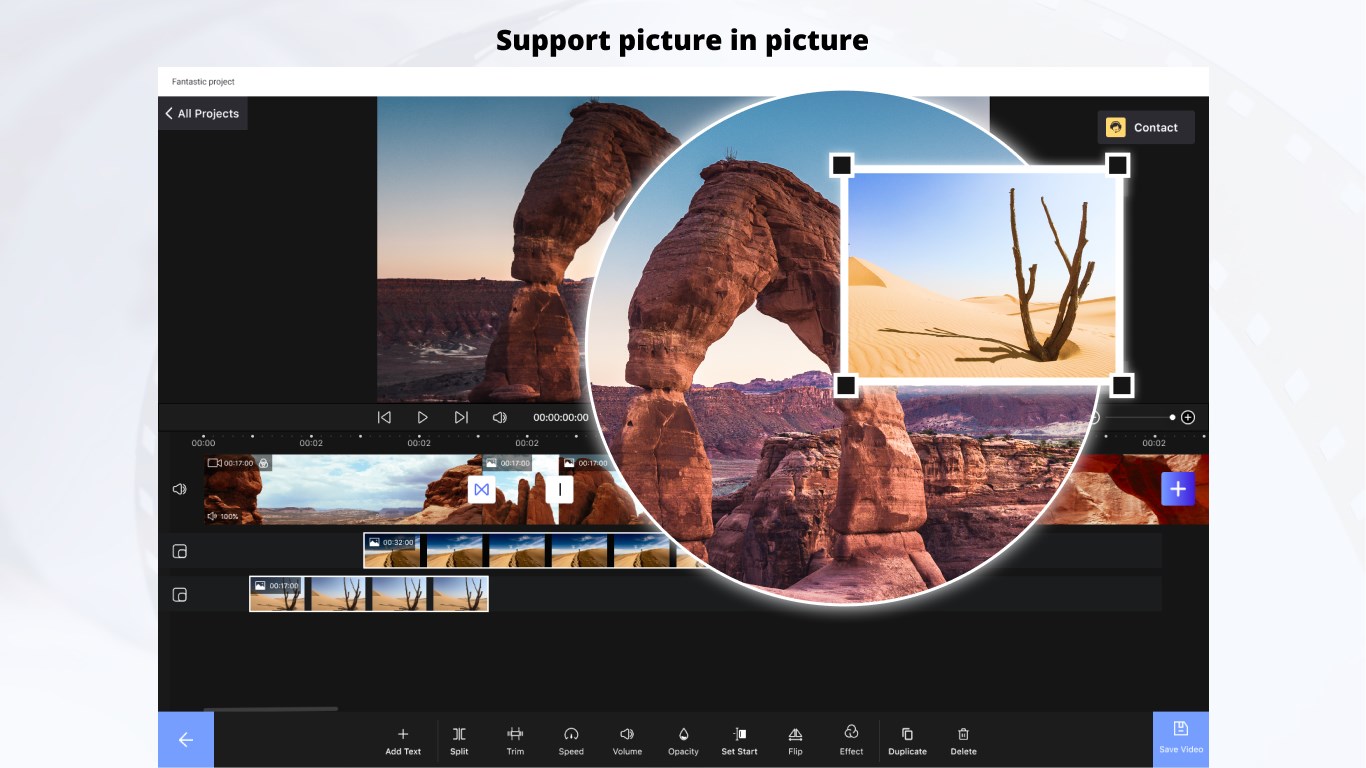
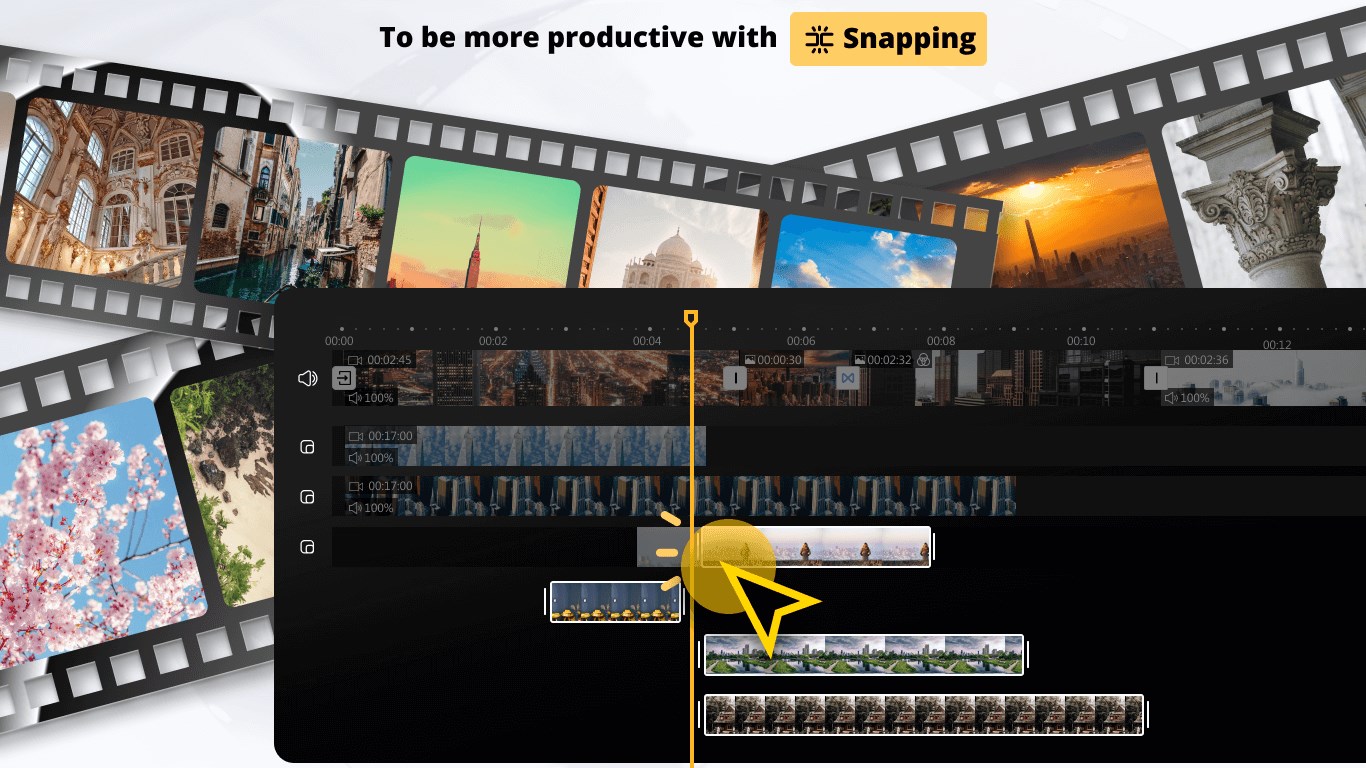
The interface adopts a modern aesthetic with neatly arranged tools, enabling even inexperienced users to locate functions effortlessly. Drag-and-drop functionalities make importing clips, images, and music feel natural, akin to organizing photos into an album. Transitioning between editing stages feels intuitive, with tooltips and prompts helpful without being intrusive. Overall, the design minimizes distractions, allowing users to focus solely on their storytelling.
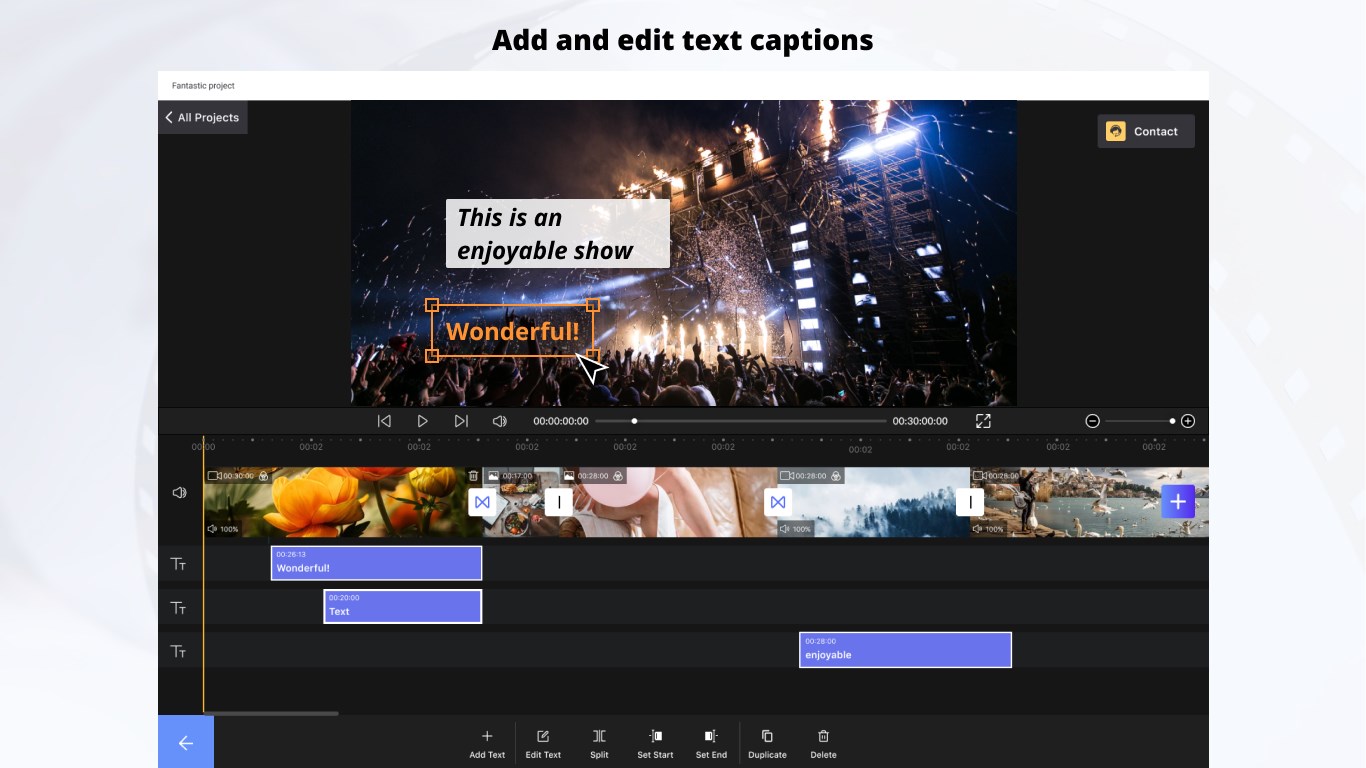
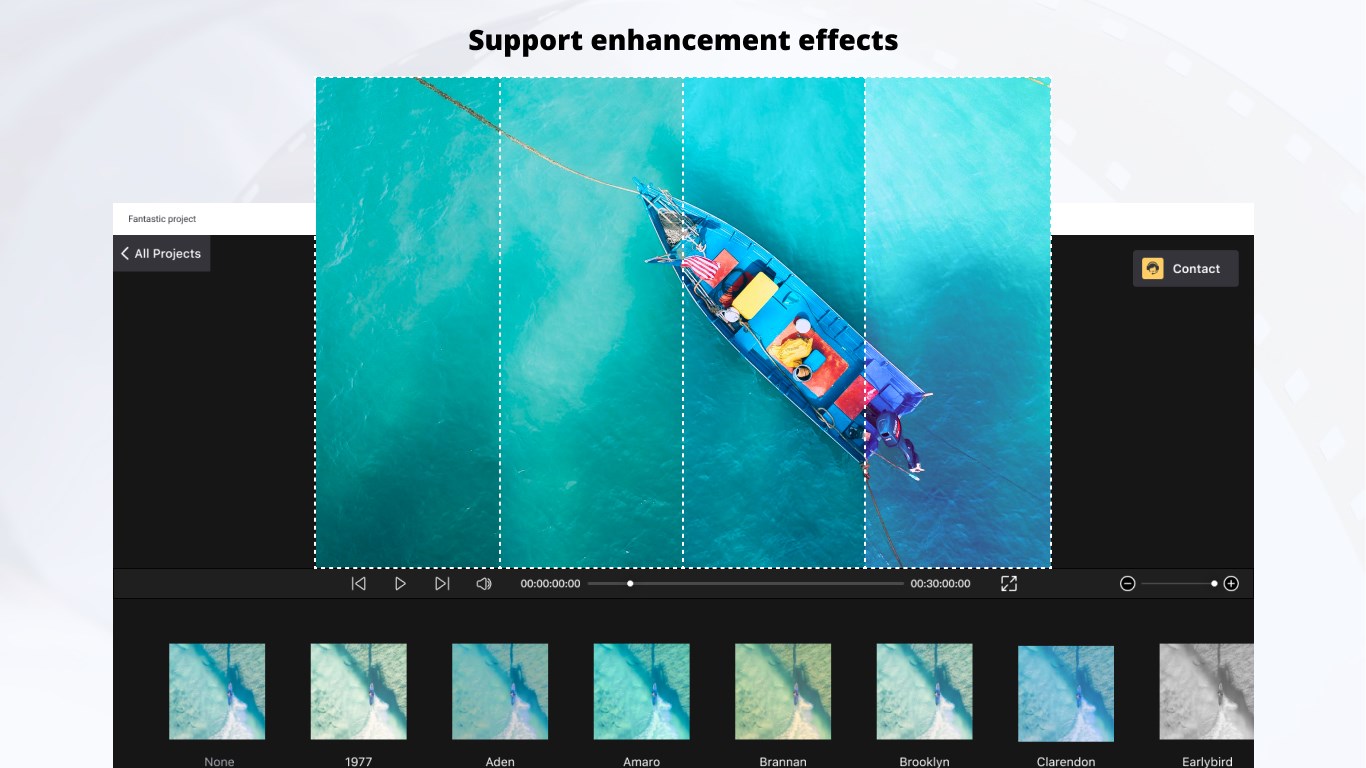
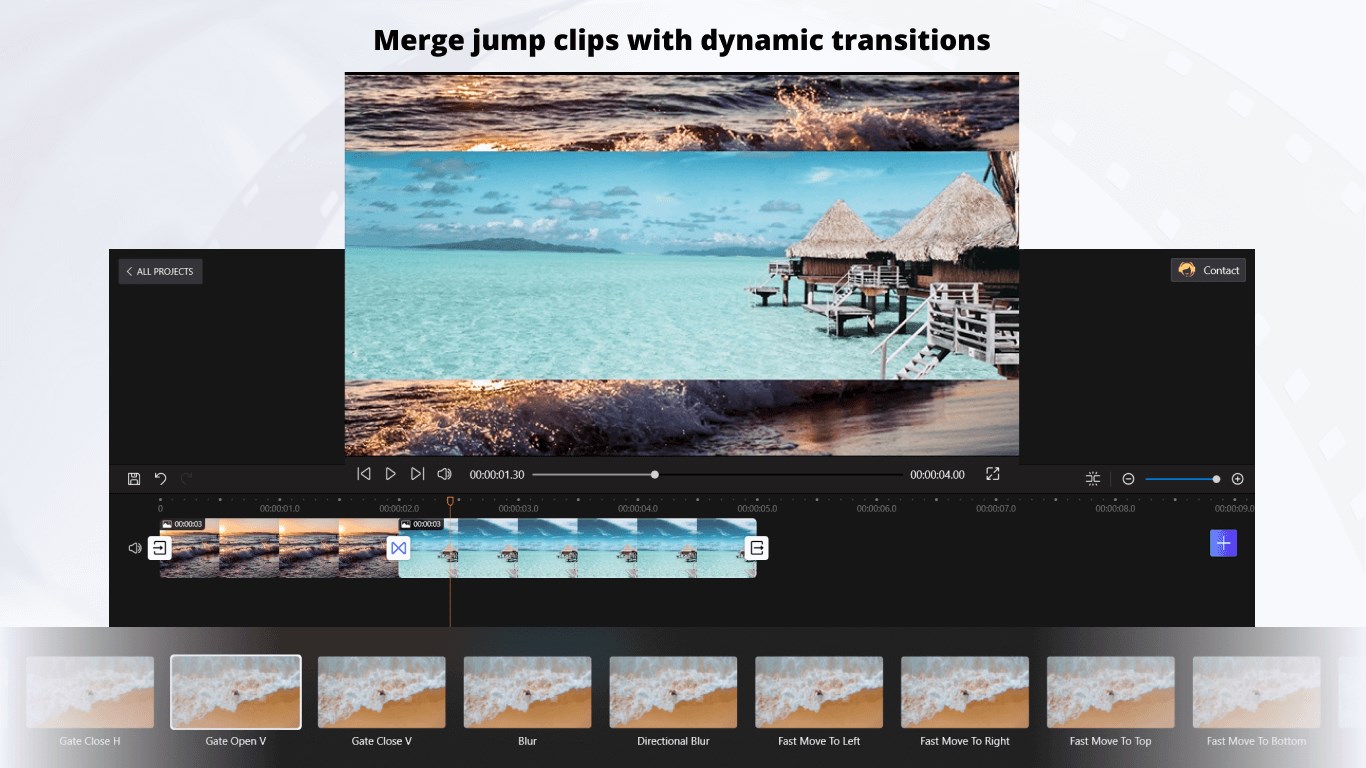
In terms of operation, Movie Maker boasts smooth performance—a noteworthy feat considering its lightweight nature. Its optimized engine handles multiple clips and effects without significant lag, ensuring your workflow remains fluid. For newcomers, the learning curve is gentle: basic edits can be accomplished within minutes, while more advanced techniques like applying transitions or text overlays are accessible through straightforward menus. The built-in tutorials further ease the onboarding process, transforming novices into confident editors in a short span.
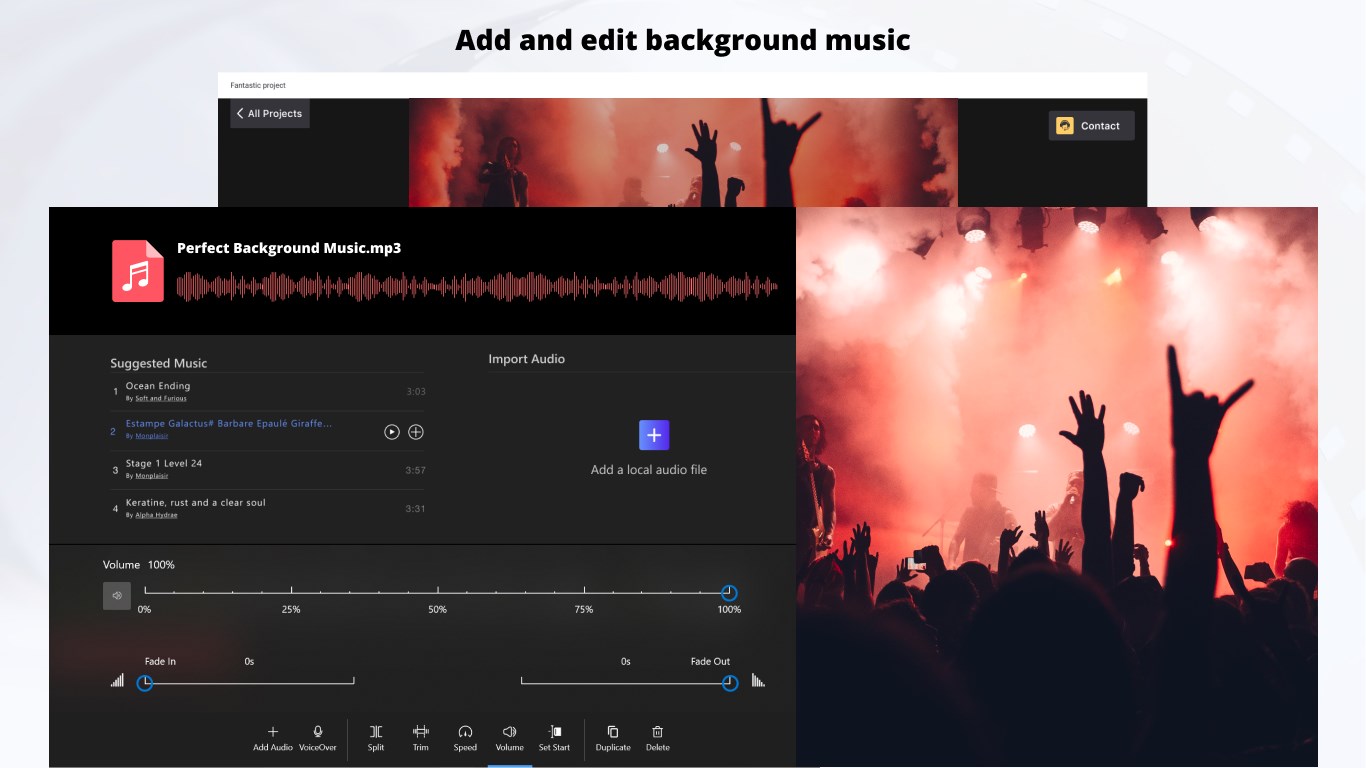
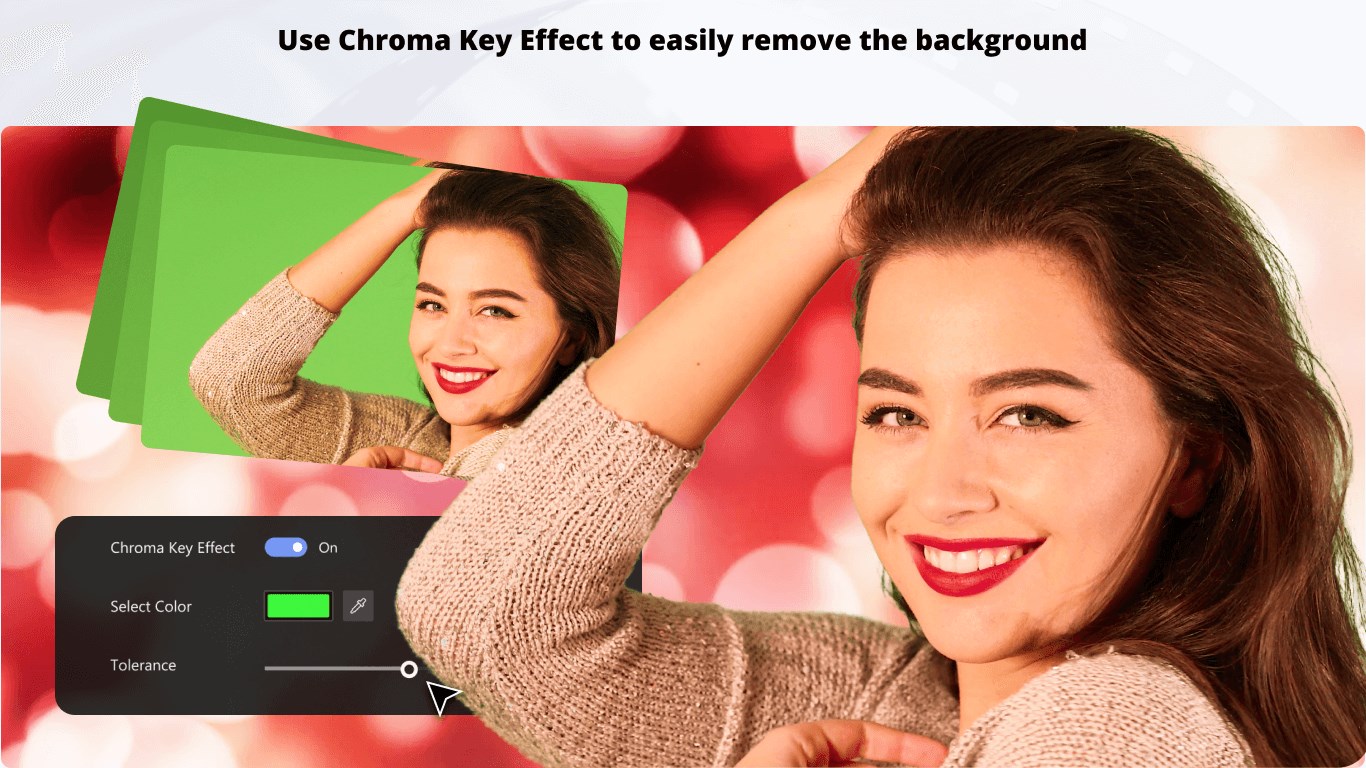
While many video editors clutter their interfaces with countless features, Movie Maker excels at highlighting two particularly distinctive aspects. First, its **simplicity-driven design** ensures users can produce polished videos *without* getting lost in complex settings. Second, its **integrated music library and easy audio adjustments** enable users to craft engaging soundtracks effortlessly, making the app ideal for creating lively social media clips or personal recordings.
Additionally, unlike some competitors that focus heavily on advanced editing for professional production, Movie Maker's balance of core features and user-friendly workflow positions it as a perfect stepping stone for amateurs looking to develop their skills.
Overall, Movie Maker: Video Editor for Windows earns a solid recommendation for those who seek an accessible, efficient, and enjoyable editing experience. Its standout features—particularly the minimalistic interface and seamless audio integration—make it a valuable tool for casual content creators aiming for quick yet professional-looking results. For users ready to jump into video editing without a steep learning curve, this app is worth a try.
For more seasoned editors or those requiring advanced features, this might not be the ultimate solution—but as a friendly, straightforward video editing companion, Movie Maker hits the sweet spot perfectly.
User-Friendly Interface
Free with Essential Features
Fast Rendering Speed
Integration with Microsoft Ecosystem
Basic Effects and Transitions
Limited Advanced Editing Tools
Occasional Stability Issues
Restricted Export Formats
Limited Audio Editing Features
Needs Better Export Customization

for Windows
 5
5

for Windows
4.9

for Windows
4.8

for Windows
4.8

for Windows
4.8

for Windows
4.7

for Windows
4.7

for Windows
4.7

for Windows
4.7

for Windows
4.7

for Windows
4.7

for Windows
4.7

for Windows
5

for Windows
5

for Windows
5

for Windows
5

for Windows
5

for Windows
5

for Windows
5

for Windows
5

for Windows
5

for Windows
5