Photo & video
Movavi Software
PC
Windows 10 version 0.0 or higher
2 GB
English, German, French, Italian, Spanish, Dutch, Portuguese, Polish, Russian, Japanese, Turkish, Korean, Chinese (Simplified), Chinese (Traditional Chinese)
In the bustling realm of video editing and format conversion, Movavi Video Converter for Windows stands out as a versatile tool designed to streamline your media management. Whether you're a casual user or a budding content creator, this application promises an efficient way to handle your video files with a user-friendly touch.
Developed and published by Movavi Software Limited, a reputable name in multimedia software development, this team has long been dedicated to creating intuitive solutions that simplify complex editing tasks. Their focus on delivering reliable, easy-to-use products makes Movavi Video Converter a noteworthy addition to their lineup.
Imagine turning a chaotic pile of unformatted videos into a neatly organized, ready-to-share collection—that's where Movavi Video Converter comes into play. Its sleek interface feels like a well-organized toolkit, inviting even beginners to jump right in without feeling overwhelmed. The visual design is clean, with intuitive icons and straightforward navigation, making the learning curve gentle as a summer breeze.
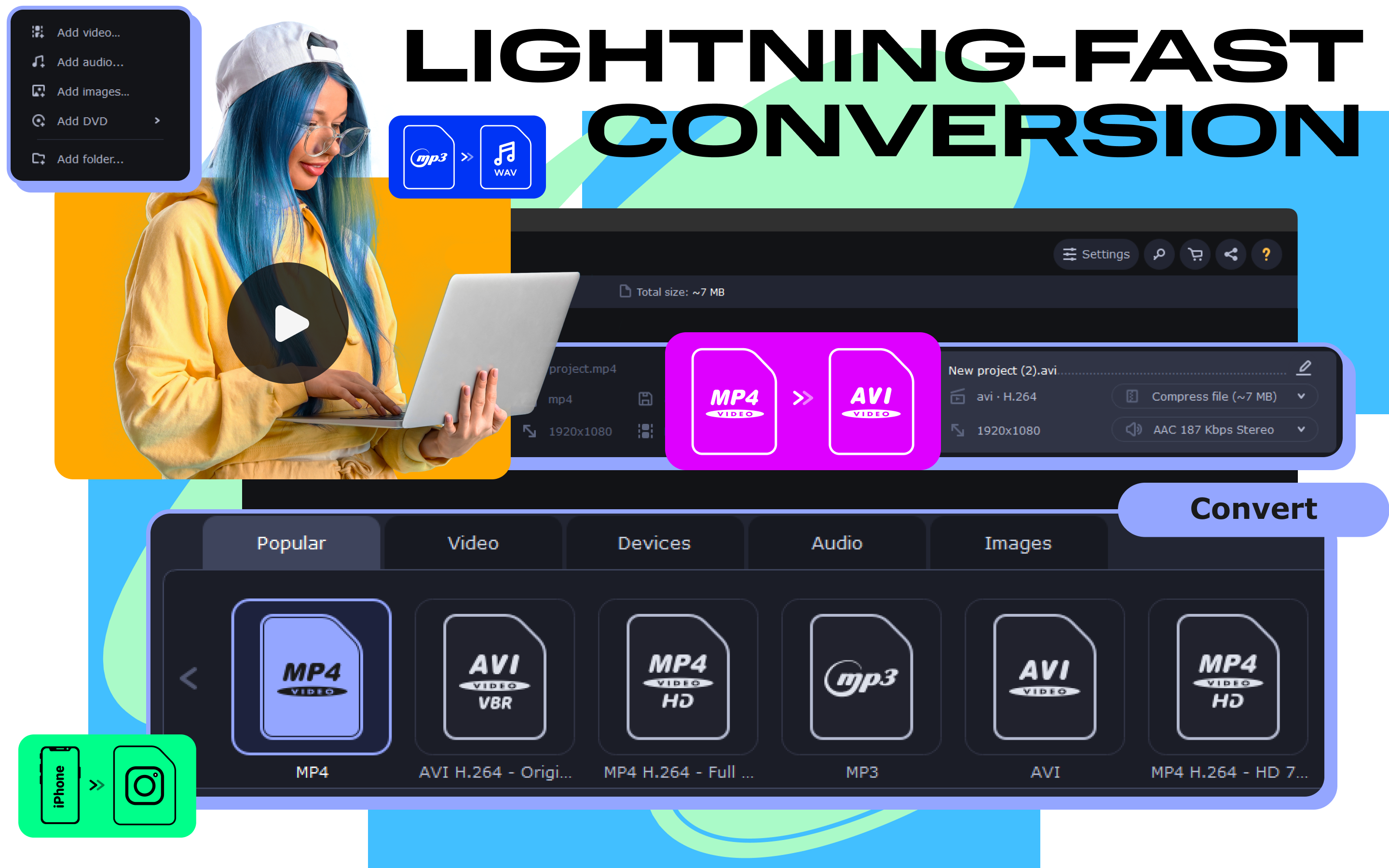
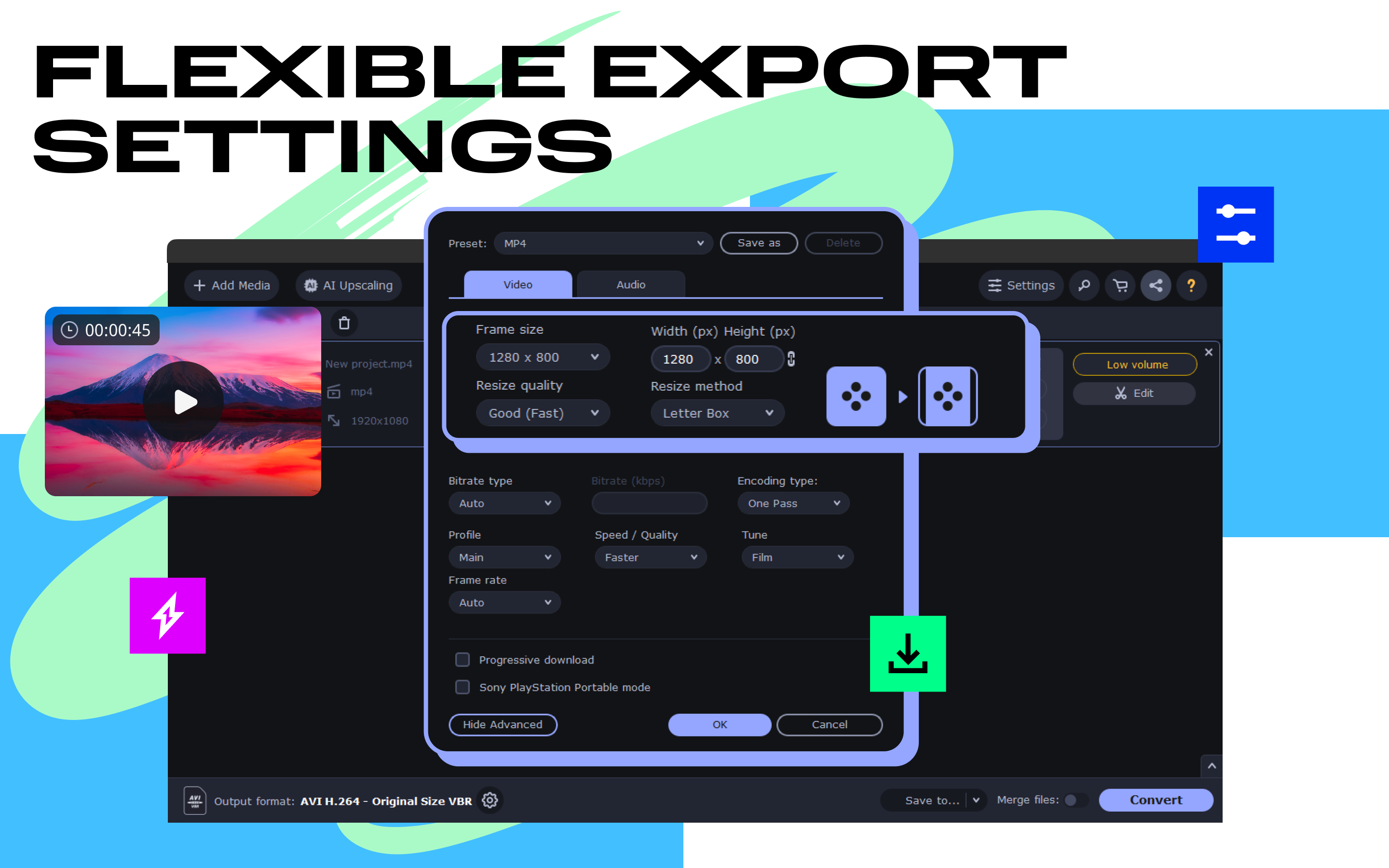
At the heart of Movavi Video Converter is its impressive processing speed. Powered by innovative technology, it accelerates conversion tasks, reducing what would typically take minutes into mere seconds. The batch processing feature is a true time-saver, allowing users to convert dozens of videos simultaneously—as effortless as flipping through a playlist. The preset options are particularly valuable, enabling quick selection of output settings optimized for specific devices like iPhones, Android phones, or smart TVs. This ease of use turns complex technical adjustments into a straightforward click-and-go experience.
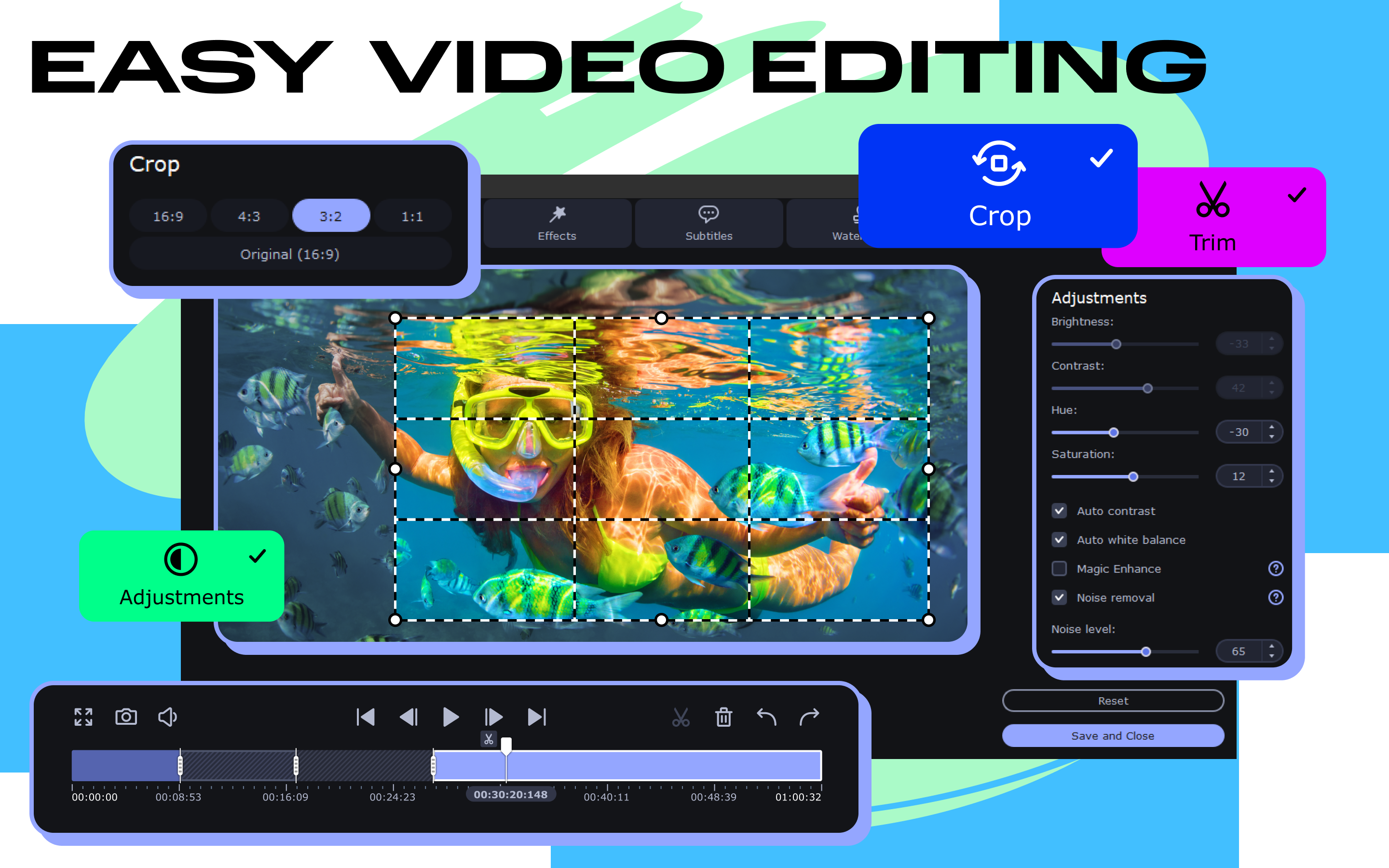
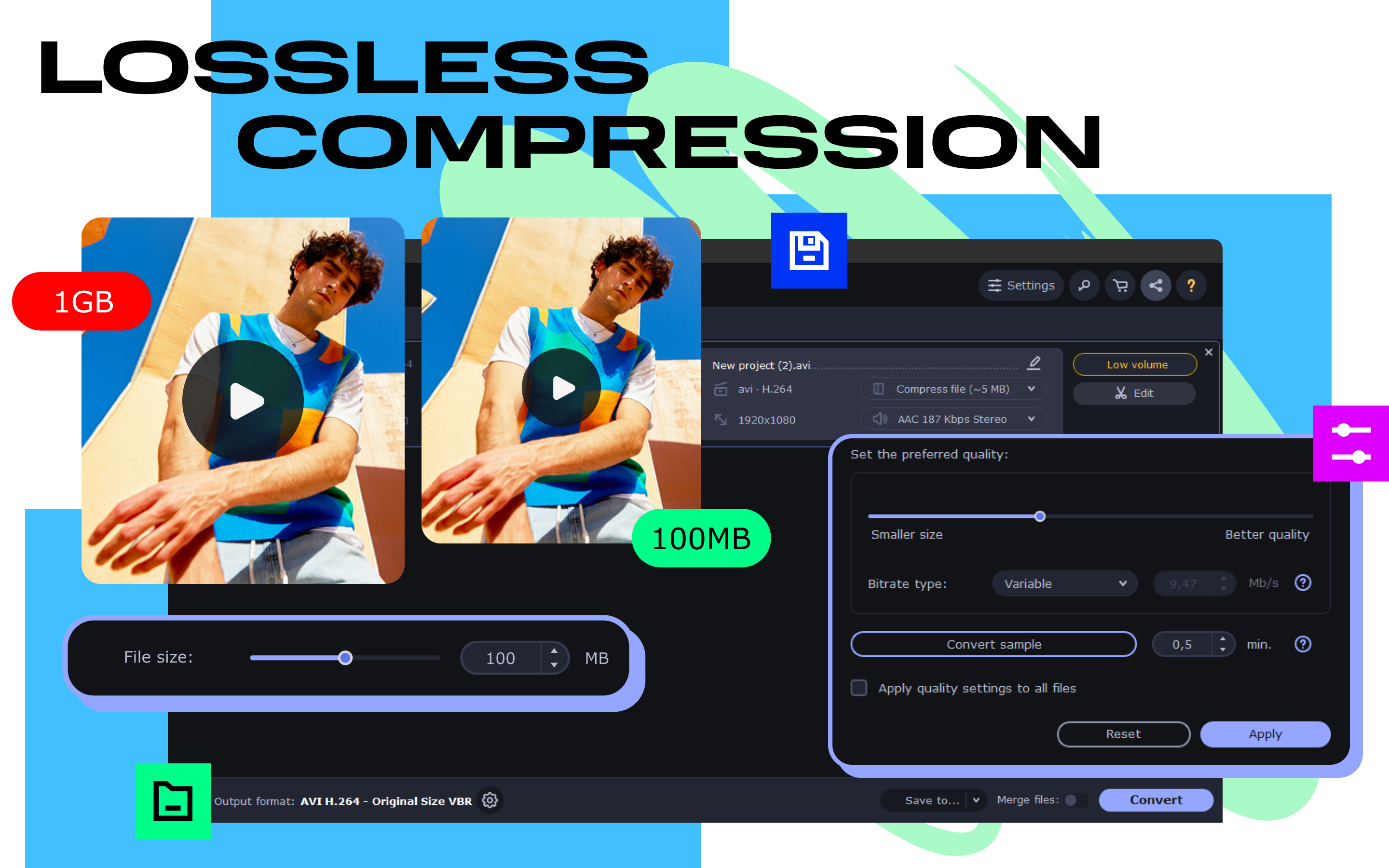
Beyond mere conversion, Movavi offers elementary editing functionalities. Crop a family holiday video to focus on your kids, trim a clip to fit social media limits, or add filters to enhance visual appeal—all within an interface that feels like a digital Swiss Army knife. Additionally, its compression feature ensures that large files won't clog your device or internet connection when sharing or uploading. This dual capability of editing and compression makes Movavi a comprehensive media management solution, especially for users with limited editing experience but high expectations for quality.
Using Movavi Video Converter is akin to having a friendly digital assistant guiding you through your media tasks. Its responsive interface reacts swiftly to commands, and the smooth operation across various tasks makes for an enjoyable user journey. The steps are logical, with minimal distraction, enabling users to focus on their creative goals rather than wrestling with the software. Compared to similar tools, Movavi's standout feature is its emphasis on preserving video quality during rapid conversions, ensuring your memories look their best without lengthy waits. The inclusion of device presets further sets it apart, catering to users who want quick, reliable results for specific media consumption devices.
Overall, Movavi Video Converter for Windows embodies a balanced blend of speed, simplicity, and versatility. It serves as an excellent tool for users seeking hassle-free media conversion and light editing, without the clutter of overly complicated features. Its standout strengths—fast processing and tailored presets—are particularly valuable for those who need quick yet high-quality results.
I would recommend this application to casual users, small content creators, and anyone looking to manage large video libraries efficiently. For professional-grade editing, users might look toward more advanced software, but for everyday tasks, Movavi offers a reliable, friendly option that feels like a helpful digital companion.
Fast Conversion Speeds
Wide Format Support
User-Friendly Interface
Basic Editing Tools
Batch Conversion Capability
Limited Advanced Editing Features
Occasional Export Quality Loss
Watermark on Free Version
Limited Customization Options
Occasional Crashes on Large Files

for Windows
 5
5

for Windows
4.9

for Windows
4.8

for Windows
4.8

for Windows
4.8

for Windows
4.7

for Windows
4.7

for Windows
4.7

for Windows
4.7

for Windows
4.7

for Windows
4.7

for Windows
4.7

for Windows
5

for Windows
5

for Windows
5

for Windows
5

for Windows
5

for Windows
5

for Windows
5

for Windows
5

for Windows
5

for Windows
5