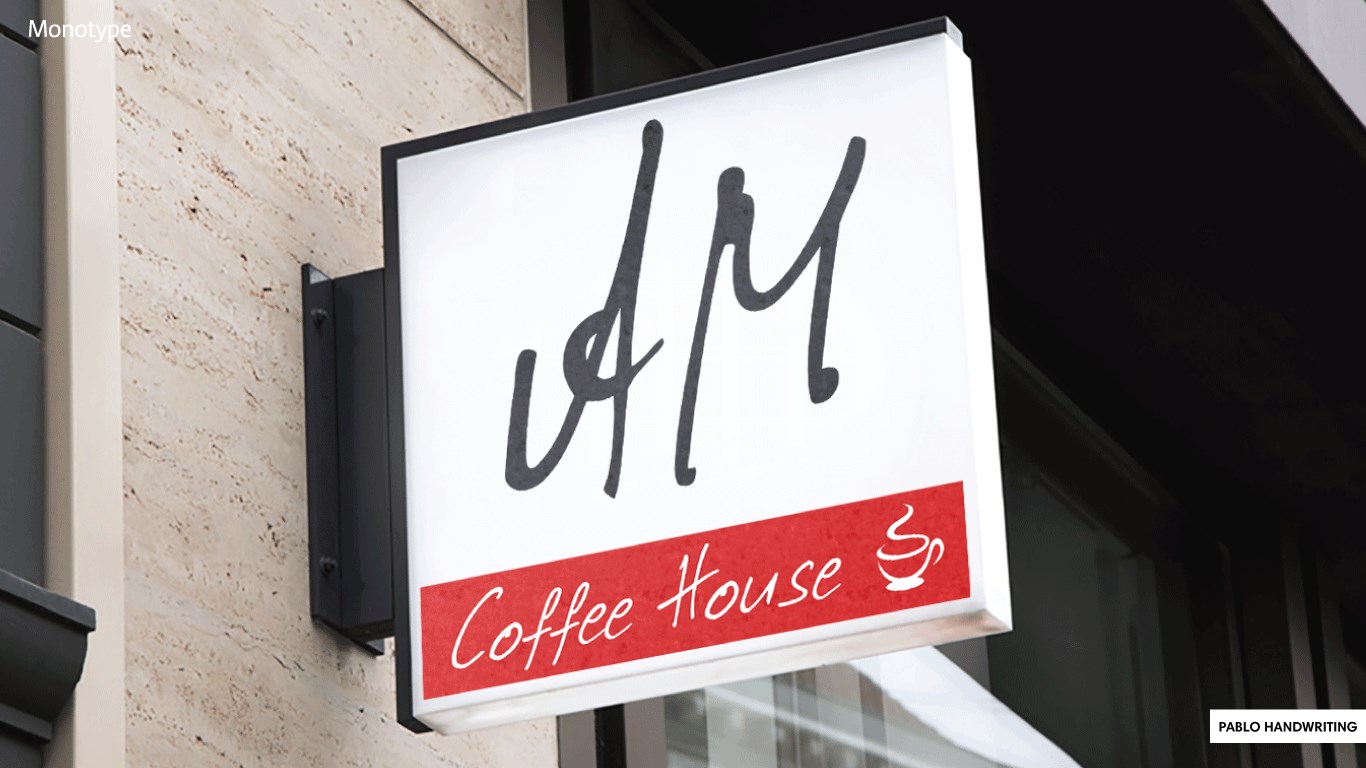
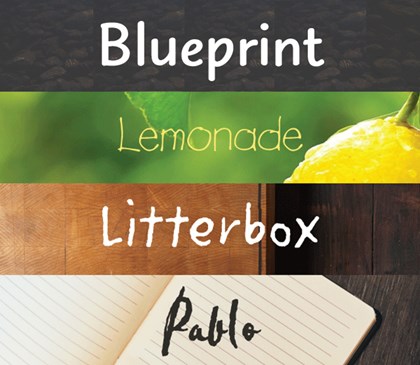
Personalization
PC, Surface Hub, HoloLens
Windows 10 version 17040.0 or higher
English (United States)
The Monotype Handwriting Font Pack for Windows is a thoughtfully curated collection that transforms digital text into charming handwritten styles, making everyday communication more personal and expressive. Perfect for designers, educators, and anyone seeking a touch of human warmth in their digital projects, this font pack promises a versatile and user-friendly experience.
The application is brought to you by Monotype, Inc., a renowned leader in digital typesetting and font technology, known for their commitment to quality and innovation in type design. With decades of expertise, Monotype ensures that users receive a professional-grade font experience that seamlessly integrates into Windows environments.
The target audience includes graphic designers, educators, students, and casual users who want to inject personality into their digital content without complex technical hurdles.
Imagine sitting by a cozy window, a cup of coffee steaming beside your laptop, as you pen down your thoughts—this font pack captures that intimate, handcrafted feel and brings it right into your digital workspace. Whether you're crafting invitations, decorating slides, or just jazzing up your personal journal, these fonts make every word feel like a handwritten note from a good friend. The Monotype Handwriting Font Pack transforms bland text into lively, personal expressions that breathe life into your projects, akin to adding a splash of watercolor to a black-and-white sketch.
The core appeal of this font pack lies in its diverse library of handwriting fonts. Each style is meticulously designed to evoke a specific mood—be it playful, professional, casual, or elegant. For example, you might use a bubbly font for a children's party invitation or a sleek, cursive style for a wedding program. This variety ensures that users can find the perfect match for any occasion, effectively turning simple text into a personalized canvas.
Getting started is as easy as opening a notebook—installing the fonts is straightforward, with minimal fuss. The user interface within Windows settings is clean, organized, and approachable, allowing users to browse, preview, and activate fonts effortlessly. The responsiveness of the application stays fluid, so switching between styles or adjusting settings feels natural, akin to flipping through pages in a well-worn sketchbook. For users familiar with Windows, the learning curve is gentle; newcomers will find the setup process intuitive.
What sets this pack apart from other handwriting fonts is its dedication to customization. Users can tweak parameters like letter spacing, size, and weight directly within supported applications, enabling tailored designs that align perfectly with project needs. Additionally, the fonts are designed with theme harmony in mind—they blend well with different background colors and textures, ensuring readability and aesthetic consistency. This thoughtful design approach makes the pack highly adaptable without sacrificing visual appeal.
Overall, the Monotype Handwriting Font Pack for Windows stands out as a versatile, user-friendly collection that successfully balances variety with ease of use. Its most distinctive features are the expansive selection of styles and the fine-tuned customization options, which cater to both casual users and professional designers alike. The interface's smooth operation and seamless integration into Windows applications streamline the process, allowing creativity to flourish without technical distractions.
For those seeking to add a personal touch to their documents, presentations, or creative projects, this font pack offers a reliable and aesthetically pleasing solution. While it may not be necessary for users who prefer ultra-modern or heavily stylized fonts, it shines brightly in contexts where a handwritten, authentic feel is desired.
In conclusion, I recommend this application with confidence, especially for small business owners, educators, and creative hobbyists looking for a straightforward way to humanize their digital content. For best results, explore the different styles and customization settings to find the perfect personal or professional handwriting vibe that resonates with your project's spirit.
Unique Monotype Handwriting Style
Easy Integration with Microsoft Office
Wide Range of Characters
High-Quality Font Rendering
Regular Updates and Support
Limited Font Variations
Large File Size
Compatibility Restrictions
Occasional Lag in Rendering
Limited Customization Options

for Windows
 5
5
for Windows
5

for Windows
5

for Windows
5

for Windows
5

for Windows
4.9

for Windows
4.9

for Windows
4.9

for Windows
4.9

for Windows
4.8

for Windows
4.8

for Windows
4.8
for Windows
5

for Windows
5

for Windows
5

for Windows
5

for Windows
5

for Windows
5

for Windows
5

for Windows
5
for Windows
5

for Windows
5