Personal Finance
iBear LLC
PC
Windows 10 version 17763.0 or higher
Not specified
Not specified
Arabic, Armenian, Chinese (Simplified), Chinese (Traditional Chinese), Chinese (Traditional), Danish, Dutch, English, English (United States), French, German, Hindi, Hungarian, Indonesian, Italian, Japanese, Korean, Korean , Malay, Polish, Portuguese, Portuguese (Brazil), Russian, Slovak, Spanish, Spanish (Spain), Swedish, Thai, Turkish, Ukrainian, Vietnamese
Imagine having a financial assistant right on your desktop—helping you budget, track expenses, and plan for your financial goals with ease. That's exactly what Money Pro: Personal Finance for Windows aims to deliver. Developed by iBear LLC, this application combines simplicity and power, making managing your personal finances a less daunting and more streamlined experience.
Money Pro offers a suite of features tailored to simplify personal money management while providing comprehensive control. Its standout functionalities include an intuitive budgeting system, detailed expense tracking, and customizable reporting tools. Plus, seamless synchronization across devices ensures you're always on top of your financial status.
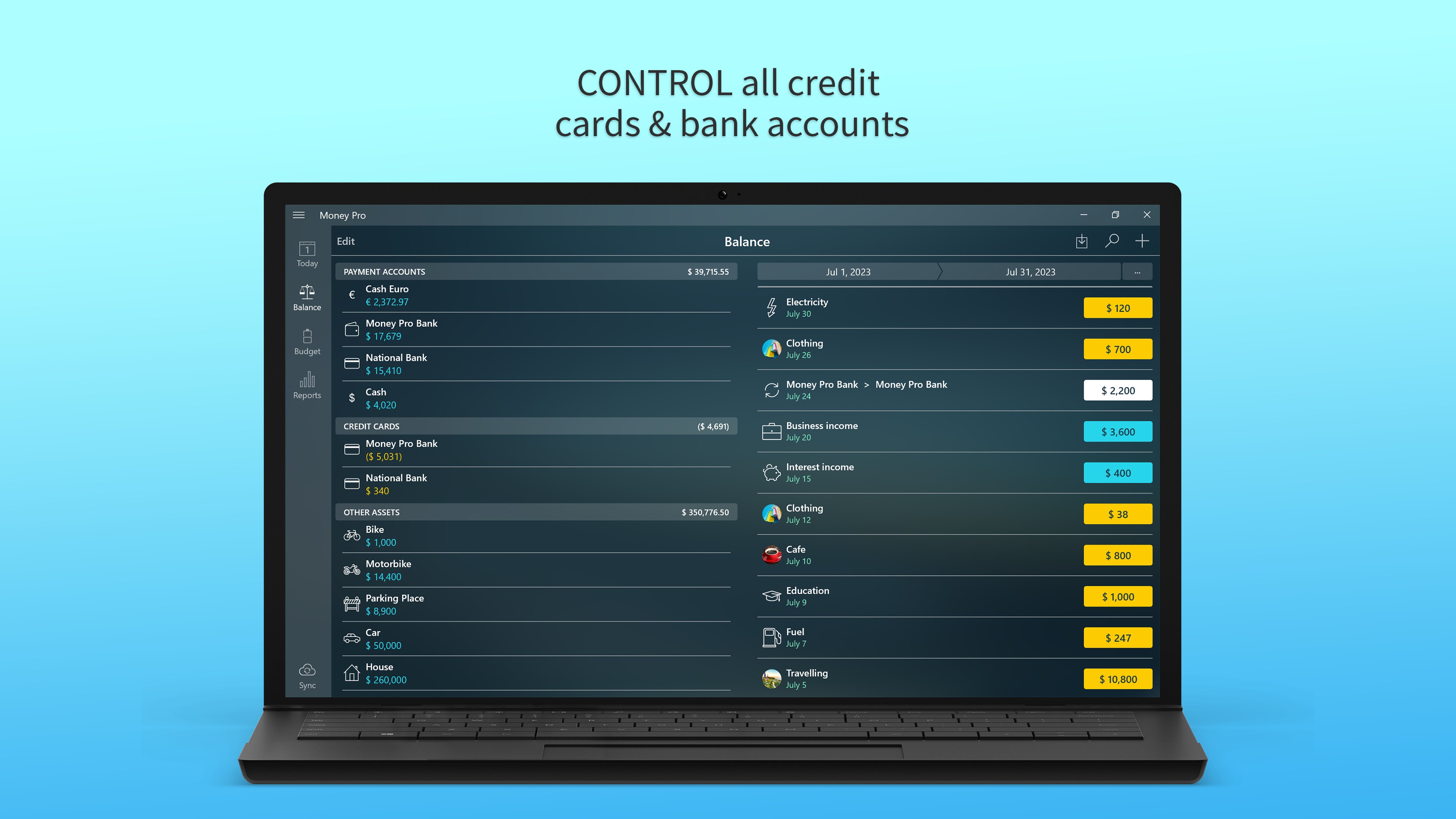
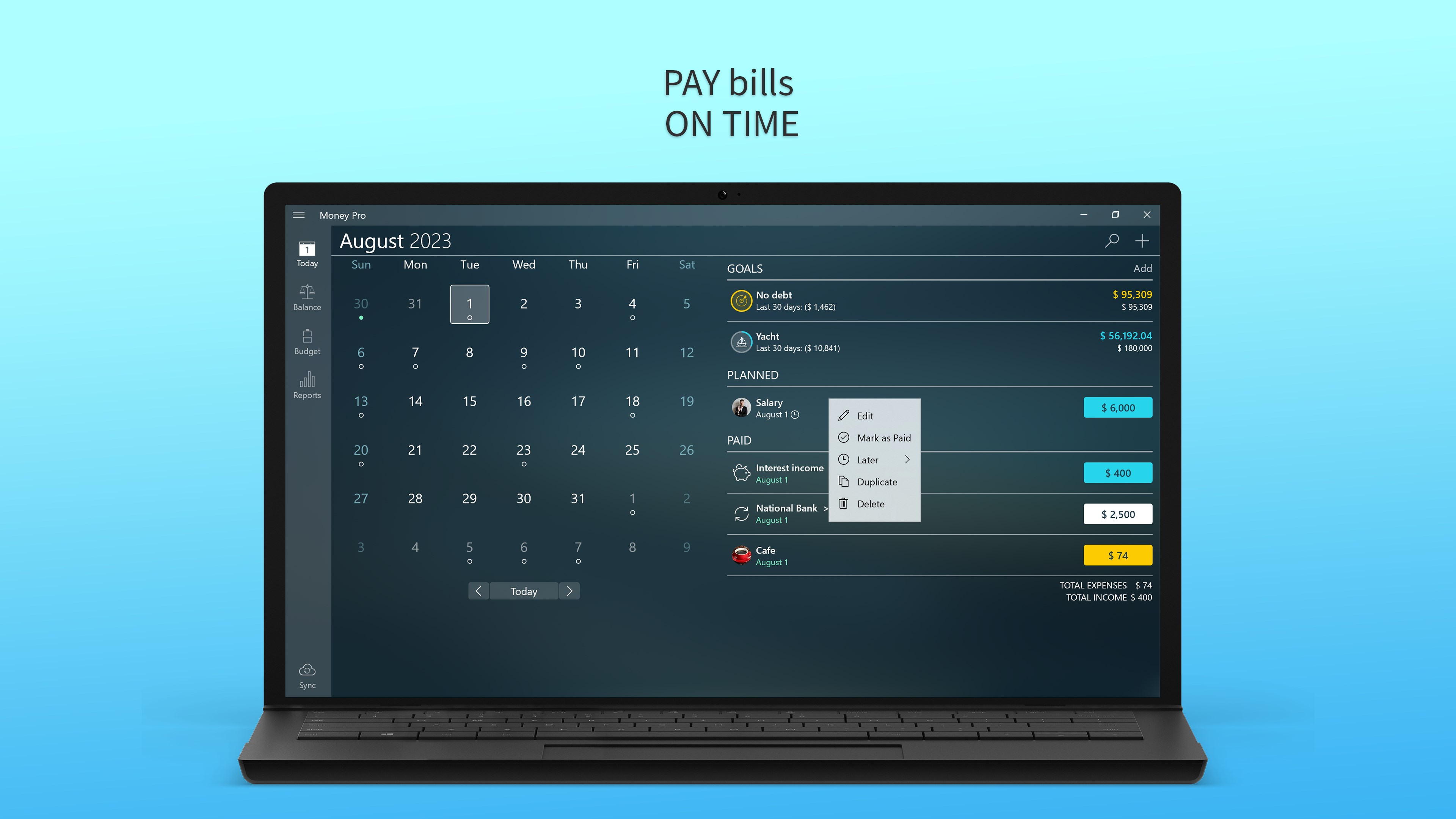
One of the first things you'll notice is Money Pro's clean, well-organized interface. Designed with the user in mind, navigating through the app feels as smooth as gliding on ice. The dashboards display your financial snapshot at a glance—charts, upcoming bills, and budget summaries—all arranged logically to reduce cognitive overload. Whether you're a finance novice or a seasoned budgeter, the learning curve is gentle; you can start inputting data immediately without digging through complicated menus.
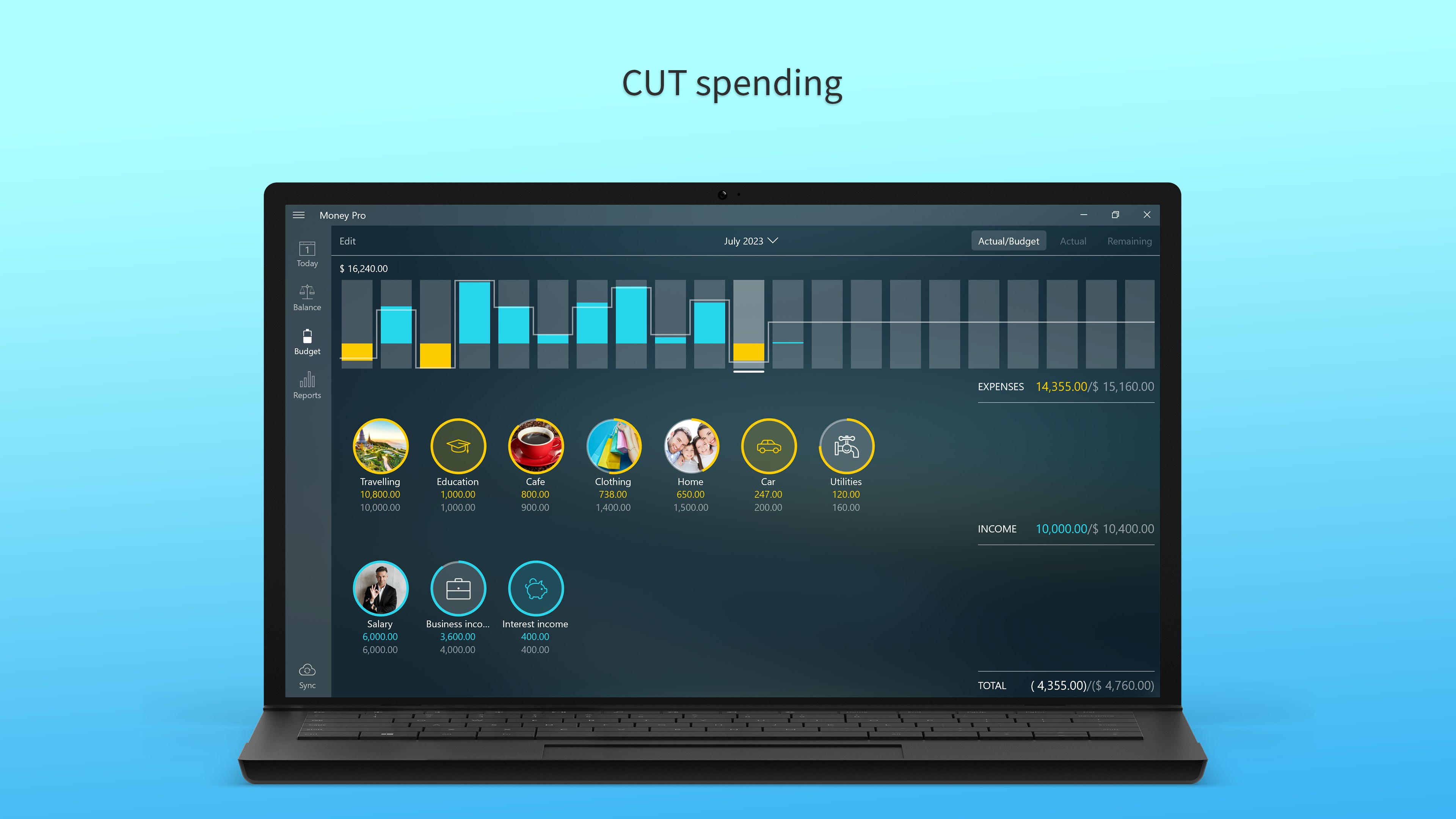
Imagine a financial dashboard that acts like a personal trainer for your money—motivating you to stay on track and adapt when needed. Money Pro excels here, offering customizable budget categories and real-time expense updates. You can quickly categorize expenses on the go, set spending limits, and receive alerts when approaching your thresholds. Its ability to generate detailed expense reports reveals spending patterns, helping you identify areas where you can cut back, much like trimming branches from a healthy tree to foster growth.
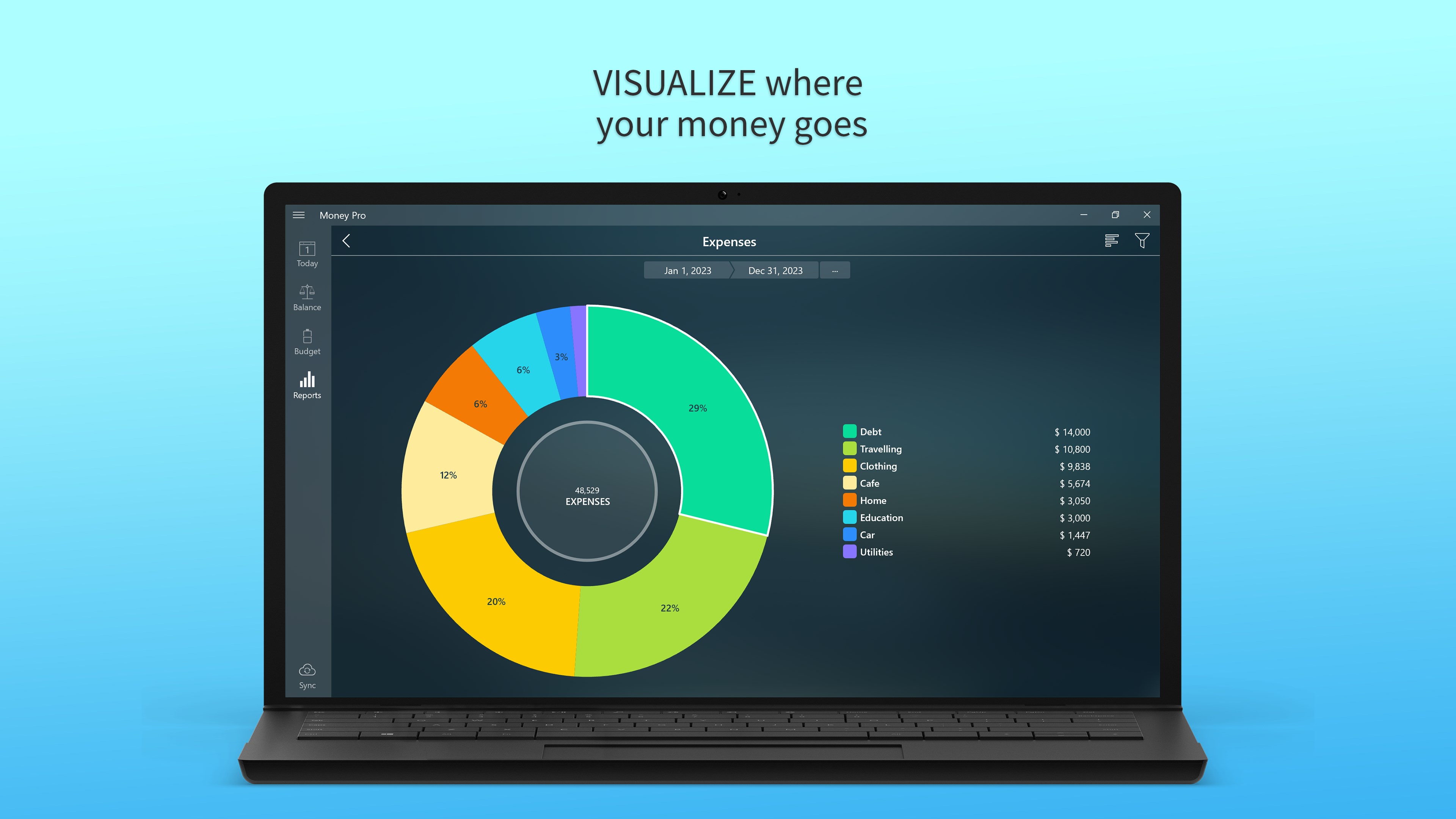
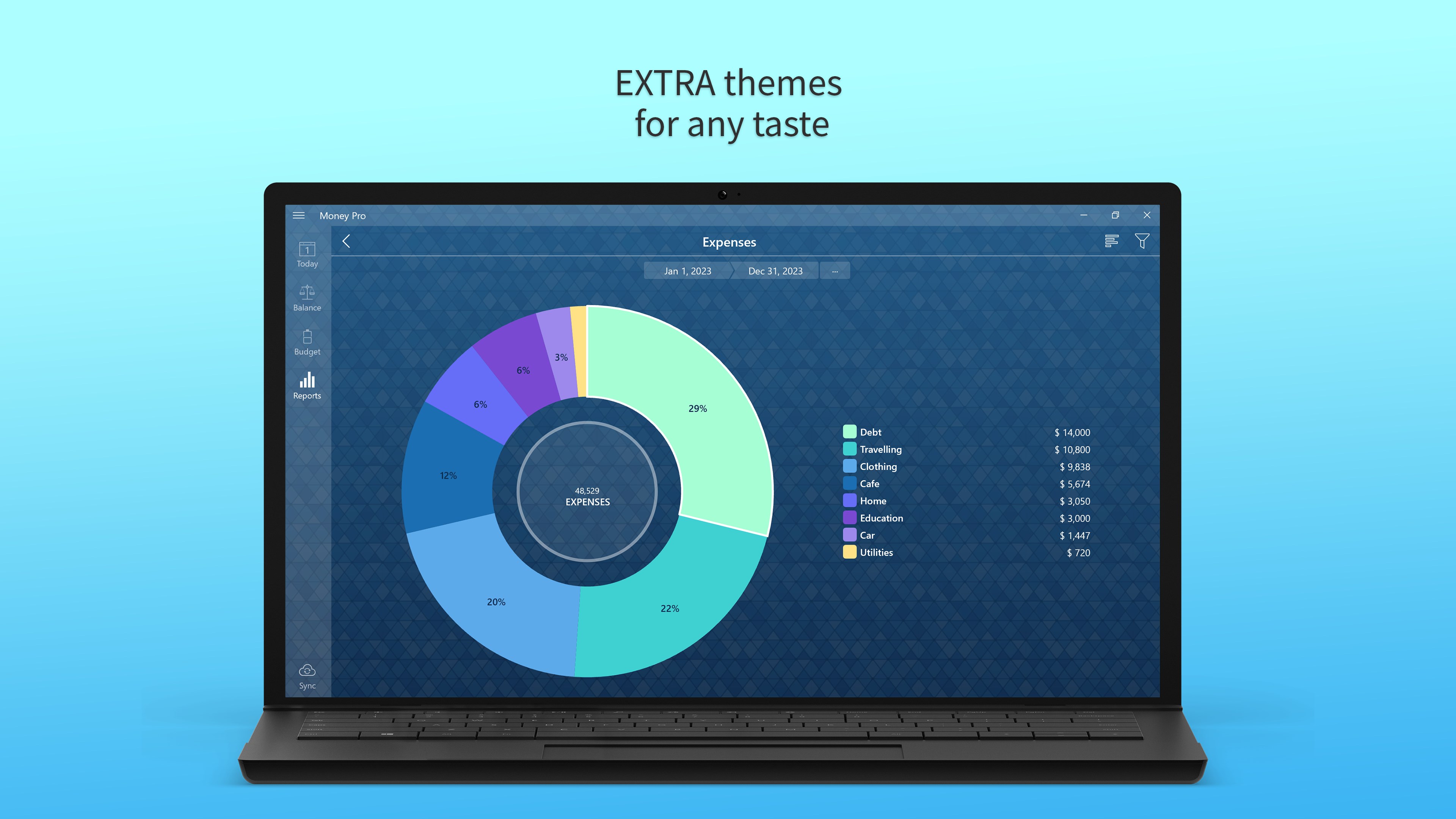
What truly sets Money Pro apart from other personal finance apps is its emphasis on visual data. The application's reporting features translate complex financial data into clear, engaging charts and graphs. This turn-your-raw-data-into-a-story approach makes understanding your finances as straightforward as reading a weather forecast—no confusing spreadsheets required. Additionally, its report customization allows tailored insights, ideal for planning future financial initiatives or preparing for tax season.
Compared to other personal finance applications, Money Pro stands out for its balanced blend of usability and depth. While many apps focus solely on either simple expense logging or complex investment tracking, Money Pro offers a middle ground—powerful enough for serious budgeters yet approachable for everyday users. Its synchronization feature ensures consistency across devices, making it a reliable partner whether at home or on the go.
Overall, I would recommend Money Pro to anyone seeking a straightforward yet robust personal finance tool for Windows. It's particularly suitable for users who want detailed insights without the overwhelm of overly complicated interfaces. For those requiring a dedicated financial overview and goal planning integrated into their Windows ecosystem, Money Pro is a commendable choice.
Money Pro by iBear LLC offers a compelling package that balances simplicity with sophistication. Its standout features—the visualized reporting and flexible budgeting—are like having a friendly financial advisor at your fingertips. Whether you're aiming to save smarter, spend wiser, or simply get a grip on your money, this app provides a stable, reliable platform to help you achieve your goals without fuss. If you're looking for a personal finance app that feels both approachable and comprehensive, Money Pro deserves a spot on your desktop.
User-friendly Interface
Comprehensive Budgeting Tools
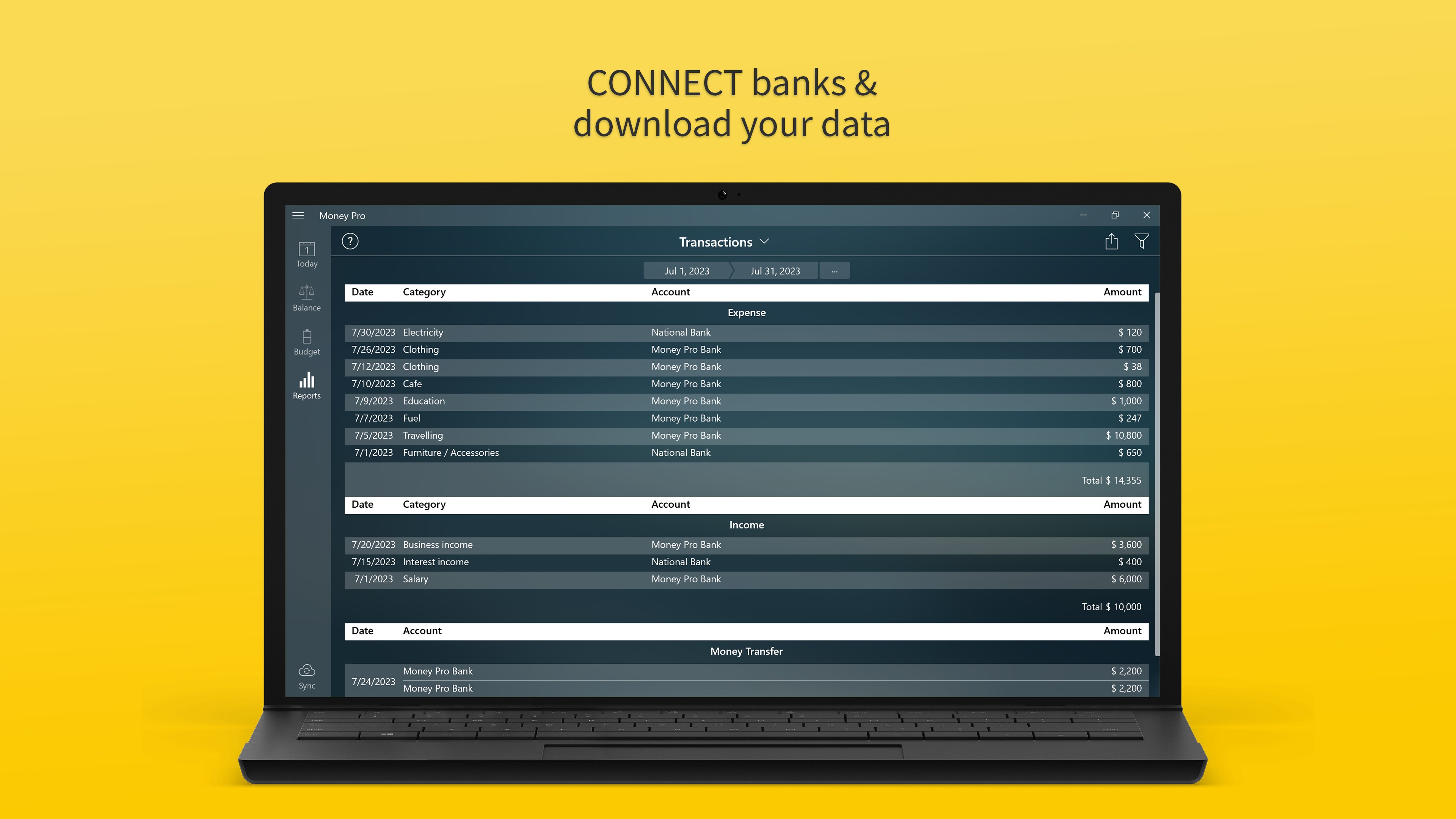
Automatic Bank Syncing
Customizable Reports
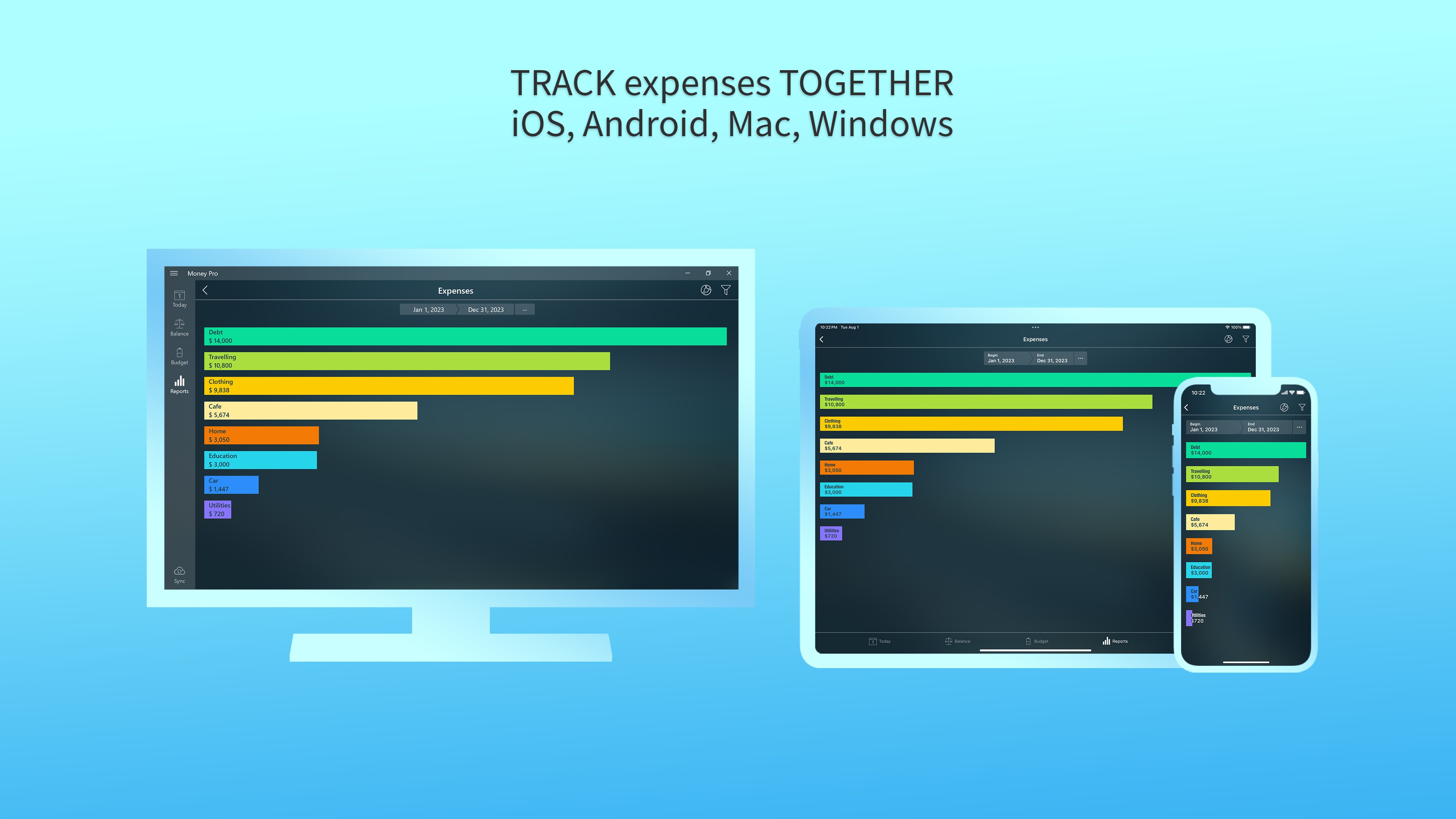
Multi-Device Accessibility
Limited Export Options
Occasional Sync Delays
Premium Features Require Subscription
Limited Investment Tracking
Occasional App Crashes on Older Devices

for Windows
 5
5

for Windows
5

for Windows
5

for Windows
5

for Windows
5

for Windows
5

for Windows
5

for Windows
5

for Windows
5

for Windows
5