Music
Zubersoft, LLC
PC, Mobile, Surface Hub, HoloLens
Windows 10 version 17763.0 or higher
Catalan, Chinese (Simplified), Chinese (Traditional Chinese), Czech, Danish, Dutch, English (Belize), English (United States), Finnish, French, German, Greek, Italian, Japanese, Korean, Korean , Norwegian (Bokmål), Polish, Portuguese (Brazil), Romanian, Russian, Slovak, Spanish, Spanish (Spain), Turkish, Ukrainian
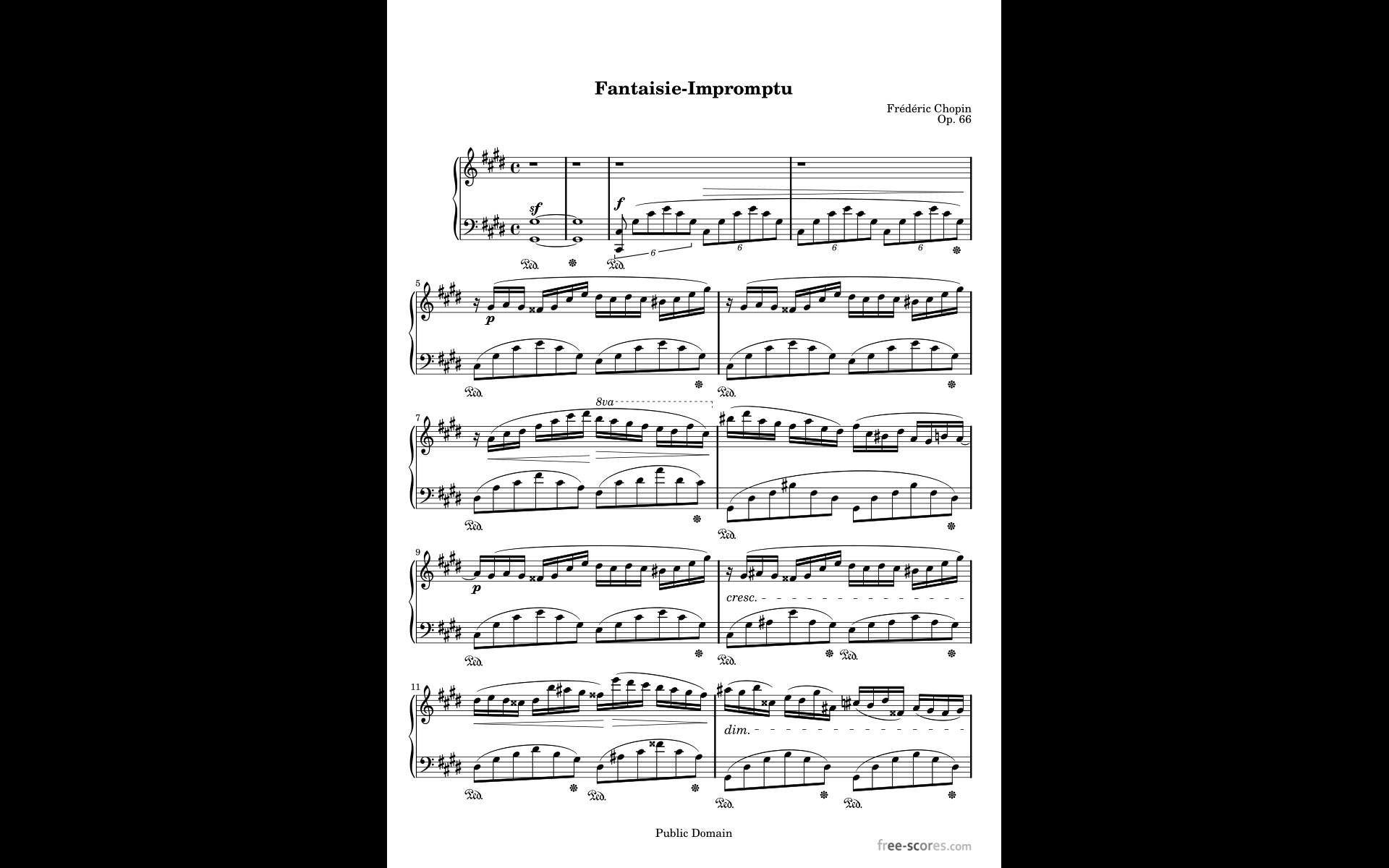
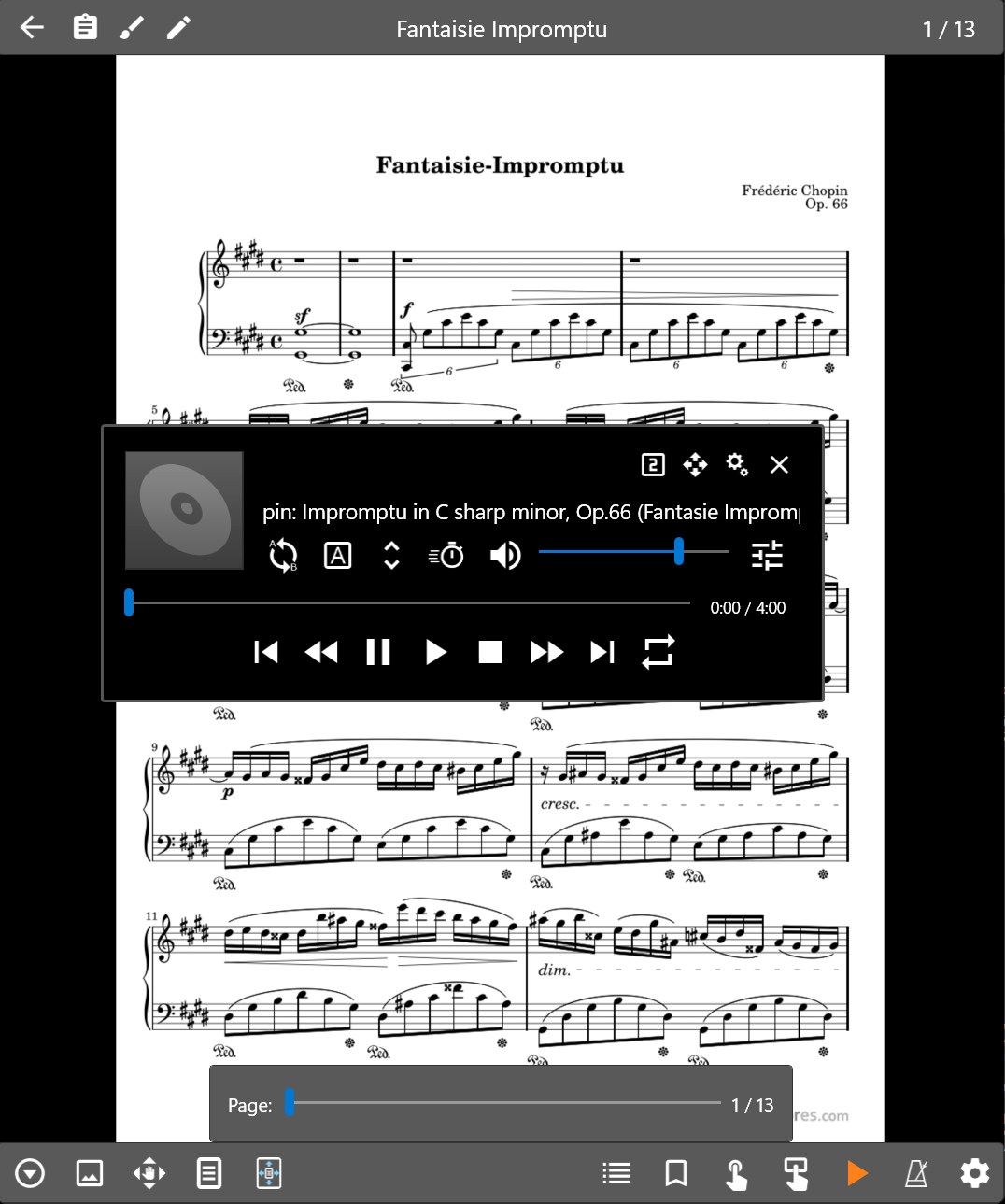
MobileSheets for Windows is a feature-rich application designed to transform the way musicians organize, view, and perform their sheet music collections on a computer. With its comprehensive set of tools, it aims to be an essential digital assistant for both amateur and professional performers.
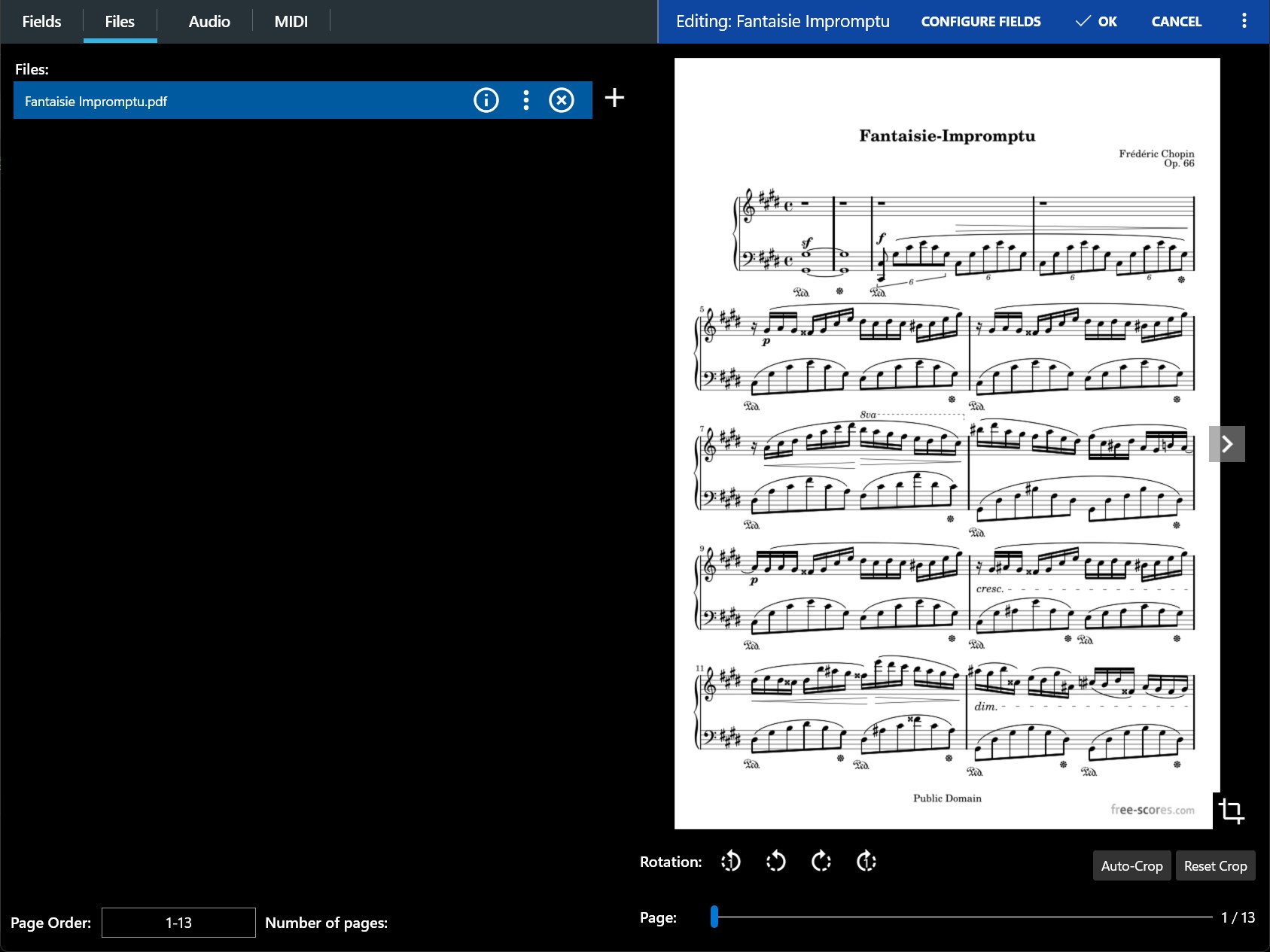
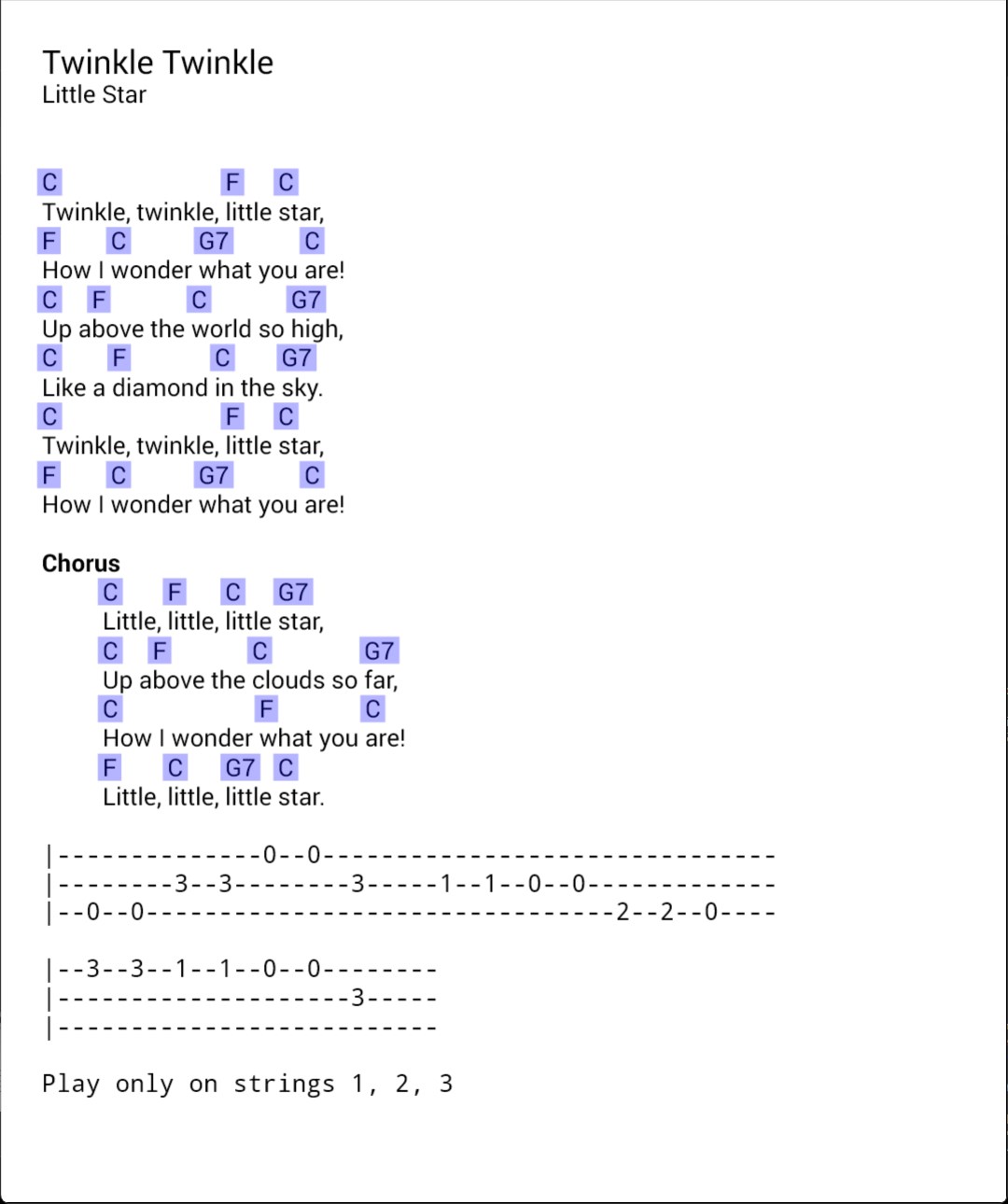
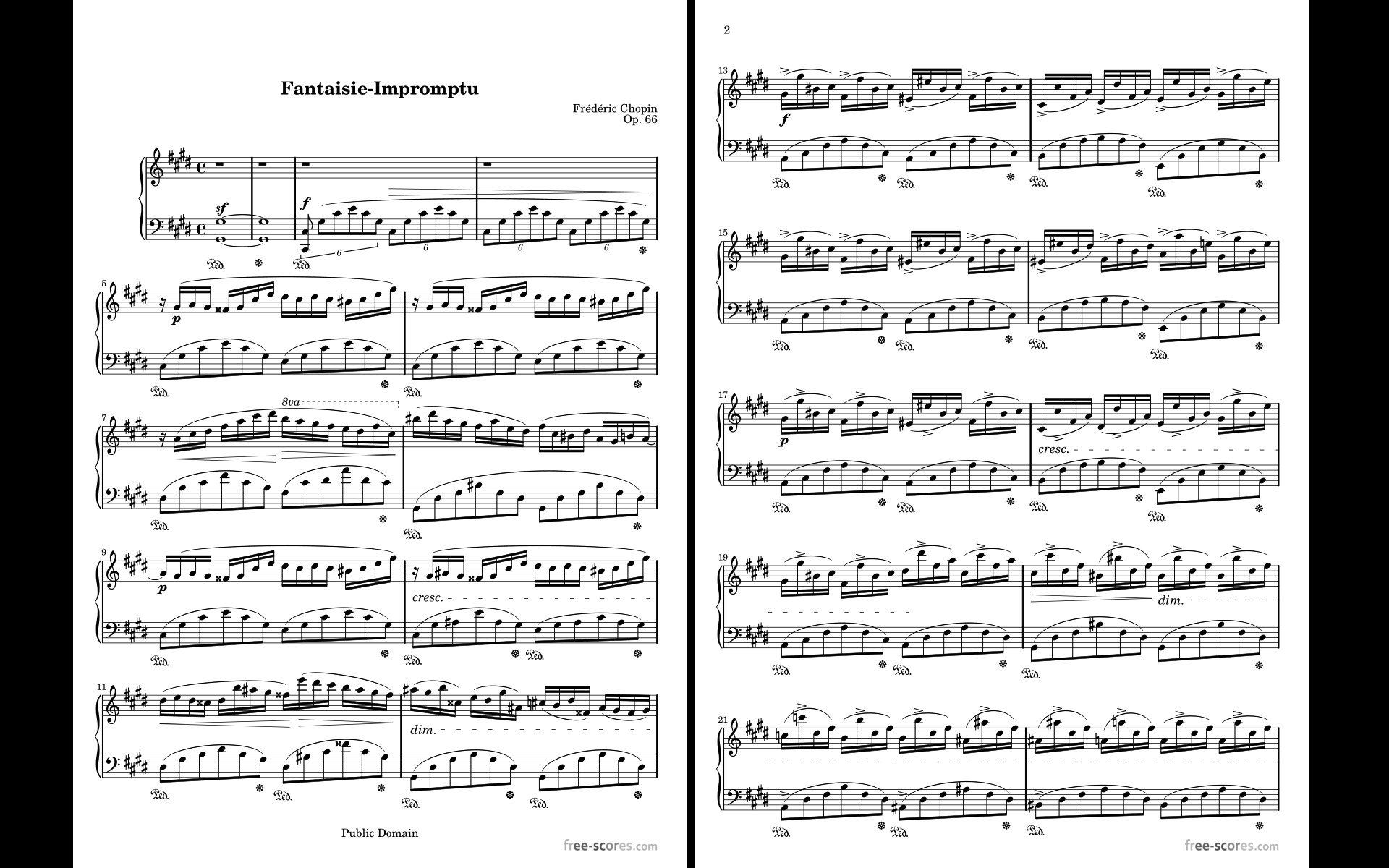
Developed by Zubersoft, LLC, a dedicated team specializing in music-related software solutions, MobileSheets for Windows offers an intuitive platform tailored for seamless sheet music management. Its main features include multi-touch support for easy navigation, an advanced set of annotation tools, and robust organization capabilities including search, tagging, and grouping options. Additionally, it supports a wide range of file formats such as PDF and image files, making it versatile for various types of sheet music.
The app is primarily aimed at musicians who perform regularly, music teachers managing large collections, and anyone looking to declutter physical stacks of sheet music into a manageable digital library.
Imagine standing on stage, your favorite piece ready at your fingertips, illuminated flawlessly on your screen—no more fumbling through paper stacks or worrying about torn pages. MobileSheets for Windows promises a smooth, tailored experience akin to having your personal music assistant right on your desktop. Its clean interface and responsive flow set the stage for an engaging, frustration-free experience that invites musicians to focus solely on performance and interpretation rather than technical hurdles.
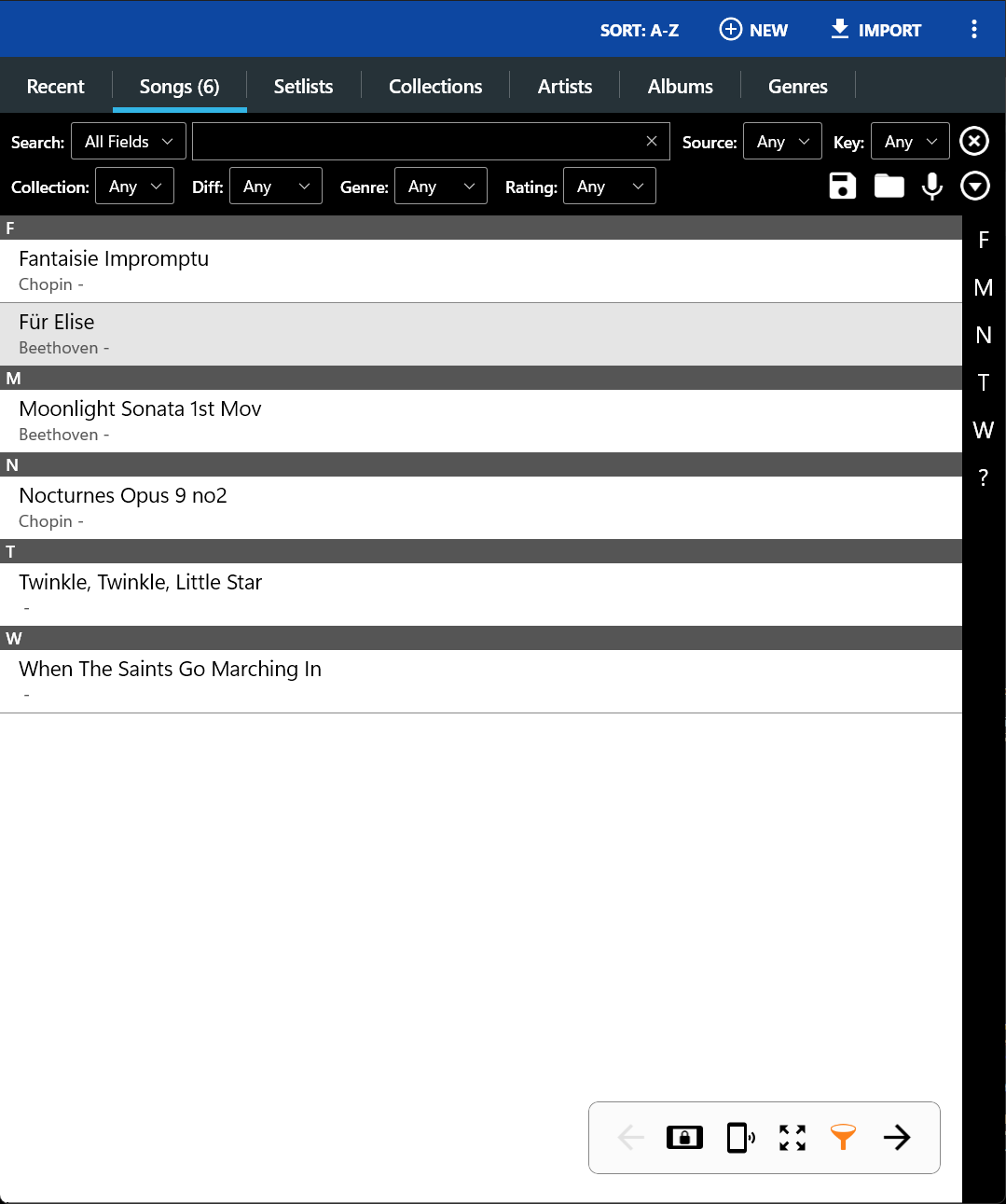
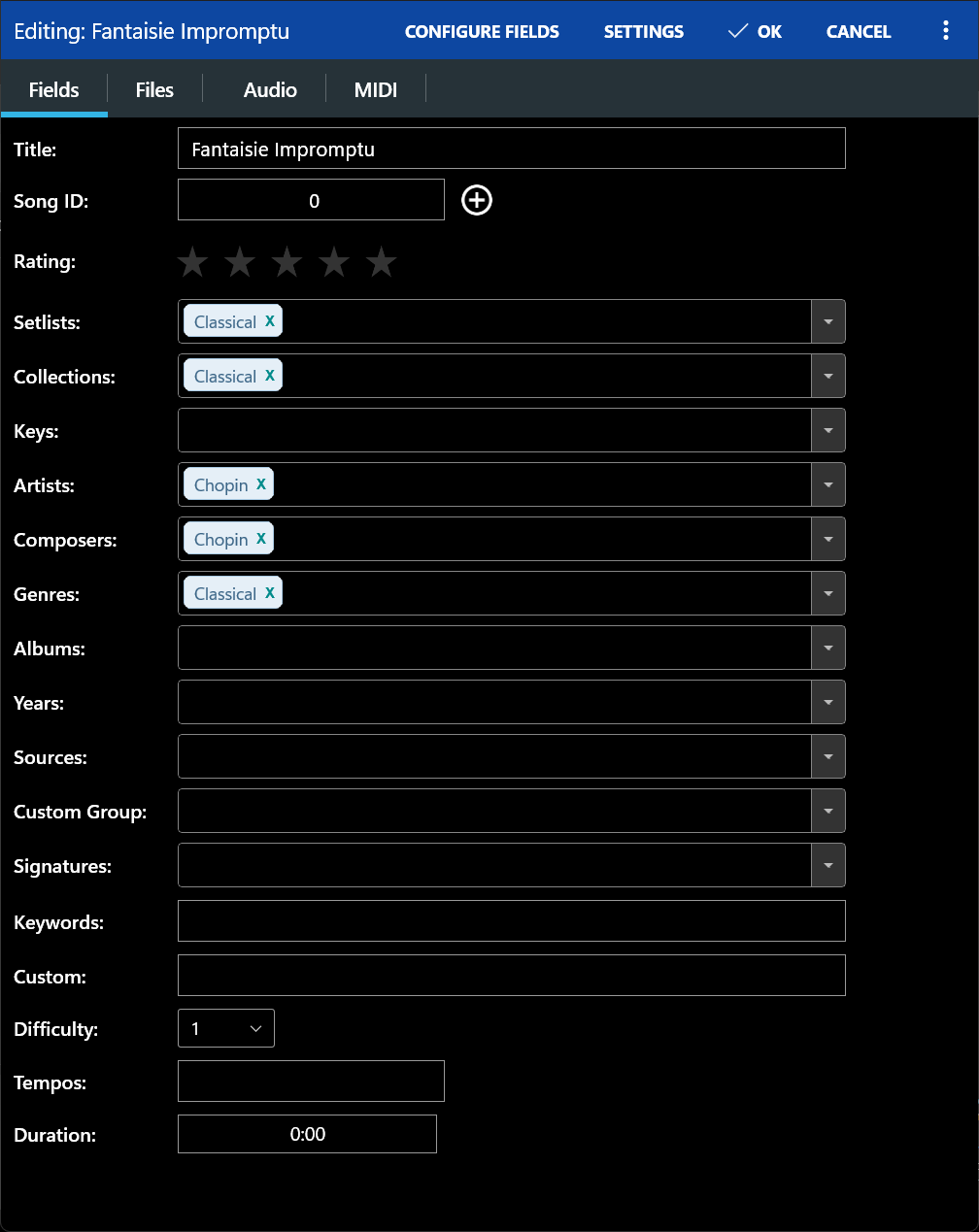
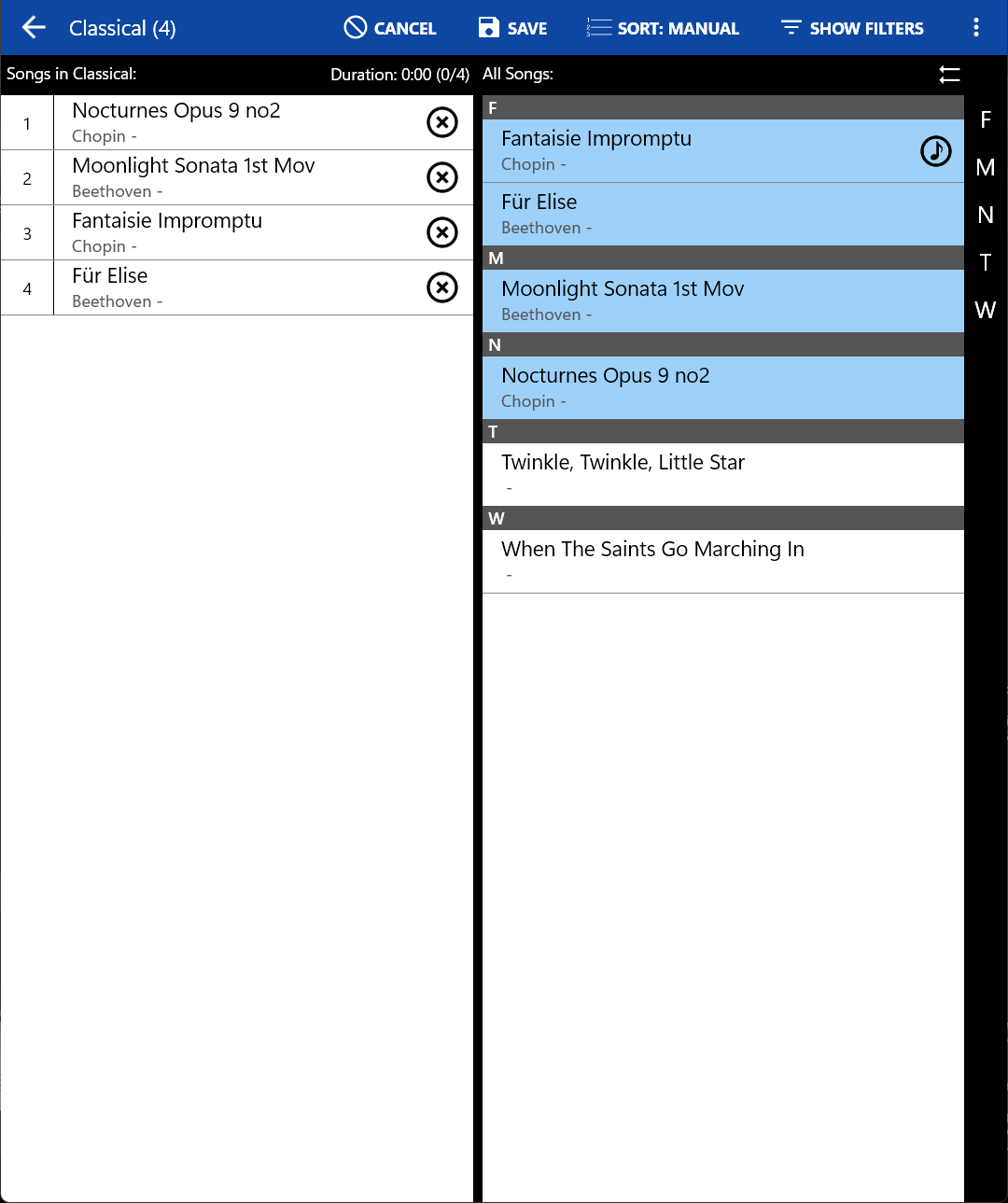
One of MobileSheets' standout features is its ability to organize large music libraries with ease. The app supports hierarchical grouping, tags, and metadata, turning your digital collection into a well-organized archive, much like a seasoned librarian. The search feature is swift and precise, allowing you to locate a piece by title, composer, or custom tags in seconds—crucial when a performer needs that quick page turn during a lively concert. The user interface is thoughtfully designed, with clear icons and logical menus, making it manageable even for newcomers.
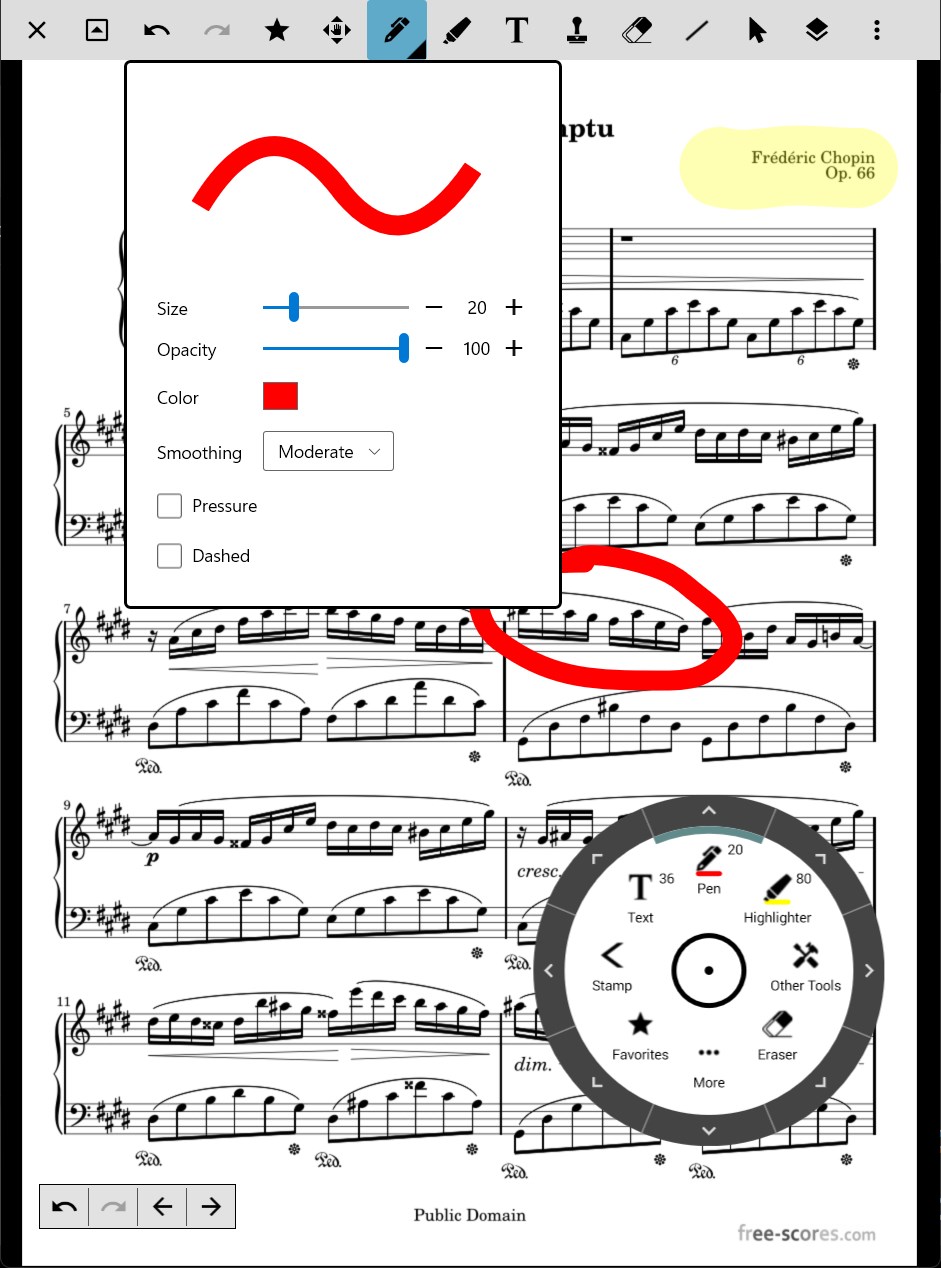
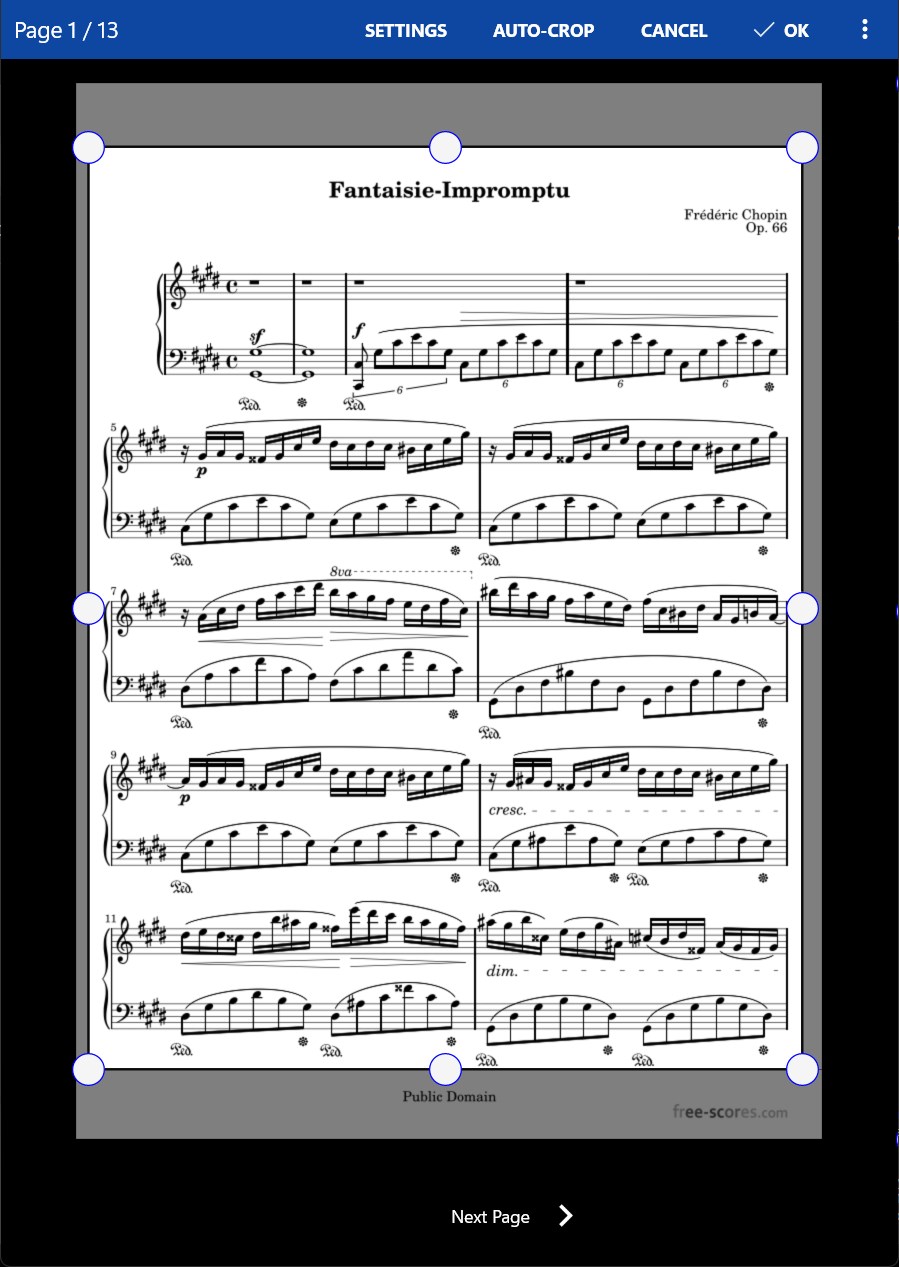
The app's annotation tools stand out as a leading asset. Musicians can draw directly onto the sheet music, add text notes, or highlight sections, all in real-time. This transforms static PDFs into interactive, personalized scores tailored to each performance. The annotation tools are responsive—drawing feels smooth, with minimal lag—an essential factor for live settings. Furthermore, the app offers customizable page turn options, including keyboard shortcuts, foot pedal support, and auto-scrolling, which collectively contribute to a fluid performance experience. This level of control encourages performers to interpret music dynamically without distraction.
Throughout testing, MobileSheets demonstrates impressive stability and a user-centric design. Its interface is clean and clutter-free, reducing cognitive load and making it easy to learn. Navigation is fluid, thanks to optimized performance handles even large files with complex annotations. The app's learning curve is gentle, and with some exploration, users can unlock advanced features like custom behaviors for score navigation and backup options. This ease of use makes it suitable for both tech-savvy musicians and those less familiar with digital tools.
What truly sets MobileSheets apart from similar apps is its nuanced approach to latency and rhythm assessment. Unlike many applications that struggle with slow or laggy page turns—an awkward hurdle during a live performance—MobileSheets provides remarkably low latency tolerance, ensuring a natural, almost tactile feel when flipping pages or auto-scrolling. Musicians can rely on its responsiveness without distraction or delay, especially valuable during complex rhythm patterns, where timing is everything. Moreover, the app supports varied rhythm pattern displays, making it easier to follow intricate rhythmic structures or syncopations, thus significantly improving performance confidence and precision.
Considering its robust features, user-friendly interface, and particularly its low-latency handling and rhythm support, MobileSheets for Windows is highly recommended for performers seeking a reliable digital sheet music solution. Whether you are a seasoned professional preparing for a concert or a music teacher managing a classroom of diverse pieces, this app can streamline your workflow and enhance your performance experience.
Its strength in providing quick, smooth navigation combined with precise annotation tools makes it stand out in a crowded market. While it may require some initial familiarization, the payoff in efficiency and performance quality is well worth the investment. For those committed to a digital approach to sheet music, MobileSheets offers a balanced, thoughtful platform that acts as a collaborative partner on your musical journey.
Intuitive User Interface
Extensive Music Score Management
Customizable Playback Options
Multiple File Format Support
Cloud Synchronization
Limited Annotation Tools
Occasional App Crashes
File Import Speed
Limited Free Features
Lack of Piano-Specific Features

for Windows
 4.9
4.9

for Windows
4.9

for Windows
4.8

for Windows
4.8

for Windows
4.7

for Windows
4.7

for Windows
4.6

for Windows
4.6

for Windows
4.5

for Windows
4.5
for Windows
4.5

for Windows
4.5

for Windows
5

for Windows
5

for Windows
5

for Windows
5

for Windows
5

for Windows
5

for Windows
5

for Windows
5

for Windows
5

for Windows
5