Multimedia design
Moritz Bunkus et al.
PC
Windows 10 version 17135.0 or higher
Integrated Keyboard
Integrated Mouse
1 GB
English (United States)
MKVToolNix for Windows, developed by Moritz Bunkus and his team, is a comprehensive application designed to facilitate the creation, editing, and inspection of MKV (Matroska) video files. Its user-friendly interface combined with robust features makes it a go-to utility for multimedia enthusiasts and professionals alike, seeking an efficient way to manage MKV content without complex workflows.
The app is crafted by Moritz Bunkus, a well-respected figure in the multimedia community who has dedicated significant effort to creating open-source tools for video processing. The development team, though relatively small, ensures continuous updates and improvements, maintaining a focus on stability and usability for Windows users.
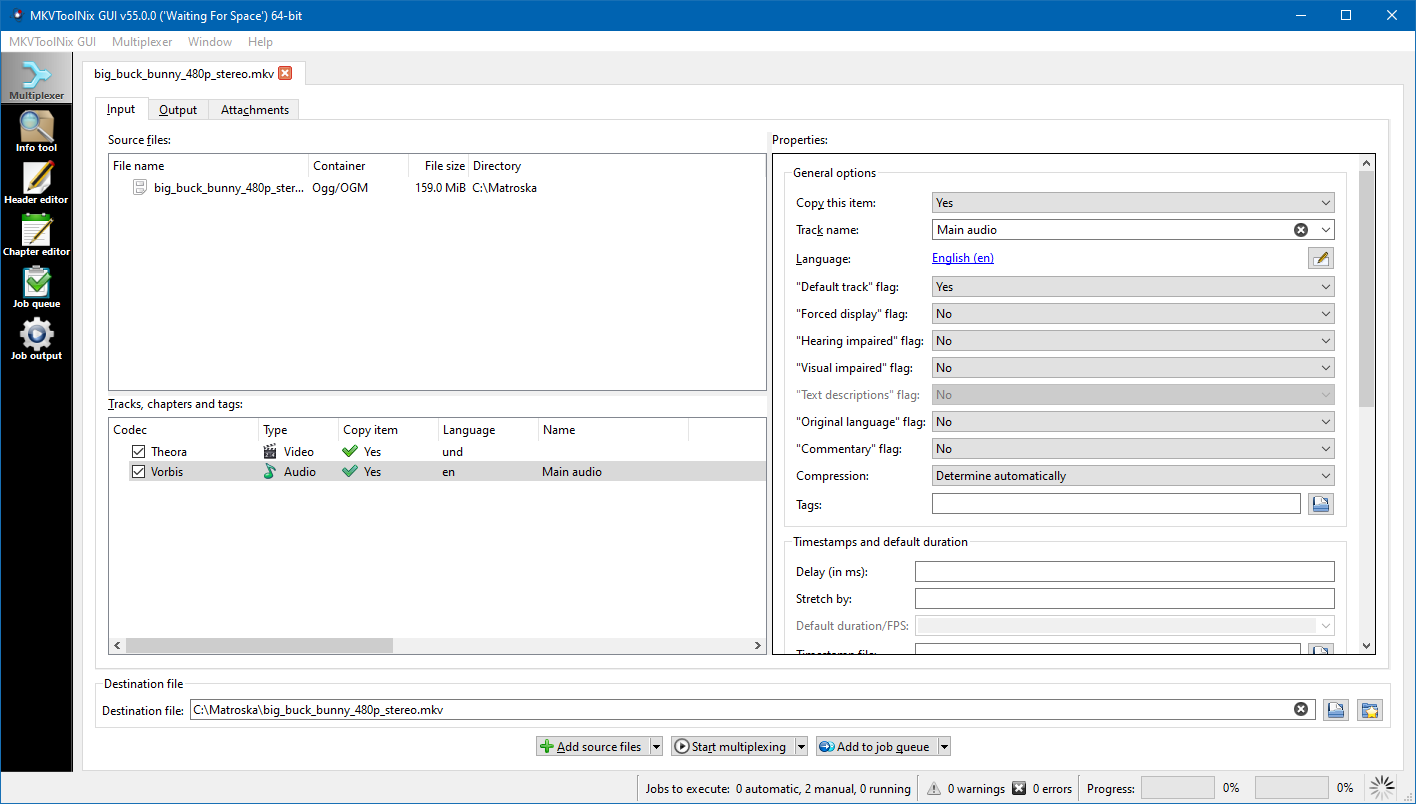
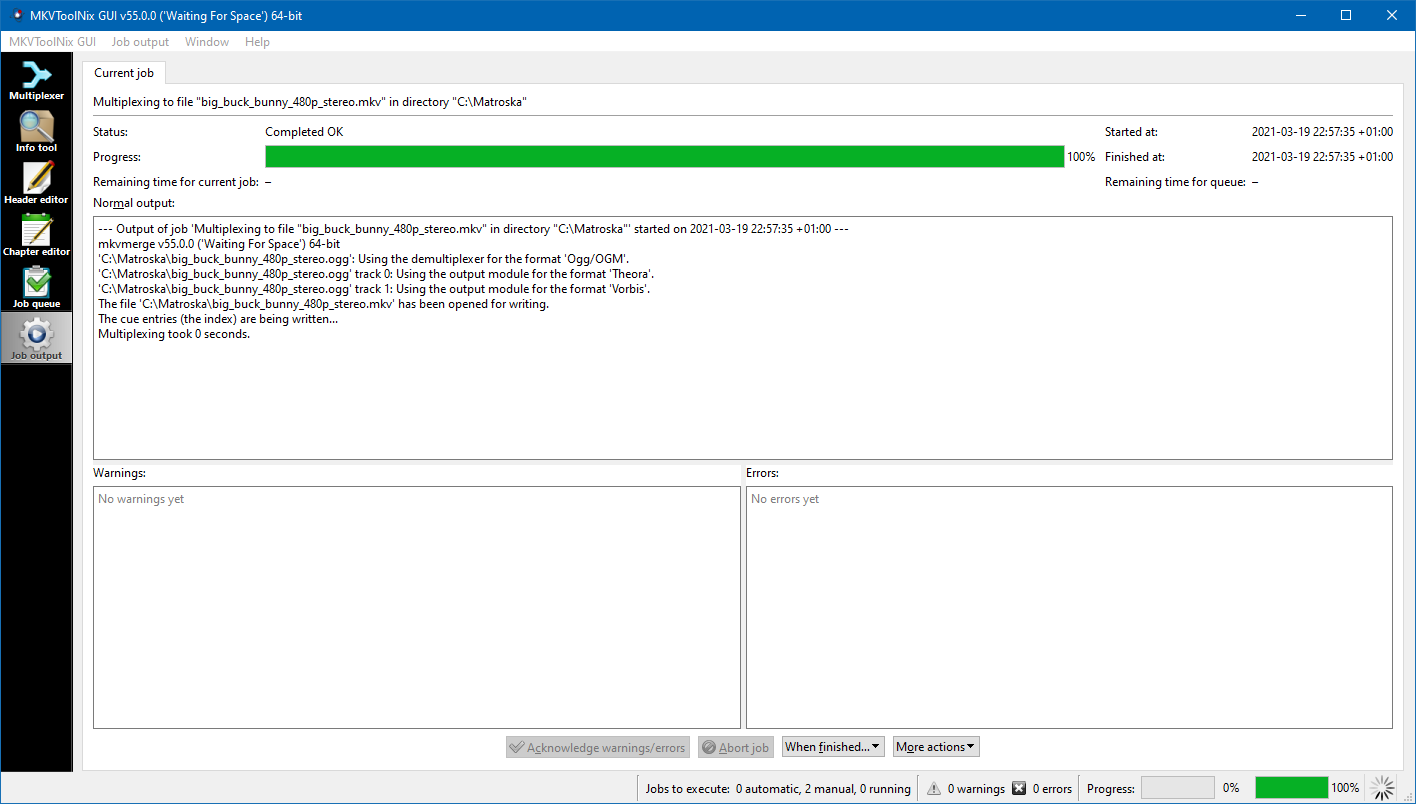
From the moment you launch MKVToolNix for Windows, it feels like opening a well-organized workspace—clean, logically arranged, and inviting. Navigation is intuitive; even beginners can start muxing or extracting streams in minutes. The interface resembles a tidy desk cluttered with just the right tools—accessible but not overwhelming. While some features might look daunting at first, the learning curve remains gentle thanks to helpful tooltips and clear labels. The application's responsiveness ensures that tasks are completed smoothly, without frustrating lag or crashes. For those familiar with multimedia workflows, the straightforward design pays homage to the principle that powerful functions don't need to come at the expense of usability.
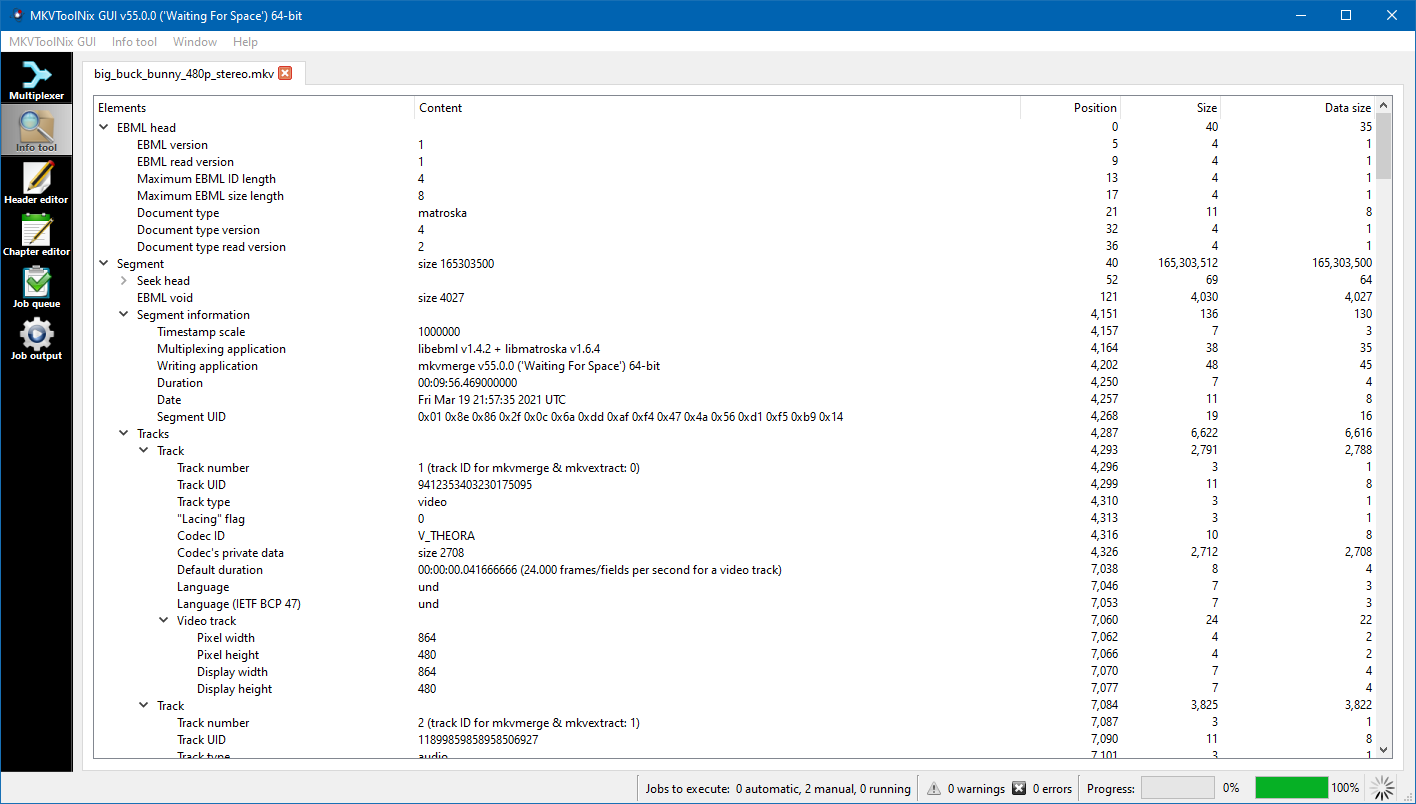
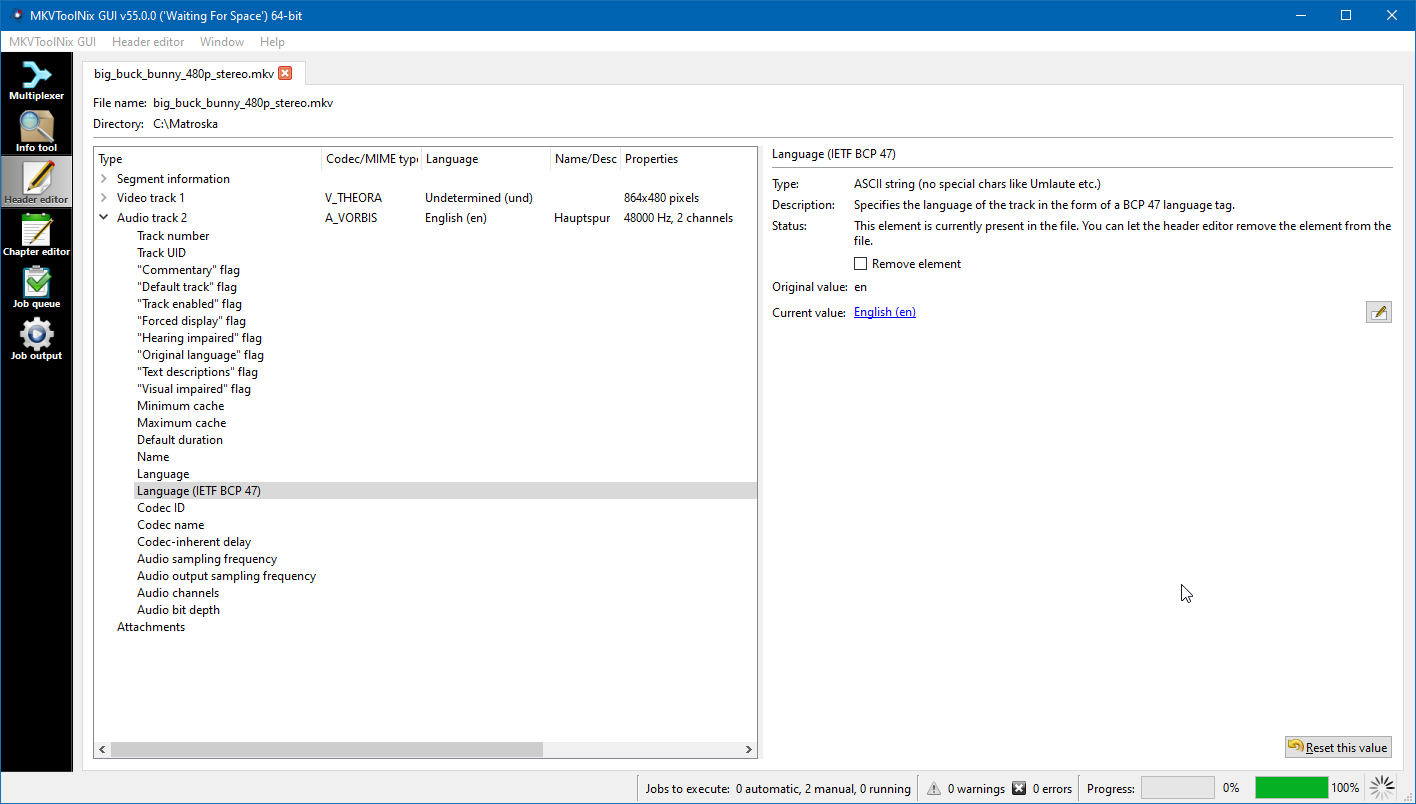
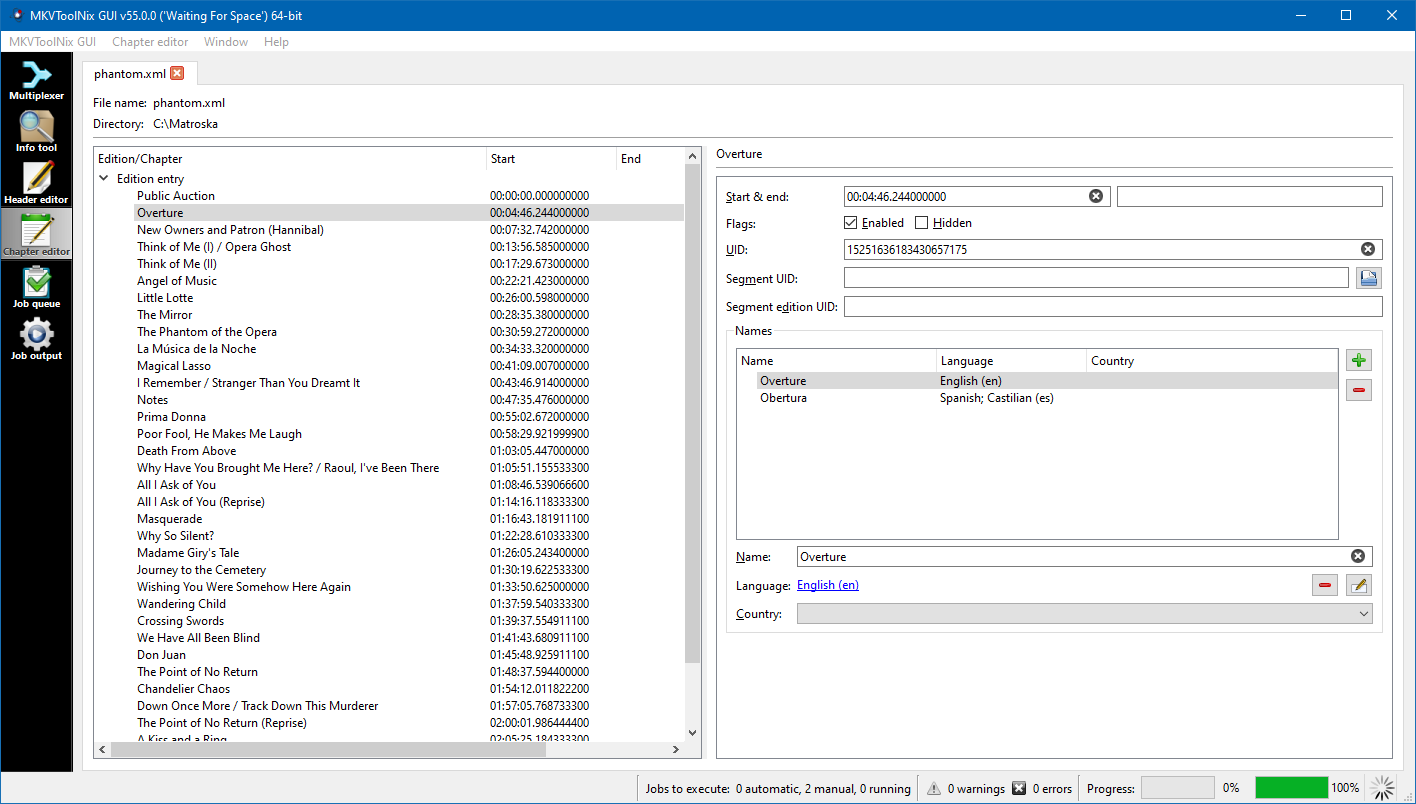
The most striking feature of MKVToolNix is its dual capability: it is equally adept at both creating and editing MKV files. Unlike many tools that focus solely on either muxing or demuxing, this software handles both with finesse, making it a true all-in-one solution. For example, it allows users to effortlessly stitch together multiple video and audio streams into a single, cohesive MKV file or extract specific streams for editing or archival purposes. This flexibility simplifies tasks that might otherwise require multiple separate applications. Moreover, its capacity to modify metadata—adding chapter markers, tags, and subtitles—makes it a comprehensive package for customizing MKV files to meet personal or professional standards.
Compared to other multimedia applications that often lean towards complex, feature-laden interfaces, MKVToolNix's greatest strength is its precision and focus on MKV files. Its ability to handle all aspects of MKV management within one streamlined environment reduces the need to juggle several different tools. Additionally, its batch processing capabilities distinguish it, making the handling of large video libraries much more manageable. For users who prefer open-source solutions, MKVToolNix also offers transparency and community-driven support, further enhancing its appeal. Unlike generic video editors, it doesn't aim to replace editing suites but instead sharpens the focus on making MKV file management straightforward and reliable.
All in all, MKVToolNix for Windows is a finely crafted utility that balances simplicity with comprehensive control. It's particularly recommended for users who frequently work with MKV files—whether for personal archiving, professional content management, or subtitling projects. If your workflow involves muxing or demuxing MKV videos, this tool will become an indispensable part of your toolkit. Casual users may find its feature set more than enough to handle occasional tasks, while power users will appreciate the depth of control it provides. Given its stability, active development, and user-centric design, MKVToolNix is undoubtedly worth a try. I recommend it to anyone seeking a reliable, dedicated MKV management solution—it's like having a Swiss Army knife tailored for your multimedia needs.
Intuitive Graphical Interface
Comprehensive Format Support
Powerful Merging and Splitting Features
Batch Processing Capability
Regular Updates and Active Development
High RAM Usage during Processing
Limited Editing Options for Subtitle Tracks
Occasional Drag-and-Drop Instability
Verbose Error Messages for Unsupported Files
Slightly Steep Learning Curve for Advanced Features

for Windows
 4.8
4.8

for Windows
4.8

for Windows
4.7

for Windows
4.7

for Windows
4.6

for Windows
4.6

for Windows
4.6

for Windows
4.6
for Windows
4.5

for Windows
4.5

for Windows
4.5

for Windows
4.5

for Windows
5

for Windows
5

for Windows
5

for Windows
5

for Windows
5

for Windows
5

for Windows
5

for Windows
5

for Windows
5

for Windows
5