Music
NCH Software
PC
Windows 10 version 15063.0 or higher
English (United States)
MixPad for Windows is a professional-grade audio mixing application designed to streamline music production, podcast editing, and sound design, making complex audio workflows accessible to both amateurs and professionals alike.
Developed and published by NCH Software, a reputable company known for a suite of versatile audio and video tools, MixPad aims to offer a comprehensive mixing experience. Its main highlights include multi-track recording, extensive sound effect integration, and real-time mixing capabilities, all wrapped in an intuitive interface. The target audience spans musicians, podcasters, sound engineers, and educators seeking a dependable yet user-friendly platform to craft their audio projects efficiently.
Imagine stepping into a digital music studio where every instrument, voice, and sound effect finds its perfect spot—MixPad acts as your sonic control room, transforming scattered audio clips into a cohesive masterpiece. Whether you're fine-tuning a podcast episode, layering complex music tracks, or experimenting with sound design, MixPad provides a canvas as expansive and flexible as your creativity demands. It's like having a professional studio at your fingertips, but without the hefty price tag.
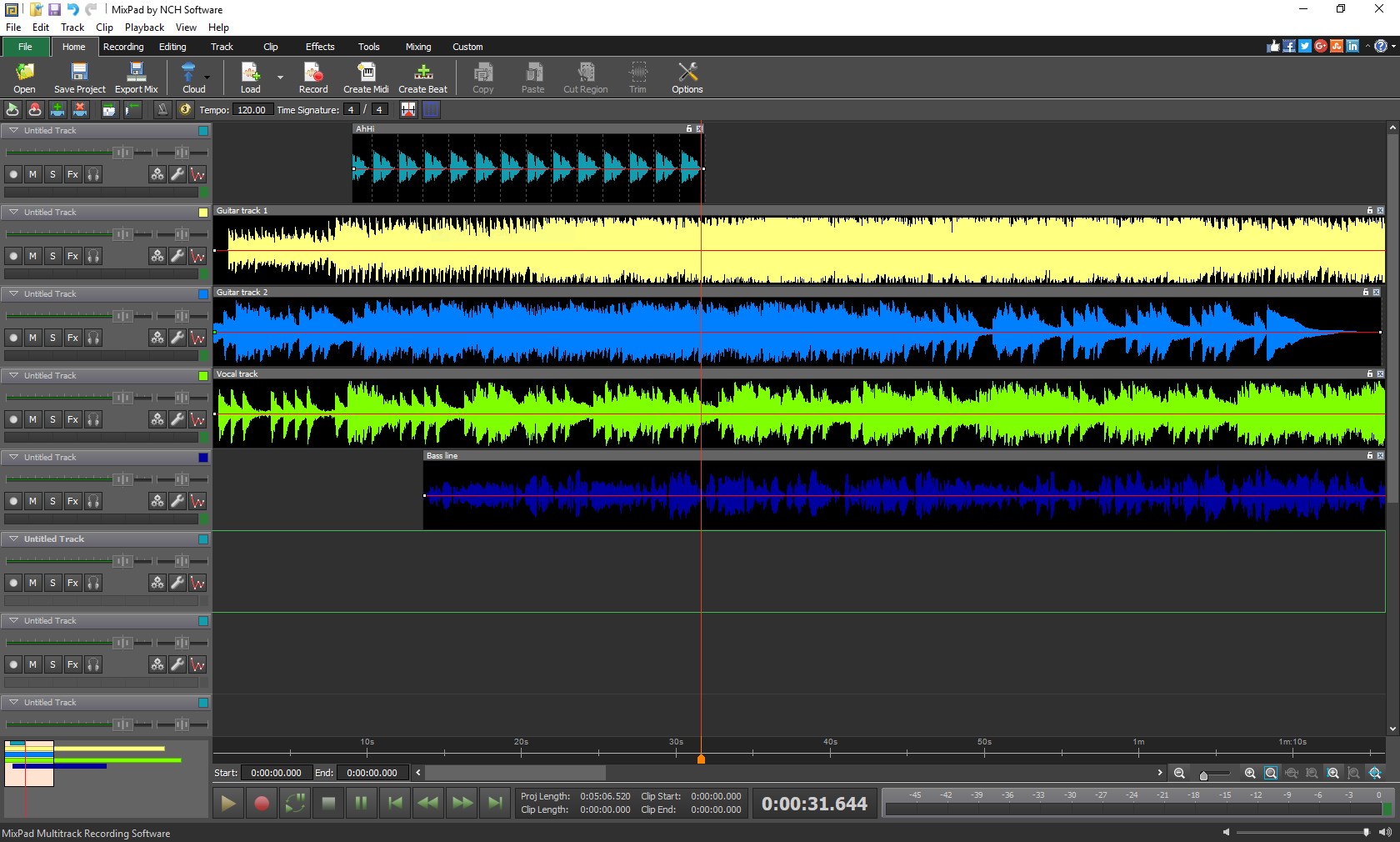
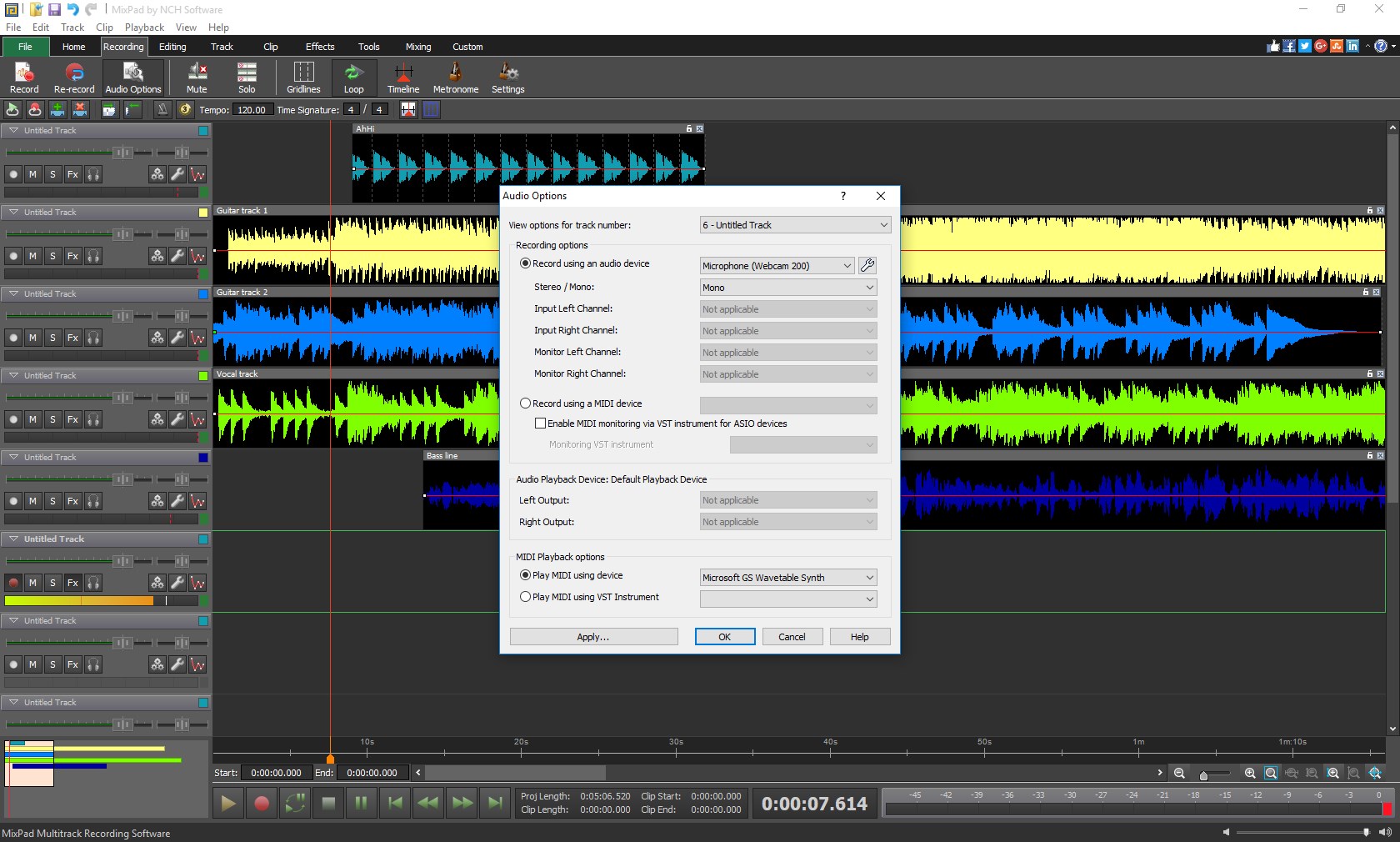
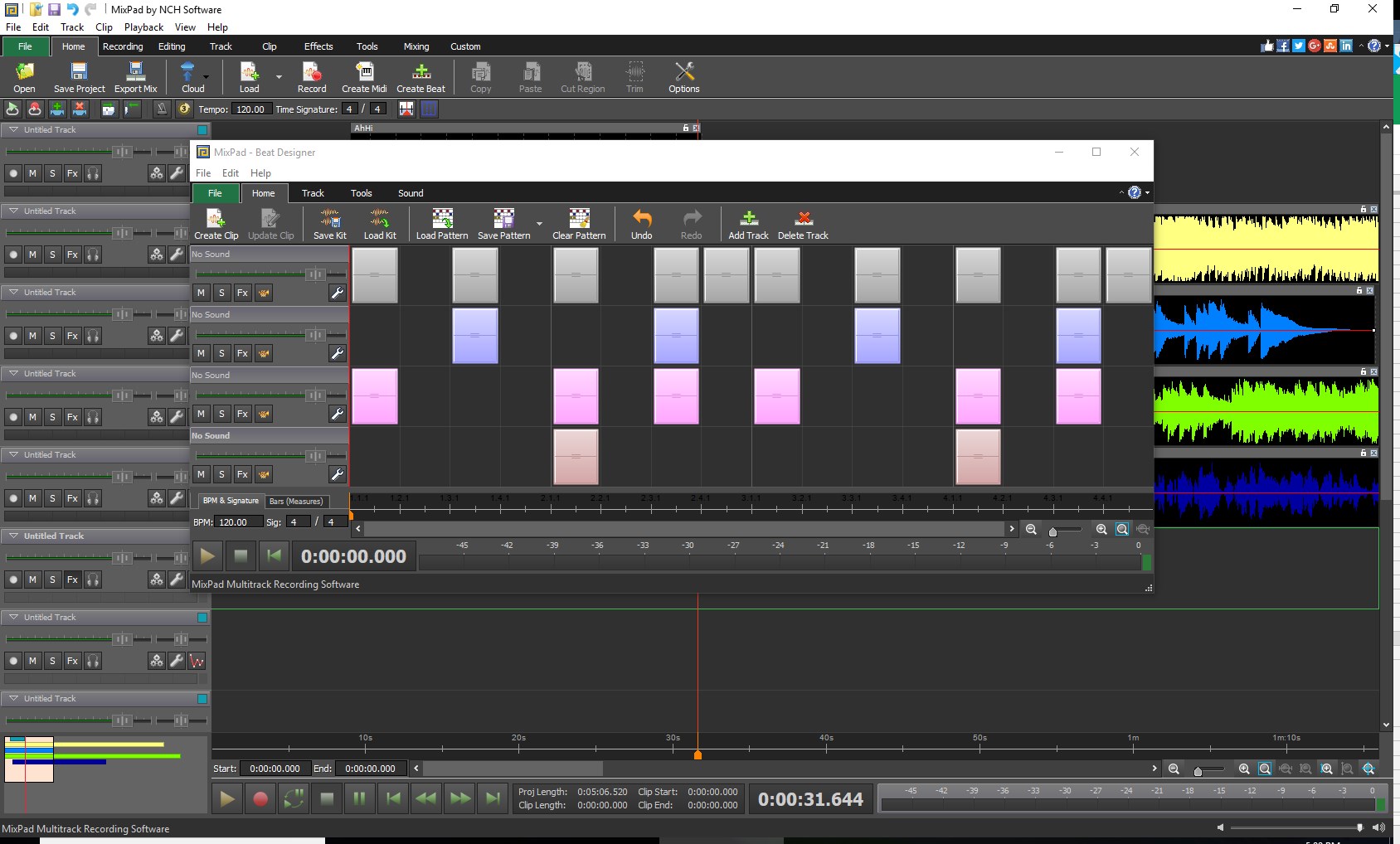
At the heart of MixPad's appeal lies its multi-track recording feature. It's akin to having multiple tape decks stacked in your virtual studio, allowing you to record simultaneously or layer tracks seamlessly. The interface displays tracks stacked vertically, like a musical city skyline, making it easy to navigate between various layers. Users can import existing audio files or record directly within the app, then adjust individual tracks with precision. The editing tools are straightforward—cut, copy, paste, fade in/out—yet robust enough for detailed sound sculpting.
The application maintains smooth operation even when managing dozens of tracks, thanks to optimized performance designed for real-time editing. The learning curve is gentle; newcomers can quickly grasp basic operations, while experienced users will appreciate the depth of detail available for fine-tuning mixes. The interface is clean and clutter-free, enabling focus on creative work rather than technical complexity.
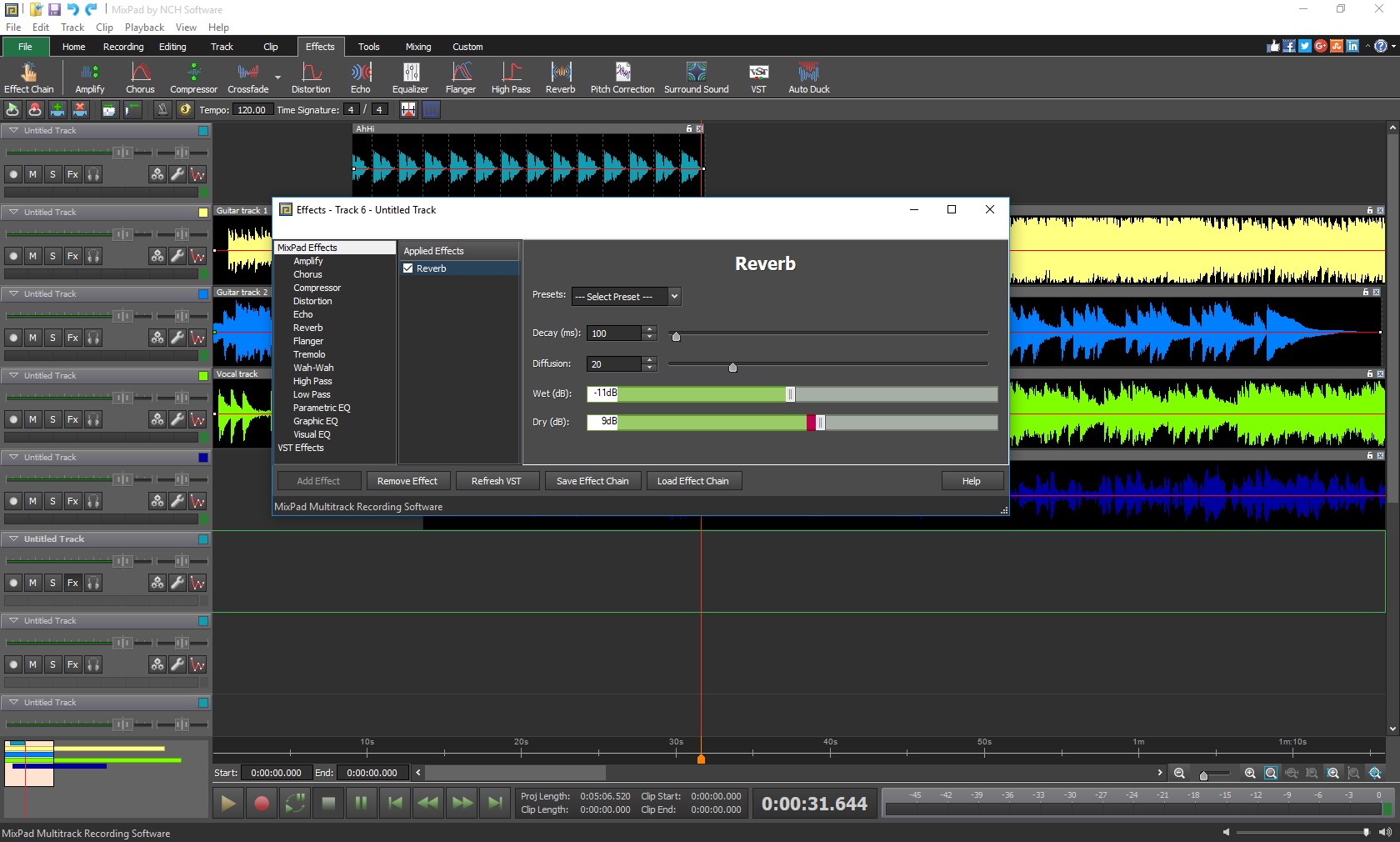
MixPad stands out in its ability to incorporate a vast library of sound effects and background loops, making it a true sonic playground. From reverb and equalization to compression and pitch shifting, the effects can be applied selectively to enhance each track. The real-time preview feature allows for immediate listening tests, streamlining the creative process. This makes MixPad especially suitable for users who want to experiment with different sound textures or develop complex rhythm patterns.
One of its most notable strengths is the app's capacity to assess rhythm pattern variety with precision. Unlike many competitors, MixPad offers enhanced latency tolerance during playback, minimizing delays and ensuring your rhythm stays tight even with complex time signatures. This feature is particularly advantageous for musicians working on intricate drum patterns or layered beats, giving a feel of live performance without stepping into a studio.
Among its peers, MixPad's most distinctive trait is its capacity to balance professional features with user-friendly operation. The app excels at handling diverse rhythm patterns with excellent latency management, a critical factor for rhythm-focused productions. This ensures a smoother workflow for musicians who rely heavily on beat accuracy and pattern variety.
In terms of user experience, the interface's simplicity complemented by powerful features makes it suitable for both beginners and seasoned audio editors. The application's stability and responsiveness are commendable, supporting complex projects with multiple tracks without lag or crashes.
For those seeking a reliable, versatile mixing tool on Windows, I recommend giving MixPad a try, especially if rhythm accuracy and pattern diversity are priorities. It's perfect for hobbyists, educators, or professionals looking for a cost-effective solution that doesn't compromise on capability.
Overall, MixPad for Windows stands out as a robust, flexible, and approachable digital mixing workstation—worthy of recommendation for anyone looking to turn their audio ideas into reality with efficiency and precision.
Intuitive Interface
High-Quality Audio Mixing
Wide Range of Effects and Plugins
Export Options
Affordable Pricing
Limited Free Version Features
Resource Intensity on Low-End Devices
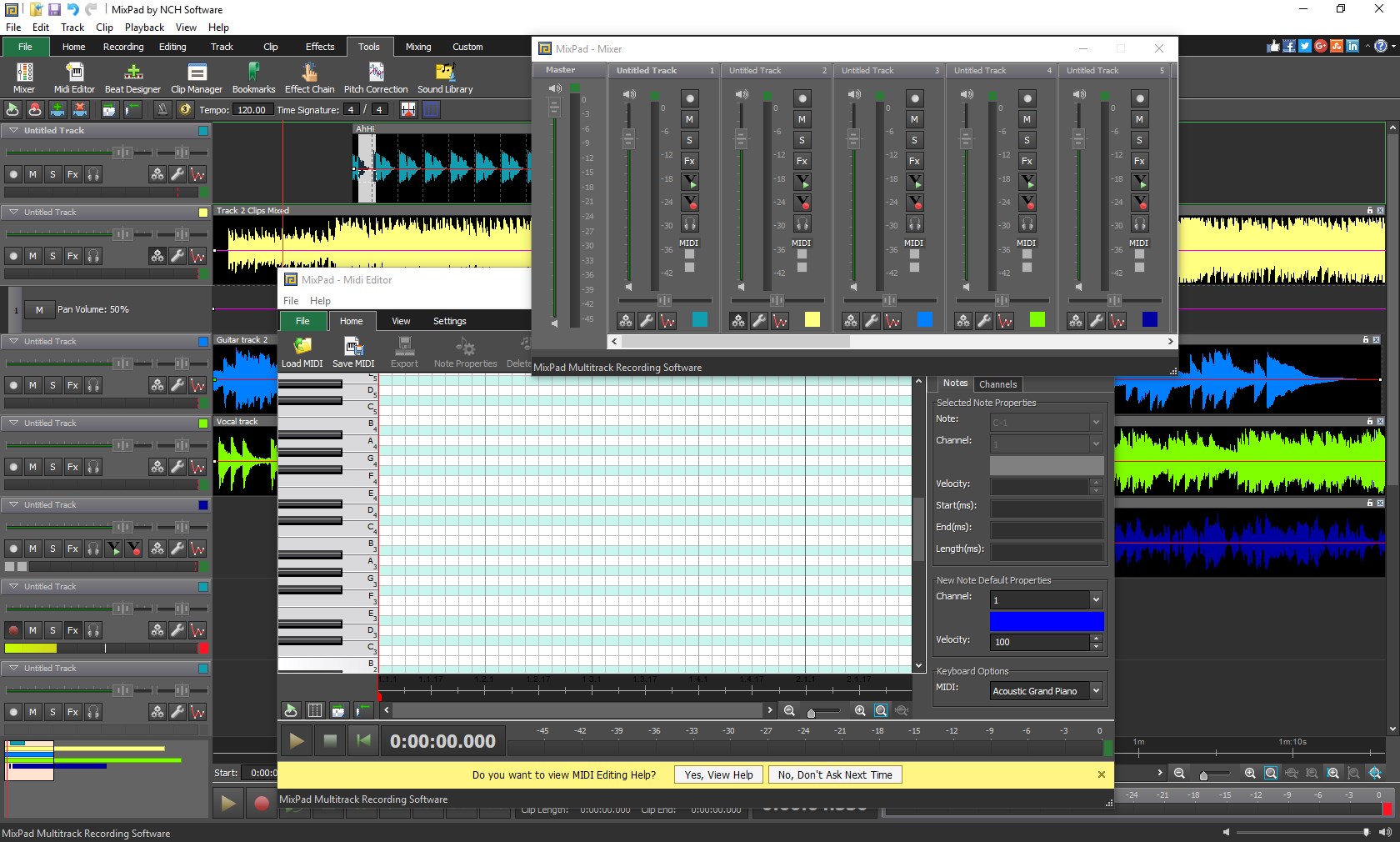
Lack of Advanced MIDI Support
Steep Learning Curve for Power Users
Occasional Stability Issues

for Windows
 4.9
4.9

for Windows
4.9

for Windows
4.8

for Windows
4.8

for Windows
4.7

for Windows
4.7

for Windows
4.6

for Windows
4.6

for Windows
4.5

for Windows
4.5

for Windows
4.5

for Windows
4.5

for Windows
5

for Windows
5

for Windows
5

for Windows
5

for Windows
5

for Windows
5

for Windows
5

for Windows
5

for Windows
5

for Windows
5