Classics
Obumo Games
PC, Mobile
Windows 10 version 10240.0 or higher
Version 10
1 GB
Arabic, Bangla (Bangladesh), Chinese (Simplified), Chinese (Traditional, Hong Kong SAR), English (United States), French, German, Hindi, Hungarian, Italian, Japanese, Korean , Polish , Portuguese (Brazil), Russian, Spanish (Spain), Thai, Turkish, Vietnamese
Step into a mini-golf adventure that combines nostalgic simplicity with innovative gameplay mechanics—perfect for casual gamers and puzzle enthusiasts alike. Developed by Obumo Games, this title offers a fresh take on the beloved miniature golf experience, delivered through a sleek Windows application that promises both fun and challenge.
Developed by Obumo Games and published by Zoltán Gubics, Mini Golf Club for Windows embodies a collaborative effort dedicated to creating engaging casual gaming experiences. With a focus on intuitive controls and captivating design, the development team has crafted a title that aims to stand out in the crowded mini-game market.
The game boasts a clean, colorful aesthetic that immediately immerses players in a miniature golf universe. The interface is designed with clarity in mind—buttons and menus are logically organized, ensuring that players of all ages can jump right into the action without confusion. From the moment you launch Mini Golf Club, you'll appreciate how visually appealing and accessible the layout is, helping you focus on the game rather than fumbling with controls.
The core gameplay revolves around precise physics simulations, where you aim, set power, and adjust angles to sink your shot. The game introduces innovative features like spin control and trajectory prediction, elevating the challenge just enough to keep you engaged without feeling overwhelming. The multiple difficulty tiers allow casual players to enjoy relaxing rounds, while seasoned gamers can push their skills to the limit through increasingly complex courses. The game's ability to introduce new obstacles and interactive elements keeps each level fresh and interesting.
Mini Golf Club for Windows runs smoothly on a variety of hardware configurations. Its responsive controls and well-optimized physics engine ensure that shots feel natural and satisfying. The learning curve is gentle; new players acclimate quickly thanks to helpful tutorials and a straightforward interface. The game is designed for short, casual play sessions—perfect for quick breaks or leisurely weekends. The absence of intrusive ads or unnecessary pop-ups contributes to an uninterrupted gaming experience, making it a reliable companion for mini-golf aficionados.
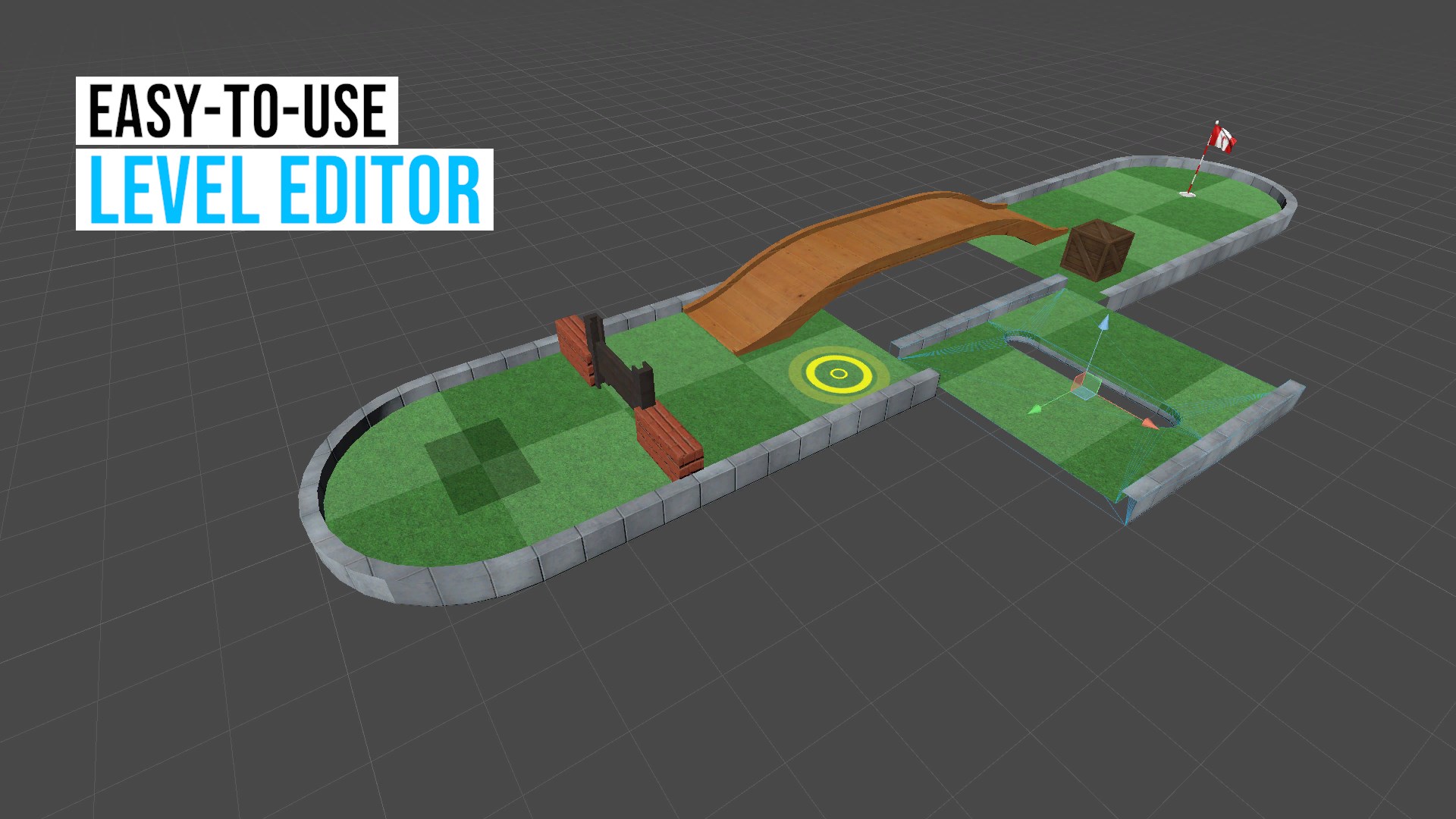
Compared to classic mini-golf apps, Mini Golf Club's standout feature lies in its dynamic level design combined with physics precision, creating a gameplay experience that feels both accessible and strategically deep. Its ability to customize equipment and track progress adds a layer of personalization that isn't always present in traditional mini-golf titles. Moreover, the game's vibrant visuals and well-balanced difficulty make it ideal for casual players looking for a delightful yet challenging pastime.
All things considered, Mini Golf Club for Windows is a thoughtfully crafted game that offers a delightful twist on a familiar genre. Its intuitive interface, inventive course designs, and realistic physics make it a highly recommended choice for players seeking casual fun with a hint of strategy. Whether you're looking to unwind after a long day or challenge friends in a friendly competition, this game deserves a spot in your digital game library. My advice? Jump in, putt with patience, and enjoy the colorful journey through mini-golf paradise.
Intuitive controls suitable for all skill levels
Visually appealing realistic golf course designs
Multiple game modes and challenging courses
Smooth performance with minimal lag
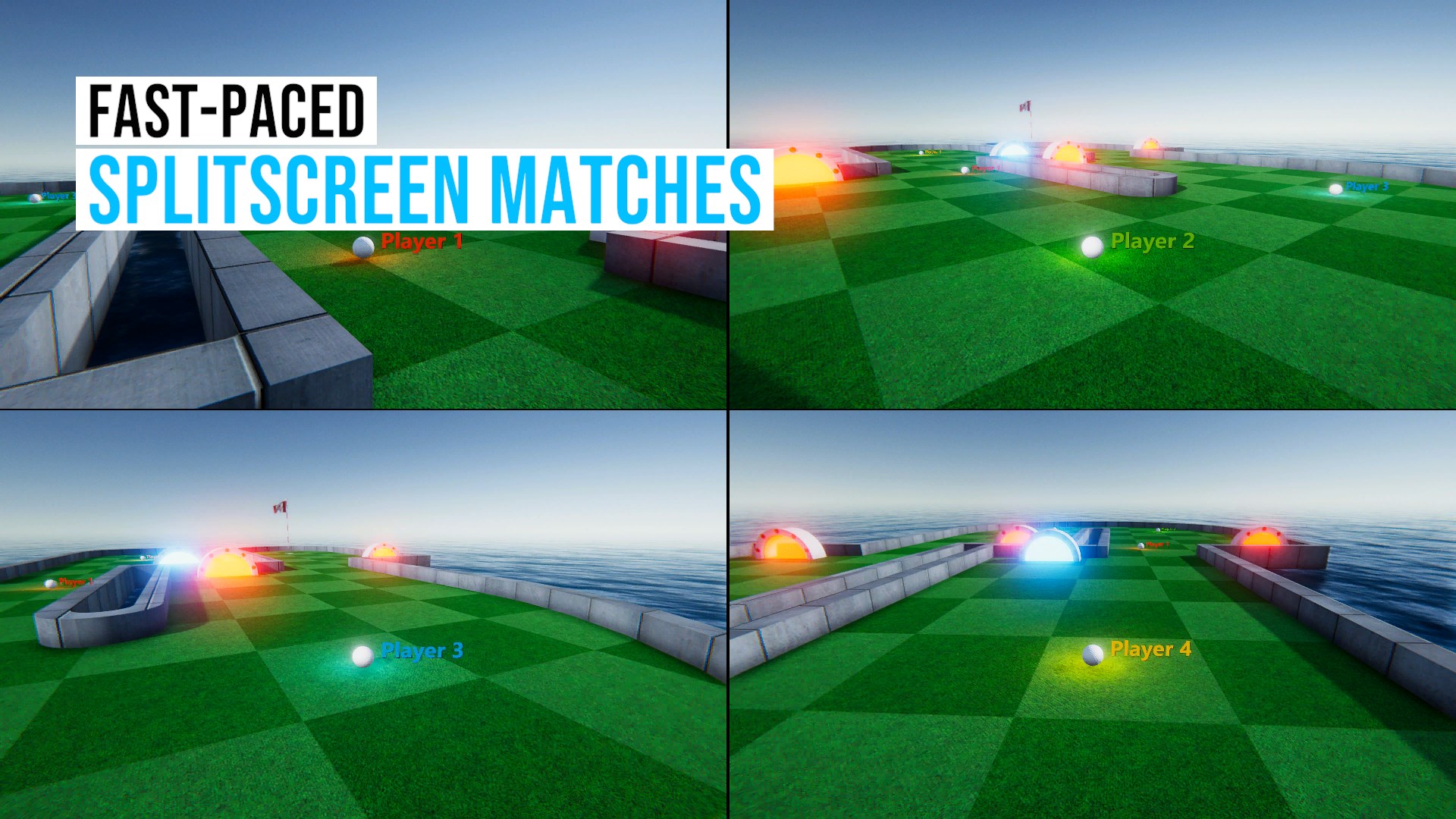
Competitive multiplayer options
Limited tutorial for new players
In-app purchases can be intrusive
Occasional advertisements disrupt gameplay
Limited customization options
Slow update cycle for new courses

for Windows
 4.9
4.9

for Windows
4.9

for Windows
4.9

for Windows
4.8

for Windows
4.8

for Windows
4.8

for Windows
4.8

for Windows
4.7

for Windows
4.7

for Windows
4.7

for Windows
4.7

for Windows
4.7

for Windows
5

for Windows
5

for Windows
5

for Windows
5

for Windows
5

for Windows
5

for Windows
5

for Windows
5

for Windows
5

for Windows
5