Classics
PC, Mobile, Surface Hub, HoloLens
Windows 10 version 14393.0 or higher
English (United States)
If you've ever been captivated by the timeless charm of Minesweeper but crave a fresh twist, Minesweeper Classic Challenge offers a delightful blend of familiar gameplay with subtle innovations. Developed by Bts Music Game, this app aims to provide both nostalgic comfort and engaging new features—perfect for casual players and seasoned puzzle enthusiasts alike.
Designed as a modern take on the classic minesweeper game, Minesweeper Classic Challenge delivers a straightforward yet captivating puzzle experience. The developer behind this title is Bts Music Game, a team known for creating light, entertaining applications that combine gaming with simple entertainment. Key features include customizable difficulty levels, an intuitive interface, and a clean, clutter-free design that keeps the focus on gameplay—a core attraction for players looking for a relaxing but challenging puzzle.
Targeted at puzzle lovers, casual gamers, and anyone nostalgic for the classic Minesweeper, this app is suitable for players of all ages who enjoy mental challenges in a user-friendly environment.
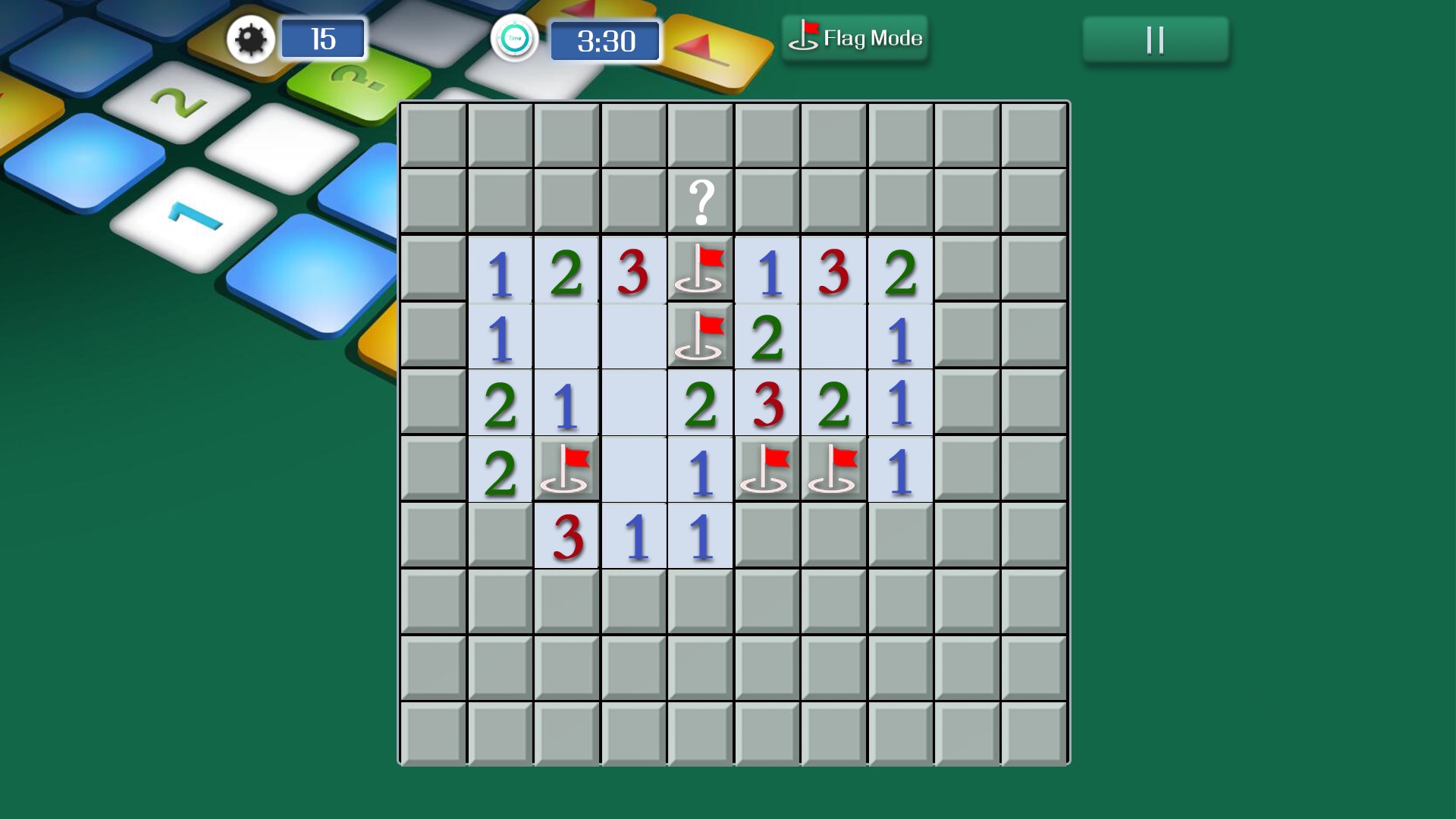
Imagine sitting at your favorite coffee shop, the gentle hum of conversations around you, as you dive into a game where every click feels consequential—Minesweeper Classic Challenge brings this scene to mind. Its gameplay remains true to the original: uncover tiles without detonating hidden mines. Yet, it's enhanced with thoughtful tweaks that make the experience smoother and more satisfying.
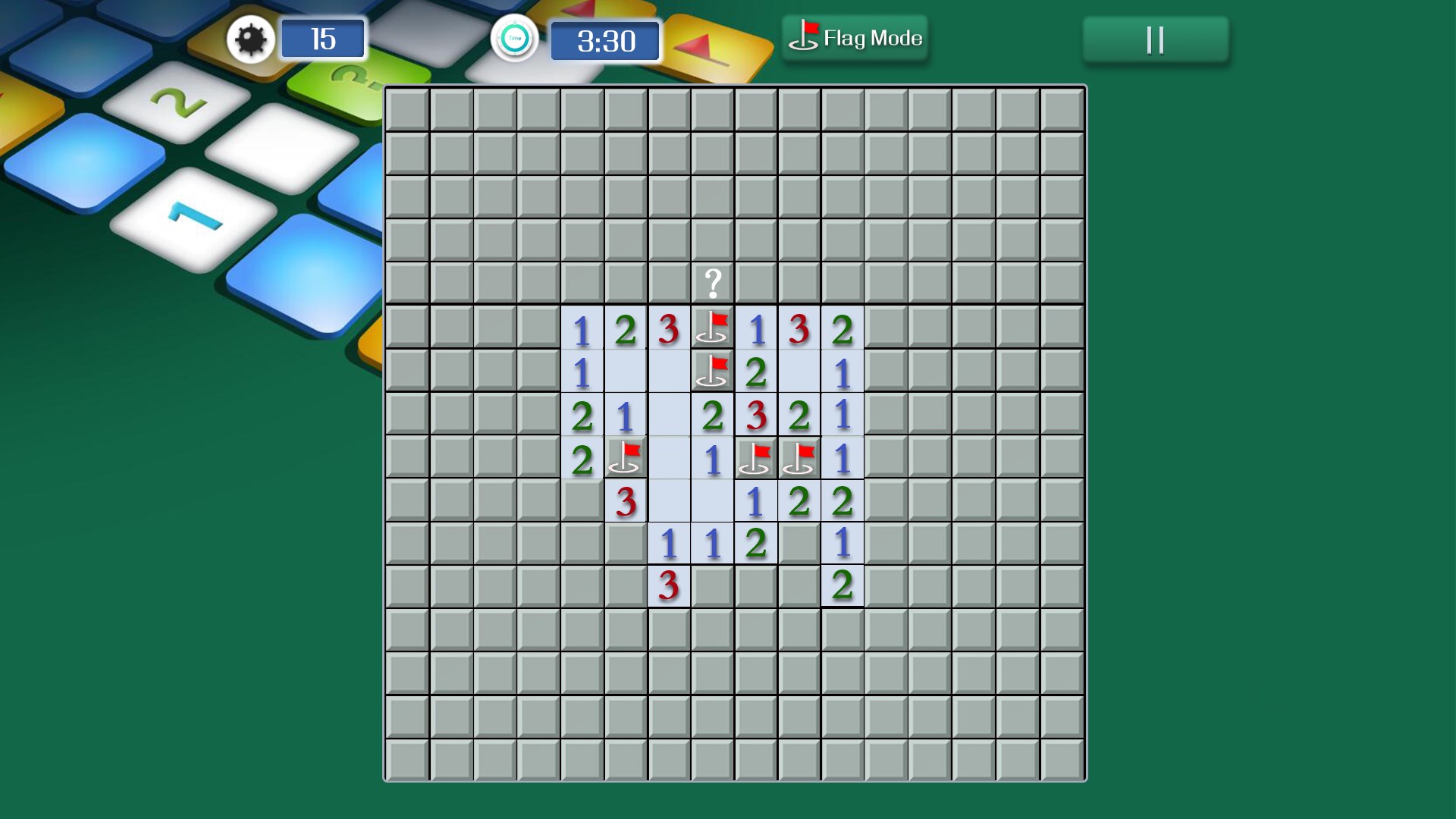
The interface of Minesweeper Classic Challenge is minimalistic yet thoughtfully designed. Large, clear grid tiles and intuitive controls make navigating the game feel effortless—think of it as a well-planned map that guides your every move. Transitioning between difficulty levels or adjusting settings is seamless, thanks to the responsive touch controls. This fluidity minimizes frustration and encourages continuous play, even for newcomers.
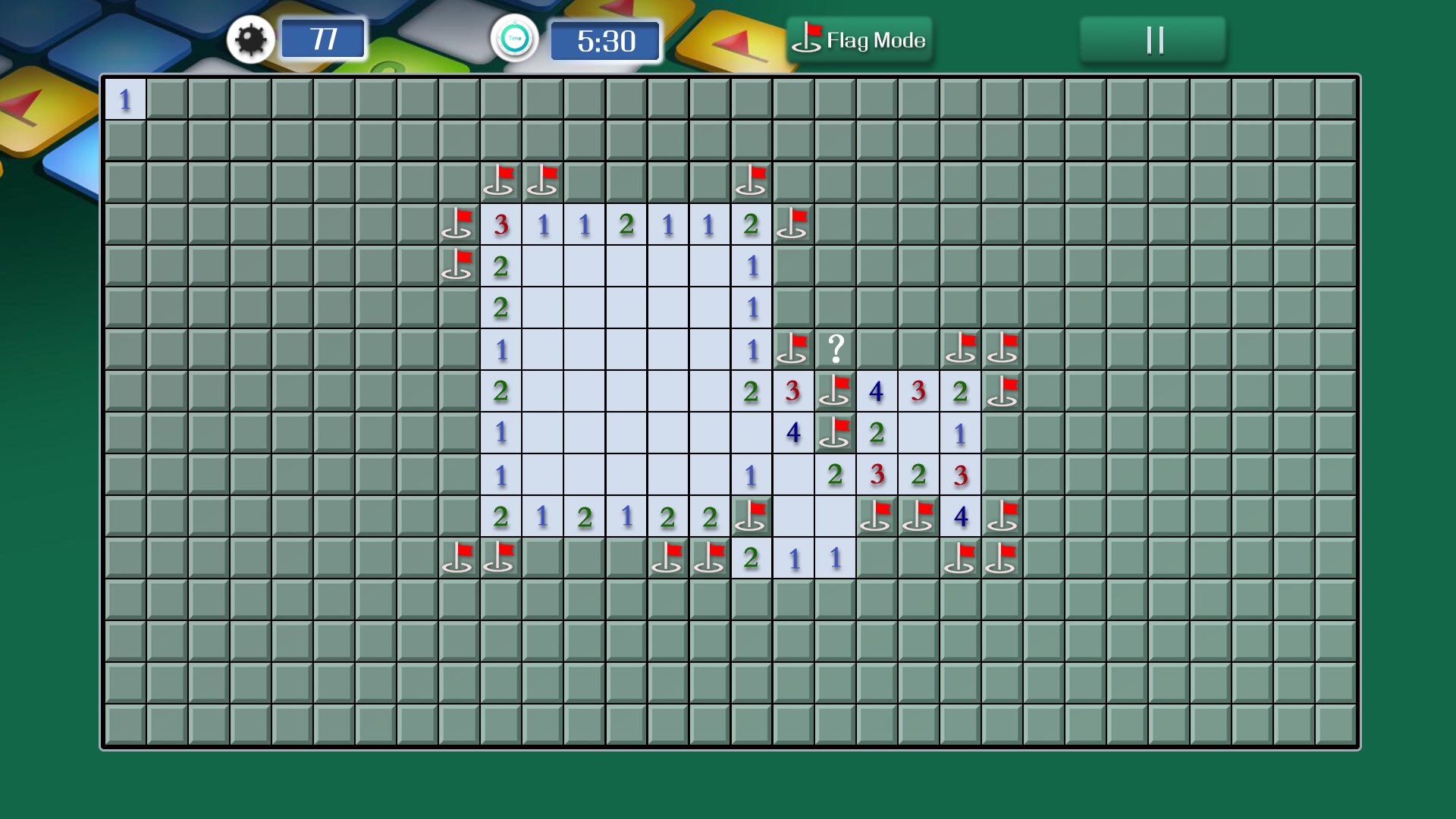
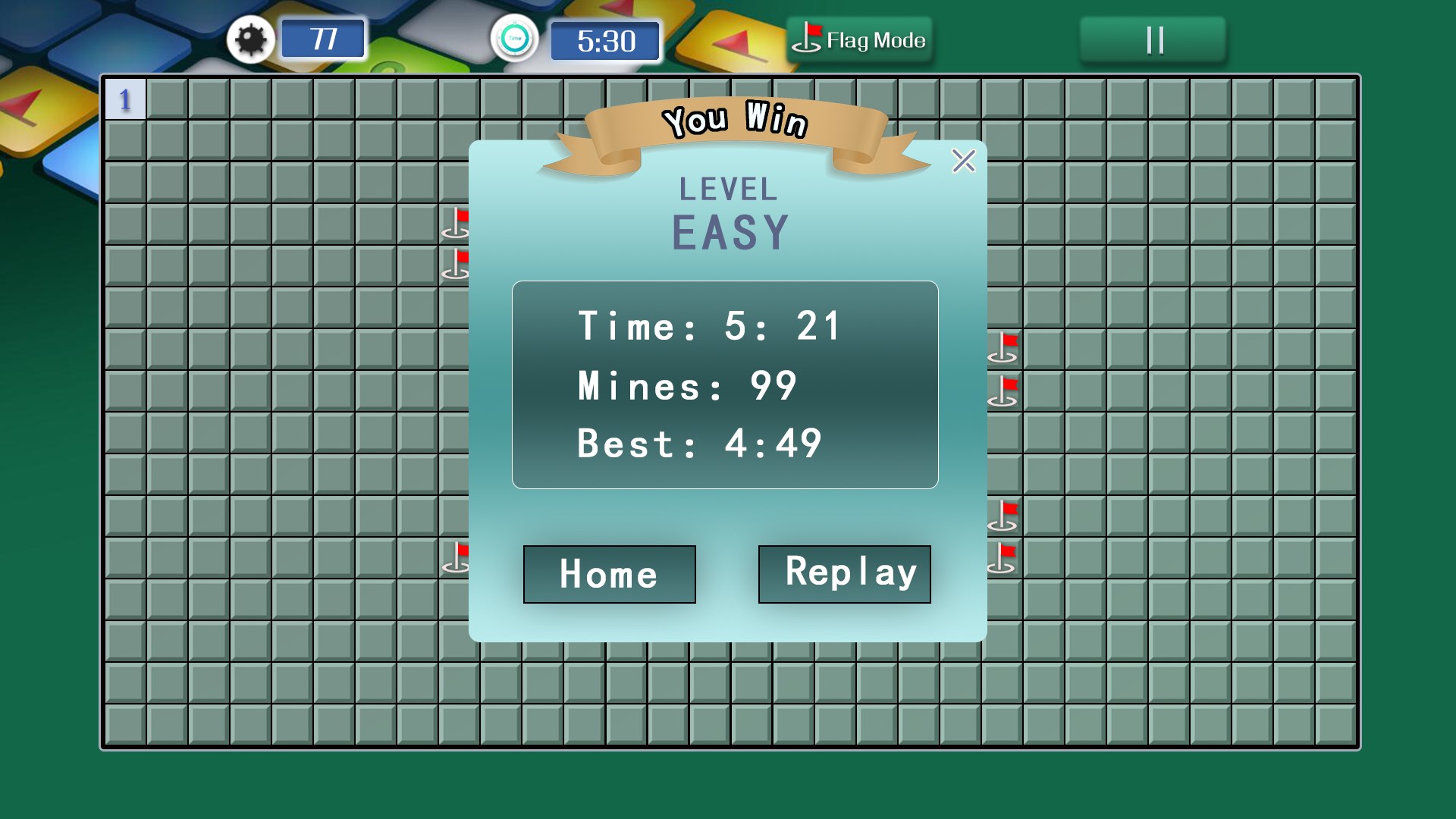
One standout feature is the app's ability to customize the difficulty, ranging from beginner to expert levels. This flexibility allows players to challenge themselves gradually or go all-in with complex layouts. Additionally, the game offers optional flags and hints, serving as helpful companions or strategic aids—like having a seasoned guide walking beside you through intricate mines. Such features elevate the standard gameplay by adding layers of strategy that keep the game engaging beyond the initial thrill.
Many Minesweeper variants struggle with cluttered visuals or distracting animations, but this app's clean design is a breath of fresh air—imagine playing on a crystal-clear glass surface versus a foggy window. Its sharp visuals and straightforward layout make it easy to focus solely on your puzzle, which is especially beneficial during intense mental battles. This clarity helps distinguish Minesweeper Classic Challenge from similar apps that can sometimes feel overwhelming or cluttered.
All in all, Minesweeper Classic Challenge stands out by maintaining the core charm of the classic game while refining key aspects for a modern touch. Its elegant interface, smooth gameplay, and flexible difficulty settings make it suitable for both relaxed play sessions and serious puzzling. While it doesn't reinvent the wheel, its particular attention to interface clarity and customizable options gives it a unique edge—like a well-crafted pocket knife that combines simplicity with practicality.
I'd recommend this app to anyone seeking a relaxing yet stimulating puzzle experience, whether you're revisiting childhood favorites or exploring mines for the first time. Perfect for quick breaks or leisurely afternoons, Minesweeper Classic Challenge proves that sometimes, the classics are worth refining.
Intuitive and nostalgic interface
Smooth gameplay with responsive controls
Multiple difficulty levels available
Classic Minesweeper gameplay that appeals to fans
Lightweight app size and quick load times
Limited customization options
Basic graphics without enhancements
Lack of detailed tutorials or hints for beginners
No achievements or leaderboard features
Occasional minor glitches in touch detection

for Windows
 4.9
4.9

for Windows
4.9

for Windows
4.9

for Windows
4.8

for Windows
4.8

for Windows
4.8

for Windows
4.8

for Windows
4.7

for Windows
4.7

for Windows
4.7

for Windows
4.7

for Windows
4.7

for Windows
5

for Windows
5

for Windows
5

for Windows
5

for Windows
5

for Windows
5

for Windows
5

for Windows
5

for Windows
5

for Windows
5