Classics
Cole.S
PC, Mobile, Surface Hub, HoloLens
Windows 10 version 19041.0 or higher
English (United States)
Minesweep for Windows is a modern reinterpretation of the timeless minesweeper game, designed to bring a clean, engaging, and smooth experience to both nostalgic fans and newcomers alike.
Developed and published by Cole.S, this app showcases the developer's dedication to delivering minimalist yet functional gaming experiences. While Cole.S isn't widely known for a large portfolio, their focus on quality and user experience shines through in Minesweep for Windows.
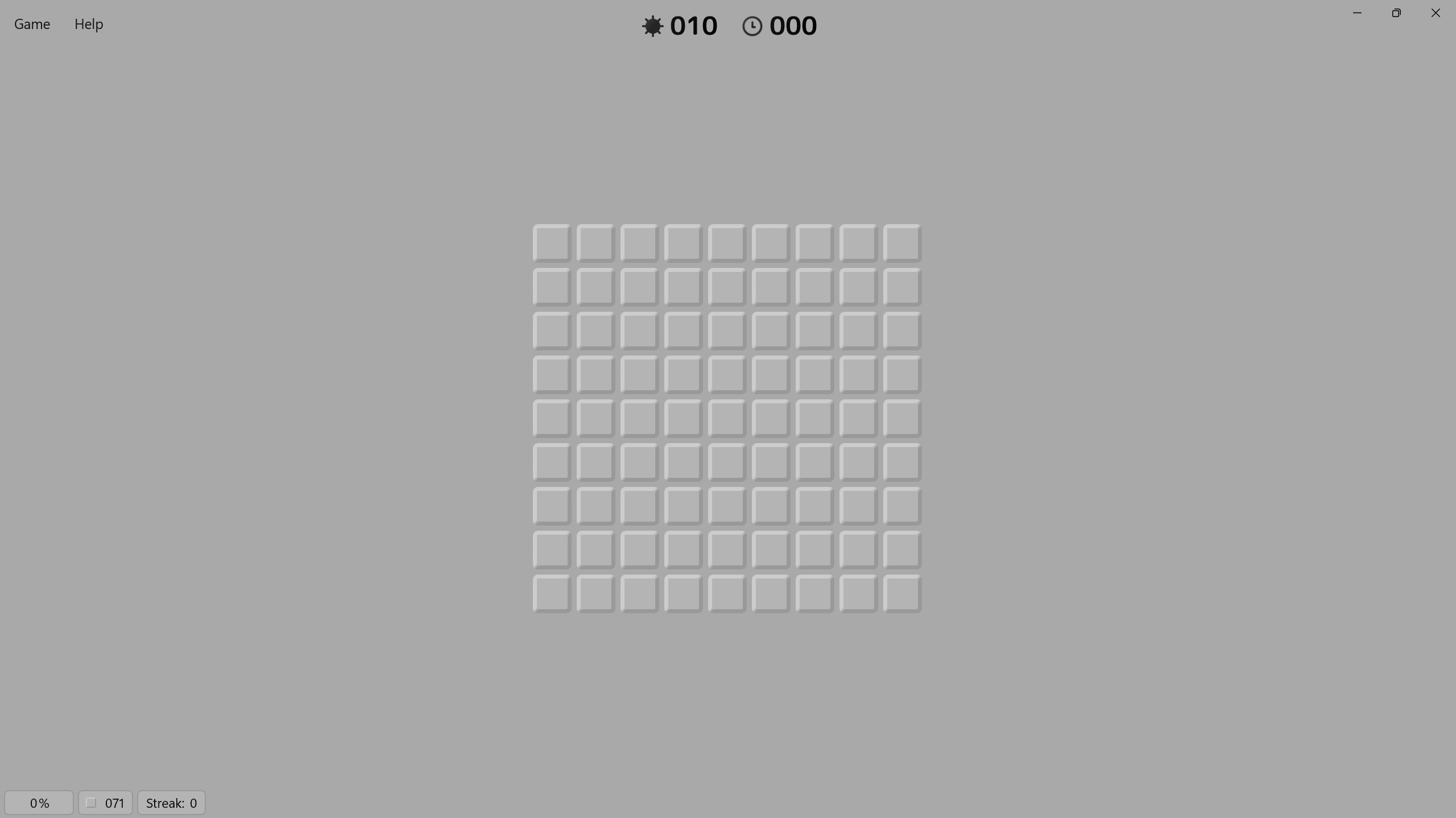
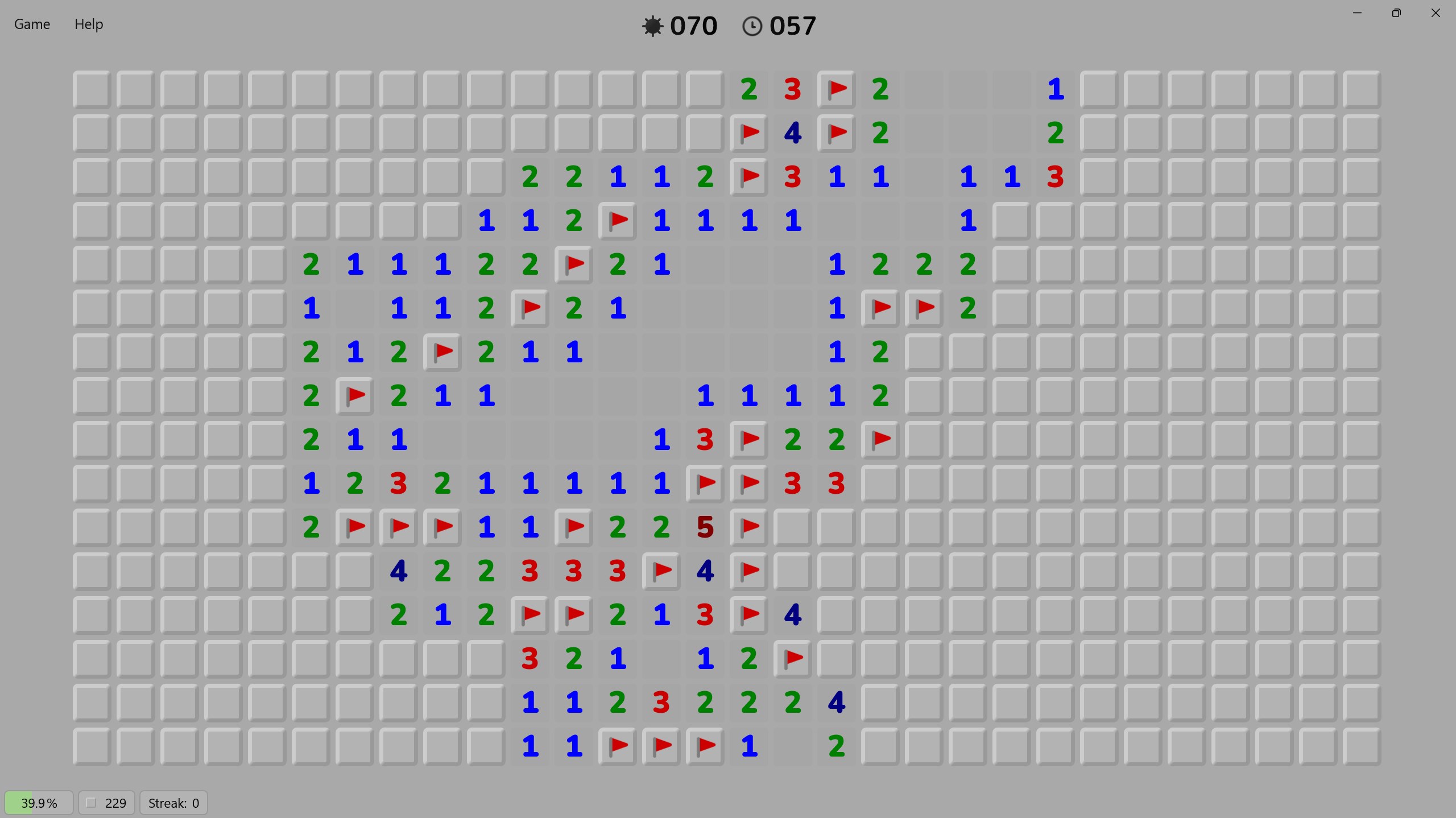
Imagine sitting at a cozy corner, puzzle in hand, ready to test your nerve against a grid of concealed mines. Minesweep for Windows captures that familiar thrill but with a modern twist — crisp visuals, responsive controls, and an interface that feels as natural as flipping a favorite puzzle book open. The game's layout is clean and uncluttered, making navigation a delightful breeze — whether you're a newcomer just learning the ropes or a seasoned miner sharpening your skills.
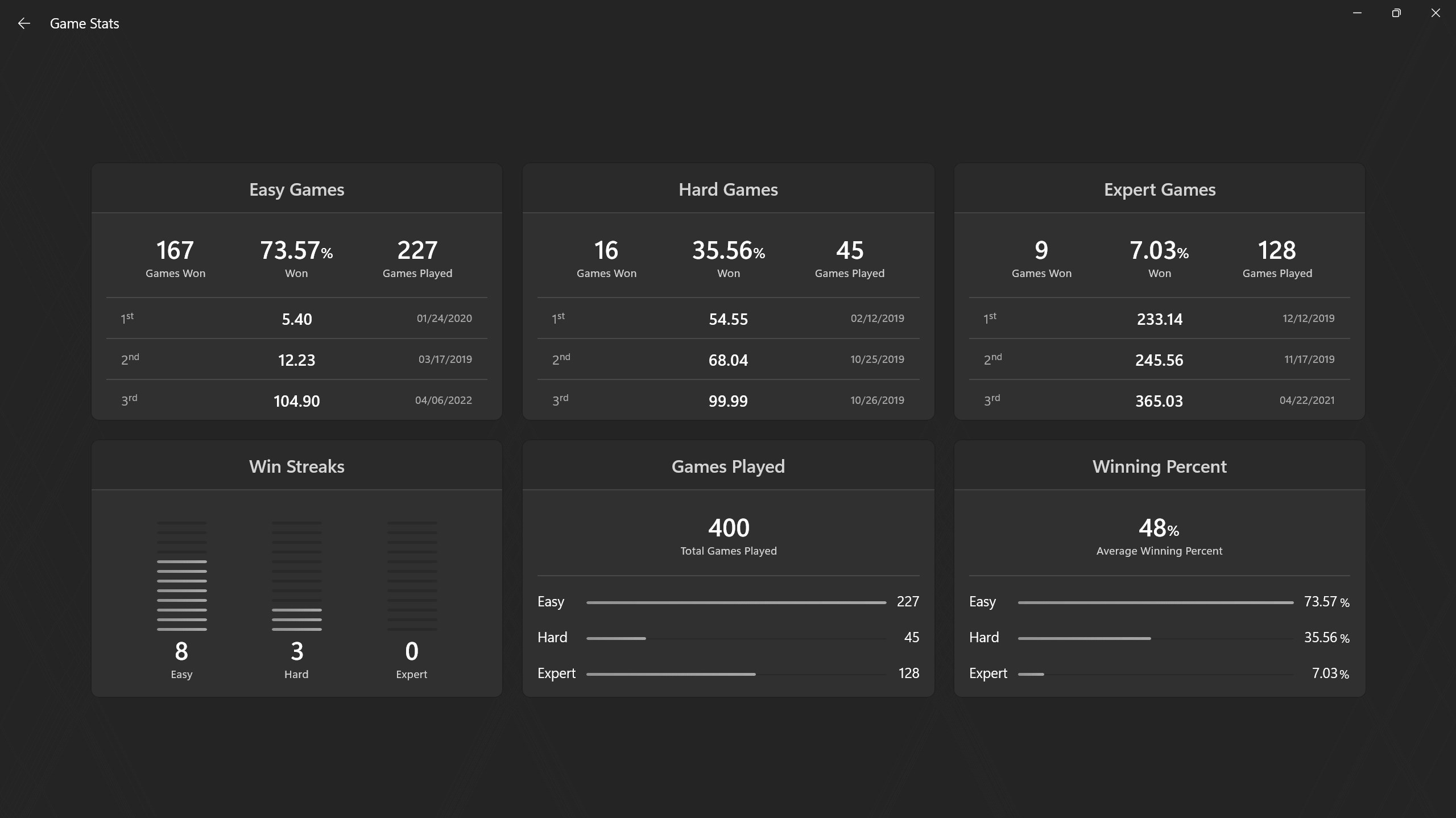
The game's operation is notably smooth—antithetical to the frustration often associated with clunky classic versions. The click-and-reveal mechanics are fluid, with just the right responsiveness to prevent accidental clicks. The game's design minimizes learning curve; intuitive symbols and clear indicators help new players grasp gameplay quickly, while experienced players can appreciate its subtle depth and various difficulty levels.
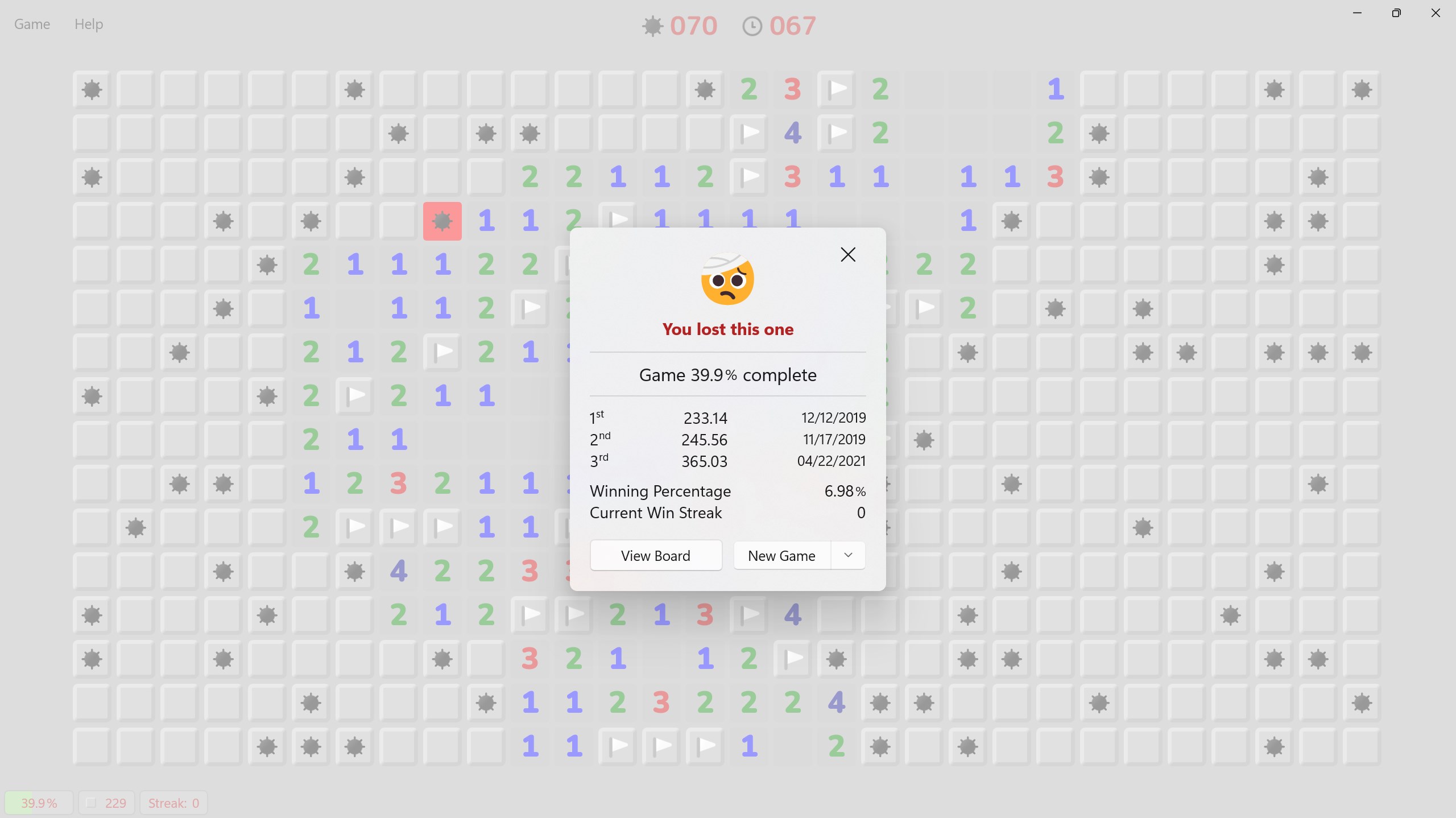
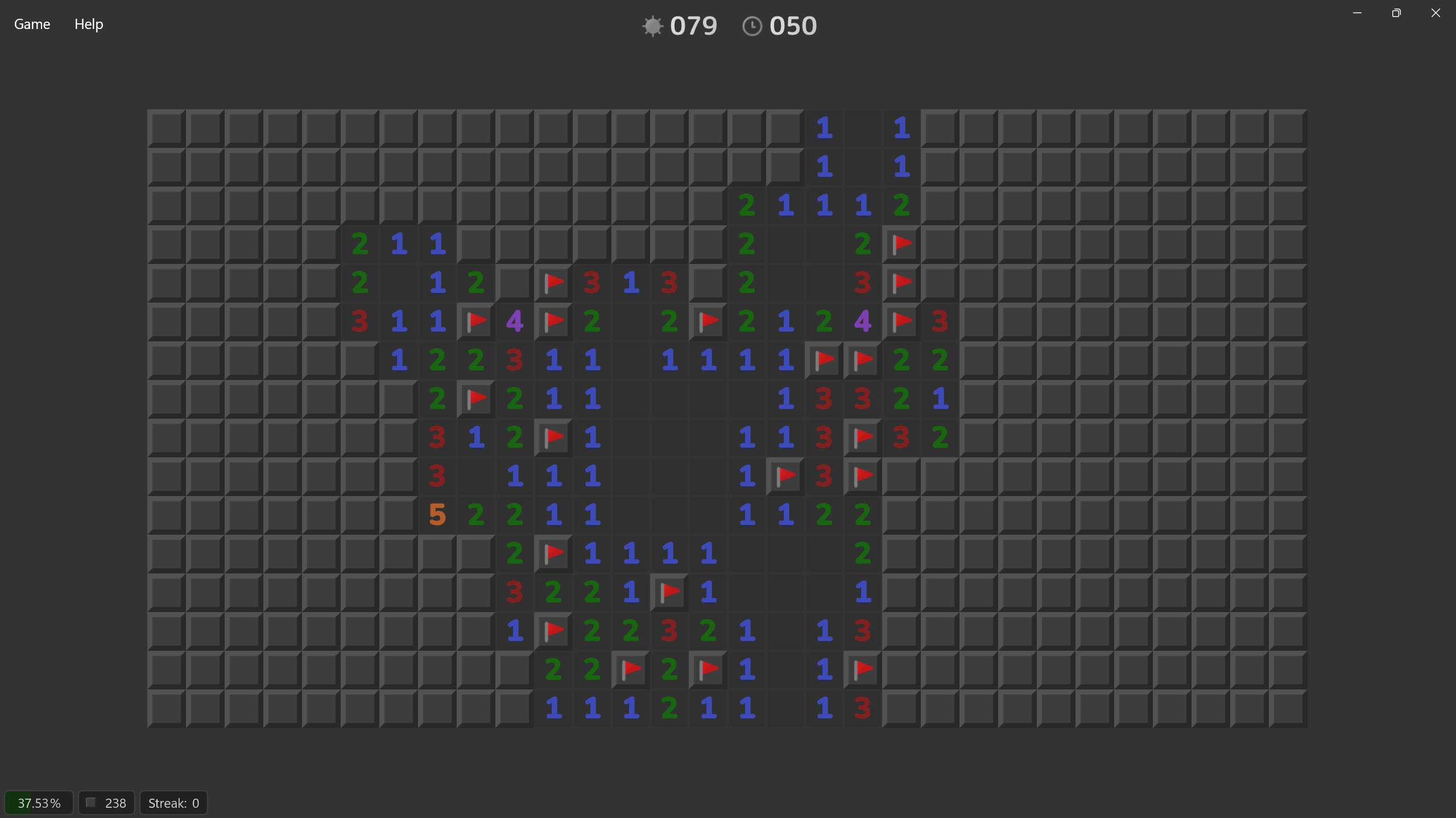
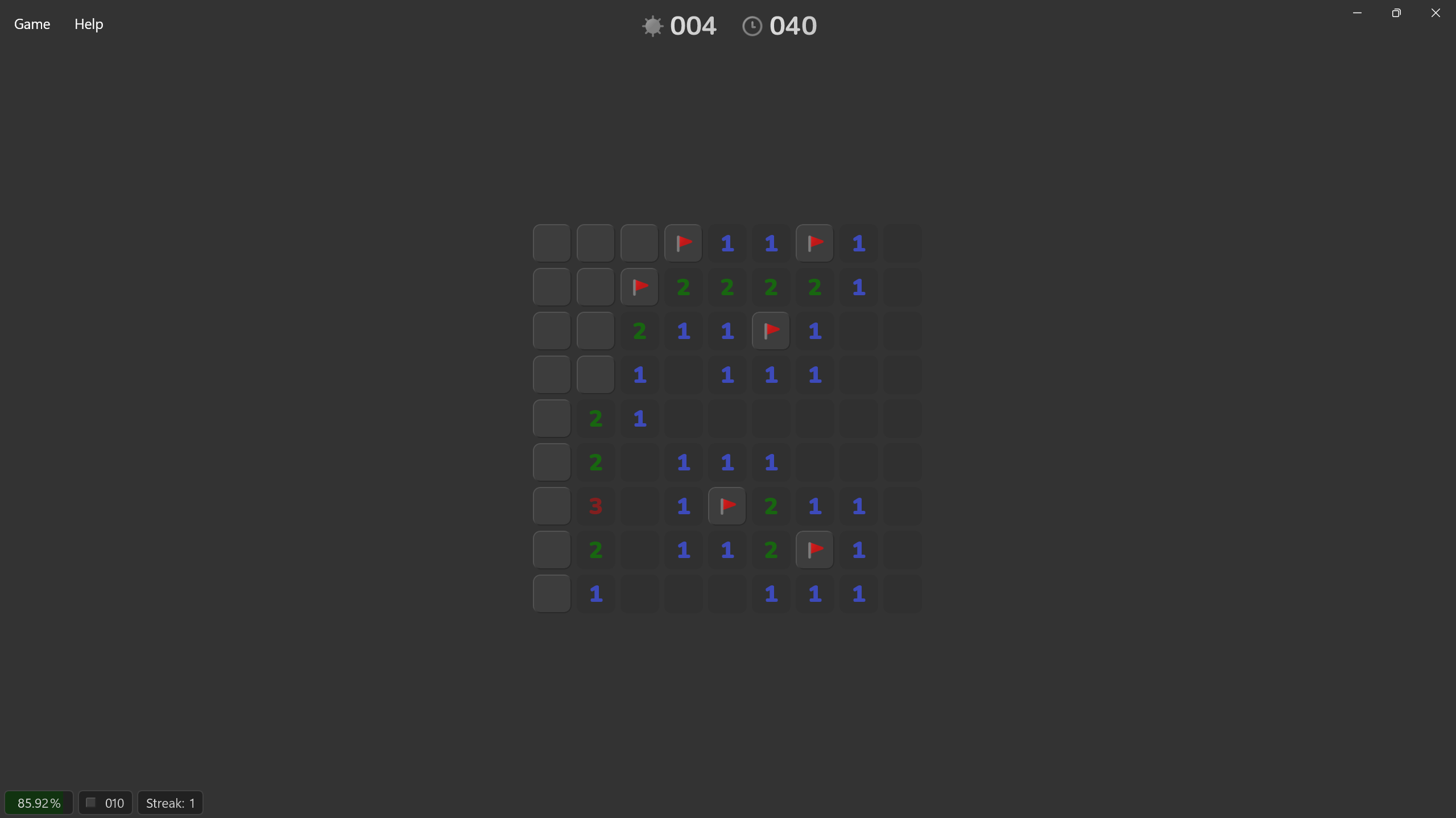
In terms of visual appeal, Minesweep shines with its minimalist aesthetic—sleek lines, soft color palettes, and a clear layout that helps focus entirely on the puzzle. The interface adapts well for different screen sizes, ensuring an optimal experience whether on a small laptop or a larger desktop monitor. It's like having a vintage game wrapped in a modern, user-friendly presentation.
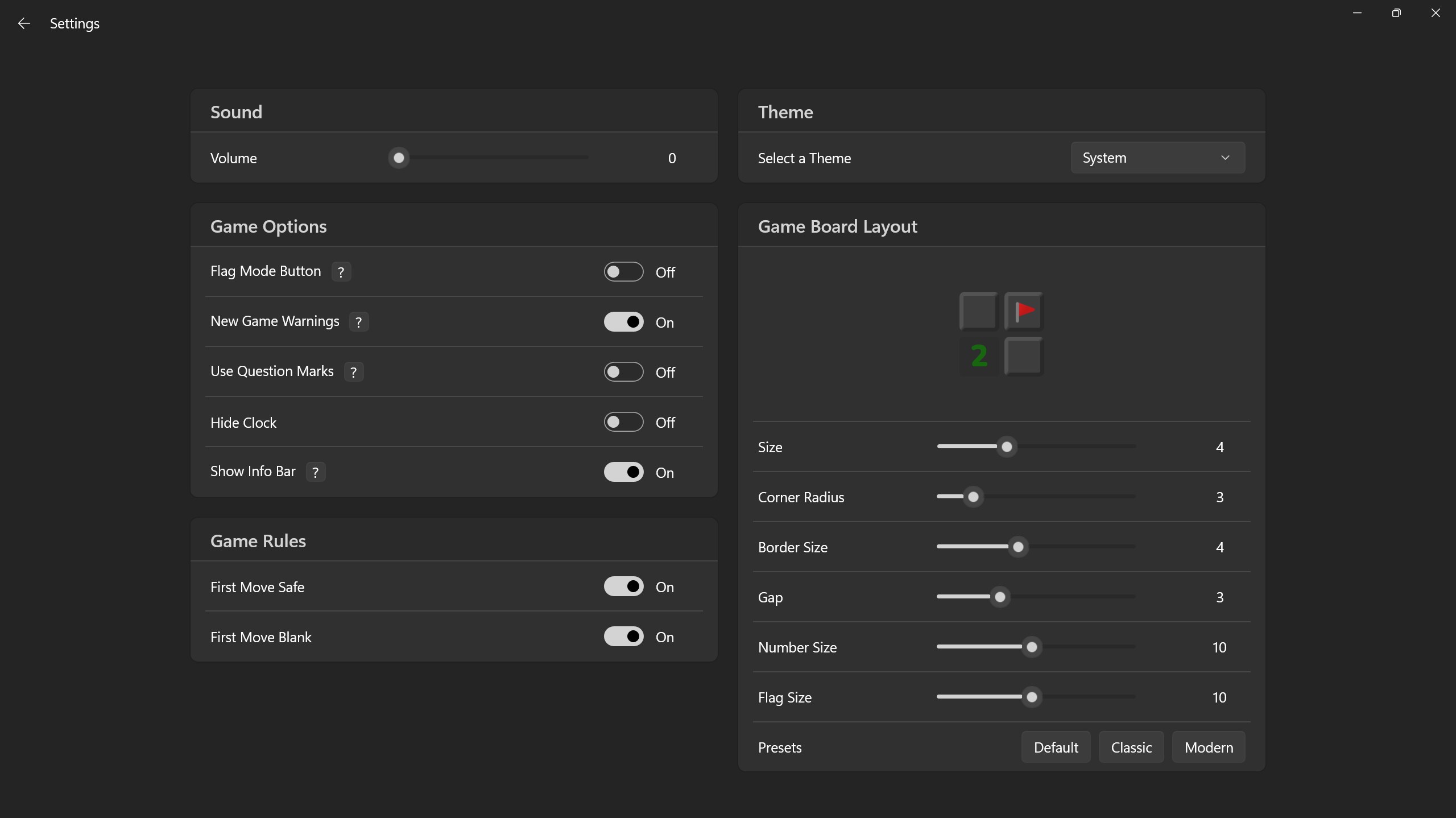
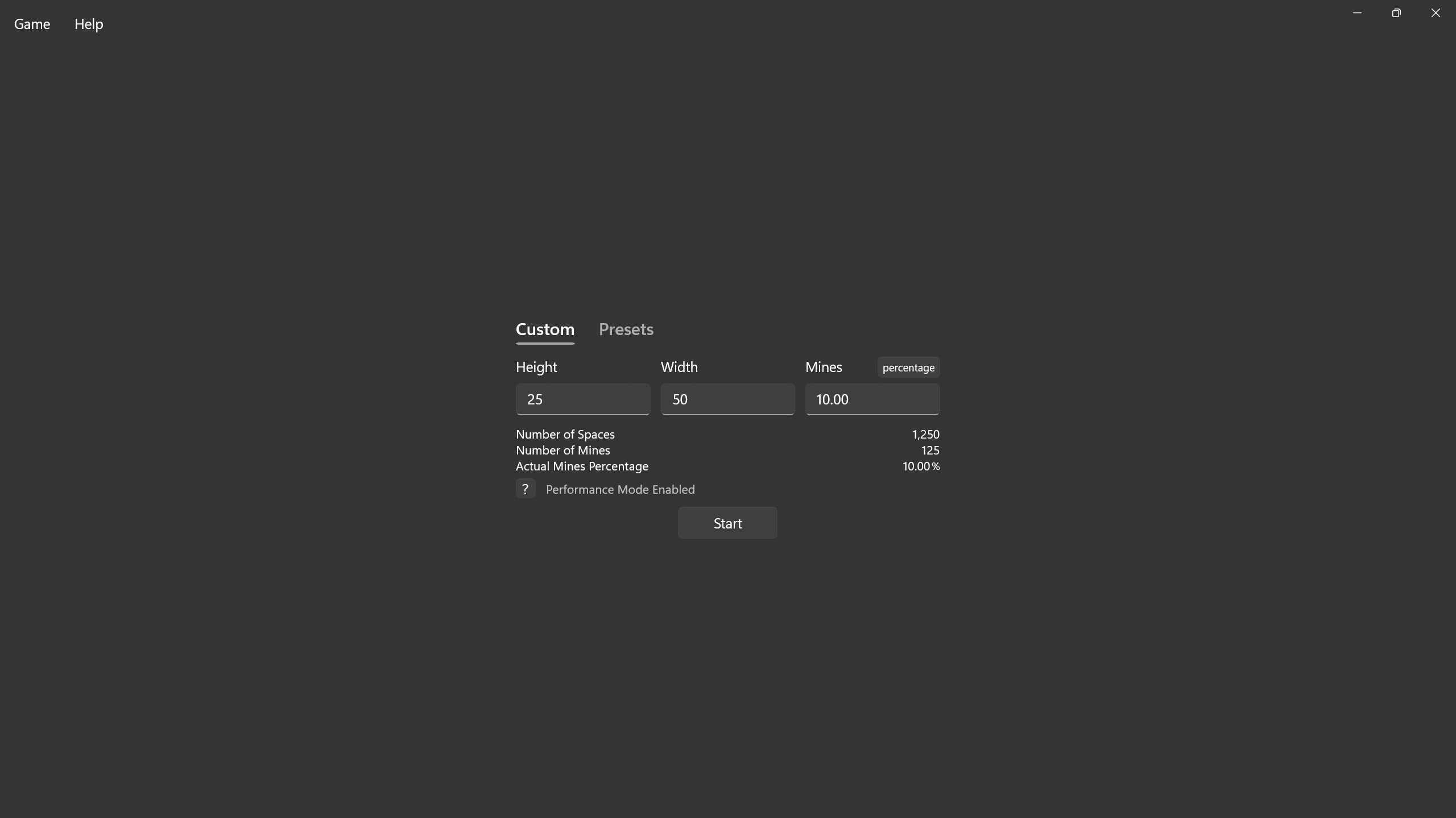
While many minesweeper clones stick to the basic formula, Minesweep for Windows introduces notable enhancements that improve gameplay without sacrificing the original charm. Its standout feature is the customizable grid and difficulty settings, which allow players to tailor the challenge. The undo move option is another game-changer—imagine having a second chance in that nail-biting moment. These features position Minesweep as not just a nostalgic pastime but a versatile tool for honing logic skills and keeping boredom at bay.
In summary, Minesweep for Windows offers a polished, accessible, and enjoyable digital rendition of a classic puzzle. It's perfect for casual gamers seeking a relaxing yet mentally stimulating experience or for puzzle enthusiasts eager for a fresh challenge. I'd recommend giving it a try if you're looking for a clean and smooth minesweeper app that respects its roots but adds just enough modern flair to keep things interesting. Whether you're killing time or competing with yourself for faster clear times, this game is a worthy companion.
Intuitive User Interface
Classic Minesweeper Gameplay
Multiple Difficulty Levels
Smooth Performance and Fast Loading Times
Frequent Updates and Bug Fixes
Limited Customization Options
Lack of Leaderboards or Social Features
Basic Graphics and Visual Effects
No Hints or Assistance Features
Limited Export and Sharing Options

for Windows
 4.9
4.9

for Windows
4.9

for Windows
4.9

for Windows
4.8

for Windows
4.8

for Windows
4.8

for Windows
4.8

for Windows
4.7

for Windows
4.7

for Windows
4.7

for Windows
4.7

for Windows
4.7

for Windows
5

for Windows
5

for Windows
5

for Windows
5

for Windows
5

for Windows
5

for Windows
5

for Windows
5

for Windows
5

for Windows
5